
Add Audio for Video: Existing Track or New Sound?
To add audio for video, decide whether you have a track or need generated sound. Use an editor for mixing; assess model fit for Foley.
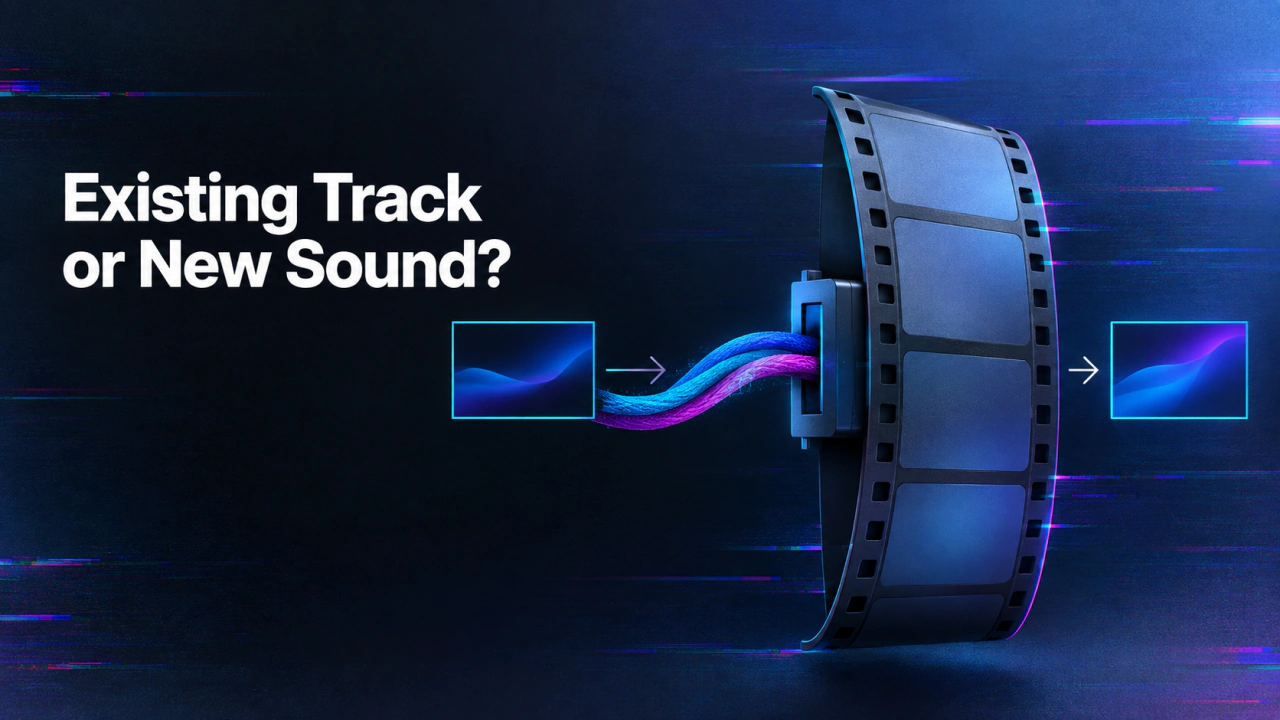
Build an audio-for-video workflow in 3 steps
Start with the real source, make one controlled test, and review the finished audio against the video before scaling.
Choose the audio job
Decide whether the video needs speech, music, effects, synchronization, or a supplied track.
Generate a short test
Use the selected model or editor with one representative scene and controlled settings.
Review the final mix
Check timing, clarity, rights, and export behavior in the actual delivery video.
If you already have the track, use an editor
For a finished song, licensed narration, or recorded interview, a timeline editor is the natural place to place, trim, fade, and mix the file. Confirm the track's rights and the video's frame rate and length. Align a clap or visible event, listen for clipping, and export a new video with the combined audio. Do not imply a sound-generation API provides these multitrack controls unless its current documentation lists them. Use one silent walking clip as the running case. If you already have approved footsteps, place that file in an editor; if you need new effects matching the steps, evaluate a video-to-audio model. The same footage makes the difference between editing and generation clear.
If the scene needs new sound, describe the event
MMAudio v2 documents video and prompt inputs for synchronized sound effects or ambience. For the walking scene, specify surface and environment, such as shoes crossing gravel in an open courtyard. Review whether the sound lands on visible steps and whether unexpected voices or music appear. A generated audio file still needs final mixing and loudness review. The audio-for-video collection contains different models. Read the chosen model's input schema rather than transferring assumptions from one video-sound tool to another.
Check the final video, not an isolated audio clip
Listen on headphones and ordinary speakers. Check the first and last frames, transitions, dialogue intelligibility, and whether the added sound masks important content. Revisit the edit if the video is shortened later; a previously aligned effect can become late after a trim. If the audio should lead newly generated visuals, use the music-video-from-audio route instead. That begins with a track and creates a video, the reverse of adding sound to existing footage.
Keep rights and versions visible
Record the video master, audio source or generation prompt, edit version, and final export. For supplied music, save license evidence. For generated sound, keep the source scene and approval notes. This prevents a later editor from confusing an experimental sound file with the approved mix.
Continue the workflow
FAQ
Can MMAudio overlay my existing music file?+
Its cited API describes generating sound from video and a prompt, not mixing an arbitrary track you already have.
Where do I place a recorded voiceover?+
Use a video or audio editor that supports timeline placement, trimming, and mixing.
What is a good Foley test?+
Use a short visual event with clear timing, such as footsteps or a door closing, and review frame-to-sound alignment.
Is a generated sound file the finished video?+
No. Inspect and mix it with the footage, then review the final exported video.