
AI Image Generation — Create Stunning Images from Text Prompts
AI Image Generation enables scalable creation of images using AI. Access top-tier models like FLUX.1 and SDXL with the fastest inference speeds on the market.
Comprehensive Image Generation Methods
WaveSpeed provides flexible generation modes to fit any workflow. Whether starting from a text prompt or an existing image, the infrastructure optimizes for lowest latency and highest fidelity.
Text-to-Image
Describe what you want, get a high-fidelity image. Best for concept art, marketing, and creative exploration. Models like FLUX.1 and Seedream V4 deliver state-of-the-art prompt adherence.
Image-to-Image
Transform existing images with style transfer, inpainting, outpainting, and variation generation. Perfect for iterative creative workflows and batch production.
LoRA Fine-Tuning
Train custom styles, characters, or product aesthetics with Low-Rank Adaptation models. Deploy trained LoRAs directly into the generation pipeline for consistent brand imagery.
WaveSpeed vs. Traditional Image Generation
See why teams choose WaveSpeed over self-hosted alternatives for AI image generation.
Performance at a Glance
WaveSpeed delivers the fastest AI image generation at scale.
Examples
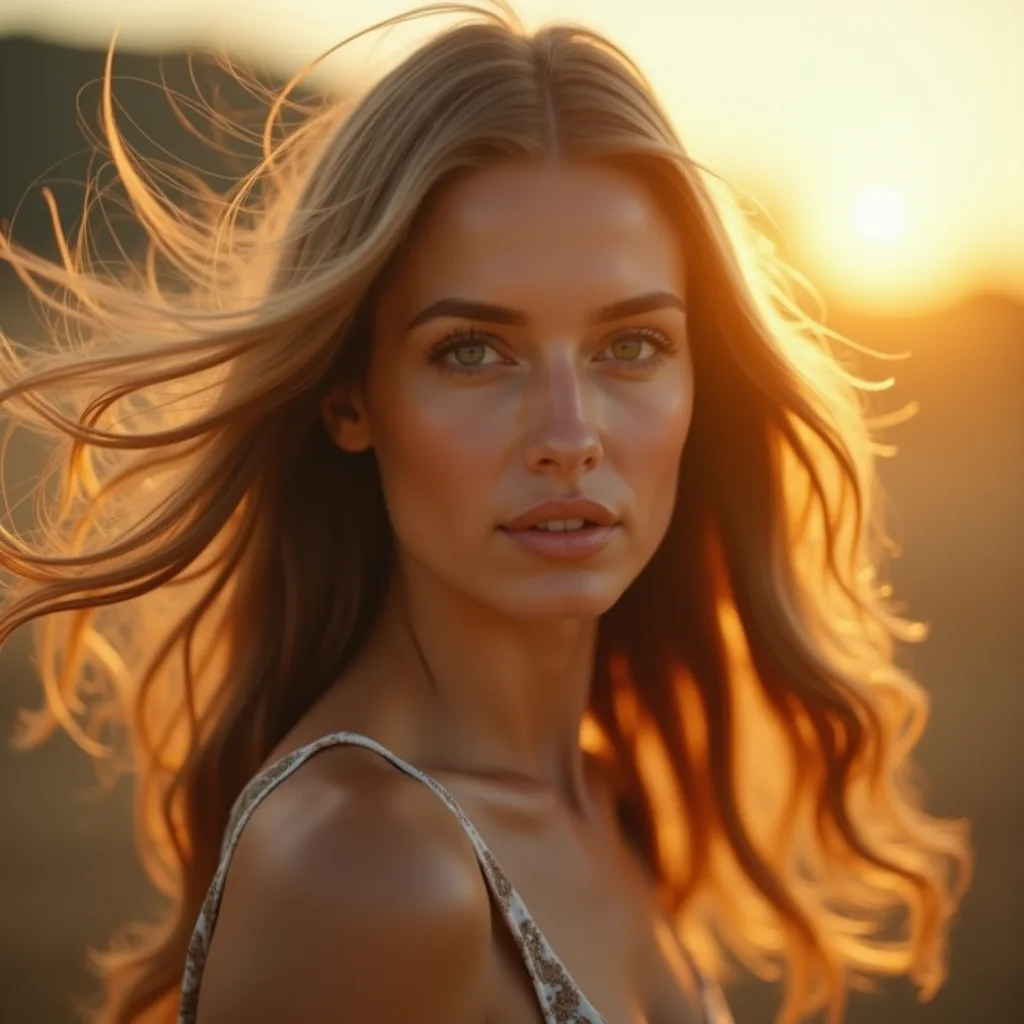
Hyperrealistic portrait of a young woman with freckles, golden hour sunlight, shallow depth of field, 85mm lens.
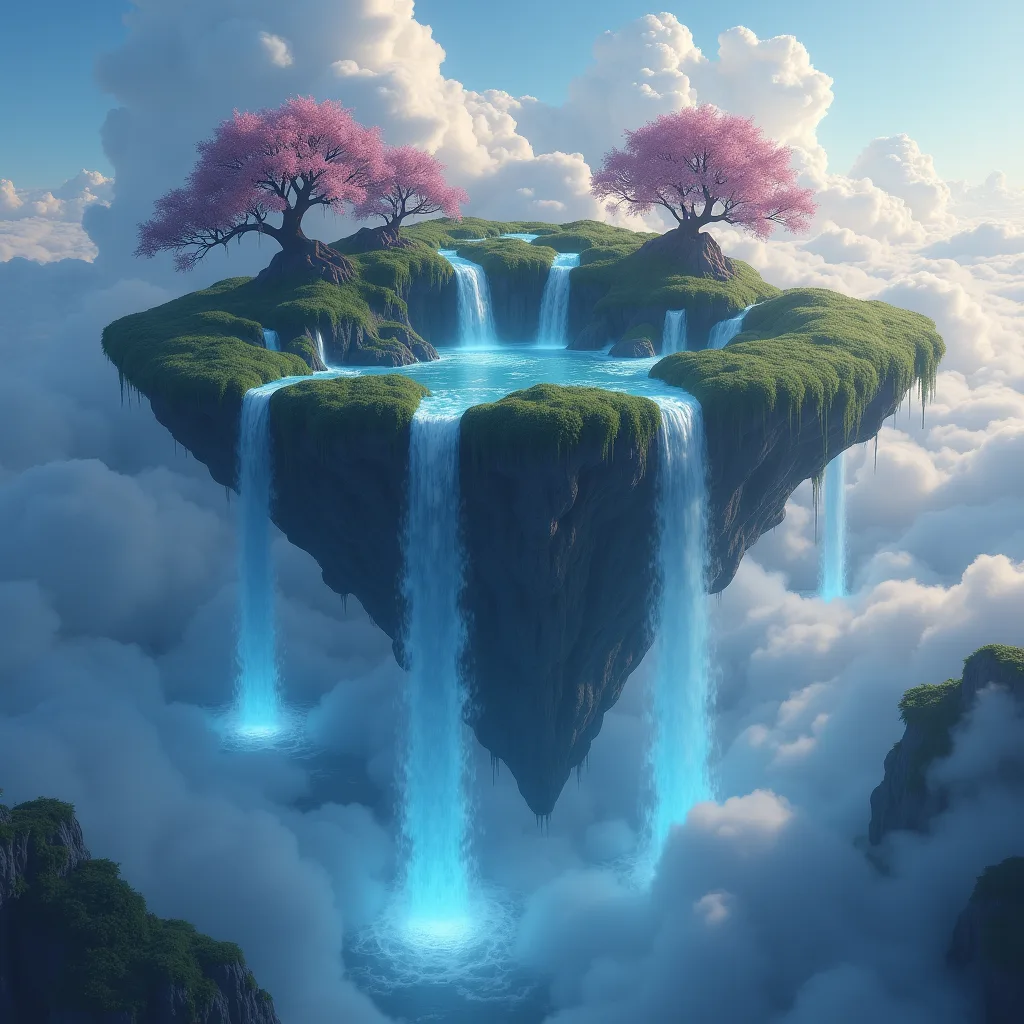
Enchanted forest with bioluminescent mushrooms, mystical fog, a crystal-clear stream reflecting moonlight.
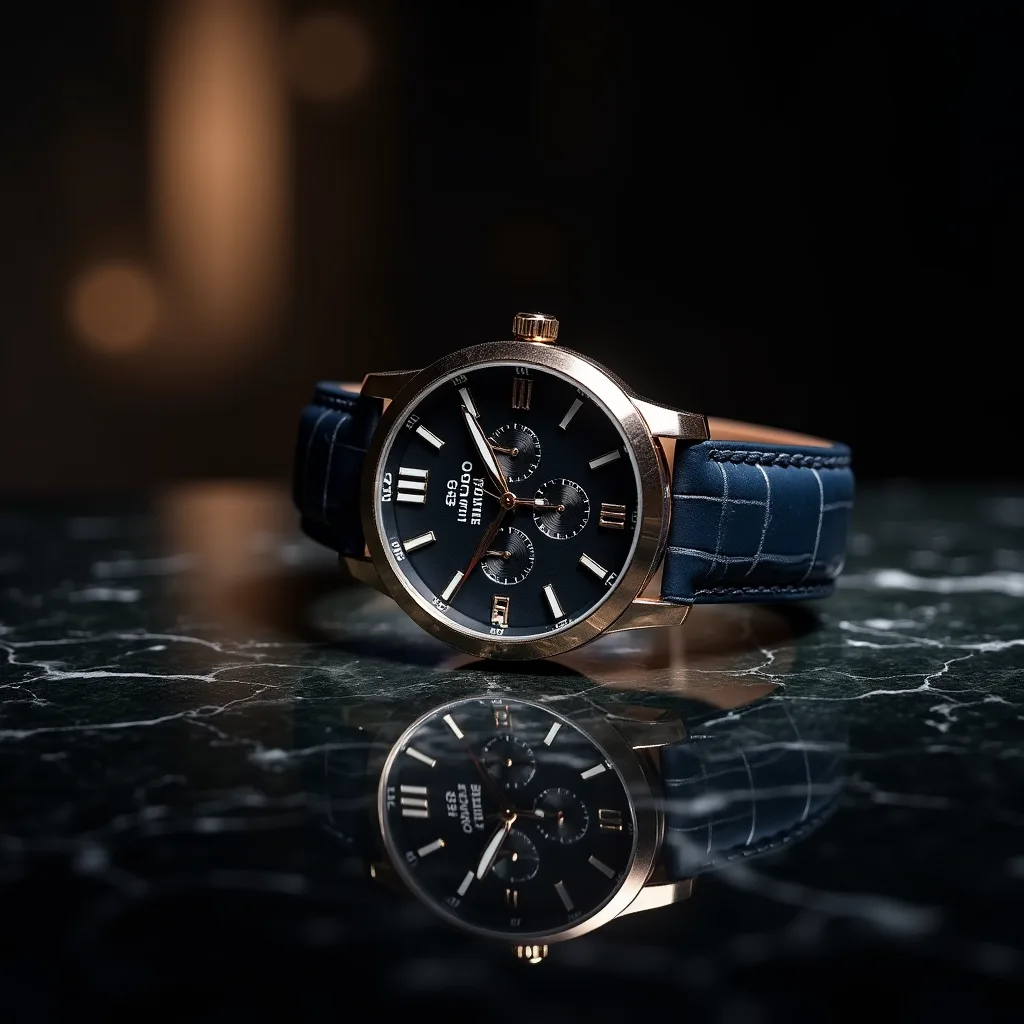
Minimalist product photography of a glass perfume bottle on marble surface, soft studio lighting, clean background.
Cyberpunk cityscape at night, neon reflections on wet streets, flying vehicles in the distance, volumetric fog.
Integrate in Minutes
Production-ready SDKs for Python and JavaScript. REST API with full OpenAPI spec. Webhook support for async jobs.
- Sub-second generation with ParaAttention
- 1000+ models via one unified API
- Python & JavaScript SDKs + REST API
Get Any Tool You Want
1000+ models across image, video, audio, and 3D — all through one API.
FAQ
AI Image Generation is the process of creating visual content from text descriptions or reference images using machine learning models. WaveSpeed optimizes this process, allowing you to access top models like FLUX.1 and SDXL with significantly faster speeds and lower costs than traditional cloud providers.
We support a wide range of industry-leading models, including the entire FLUX.1 family (dev, schnell, pro), Stable Diffusion XL (SDXL), Seedream V4, Z-Image Turbo, and various specialized LoRAs for specific styles.
Yes. Images generated on WaveSpeed using models like FLUX.1 and SDXL generally grant you full commercial ownership of the output. Check specific license terms for community models or LoRAs.
WaveSpeed is built for performance. ParaAttention technology and optimized infrastructure allow for near-instant generation, especially with models like FLUX.1-schnell, making it suitable for real-time applications.
Yes. We provide a robust, scalable REST API that allows you to integrate all image generation capabilities directly into your apps or websites. Python and JavaScript SDKs are available.
Yes. WaveSpeed supports LoRA fine-tuning and Dreambooth training. Upload your dataset to train custom styles, characters, or product aesthetics that integrate directly into the generation pipeline.