Dreamina V3.0 turns text or image prompts into 1080P videos with natural dynamic expression, diverse styles, and multiple scenes. Ready-to-use REST inference API, best performance, no coldstarts, affordable pricing.
Inattivo
$0.6per esecuzione·~16 / $10
EsempiVedi tutto
In a study filled with afternoon sunlight, an elderly grandmother with white hair sits in a rocking chair, wearing reading glasses and holding a yellowed old letter. She gently traces the handwriting on the paper with her fingertips, a tender and nostalgic smile on her lips. The camera slowly pulls back from a close-up of the letter, dust motes dance in the soft light. Warm, nostalgic tones, a sense of time and history, cinematic quality.
Dynamic tracking shot, closely following a sleek, neon-lit reconnaissance drone as it weaves at high speed through the dense, rainy, neon-drenched cityscape of a cyberpunk metropolis at night. The drone executes sharp, agile turns, dodging flying vehicles and narrowly missing towering skyscrapers. As it scrapes past a metal girder, a shower of bright orange sparks erupts. The camera feels slightly shaky and handheld, maintaining a close, thrilling pursuit.
A man in sportswear jogging along a riverside path, camera tracking his movement from the side, his breath visible in the cool morning air, with water rippling in the background.
Two friends sitting at an outdoor café, laughing and gesturing with their hands as they talk, a waiter passes by carrying drinks, natural cinematic atmosphere.
In a cozy living room, a fire crackles in the fireplace. A woman sits comfortably on the rug, her golden retriever resting its head gently on her lap. She reads a book while stroking the dog's back with one hand. The firelight is the only light source, creating an extremely warm, peaceful, and healing scene, hyper-realistic details.
On the last train of the night, a lonely middle-aged man stares out the window, his weary face reflected in the glass, superimposed over the fleeting lights outside. The carriage is dimly lit, the atmosphere quiet and melancholic. He unconsciously traces circles on the fogged-up window with his finger. Cinematic, slow push-in shot, rack focus from his reflection to his eyes, 35mm film grain, full of narrative potential.
In the early morning, a man in a heavy hiking jacket walks alone through a coniferous forest shrouded in thick fog. Sunlight struggles to pierce the mist and tall canopy, creating sacred "God rays." He stops, his breath visible as a white puff in the cold air. A stabilized handheld tracking shot emphasizes the tranquility of the environment and the smallness of man, a sense of awe, hyper-realistic, 4K resolution.
In a dim, smoky jazz club, an elderly African-American musician plays his saxophone with deep emotion, his eyes closed. His fingers dance skillfully over the old keys, and the brass instrument gleams under a single spotlight. The camera slowly orbits around him, capturing his engrossed expression and the reflections on the metal. Cinematic, high-contrast lighting, beautiful bokeh, full of a soulful atmosphere.
In a professional pastry kitchen, a chef is putting the final touches on a dessert plate. A close-up shot shows a spoonful of warm, dark chocolate sauce being elegantly drizzled over a delicate matcha mousse, the sauce slowly dripping down the sides. Finally, a few fresh red raspberries are carefully placed next to it. Macro lens, high-frame-rate slow motion, bright and soft lighting, emphasizing the texture of the food, creating a mouth-watering visual.
Modelli correlati
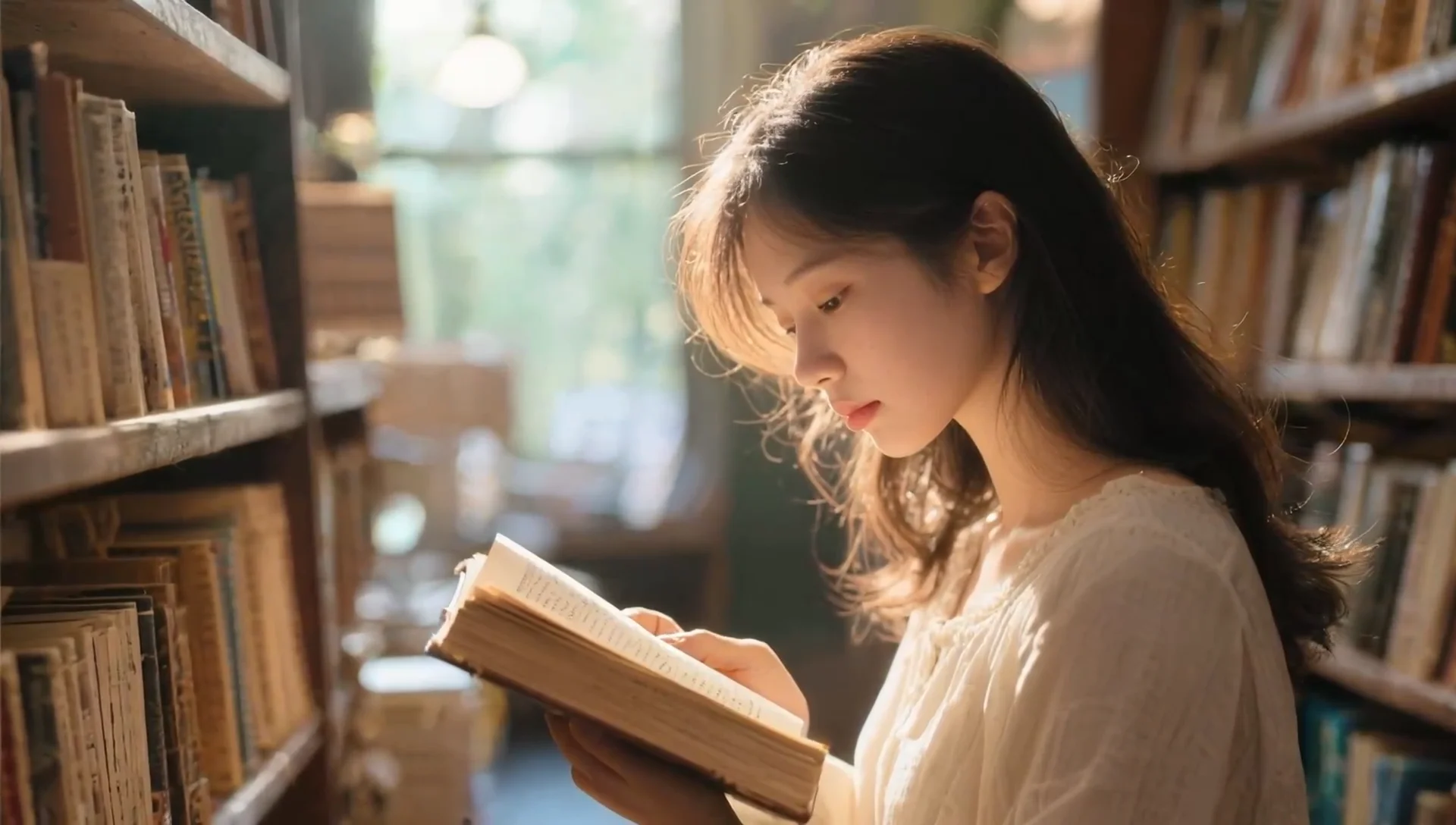
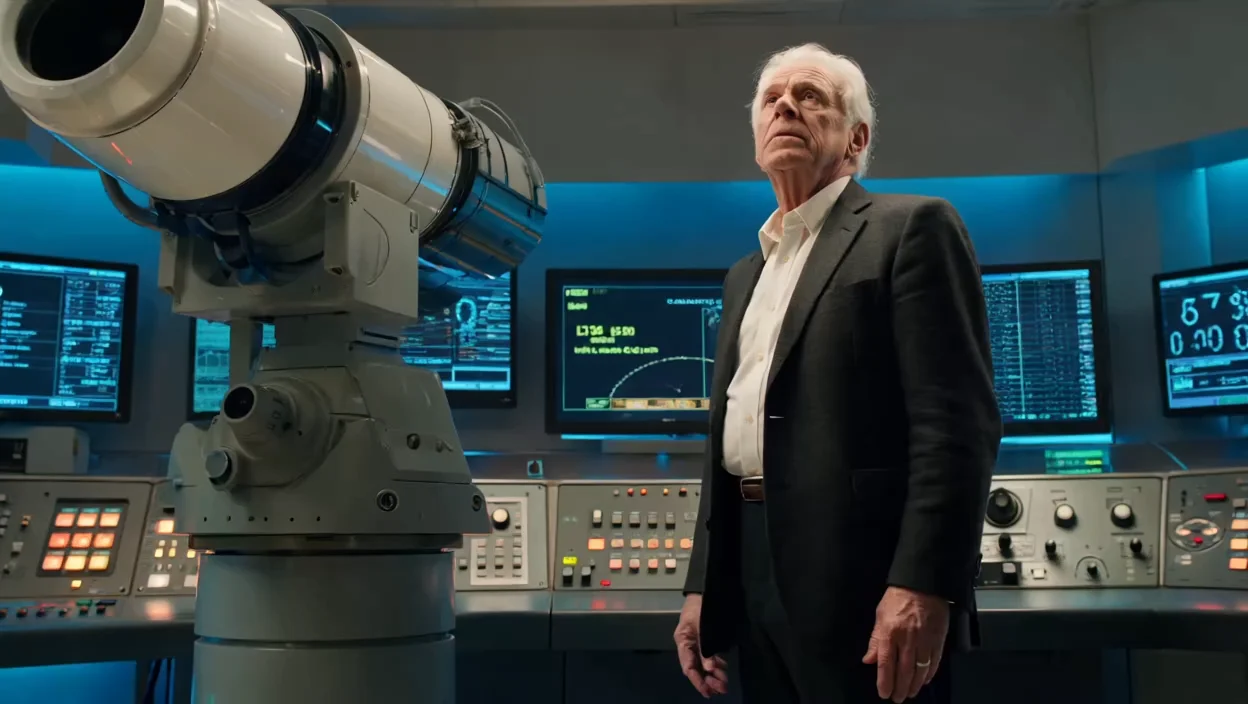
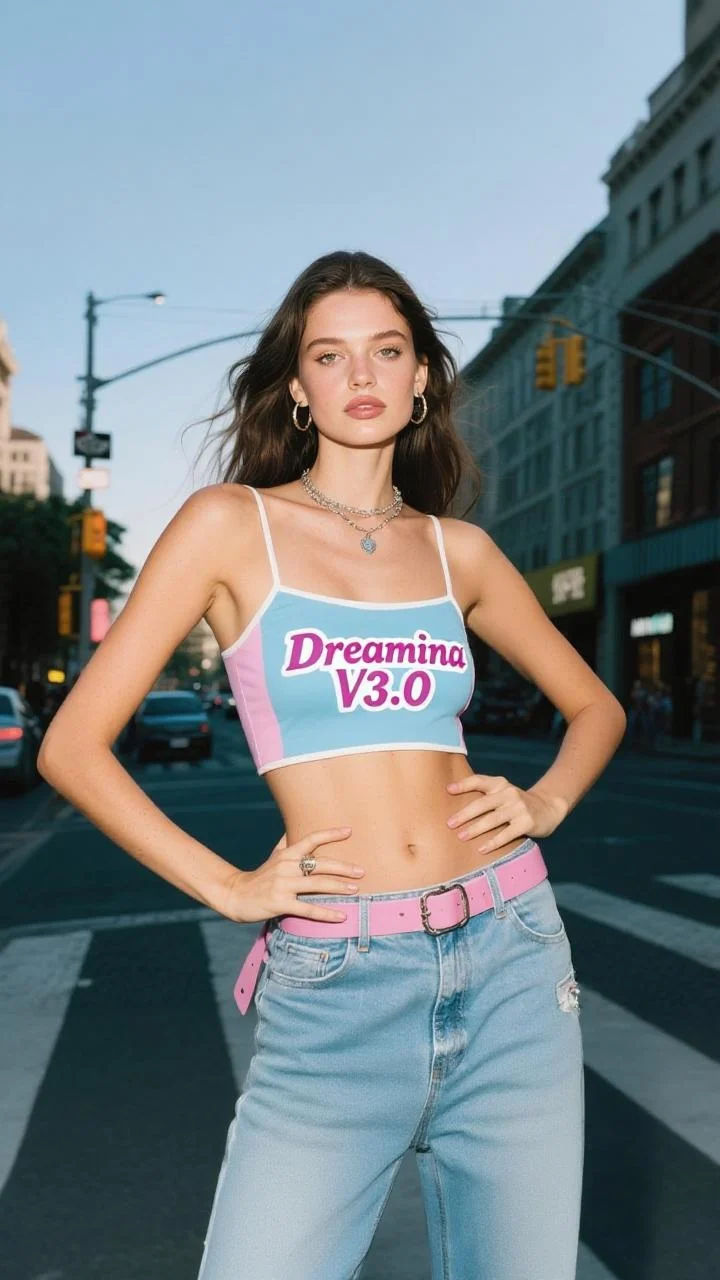
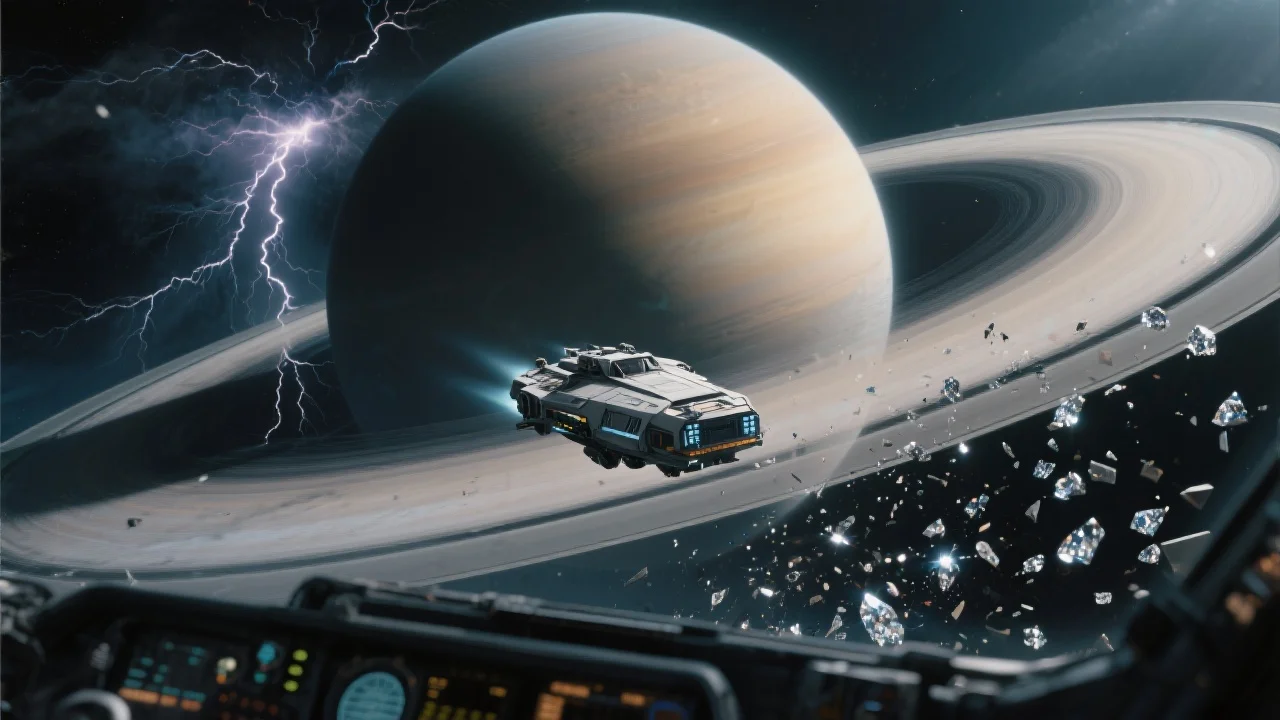
README
Dreamina V3.0 — Text-to-Video 1080p
Dreamina V3.0 Text-to-Video 1080p is premium text-to-video generation model that creates stunning Full HD 1080p videos from text descriptions. Generate cinematic-quality videos with smooth motion, rich detail, and flexible aspect ratios — all from simple prompts.
Why It Stands Out
- Full HD 1080p output: Generate high-resolution videos with exceptional clarity and detail.
- Prompt Enhancer: Built-in AI-powered prompt optimization for better video results.
- Flexible aspect ratios: Choose from 16:9, 4:3, 1:1, 3:4, 9:16, or 21:9 to fit any platform or use case.
- Cinematic quality: Produces smooth, professional-grade videos with natural motion.
- Reproducibility: Use the seed parameter to recreate exact results or explore variations.
Parameters
| Parameter | Required | Description |
|---|---|---|
| prompt | Yes | Text description of the video you want to generate. |
| aspect_ratio | No | Output aspect ratio: 16:9, 4:3, 1:1, 3:4, 9:16, 21:9 (default: 16:9). |
| seed | No | Set for reproducibility; -1 for random. |
| duration | No | Video length in seconds (default: 5). |
Supported Aspect Ratios
| Aspect Ratio | Best For |
|---|---|
| 16:9 | YouTube, TV, standard widescreen |
| 4:3 | Classic video, presentations |
| 1:1 | Instagram posts, social media squares |
| 3:4 | Portrait photos, Pinterest |
| 9:16 | TikTok, Instagram Reels, YouTube Shorts |
| 21:9 | Cinematic ultrawide, film trailers |
How to Use
- Write a prompt describing the scene, action, and style you want. Use the Prompt Enhancer for AI-assisted optimization.
- Select aspect ratio — choose the format that fits your platform or use case.
- Set duration — choose the video length.
- Set a seed (optional) for reproducible results.
- Click Run and wait for your video to generate.
- Preview and download the result.
Best Use Cases
- Social Media Content — Create platform-optimized videos for TikTok, YouTube, Instagram, and more.
- Marketing & Advertising — Produce high-quality promotional videos and ad creatives.
- Film & Storytelling — Generate cinematic scenes for short films and narratives.
- Product Showcases — Create professional product videos without filming.
- Creative Projects — Bring any imaginable scene to life in Full HD.
Pricing
| Output | Price |
|---|---|
| Per video | $0.60 |
Pro Tips for Best Quality
- Be detailed in your prompt — describe subject, action, environment, lighting, mood, and camera movement.
- Include cinematic keywords like "slow motion," "tracking shot," or "dramatic lighting" for film-like results.
- Choose the right aspect ratio for your target platform before generating.
- Use 21:9 for cinematic trailers and 9:16 for mobile-first content.
- Fix the seed when iterating to compare different prompt variations.
Notes
- Processing time varies based on duration and current queue load.
- Please ensure your prompts comply with content guidelines.
Dreamina v3.0 Text To Video 1080p API — Quick start
Grab a WaveSpeedAI API key, then call POST https://api.wavespeed.ai/api/v3/bytedance/dreamina-v3.0/text-to-video-1080p with your input as JSON. The endpoint returns a prediction id; poll the prediction endpoint until status flips to completed, then read the output URL from data.outputs[0]. Examples for Dreamina v3.0 Text To Video 1080p below.
HTTP example
# Submit the prediction
curl -X POST "https://api.wavespeed.ai/api/v3/bytedance/dreamina-v3.0/text-to-video-1080p" \
  -H "Content-Type: application/json" \
  -H "Authorization: Bearer $WAVESPEED_API_KEY" \
  -d '{
    "prompt": "A cinematic shot of a city at sunset, soft golden light",
    "aspect_ratio": "16:9",
    "seed": -1,
    "duration": 5
}'

# Response includes a prediction id. Poll for the result:
curl -X GET "https://api.wavespeed.ai/api/v3/predictions/{request_id}/result" \
  -H "Authorization: Bearer $WAVESPEED_API_KEY"

# When status is "completed", read the output from data.outputs[0].
Node.js example
// npm install wavespeed
const WaveSpeed = require('wavespeed');

const client = new WaveSpeed(); // reads WAVESPEED_API_KEY from env

const result = await client.run("bytedance/dreamina-v3.0/text-to-video-1080p", {
        "prompt": "A cinematic shot of a city at sunset, soft golden light",
        "aspect_ratio": "16:9",
        "seed": -1,
        "duration": 5
});

console.log(result.outputs[0]); // → URL of the generated output
Python example
# pip install wavespeed
import wavespeed

output = wavespeed.run(
    "bytedance/dreamina-v3.0/text-to-video-1080p",
    {
    "prompt": "A cinematic shot of a city at sunset, soft golden light",
    "aspect_ratio": "16:9",
    "seed": -1,
    "duration": 5
}
)

print(output["outputs"][0])  # → URL of the generated output
Dreamina v3.0 Text To Video 1080p API — Frequently asked questions
What is the Dreamina v3.0 Text To Video 1080p API?
Dreamina v3.0 Text To Video 1080p is a ByteDance model for video generation, exposed as a REST API on WaveSpeedAI. Dreamina V3.0 turns text or image prompts into 1080P videos with natural dynamic expression, diverse styles, and multiple scenes. Ready-to-use REST inference API, best performance, no coldstarts, affordable pricing. You can call it programmatically or try it from the playground above.
How do I call the Dreamina v3.0 Text To Video 1080p API?
POST your input parameters to the model's REST endpoint (shown in the API tab of this playground) with your WaveSpeedAI API key in the Authorization header. Submission returns a prediction ID; poll the prediction endpoint until status flips to "completed", then read the output URL from the result. The playground generates a ready-to-paste code sample in Python, JavaScript, or cURL for whatever inputs you've set. Full request/response shape is documented at https://wavespeed.ai/docs/docs-api/bytedance/bytedance-dreamina-v3.0-text-to-video-1080p.
How much does Dreamina v3.0 Text To Video 1080p cost per run?
Dreamina v3.0 Text To Video 1080p starts at $0.60 per run. That figure is the base price — the final charge scales with the parameters you set in the form (output size, length, count, references, or whatever knobs this model exposes), so a higher-quality or larger output costs more than a minimal one. The exact cost for your current input is shown live next to the Generate button before you submit, and the actual per-call charge is recorded on the prediction afterwards.
What inputs does Dreamina v3.0 Text To Video 1080p accept?
Key inputs: `prompt`, `aspect_ratio`, `duration`, `seed`. The full JSON schema (types, defaults, allowed values) is rendered above the Generate button and mirrored in the API reference at https://wavespeed.ai/docs/docs-api/bytedance/bytedance-dreamina-v3.0-text-to-video-1080p.
How long does Dreamina v3.0 Text To Video 1080p take to generate?
Average end-to-end generation time on WaveSpeedAI is around 66 seconds per request — measured across recent runs. Queue time scales with global demand; live status is visible in the prediction record.
Can I use Dreamina v3.0 Text To Video 1080p outputs commercially?
Commercial usage rights depend on the model's license, set by its provider (ByteDance). The license summary appears on the model card above; see WaveSpeedAI's Terms of Service for platform-level conditions.