No examples available for this model
GPT Image 2.5 is LIVE — Flare & Sunburst | Try in Image Generator →
AI Image Generator
Create images from text or edit reference images with Nano Banana, Seedream, GPT Image, Qwen Image, FLUX, and other available models. Compare results in one workspace and download high-resolution images without a WaveSpeedAI watermark.
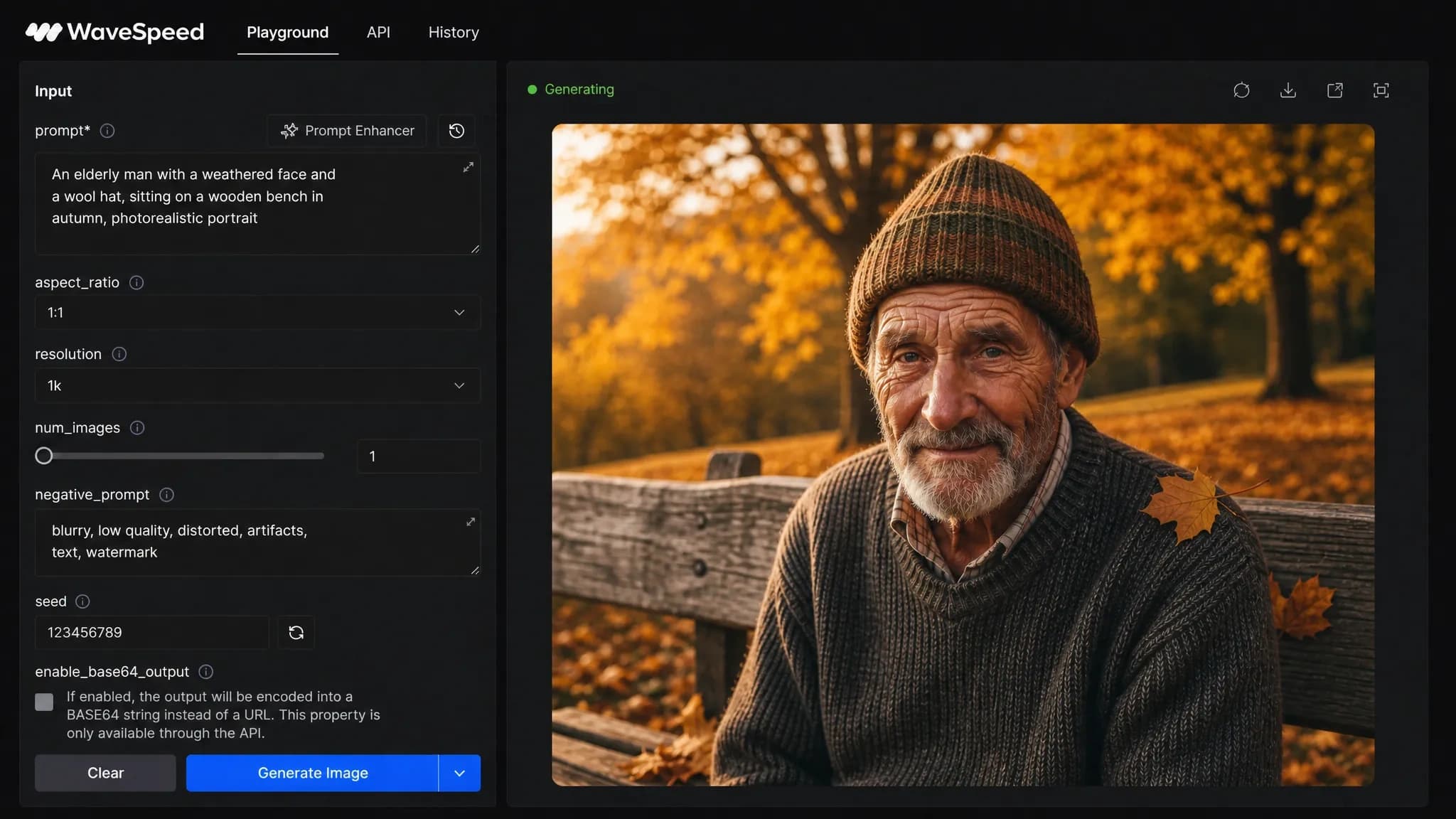
How the AI Image Generator Works
1
Enter a prompt
Describe the subject, setting, style, lighting, composition, and any text that should appear in the image.
2
Choose a model
Choose a model for your goal, whether that is photorealism, illustration, typography, product imagery, or editing.
3
Generate & download
Generate, compare the result with another model if needed, then refine or download the image.
Create from Text or Reference Images
WaveSpeedAI brings multiple image models into one workspace. Start with a prompt, add reference images when the selected model supports them, and compare results without rebuilding your workflow.
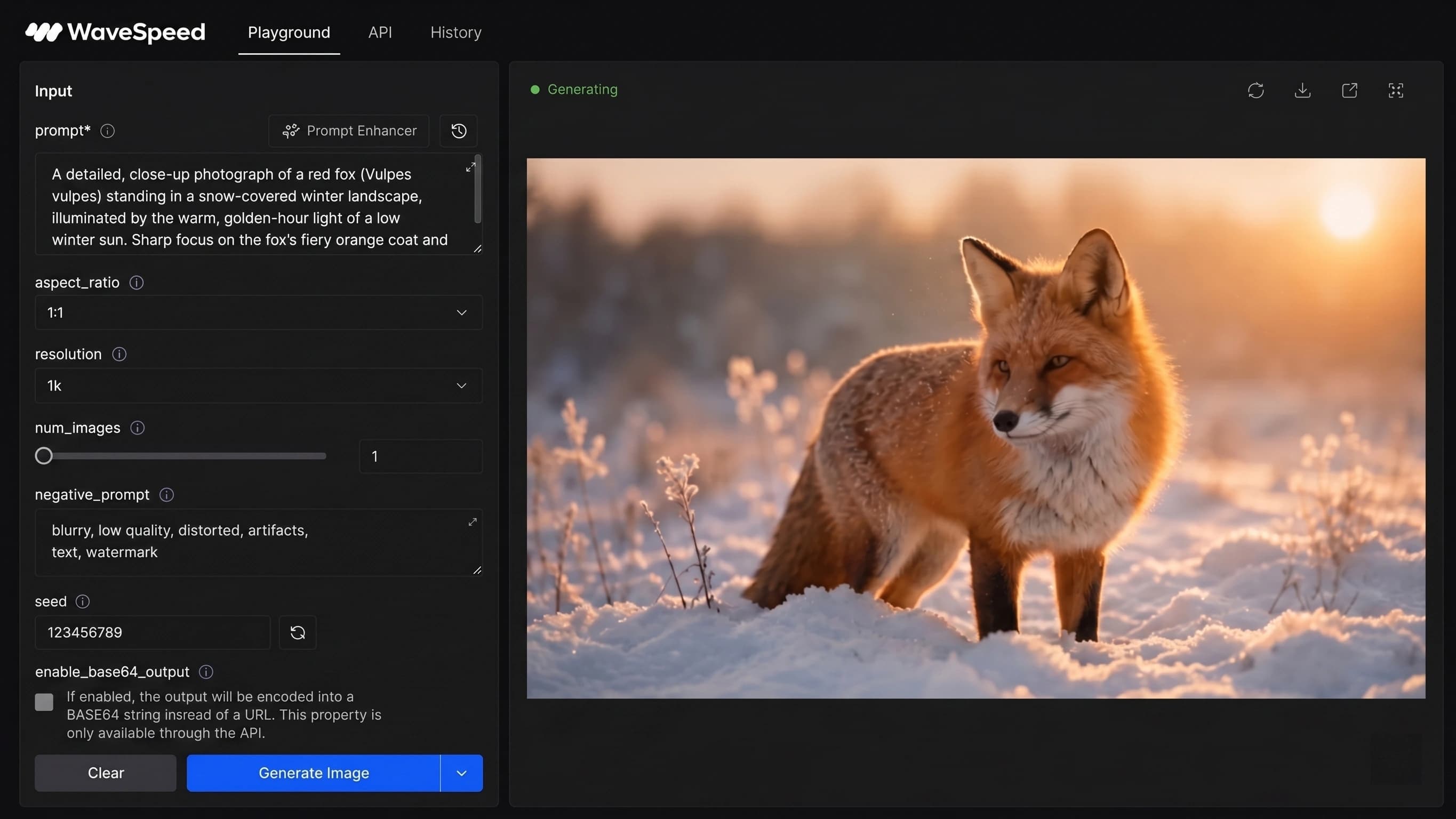
Text to Image
Start with a prompt that names the subject and action, then add composition, lighting, camera angle, style, mood, and required text. Text-to-image works well for concepts, portraits, thumbnails, posters, illustrations, and product scenes.
Image to Image & Reference
Upload a reference image when you want to edit an existing visual, preserve a product or character, match a composition, or carry a style into a new version. Available reference limits and editing controls depend on the selected model.
Compare AI Image Models
Use Nano Banana, Seedream, GPT Image, Qwen Image, WAN, FLUX, and other available models from the same generator. Model capabilities vary, so compare results when prompt accuracy, typography, realism, reference handling, speed, or output size matters.
Seedream 5 Pro
ByteDance image generation and editing with up to 10 reference images, aspect-ratio controls, and 1K or 2K output.
Nano Banana 2
Text-to-image and editing with reference images, resolution controls, and optional web or image search.
Nano Banana Pro
Text-to-image and editing with reference images, aspect-ratio, resolution, and format controls.
Nano Banana 2 Lite
A lower-cost Nano Banana 2 option for prompt testing, variations, and higher-volume workflows.
Nano Banana
Google image generation and editing for natural-language prompts and reference-based changes.
Seedream 5 Lite
A lighter Seedream option for text-to-image, editing, and quick creative iteration.
Seedream 4.5
Text-to-image and editing variants designed for typography, composition, and high-resolution output.
GPT Image 2.5
OpenAI's newest image model in two tiers, Flare and Sunburst, with five quality levels, editing with up to 16 reference images, and output up to 4K.
GPT Image 2
OpenAI text-to-image and editing with natural-language control, quality tiers, and multiple reference images.
GPT Image 1.5
OpenAI's fast text-to-image and image editing model with natural language control, quality presets, and input fidelity options.
MiniMax H3
Cinematic text-to-image and reference-guided editing with up to 9 reference images, natively at 1K and 2K.
Qwen Image 3.0
Standard and Pro generation and editing with flexible aspect ratios and 1K or 2K output.
Qwen Image 2.0
Standard and Pro generation and editing variants with multilingual instruction support and up to 2K output.
Qwen Image
Text-to-image and editing with Chinese and English prompts, typography, and multi-image controls.
WAN 2.7
Alibaba text-to-image and multi-image editing variants, including Pro options and up to 4K generation.
WAN 2.6
Alibaba's model with text-to-image and image editing support.
WAN 2.5
Alibaba's text-to-image and image editing model with negative prompt and up to 2 reference images.
FLUX 2 Klein
9B text-to-image and editing with reference images, size controls, and reproducible seed values.
Z-Image Turbo
A speed-focused text-to-image model for rapid prompt iteration and draft generation.
Start with Free Credits
New accounts receive starter credits, so you can try prompts and compare supported models before adding more credit. WaveSpeedAI does not add its own watermark to generated images; output size and pricing are shown for the selected model.
Prompt Tips for Better Images
- Lead with the subject and action, then specify composition, lighting, camera angle, and style.
- Put exact wording in quotation marks and state where it should appear when an image needs text.
- Use reference images and clear preservation instructions when identity, product shape, or layout must stay consistent.
- Compare the same prompt across models before spending time refining one result.
Generate Images at Scale with the API
Use the WaveSpeedAI image generation API to add text-to-image and image editing to an app, creative pipeline, marketplace, or internal tool. Each model page documents its endpoint, request fields, output format, and per-generation price.
AI Image Generator FAQ
What can I create with the AI image generator?
You can create images from text prompts or edit reference images for portraits, illustrations, product scenes, posters, thumbnails, ads, storyboards, and design concepts. Available inputs and controls depend on the selected model.
Can I try the AI image generator for free?
Yes. New accounts receive starter credits for testing supported models. WaveSpeedAI does not add its own watermark to generated images; the estimated price for each request is shown before you generate.
How do I choose an AI image model?
Start with the capability you need: text-to-image, editing, multiple references, typography, a particular output size, or a lower-cost variant. For important work, compare the same prompt and references across two suitable models.
What resolution can I export?
Resolution depends on the selected model, variant, aspect ratio, and quality settings. The generator shows the available options before submission, so check the selected model rather than assuming every model exports the same size.
Can I use AI images commercially?
Commercial use depends on the selected model's terms and on your rights to prompts, reference images, brands, products, and likenesses. Review the model terms and the final image before using it in paid or public work.