Choose images
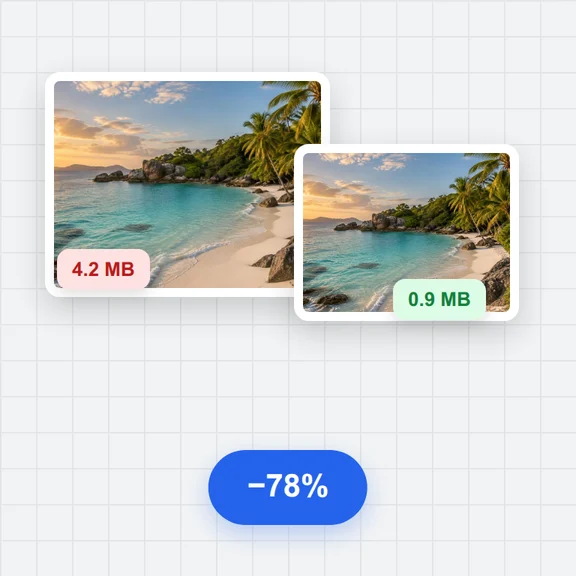
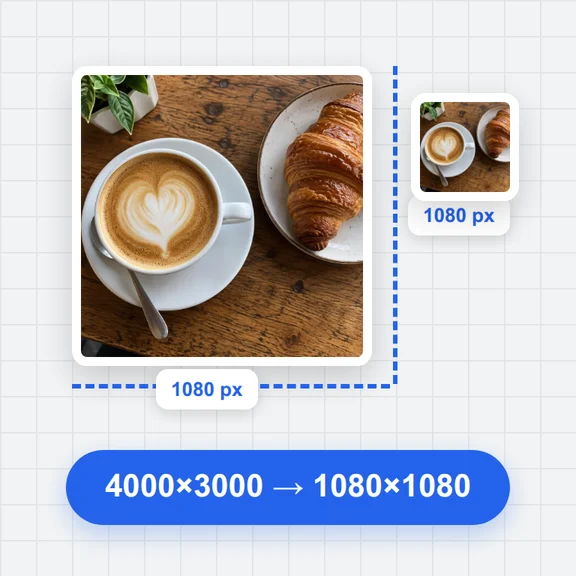
Up to 8 images; 40 MB and 12 megapixels each; 24 megapixels total. One image per poster.
Used Car Listing Photo Editor. Your photos stay in this browser. Export PNG or JPG with editable text and optional plate covers.
Up to 8 images; 40 MB and 12 megapixels each; 24 megapixels total. One image per poster.
DEMO — illustrative information; not a vehicle listing or verified specifications.
Up to 8 images; 40 MB and 12 megapixels each; 24 megapixels total. One image per poster.
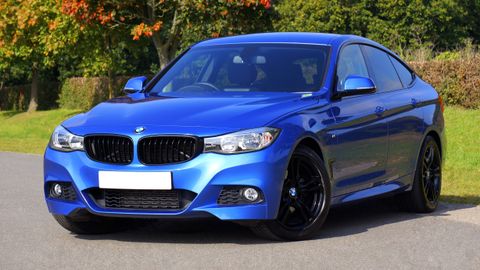
Draw a rectangle around each plate. You can also add a box and edit its coordinates. Each photo has its own boxes.
Your photos stay in this browser. Export PNG or JPG with editable text and optional plate covers.
Draw a rectangle around each plate. You can also add a box and edit its coordinates. Each photo has its own boxes.
Your photos stay in this browser. Export PNG or JPG with editable text and optional plate covers.
Up to 8 images; 40 MB and 12 megapixels each; 24 megapixels total. One image per poster.
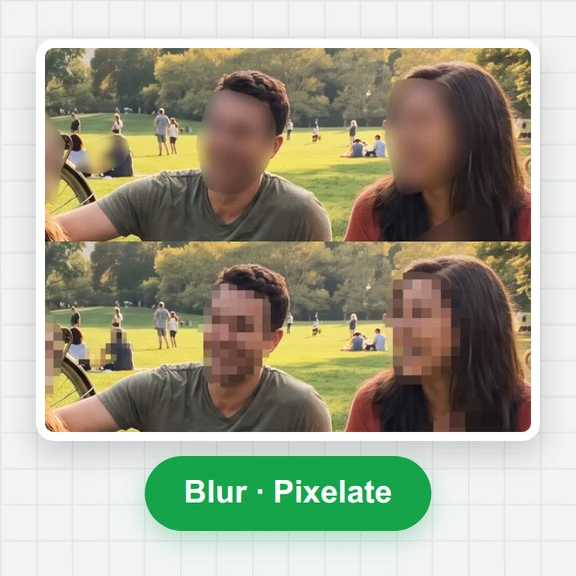
Done in your browser. Your images are not uploaded.
Used Car Listing Photo Editor. Your photos stay in this browser. Export PNG or JPG with editable text and optional plate covers.