Wan 2.2 i2v 720P is an ultra-fast Image-to-Video model that generates unlimited AI videos and supports custom LoRAs for personalized outputs. Ready-to-use REST inference API, best performance, no coldstarts, affordable pricing.
En attente
$0.15par exécution·~66 / $10
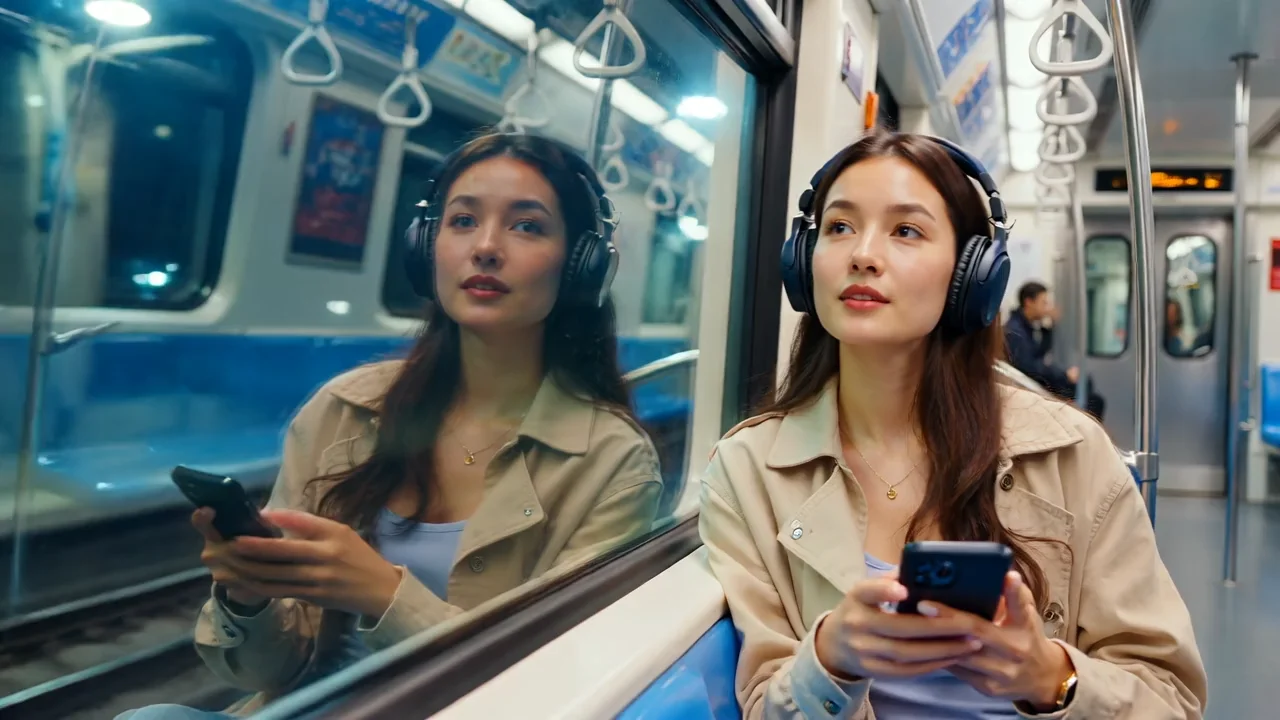
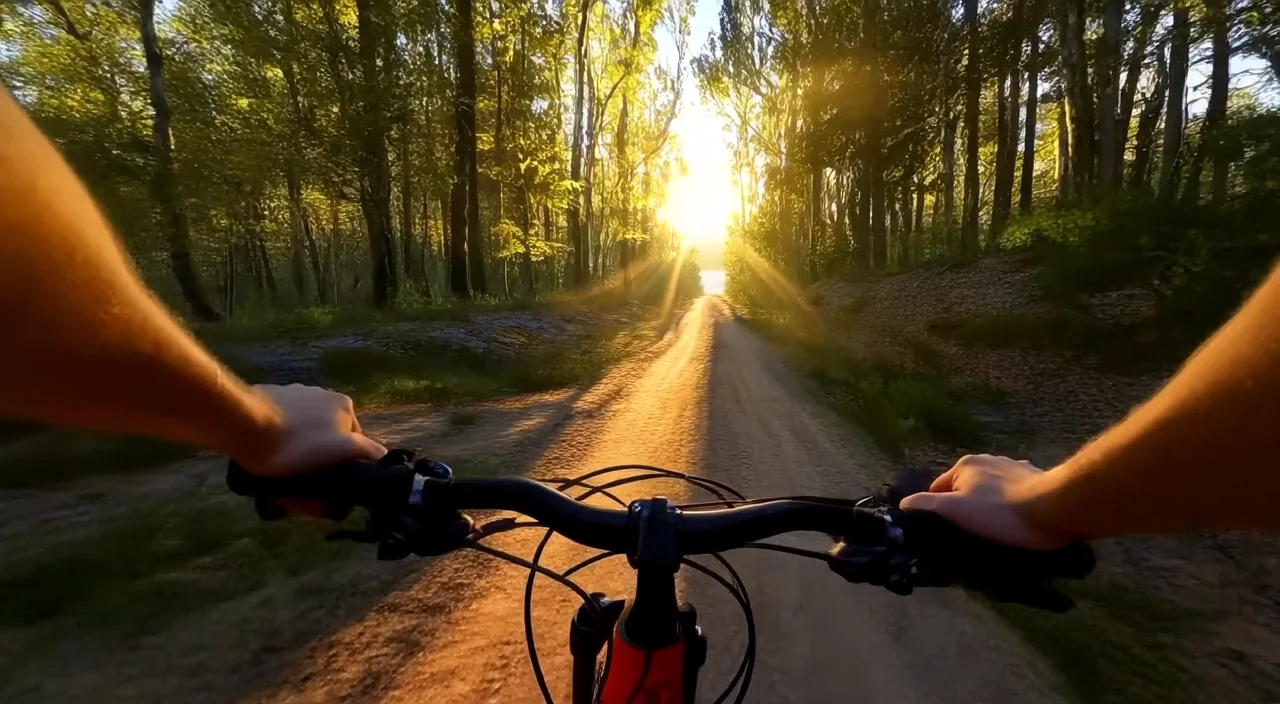
ExemplesTout voir
A street musician plays a violin under a dripping canopy as rain pours around him. Wet pavement reflects neon signs. His soaked clothes cling to him as he sways to the melody. Close-up on fingers and expression. Emotional, rain-soaked urban realism.
A man warms his hands by a small campfire in the middle of a dense forest. His face glows with orange light, surrounded by darkness and faint stars above. Sparks fly upward as wood crackles. Slow zoom, introspective silence, immersive natural realism.
An elderly couple walks slowly down a tree-lined path, holding hands. Autumn leaves crunch beneath their feet. They occasionally glance at each other and smile. The camera follows from behind, capturing intimacy, warmth, and quiet companionship in soft golden light.
A teenage boy dribbles a basketball on an outdoor court at dusk. He shoots repeatedly, missing, trying again. Sweat glistens on his face.
A surfer rides a massive ocean wave, crouched low with perfect balance. Water splashes upward around him, sunlight beams through translucent blue waves. A drone-style camera circles from above, slow motion captures mid-turn splash, droplets in midair, and then returns to real-time as he finishes the ride.
A biker rides down an empty highway at midnight, city lights glowing faintly in the distance, reflections sliding across the black leather jacket. The rear camera tracks close behind, chrome parts reflecting the road, exhaust smoke trailing. Wind particles fly past, headlights flare into the camera lens as the bike leans into turns.
A scuba diver swims through an underwater cave, flashlight illuminating coral and fish swimming by. The camera trails behind the diver, bubbles rising toward the surface. Beams of light filter through holes in the rocks, floating particles create a sense of depth, occasional close-ups of marine life.
Steadicam shot plunging into dark ocean depths, bioluminescent creatures swirling around. Camera follows a diver in tactical gear, bubbles trailing from their mask. They attach a magnetic charge to a massive submarine hull, red lights blinking urgently. Suddenly, enemy divers emerge from the shadows, harpoons firing. Murky beams of light cut through the water, illuminating a frantic close-combat sequence. Final beat: the charge detonates, a shockwave of light and debris rippling through the deep — cinematic, 8K detail, James Bond × The Abyss tone.
Tracking shot along a futuristic bullet train racing through snow-covered mountains. Camera pushes in through a shattered window to reveal the hero battling masked guards in a narrow corridor, sparks flying from clashing blades. The train tilts dangerously on a curve, sending bodies sliding. In one smooth motion, the hero grapples to the roof, snow blasting against their goggles. Final beat: they leap to a passing cargo drone as the train explodes in a cascade of fire — hyper-realistic, 4K, Mission Impossible × Snowpiercer tone.
Opening with a cinematic overhead shot plunging into deep blue waters, following a diver in stealth gear. Beams of sunlight pierce the surface above, illuminating a sunken military submarine. The camera glides inside, revealing an intense underwater gunfight, bubbles exploding with every shot. The hero swims through narrow corridors, avoiding mines and searchlights. Climax: a massive torpedo detonates, sending a shockwave of debris and light, the diver propelling toward the surface as the wreck explodes beneath them.
Ultra-wide aerial shot over a convoy of armored trucks barreling through a scorching desert. The camera drops into a low ground-level tracking shot, sand blasting across the lens as a motorbike swerves between vehicles at impossible speed. RPG explosions bloom in the distance, debris raining down. The hero vaults onto a truck roof, tearing open a hatch and engaging in brutal close-quarters combat. Slow-motion beat: a grenade rolls toward the edge — the hero kicks it into the air just as it detonates, the blast silhouetting them against the orange sun.
First-person POV sprint through a neon-soaked underground data vault. Security drones zip past, their red targeting lasers slicing through clouds of smoke. The thief slides under laser grids, vaults over electric barricades, and rips open a glowing server core. The camera snap-zooms to their visor’s HUD, reflecting streams of stolen data. Final beat: an explosion behind them as they leap onto a speeding hover-bike, sparks flying, disappearing into the futuristic city skyline.
Hero fighting two masked enemies in dark alley, dynamic punches and kicks, rain reflections, dramatic lighting, photorealistic skin and clothing detail
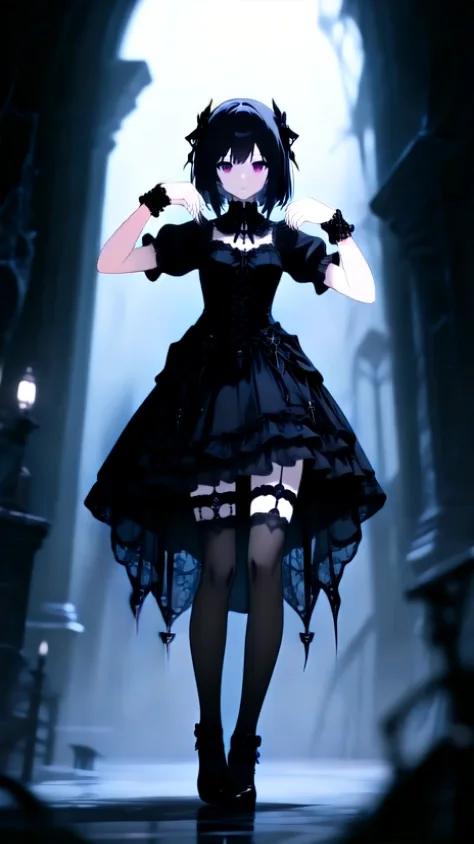
Modèles associés



README
Wan 2.2 Image-to-Video 720p LoRA Ultra Fast
Generate customized 720p videos from images with LoRA support using Wan 2.2 Ultra Fast. This powerful model allows you to apply custom LoRA adapters for unique styles, characters, and effects — with three different noise-level options for precise control over how LoRAs influence your output.
Why It Looks Great
- LoRA support: Apply up to 3 custom LoRAs each for standard, high-noise, and low-noise stages.
- Ultra-fast generation: Optimized for speed without sacrificing quality.
- Start-to-end interpolation: Optionally provide a last frame for smooth transitions.
- 720p HD output: Sharp, clean video quality for most digital platforms.
- Negative prompt support: Exclude unwanted elements for precise control.
- Prompt Enhancer: Built-in tool to refine your motion descriptions automatically.
- Safety Checker: Optional content filtering for appropriate output.
Parameters
| Parameter | Required | Description |
|---|---|---|
| image | Yes | Source/starting image to animate (upload or public URL). |
| prompt | Yes | Text description of the motion and action you want. |
| negative_prompt | No | Elements to avoid in the generated video. |
| last_image | No | Optional ending frame for start-to-end interpolation (upload or URL). |
| duration | No | Video length: 5 or 8 seconds. Default: 5. |
| loras | No | Standard LoRA adapters to apply (up to 3). |
| high_noise_loras | No | LoRAs applied during high-noise denoising stages (up to 3). |
| low_noise_loras | No | LoRAs applied during low-noise denoising stages (up to 3). |
| seed | No | Random seed for reproducibility. Use -1 for random. |
| Enable Safety Checker | No | Toggle content safety filtering. |
How to Use
- Upload your starting image — drag and drop or paste a public URL.
- Write your prompt — describe the motion, style, and action in detail.
- Use Prompt Enhancer (optional) — click to enrich your motion description.
- Add negative prompt (optional) — specify elements to exclude.
- Upload last image (optional) — add an ending frame for interpolation effects.
- Set duration — choose 5 or 8 seconds.
- Add LoRAs (optional) — click "+ Add Item" to include custom LoRA adapters.
- Set seed (optional) — for reproducible results.
- Run — click the button to generate.
- Download — preview and save your video.
Pricing
Per 5-second billing based on duration.
| Duration | Calculation | Cost |
|---|---|---|
| 5 seconds | 5 ÷ 5 × $0.15 | $0.15 |
| 8 seconds | 8 ÷ 5 × $0.15 | $0.24 |
Volume Examples
| Videos | Duration | Total Cost |
|---|---|---|
| 10 | 5s | $1.50 |
| 10 | 8s | $2.40 |
| 50 | 5s | $7.50 |
| 50 | 8s | $12.00 |
Understanding LoRA Options
This model provides three different LoRA slots that affect different stages of the generation process:
| LoRA Type | When Applied | Best For | Max Count |
|---|---|---|---|
| loras | Throughout generation | General style, character consistency | 3 |
| high_noise_loras | Early denoising (high noise) | Overall composition, major style elements | 3 |
| low_noise_loras | Late denoising (low noise) | Fine details, textures, finishing touches | 3 |
LoRA Strategy Tips
- Single style: Use standard
lorasfor consistent style throughout. - Layered control: Combine high_noise for composition + low_noise for details.
- Character + Style: Use one slot for character LoRA, another for style LoRA.
Best Use Cases
- Custom Character Animation — Apply character LoRAs to maintain consistent identity.
- Unique Art Styles — Use style LoRAs for distinctive visual aesthetics.
- Brand-Specific Content — Apply trained LoRAs for consistent brand visuals.
- Creative Experimentation — Combine multiple LoRAs for unique hybrid effects.
- Rapid Style Testing — Ultra-fast generation for quick LoRA iteration.
Example Prompts
- "A street musician plays a violin under a dripping canopy as rain pours around him. Wet pavement reflects neon signs. His soaked clothes cling to him as he sways to the melody. Close-up on fingers and expression. Emotional, rain-soaked urban realism."
- "Character walks through a fantasy forest, magical particles floating around, ethereal lighting"
- "Subject turns toward camera with dramatic lighting, cinematic color grading"
- "Dynamic action pose with motion blur, stylized animation aesthetic"
- "Gentle portrait movement, soft bokeh background, dreamy atmosphere"
Pro Tips for Best Results
- Start without LoRAs to establish a baseline, then add them incrementally.
- Use high_noise_loras for major style/composition changes, low_noise_loras for subtle refinements.
- Don't overload with LoRAs — sometimes 1-2 well-chosen LoRAs work better than many.
- Match your prompt language to the LoRA's training — use trigger words if applicable.
- Test LoRA combinations at 5s duration before committing to longer generations.
- Use negative prompts to counteract unwanted LoRA artifacts.
How to Use LoRAs
For detailed guides on using and training custom LoRAs:
Notes
- If using URLs for images, ensure they are publicly accessible. Preview thumbnails confirm successful loading.
- Each LoRA slot (loras, high_noise_loras, low_noise_loras) supports up to 3 LoRAs.
- LoRA effects are cumulative — adding more LoRAs increases their combined influence.
- Enable Safety Checker for content that will be publicly shared.
- Processing remains ultra-fast even with multiple LoRAs applied.
Wan 2.2 I2v 720p Lora Ultra Fast API — Quick start
Grab a WaveSpeedAI API key, then call POST https://api.wavespeed.ai/api/v3/wavespeed-ai/wan-2.2/i2v-720p-lora-ultra-fast with your input as JSON. The endpoint returns a prediction id. Start polling the result endpoint around every 2 seconds, increase the interval for long-running tasks, and stop on any terminal status. On completed, read output values from data.outputs. Examples for Wan 2.2 I2v 720p Lora Ultra Fast below.
HTTP example
set -euo pipefail

: "${WAVESPEED_API_KEY:?Set WAVESPEED_API_KEY}"

REQUEST_BODY=$(cat <<'JSON'
{
    "prompt": "A cinematic shot of a city at sunset, soft golden light",
    "image": "https://interactive-examples.mdn.mozilla.net/media/cc0-images/painted-hand-298-332.jpg",
    "duration": 5,
    "seed": -1
}
JSON
)

# 1. Submit the prediction.
SUBMIT_RESPONSE=$(curl --silent --show-error --fail-with-body \
  -X POST "https://api.wavespeed.ai/api/v3/wavespeed-ai/wan-2.2/i2v-720p-lora-ultra-fast" \
  -H "Content-Type: application/json" \
  -H "Authorization: Bearer $WAVESPEED_API_KEY" \
  -d "$REQUEST_BODY")

TASK=$(printf '%s' "$SUBMIT_RESPONSE" | jq 'if has("data") then .data else . end')
PREDICTION_ID=$(printf '%s' "$TASK" | jq -r '.id')
if [ -z "$PREDICTION_ID" ] || [ "$PREDICTION_ID" = "null" ]; then
  printf 'Submission response did not contain a prediction id
' >&2
  exit 1
fi
RESULT_URL=$(printf '%s' "$TASK" | jq -r '.urls.get // empty')
if [ -z "$RESULT_URL" ]; then
  RESULT_URL="https://api.wavespeed.ai/api/v3/predictions/$PREDICTION_ID/result"
fi

# 2. Poll until the prediction finishes.
while true; do
  RESPONSE=$(curl --silent --show-error --fail-with-body "$RESULT_URL" \
    -H "Authorization: Bearer $WAVESPEED_API_KEY")
  RESULT=$(printf '%s' "$RESPONSE" | jq 'if has("data") then .data else . end')
  STATUS=$(printf '%s' "$RESULT" | jq -r '.status')
  case "$STATUS" in
    completed) printf '%s\n' "$RESULT" | jq '.outputs'; break ;;
    failed|cancelled|timeout) printf '%s\n' "$RESULT" | jq . >&2; exit 1 ;;
    created|processing) sleep 2 ;;
    *) printf 'Unexpected status: %s
' "$STATUS" >&2; exit 1 ;;
  esac
done
Node.js example
const submitUrl = "https://api.wavespeed.ai/api/v3/wavespeed-ai/wan-2.2/i2v-720p-lora-ultra-fast";
const apiKey = process.env.WAVESPEED_API_KEY;
if (!apiKey) throw new Error('Set WAVESPEED_API_KEY');

async function requestJson(url, options = {}) {
  const response = await fetch(url, options);
  if (!response.ok) throw new Error(await response.text());
  return response.json();
}

// 1. Submit the prediction.
const body = await requestJson(submitUrl, {
  method: "POST",
  headers: {
    "Authorization": `Bearer ${apiKey}`,
    "Content-Type": "application/json",
  },
  body: JSON.stringify({
        "prompt": "A cinematic shot of a city at sunset, soft golden light",
        "image": "https://interactive-examples.mdn.mozilla.net/media/cc0-images/painted-hand-298-332.jpg",
        "duration": 5,
        "seed": -1
}),
});
const task = body.data ?? body;
if (!task.id) throw new Error("Submission response did not contain a prediction id");
const resultUrl = task.urls?.get ||
  `https://api.wavespeed.ai/api/v3/predictions/${task.id}/result`;

// 2. Poll until the prediction finishes.
while (true) {
  const resultBody = await requestJson(resultUrl, {
    headers: { "Authorization": `Bearer ${apiKey}` },
  });
  const result = resultBody.data ?? resultBody;
  if (result.status === "completed") {
    console.log(result.outputs);
    break;
  }
  if (["failed", "cancelled", "timeout"].includes(result.status)) throw new Error(JSON.stringify(result));
  if (!["created", "processing"].includes(result.status)) throw new Error("Unexpected status: " + result.status);
  await new Promise(resolve => setTimeout(resolve, 2000));
}
Python example
import json
import os
import time
from urllib.request import Request, urlopen

api_key = os.environ["WAVESPEED_API_KEY"]
headers = {"Authorization": f"Bearer {api_key}", "Content-Type": "application/json"}
payload = {
    "prompt": "A cinematic shot of a city at sunset, soft golden light",
    "image": "https://interactive-examples.mdn.mozilla.net/media/cc0-images/painted-hand-298-332.jpg",
    "duration": 5,
    "seed": -1
}

def request_json(url, data=None):
    request = Request(url, data=data, headers=headers, method="POST" if data else "GET")
    with urlopen(request) as response:
        return json.load(response)

# 1. Submit the prediction.
body = request_json("https://api.wavespeed.ai/api/v3/wavespeed-ai/wan-2.2/i2v-720p-lora-ultra-fast", json.dumps(payload).encode())
task = body.get("data", body)
if not task.get("id"):
    raise RuntimeError("Submission response did not contain a prediction id")
result_url = task.get("urls", {}).get("get") or f"https://api.wavespeed.ai/api/v3/predictions/{task['id']}/result"

# 2. Poll until the prediction finishes.
while True:
    result_body = request_json(result_url)
    result = result_body.get("data", result_body)
    status = result.get("status")
    if status == "completed":
        print(result.get("outputs", []))
        break
    if status in {"failed", "cancelled", "timeout"}:
        raise RuntimeError(result)
    if status not in {"created", "processing"}:
        raise RuntimeError(f"Unexpected status: {status}")
    time.sleep(2)
Wan 2.2 I2v 720p Lora Ultra Fast API — Frequently asked questions
What is the Wan 2.2 I2v 720p Lora Ultra Fast API?
Wan 2.2 I2v 720p Lora Ultra Fast is a WaveSpeedAI model for AI inference, exposed as a REST API on WaveSpeedAI. Wan 2.2 i2v 720P is an ultra-fast Image-to-Video model that generates unlimited AI videos and supports custom LoRAs for personalized outputs. Ready-to-use REST inference API, best performance, no coldstarts, affordable pricing. You can call it programmatically or try it from the playground above.
How do I call the Wan 2.2 I2v 720p Lora Ultra Fast API?
POST your input parameters to the model's REST endpoint (shown in the API tab of this playground) with your WaveSpeedAI API key in the Authorization header. Submission returns a prediction ID. Poll the result endpoint starting around every 2 seconds, increase the interval for long-running tasks, and stop on any terminal status. The playground generates production-oriented Python, JavaScript, and cURL examples with timeouts, transient-error handling, and safe GET retries. Full request/response shape is documented at https://wavespeed.ai/docs/docs-api/wavespeed-ai/wan-2.2-i2v-720p-lora-ultra-fast.
How much does Wan 2.2 I2v 720p Lora Ultra Fast cost per run?
Wan 2.2 I2v 720p Lora Ultra Fast starts at $0.15 per run. That figure is the base price — the final charge scales with the parameters you set in the form (output size, length, count, references, or whatever knobs this model exposes), so a higher-quality or larger output costs more than a minimal one. The exact cost for your current input is shown live next to the Generate button before you submit, and the actual per-call charge is recorded on the prediction afterwards.
What inputs does Wan 2.2 I2v 720p Lora Ultra Fast accept?
Key inputs: `prompt`, `image`, `duration`, `seed`, `negative_prompt`, `high_noise_loras`. The full JSON schema (types, defaults, allowed values) is rendered above the Generate button and mirrored in the API reference at https://wavespeed.ai/docs/docs-api/wavespeed-ai/wan-2.2-i2v-720p-lora-ultra-fast.
How long does Wan 2.2 I2v 720p Lora Ultra Fast take to generate?
Median end-to-end generation time on WaveSpeedAI is around 94 seconds per request, based on recent successful runs. Queue time varies with global demand; live status is visible in the prediction record.
Can I use Wan 2.2 I2v 720p Lora Ultra Fast outputs commercially?
Commercial usage rights depend on the model's license, set by its provider (WaveSpeedAI). The license summary appears on the model card above; see WaveSpeedAI's Terms of Service for platform-level conditions.