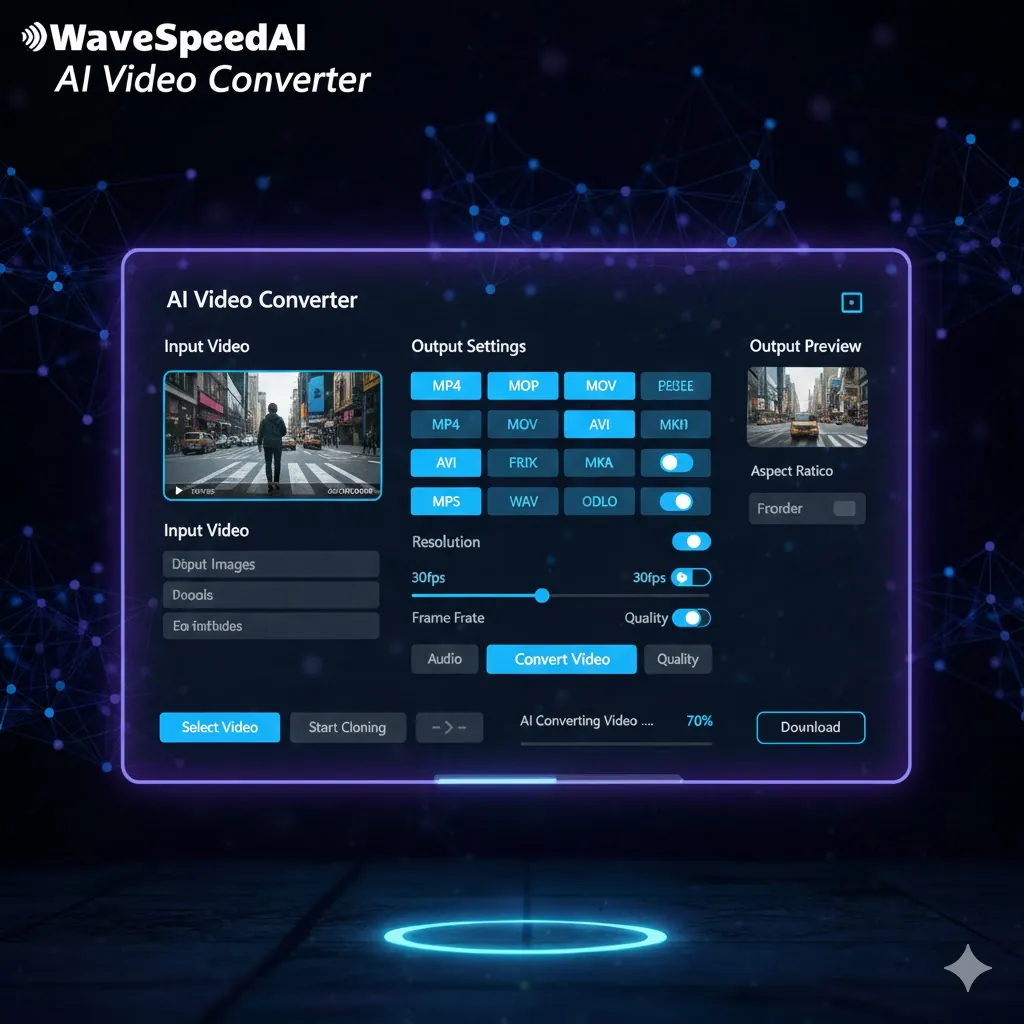
WaveSpeed Video-converter Solution
Traditional Challenges
WaveSpeed AI Solution
How It Works
Convert videos in just 4 simple steps
Upload Video
Select the video file you want to convert
Choose Format
Pick the desired output format from our extensive list
Adjust Settings
Optional: Customize your video settings (e.g., resolution, bitrate)
Download Converted Video
Receive your converted video file ready for use
Endless Possibilities
Perfect for a variety of video needs
Real Success Stories
Discover how users optimized their video workflows
YouTube Channel Enhancements
Before
Poor format support
After
Fast, reliable conversions
“Our video engagement skyrocketed by converting all our uploads instantly without losing quality. We improved viewer retention significantly.”
Editing Studio Solutions
Before
Outdated software
After
Streamlined process
“Transitioning to WaveSpeed cut our editing time in half. We can now deliver content faster and more effectively.”
Video Format Comparison
Select the best format for your project
Related AI Tools
Check out more effective AI solutions for your multimedia needs
Explore Our AI Generators
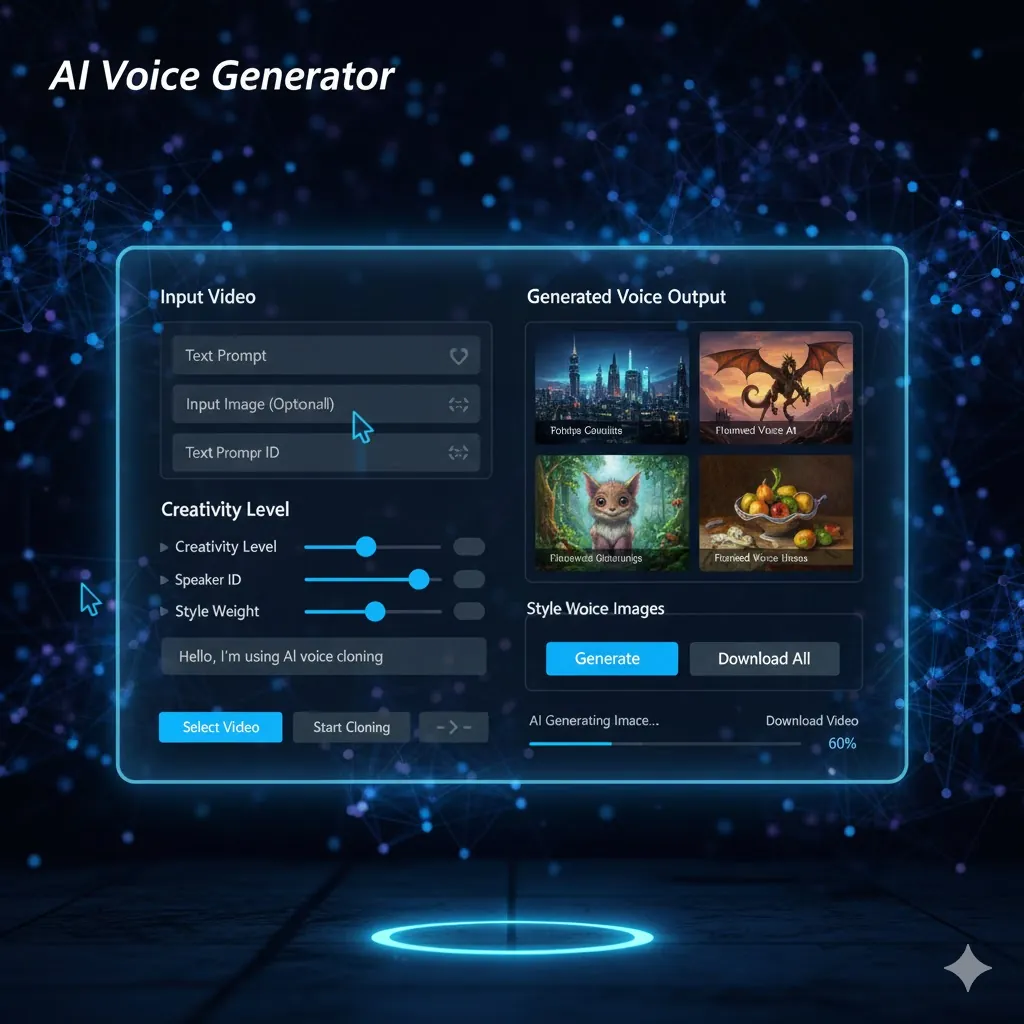
AI Image Generator
Create stunning images from text prompts with advanced AI models.
Try Now →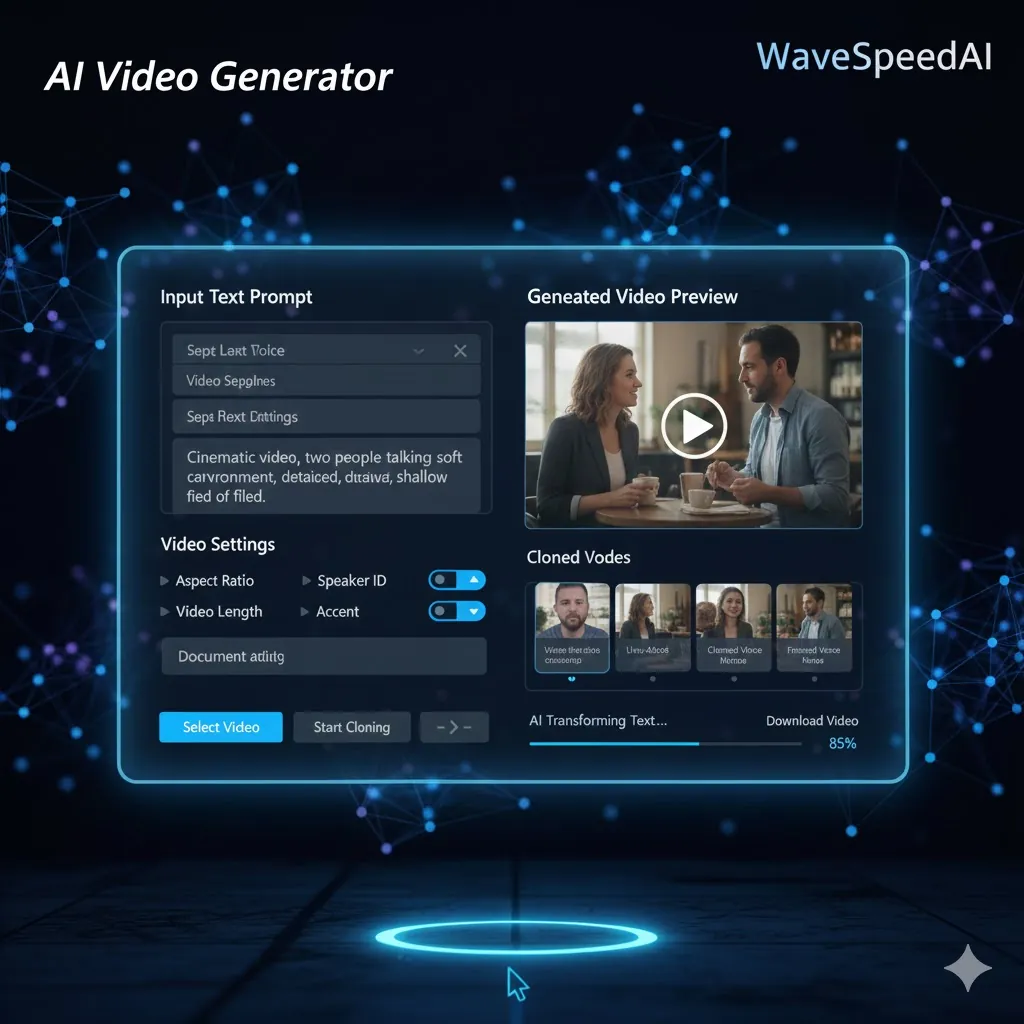
AI Video Generator
Transform ideas into dynamic videos powered by advanced AI.
Try Now →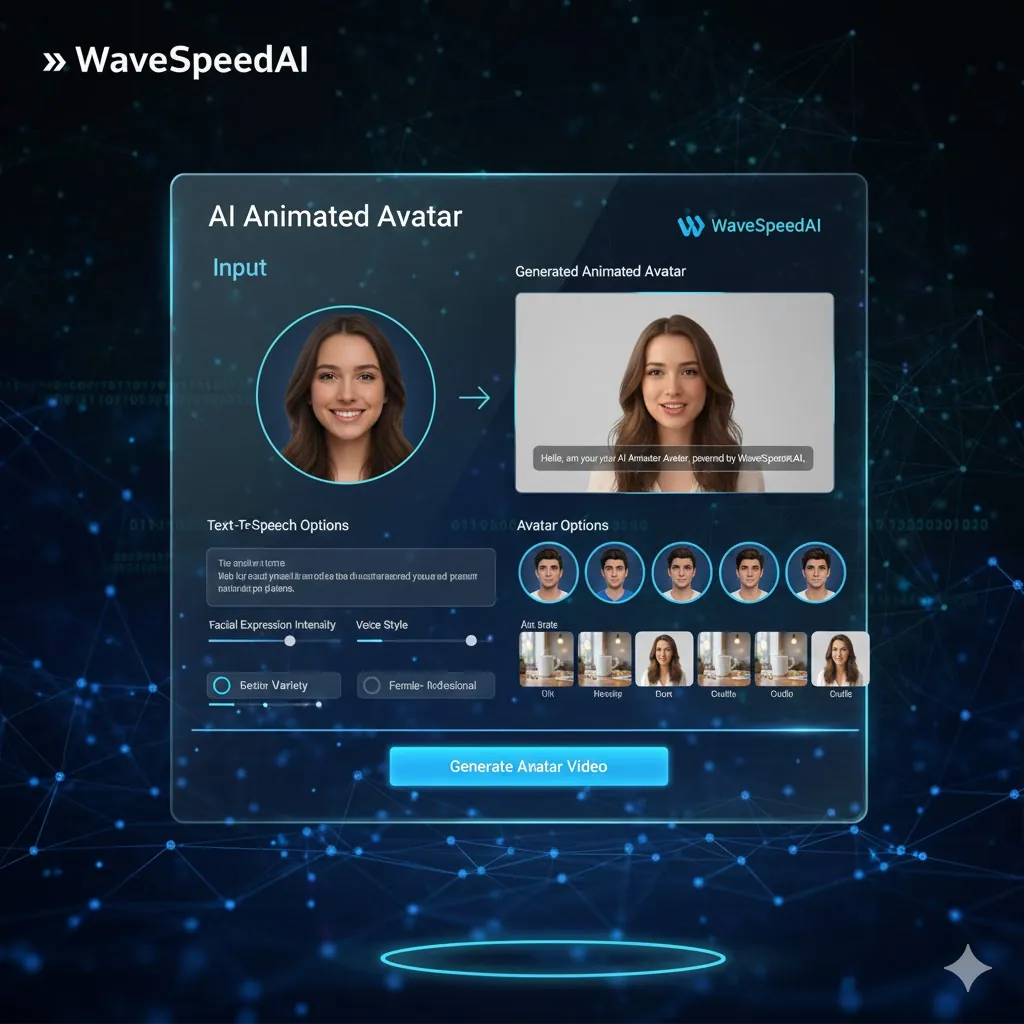
AI Audio Generator
Generate high-quality audio and music with AI in seconds.
Try Now →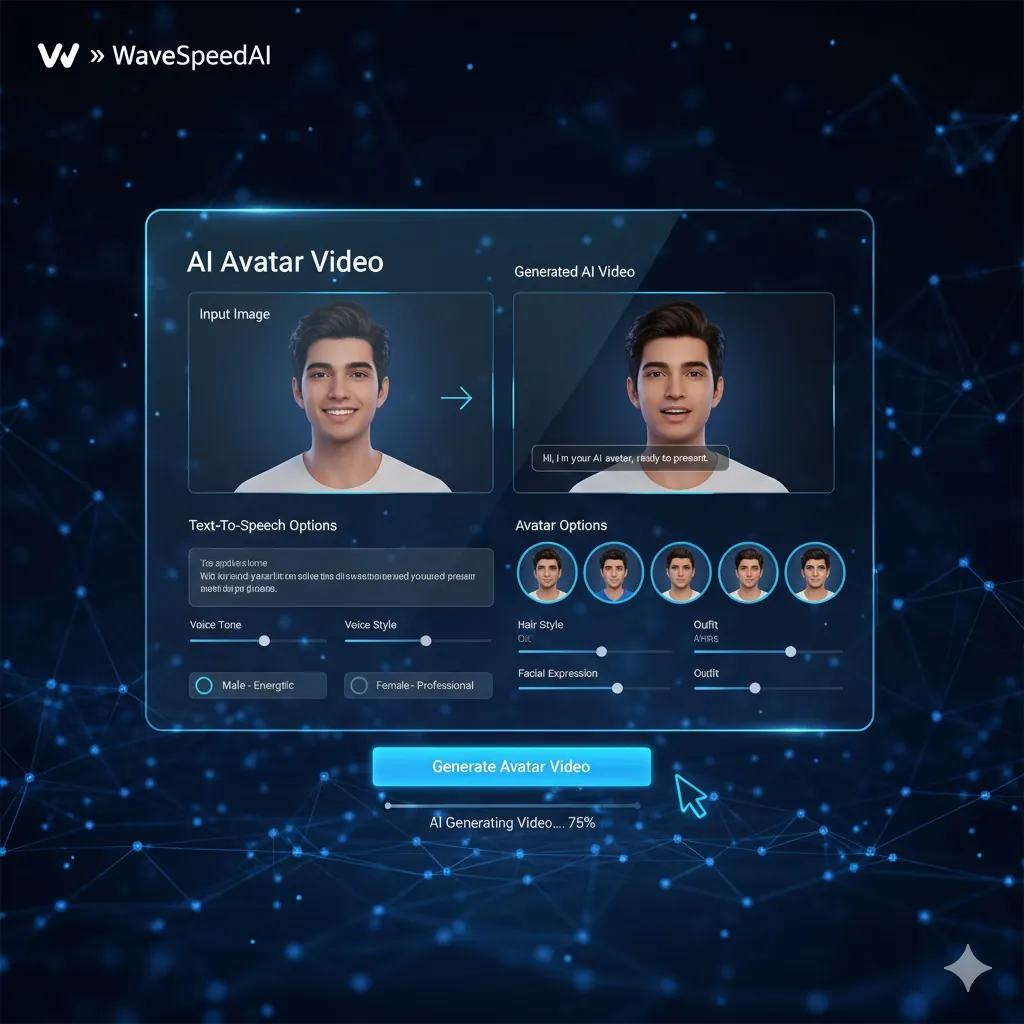
AI Avatar Generator
Create lifelike AI avatars for any use case.
Try Now →Frequently Asked Questions
Everything you need to know