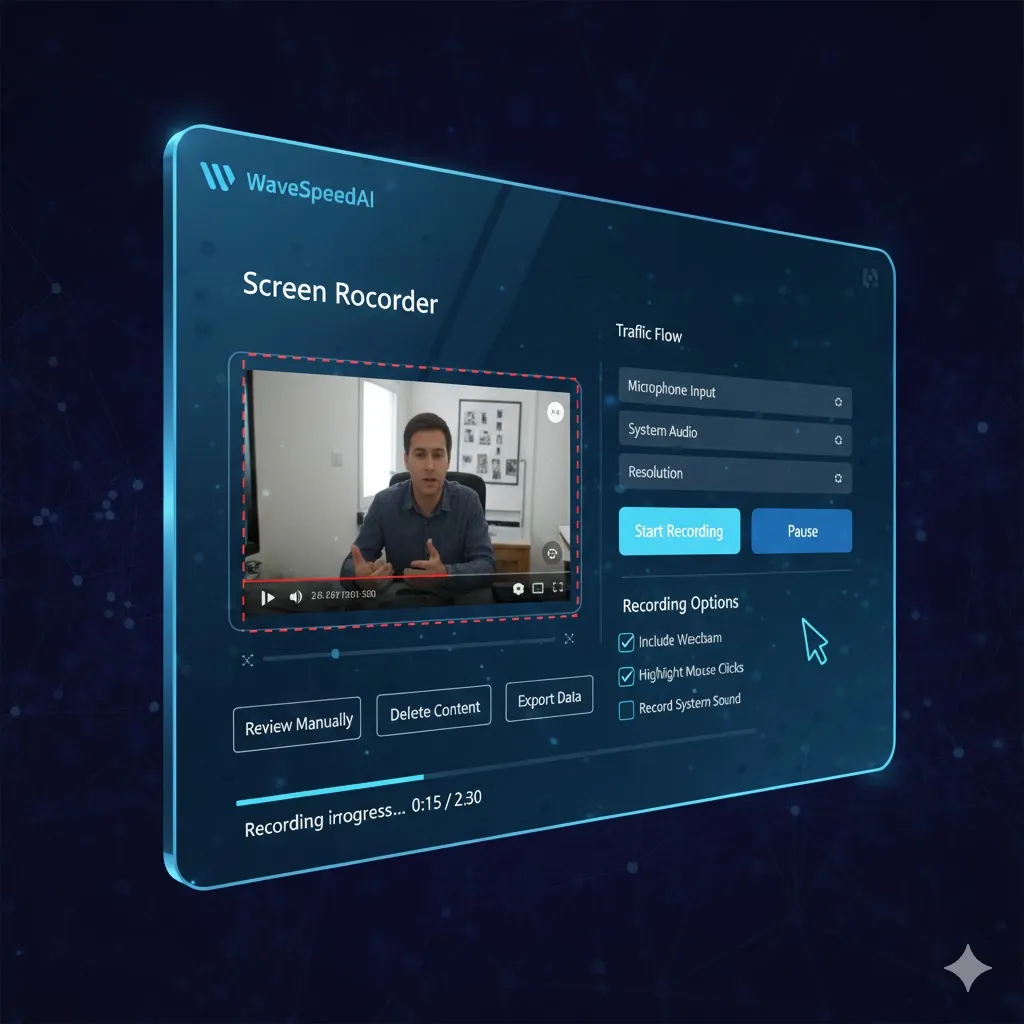
WaveSpeed Screen-recorder Solution
Traditional Recording Challenges
WaveSpeed AI Solution
How It Works
Record your screen in 4 simple steps
Select Area to Record
Choose full screen or a specific window for recording
Adjust Settings
Set audio preferences, quality, and format options
Start Recording
One-click initiation for instant screen capturing
Save and Share
Download your video or share directly to social media
Versatile Recording Applications
Perfect for a variety of use cases
Real Success Stories
See how users are leveraging screen recording
Distance Learning Enhancement
Before
Difficult to engage students
After
Interactive tutorials
“Instructors recorded engaging video lessons that improved student participation and understanding.”
Effective Onboarding Process
Before
5 hours per trainee
After
1 hour per trainee
“Streamlined training with recorded sessions allowed for new hires to learn at their own pace, drastically reducing onboarding time.”
Screen Recorder Comparison
Choose the right recording settings for your needs
Related AI Tools
Explore additional tools for enhanced video creation
Explore Our AI Generators
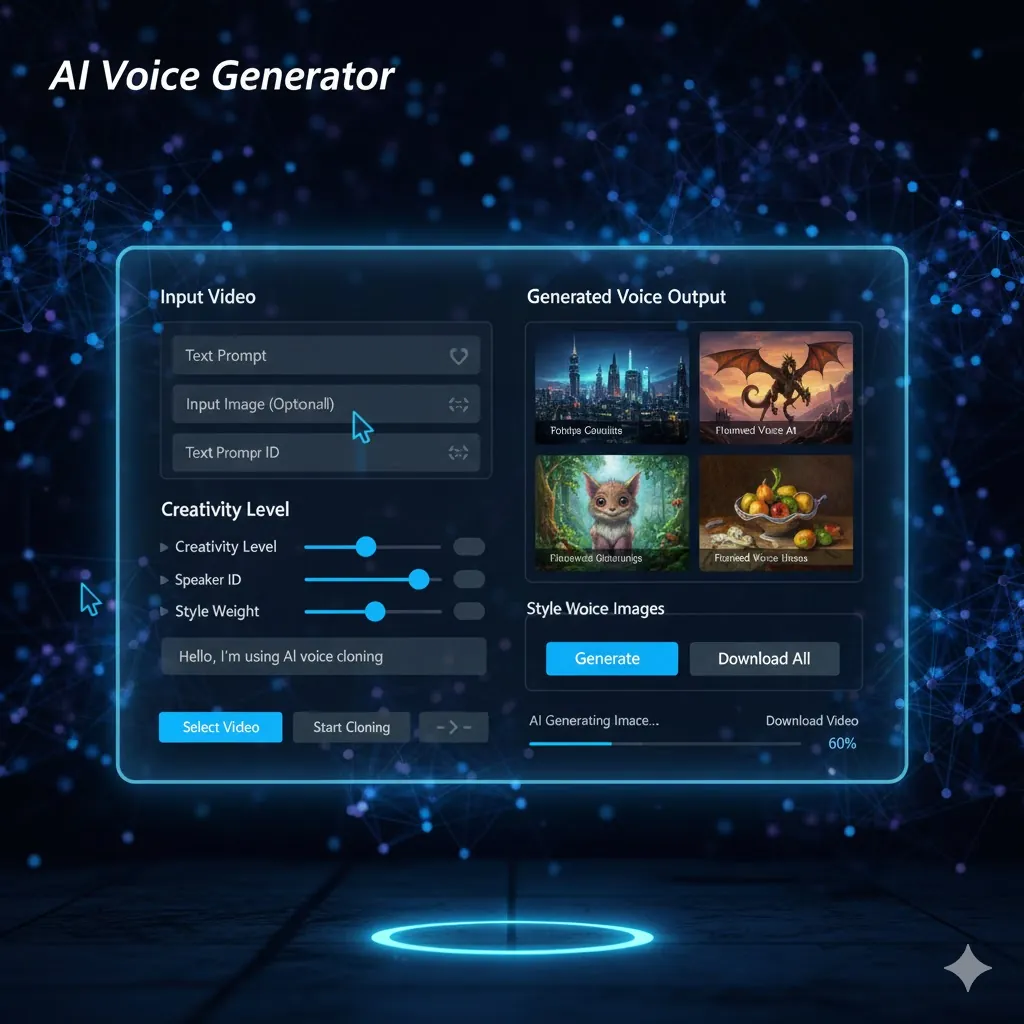
AI Image Generator
Create stunning images from text prompts with advanced AI models.
Try Now →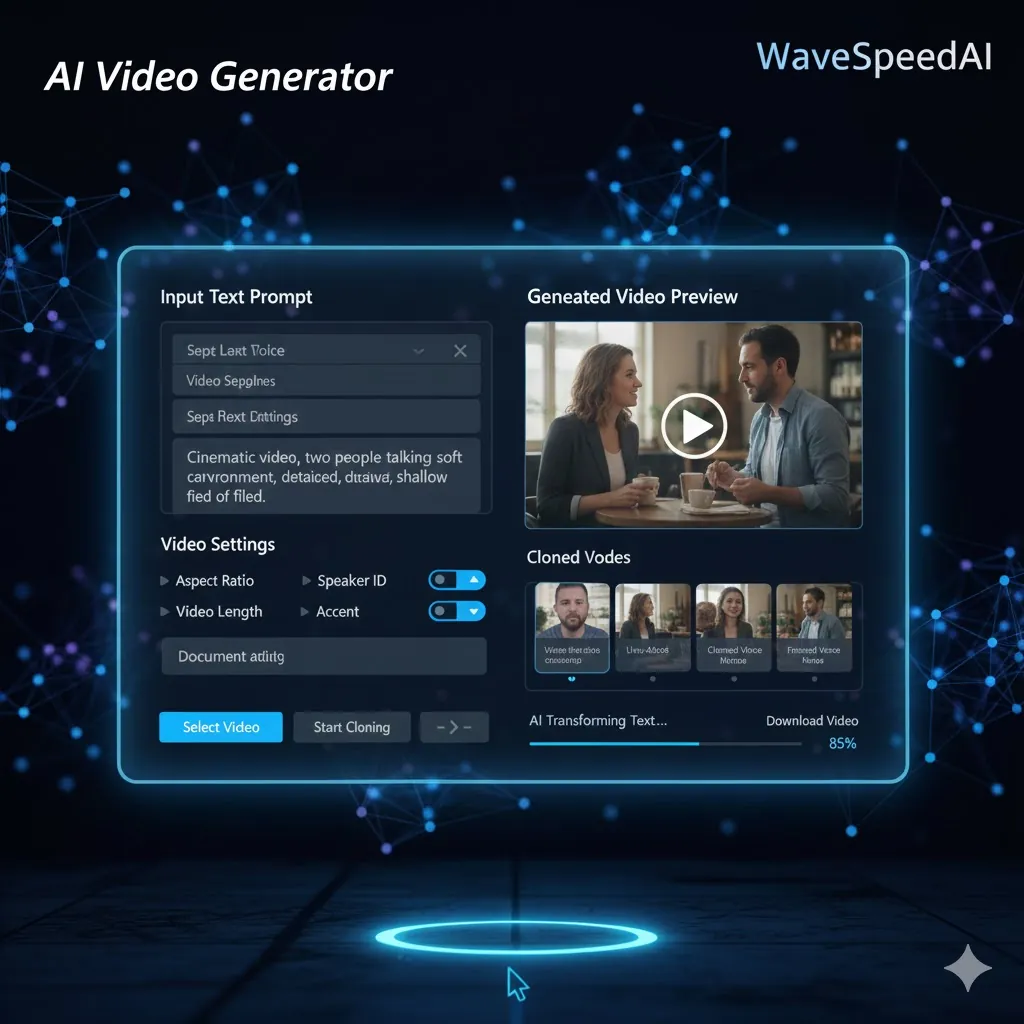
AI Video Generator
Transform ideas into dynamic videos powered by advanced AI.
Try Now →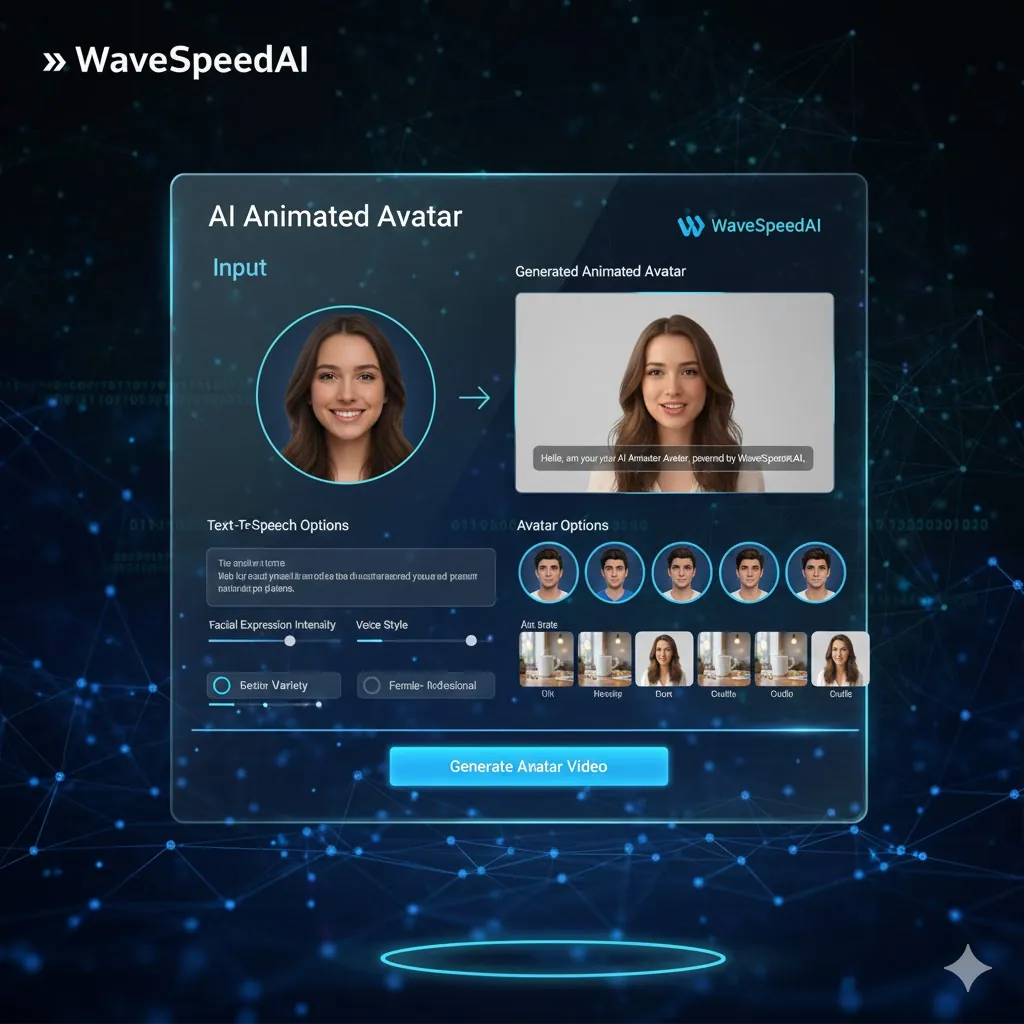
AI Audio Generator
Generate high-quality audio and music with AI in seconds.
Try Now →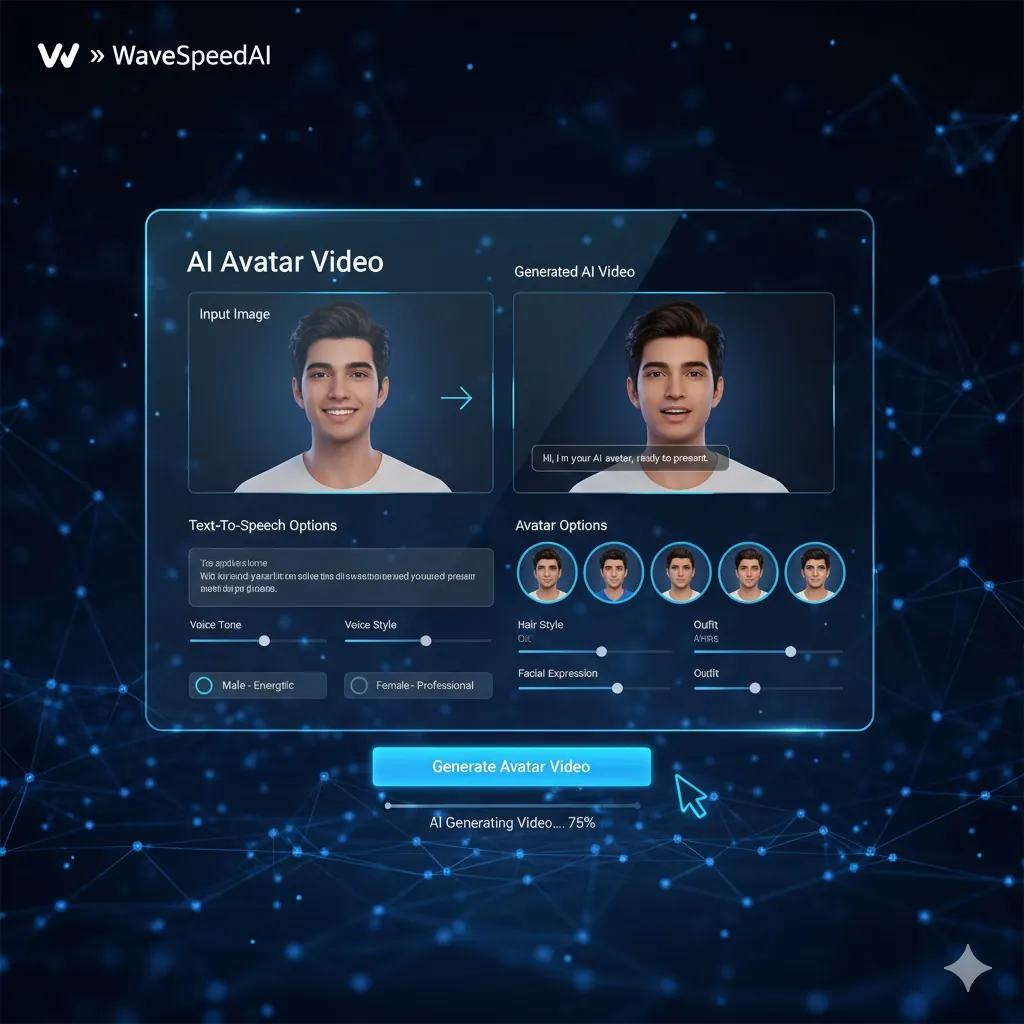
AI Avatar Generator
Create lifelike AI avatars for any use case.
Try Now →Frequently Asked Questions
Everything you need to know