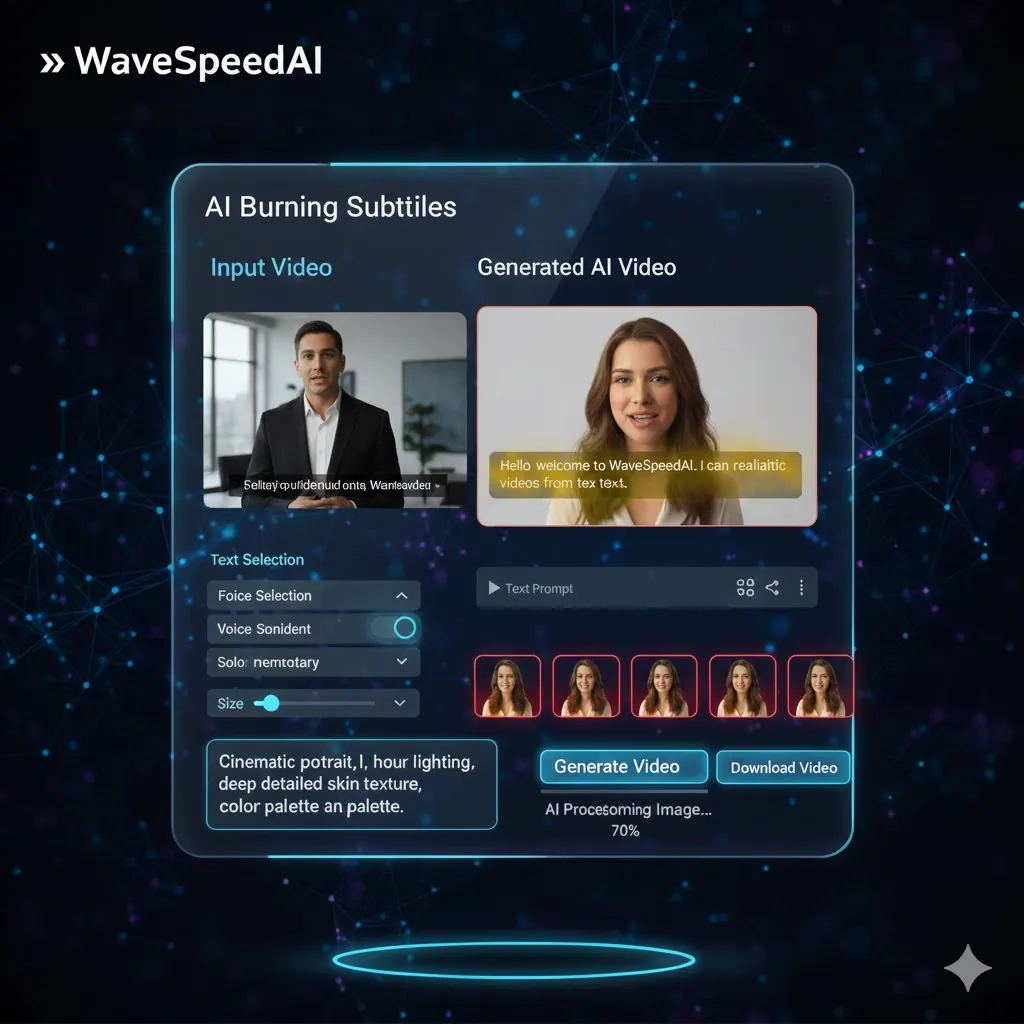
WaveSpeed Burning-subtitles Solution
Traditional Subtitle Challenges
WaveSpeed AI Solution
How It Works
Add stunning burning subtitles to your videos in 4 easy steps
Upload Video
Upload the video file you want to enhance with subtitles
Add Text
Input the text for your burning subtitles to display during the video
Customize Style
Choose from a variety of animation styles and design options for your captions
Download Video
Receive your video with burning subtitles in a stunning format
Endless Possibilities
Perfect for engaging content across various platforms
Real Success Stories
Witness how businesses are elevating their video content with burning subtitles
Dynamic Product Videos
Before
Engagement low
After
Engagement high
“Our product videos saw a huge rise in viewer retention after adding burning subtitles. Sales followed suit!”
Interactive Learning Modules
Before
Difficult to follow
After
Clear and engaging
“Students reported better understanding of materials, with many expressing a preference for our new video setup.”
Subtitle Animation Comparison
Choose the best animation style for your subtitles
Related AI Tools
Explore more powerful AI tools for enhancing your videos
Explore Our AI Generators
AI Image Generator
Create stunning images from text prompts with advanced AI models.
Try Now →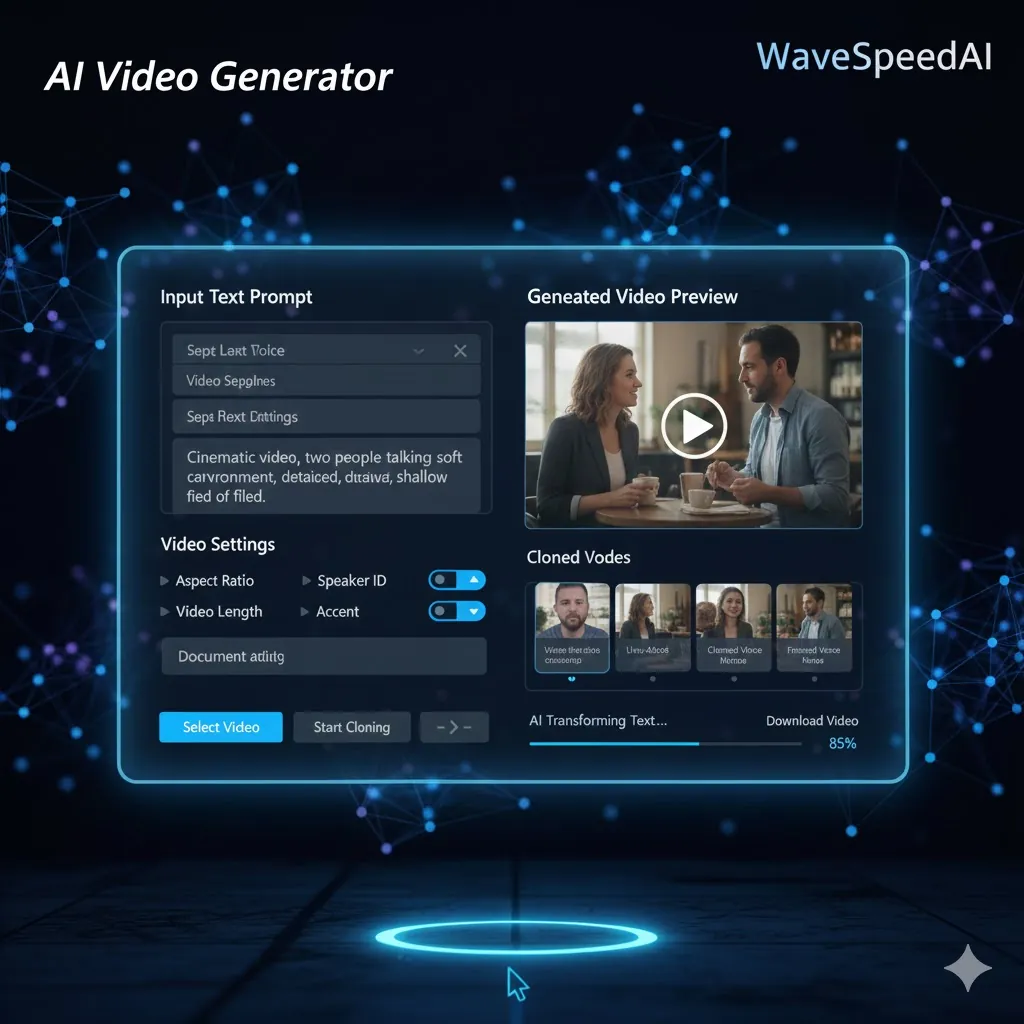
AI Video Generator
Transform ideas into dynamic videos powered by advanced AI.
Try Now →
AI Audio Generator
Generate high-quality audio and music with AI in seconds.
Try Now →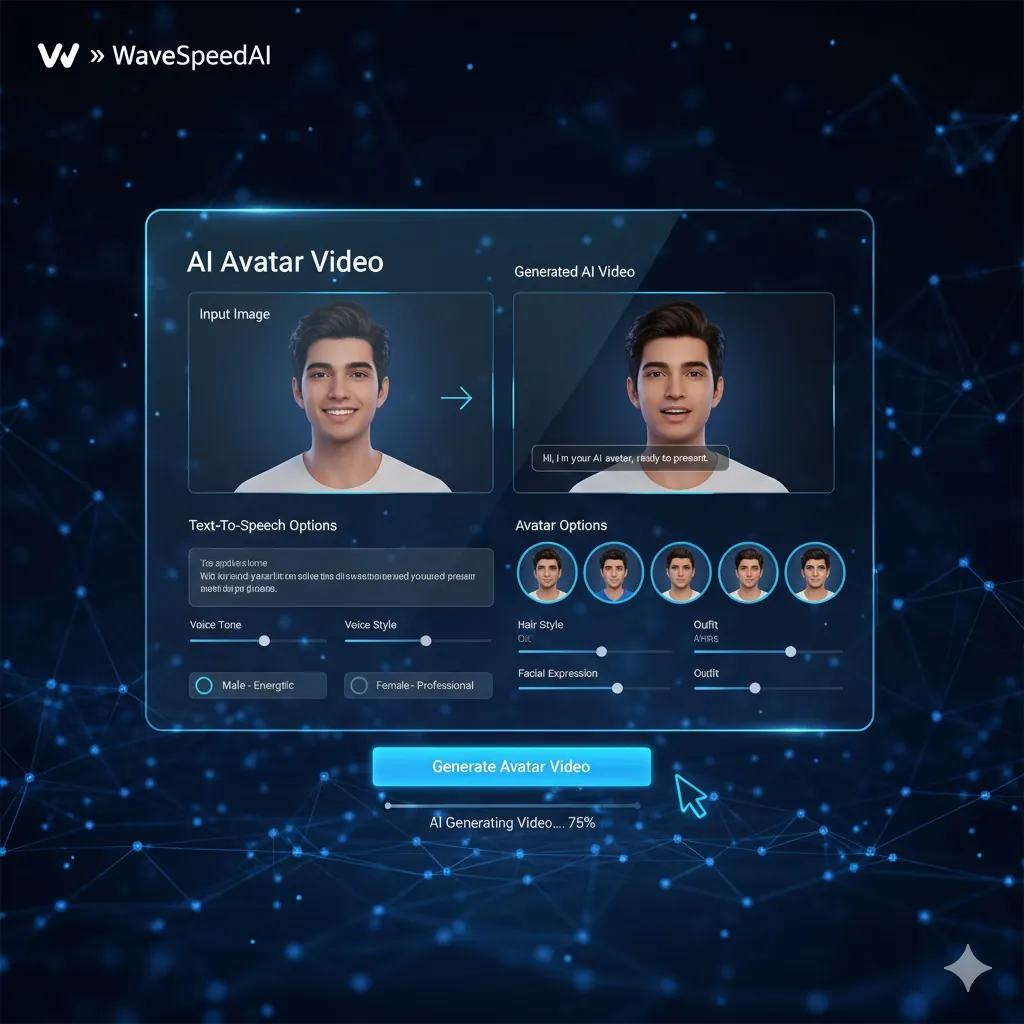
AI Avatar Generator
Create lifelike AI avatars for any use case.
Try Now →Frequently Asked Questions
Everything you need to know