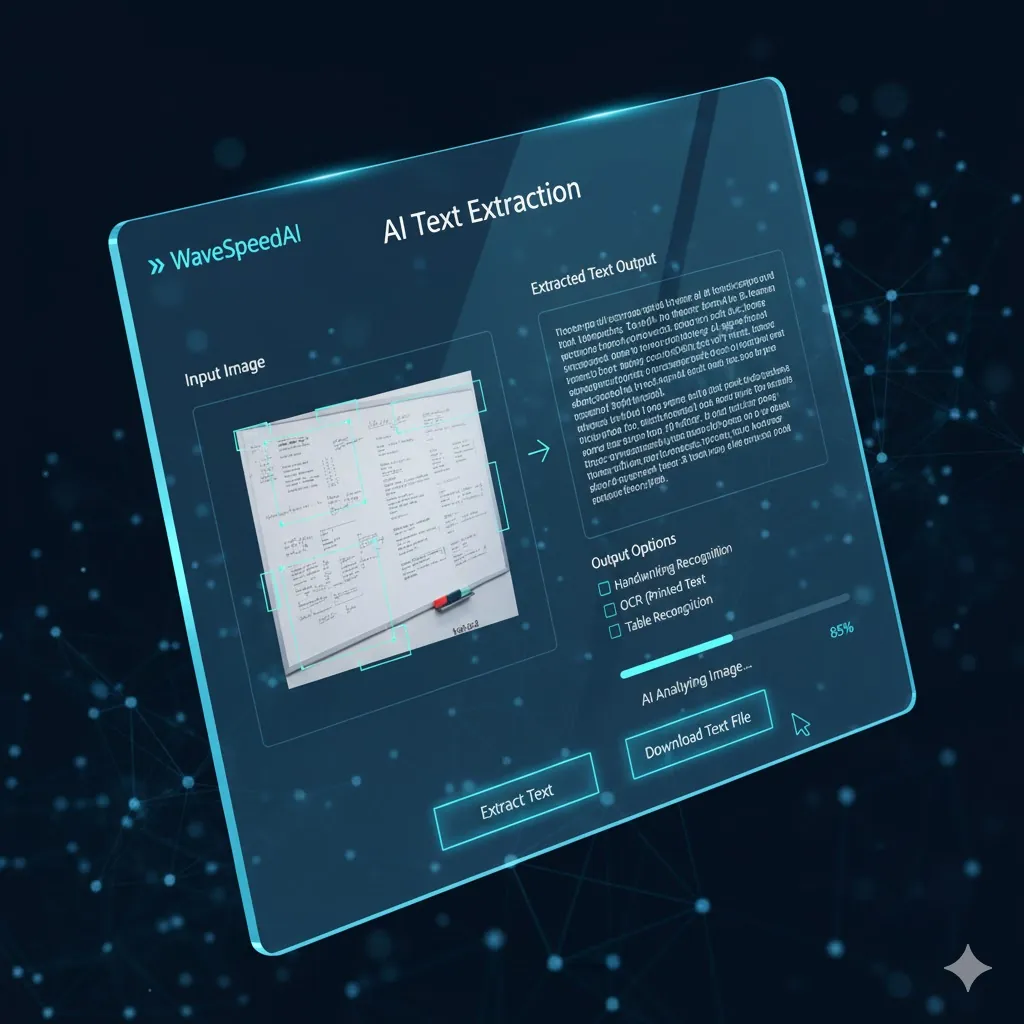
WaveSpeed Ai-text-extraction Solution
Traditional Challenges
WaveSpeedAI Solution
How It Works
Quickly convert images to text in 4 easy steps
Upload Image
Upload your photo or document image
Select Output Format
Choose your preferred text format (e.g., TXT, DOCX)
Review Extracted Text
Check the AI-generated text for accuracy
Download Text
Receive your editable text file in moments
Endless Possibilities
Perfect for any industry or application
Real Success Stories
See how businesses optimize their workflows with AI
E-commerce Product Listings
Before
50 hours
After
2 hours
“We transformed our listings by extracting text in bulk. Saves us days every week.”
University Research Project
Before
Manual entry
After
Automated extraction
“Enabled quicker access to data, allowing research teams to focus on analysis.”
AI Model Comparison
Choose the right extraction model for your needs
Related AI Tools
Explore more powerful AI tools for business solutions
Explore Our AI Generators
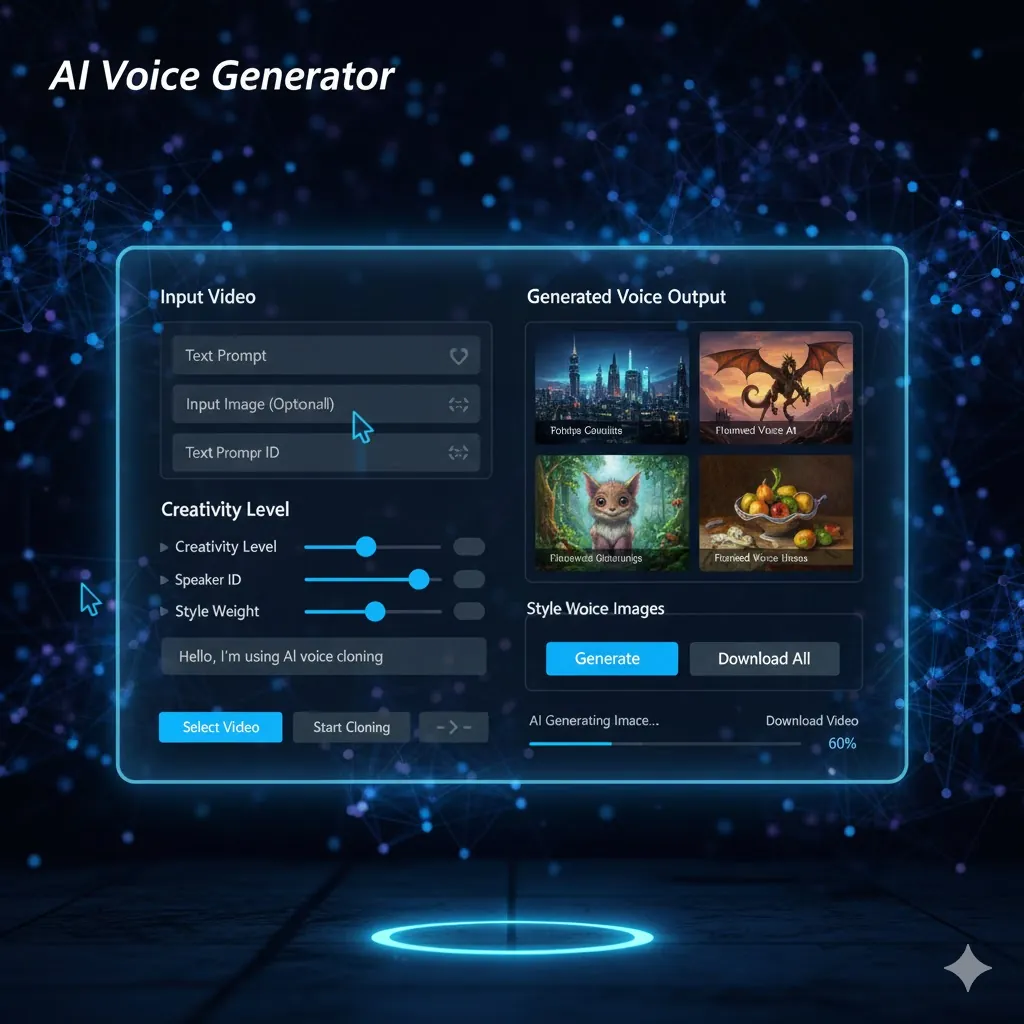
AI Image Generator
Create stunning images from text prompts with advanced AI models.
Try Now →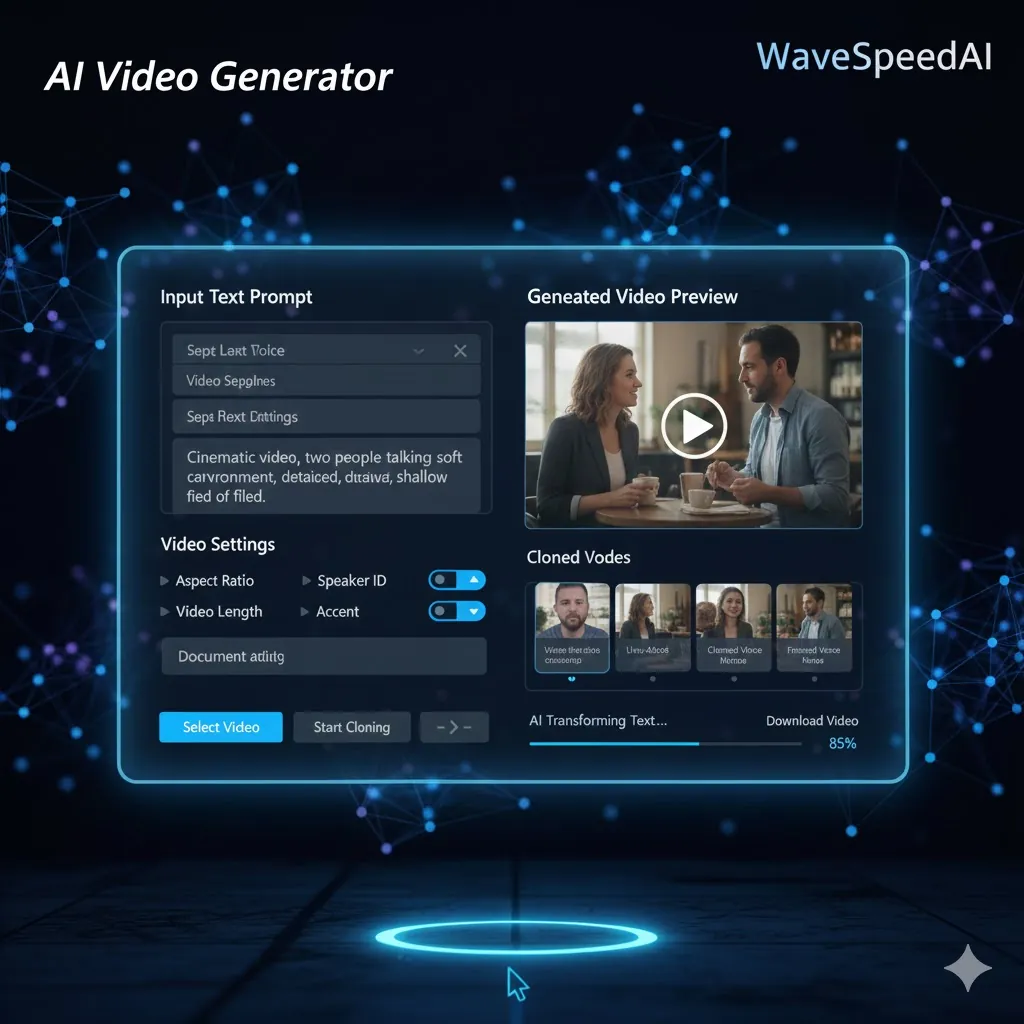
AI Video Generator
Transform ideas into dynamic videos powered by advanced AI.
Try Now →
AI Audio Generator
Generate high-quality audio and music with AI in seconds.
Try Now →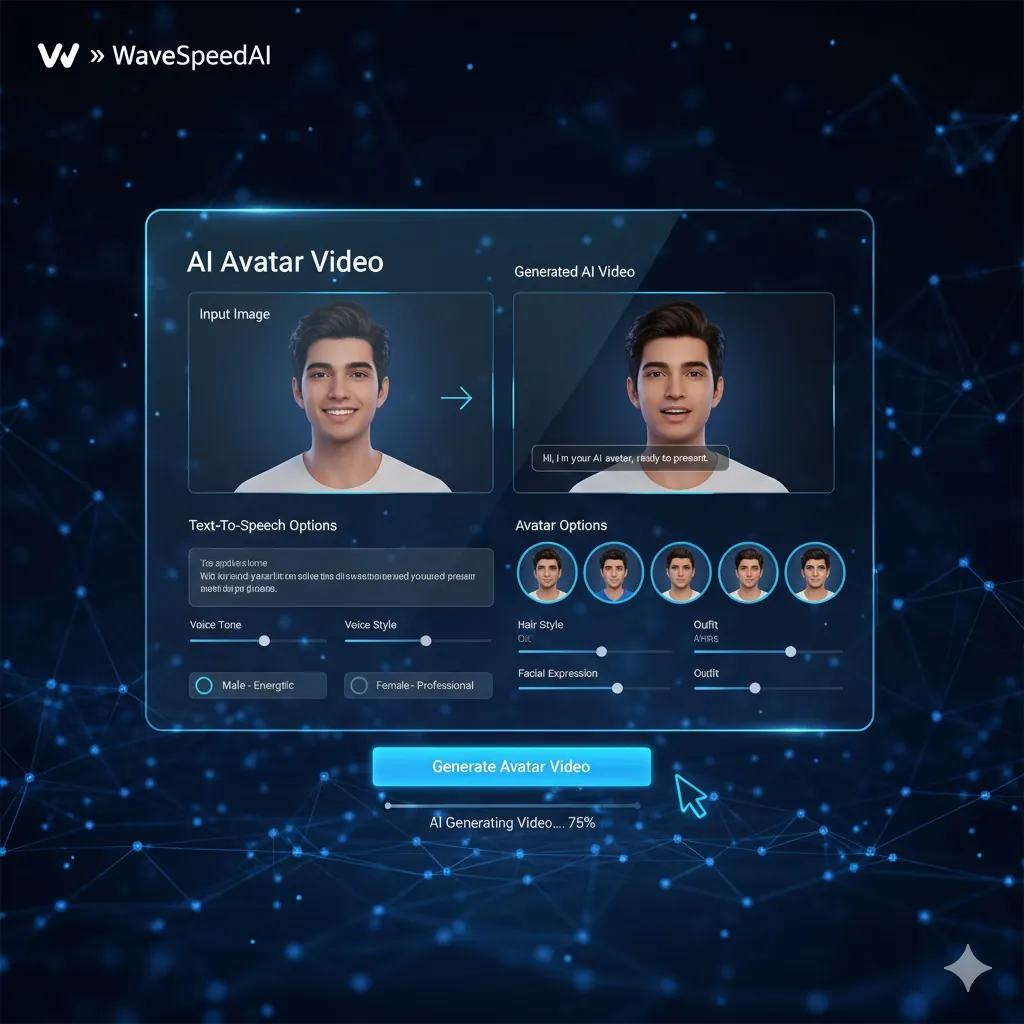
AI Avatar Generator
Create lifelike AI avatars for any use case.
Try Now →Frequently Asked Questions
Everything you need to know