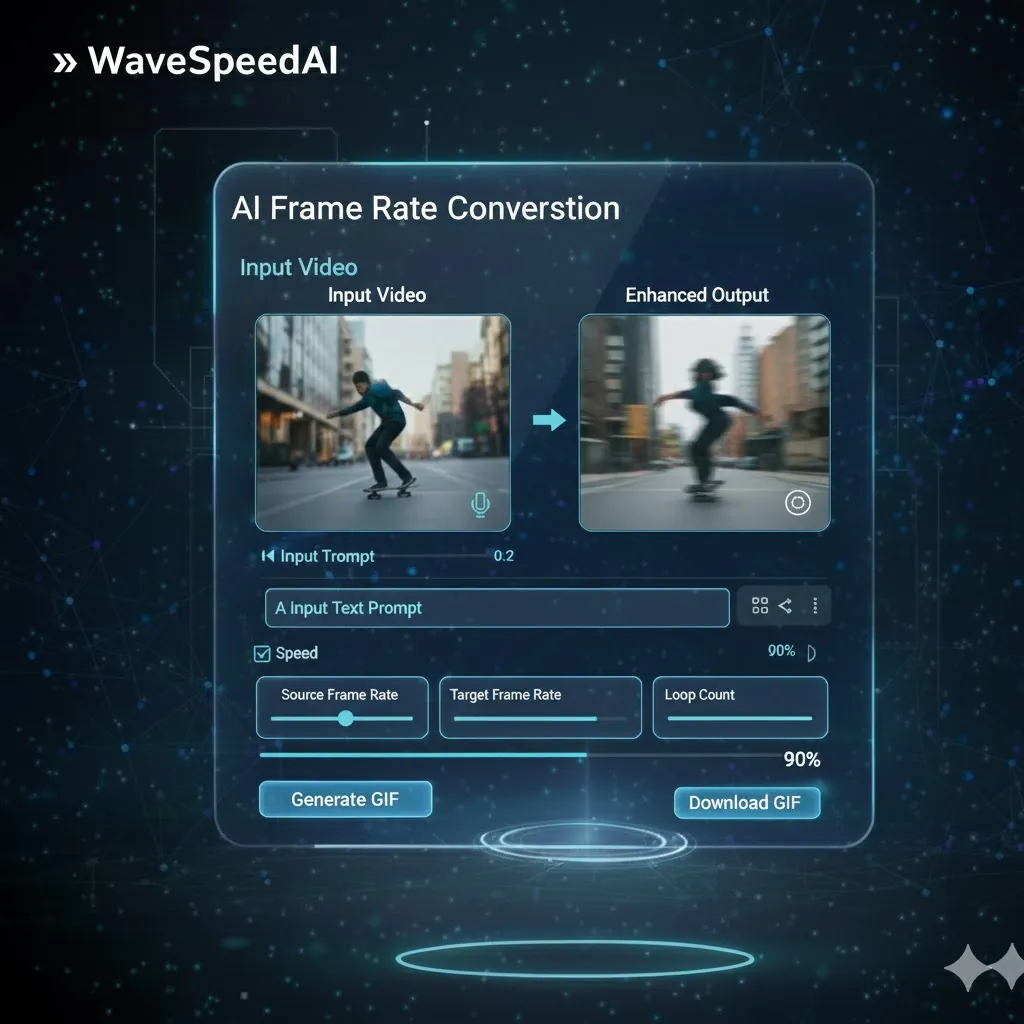
WaveSpeed Ai-frame-rate-conversion Solution
Traditional Challenges
WaveSpeed AI Solution
How It Works
Adjusting video frame rates in 4 simple steps
Upload Video
Upload your video file to the platform
Select Frame Rate
Choose your desired frame rate for conversion (e.g., 30fps, 60fps)
Preview Adjustment
See a preview of your video with the new frame rate applied
Download Video
Get your polished video ready for distribution
Endless Possibilities
Ideal for any video content type
Real Success Stories
See how users are enhancing their videos with AI
Indie Film Project
Before
Variable Frame Rates
After
Consistent Playback
“With frame rate conversion, our film now flows seamlessly, enhancing the viewer's experience dramatically.”
YouTube Channel
Before
Choppy Videos
After
Smooth Playback
“Converting frame rates revitalized our content, leading to a noticeable increase in viewer retention.”
AI Model Comparison
Select the right frame rate setting for your needs
Related AI Tools
Explore more powerful AI tools for video enhancement
Explore Our AI Generators
AI Image Generator
Create stunning images from text prompts with advanced AI models.
Try Now →
AI Video Generator
Transform ideas into dynamic videos powered by advanced AI.
Try Now →
AI Audio Generator
Generate high-quality audio and music with AI in seconds.
Try Now →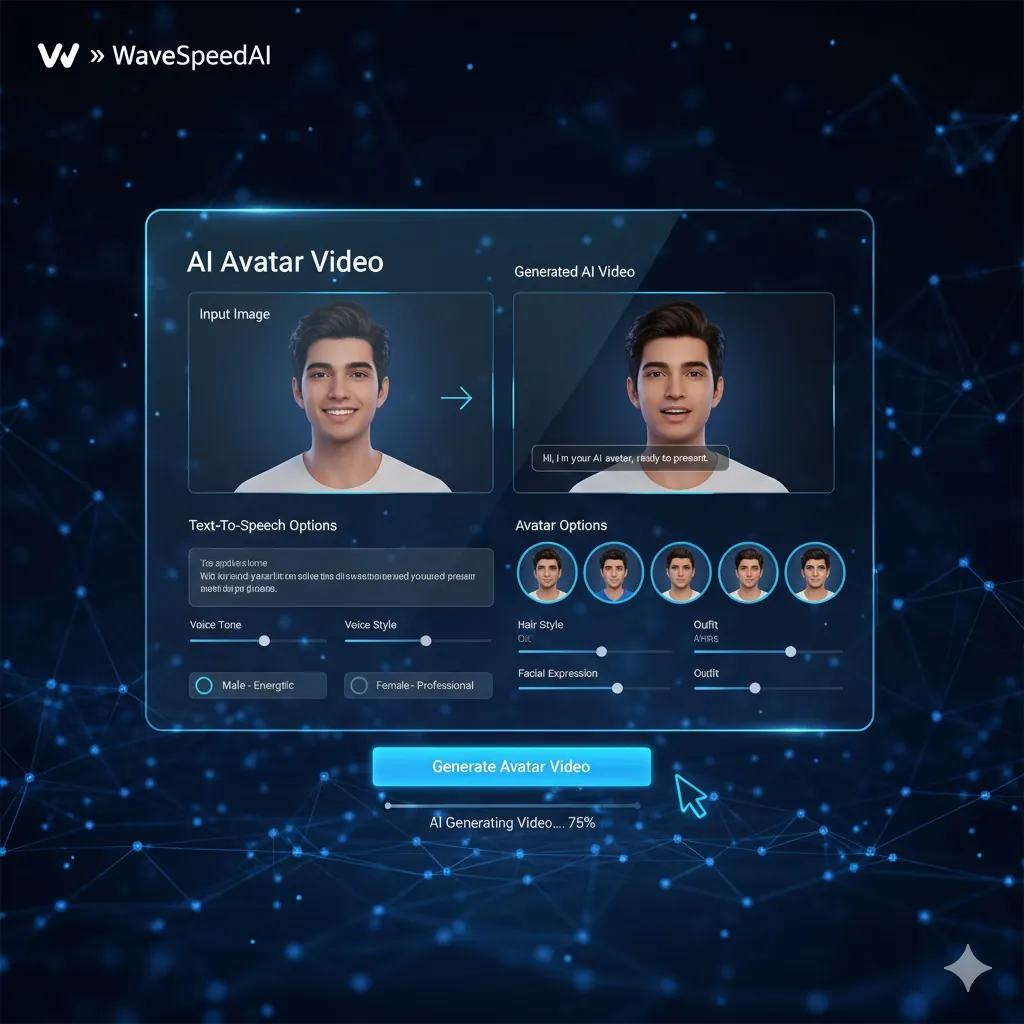
AI Avatar Generator
Create lifelike AI avatars for any use case.
Try Now →Frequently Asked Questions
Everything you need to know