GPT Image 2.5 API 指南:WaveSpeedAI 上的 Flare 与 Sunburst
在 WaveSpeedAI 上使用 GPT Image 2.5 Flare 和 Sunburst,附 API 示例、五种质量设置、最高 4K 输出,以及最多使用 16 张参考图像的编辑功能。
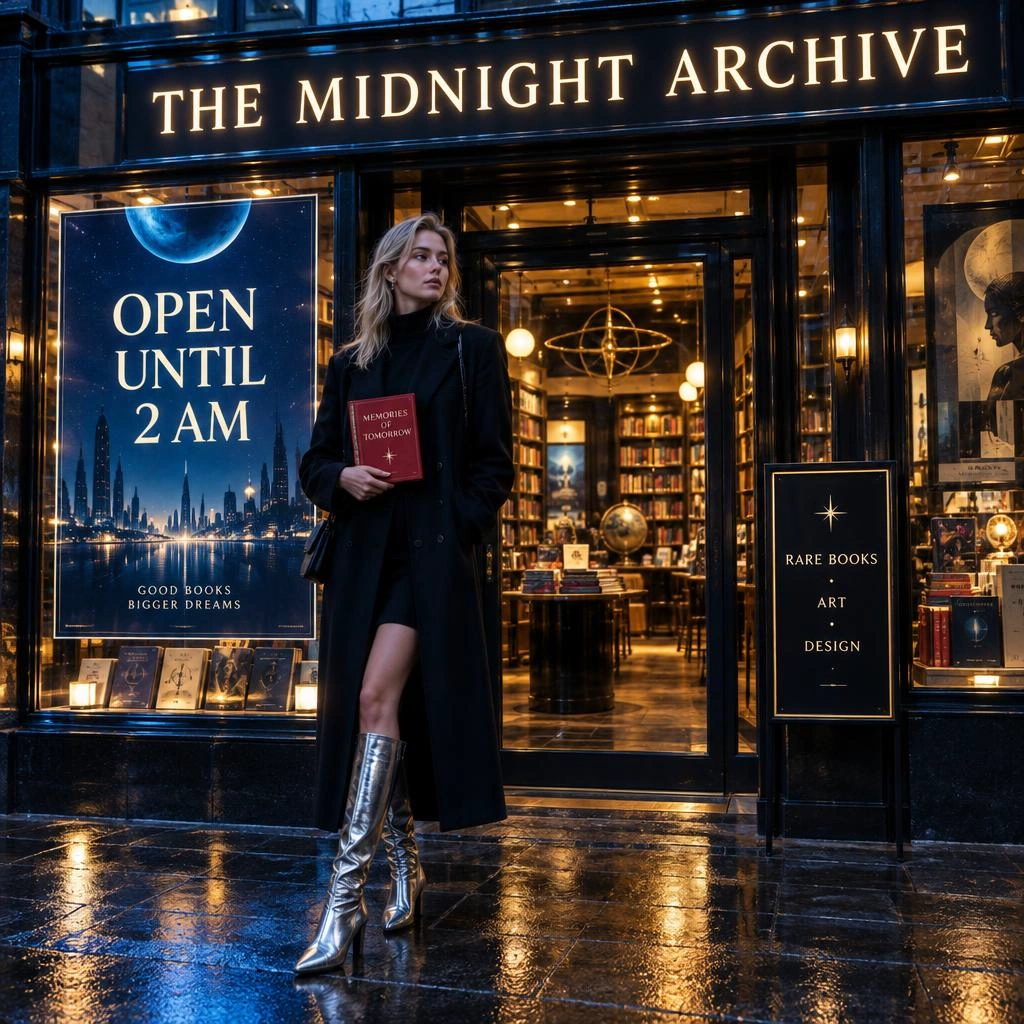
OpenAI 的 GPT Image 2.5 现已登陆 WaveSpeedAI,并且不是单一模型,而是分为两个档位:
- GPT Image 2.5 Flare Text-to-Image 和 Flare Edit —— 快速、均衡的档位,适合低延迟的日常生成。
- GPT Image 2.5 Sunburst Text-to-Image 和 Sunburst Edit —— 注重精度的档位,每张图花费更多时间,以在复杂细节上获得更高的保真度。
对应的 Flare 和 Sunburst 端点共享相同的核心生成控制:五档质量、1K / 2K / 4K 输出尺寸、灵活的宽高比,以及 PNG、JPEG 或 WebP 输出。
封面图代表的是 Flare Text-to-Image。要尝试产品照工作流,可以从 medium 质量、1k 分辨率、3:2 宽高比开始,并使用如下提示词:
A cinematic product photo of an unbranded amber glass perfume bottle with a plain frosted-glass label and no text or logo, on a marble surface, soft golden-hour lighting, shallow depth of field, elegant reflections, premium editorial photography styleFlare 还是 Sunburst?
按工作负载选择:当迭代速度重要时使用 Flare;当复杂细节和精度更重要时使用 Sunburst。
Flare 是产品图、社交媒体创意、主视觉图以及任何需要反复迭代的内容的起点。
Sunburst 适用于你会放大查看的图像:微距摄影、复杂的机械或建筑主体、密集排版、印刷作品。测试时请精确描述质感和材质。

例如,可以试试这条微距摄影提示词:
Extreme macro photograph of an open mechanical wristwatch movement, intricate gears and jewels, brushed steel and gold plating, dramatic studio lighting, ultra-detailed由于对应的端点提供相同的核心控制项,一个实用的工作流是:先在 Flare 上起草,再把定稿的提示词放到 Sunburst 上测试,用于需要更仔细检查的交付物。
关于如何按工作负载选择以及升级规划,请参阅 GPT Image 2.5: Flare vs Sunburst and when to upgrade。
WaveSpeedAI 上的五档质量
GPT Image 2.5 提供五个 quality 值:low、medium、high、xhigh 和 max。在 WaveSpeedAI 上默认值为 medium。请把这些标签视为输出质量设置,而不是对固定延迟或视觉效果的保证。
| 档位 | 最适合 |
|---|---|
low | 快速草稿、缩略图、版面探索 |
medium | 适用于大多数生产图像的均衡默认值 |
high | 细节丰富的营销视觉、文字密集的设计、产品图 |
xhigh | 精细纹理、复杂场景、可用于印刷的素材 |
max | 该模型所能提供的最高保真度输出 |
从 GPT Image 2 迁移设置之前,有一点需要了解:GPT Image 2.5 使用五级刻度。不要假设不同模型世代中名称相近的档位在保真度上是等价的。把 medium 作为起点,用你自己的提示词测试,并一次上调或下调一档,直到输出符合你的需求。
参数
文生图和编辑端点提供相同的核心生成控制;编辑端点还需要 images。
| 参数 | 是否必填 | 说明 |
|---|---|---|
prompt | 是 | 对图像或编辑内容的自然语言描述。 |
images | 仅编辑 | 最多 16 张参考图像。除非设置了 aspect_ratio,否则输出遵循第一张图像的宽高比。 |
aspect_ratio | 否 | 1:1、1:2、2:1、1:3、3:1、2:3、3:2、3:4、4:3、4:5、5:4、9:16、16:9、9:21、21:9。当输出必须适配特定版面时,请显式设置。 |
resolution | 否 | 1k(默认)、2k、4k。 |
quality | 否 | low、medium(默认)、high、xhigh、max。 |
output_format | 否 | png(默认)、jpeg、webp。 |
使用参考图像进行编辑
编辑端点接收一个提示词加最多 16 张参考 images。以 Flare Edit 的产品背景替换工作流为例:上传一张瓶子照片,要求把它放在黄金时刻的海滩木栈道上,同时保持瓶子、标签和比例不变。请检查结果中是否有非预期的改动。

对于 Sunburst Edit,可以试着把一张手表微距照片变成印刷广告:要求深海军蓝背景、暗角效果,以及衬线字体的标题 “PRECISION, ENGINEERED”。请指明哪些齿轮和宝石必须保持不变,然后检查它们在输出中的位置。
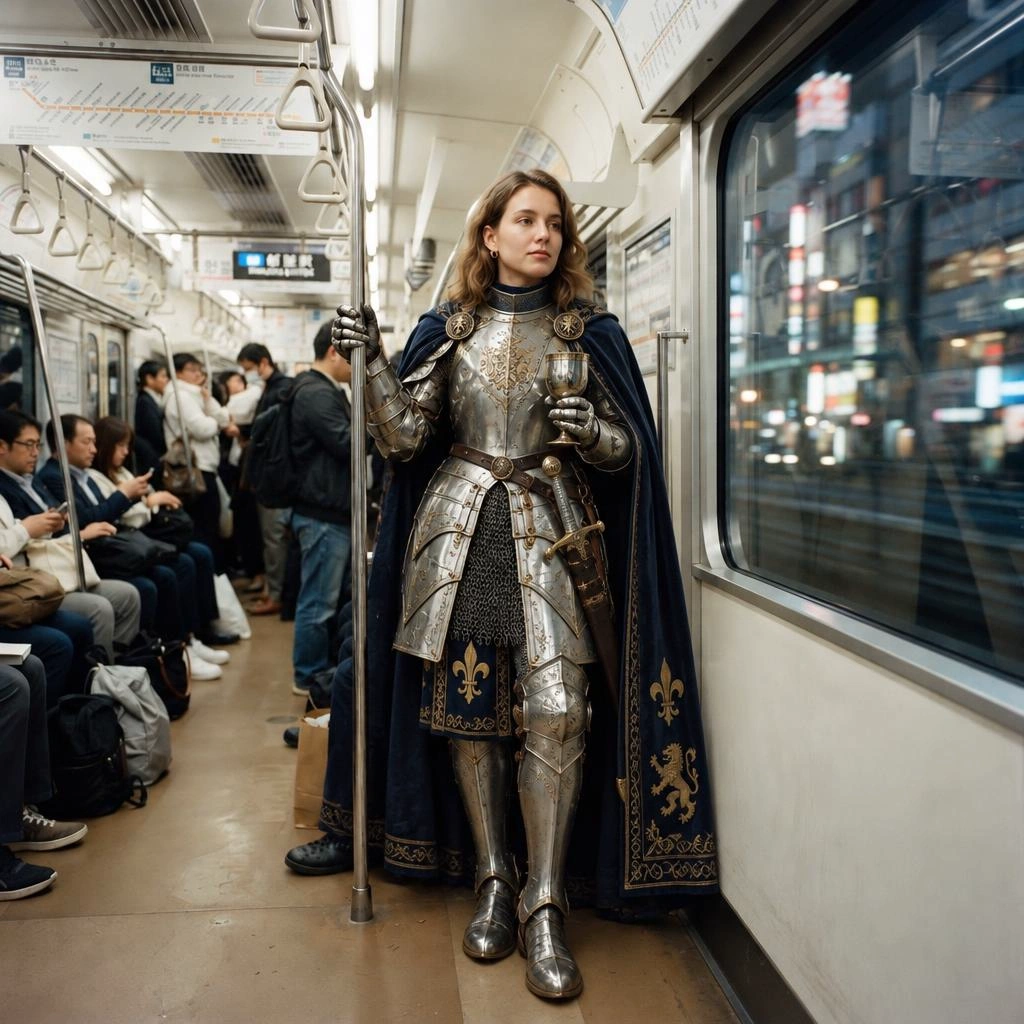
把你希望渲染的文字的确切措辞放在引号中,并明确说明哪些内容不得改变。上面的模型图只是用来标识端点;其中的工作流建议是需要你用自己的参考图去评估的提示词。
调用 API
提交一个预测任务,然后轮询结果。切换模型 ID 即可在 Flare、Sunburst、文生图和编辑之间切换。
curl -X POST "https://api.wavespeed.ai/api/v3/openai/gpt-image-2.5-flare/text-to-image" \
  -H "Authorization: Bearer $WAVESPEED_API_KEY" \
  -H "Content-Type: application/json" \
  -d '{
    "prompt": "A cinematic product photo of an unbranded amber glass perfume bottle on a marble surface, soft golden-hour lighting",
    "aspect_ratio": "3:2",
    "resolution": "1k",
    "quality": "medium"
  }'
响应中包含预测任务的 id。轮询 https://api.wavespeed.ai/api/v3/predictions/{id}/result,直到 status 为 completed;outputs[0] 即为图像 URL。
import os
import time

import requests

API_KEY = os.environ["WAVESPEED_API_KEY"]
BASE = "https://api.wavespeed.ai/api/v3"
HEADERS = {"Authorization": f"Bearer {API_KEY}", "Content-Type": "application/json"}


TRANSIENT = {429, 500, 502, 503, 504}


def run(model: str, payload: dict) -> str:
    # 只提交一次。不要自动重试这个 POST:在含糊的失败(超时、5xx)之后重试,
    # 可能会创建第二个付费任务。
    submit = requests.post(f"{BASE}/{model}", headers=HEADERS, json=payload, timeout=60)
    submit.raise_for_status()
    prediction_id = submit.json()["data"]["id"]

    # 轮询直到进入终态。
    failures = 0
    while True:
        time.sleep(3)
        try:
            result = requests.get(f"{BASE}/predictions/{prediction_id}/result", headers=HEADERS, timeout=60)
        except requests.RequestException:  # 网络错误:退避并继续轮询
            result = None
        if result is None or result.status_code in TRANSIENT:
            failures += 1
            retry_after = result.headers.get("Retry-After", "") if result is not None else ""
            time.sleep(int(retry_after) if retry_after.isdigit() else min(2 ** failures, 60))
            continue
        if result.status_code != 200:
            raise RuntimeError(f"task {prediction_id}: unexpected HTTP {result.status_code}")
        failures = 0
        data = result.json()["data"]
        if data["status"] == "completed":
            return data["outputs"][0]
        if data["status"] in {"failed", "cancelled", "timeout", "deleted"}:
            raise RuntimeError(f"task {prediction_id} {data['status']}: {data.get('error')}")


# Flare 上的文生图
image_url = run(
    "openai/gpt-image-2.5-flare/text-to-image",
    {"prompt": "Extreme macro photograph of an open mechanical wristwatch movement, ultra-detailed", "aspect_ratio": "3:2"},
)

# Sunburst 上的编辑,以生成的图像作为参考
ad_url = run(
    "openai/gpt-image-2.5-sunburst/edit",
    {
        "prompt": "Turn this into a premium print advertisement with a dark navy backdrop and the headline text \"PRECISION, ENGINEERED\" at the top, keep every gear exactly as shown",
        "images": [image_url],
        "quality": "high",
    },
)
print(image_url, ad_url)
从 GPT Image 2 迁移
- 模型 ID。 将 GPT Image 2 的模型 ID 替换为上文列出的相应 Flare 或 Sunburst 文生图/编辑模型 ID。
- 请求校验。 GPT Image 2.5 支持
prompt、aspect_ratio、resolution、quality和output_format;编辑端点还需要images。请在所选模型页面上核对允许的取值和默认值,不要假设旧请求可以原样复制使用。 - 质量。 从
medium开始,将结果与现有输出对比,然后据此调整。不要因为档位名称相同就推断不同世代之间的保真度相当。 - 上线。 在新端点通过你的质量和延迟检查之前,保留现有端点作为回退。
如果你刚接触这个系列,之前的指南对请求流程仍然适用:GPT Image 2 API guide 和 GPT Image 2 rate limits。
开始生成
在 GPT Image 2.5 API overview 中探索全部四个端点,或直接打开某个模型:
- GPT Image 2.5 Flare Text-to-Image
- GPT Image 2.5 Flare Edit
- GPT Image 2.5 Sunburst Text-to-Image
- GPT Image 2.5 Sunburst Edit
一个 API 密钥即可覆盖全部四个端点以及 WaveSpeedAI 目录中的其他模型,并沿用你在 GPT Image 2 上已经熟悉的同一套预测流程。
常见问题
GPT Image 2.5 Flare 和 Sunburst 有什么区别?
Flare 是速度快、均衡的档位,适合低延迟的日常生成。Sunburst 是注重精度的档位,在复杂细节上提供更高的保真度。两者对应的文生图和图像编辑端点提供相同的核心生成控制参数;切换档位只需更改模型 ID。
GPT Image 2.5 的质量档位与 GPT Image 2 相比如何?
GPT Image 2.5 有五个档位:low、medium、high、xhigh 和 max。这些档位并不被定义为与 GPT Image 2 档位一一对应,因此在确定设置之前,请用您自己的提示词对比输出效果。
GPT Image 2.5 edit 一次请求最多可以发送多少张参考图像?
每次请求最多 16 张。如果不设置 aspect_ratio,输出将沿用第一张参考图像的宽高比。
GPT Image 2 现在还能用吗?
可以。GPT Image 2 的文生图和编辑端点在 WaveSpeedAI 上仍然可用。请将迁移到 GPT Image 2.5 视为一次模型迁移:更改模型 ID,并在所选 GPT Image 2.5 模型页面上验证当前的参数和默认值。