LTX-2 Local vs Cloud: ComfyUI vs WaveSpeed (Speed, Cost & Privacy)
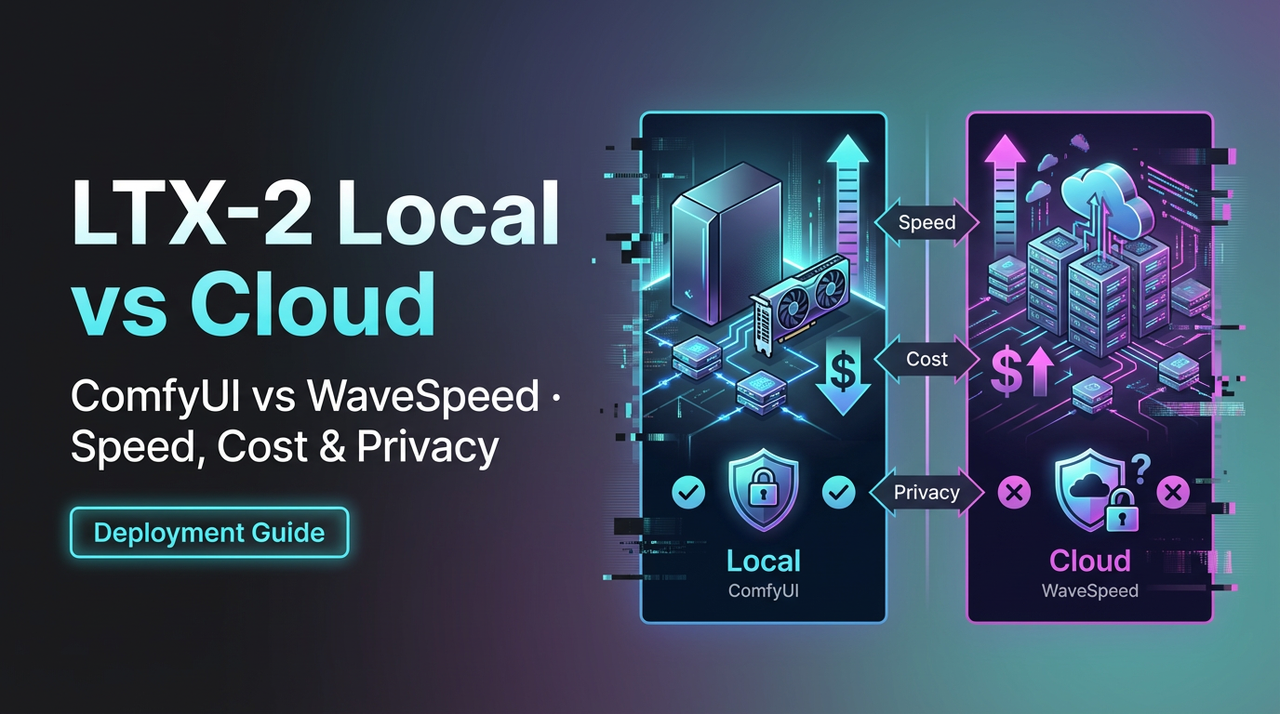
A small thing pushed me into this: a 40-second wait. I’d kicked off a batch in the LTX-2 cloud and wandered off to refill my mug. When I came back, one job failed with a vague error, and I couldn’t tell if it was me, the preset, or the service. That tiny pause stuck. The next morning I ran the same preset locally, and it finished before my email app could sync. That contrast is what this piece is about: LTX-2 Local vs Cloud, not as a feature list, but the weight each one adds, or removes, from a normal day.
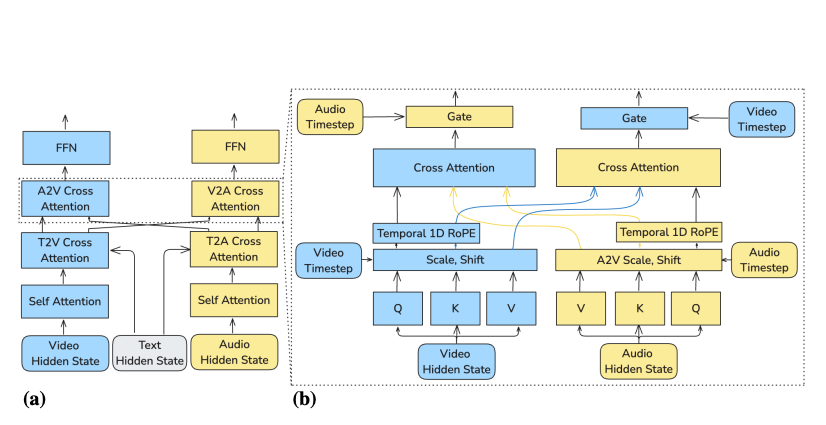
I tested both setups in early January 2026 on my 16-inch MacBook Pro (M2 Pro, 32 GB RAM) and a small Ubuntu box with an RTX 4090, alongside the LTX-2 cloud in a US region. Your hardware and region will change the numbers, but the trade-offs lined up in familiar ways. For more technical details about the model, see the LTX-2 research paper.
Quick Decision Table (local vs cloud by use case)
Here’s the fast path I wish I’d had before I started toggling back and forth.
| Use case | Pick | Why it felt right |
|---|---|---|
| Single previews, tight feedback loops | Local | Near-zero queueing, quick iteration, easier to debug presets and prompts. |
| Big batches with firm deadlines | Cloud | Parallel jobs, better throughput, fewer babysitting moments once it’s dialed. |
| Sensitive data (PII, unreleased assets) | Local | No uploads: you control retention and access by default. |
| Spiky workloads (some weeks heavy, others quiet) | Cloud | Pay for bursts: no idle GPU humming under your desk. |
| Offline or flaky internet | Local | Obvious, but it matters the minute Wi-Fi coughs. |
| Team sharing and reproducibility | Cloud | Centralized presets, logs, and permissions reduce “works on my machine” problems. |
| Experimental ops (custom builds, edge flags) | Local | You can pin versions, test branches, and roll back instantly. |
I didn’t expect this to be so split. But after a week, I found myself previewing local by default and sending anything over 200 items to the cloud.
Speed: Local Hardware vs Cloud Throughput
Sure, speed broke into two different feelings for me.
- Local felt snappy for one-offs. On the M2 Pro, a single LTX-2 job started in ~1–2 seconds and wrapped fast enough that I stayed in flow. On the 4090 box, it was basically instant once warm.
- Cloud felt steady for volume. The first job sometimes waited 5–15 seconds in queue, but 50 parallel jobs smoothed that out. Throughput won over latency.
A small note from the field: cold starts matter more than we admit. Local caches, from weights to intermediate files, made repeated runs feel lighter. I didn’t notice this until I wiped a cache and suddenly everything dragged again. In the cloud, I didn’t control that layer, so I accepted the small start tax in exchange for scale.
What surprised me: my fastest single preview was always local. My fastest hour for 1,000 items was always cloud. The pivot point was around 150–250 items for me. Past that, typing a command and letting the service fan out saved the afternoon. Under that, booting a local run kept me in the work.
Cost: Electricity + Depreciation vs Credits
I tried to price this like a calm accountant, not a hype person.
Local cost looks like this:
- Up-front hardware (or monthly lease)
- Electricity (my 4090 rig idled at ~90W and ~420W under load)
- Depreciation and maintenance (fans, storage, the occasional driver rabbit hole)
Cloud cost looks like this:
- Per-job or per-token credits
- Possible egress/storage if you keep assets around
- Overages when batches spike
Two quick sketches from my notes:
- 200-item batch, each job ~1 minute: Local took ~220 minutes wall-clock on my Mac (no GPU), basically free except electricity. Cloud chewed through it in ~8–12 minutes with parallelism, at a credit cost that was easy to justify the week I was on a deadline. More implementation tips are available on GitHub.

- Ongoing trickle (20–30 items/day): Local won. Leaving the box ready meant I absorbed the cost once. Cloud credits added a small cognitive cost every time I hit run. Not expensive, just present.
I don’t think there’s a single “cheaper.” If you already own capable hardware and your workloads are steady, local is gentle on the wallet. If your volume is spiky, paying for burst capacity beats owning a space heater with fans. I had one month where local was almost free and another where cloud was obviously smarter.
Privacy: Data Retention & Team Permissions
This part was simple for me. If it’s sensitive, I run LTX-2 local. Not because I distrust the cloud, but because I can account for where files live.
Local:
- No uploads. Artifacts stay on my disk or my network share.
- I can align with my own retention rules: auto-purge after X days, encrypt at rest, and call it a day.
Cloud:
- Better team controls out of the box: roles, project boundaries, and logs that don’t depend on my memory.
- Retention is policy-based. That’s good, but it’s still an agreement with a vendor. Read the docs and confirm defaults: some services keep logs and artifacts longer than you expect.
For collaboration across a small team, the cloud felt safer, not in the privacy sense, but in the “we won’t lose the canonical preset” sense. For anything with unreleased assets or PII, local kept my shoulders down. Both can be done well. For general open weights and benchmarks, you can refer to Papers With Code.
Stability: Dependency Updates & Node Crashes
I lost an afternoon to a driver update. That’s the honest part of running local. When it works, it’s great. When one dependency bumps and another lags, you’re the SRE.
Local stability field notes:
- Pin everything you can. Containers, env files, even OS updates if you must.
- Keep a “known good” preset + version list. I keep a short text file next to the project with the commit hash and key flags.
- Expect the occasional crash under heavy batches. It’s rarely catastrophic, but it breaks flow.
Cloud stability field notes:
- Fewer surprises: more black boxes. Jobs usually complete, and if they don’t, the error messages are sometimes more polite than helpful.
- Vendor upgrades roll in without ceremony. Nice when it improves speed: annoying when a change shifts outputs.
Neither is perfectly calm. Local gives you levers and extra chores. Cloud gives you fewer levers and fewer chores. I pick based on which kind of interruption I’m willing to have that week.
Best Hybrid Approach (local preview + cloud batch)
What eventually stuck for me was a simple rhythm:
- Draft and preview local. I keep a tiny sample set, 10–20 items, that reflects edge cases. I iterate until outputs look right twice in a row, not once.
- Batch in the cloud. I export the exact preset and run it with a timestamped job name. I watch the first 5% of logs, then walk away.
Why this felt right:
- Local previews keep latency near zero. I can tweak prompts, weights, or parameters without context switching.
- Cloud batches keep my machine free. I can keep writing, or I can shut the lid and go outside.
Two small tricks that helped:
- I fixed my “preview set.” Early on, I kept swapping inputs and lost track of what changed. With a fixed set, I know improvements are real.
- I snapshot presets before every big run. Even a minor version bump can nudge outputs: snapshots make diffs obvious.
On weeks with fewer jobs, I sometimes keep everything local, especially if I’m offline or traveling. On production weeks, I don’t fight the cloud. The point of LTX-2 Local vs Cloud isn’t loyalty, it’s picking the environment that reduces friction for the job in front of you. That’s why we built WaveSpeed — to handle local previews and cloud batch runs without babysitting queues. It’s what our team uses every day.
Migration Checklist (workflow / preset transfer)
Moving between LTX-2 local and the cloud was smoother once I wrote down the steps. This is the checklist I now use. It’s boring, which is why it works.
Preset parity
- Export/import the preset instead of copying by hand. If a direct export isn’t available, store presets in version control as JSON/YAML.
- Pin versions. Note the model/build ID, any extension versions, and relevant flags.
- Record seed/randomness settings if determinism matters.
Asset paths
- Normalize paths. Local absolute paths won’t exist in the cloud: use relative paths or pre-upload assets to a known bucket or project folder.
- Confirm codecs and formats. A mismatch here breaks pipelines in quiet ways.
Environment
- Document environment variables and secrets separately. Never bake secrets into presets.
- Align hardware assumptions. If your local preset expects a certain memory footprint, test a smaller batch in the cloud first.
Validation
- Run a miniature batch (1–5% of the full set) and compare outputs input-by-input.
- Keep logs for the first successful run in each environment. They become the baseline when something drifts later.
Rollback
- Keep a “last known good” preset on both sides. Name it with a date and a short note like, “pre-CUDA update” or “seed locked for release v1.”
 This takes ten quiet minutes and pays for itself the first time something shifts under you. I still forget a step now and then: the checklist forgives that.
If you’re weighing LTX-2 Local vs Cloud, this is the part I’d start with anyway. Even if you never switch, writing down your assumptions has a way of calming the work.
Related Articles
WAN 2.5 ComfyUI Workflow: Best Node Graph + Settings for Stable Results

WAN 2.5 Pricing Explained: Cost for 10/50/100 Videos + How to Cut Waste

ComfyUI Nano Banana Pro Workflow: Install, Nodes, and Best Defaults

WaveSpeed AI Partners with Azuro AI to Power France's Largest AI Hackathon

Nano Banana Pro API on WaveSpeed: How to Call It + Pricing Notes