
WAN 2.5 ComfyUI Workflow: Best Node Graph + Settings for Stable Results
A practical WAN 2.5 ComfyUI workflow: minimal node graph, stable settings baseline, motion control tips, export path, and common error fixes.
Hey, buddy! I’m Dora. That day, I was stitching short product loops for a demo, and my usual setup kept drifting, character sleeves changing, background pulsing, motion wobbling at the edges. Not terrible, just distracting. I wanted a video workflow that behaved like a steady hand, not a guessing game.
I spent a few evenings this month (Jan 2026) getting WAN 2.5 running cleanly in ComfyUI. Nothing flashy. I kept the graph minimal, locked a few settings, and tested different ways to keep motion stable without sanding off the interesting parts. Here’s what settled into place, and where it didn’t. If you’re searching “WAN 2.5 ComfyUI” because you want something workable, not performative, this is the version I’d hand you over coffee.
Minimal node graph
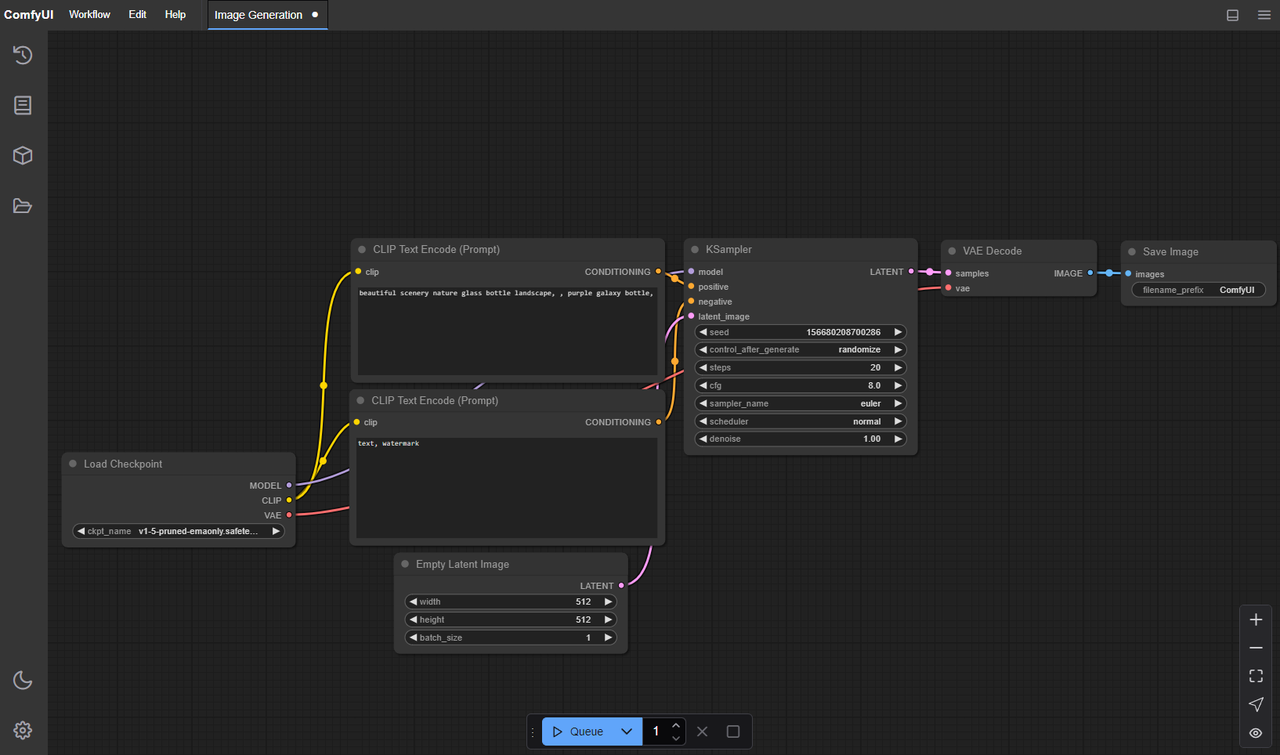
I tried a few sprawling graphs at first. They looked powerful on the canvas and felt fragile in practice. The most reliable setup for WAN 2.5, at least on my machine (RTX 4090, 24 GB VRAM), was boring on purpose.
What I ended up with:
- Model loader for WAN 2.5 (the official weights + config: loaded once at start)
- Text encoder (one prompt, one negative prompt)
- Seed node (single seed, not per-frame)
- Sampler for video (WAN’s sampler or a compatible video sampler in ComfyUI)
- VAE (decode at the end: no mid-graph re-encodes)
- Save video
That’s it. No extra upscalers, no guidance adapters, no denoise branches. Not because those are bad, but because I wanted to see what WAN 2.5 does without help. The upside was clear: fewer moving parts, fewer surprises. When something flickered, I knew it wasn’t an external node.
If you’re starting from zero, I’d install ComfyUI fresh, add ComfyUI Manager for easier node management, then add the WAN 2.5 node pack from its official source. After that, resist the urge to decorate the graph. Get one 3–4 second clip rendering clean at a modest resolution. Then add complexity if you still need it.
Settings baseline
I tested a handful of baselines and notched them up or down until clips stopped wobbling.
My stable starting point:
- Resolution: 896×504 (16:9). Divisible by 16, light on VRAM, good enough to judge motion.
- Duration: 48 frames at 12 fps (~4 seconds). Long enough to spot drift, short enough to iterate.
- Steps: 28–32. Below 24 tended to blur motion: above ~36 didn’t buy me much.
- CFG guidance: 4.0–6.0. I sat mostly at 5.0. Higher values pushed style but raised micro-flicker.
- Sampler: Euler or DPM++ 2M SDE (video-compatible build). DPM++ felt a hair steadier frame-to-frame.
- Denoise strength: 0.85–0.9 for text-to-video. If conditioning on an image, I dropped to 0.7–0.8.
- Seed: fixed. Same seed across the entire clip.
On the 4090, this baseline rendered ~4 seconds in about 2–3 minutes. On a 4080 Super I borrowed for an afternoon, it was closer to 3–4 minutes. When I bumped to 1024×576, render time climbed ~20–30% and VRAM use nudged past 17 GB.
Small note: if you’re chasing higher fps for playback (say 24), I found better results generating at 12 fps and interpolating later than trying to render directly at 24. The sampler had an easier time staying consistent.
Consistency strategy
Keeping looks consistent is basically three levers: seed, conditioning, and how aggressively you push the prompt.
What worked for me:
- Lock the seed and don’t touch it. In one run, I accidentally enabled per-frame seeding, instant wardrobe chaos.
- Keep prompts short. WAN 2.5 seems happier with clear nouns and a gentle style hint than with stacked adjectives. “A paper boat on a rainy street, soft light, muted colors” did better than a paragraph.
- Use a reference image only if you need it. Image conditioning helped anchor character design (hair, outfit) but sometimes over-constrained motion. When I did use it, I lowered denoise strength and CFG by ~0.5.
- Negative prompts can calm flicker: “harsh lighting, flashing highlights, lens warping.” Just don’t shovel in everything you dislike: 3–6 items is plenty.
I also tried an IP-Adapter branch to lock pose across frames. It helped for “still-life with a small motion” scenes (steam, ripples), but for character motion it sometimes pinched gestures. Good tool, situational payoff.
Motion stability
This was the most finicky part. Smooth motion without turning everything into jelly.
The small adjustments that mattered:
- Guidance restraint. Keeping CFG near 5.0 reduced tiny lighting pops between frames.
- Step count ceiling. Crossing ~36 steps gave me sharper stills but more micro-jitter over time.
- Sampler choice. DPM++ 2M SDE was consistently calmer in pans and slow zooms: Euler felt snappier but flickered on high-contrast edges.
- Prompt verbs. Words like “shaky, handheld, chaotic” do what they say. I avoided them unless I wanted that look.
- Light sources. Hard point lights and specular highlights encouraged shimmer. “Overcast” or “softbox lighting” kept surfaces stable.
When I needed more grip, I added two things post-render rather than inside the graph:
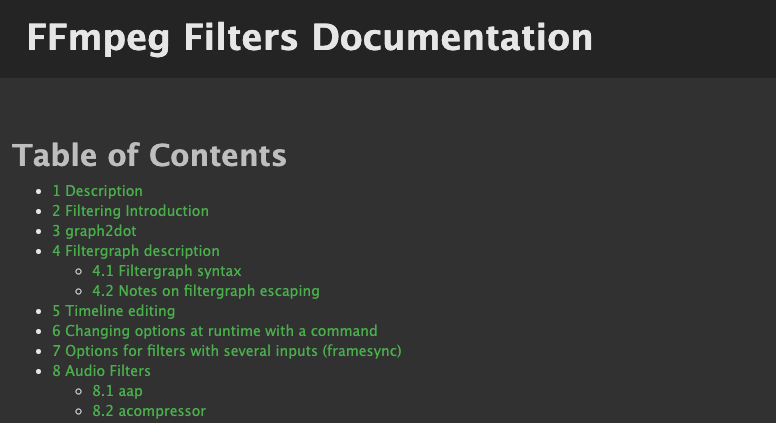
- A light deflicker pass (DaVinci Resolve’s deflicker or an FFmpeg filter) at low strength.
- Frame interpolation 12→24 fps with motion-compensated interpolation. It smoothed perceived motion without confusing the model during generation.
One surprise: camera pushes (slow dolly-in) held together better than lateral pans. If a left-to-right pan kept tearing on signage, I rephrased the prompt to “the camera gently moves forward” and got cleaner results with a similar feel.
Batch rendering
I didn’t expect batching to help, but it did, mostly for decision-making. Running 4–8 seeds back-to-back exposed which prompts had real legs.
What I used:
- A simple “Seed (batch)” node feeding the same graph.
- Queue length of 4–6 jobs. Past that, I started babysitting thermals for no good reason.
- Same baseline settings across the batch: only seed varied.
Tips from a few nights of runs:
- Keep duration short in batches (2–3 seconds). You’ll know in a second if a seed is promising.
- Save with informative file names: prompt slug + seed + resolution + fps. I added the seed to the video metadata too, future me will thank present me.
- If VRAM spikes, reduce batch size to 1 but keep the seed list. It’s still batch in spirit.
I tried batching different CFG values in one go. It worked, but it muddied the comparison. I got cleaner read-outs by isolating one variable per batch.
Common errors
A few repeat offenders showed up. None were dramatic, but they did eat time until I wrote them down.
- CUDA out of memory. Usually a sign I’d nudged resolution just past a cliff. Fixes: drop width/height by 64 px, reduce steps by 4–6, or close anything nibbling VRAM (browser tabs count). Half-precision (fp16) helped.
- Mismatched model/config. If the WAN 2.5 loader and its config disagree, you’ll get shape or dtype errors. Reinstalling the node pack and reselecting the exact config fixed it.
- Non-divisible dimensions. Video decoders are pickier. I stick to multiples of 16 for width and height.
- Codec not supported. The Save Video node sometimes defaulted to a codec my system FFmpeg didn’t like. I set H.264 with yuv420p explicitly to avoid green frames.
- Broken prompts. Over-specified negatives made faces collapse. Removing “deformed, disfigured, ugly” (the usual boilerplate) actually improved stability in several clips.
When logs got noisy, I checked two things first: the ComfyUI version (update if you’re a few weeks behind), and the NVIDIA driver. Two-thirds of my weirdness lived there. If you’re stuck, the ComfyUI GitHub issues are surprisingly straightforward about error patterns.
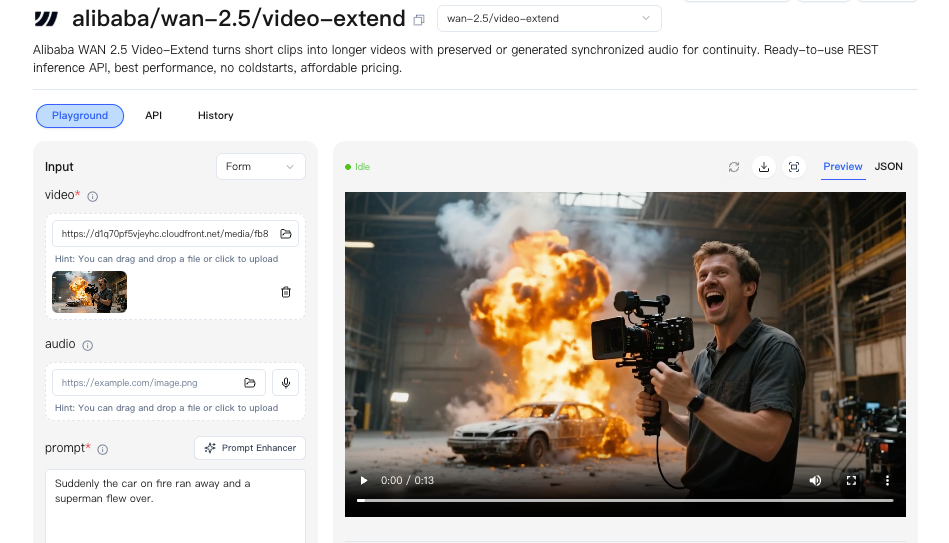 If you’d rather focus on prompts and motion instead of drivers and VRAM limits, that’s one reason we built WaveSpeed. We offer managed access to models like WAN 2.5 through a stable API layer — so you can generate without maintaining the local stack.
Export
I stopped overthinking export once I picked one clean path.
What I use for drafts:
- Codec: H.264
- Pixel format: yuv420p
- FPS: match generation (usually 12)
- Bitrate: constant 8–12 Mbps for 896×504
For editing, I export lossier first, then up-convert only the keepers:
- Interpolate 12→24 fps in post.
- If I need grade-friendly files, I rerender finals to ProRes 422 LT. Heavier, but much nicer for color passes.
Two small notes that saved me re-renders:
- Color shifts: some players lift blacks on yuv420p. If it looks wrong in VLC but fine in Resolve, it’s the player.
- Audio: the Save Video node won’t add it. If I need a temp soundtrack, I mux with FFmpeg after.
I also embed the seed, steps, CFG, and resolution in the filename and in a sidecar JSON. It’s dull bookkeeping that prevents future archaeology.
Template idea
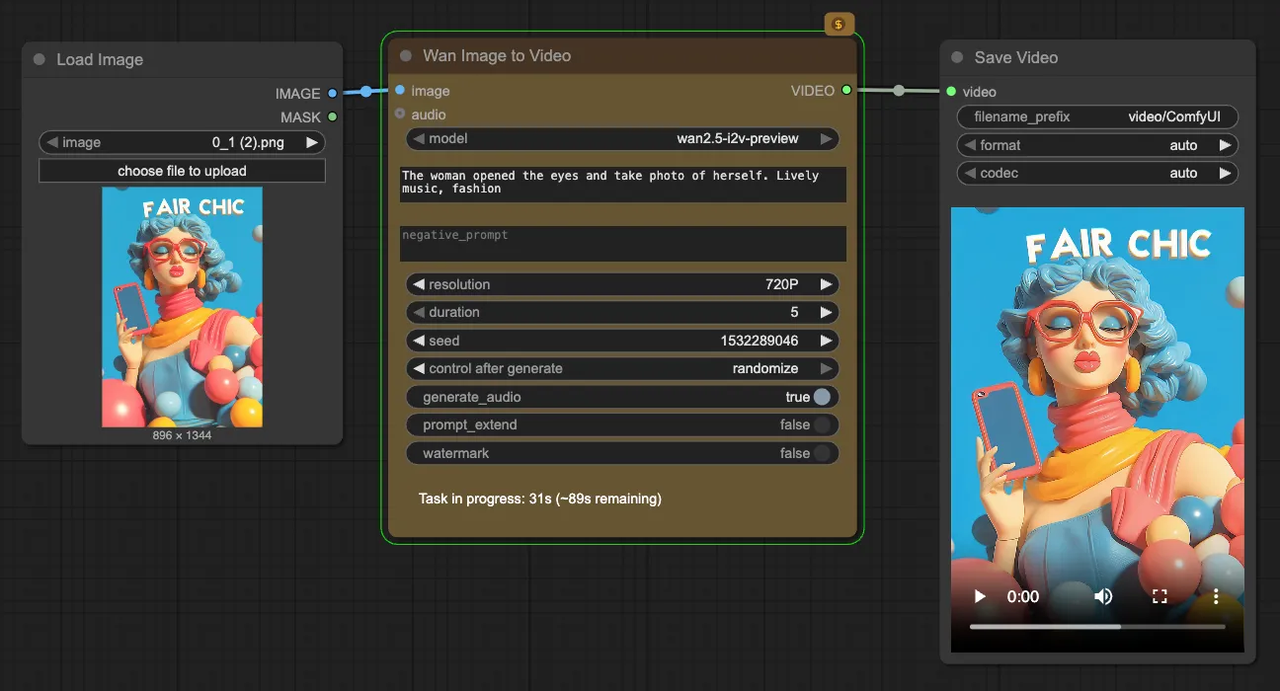 The template I keep now is small and has three toggles.
Graph skeleton:
- WAN 2.5 loader → text encode → fixed seed → video sampler → VAE decode → Save Video
Three optional branches I can turn on or off:
- Reference image conditioning. When I want stable characters. Comes with an auto drop in denoise and CFG.
- Prompt schedule. A gentle two-phase prompt for clips with a simple beat (e.g., “rain starts” after a second). I keep transitions soft to avoid flicker.
- Batch seed list. A single field where I paste 3–8 seeds.
Defaults baked in:
- 896×504 at 12 fps, 48 frames, CFG 5.0, steps 30
- H.264 export with yuv420p, filename template that includes the seed
It’s the opposite of flashy, and that’s the point. I want a template that nudges me toward the same habits every time: short clips first, one variable at a time, notes as I go.
Who this fits: anyone who values steadiness over surprise, product teams making repeatable shots, solo creators who need a predictable look, and folks who find giant graphs more tiring than empowering.
Who’ll dislike it: if you love maximal sliders and chaotic emergent looks, you’ll bounce off this. That’s fine.
Why it matters to me: WAN 2.5 in ComfyUI finally felt like it respected my attention. Fewer knobs, clearer trade-offs, and results I could trust enough to build on.
I’m still curious how WAN behaves at higher resolutions and longer sequences, but I haven’t rushed it. The quiet win for me was noticing that small changes, a calmer CFG, a fixed seed, softer lighting, did more for stability than any hero node. I kept expecting a trick. It turned out to be a system.
Related Articles

Claude Code Agent Harness Architecture: Key Insights from the Leak

Claude Code Undercover Mode: What the Leaked Source Actually Reveals

Claude Mythos API & Pricing: What Builders Need to Know Before Launch

GLM-5V-Turbo: What Developers Should Know in 2026
WAN 2.7 vs Seedance 2.0 vs Sora 2 vs Veo 3.1 Fast: Image-to-Video Comparison