
How Should You Handle 429 Rate Limit Errors in AI Generation APIs?
How to handle 429 rate limit errors in AI generation APIs: exponential backoff with jitter, retry budgets, alerting, and graceful degradation patterns.
Overview
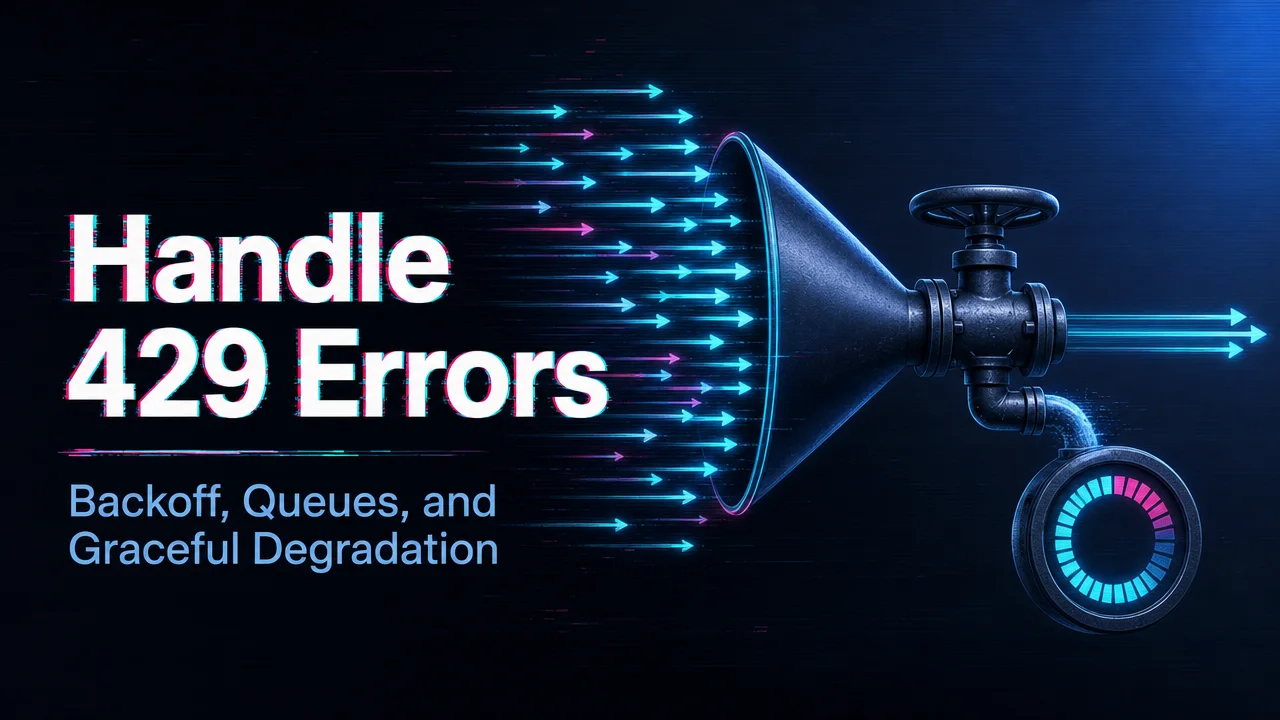
Handle 429 rate limit errors in AI generation APIs by slowing requests, using exponential backoff, queueing jobs, respecting retry headers, and monitoring which model or endpoint is hitting the limit. A 429 error usually means the application is sending more work than the account or endpoint currently allows.
- Do not retry instantly in a tight loop.
- Add queues, retry delays, and user-facing status messages.
- Track 429 errors by model, account level, endpoint, and traffic source.
AI generation workloads need special care because jobs can be long-running and expensive. If many video or image requests are retried badly, the application can create more failures, worse latency, and unclear cost. Rate-limit handling should be part of the production architecture, not an afterthought.
WaveSpeedAI can make this topic useful by connecting 429 handling to model routing and account planning. If one model is constrained, teams may need to reduce concurrency, switch models, upgrade limits, or use a fallback route. The right answer is not just “try again later.” It is to design a queue-aware workflow that protects user experience and spend. Ship the 429 handling before you need it: exponential backoff with jitter, a bounded retry budget, and an alert when throttling exceeds baseline; graceful degradation is a launch requirement, not a patch.
Related reading
Related Articles
/filters:quality(82)/media/images/1773962750383987480_n3hqzHRZ.webp)
Seedance 3.0 Rumors: Native Audio-Video Sync, Multi-Shot Storytelling, and What to Expect
GPT Image 2.6: What Is Confirmed, What Is Rumor, and What to Build On Today
Pika H3 Flex Explained: What It Is and How to Try the H3 Family via API
Seedream 5.5: What to Expect, and How to Get Ready
AI Lip Sync Dialogue Scenes with Seedance 2.5: Prompts and Settings