
Introducing ByteDance Seedream V5.0 Pro on WaveSpeedAI
ByteDance Seedream 5.0 Pro is now on WaveSpeedAI, bringing design-aware image generation, precise editing, multilingual typography, realistic materials, and production-ready creative workflows.
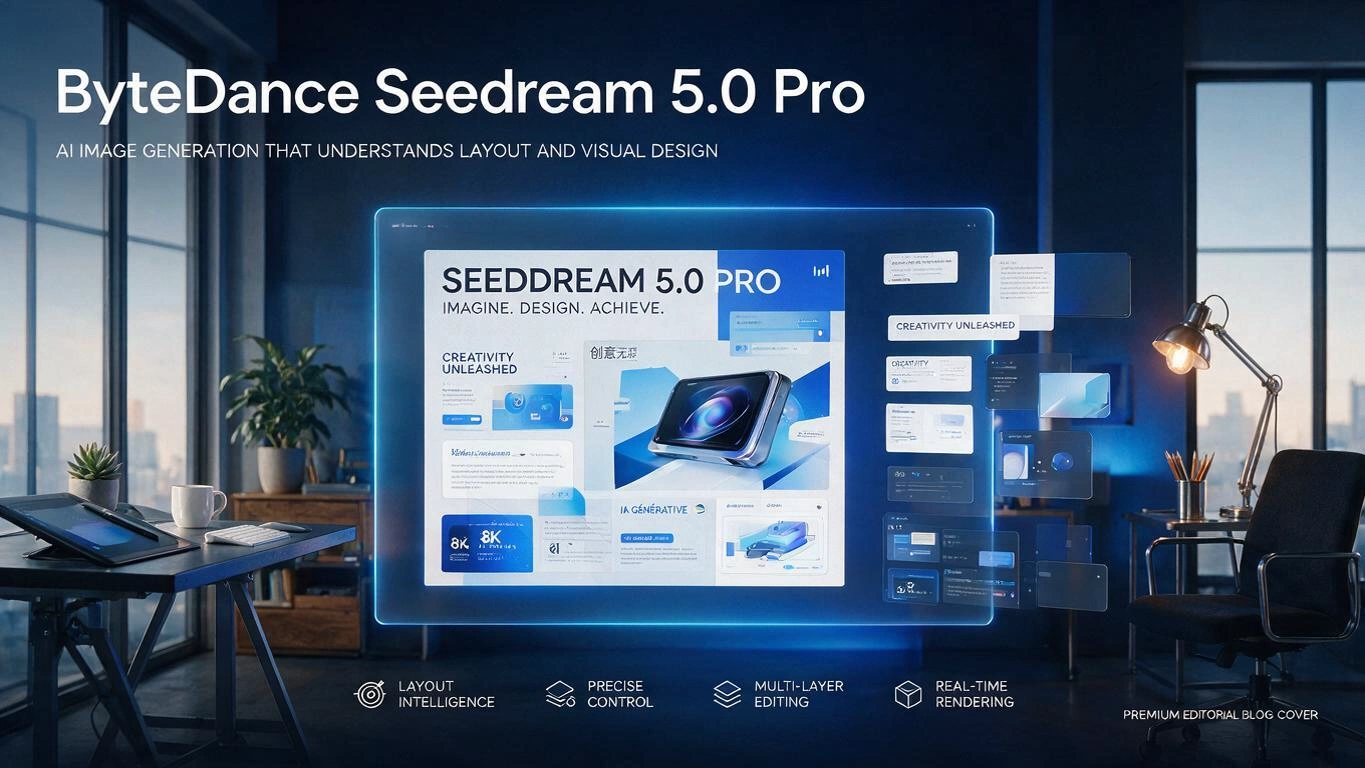
ByteDance Seedream 5.0 Pro Is Now Live on WaveSpeedAI
The Seedream family just took another major step forward. ByteDance Seedream 5.0 Pro is now available on WaveSpeedAI, bringing design-aware image generation and precise image editing to teams that need more than beautiful one-off visuals.
Seedream 5.0 Pro is built for a more demanding creative workflow: posters with readable text, dense infographics, reference-based edits, realistic product materials, multilingual campaign assets, and visual compositions that need to follow a real design brief.
If Seedream 5.0 Lite made image generation smarter, Seedream 5.0 Pro pushes the model further into production design. It does not just generate. It understands layout, text, references, materials, and edit intent.
What Is Seedream 5.0 Pro?
Seedream 5.0 Pro is ByteDance’s advanced image generation and editing model for design-heavy creative work. It is especially strong when a prompt contains structure: multiple text blocks, visual hierarchy, reference images, local modifications, realistic materials, or multilingual copy.
Most image models can create an attractive image from a broad prompt. The hard part is keeping the result useful after a designer inspects it closely. Seedream 5.0 Pro is designed for that harder layer of the workflow.
The model is available on WaveSpeedAI in two production paths:
- bytedance/seedream-v5.0-pro for text-to-image generation
- bytedance/seedream-v5.0-pro/edit for image editing
That gives builders a simple way to use Seedream 5.0 Pro for both first-draft creation and controlled refinement.
Key Features
Design-Aware Image Generation Seedream 5.0 Pro understands visual hierarchy, layout intent, and dense design structure. It is well suited for posters, infographics, education graphics, ecommerce visuals, and campaign assets where the output needs to communicate information, not only look good.
Precise Local Editing The edit model is built for controlled changes. Change a color, replace a material, adjust a region, preserve a subject, or revise part of a scene without rebuilding the entire image from scratch. This is especially useful when the first draft is close but needs production cleanup.
Stronger Typography Seedream 5.0 Pro improves text rendering for brand visuals, campaign posters, labels, and multilingual creative assets. The model is designed to handle structured text layouts where spelling, placement, and hierarchy matter.
Reference-Based Creative Control Use reference images to guide composition, subject identity, style, materials, or scene construction. Seedream 5.0 Pro is useful for workflows where the model should follow existing visual inputs instead of inventing everything from a prompt alone.
Realistic Materials and Portrait Texture The model improves rendering of glass, metal, fabric, skin, food, architecture, and product surfaces. That matters for commercial work because material mistakes are easy to spot and hard to fix after generation.
Multilingual Creative Support Seedream 5.0 Pro is built for global visual production, including multilingual prompts and text-heavy assets. For localized campaigns, this helps teams move beyond simple translation and toward region-aware creative output.
Real-World Use Cases
Marketing Posters and Campaign Assets Create visuals with headlines, product messaging, layout hierarchy, and strong brand direction. Seedream 5.0 Pro is a good fit when the asset needs integrated text rather than a separate manual text overlay.
Infographics and Educational Graphics Generate structured visuals that explain a process, compare products, introduce a feature, or turn dense information into a readable layout. This is where design understanding matters more than raw aesthetic style.
E-Commerce and Product Creative Produce product hero shots, lifestyle scenes, packaging concepts, and material-rich visuals. The model’s stronger handling of reflections, surfaces, and lighting helps make generated product content feel more believable.
Localized Social and Ad Content Create variations for different regions, languages, and platforms. Seedream 5.0 Pro is useful for teams producing multilingual creative at scale while keeping the same campaign concept.
Image Editing and Iteration Use Seedream 5.0 Pro Edit to refine generated or uploaded images. Adjust selected elements, preserve the surrounding scene, and keep the asset moving through the creative pipeline without starting over.
Getting Started on WaveSpeedAI
Generating with Seedream 5.0 Pro on WaveSpeedAI is straightforward:
- Visit the model page: Open bytedance/seedream-v5.0-pro
- Write a structured prompt: Describe the subject, layout, text, style, lighting, and intended use case
- Generate your image: Submit the prompt and review the output
- Refine with editing: Use bytedance/seedream-v5.0-pro/edit when you need controlled changes to an existing image
For developers, integrate with the WaveSpeedAI API:
import wavespeed

output = wavespeed.run(
    "bytedance/seedream-v5.0-pro",
    {
        "prompt": "A premium coffee campaign poster with bold headline 'MORNING BREW', warm studio lighting, realistic ceramic cup, structured typography, clean commercial layout",
    },
)

print(output["outputs"][0])
For editing workflows:
import wavespeed

output = wavespeed.run(
    "bytedance/seedream-v5.0-pro/edit",
    {
        "prompt": "Change the product packaging to matte black with gold lettering while preserving the lighting and background",
        "images": ["<your-product-image-url>"],
    },
)

print(output["outputs"][0])
Tips for Better Results
- Be explicit about layout: title position, subtitle position, subject placement, and visual hierarchy
- Quote exact text that should appear in the image
- Describe materials clearly: matte paper, brushed metal, frosted glass, embroidered fabric, glossy ceramic
- For edits, describe what should change and what should stay the same
- Use reference images when identity, product shape, style, or composition must be preserved
- For multilingual visuals, specify the target language and the intended layout
Why WaveSpeedAI?
Running Seedream 5.0 Pro on WaveSpeedAI gives teams a production-ready path for both generation and editing:
- Unified API access: Use Seedream 5.0 Pro alongside other image, video, audio, and 3D models
- No cold starts: Infrastructure is ready when your application sends requests
- Fast iteration: Move from prompt to output to edit without changing platforms
- Production workflow support: Build creative tools, batch pipelines, review flows, and customer-facing generation features on one model platform
Start Creating with Seedream 5.0 Pro
Seedream 5.0 Pro is a strong fit for teams that care about design accuracy, not just attractive images. It helps with the parts of image generation that usually create downstream cleanup: text, layout, local edits, materials, references, and multilingual creative.
Whether you’re building marketing tools, ecommerce workflows, social creative systems, or internal design automation, Seedream 5.0 Pro gives you a more controllable way to turn creative intent into usable visual assets.
Related Articles
/filters:quality(82)/media/images/1788932462559654416_SrQZ8hrB.webp)
GPT Image 2.5 API Guide: Flare & Sunburst on WaveSpeedAI
/filters:quality(82)/media/images/1788669894785286893_PwdmwFPZ.webp)
MiniMax H3 Now Makes Images: Text-to-Image and Image Edit APIs Live on WaveSpeedAI
/filters:quality(82)/media/images/1773962750383987480_n3hqzHRZ.webp)
GPT Image 2.5: Flare vs Sunburst and When to Upgrade
Generate Images and Video Inside Claude Code with the WaveSpeed Skill
Generate Images and Video Inside Cline with the WaveSpeed MCP Server