What Input Image Size Works Best for Seedance 2.5?
The best Seedance 2.5 input image is clean, composition-ready, route-compatible, and matched to the target format.
Overview
The best input image size for Seedance 2.5 is the one that fits the current WaveSpeedAI endpoint requirements while clearly showing the subject, composition, and style you want preserved. Do not assume the largest file is best. A clean, correctly framed image usually beats a huge but cluttered one.
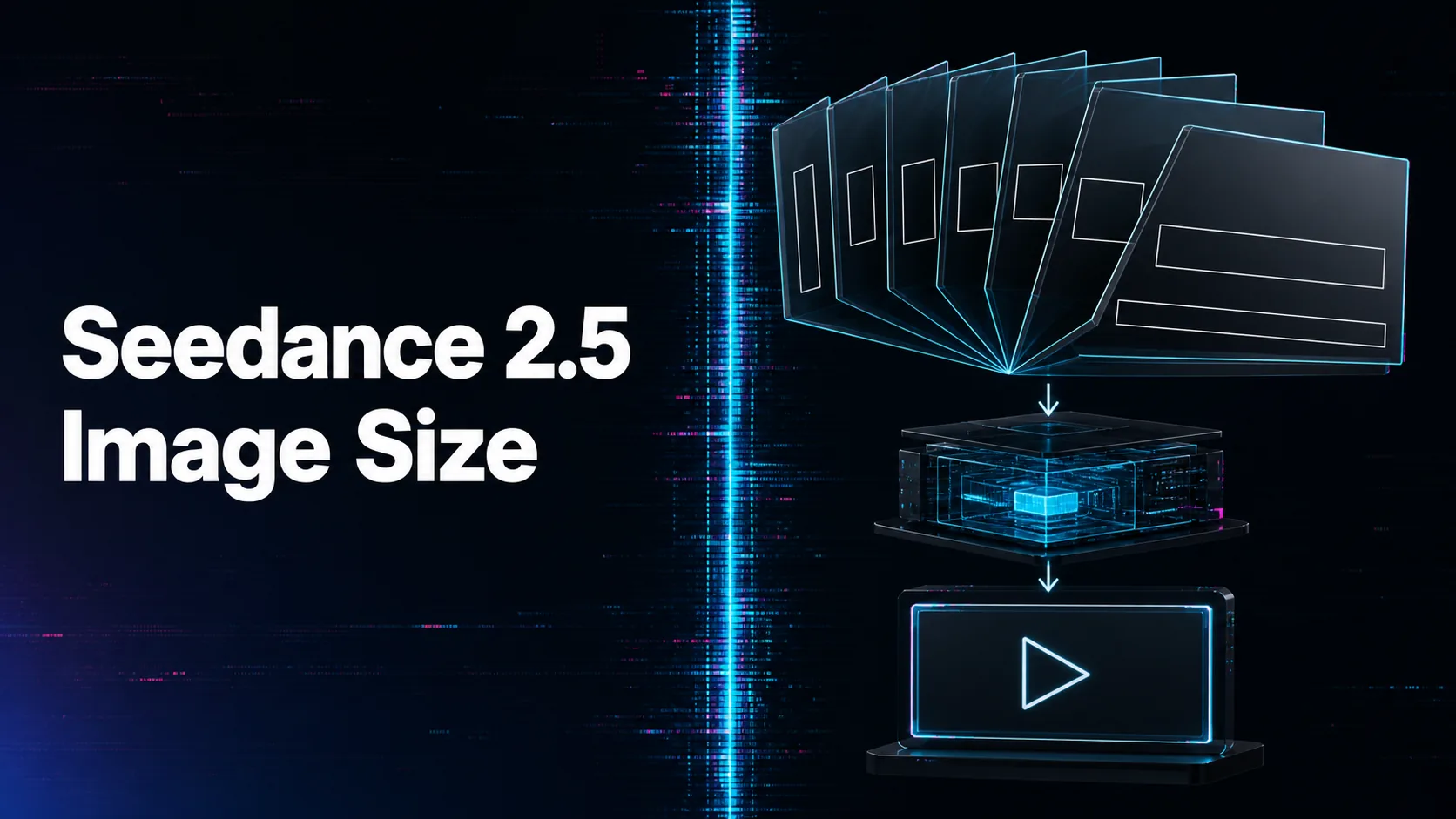
For image-to-video, the input image anchors the first frame and the output aspect ratio follows the input image. That means source preparation matters. Crop the image to the target format, keep the product or character unobstructed, and remove confusing background elements unless they are part of the scene.
Image quality should support the review goal. Product videos need sharp packaging and stable colors. Character videos need face and wardrobe clarity. Brand scenes need lighting and palette cues. If the reference hides the important detail, the generated clip may invent or distort it.
On WaveSpeedAI, test a small set of source-image styles before standardizing: studio product shot, lifestyle image, character portrait, campaign still, and vertical social frame. Save the accepted input pattern with the prediction record so future users know what kind of image works.
Source: ByteDance Seed official Seedance 2.5 page; WaveSpeedAI Seedance 2.5 API collection. Source check: 2026-08-29.