How Do I Write Wan 3.0 Prompts for Product Videos?
Write Wan 3.0 product prompts with product anchors, controlled movement, brand constraints, and reviewable claims.
Overview
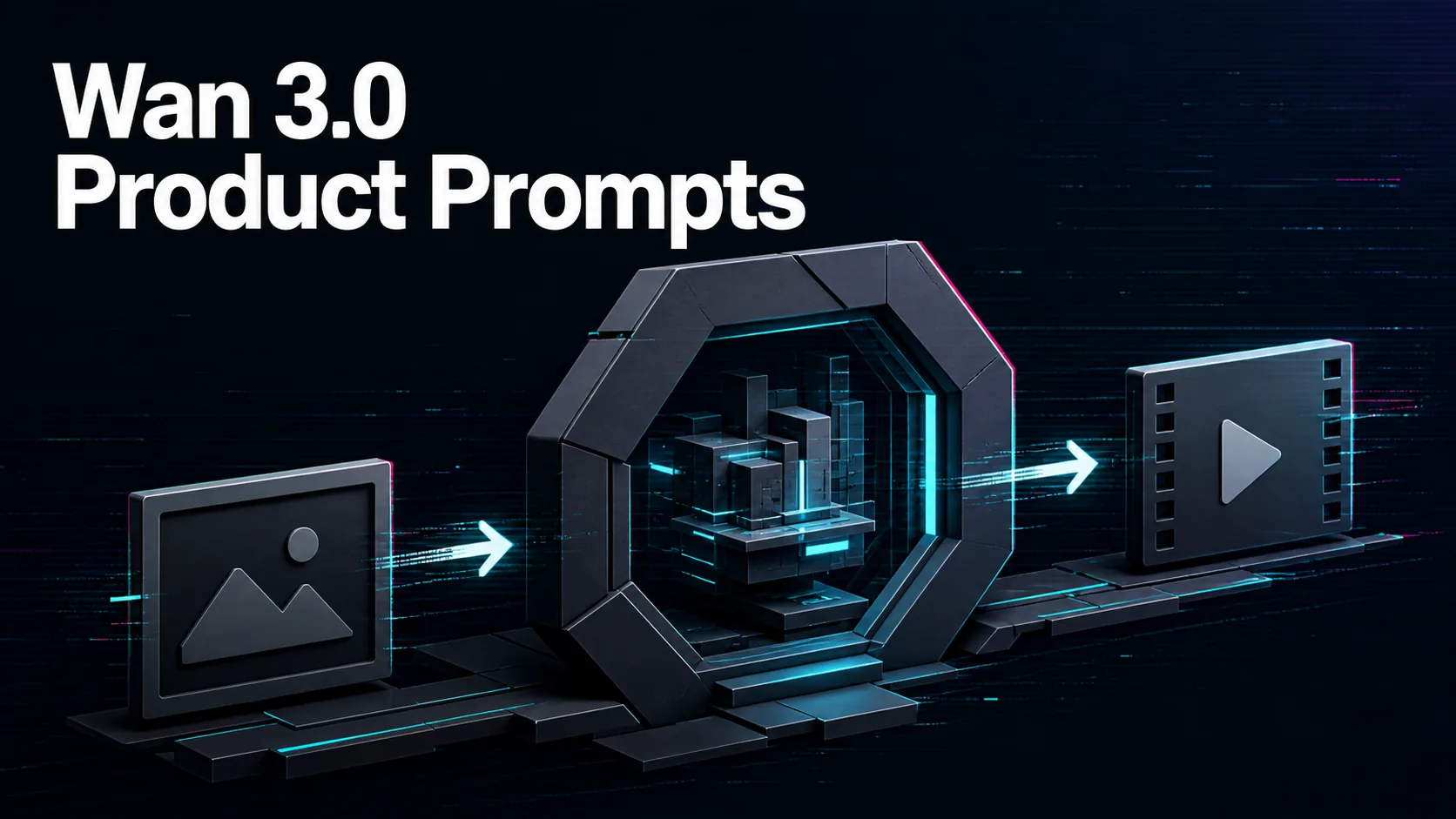
Write Wan 3.0 product-video prompts by anchoring the product first and motion second. Use an approved product image or reference when possible, then describe the scene, camera move, product action, lighting, background, and what details must stay unchanged.
A useful format is: product anchor, surface or environment, movement, camera, brand mood, ending frame, and restrictions. For example, a bottle can rotate slowly on a clean surface while the camera pushes in, with label position, color, and shape preserved.
Avoid asking the model to generate sensitive claims, tiny package copy, exact pricing, certifications, or legal disclaimers. Those details should be checked or added by your team. A beautiful product clip is not usable if it changes the item or invents a claim.
On WaveSpeedAI, save accepted Wan 3.0 product prompts by product category and route. Review each output for product accuracy, brand fit, rights, and cost before using it in ads, e-commerce pages, or client deliverables. A prompt that protects the product first usually saves the most review time. Keep rejected examples too, because they reveal which package shapes or materials are fragile.
Source: WaveSpeedAI Wan 3.0 API collection; Alibaba Cloud Wan3.0 API reference. Source check: 2026-08-29.