How Do I Write Seedance 2.5 Prompts for Product Videos?
Write Seedance 2.5 product prompts around product preservation, camera motion, scene context, and reviewable claims.
Overview
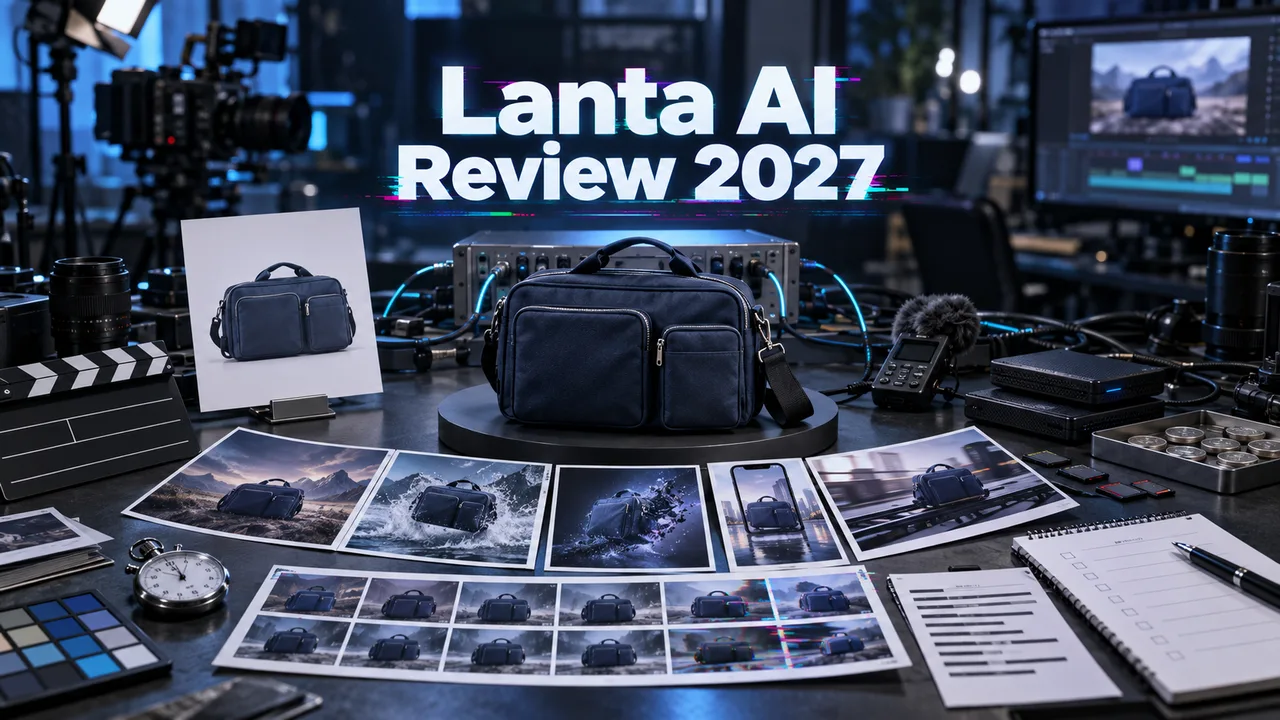
Write Seedance 2.5 product-video prompts by protecting the product first, then adding motion. Start with the product name or role, the approved reference image if used, the surface or setting, the camera move, the product action, lighting, and what must stay unchanged.
A useful structure is: product anchor, scene, motion, camera, detail constraints, and ending frame. For example, say that the bottle remains the same shape and label while the camera slowly pushes in and condensation forms. Do not ask the model to invent compliance claims, prices, ingredients, or technical specifications.
For e-commerce and ads, keep prompts reviewable. Avoid tiny generated text unless a designer will replace it later. Ask for clean backgrounds when catalog accuracy matters, or lifestyle context when mood matters. If the product should rotate, reveal, pour, open, or glow, describe that action directly.
On WaveSpeedAI, save accepted product prompts as templates by SKU category: beauty, food, apparel, electronics, packaging, or app demo. Pair every template with a review checklist for product accuracy, brand fit, rights, and cost before using it at scale. This makes future campaigns faster without hiding quality control.
Source: ByteDance Seed official Seedance 2.5 page; WaveSpeedAI Seedance 2.5 API collection. Source check: 2026-08-29.