How Do I Get Wan 3.0 to Follow Brand Style?
Guide Wan 3.0 toward brand style with explicit visual rules, reference roles, channel format, and approval checks.
Overview
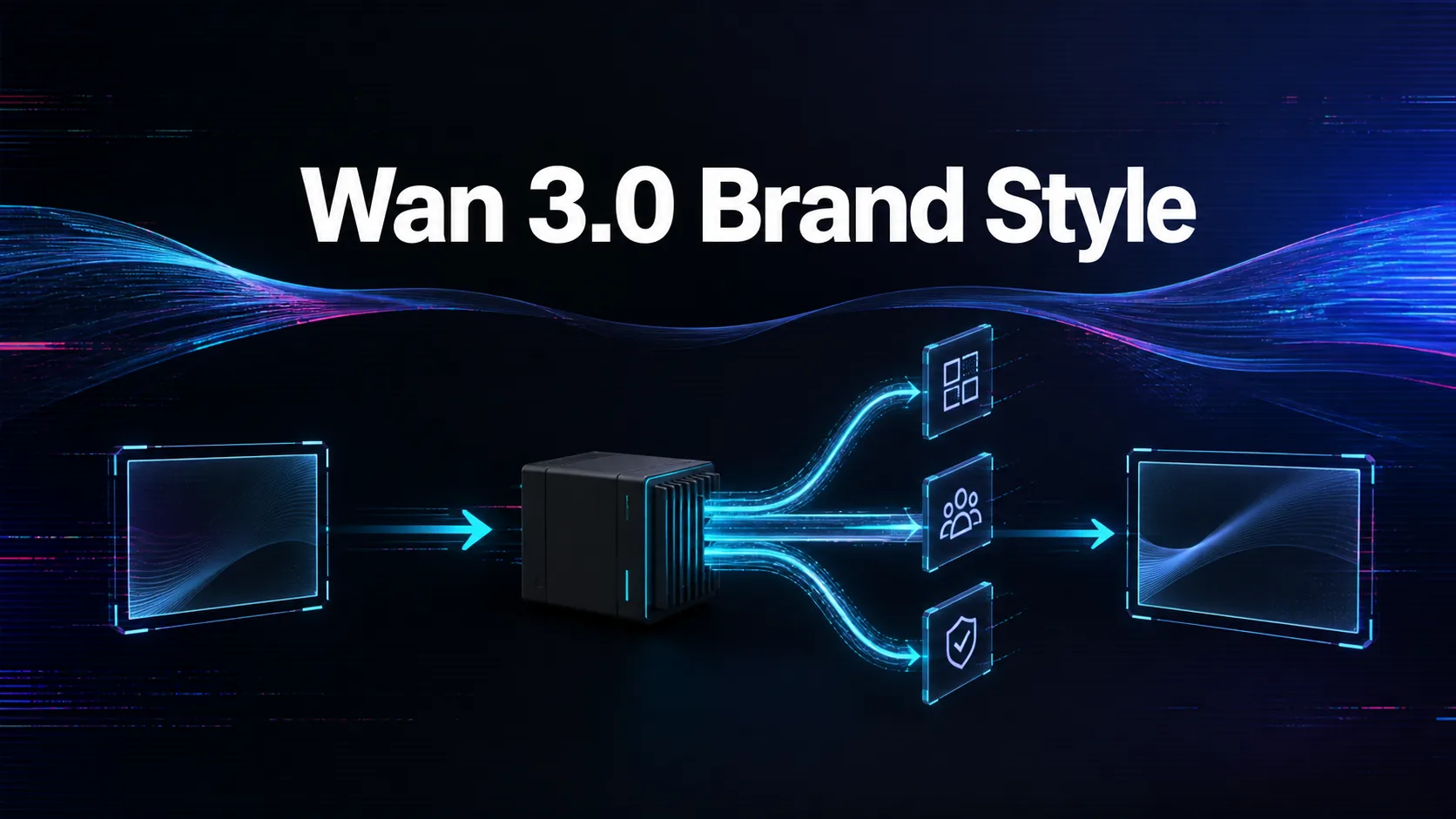
Get Wan 3.0 to follow brand style by turning the brand guide into visible instructions. Specify palette, lighting, camera pace, product angle, environment, texture, mood, and forbidden visual territory. A brand name alone is too vague for reliable generation.
Use references with roles. A product image can control shape, a campaign still can control lighting, a video can guide motion, and an audio reference can guide timing where the route supports it. Tell the model what each reference should do.
Protect sensitive brand details. Generated text, logos, claims, prices, and compliance language should be reviewed or added later if exact accuracy matters. The prompt should focus on visual style and motion, while the review process protects legal and brand requirements.
On WaveSpeedAI, keep accepted Wan 3.0 prompts as brand presets tied to prediction records. Review those presets whenever the brand guide, channel format, route behavior, or pricing changes. Repeatability is the real goal, not one attractive output. Make brand QA a required status before any generated clip enters a campaign library. Assign one owner for preset changes so brand drift does not spread across teams or campaign variants.
Source: WaveSpeedAI Wan 3.0 API collection; Alibaba Cloud Wan3.0 API reference. Source check: 2026-08-29.