How Do I Get Seedance 2.5 to Follow Brand Style?
Guide Seedance 2.5 toward brand style with reference roles, visual constraints, approved palettes, and review gates.
Overview
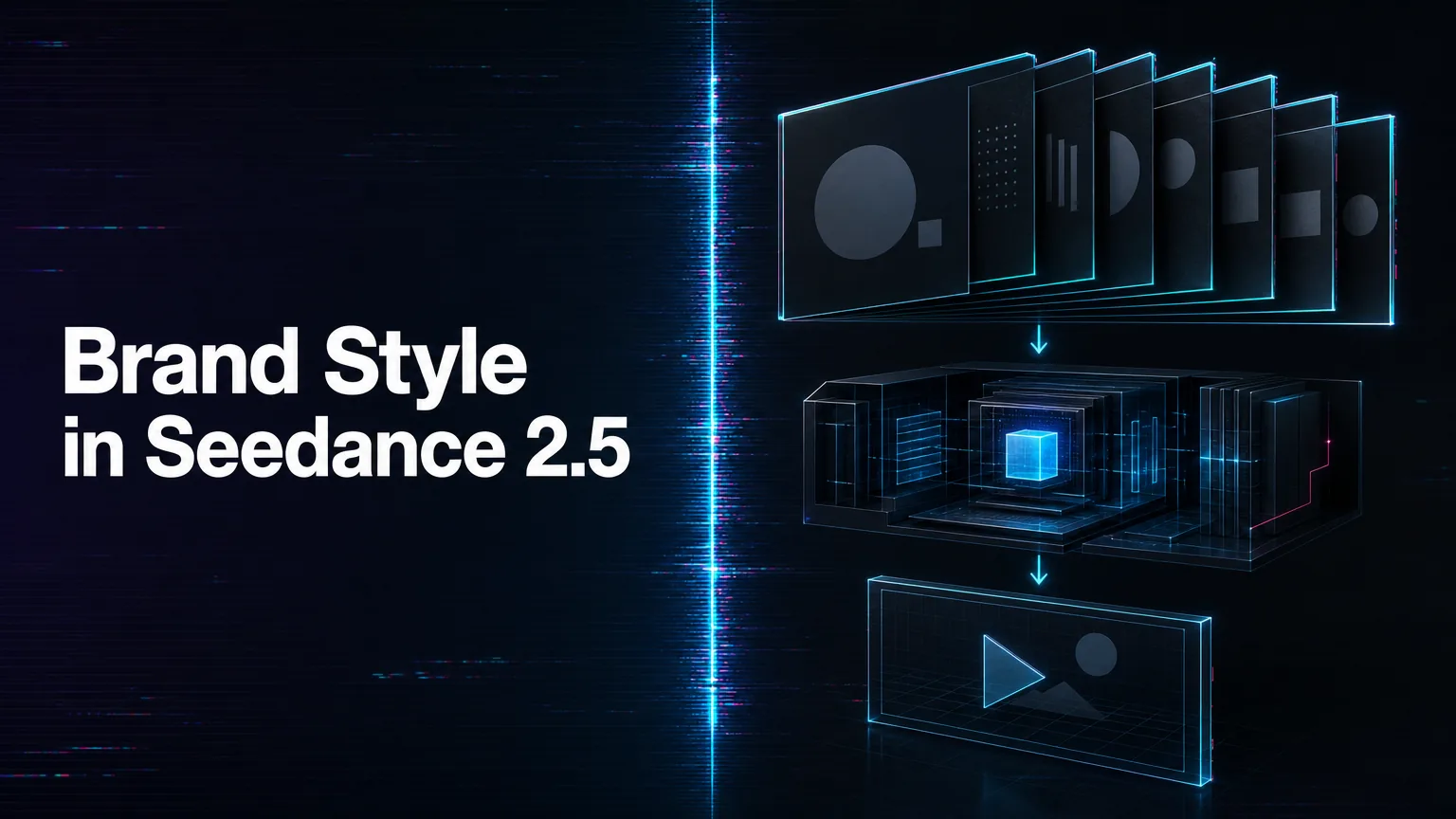
Get Seedance 2.5 to follow brand style by turning brand language into visible production constraints. Instead of saying “make it premium” or “on brand,” specify palette, lighting, camera pace, product framing, environment, typography handling, and what visual territory to avoid.
Use references deliberately. A product image can control shape, a campaign still can control mood, a prior video can guide camera motion, and an audio reference can guide sound direction where supported. Tell the prompt what each reference is for; otherwise the model may blend assets in a way that looks stylish but off-brand.
Write a brand-safe prompt template. Include approved colors, forbidden colors, subject treatment, background style, camera movement, pacing, and final-frame requirements. For regulated or client work, keep claims, prices, logos, and legal text under human review instead of trusting generated detail.
On WaveSpeedAI, preserve successful brand prompts as reusable presets tied to prediction records. That lets creative and engineering teams compare versions, control cost, and decide whether Seedance 2.5 should become a production route for that brand or remain a concepting tool. Review these presets whenever the brand guide or model route changes.
Source: ByteDance Seed official Seedance 2.5 page; WaveSpeedAI Seedance 2.5 API collection. Source check: 2026-08-29.