WAN 2.2 A14B i2v-720p converts images into smooth 720p videos, enabling unlimited AI video generation with the Wan 2.2 image-to-video model. Ready-to-use REST inference API, best performance, no coldstarts, affordable pricing.
就緒
$0.3每次運行·~33 / $10
示例查看全部
A futuristic soldier activates a holographic map inside a high-tech command center, flickering lights, intense atmosphere
A majestic tiger diving gracefully from a 10-meter platform into a crystal-clear pool, captured in slow motion, Olympic style, under bright stadium lights
A teenage boy sitting by the window during a summer rain, headphones on, eyes closed, fingers tapping to the music, raindrops racing down the glass outside
An elderly man and his teenage daughter walk slowly along a tree-lined path during golden hour. The leaves rustle gently in the breeze. The man smiles faintly while talking, the girl nods and laughs softly. Warm, low-angle sunlight flares into the lens. Footsteps and birds chirping fill the soundscape.
The girl closed her eyes. The background behind her slowly changes
相關模型

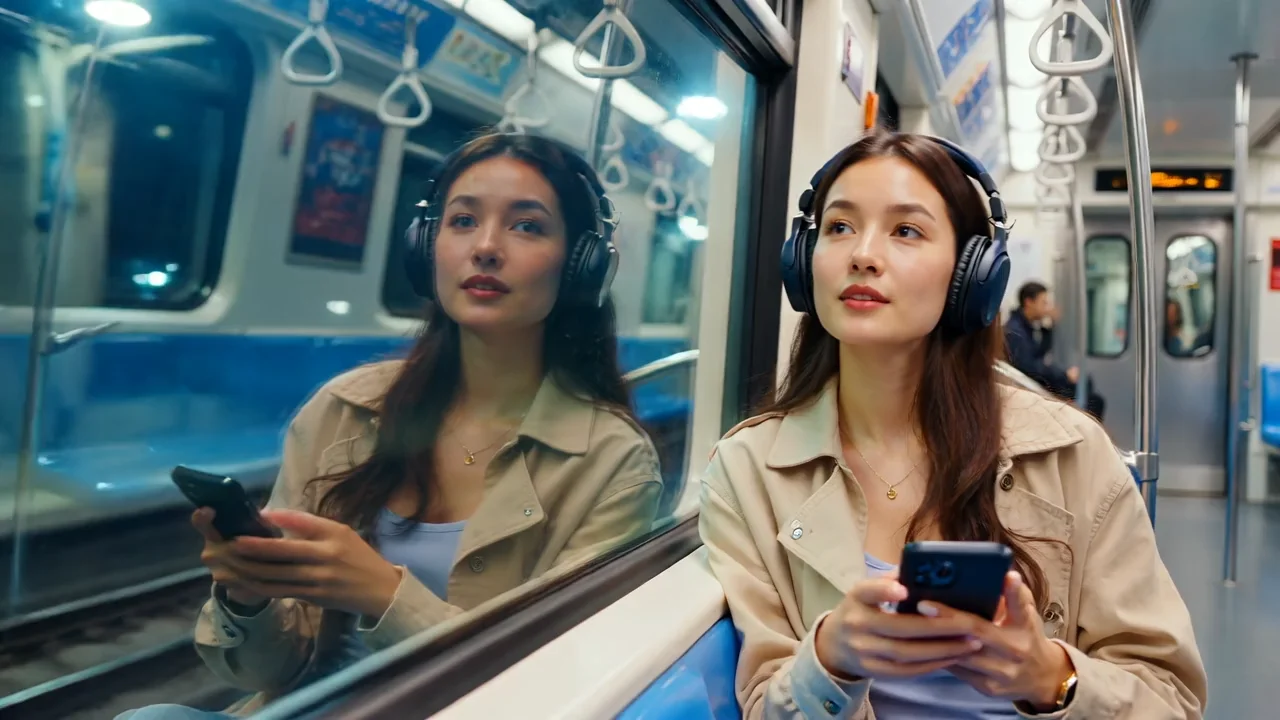

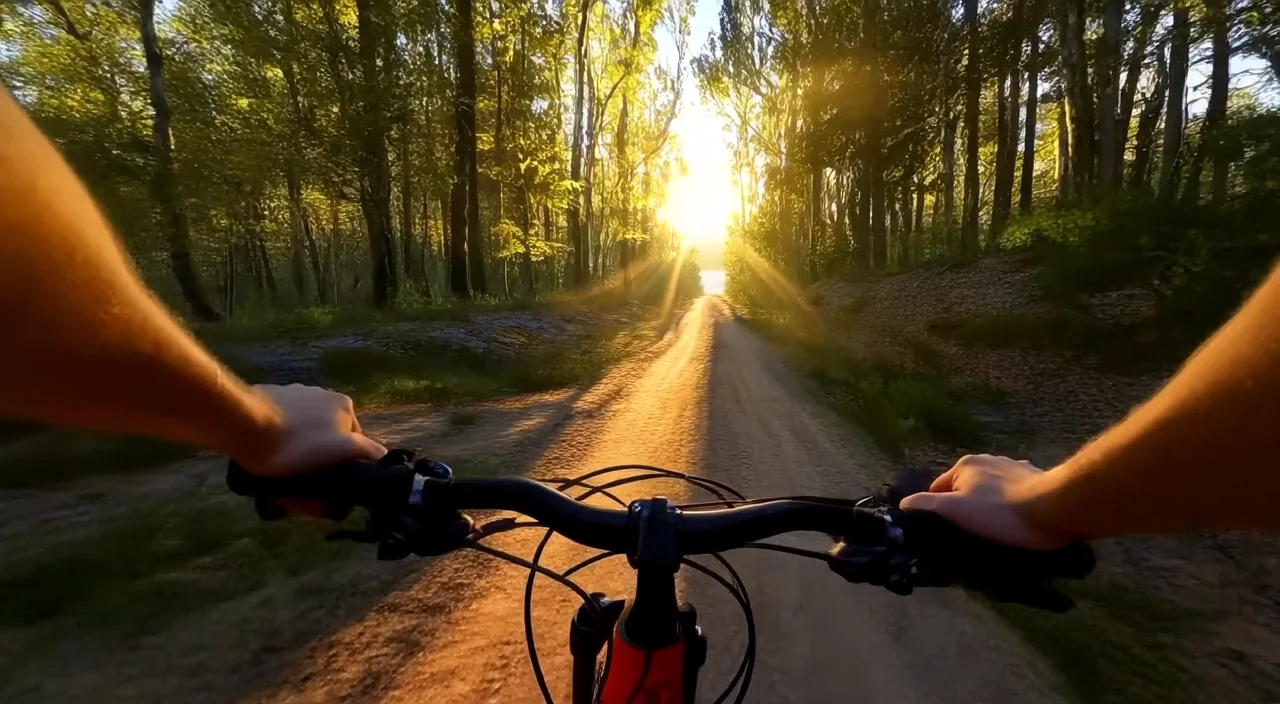

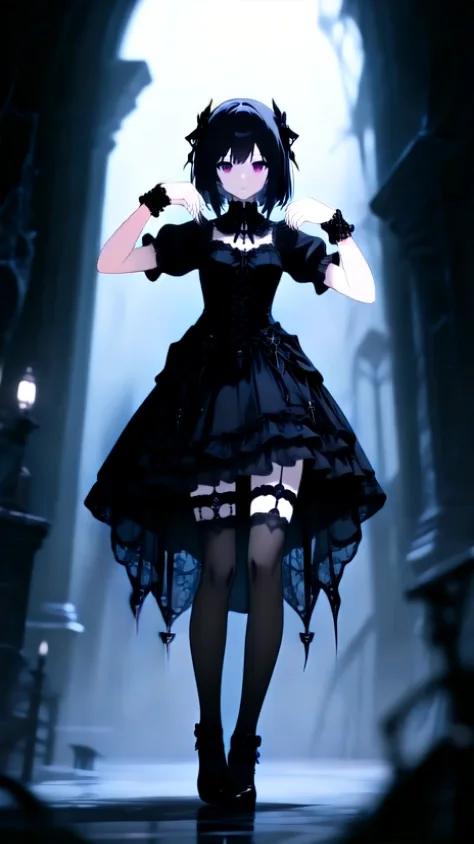
README
Wan 2.2 Image-to-Video 720p
Generate high-quality 720p HD videos from images with Wan 2.2. This streamlined model delivers professional-grade output with start-to-end frame interpolation support — perfect for cinematic content, sci-fi scenes, and polished video production.
Need custom styles? Try Wan 2.2 I2V 720p LoRA for LoRA adapter support.
Why It Looks Great
- 720p HD output: Sharp, professional-quality video suitable for final deliverables.
- Start-to-end interpolation: Optionally provide a last frame for smooth transitions.
- Streamlined workflow: Simple parameters for straightforward video generation.
- Negative prompt support: Exclude unwanted elements for precise control.
- Prompt Enhancer: Built-in tool to refine your motion descriptions automatically.
- Safety Checker: Optional content filtering for appropriate output.
- Reproducible results: Use the seed parameter to recreate exact outputs.
Parameters
| Parameter | Required | Description |
|---|---|---|
| image | Yes | Source/starting image to animate (upload or public URL). |
| prompt | Yes | Text description of the motion and action you want. |
| negative_prompt | No | Elements to avoid in the generated video. |
| last_image | No | Optional ending frame for start-to-end interpolation (upload or URL). |
| duration | No | Video length: 5 or 8 seconds. Default: 5. |
| seed | No | Random seed for reproducibility. Use -1 for random. |
How to Use
- Upload your starting image — drag and drop or paste a public URL.
- Write your prompt — describe the motion, action, and atmosphere in detail.
- Use Prompt Enhancer (optional) — click to enrich your motion description.
- Add negative prompt (optional) — specify elements to exclude.
- Upload last image (optional) — add an ending frame for interpolation effects.
- Set duration — choose 5 or 8 seconds.
- Set seed (optional) — for reproducible results.
- Run — click the button to generate.
- Download — preview and save your video.
Pricing
Per 5-second billing based on duration.
| Duration | Calculation | Cost |
|---|---|---|
| 5 seconds | 5 ÷ 5 × $0.30 | $0.30 |
| 8 seconds | 8 ÷ 5 × $0.30 | $0.48 |
Best Use Cases
- Sci-Fi & Futuristic Content — Animate high-tech scenes, holograms, and futuristic environments.
- Cinematic Sequences — Create professional-quality video with dramatic motion and lighting.
- Product Visualization — Bring product concepts and renders to life with motion.
- Game & Entertainment — Generate cutscene-style content from concept art.
- Marketing Videos — Produce polished video content for campaigns and presentations.
Example Prompts
- "A futuristic soldier activates a holographic map inside a high-tech command center, flickering lights, intense atmosphere"
- "Camera slowly pushes in as neon lights flicker and reflect off wet surfaces, cyberpunk mood"
- "Spaceship cockpit view, stars streaking past the window, subtle control panel animations"
- "Character turns dramatically, cape flowing in slow motion, epic cinematic lighting"
- "Fog rolls through ancient ruins, torches flickering, mysterious ambient movement"
Start-to-End Interpolation
When you provide both an image and a last_image, the model creates a smooth video transition between the two frames:
| Use Case | How to Use |
|---|---|
| Scene transitions | Start with day scene, end with night scene |
| State changes | Hologram off → hologram on |
| Movement sequences | Start position to end position |
| Lighting shifts | Dark scene to illuminated scene |
Model Comparison
| Model | Cost (5s) | Features | Best For |
|---|---|---|---|
| I2V 720p | $0.30 | Standard features | Straightforward HD generation |
| I2V 720p LoRA | $0.35 | + LoRA support | Custom styles and characters |
| I2V 720p LoRA Ultra Fast | $0.15 | + LoRA, speed-optimized | Rapid iteration with LoRAs |
Pro Tips for Best Results
- For sci-fi content, describe tech elements: "holographic", "flickering lights", "high-tech".
- Include atmospheric details: "intense atmosphere", "dramatic lighting", "fog", "reflections".
- Use the last_image feature for controlled state changes (e.g., device activating).
- Negative prompts like "blur", "jitter", "static" help ensure smooth motion.
- Match prompt intensity to scene: "intense" for action, "subtle" for ambient scenes.
- Start with 5-second videos to test concepts before generating 8-second versions.
Notes
- If using URLs for images, ensure they are publicly accessible. Preview thumbnails confirm successful loading.
- Enable Safety Checker for content that will be publicly shared.
- Duration options are 5 or 8 seconds only.
- For custom style control, consider the LoRA-enabled variant.
Wan 2.2 I2v 720p API — Quick start
Grab a WaveSpeedAI API key, then call POST https://api.wavespeed.ai/api/v3/wavespeed-ai/wan-2.2/i2v-720p with your input as JSON. The endpoint returns a prediction id. Start polling the result endpoint around every 2 seconds, increase the interval for long-running tasks, and stop on any terminal status. On completed, read output values from data.outputs. Examples for Wan 2.2 I2v 720p below.
HTTP example
set -euo pipefail

: "${WAVESPEED_API_KEY:?Set WAVESPEED_API_KEY}"

REQUEST_BODY=$(cat <<'JSON'
{
    "prompt": "A cinematic shot of a city at sunset, soft golden light",
    "image": "https://interactive-examples.mdn.mozilla.net/media/cc0-images/painted-hand-298-332.jpg",
    "duration": 5,
    "seed": -1
}
JSON
)

# 1. Submit the prediction.
SUBMIT_RESPONSE=$(curl --silent --show-error --fail-with-body \
  -X POST "https://api.wavespeed.ai/api/v3/wavespeed-ai/wan-2.2/i2v-720p" \
  -H "Content-Type: application/json" \
  -H "Authorization: Bearer $WAVESPEED_API_KEY" \
  -d "$REQUEST_BODY")

TASK=$(printf '%s' "$SUBMIT_RESPONSE" | jq 'if has("data") then .data else . end')
PREDICTION_ID=$(printf '%s' "$TASK" | jq -r '.id')
if [ -z "$PREDICTION_ID" ] || [ "$PREDICTION_ID" = "null" ]; then
  printf 'Submission response did not contain a prediction id
' >&2
  exit 1
fi
RESULT_URL=$(printf '%s' "$TASK" | jq -r '.urls.get // empty')
if [ -z "$RESULT_URL" ]; then
  RESULT_URL="https://api.wavespeed.ai/api/v3/predictions/$PREDICTION_ID/result"
fi

# 2. Poll until the prediction finishes.
while true; do
  RESPONSE=$(curl --silent --show-error --fail-with-body "$RESULT_URL" \
    -H "Authorization: Bearer $WAVESPEED_API_KEY")
  RESULT=$(printf '%s' "$RESPONSE" | jq 'if has("data") then .data else . end')
  STATUS=$(printf '%s' "$RESULT" | jq -r '.status')
  case "$STATUS" in
    completed) printf '%s\n' "$RESULT" | jq '.outputs'; break ;;
    failed|cancelled|timeout) printf '%s\n' "$RESULT" | jq . >&2; exit 1 ;;
    created|processing) sleep 2 ;;
    *) printf 'Unexpected status: %s
' "$STATUS" >&2; exit 1 ;;
  esac
done
Node.js example
const submitUrl = "https://api.wavespeed.ai/api/v3/wavespeed-ai/wan-2.2/i2v-720p";
const apiKey = process.env.WAVESPEED_API_KEY;
if (!apiKey) throw new Error('Set WAVESPEED_API_KEY');

async function requestJson(url, options = {}) {
  const response = await fetch(url, options);
  if (!response.ok) throw new Error(await response.text());
  return response.json();
}

// 1. Submit the prediction.
const body = await requestJson(submitUrl, {
  method: "POST",
  headers: {
    "Authorization": `Bearer ${apiKey}`,
    "Content-Type": "application/json",
  },
  body: JSON.stringify({
        "prompt": "A cinematic shot of a city at sunset, soft golden light",
        "image": "https://interactive-examples.mdn.mozilla.net/media/cc0-images/painted-hand-298-332.jpg",
        "duration": 5,
        "seed": -1
}),
});
const task = body.data ?? body;
if (!task.id) throw new Error("Submission response did not contain a prediction id");
const resultUrl = task.urls?.get ||
  `https://api.wavespeed.ai/api/v3/predictions/${task.id}/result`;

// 2. Poll until the prediction finishes.
while (true) {
  const resultBody = await requestJson(resultUrl, {
    headers: { "Authorization": `Bearer ${apiKey}` },
  });
  const result = resultBody.data ?? resultBody;
  if (result.status === "completed") {
    console.log(result.outputs);
    break;
  }
  if (["failed", "cancelled", "timeout"].includes(result.status)) throw new Error(JSON.stringify(result));
  if (!["created", "processing"].includes(result.status)) throw new Error("Unexpected status: " + result.status);
  await new Promise(resolve => setTimeout(resolve, 2000));
}
Python example
import json
import os
import time
from urllib.request import Request, urlopen

api_key = os.environ["WAVESPEED_API_KEY"]
headers = {"Authorization": f"Bearer {api_key}", "Content-Type": "application/json"}
payload = {
    "prompt": "A cinematic shot of a city at sunset, soft golden light",
    "image": "https://interactive-examples.mdn.mozilla.net/media/cc0-images/painted-hand-298-332.jpg",
    "duration": 5,
    "seed": -1
}

def request_json(url, data=None):
    request = Request(url, data=data, headers=headers, method="POST" if data else "GET")
    with urlopen(request) as response:
        return json.load(response)

# 1. Submit the prediction.
body = request_json("https://api.wavespeed.ai/api/v3/wavespeed-ai/wan-2.2/i2v-720p", json.dumps(payload).encode())
task = body.get("data", body)
if not task.get("id"):
    raise RuntimeError("Submission response did not contain a prediction id")
result_url = task.get("urls", {}).get("get") or f"https://api.wavespeed.ai/api/v3/predictions/{task['id']}/result"

# 2. Poll until the prediction finishes.
while True:
    result_body = request_json(result_url)
    result = result_body.get("data", result_body)
    status = result.get("status")
    if status == "completed":
        print(result.get("outputs", []))
        break
    if status in {"failed", "cancelled", "timeout"}:
        raise RuntimeError(result)
    if status not in {"created", "processing"}:
        raise RuntimeError(f"Unexpected status: {status}")
    time.sleep(2)
Wan 2.2 I2v 720p API — Frequently asked questions
What is the Wan 2.2 I2v 720p API?
Wan 2.2 I2v 720p is a WaveSpeedAI model for video generation from images, exposed as a REST API on WaveSpeedAI. WAN 2.2 A14B i2v-720p converts images into smooth 720p videos, enabling unlimited AI video generation with the Wan 2.2 image-to-video model. Ready-to-use REST inference API, best performance, no coldstarts, affordable pricing. You can call it programmatically or try it from the playground above.
How do I call the Wan 2.2 I2v 720p API?
POST your input parameters to the model's REST endpoint (shown in the API tab of this playground) with your WaveSpeedAI API key in the Authorization header. Submission returns a prediction ID. Poll the result endpoint starting around every 2 seconds, increase the interval for long-running tasks, and stop on any terminal status. The playground generates production-oriented Python, JavaScript, and cURL examples with timeouts, transient-error handling, and safe GET retries. Full request/response shape is documented at https://wavespeed.ai/docs/docs-api/wavespeed-ai/wan-2.2-i2v-720p.
How much does Wan 2.2 I2v 720p cost per run?
Wan 2.2 I2v 720p starts at $0.30 per run. That figure is the base price — the final charge scales with the parameters you set in the form (output size, length, count, references, or whatever knobs this model exposes), so a higher-quality or larger output costs more than a minimal one. The exact cost for your current input is shown live next to the Generate button before you submit, and the actual per-call charge is recorded on the prediction afterwards.
What inputs does Wan 2.2 I2v 720p accept?
Key inputs: `prompt`, `image`, `duration`, `seed`, `negative_prompt`, `last_image`. The full JSON schema (types, defaults, allowed values) is rendered above the Generate button and mirrored in the API reference at https://wavespeed.ai/docs/docs-api/wavespeed-ai/wan-2.2-i2v-720p.
How long does Wan 2.2 I2v 720p take to generate?
Median end-to-end generation time on WaveSpeedAI is around 167 seconds per request, based on recent successful runs. Queue time varies with global demand; live status is visible in the prediction record.
Can I use Wan 2.2 I2v 720p outputs commercially?
Commercial usage rights depend on the model's license, set by its provider (WaveSpeedAI). The license summary appears on the model card above; see WaveSpeedAI's Terms of Service for platform-level conditions.