Lucy Image-to-Video generates cinematic videos from a single image and text prompt. Lightning-fast inference with commercial-use license. Ready-to-use REST inference API, best performance, no cold starts, affordable pricing.
就緒
$0.4每次運行·~25 / $10
示例查看全部
An elderly man with white hair walks slowly through an autumn park with his black and white dog on a leash. The dog trots happily beside him, tail wagging, occasionally sniffing the fallen leaves on the ground. Golden and orange leaves gently drift down from the trees in the background. The man looks down at his dog with a warm smile. A soft breeze rustles the remaining leaves on the branches. The camera follows them in a smooth tracking shot as they walk forward together. Warm autumn sunlight filters through the trees, casting soft golden light across the scene. Peaceful, cinematic, natural movement.
相關模型

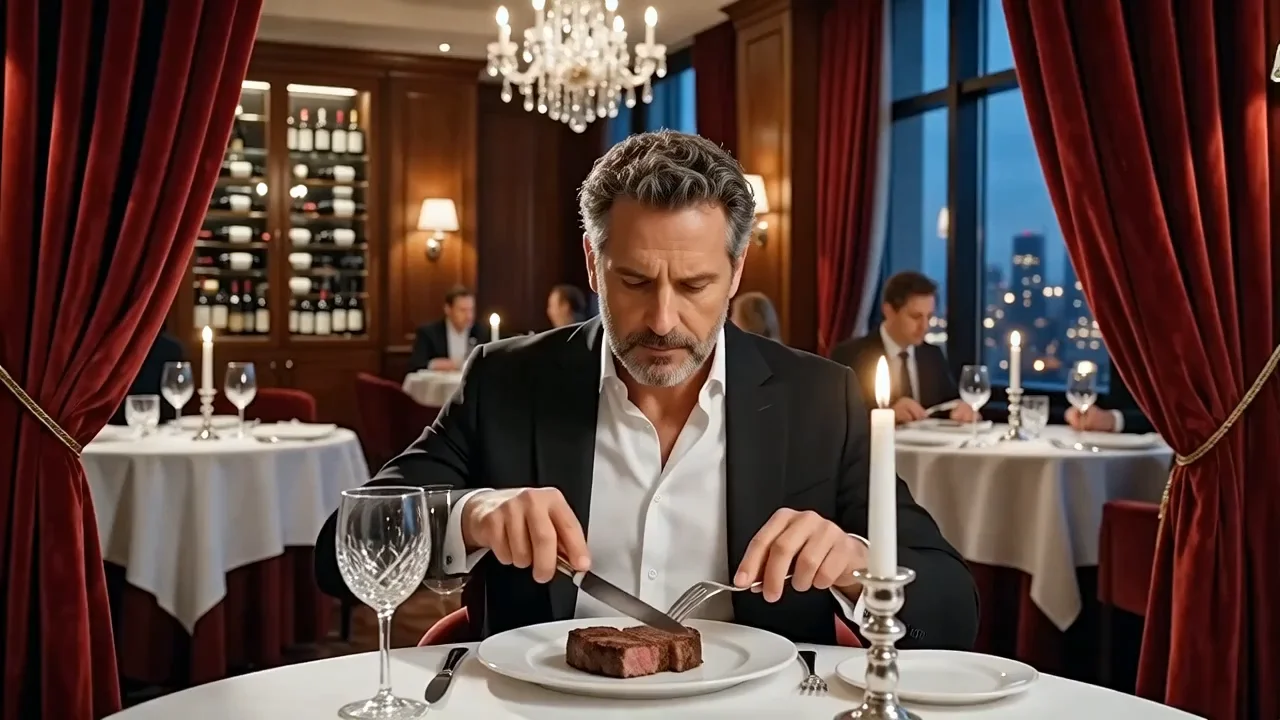


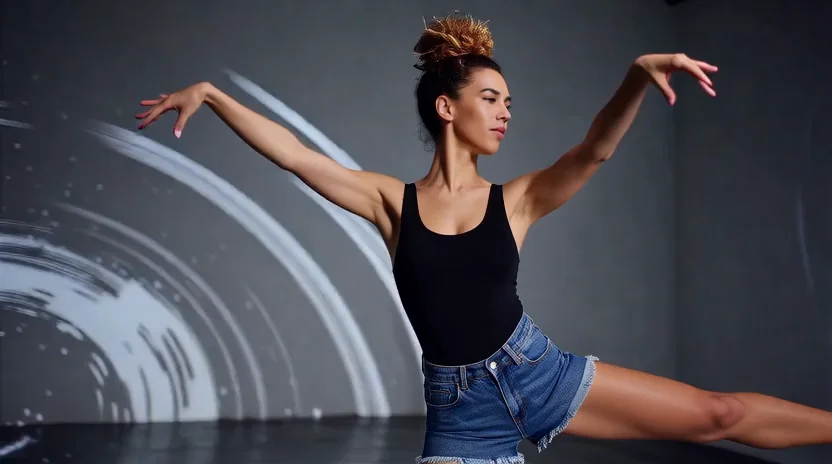

README
Lucy Image-to-Video
Lucy Image-to-Video is Decart's image-to-video model that transforms still images into dynamic 5-second video clips. Upload a reference image and describe the motion — the model generates smooth, natural animations with high fidelity to the source image.
Why Choose This?
-
High-fidelity animation Preserves the details, style, and composition of your source image.
-
Natural motion Generates smooth, realistic movement based on your text description.
-
Simple workflow Just upload an image and describe the desired motion.
-
Prompt Enhancer Built-in tool to automatically improve your motion descriptions.
-
Fixed duration Consistent 5-second output for predictable results.
Parameters
| Parameter | Required | Description |
|---|---|---|
| prompt | Yes | Text description of the desired motion and action |
| image | Yes | Reference image to animate (URL or upload) |
How to Use
- Upload your image — provide the reference image to animate.
- Write your prompt — describe the motion, action, and scene dynamics in detail.
- Use Prompt Enhancer (optional) — click to automatically refine your description.
- Run — submit and download your 5-second video.
Pricing
| Output | Cost |
|---|---|
| Per video | $0.40 |
Best Use Cases
- Photo Animation — Bring still photos to life with natural motion.
- Social Media Content — Create engaging short-form videos from images.
- Storytelling — Add movement to illustrations and concept art.
- Marketing & Ads — Animate product images and promotional visuals.
- Personal Projects — Transform memories into dynamic video clips.
Pro Tips
- Use detailed, descriptive prompts for best results — include specific actions, movements, and environmental effects.
- Describe natural, physically plausible motion for more realistic output.
- Include details about camera movement if desired (e.g., "camera slowly pans right").
- Clear, high-quality source images produce better animations.
- Try the Prompt Enhancer to automatically improve your descriptions.
Notes
- Both prompt and image are required fields.
- Output duration is fixed at 5 seconds.
- Ensure uploaded image URLs are publicly accessible.
Related Models
- Wan 2.6 Image-to-Video — Multi-resolution image-to-video with flexible duration.
- Vidu Q3 Image-to-Video — High-quality image animation with audio support.
- Kling V3.0 Std Image-to-Video — Flexible duration with sound generation.
Lucy Image To Video API — Quick start
Grab a WaveSpeedAI API key, then call POST https://api.wavespeed.ai/api/v3/decart/lucy-image-to-video with your input as JSON. The endpoint returns a prediction id; poll the prediction endpoint until status flips to completed, then read the output URL from data.outputs[0]. Examples for Lucy Image To Video below.
HTTP example
# Submit the prediction
curl -X POST "https://api.wavespeed.ai/api/v3/decart/lucy-image-to-video" \
  -H "Content-Type: application/json" \
  -H "Authorization: Bearer $WAVESPEED_API_KEY" \
  -d '{
    "prompt": "A cinematic shot of a city at sunset, soft golden light",
    "image": "https://example.com/your-input.jpg"
}'

# Response includes a prediction id. Poll for the result:
curl -X GET "https://api.wavespeed.ai/api/v3/predictions/{request_id}/result" \
  -H "Authorization: Bearer $WAVESPEED_API_KEY"

# When status is "completed", read the output from data.outputs[0].
Node.js example
// npm install wavespeed
const WaveSpeed = require('wavespeed');

const client = new WaveSpeed(); // reads WAVESPEED_API_KEY from env

const result = await client.run("decart/lucy-image-to-video", {
        "prompt": "A cinematic shot of a city at sunset, soft golden light",
        "image": "https://example.com/your-input.jpg"
});

console.log(result.outputs[0]); // → URL of the generated output
Python example
# pip install wavespeed
import wavespeed

output = wavespeed.run(
    "decart/lucy-image-to-video",
    {
    "prompt": "A cinematic shot of a city at sunset, soft golden light",
    "image": "https://example.com/your-input.jpg"
}
)

print(output["outputs"][0])  # → URL of the generated output
Lucy Image To Video API — Frequently asked questions
What is the Lucy Image To Video API?
Lucy Image To Video is a Decart model for video generation from images, exposed as a REST API on WaveSpeedAI. Lucy Image-to-Video generates cinematic videos from a single image and text prompt. Lightning-fast inference with commercial-use license. Ready-to-use REST inference API, best performance, no cold starts, affordable pricing. You can call it programmatically or try it from the playground above.
How do I call the Lucy Image To Video API?
POST your input parameters to the model's REST endpoint (shown in the API tab of this playground) with your WaveSpeedAI API key in the Authorization header. Submission returns a prediction ID; poll the prediction endpoint until status flips to "completed", then read the output URL from the result. The playground generates a ready-to-paste code sample in Python, JavaScript, or cURL for whatever inputs you've set. Full request/response shape is documented at https://wavespeed.ai/docs/docs-api/decart/decart-lucy-image-to-video.
How much does Lucy Image To Video cost per run?
Lucy Image To Video starts at $0.40 per run. That figure is the base price — the final charge scales with the parameters you set in the form (output size, length, count, references, or whatever knobs this model exposes), so a higher-quality or larger output costs more than a minimal one. The exact cost for your current input is shown live next to the Generate button before you submit, and the actual per-call charge is recorded on the prediction afterwards.
What inputs does Lucy Image To Video accept?
Key inputs: `prompt`, `image`. The full JSON schema (types, defaults, allowed values) is rendered above the Generate button and mirrored in the API reference at https://wavespeed.ai/docs/docs-api/decart/decart-lucy-image-to-video.
How do I get started with the Lucy Image To Video API?
Sign up for a free WaveSpeedAI account to claim starter credits, copy your API key from /accesskey, then call the endpoint shown in the API tab of the playground. The playground also auto-generates a code sample in Python, JavaScript, or cURL for the parameters you've set.
Can I use Lucy Image To Video outputs commercially?
Commercial usage rights depend on the model's license, set by its provider (Decart). The license summary appears on the model card above; see WaveSpeedAI's Terms of Service for platform-level conditions.