Google's Imagen 4 is the flagship text-to-image model for generating images from text prompts with strong fidelity and creative control. Ready-to-use REST inference API, best performance, no coldstarts, affordable pricing.
就绪

$0.038每次运行·~26 / $1
示例查看全部
An elderly man with a weathered face and a wool hat, sitting on a wooden bench in autumn, photorealistic portrait

A young woman with freckles and red hair standing in soft morning sunlight, natural expression, candid photo style
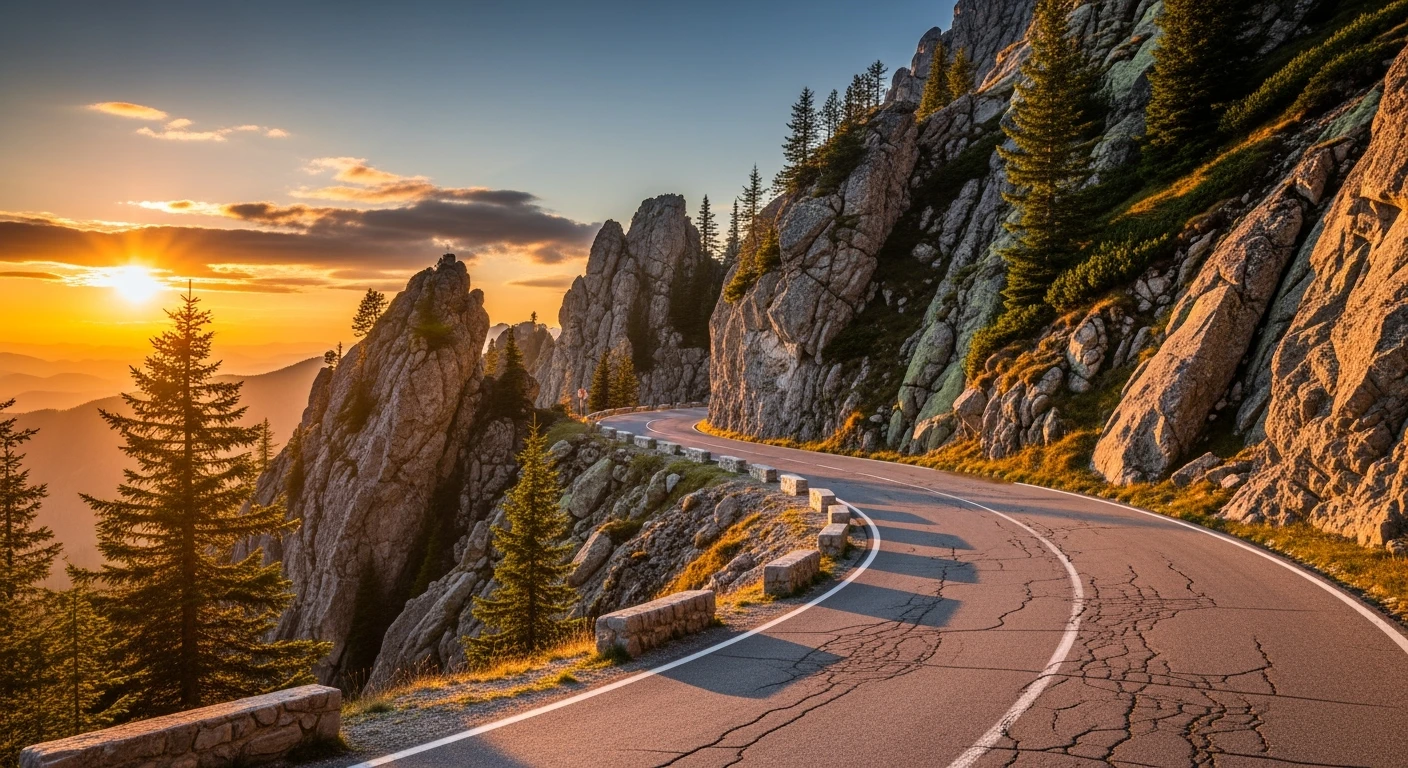
A winding mountain road under golden sunset light, detailed textures on rocks and trees, hyper-realism

Chef plating food in a busy kitchen, shallow depth of field, cinematic color grading
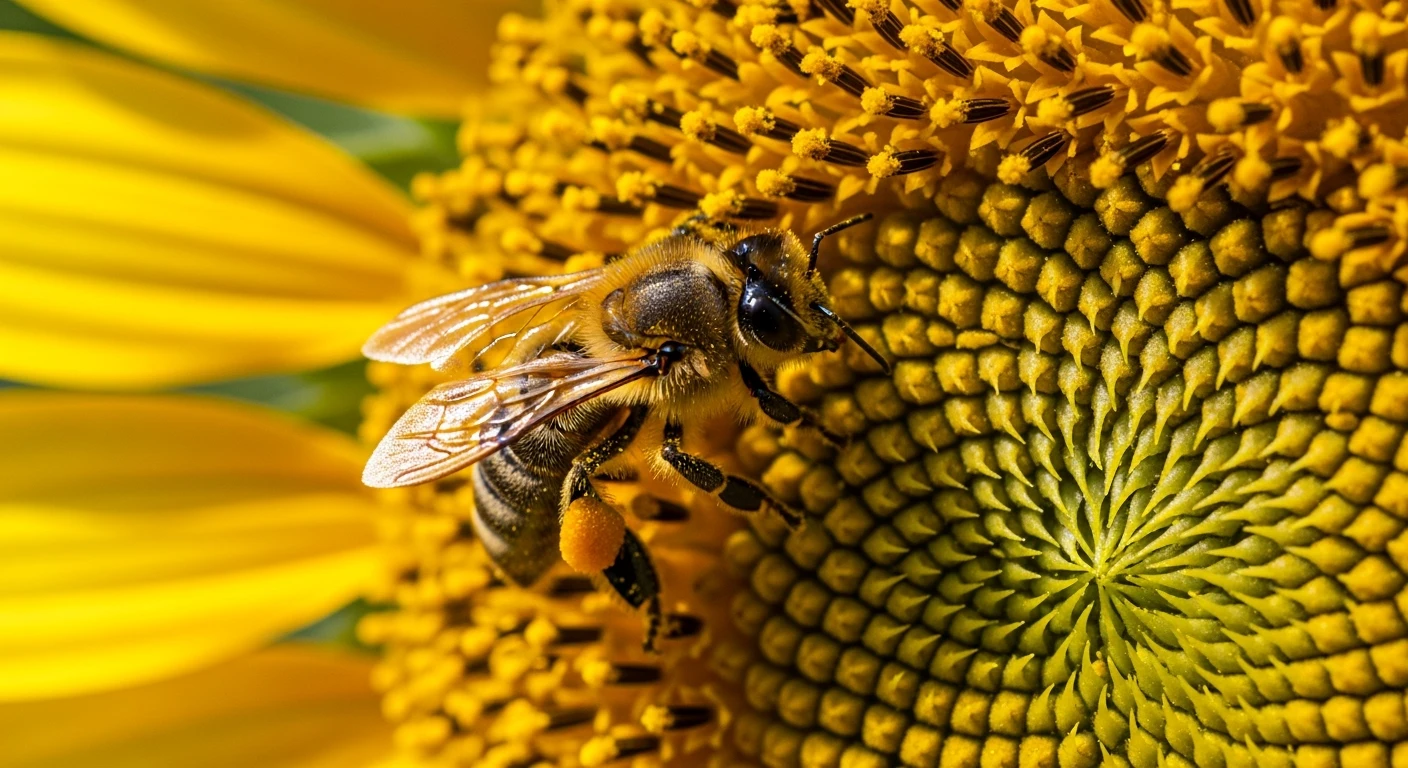
Close-up of a honeybee on a sunflower, extreme macro, visible pollen grains, lifelike details

A golden retriever lying on a wooden floor, warm indoor lighting, high detail fur

A snowy owl in mid-flight over a frozen tundra, focused eyes and wings spread, natural realism

A female dancer in 1920s Jazz Age attire, elegantly performing in a dimly lit ballroom, with the image featuring a vintage film grain effect.

In a rain-slicked neon alley, a cyberpunk girl with glowing blue eyes stares ahead with calm intensity. Her leather jacket flickers with reflections from the signs above as electric sparks scatter nearby. The camera glides past her shoulder, revealing towering holograms and buzzing drones in the background.
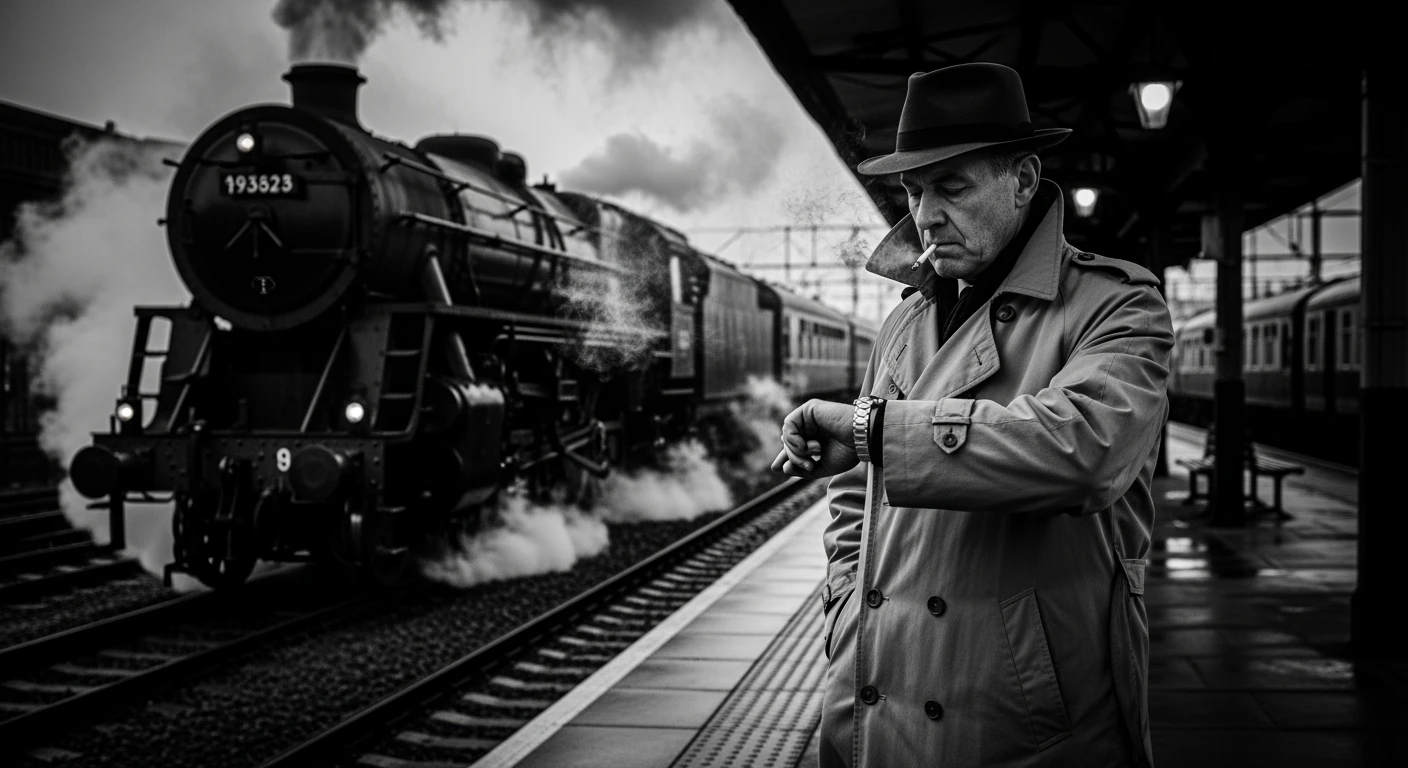
A middle-aged man in a classic trench coat stands alone at the deserted train station, exhaling a slow stream of smoke as an old train rolls by in the background. The camera lingers in monochrome tones, capturing every wrinkle of time on his face as he glances at his watch, the wind rustling his coat.

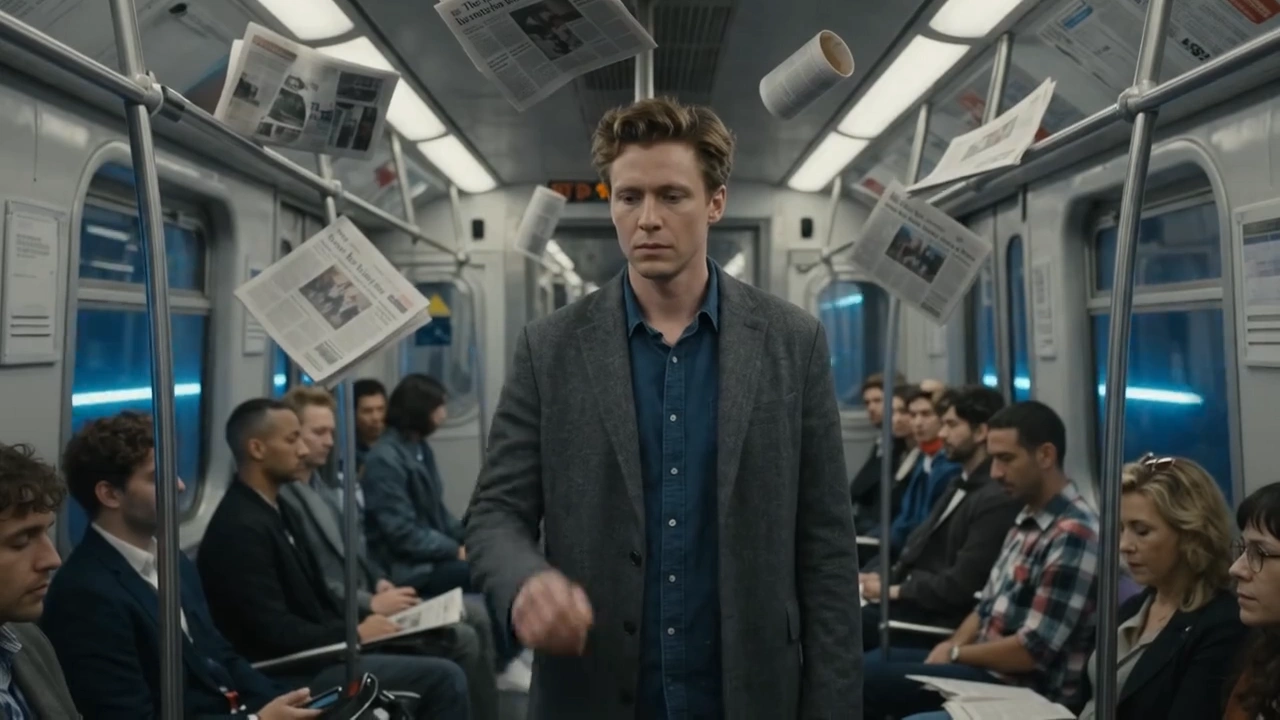
A futuristic agent in sleek tactical armor walks briskly through a glowing corridor lined with digital panels. His visor lights pulse with data as he scans the environment. The camera follows from behind, then rotates to a frontal close-up as he stops and raises his hand to activate a floating holographic map.

A highly detailed, photorealistic A4 image for a workbook on self-awareness and inner transformation called “Activatory”. The composition should feature the Activatory Power Box – a low, cylindrical object with rotating outer panels and a central fold-out activation button at the very top – prominently in the scene. The environment should combine symbolic and surreal elements: soft, textured white paper, flowing abstract lines symbolizing personal transformation, and subtle, luminous embellishments around the Power Box symbolizing activation. Free-floating symbols should be incorporated around the cylinder, such as keys, doors, abstract shapes, and fragmented patterns, each representing different layers of the self. The style should be whimsical yet sophisticated, with subtle, inky outlines, soft watercolor shading, and subdued, harmonious color tones. The illustration should be inspiring, magical, and visually balanced, filling the space. photorealistic
相关模型




README
Google's Imagen 4
The Imagen 4 series represents Google’s latest generation of high-quality text-to-image models, offering unparalleled fidelity, style flexibility, and advanced text rendering. Whether you need cinematic photorealism, stylized artwork, or crisp typography, Imagen 4 is designed to deliver.
Why it looks great
- Fine detail rendering: Superior clarity for intricate elements like fabrics, water droplets, and animal fur.
- Style versatility: Excels in both photorealistic and abstract artistic styles.
- Resolution flexibility: Supports multiple aspect ratios with outputs up to 2K resolution.
- Typography improvements: Dramatically better at rendering text on greeting cards, posters, and comics.
- Fast variant: The upcoming Imagen 4 Fast delivers up to 10× faster generation compared to Imagen 3.
Limits and Performance
- Max resolution per job: up to 2048 × 2048 pixels (2K)
- Aspect ratio options: 1:1, 16:9, 9:16, 4:3, 3:4
- Max images per run: up to 4 images per prompt
- Processing speed: ~5–12 seconds per image (Ultra variant may take longer; Fast is optimized for speed)
- Input prompt: supports multi-line, richly detailed descriptions
Pricing
Just $0.038 per image!!!
Billing Rule
You can generate up to 4 images at once, billed individually.
How to Use
- Enter your prompt (detailed description of the scene, style, or text).
- Select aspect_ratio (e.g., 1:1 for square, 16:9 for widescreen).
- Choose resolution (1K or 2K).
- Set num_images (up to 4).
- (Optional) Add a negative_prompt to exclude unwanted details.
- (Optional) Fix a seed for reproducibility across runs.
- Click Run → pay per image → preview and download results.
Pro tips for best quality
- Use rich, descriptive prompts with lighting, mood, and style details.
- For typography, specify exact text and style (handwritten, bold, comic font, etc.).
- Use Ultra for maximum fidelity, Fast for speed and iteration.
- Lock a seed if you want consistent subject appearance across multiple images.
More Versions
Note
If you encounter the error message 'Content is filtered due to unknown reasons,' please review your prompt input, modify your prompt, and regenerate.
Imagen4 API — Quick start
Grab a WaveSpeedAI API key, then call POST https://api.wavespeed.ai/api/v3/google/imagen4 with your input as JSON. The endpoint returns a prediction id. Start polling the result endpoint around every 2 seconds, increase the interval for long-running tasks, and stop on any terminal status. On completed, read output values from data.outputs. Examples for Imagen4 below.
HTTP example
set -euo pipefail

: "${WAVESPEED_API_KEY:?Set WAVESPEED_API_KEY}"

REQUEST_BODY=$(cat <<'JSON'
{
    "prompt": "A cinematic shot of a city at sunset, soft golden light",
    "aspect_ratio": "1:1",
    "resolution": "1k",
    "num_images": 1
}
JSON
)

# 1. Submit the prediction.
SUBMIT_RESPONSE=$(curl --silent --show-error --fail-with-body \
  -X POST "https://api.wavespeed.ai/api/v3/google/imagen4" \
  -H "Content-Type: application/json" \
  -H "Authorization: Bearer $WAVESPEED_API_KEY" \
  -d "$REQUEST_BODY")

TASK=$(printf '%s' "$SUBMIT_RESPONSE" | jq 'if has("data") then .data else . end')
PREDICTION_ID=$(printf '%s' "$TASK" | jq -r '.id')
if [ -z "$PREDICTION_ID" ] || [ "$PREDICTION_ID" = "null" ]; then
  printf 'Submission response did not contain a prediction id
' >&2
  exit 1
fi
RESULT_URL=$(printf '%s' "$TASK" | jq -r '.urls.get // empty')
if [ -z "$RESULT_URL" ]; then
  RESULT_URL="https://api.wavespeed.ai/api/v3/predictions/$PREDICTION_ID/result"
fi

# 2. Poll until the prediction finishes.
while true; do
  RESPONSE=$(curl --silent --show-error --fail-with-body "$RESULT_URL" \
    -H "Authorization: Bearer $WAVESPEED_API_KEY")
  RESULT=$(printf '%s' "$RESPONSE" | jq 'if has("data") then .data else . end')
  STATUS=$(printf '%s' "$RESULT" | jq -r '.status')
  case "$STATUS" in
    completed) printf '%s\n' "$RESULT" | jq '.outputs'; break ;;
    failed|cancelled|timeout) printf '%s\n' "$RESULT" | jq . >&2; exit 1 ;;
    created|processing) sleep 2 ;;
    *) printf 'Unexpected status: %s
' "$STATUS" >&2; exit 1 ;;
  esac
done
Node.js example
const submitUrl = "https://api.wavespeed.ai/api/v3/google/imagen4";
const apiKey = process.env.WAVESPEED_API_KEY;
if (!apiKey) throw new Error('Set WAVESPEED_API_KEY');

async function requestJson(url, options = {}) {
  const response = await fetch(url, options);
  if (!response.ok) throw new Error(await response.text());
  return response.json();
}

// 1. Submit the prediction.
const body = await requestJson(submitUrl, {
  method: "POST",
  headers: {
    "Authorization": `Bearer ${apiKey}`,
    "Content-Type": "application/json",
  },
  body: JSON.stringify({
        "prompt": "A cinematic shot of a city at sunset, soft golden light",
        "aspect_ratio": "1:1",
        "resolution": "1k",
        "num_images": 1
}),
});
const task = body.data ?? body;
if (!task.id) throw new Error("Submission response did not contain a prediction id");
const resultUrl = task.urls?.get ||
  `https://api.wavespeed.ai/api/v3/predictions/${task.id}/result`;

// 2. Poll until the prediction finishes.
while (true) {
  const resultBody = await requestJson(resultUrl, {
    headers: { "Authorization": `Bearer ${apiKey}` },
  });
  const result = resultBody.data ?? resultBody;
  if (result.status === "completed") {
    console.log(result.outputs);
    break;
  }
  if (["failed", "cancelled", "timeout"].includes(result.status)) throw new Error(JSON.stringify(result));
  if (!["created", "processing"].includes(result.status)) throw new Error("Unexpected status: " + result.status);
  await new Promise(resolve => setTimeout(resolve, 2000));
}
Python example
import json
import os
import time
from urllib.request import Request, urlopen

api_key = os.environ["WAVESPEED_API_KEY"]
headers = {"Authorization": f"Bearer {api_key}", "Content-Type": "application/json"}
payload = {
    "prompt": "A cinematic shot of a city at sunset, soft golden light",
    "aspect_ratio": "1:1",
    "resolution": "1k",
    "num_images": 1
}

def request_json(url, data=None):
    request = Request(url, data=data, headers=headers, method="POST" if data else "GET")
    with urlopen(request) as response:
        return json.load(response)

# 1. Submit the prediction.
body = request_json("https://api.wavespeed.ai/api/v3/google/imagen4", json.dumps(payload).encode())
task = body.get("data", body)
if not task.get("id"):
    raise RuntimeError("Submission response did not contain a prediction id")
result_url = task.get("urls", {}).get("get") or f"https://api.wavespeed.ai/api/v3/predictions/{task['id']}/result"

# 2. Poll until the prediction finishes.
while True:
    result_body = request_json(result_url)
    result = result_body.get("data", result_body)
    status = result.get("status")
    if status == "completed":
        print(result.get("outputs", []))
        break
    if status in {"failed", "cancelled", "timeout"}:
        raise RuntimeError(result)
    if status not in {"created", "processing"}:
        raise RuntimeError(f"Unexpected status: {status}")
    time.sleep(2)
Imagen4 API — Frequently asked questions
What is the Imagen4 API?
Imagen4 is a Google model for image generation, exposed as a REST API on WaveSpeedAI. Google's Imagen 4 is the flagship text-to-image model for generating images from text prompts with strong fidelity and creative control. Ready-to-use REST inference API, best performance, no coldstarts, affordable pricing. You can call it programmatically or try it from the playground above.
How do I call the Imagen4 API?
POST your input parameters to the model's REST endpoint (shown in the API tab of this playground) with your WaveSpeedAI API key in the Authorization header. Submission returns a prediction ID. Poll the result endpoint starting around every 2 seconds, increase the interval for long-running tasks, and stop on any terminal status. The playground generates production-oriented Python, JavaScript, and cURL examples with timeouts, transient-error handling, and safe GET retries. Full request/response shape is documented at https://wavespeed.ai/docs/docs-api/google/google-imagen4.
How much does Imagen4 cost per run?
Imagen4 starts at $0.038 per run. That figure is the base price — the final charge scales with the parameters you set in the form (output size, length, count, references, or whatever knobs this model exposes), so a higher-quality or larger output costs more than a minimal one. The exact cost for your current input is shown live next to the Generate button before you submit, and the actual per-call charge is recorded on the prediction afterwards.
What inputs does Imagen4 accept?
Key inputs: `prompt`, `aspect_ratio`, `resolution`, `seed`, `negative_prompt`, `enable_base64_output`. The full JSON schema (types, defaults, allowed values) is rendered above the Generate button and mirrored in the API reference at https://wavespeed.ai/docs/docs-api/google/google-imagen4.
How long does Imagen4 take to generate?
Median end-to-end generation time on WaveSpeedAI is around 22 seconds per request, based on recent successful runs. Queue time varies with global demand; live status is visible in the prediction record.
Can I use Imagen4 outputs commercially?
Commercial usage rights depend on the model's license, set by its provider (Google). The license summary appears on the model card above; see WaveSpeedAI's Terms of Service for platform-level conditions.