Seedream 5.0 Lite Edit Sequential performs multi-image editing while locking character and object identity across shots. It detects main subjects, preserves continuity, and applies controlled edits with up to 4K output. Ready-to-use REST inference API, best performance, no coldstarts, affordable pricing.
就绪


$0.035每次运行·~28 / $1
示例查看全部
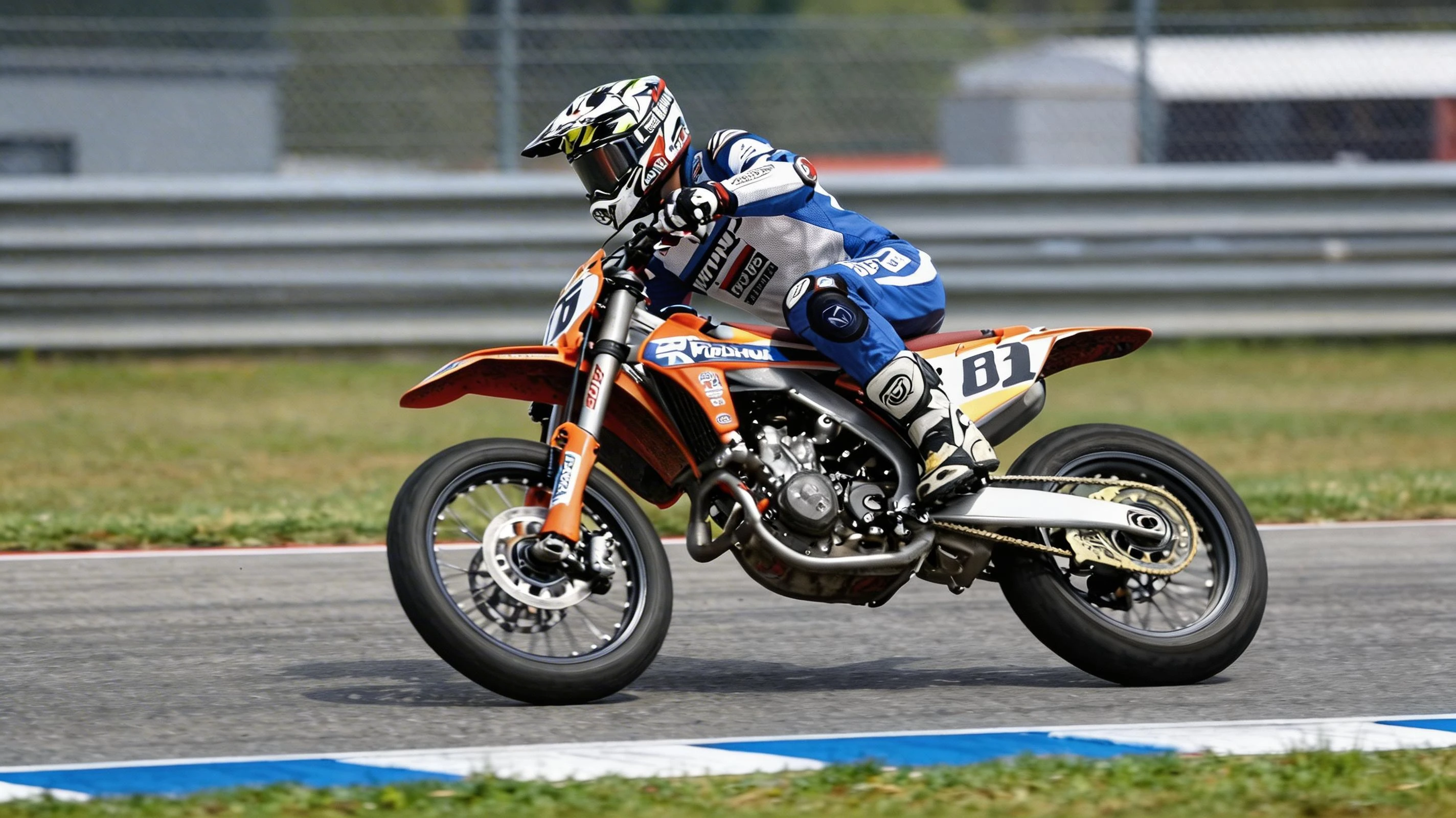
2 images. First, change to a Japanese manga style, bold black ink lines, speed lines behind the motorcycle, a dynamic action panel, and a comic book aesthetic. Second, change into cyberpunk neon style, glowing neon orange and blue lights on the bike and suit, dark futuristic background, rain and reflections, cyberpunk 2077 aesthetic
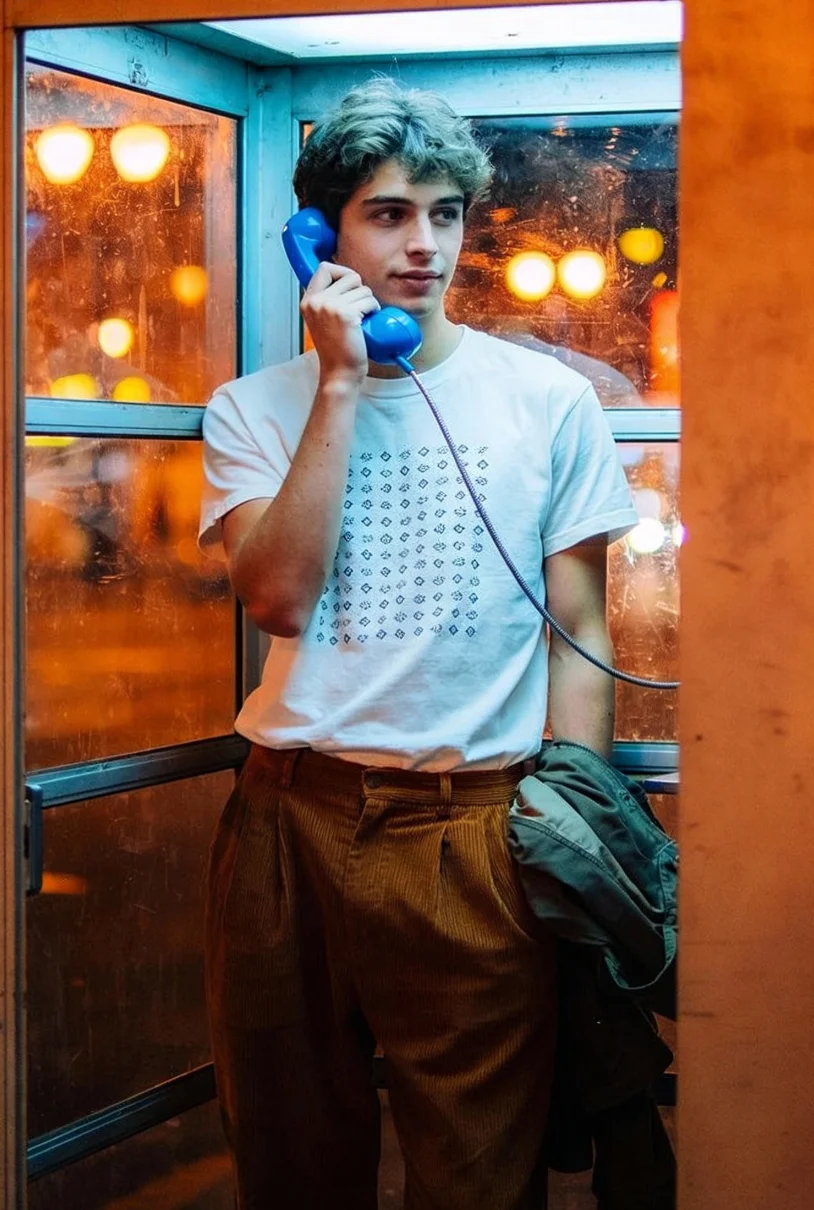
2 images. First, The same young man sitting at the desk, but the books behind him start glowing with golden magical light, ancient runes floating out of the open book, his eyes wide with surprise, Harry Potter aesthetic, cinematic. Second, The young man back in the library, book closed, looking shaken at a tiny dragon sleeping on the stack of books beside him, warm cozy lighting, magical realism
相关模型



README
Seedream V5.0 Lite Edit Sequential
Seedream V5.0 Lite Edit Sequential is multi-image editing model designed to apply the same edit across a whole set of images or generate multiple style variations from a single image. It automatically tracks the main subject, keeps identity stable, and generates clean, high-resolution results — ideal for campaigns, product sets, and character line-ups.
Why Choose This?
-
Multi-image subject tracking Detects the main subject across all input images and treats them as the same person or object.
-
Character consistency lock Preserves facial structure, proportions, and overall identity across every edited output.
-
High reference fidelity Maintains lighting, color balance, and key visual details while applying the requested changes.
-
Controlled, repeatable edits One prompt drives a consistent transformation across the entire batch.
-
Multiple variations Generate multiple style variations from a single source image.
-
Prompt Enhancer Built-in tool to automatically improve your edit descriptions.
Parameters
| Parameter | Required | Description |
|---|---|---|
| prompt | Yes | Describe the edit and specify how many images to generate |
| images | Yes | Source images to edit (max: 10 images) |
| size | No | Output size (click + to expand options) |
| max_images | No | Number of images to generate (max: 15, default: 2) |
| enable_base64_output | No | Return base64 instead of URL (API only) |
| enable_sync_mode | No | Wait for result in response (API only) |
How to Use
- Upload source images — add up to 10 images containing the same main subject or product.
- Set max_images first — specify how many edited outputs you want to generate.
- Write the edit prompt — describe the shared change and include the number of images in your prompt.
- Choose size (optional) — select the target resolution.
- Run — submit the job and review the edited series.
Important: Set max_images first, then specify the same number in your prompt!
Example prompt format:
- max_images = 4
- Prompt: "I want to generate 4 images. First, transform into Japanese manga style... Second, transform into cyberpunk neon style..."
Pricing
| max_images | Total Price |
|---|---|
| 1 | $0.035 |
| 2 | $0.07 |
| 4 | $0.14 |
| 8 | $0.28 |
| 15 | $0.525 |
Billing Rules
- Base price: $0.035 per output image
- Total cost = $0.035 × max_images
Best Use Cases
- Batch Portrait Editing — Apply a fixed style or look across multiple portraits.
- Product Series — Create coherent product images that feel like one set.
- Brand Campaigns — Iterate on the same model or hero product with different styles.
- Character Design — Generate variations in outfits, moods, or lighting.
- E-commerce Catalogs — Refresh seasonal updates with consistent styling.
- Social Media Series — Create visual series where continuity matters.
Pro Tips
- Use clear, global instructions in the prompt ("add winter outfit and snow ambience") rather than per-image directions.
- Keep input images reasonably consistent in framing and lighting so the model can lock onto the same subject.
- Put your cleanest, clearest reference image first — the model relies on it most strongly for identity.
- Don't generate too many images at once — larger batches may cause instability. Start with 2–4 images.
- For campaign work, generate at the highest resolution you need once, then downscale for web or social formats.
Notes
- Both prompt and images are required fields.
- Maximum reference images: 10
- Maximum output images per run: 15 (recommended: 2–4 for stability)
- Always match max_images setting with the number specified in your prompt.
- Ensure uploaded image URLs are publicly accessible.
Related Models
- Seedream V5.0 Lite Edit — Single-image editing with style transfer.
- Seedream V5.0 Lite Text-to-Image — Generate images from text prompts.
- Qwen Image Edit Plus — Single-image editing with strong semantic understanding.
Seedream v5.0 Lite Edit Sequential API — Quick start
Grab a WaveSpeedAI API key, then call POST https://api.wavespeed.ai/api/v3/bytedance/seedream-v5.0-lite/edit-sequential with your input as JSON. The endpoint returns a prediction id; poll the prediction endpoint until status flips to completed, then read the output URL from data.outputs[0]. Examples for Seedream v5.0 Lite Edit Sequential below.
HTTP example
# Submit the prediction
curl -X POST "https://api.wavespeed.ai/api/v3/bytedance/seedream-v5.0-lite/edit-sequential" \
  -H "Content-Type: application/json" \
  -H "Authorization: Bearer $WAVESPEED_API_KEY" \
  -d '{
    "prompt": "A cinematic shot of a city at sunset, soft golden light",
    "max_images": 1,
    "output_format": "jpeg",
    "enable_base64_output": false,
    "enable_sync_mode": false
}'

# Response includes a prediction id. Poll for the result:
curl -X GET "https://api.wavespeed.ai/api/v3/predictions/{request_id}/result" \
  -H "Authorization: Bearer $WAVESPEED_API_KEY"

# When status is "completed", read the output from data.outputs[0].
Node.js example
// npm install wavespeed
const WaveSpeed = require('wavespeed');

const client = new WaveSpeed(); // reads WAVESPEED_API_KEY from env

const result = await client.run("bytedance/seedream-v5.0-lite/edit-sequential", {
        "prompt": "A cinematic shot of a city at sunset, soft golden light",
        "max_images": 1,
        "output_format": "jpeg",
        "enable_base64_output": false,
        "enable_sync_mode": false
});

console.log(result.outputs[0]); // → URL of the generated output
Python example
# pip install wavespeed
import wavespeed

output = wavespeed.run(
    "bytedance/seedream-v5.0-lite/edit-sequential",
    {
    "prompt": "A cinematic shot of a city at sunset, soft golden light",
    "max_images": 1,
    "output_format": "jpeg",
    "enable_base64_output": false,
    "enable_sync_mode": false
}
)

print(output["outputs"][0])  # → URL of the generated output
Seedream v5.0 Lite Edit Sequential API — Frequently asked questions
What is the Seedream v5.0 Lite Edit Sequential API?
Seedream v5.0 Lite Edit Sequential is a ByteDance model for image editing, exposed as a REST API on WaveSpeedAI. Seedream 5.0 Lite Edit Sequential performs multi-image editing while locking character and object identity across shots. It detects main subjects, preserves continuity, and applies controlled edits with up to 4K output. Ready-to-use REST inference API, best performance, no coldstarts, affordable pricing. You can call it programmatically or try it from the playground above.
How do I call the Seedream v5.0 Lite Edit Sequential API?
POST your input parameters to the model's REST endpoint (shown in the API tab of this playground) with your WaveSpeedAI API key in the Authorization header. Submission returns a prediction ID; poll the prediction endpoint until status flips to "completed", then read the output URL from the result. The playground generates a ready-to-paste code sample in Python, JavaScript, or cURL for whatever inputs you've set. Full request/response shape is documented at https://wavespeed.ai/docs/docs-api/bytedance/bytedance-seedream-v5.0-lite-edit-sequential.
How much does Seedream v5.0 Lite Edit Sequential cost per run?
Seedream v5.0 Lite Edit Sequential starts at $0.035 per run. That figure is the base price — the final charge scales with the parameters you set in the form (output size, length, count, references, or whatever knobs this model exposes), so a higher-quality or larger output costs more than a minimal one. The exact cost for your current input is shown live next to the Generate button before you submit, and the actual per-call charge is recorded on the prediction afterwards.
What inputs does Seedream v5.0 Lite Edit Sequential accept?
Key inputs: `prompt`, `images`, `enable_base64_output`, `enable_sync_mode`, `max_images`, `output_format`. The full JSON schema (types, defaults, allowed values) is rendered above the Generate button and mirrored in the API reference at https://wavespeed.ai/docs/docs-api/bytedance/bytedance-seedream-v5.0-lite-edit-sequential.
How do I get started with the Seedream v5.0 Lite Edit Sequential API?
Sign up for a free WaveSpeedAI account to claim starter credits, copy your API key from /accesskey, then call the endpoint shown in the API tab of the playground. The playground also auto-generates a code sample in Python, JavaScript, or cURL for the parameters you've set.
Can I use Seedream v5.0 Lite Edit Sequential outputs commercially?
Commercial usage rights depend on the model's license, set by its provider (ByteDance). The license summary appears on the model card above; see WaveSpeedAI's Terms of Service for platform-level conditions.