WAN 2.7 Image Edit performs prompt-driven image editing with support for multiple-image references. Ready-to-use REST inference API, best performance, no coldstarts, affordable pricing.
就绪
$0.03每次运行·~33 / $1
示例查看全部
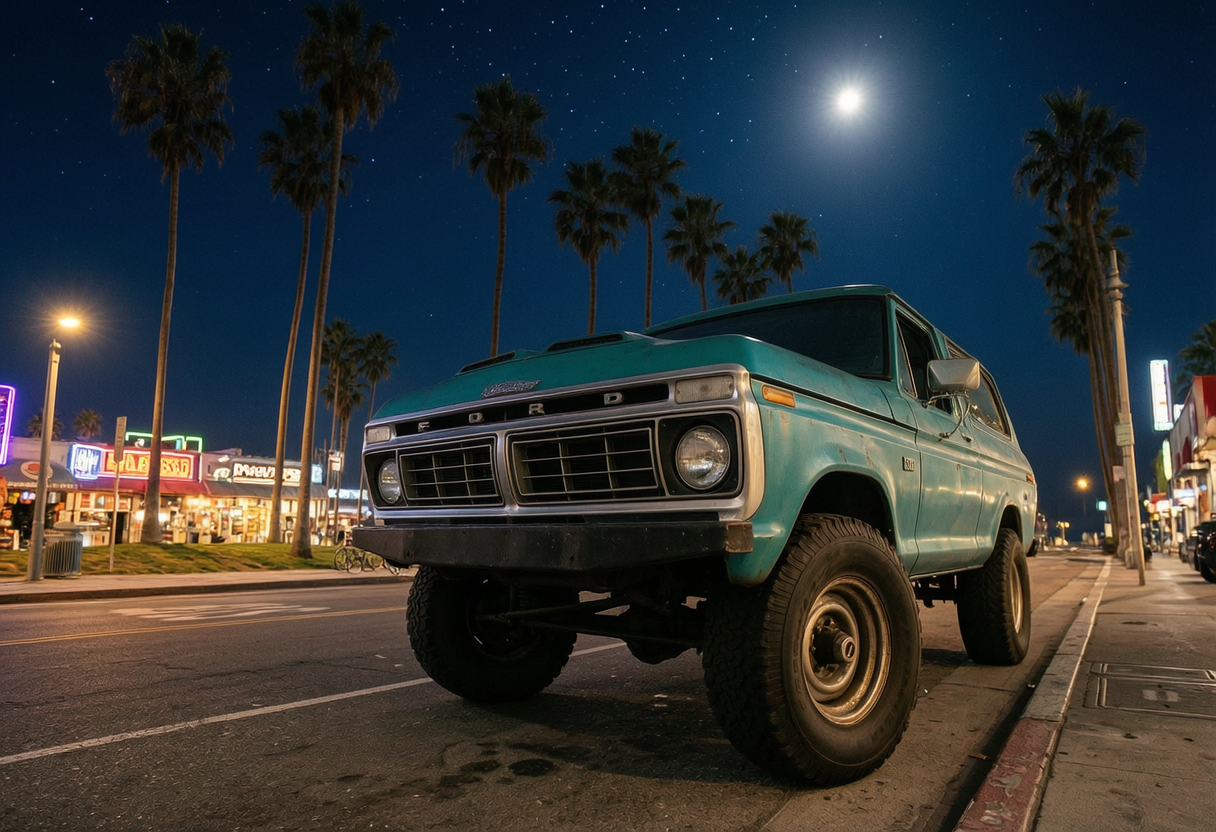
vintage Ford Bronco parked on a street with palm trees, low angle wide shot, Venice Beach style, nighttime scene, deep blue night sky with stars, soft moonlight, street lights glowing, warm artificial lighting reflecting on the car, cinematic contrast, realistic shadows, urban night atmosphere, neon signs and subtle city lights in background, 35mm photography, ultra realistic, high detail, 4k
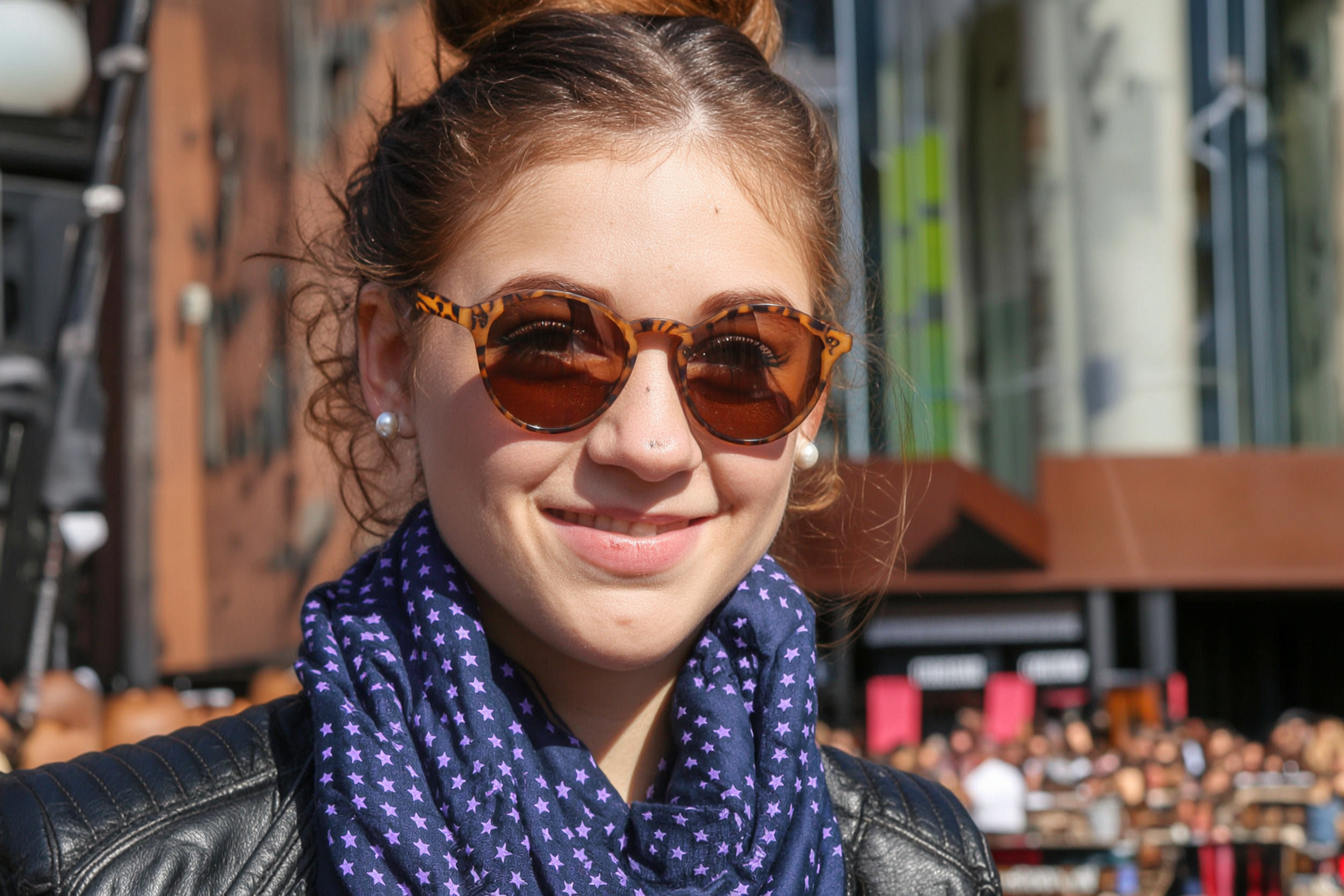
Generate an image that matches the exquisite silhouette outlined in Figure 1, and follows the following description: A young woman smiling on a sunny day, wearing a pair of brown round sunglasses with leopard print patterns on the frames. Her hair is neatly tied up, she wears pearl earrings, a dark blue scarf with purple star patterns around her neck, and a black leather jacket.
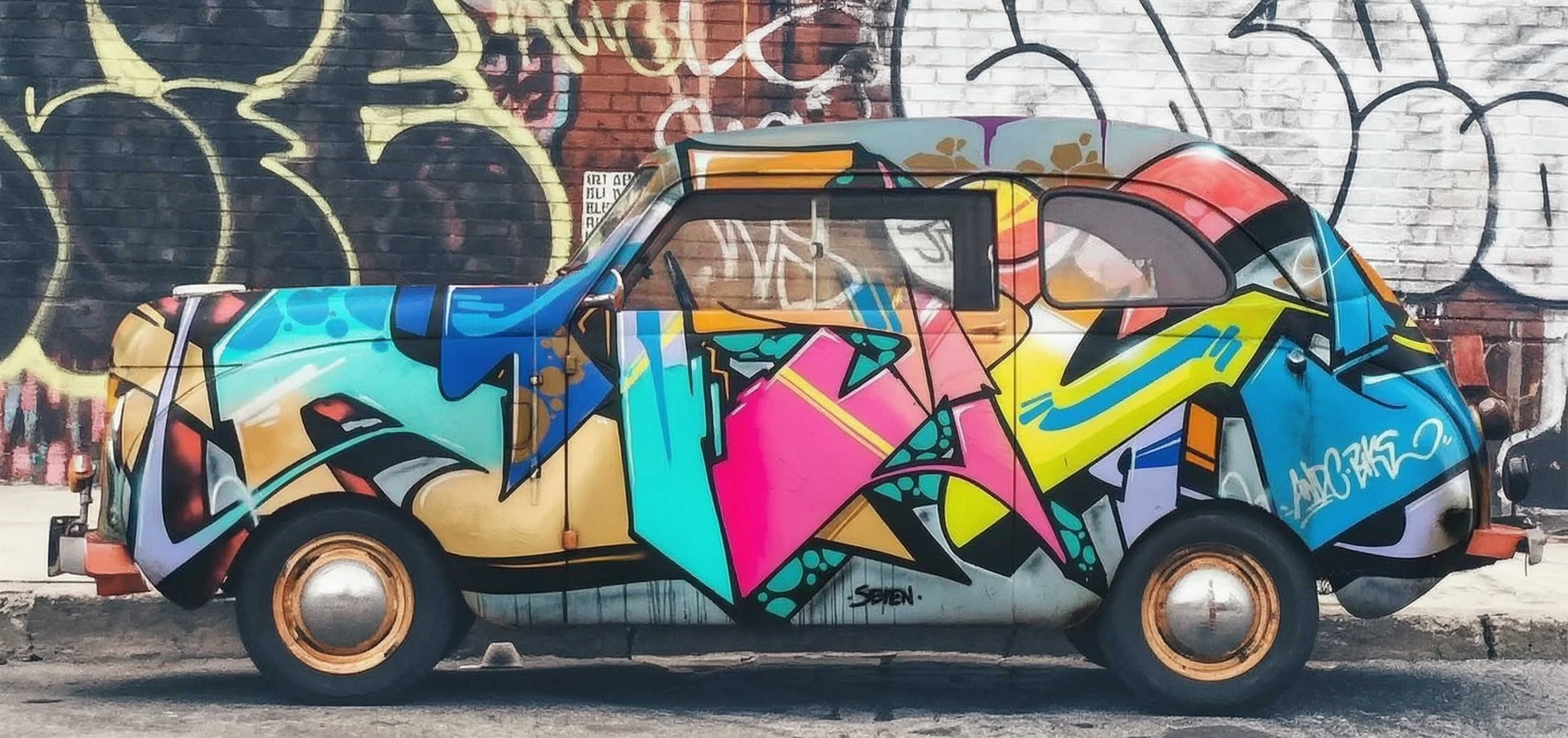
Spray paint the graffiti from Figure 2 onto the car in Figure 1.
相关模型
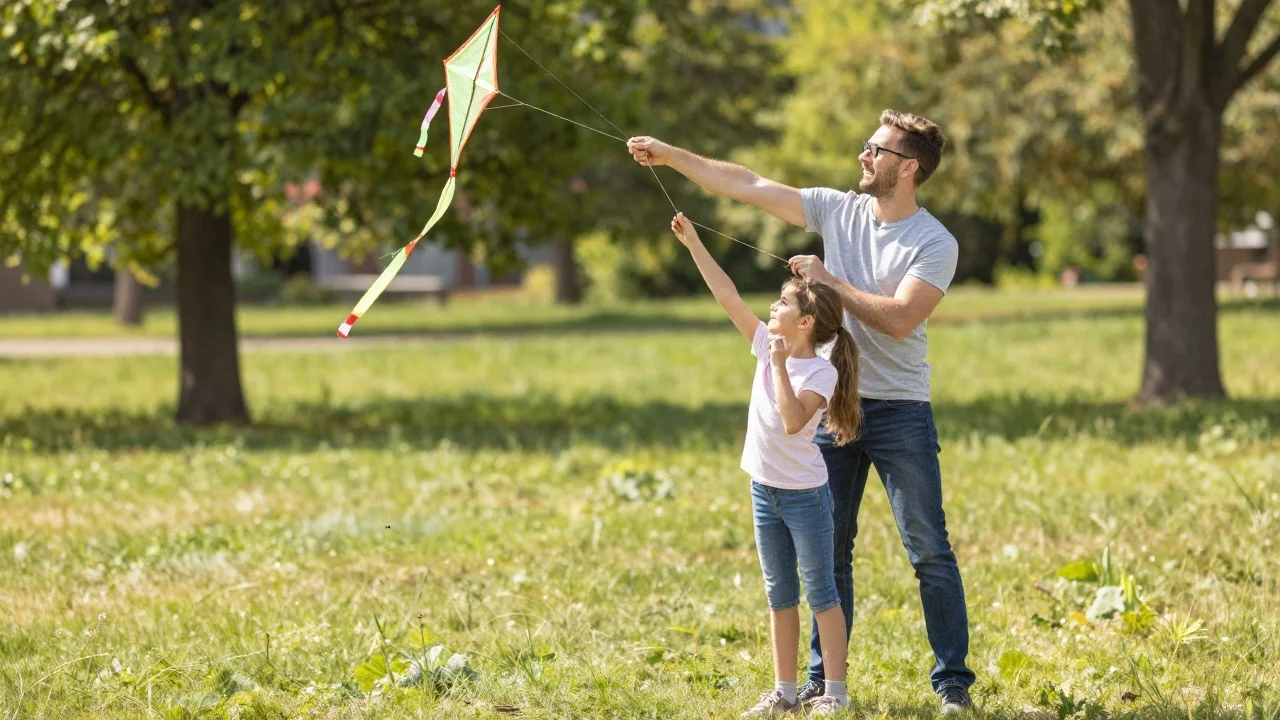
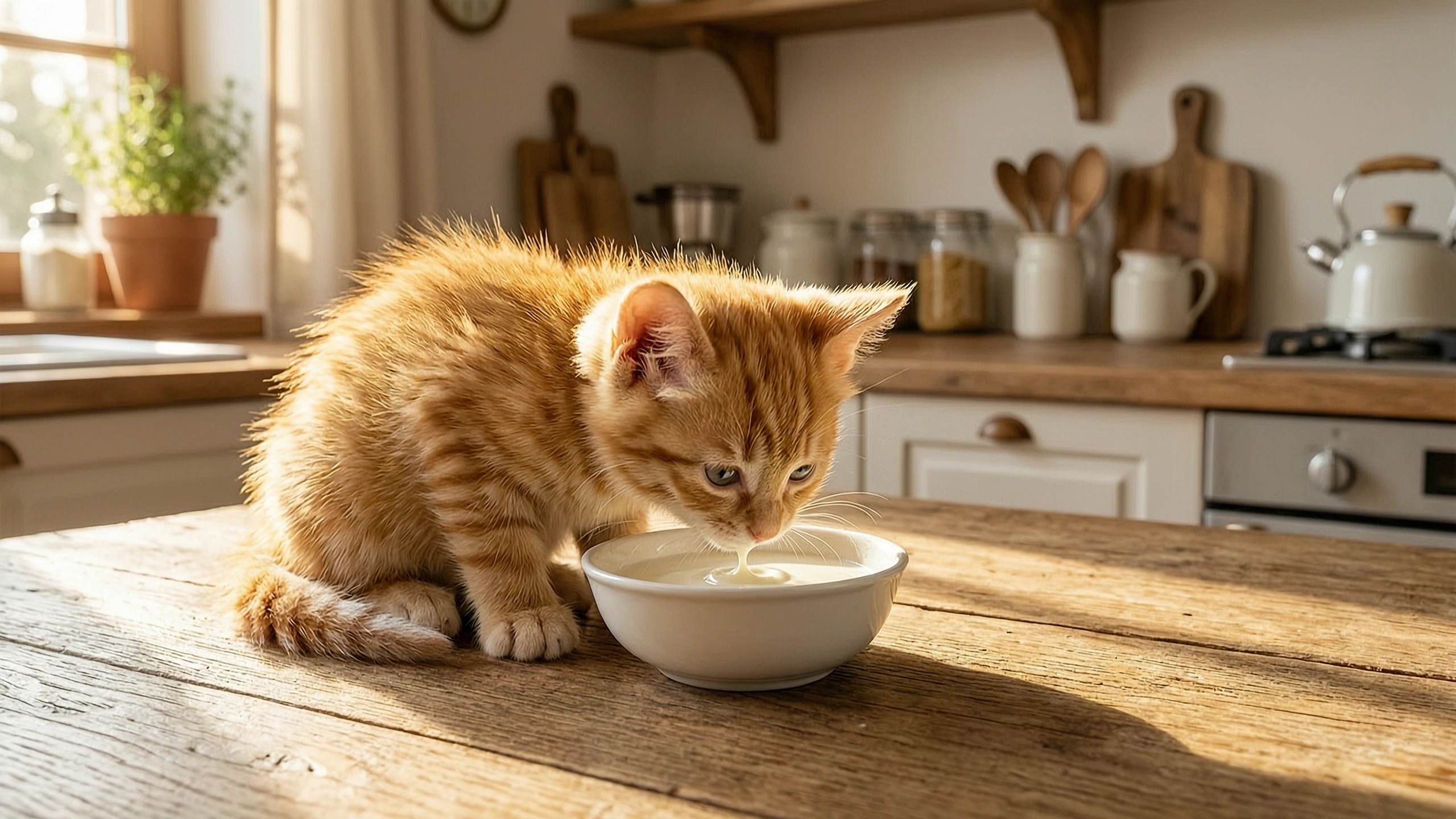
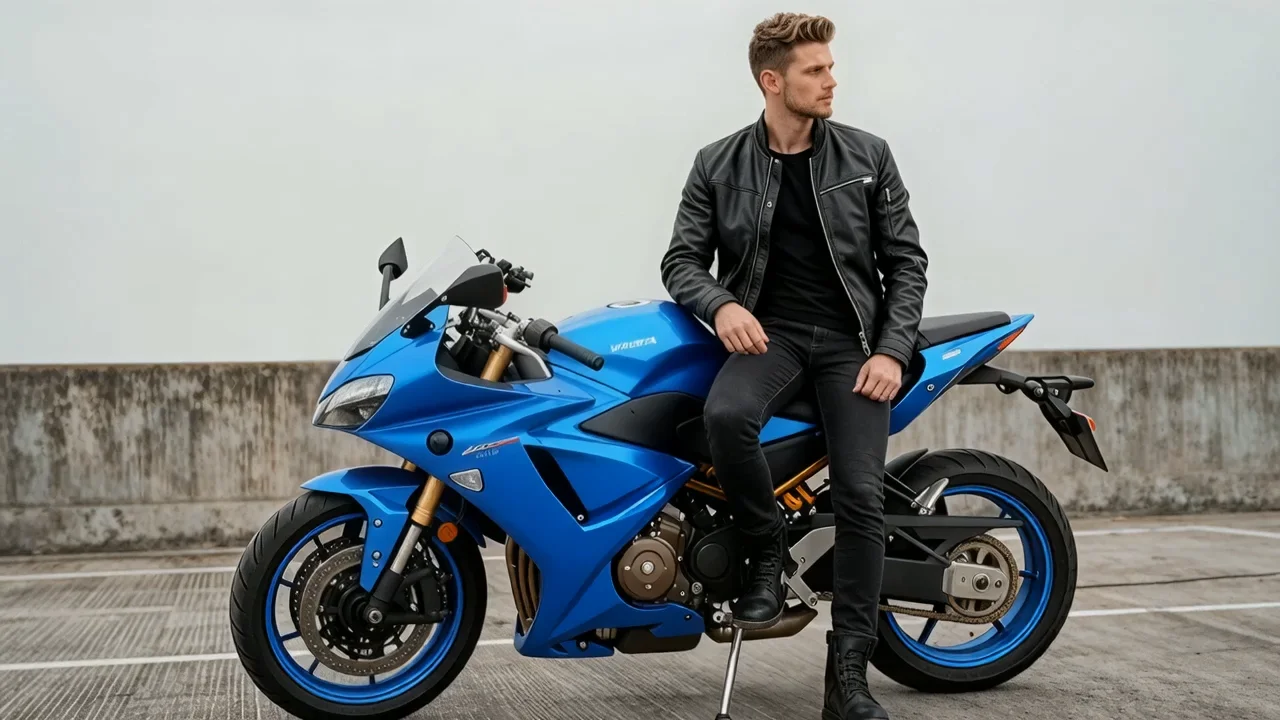
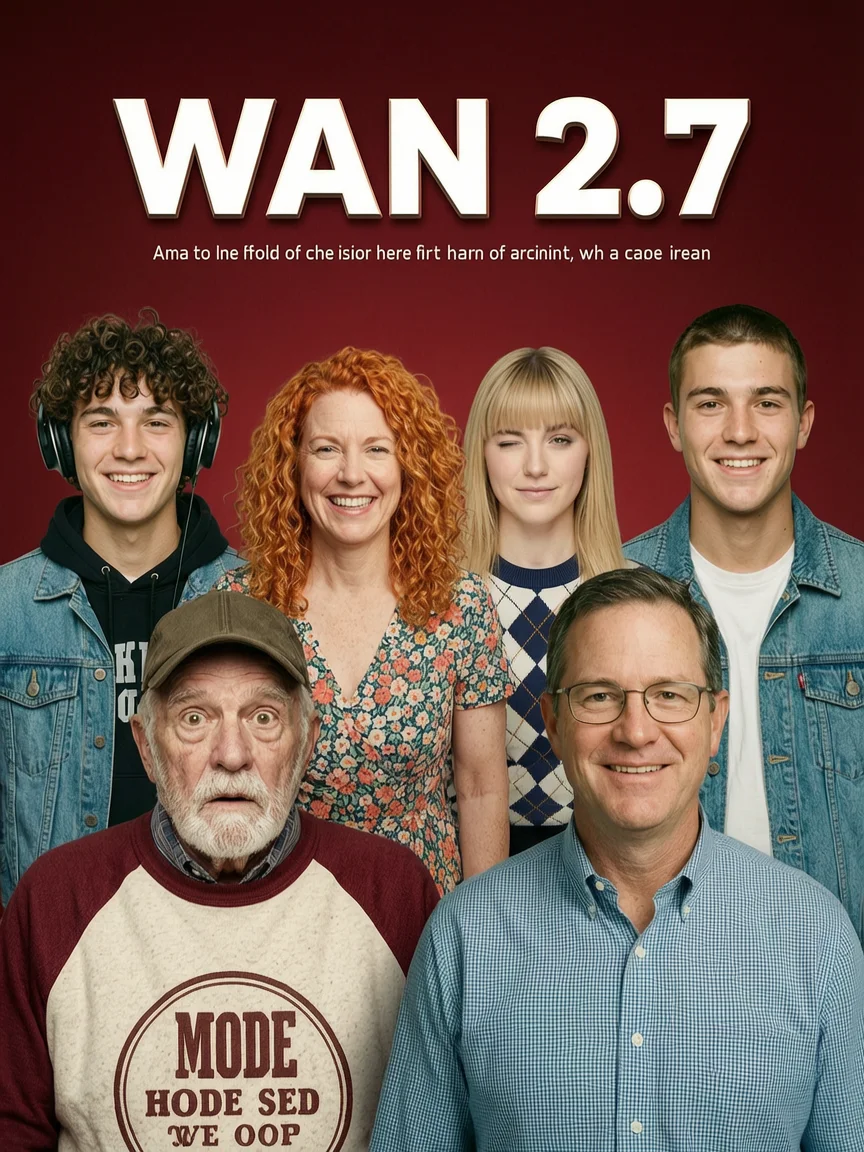

README
Wan 2.7 Image Edit
Wan 2.7 Image Edit is a prompt-driven image editing model that makes targeted changes to existing images while preserving their original structure, subject identity, and composition. Upload one or more reference images, describe the edit in plain language, and get an updated image back — no masking, no manual selections required.
It's built for fast creative iteration: changing clothing, colors, materials, background mood, adding or removing objects, and applying style adjustments without rebuilding the entire scene from scratch.
Why Choose This?
-
Natural-language editing Describe what to change and what to keep — the model follows your intent accurately for common creative workflows.
-
Multi-image reference support Upload 1 to 3 input images for style, subject, or background guidance and fusion edits.
-
Composition preservation Designed to preserve subject identity, pose, and overall structure while applying localized changes.
-
Seed control Fix a seed for repeatable outputs and more consistent iteration across prompt variations.
Parameters
| Parameter | Required | Description |
|---|---|---|
| images | Yes | One or more input images to edit (1–3 images, uploaded files or public URLs). |
| prompt | Yes | Edit instruction describing what to change and what to keep. |
| size | No | Output dimensions. Defaults to the original image size if not specified. |
| seed | No | Integer for reproducibility. Use a fixed seed to iterate with smaller prompt changes. -1 for random. |
How to Use
- Upload your image(s) — provide the main image to edit. Add up to 3 images for style or background reference.
- Write your prompt — describe both what to change and what must stay the same. For example: "Replace the background with a rainy Tokyo street at night, keep the person's face and pose unchanged."
- Set size (optional) — specify output dimensions, or leave empty to match the original image size.
- Set seed (optional) — fix a seed to make iterations more comparable and reproducible.
- Submit — preview the output and iterate step by step if needed.
Pricing
Just $0.03 per run.
Best Use Cases
- Fashion & Apparel — Swap clothing styles, colors, or materials while preserving pose and identity.
- Background Replacement — Change scene environment or mood without affecting the subject.
- Product Editing — Adjust product colors, materials, or settings for variant photography.
- Style Transfer — Apply artistic or visual style shifts to an existing image.
- Creative Iteration — Rapidly explore visual variations from a single source image.
Pro Tips
- Structure your prompt in two parts: what to change, and what to keep. Example: "Change the jacket to leather, keep the face and pose unchanged."
- If edits spill into areas you want to preserve, strengthen constraints: "keep the face unchanged", "keep the background intact", "do not alter the text."
- Use a fixed seed to make iterative prompt refinements more comparable across runs.
- If outputs look inconsistent, simplify your prompt and iterate with smaller changes.
- Use multiple reference images when you need the model to draw from different sources for style, subject, or background.
Notes
- Both images and prompt are required fields.
- Output size defaults to the original image dimensions if size is not specified.
- Output size range is 512–4096 pixels per dimension, with total pixels between 768×768 and 2048×2048 and aspect ratio between 1:8 and 8:1.
Related Models
- Wan 2.7 Image Edit Pro — Pro version with 4K support for higher-resolution editing.
- Wan 2.6 Image Edit — Previous generation Wan image-edit model with a similar prompt-driven workflow.
- Qwen Image Edit — General-purpose AI image editing with strong prompt adherence for everyday creative and product workflows.
- Google Nano Banana Pro Edit — High-fidelity image editing with strong composition preservation and reliable text handling.
Wan 2.7 Image Edit API — Quick start
Grab a WaveSpeedAI API key, then call POST https://api.wavespeed.ai/api/v3/alibaba/wan-2.7/image-edit with your input as JSON. The endpoint returns a prediction id; poll the prediction endpoint until status flips to completed, then read the output URL from data.outputs[0]. Examples for Wan 2.7 Image Edit below.
HTTP example
# Submit the prediction
curl -X POST "https://api.wavespeed.ai/api/v3/alibaba/wan-2.7/image-edit" \
  -H "Content-Type: application/json" \
  -H "Authorization: Bearer $WAVESPEED_API_KEY" \
  -d '{
    "prompt": "A cinematic shot of a city at sunset, soft golden light",
    "seed": -1
}'

# Response includes a prediction id. Poll for the result:
curl -X GET "https://api.wavespeed.ai/api/v3/predictions/{request_id}/result" \
  -H "Authorization: Bearer $WAVESPEED_API_KEY"

# When status is "completed", read the output from data.outputs[0].
Node.js example
// npm install wavespeed
const WaveSpeed = require('wavespeed');

const client = new WaveSpeed(); // reads WAVESPEED_API_KEY from env

const result = await client.run("alibaba/wan-2.7/image-edit", {
        "prompt": "A cinematic shot of a city at sunset, soft golden light",
        "seed": -1
});

console.log(result.outputs[0]); // → URL of the generated output
Python example
# pip install wavespeed
import wavespeed

output = wavespeed.run(
    "alibaba/wan-2.7/image-edit",
    {
    "prompt": "A cinematic shot of a city at sunset, soft golden light",
    "seed": -1
}
)

print(output["outputs"][0])  # → URL of the generated output
Wan 2.7 Image Edit API — Frequently asked questions
What is the Wan 2.7 Image Edit API?
Wan 2.7 Image Edit is a Alibaba model for image editing, exposed as a REST API on WaveSpeedAI. WAN 2.7 Image Edit performs prompt-driven image editing with support for multiple-image references. Ready-to-use REST inference API, best performance, no coldstarts, affordable pricing. You can call it programmatically or try it from the playground above.
How do I call the Wan 2.7 Image Edit API?
POST your input parameters to the model's REST endpoint (shown in the API tab of this playground) with your WaveSpeedAI API key in the Authorization header. Submission returns a prediction ID; poll the prediction endpoint until status flips to "completed", then read the output URL from the result. The playground generates a ready-to-paste code sample in Python, JavaScript, or cURL for whatever inputs you've set. Full request/response shape is documented at https://wavespeed.ai/docs/docs-api/alibaba/alibaba-wan-2.7-image-edit.
How much does Wan 2.7 Image Edit cost per run?
Wan 2.7 Image Edit starts at $0.030 per run. That figure is the base price — the final charge scales with the parameters you set in the form (output size, length, count, references, or whatever knobs this model exposes), so a higher-quality or larger output costs more than a minimal one. The exact cost for your current input is shown live next to the Generate button before you submit, and the actual per-call charge is recorded on the prediction afterwards.
What inputs does Wan 2.7 Image Edit accept?
Key inputs: `prompt`, `images`, `seed`. The full JSON schema (types, defaults, allowed values) is rendered above the Generate button and mirrored in the API reference at https://wavespeed.ai/docs/docs-api/alibaba/alibaba-wan-2.7-image-edit.
How do I get started with the Wan 2.7 Image Edit API?
Sign up for a free WaveSpeedAI account to claim starter credits, copy your API key from /accesskey, then call the endpoint shown in the API tab of the playground. The playground also auto-generates a code sample in Python, JavaScript, or cURL for the parameters you've set.
Can I use Wan 2.7 Image Edit outputs commercially?
Commercial usage rights depend on the model's license, set by its provider (Alibaba). The license summary appears on the model card above; see WaveSpeedAI's Terms of Service for platform-level conditions.