Reve Art AI (reve/edit) provides Image-to-Image editing for precise photo edits, retouches, and transformations. Ready-to-use REST inference API, best performance, no coldstarts, affordable pricing.
Idle
$0.04per run·~25 / $1
ExamplesView all
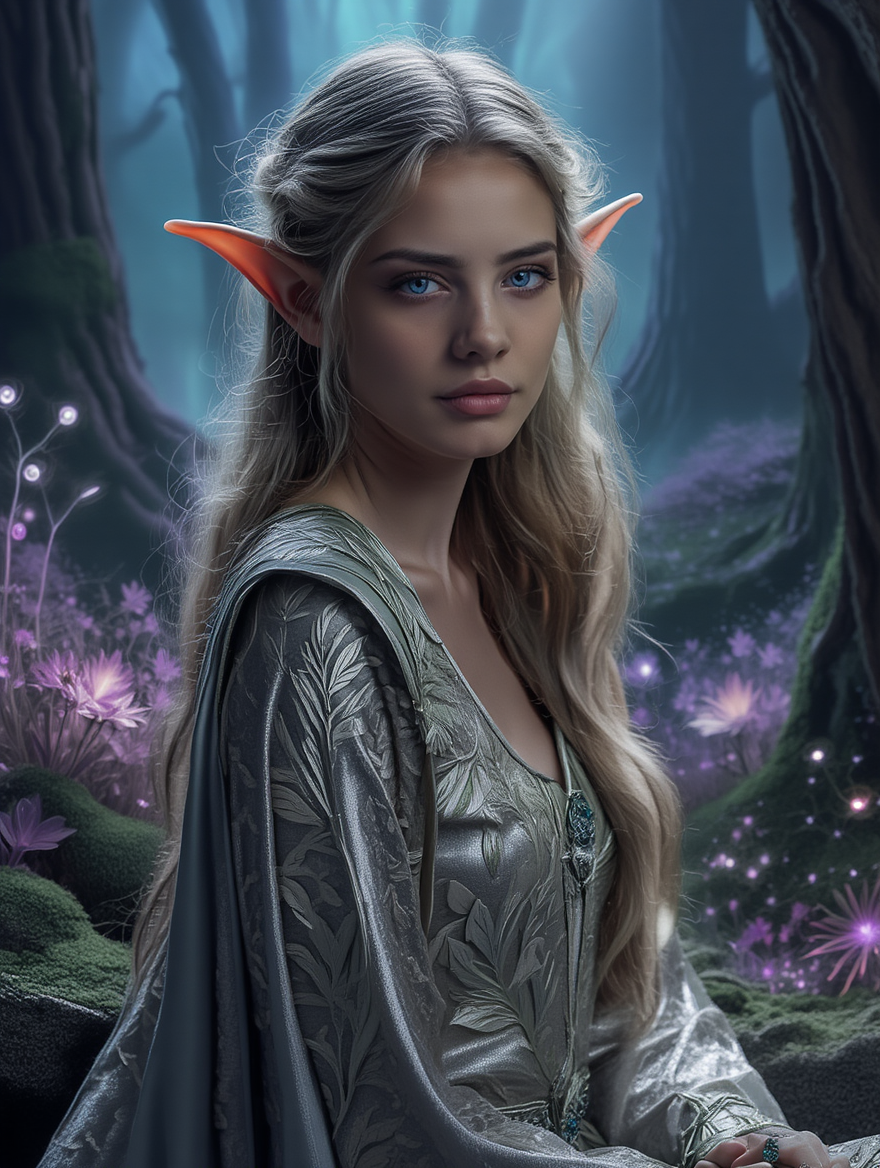
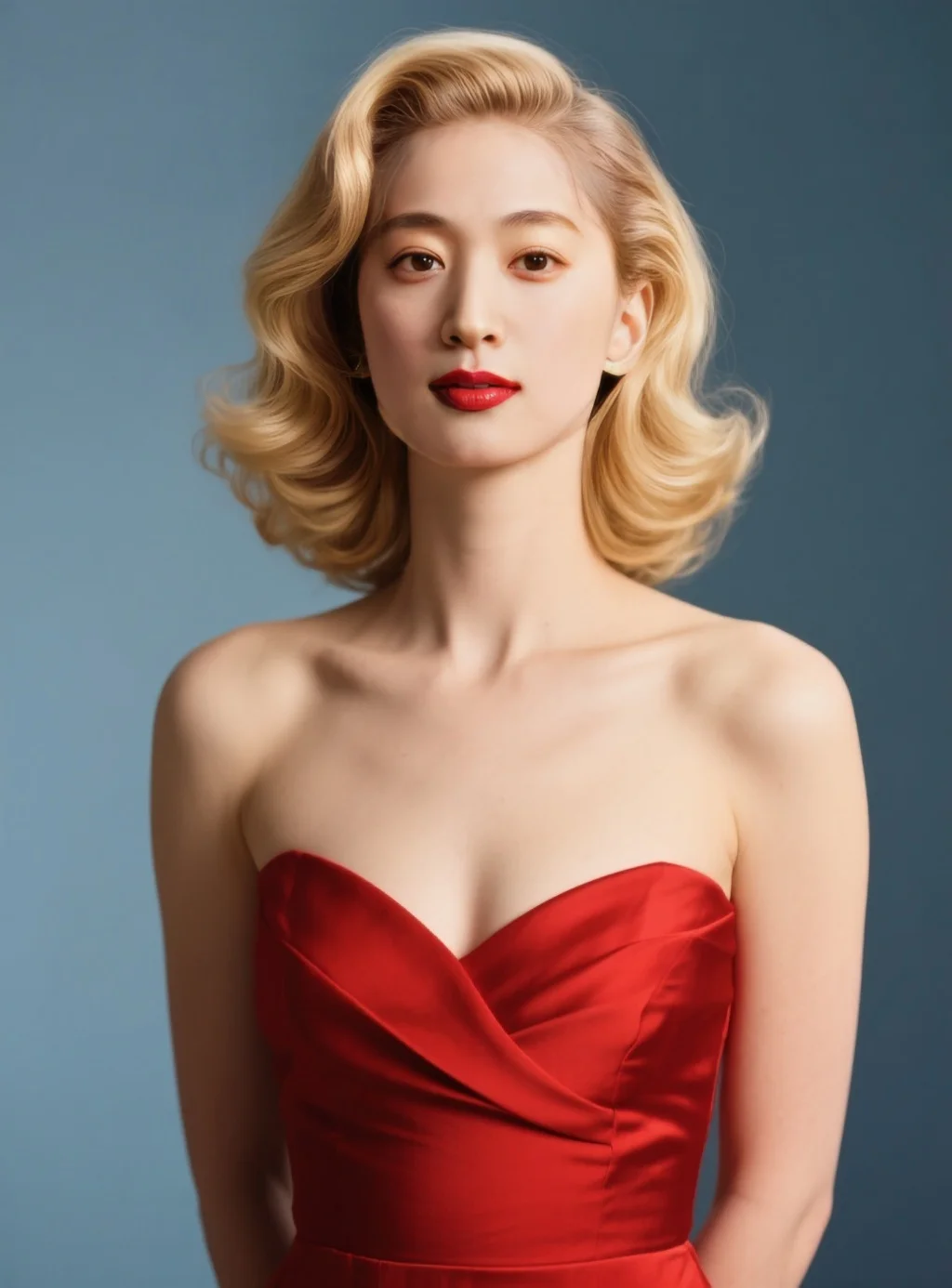
A photorealistic fantasy portrait, transforming the woman in the image into an elegant high elf. Give her long, gracefully pointed ears that peek through her hair. Her skin has a subtle, ethereal glow. Replace her white blazer and necklaces with ornate, flowing elven robes made of shimmering silver fabric and intricate leaf patterns. The background is a mystical, twilight forest with glowing magical flora. **CRITICAL:** Maintain her exact original pose, serene smiling expression, and facial structure. Cinematic lighting, masterpiece, hyper-detailed.
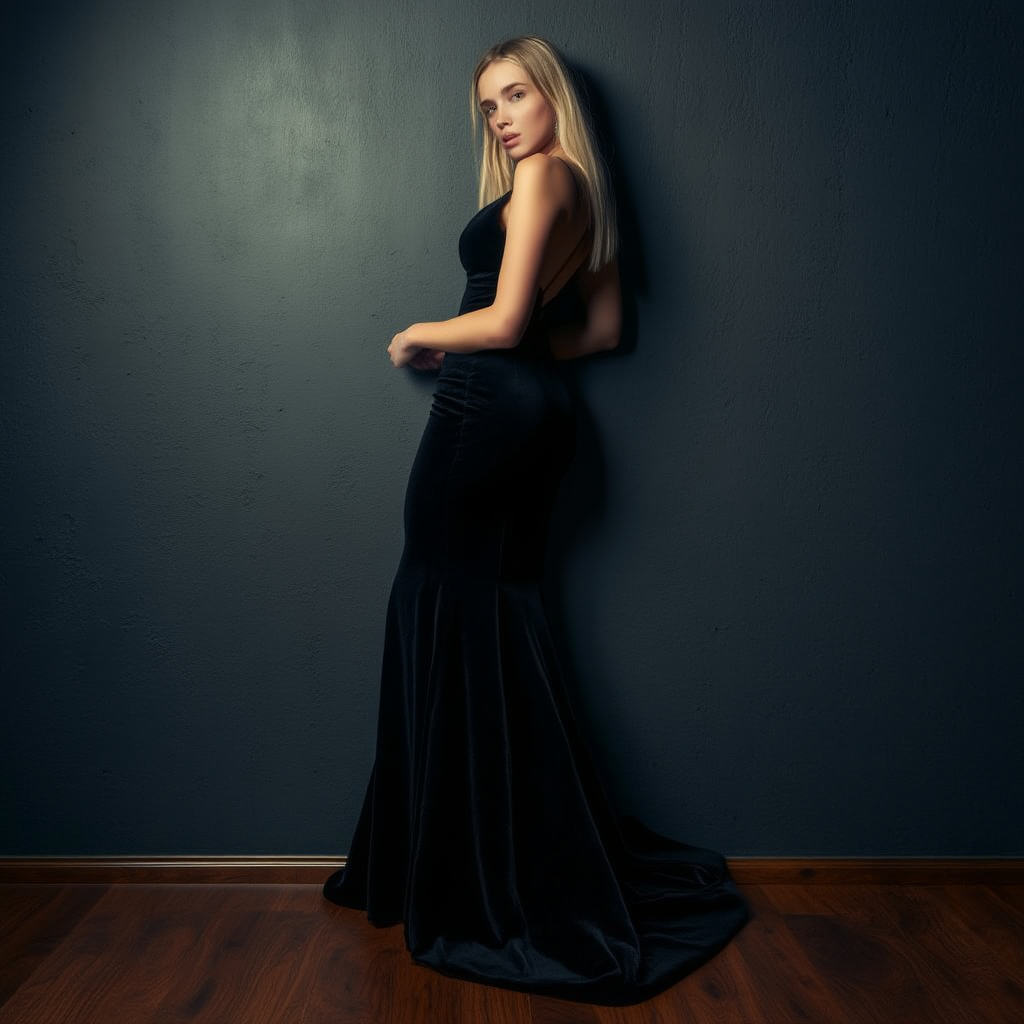
A complete redraw. Photorealistic portrait of the woman from the image, but in a completely new scene. She is now gracefully leaning against a dark, textured wall, looking over her shoulder at the camera with a confident and alluring expression. She is wearing an elegant, floor-length black velvet evening gown. Cinematic, dramatic lighting. Maintain her facial features and hair.
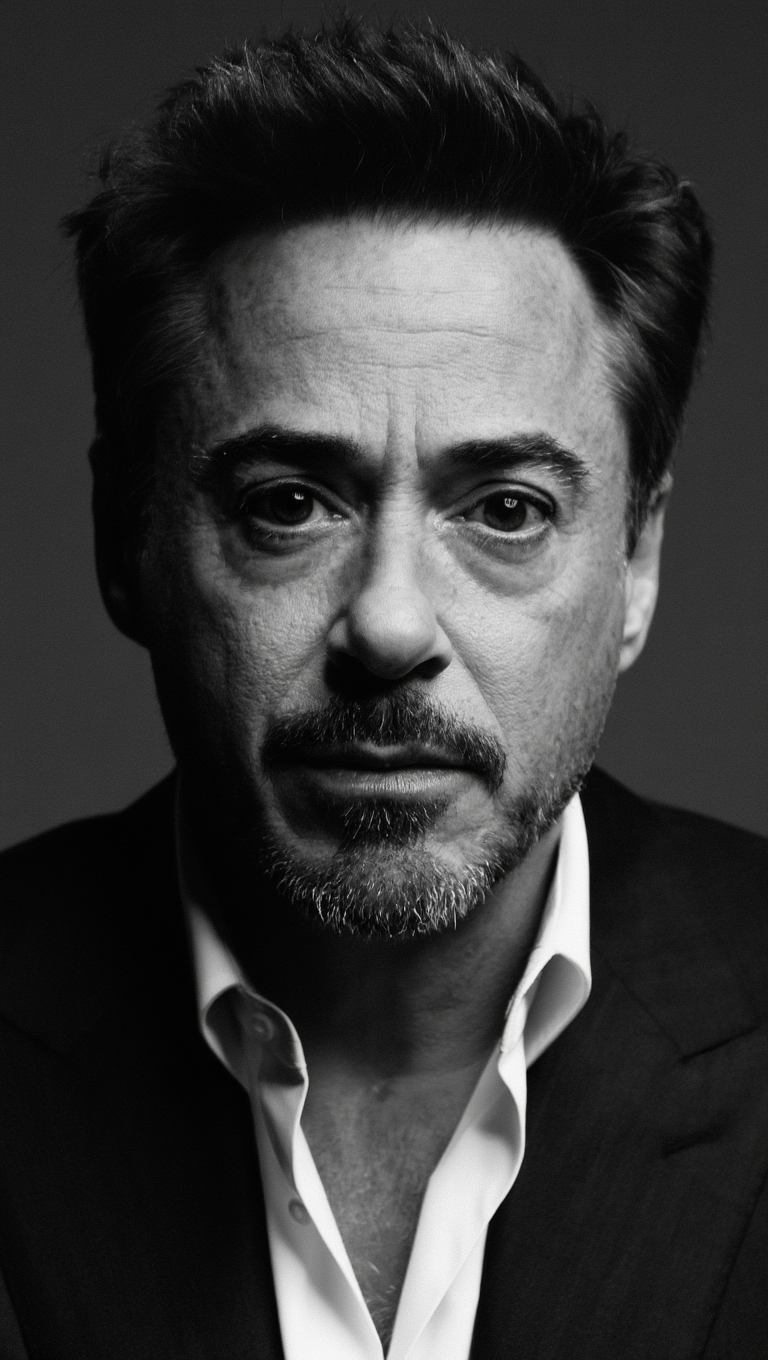
A fine art, black and white museum-quality portrait of the woman in the image. Use dramatic chiaroscuro lighting to sculpt her facial features, creating deep shadows and bright highlights. Her expression is serene yet powerful. The focus is tack-sharp on her eyes. Add a subtle film grain effect. Masterpiece, high contrast.
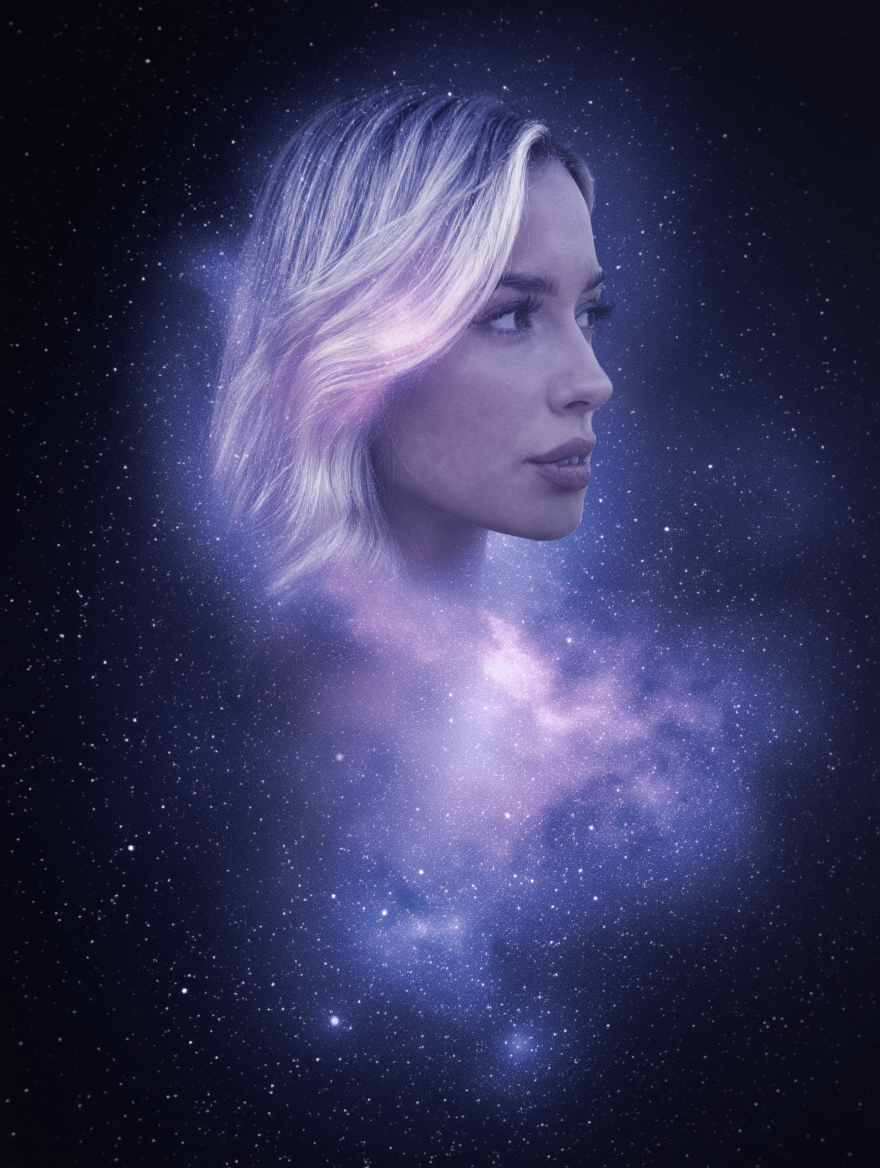
A surreal, artistic double exposure portrait. The main silhouette is the woman from the image, but her form is seamlessly blended with a celestial nebula of swirling stars and soft purple and blue colors. Her expression is calm and ethereal. Conceptual art photography, dreamlike atmosphere, high detail.
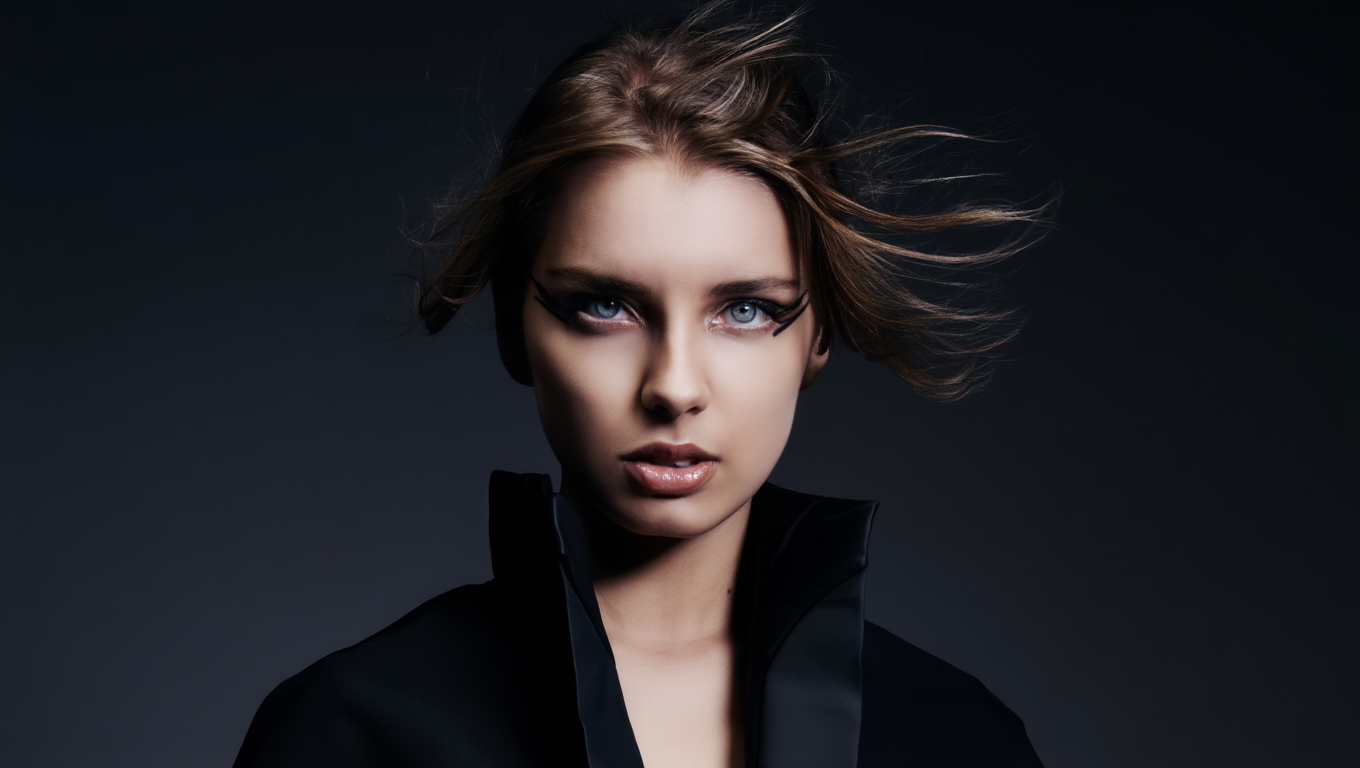
A high-fashion editorial portrait of the woman in the image, in the style of a Vogue cover shoot. She has avant-garde makeup and a powerful, confident pose. The lighting is bold and theatrical, creating sharp, defined lines. The background is a simple, solid dark color to emphasize her form. Luxurious, sophisticated, ultra-high resolution.

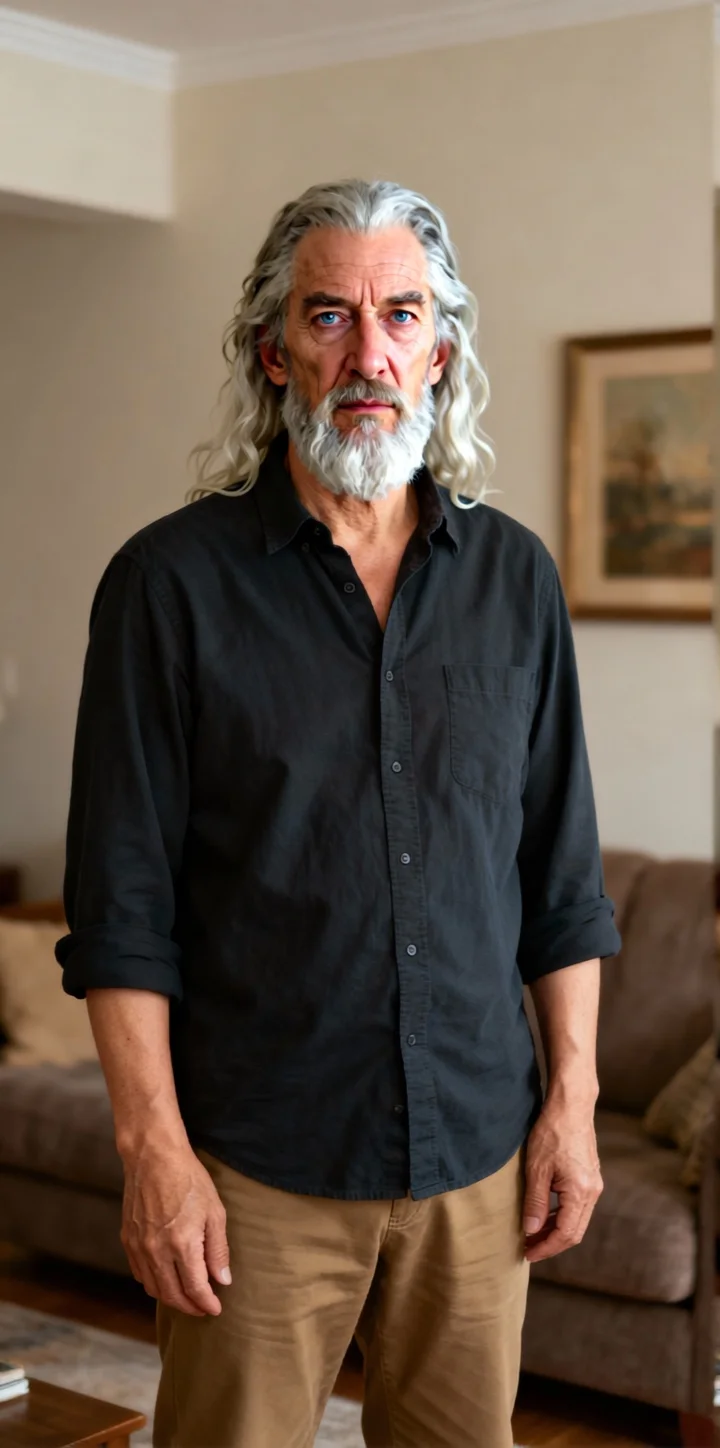
In the same painterly style, the man from the image is now on his knees, head tilted back, roaring with passion and relief. He is clutching a golden World Cup trophy tightly to his chest. He is at the center of a stadium filled with cheering crowds and a massive shower of golden confetti falling from above. The scene is illuminated by brilliant, warm spotlights. Victorious, ecstatic, masterpiece. CRITICAL: Maintain his exact facial features.

A photorealistic portrait, transforming the man in the image into a brilliant young steampunk inventor. He is in a cluttered, dimly lit workshop filled with brass gears, blueprints, and strange clockwork devices. He wears a leather apron over a waistcoat and has intricate brass goggles pushed up on his forehead. With a look of intense focus and wonder, he is carefully soldering a delicate, glowing mechanical bird that is perched on his finger. The warm light from the bird's glowing core illuminates his face. CRITICAL: Maintain his exact facial features and youthful expression from the original photo. Cinematic lighting, hyper-detailed, oil painting style.
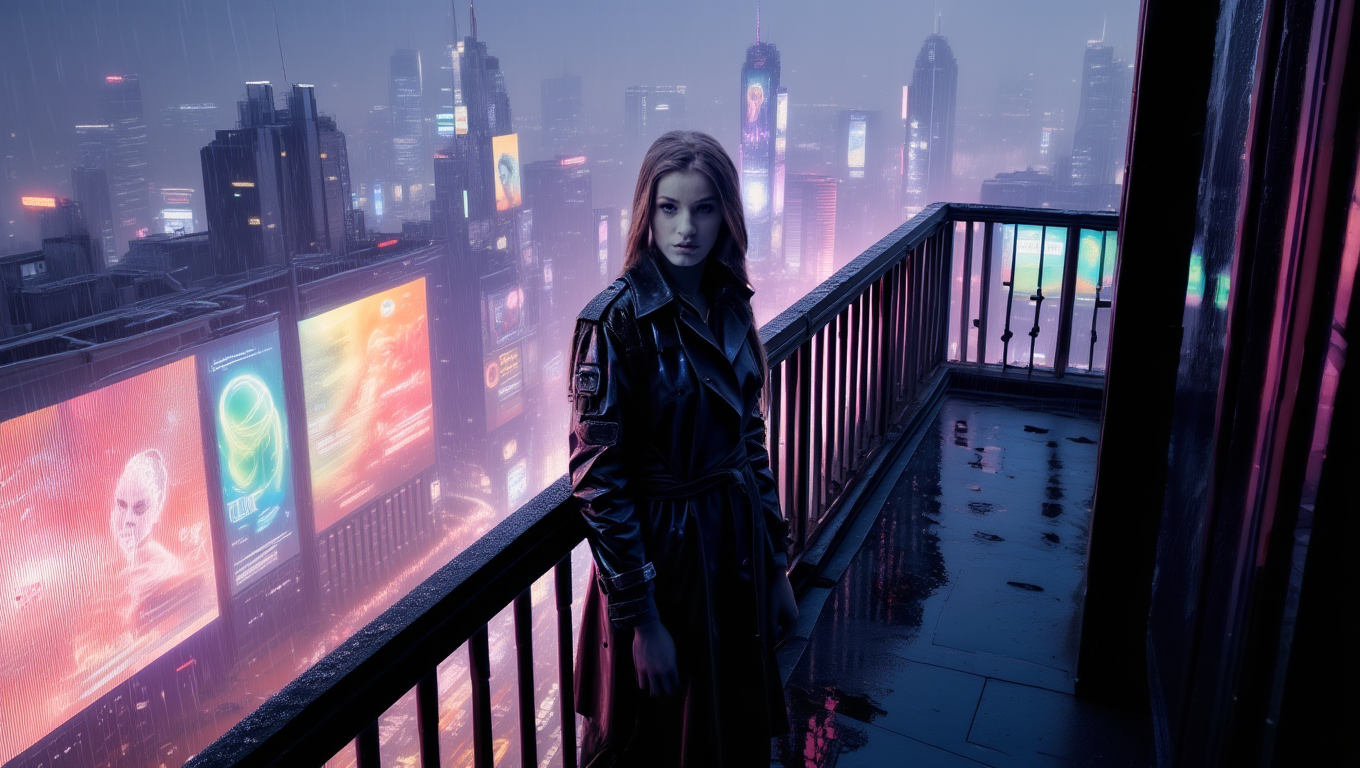
A photorealistic portrait, transforming the woman in the image into a character in a cyberpunk city. She is standing on a high-rise balcony at night, looking out over a vast, rain-slicked metropolis. The city is filled with towering skyscrapers and massive, flickering holographic advertisements. The vibrant neon glow from the city below casts dramatic shadows and colorful reflections on her face and dark, high-tech trench coat. Her expression is contemplative and melancholic. CRITICAL: Maintain her exact facial features and hairstyle from the original photo. Cinematic, moody atmosphere, hyper-detailed.
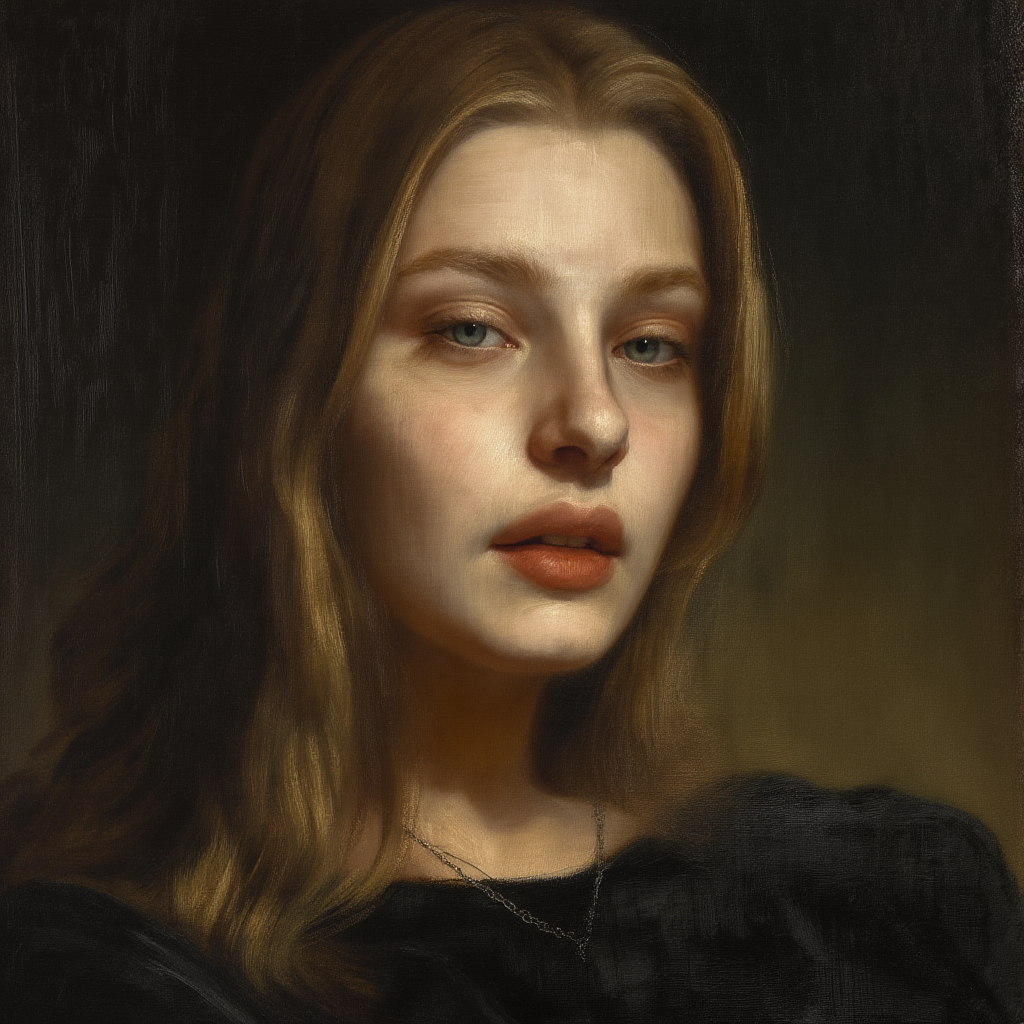
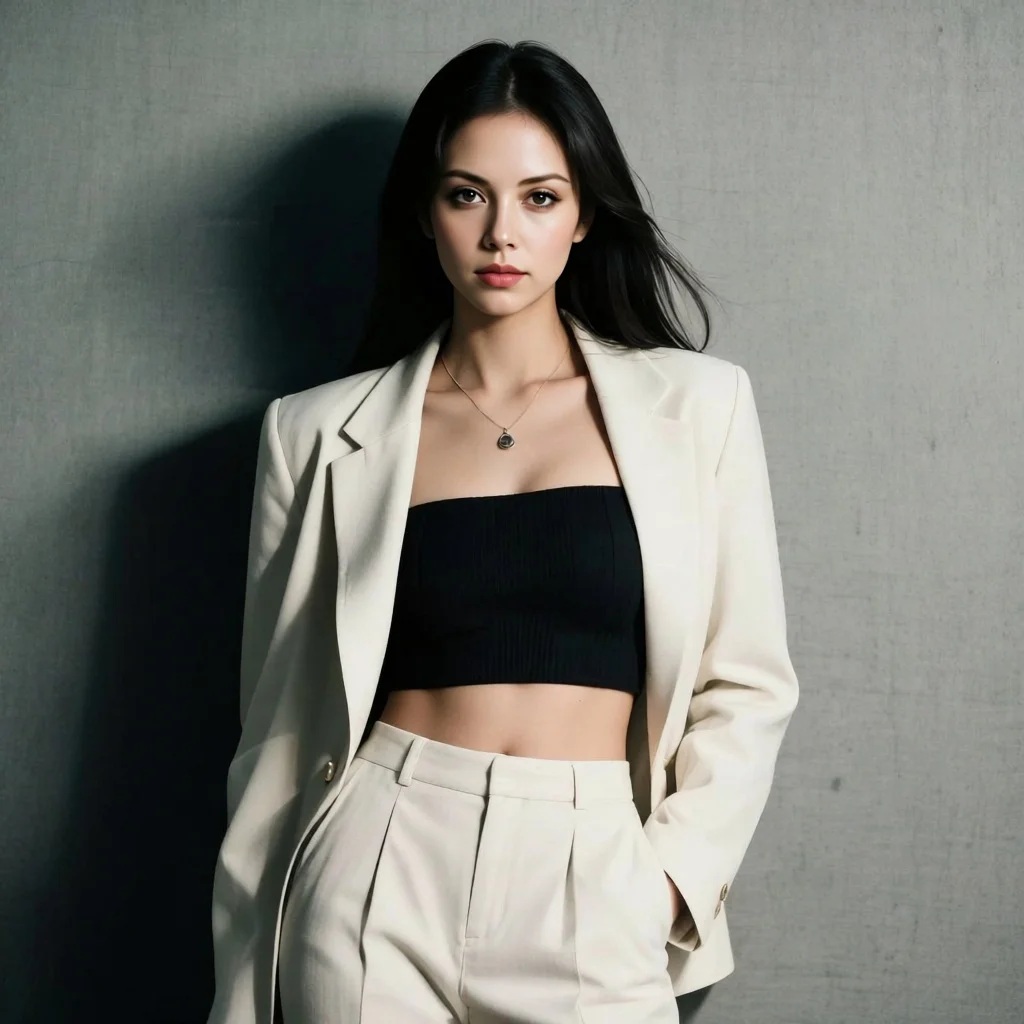
Transform the photo into a masterpiece classical oil painting, in the style of John Singer Sargent. Enhance the lighting with dramatic chiaroscuro, creating deep, soft shadows. The texture should have rich, visible brushstrokes. Her black top is rendered as deep, luxurious fabric. CRITICAL: Her face, expression, and pose must be perfectly identical to the original photograph. Fine art, museum quality, high detail.
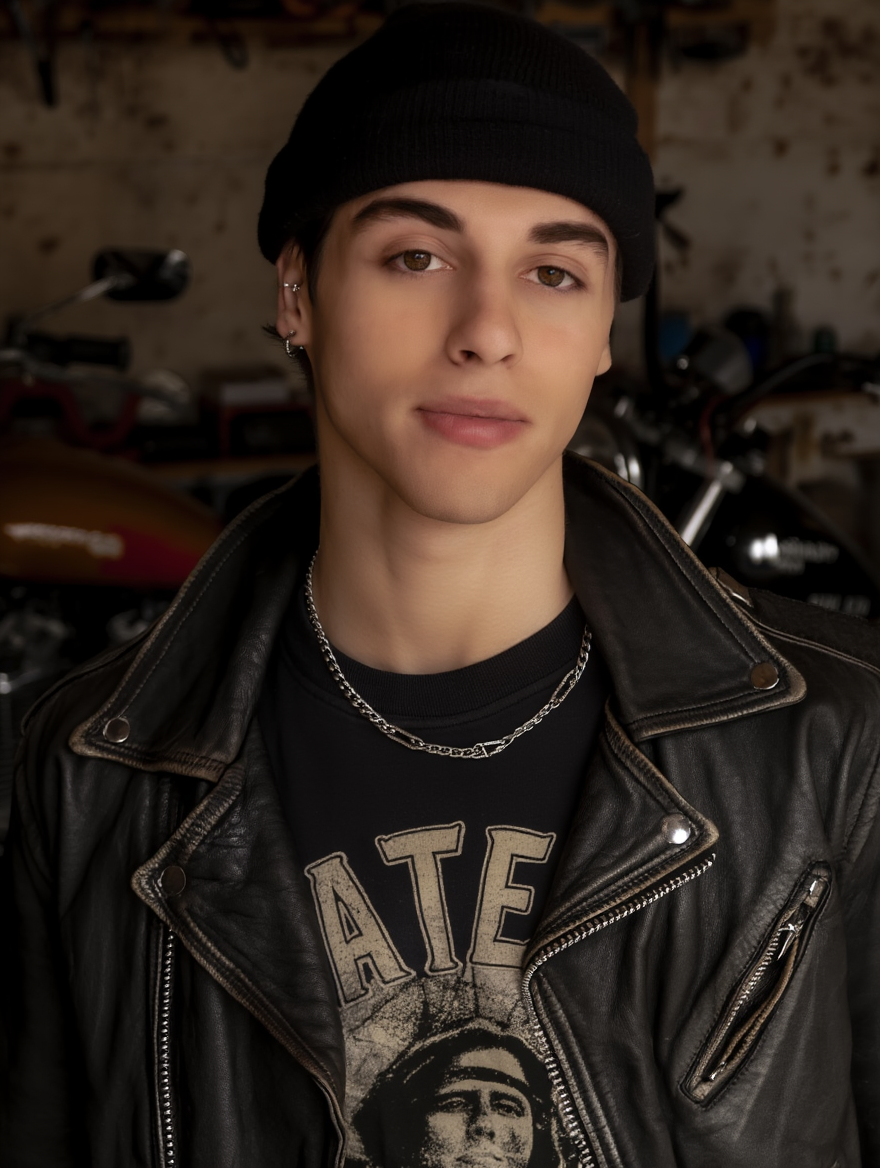
A subtle style transformation of the original photo. Replace his black top with a classic, worn black leather biker jacket over a vintage band t-shirt. Add a simple silver chain necklace. The background is a rustic, dimly lit garage with parts of a motorcycle visible but out of focus. CRITICAL: Do not change his facial structure, serene expression, pose, or the existing lighting on his face. The transformation should focus only on clothing and background. Photorealistic, gritty texture, cinematic.
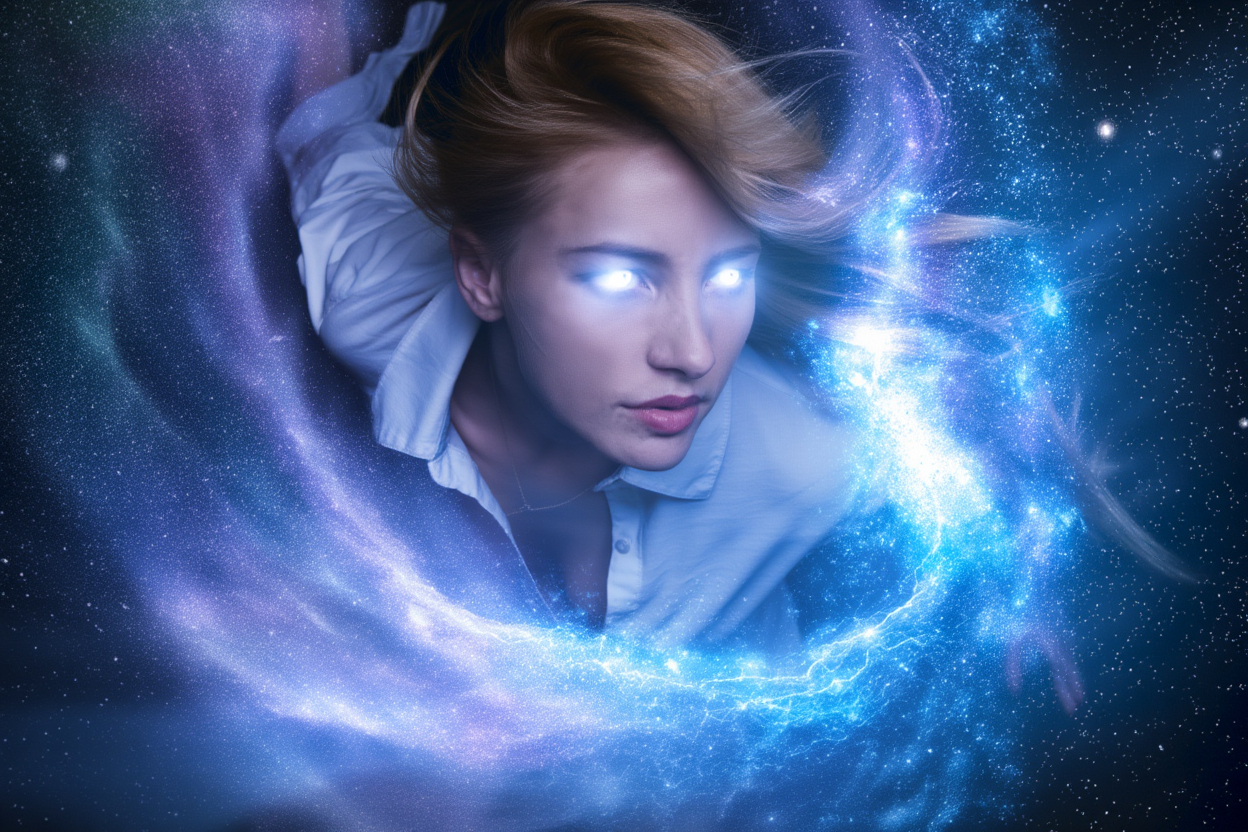
A complete redraw in a cinematic, epic style. The woman from the image is now a powerful superhero, unleashing a massive wave of cosmic energy. Her hair and white shirt are whipping upwards as if in a zero-gravity storm. Crackling blue and purple nebula-like energy emanates from her entire body, creating a brilliant aura. Her eyes are glowing with pure white light. The background dissolves into a swirling vortex of stars and galaxies. CRITICAL: Maintain her exact facial features and structure. Photorealistic, masterpiece, dynamic action.
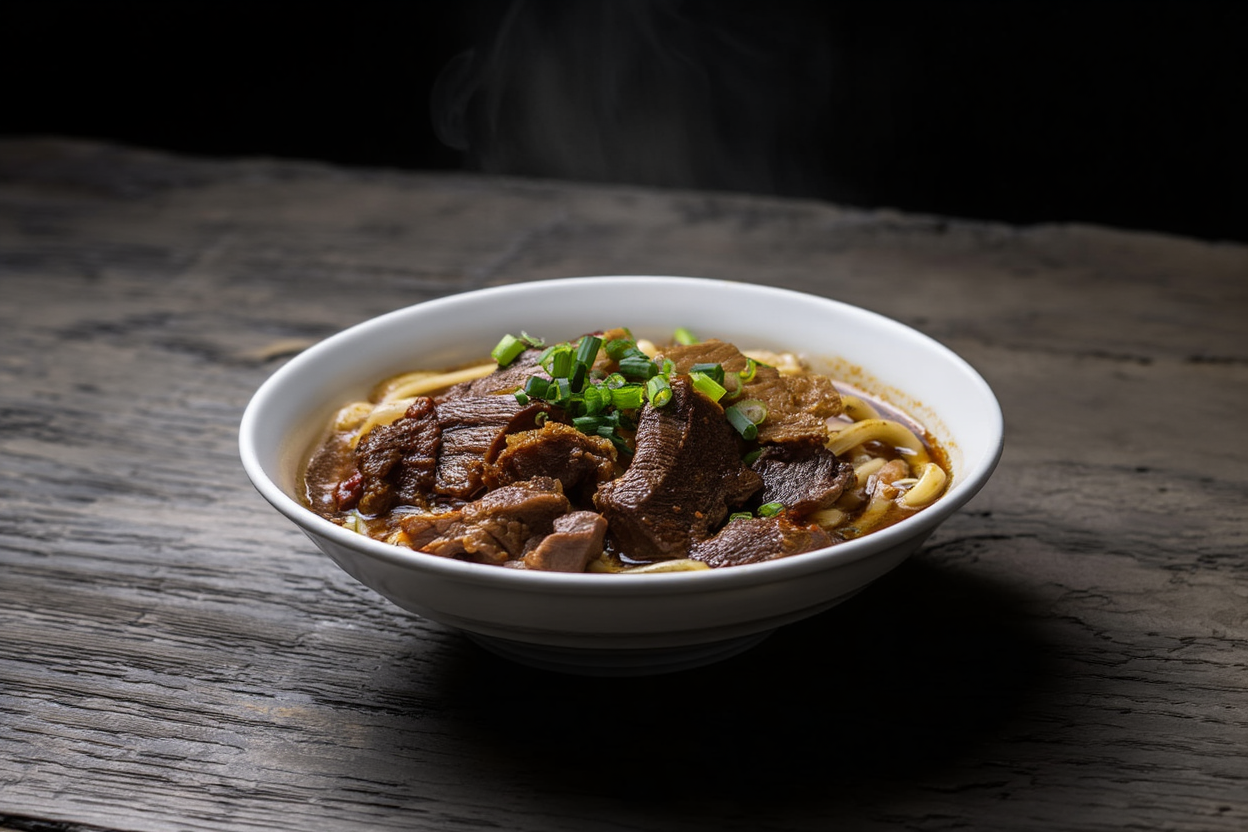
An artistic, moody still life of a bowl of Taiwanese beef noodle soup. Use dramatic chiaroscuro lighting to highlight the rich texture of the braised beef and the glistening surface of the dark broth. The bowl sits on a rustic, dark wooden table. A faint wisp of steam gently rises from the soup. The atmosphere is quiet, intimate, and sophisticated. Photorealistic, shallow depth of field, masterpiece.
Related Models

README
ReVE Art AI — Image Editing
ReVE Edit is a next-generation image editing model that allows users to apply detailed visual transformations through natural language. Whether you want to restyle portraits, modify backgrounds, or create artistic reinterpretations, ReVE Edit delivers realistic and coherent results while preserving structure and identity.
✨ Key Features
-
Prompt-based Editing Modify any image using simple text — describe what to change, and the model will handle the rest.
-
Consistent Visual Quality Maintains subject structure, lighting, and perspective while introducing new visual elements.
-
Flexible Applications Ideal for portrait editing, fantasy transformations, outfit changes, background replacement, and creative concept design.
-
Seed Control Use the seed option for reproducibility and variation.
🧩 How to Use
- Upload an image (JPEG / PNG / WEBP).
- Enter a prompt describing desired edits (e.g., “turn the person into a cyberpunk warrior with neon lighting”).
- (Optional) Add a seed to reproduce results.
- Click Run to generate your edited image.
💰 Pricing
- $0.04 per image generation
📝 Notes
- Works best with clear, well-lit input images.
- Avoid contradictory or overly complex instructions to ensure high-quality edits.
- The model supports artistic, photorealistic, and stylized outputs depending on prompt wording.
Edit API — Quick start
Grab a WaveSpeedAI API key, then call POST https://api.wavespeed.ai/api/v3/reve/edit with your input as JSON. The endpoint returns a prediction id; poll the prediction endpoint until status flips to completed, then read the output URL from data.outputs[0]. Examples for Edit below.
HTTP example
# Submit the prediction
curl -X POST "https://api.wavespeed.ai/api/v3/reve/edit" \
  -H "Content-Type: application/json" \
  -H "Authorization: Bearer $WAVESPEED_API_KEY" \
  -d '{
    "prompt": "A cinematic shot of a city at sunset, soft golden light",
    "image": "https://example.com/your-input.jpg",
    "seed": 0
}'

# Response includes a prediction id. Poll for the result:
curl -X GET "https://api.wavespeed.ai/api/v3/predictions/{request_id}/result" \
  -H "Authorization: Bearer $WAVESPEED_API_KEY"

# When status is "completed", read the output from data.outputs[0].
Node.js example
// npm install wavespeed
const WaveSpeed = require('wavespeed');

const client = new WaveSpeed(); // reads WAVESPEED_API_KEY from env

const result = await client.run("reve/edit", {
        "prompt": "A cinematic shot of a city at sunset, soft golden light",
        "image": "https://example.com/your-input.jpg",
        "seed": 0
});

console.log(result.outputs[0]); // → URL of the generated output
Python example
# pip install wavespeed
import wavespeed

output = wavespeed.run(
    "reve/edit",
    {
    "prompt": "A cinematic shot of a city at sunset, soft golden light",
    "image": "https://example.com/your-input.jpg",
    "seed": 0
}
)

print(output["outputs"][0])  # → URL of the generated output
Edit API — Frequently asked questions
What is the Edit API?
Edit is a Reve model for image editing, exposed as a REST API on WaveSpeedAI. Reve Art AI (reve/edit) provides Image-to-Image editing for precise photo edits, retouches, and transformations. Ready-to-use REST inference API, best performance, no coldstarts, affordable pricing. You can call it programmatically or try it from the playground above.
How do I call the Edit API?
POST your input parameters to the model's REST endpoint (shown in the API tab of this playground) with your WaveSpeedAI API key in the Authorization header. Submission returns a prediction ID; poll the prediction endpoint until status flips to "completed", then read the output URL from the result. The playground generates a ready-to-paste code sample in Python, JavaScript, or cURL for whatever inputs you've set. Full request/response shape is documented at https://wavespeed.ai/docs/docs-api/reve/reve-edit.
How much does Edit cost per run?
Edit starts at $0.040 per run. That figure is the base price — the final charge scales with the parameters you set in the form (output size, length, count, references, or whatever knobs this model exposes), so a higher-quality or larger output costs more than a minimal one. The exact cost for your current input is shown live next to the Generate button before you submit, and the actual per-call charge is recorded on the prediction afterwards.
What inputs does Edit accept?
Key inputs: `prompt`, `image`, `seed`. The full JSON schema (types, defaults, allowed values) is rendered above the Generate button and mirrored in the API reference at https://wavespeed.ai/docs/docs-api/reve/reve-edit.
How long does Edit take to generate?
Average end-to-end generation time on WaveSpeedAI is around 21 seconds per request — measured across recent runs. Queue time scales with global demand; live status is visible in the prediction record.
Can I use Edit outputs commercially?
Commercial usage rights depend on the model's license, set by its provider (Reve). The license summary appears on the model card above; see WaveSpeedAI's Terms of Service for platform-level conditions.