Seedance 1.5 Pro Fast Image-to-Video transforms a single image (plus optional text prompt) into cinematic, live-action-leaning clips while preserving subject identity, composition, and first-frame fidelity. Built for stable production use with a ready-to-use REST API, no cold starts, and predictable pricing.
Chờ
$0.2cho mỗi lần chạy·~50 / $10
Ví dụXem tất cả
https://s.mj.run/ymiKGXW-z84 futuristic orbital living room interior, elegant spacefaring habitat with sweeping arched panoramic window, vast luminous planet filling the sky, layered moons, glowing atmospheric bands, soft billowing cloud ocean below, ethereal horizon light preserve original composition, architecture, furniture placement, scale, and mood, same viewpoint and framing, same dainty and intimate design language slightly brighter exposure for print, lifted midtones, richer color saturation without exaggeration, enhanced blues, teals, and warm gold highlights, pearlescent reflections, subtle neon accents, soft cinematic glow volumetric sunlight diffused through clouds, gentle bloom, high dynamic range, no crushed blacks, no harsh contrast, no overexposure poetic, serene, imaginative, cinematic sci-fi realism, futuristic luxury, contemplative atmosphere, ultra-detailed textures, believable materials epic sci-fi concept art, cinematic matte painting, octane render quality, unreal engine realism, filmic color grading
A Viking warrior tracking a wolf thought the snow. With axe and shield. A wolf pelt on his back. Warrior getting ready to strike
realistic flame illumination. Environmental realism: heat distortion above fire, drifting smoke, dust and sand texture, distant rocky desert horizon. Editorial cinematic vocabulary: political fashion editorial, indie film realism, symbolic composition, controlled chaos. Composition rules: centered subject dominance, strong vertical symmetry, deep background separation. hyperrealistic detail, filmic grain, volumetric smoke, dynamic fire light, tactile fabric textures, tonal contrast, natural imperfection, cinematic stillness
A robot wearing glasses, Standing alone in a Japanese school hallway at midnight, holding two red balloons. He is smiling with an eerie and unsettling expression. Long narrow corridor, dim fluorescent lights, closed classroom doors, deep shadows, quiet and tense atmosphere.
Two blond women, ultra realistic, with straight hair, young, beautiful, classy and stylish women walking down the street with tennis rackets. Women are coming from tennis practice. One lady is dressed in all white and other lady is dressed in pink, both wearing white tennis shoes. Both ladies wear sunglasses. In the back of photo there are palms. It is sunny day. Cinematic lighting, kodak film look, soft grain
Mô hình liên quan
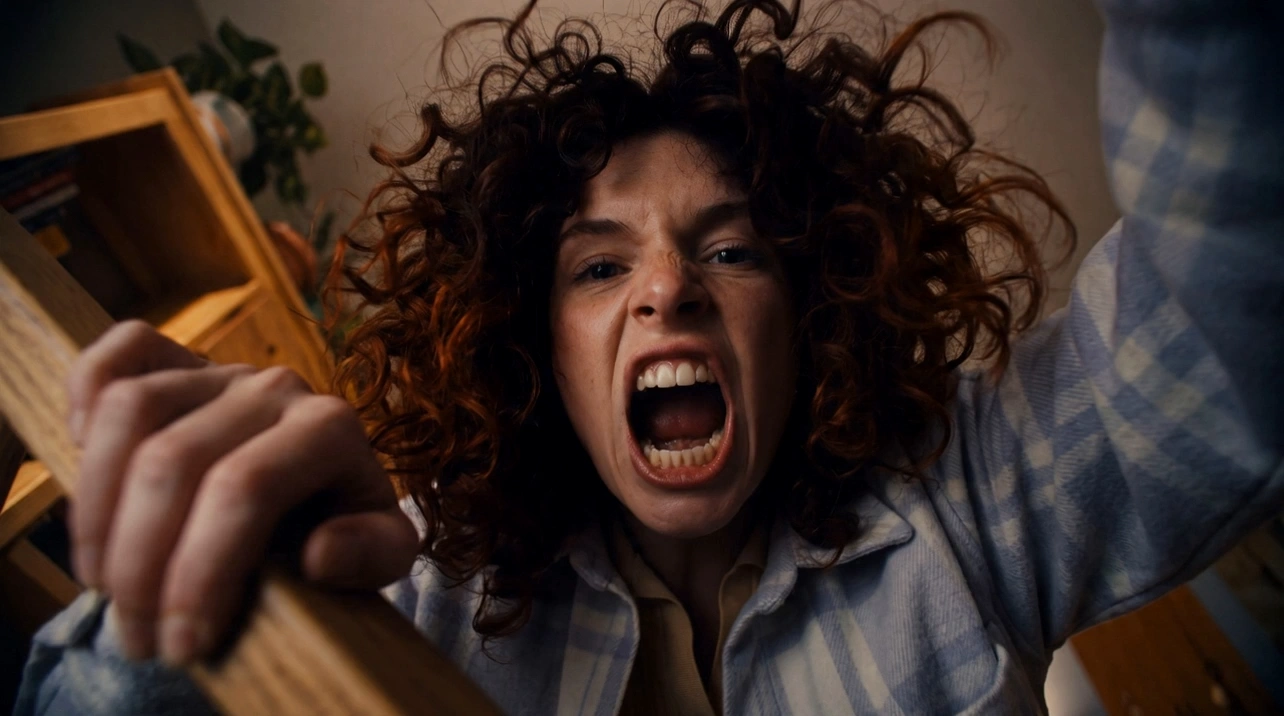
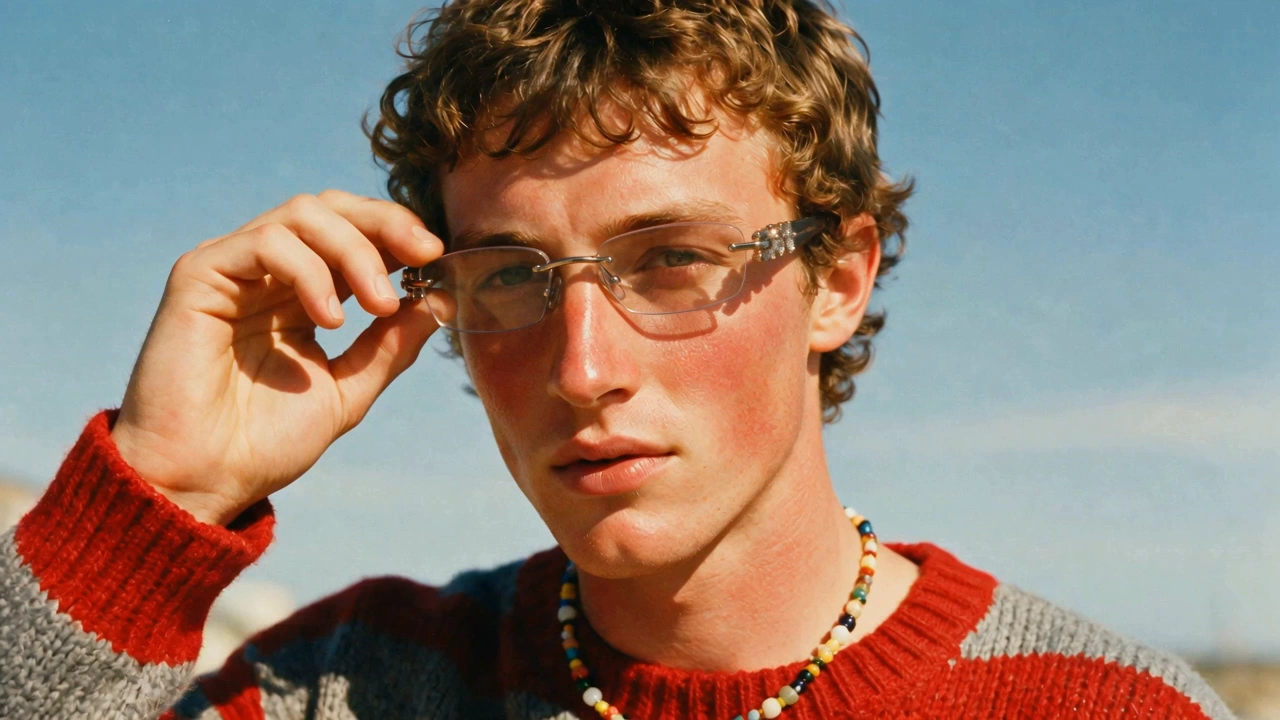
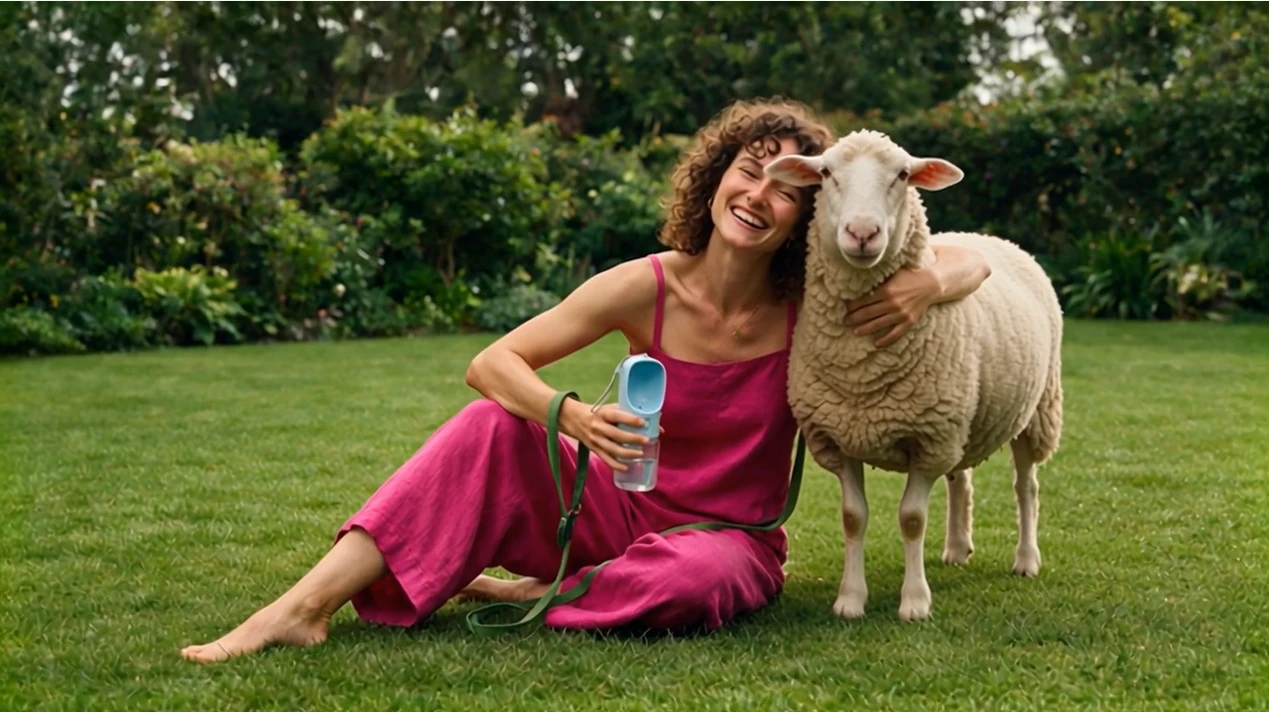
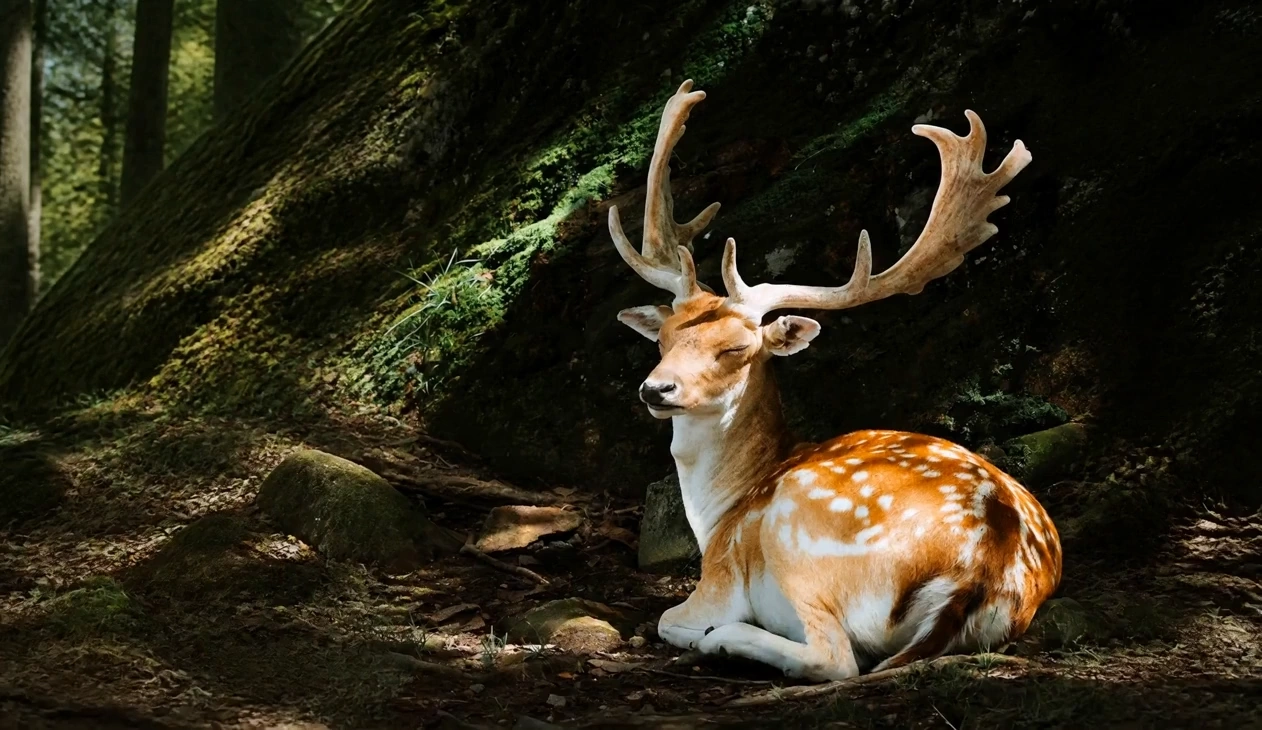
README
Seedance V1.5 Pro Fast — Image-to-Video
Seedance V1.5 Pro Fast (Image-to-Video) generates short, cinematic clips from a text prompt + a first-frame image. It’s built for rapid iteration while keeping strong subject consistency, coherent motion, and a polished, live-action–leaning look.
Use it to animate a keyframe: keep the composition and identity from the input image, then direct motion, camera behavior, and style with your prompt.
Key capabilities
-
Image-anchored animation Animates from a single reference image while preserving subject, lighting, and composition.
-
Prompt-guided motion + camera Responds well to shot-style prompts describing what moves and how the camera behaves (dolly-in, orbit, locked-off, handheld feel).
-
Short-form duration control Designed for concise, shot-based clips with controllable duration.
-
Framing control via aspect ratio Supports common aspect ratios for vertical, square, and widescreen delivery.
-
Optional audio generation Toggle generate_audio on/off depending on whether you want sound included.
-
Seeded iteration Fix seed to compare prompt tweaks fairly and reduce randomness between runs.
Parameters
| Parameter | Description |
|---|---|
| prompt* | Text direction for the shot (subject + motion + camera + look). |
| image* | First-frame reference image that anchors composition and identity. |
| last_image | Optional ending frame to steer the final composition (if supported by the endpoint). |
| aspect_ratio | Output framing (e.g., 21:9, 16:9, 4:3, 1:1, 3:4, 9:16). |
| duration | Output duration in seconds (available values depend on the endpoint UI/validator). |
| resolution | Output resolution: 720p or 1080p. |
| generate_audio | Whether to generate audio (true/false). |
| camera_fixed | Whether to lock camera position (true/false). |
| seed | Random seed (-1 for random; fixed integer for reproducible results). |
How to use
- Upload the image you want to animate (clean subject, strong composition works best).
- Write a prompt as a single shot direction: what moves, how it moves, and the vibe.
- (Optional) Add a last_image if you need a specific ending pose/framing.
- Choose aspect_ratio to match your target platform (9:16 for shorts, 16:9 for YouTube).
- Set duration (start short for iteration, then increase once the motion looks right).
- Pick resolution (720p for drafts, 1080p for finals).
- Toggle generate_audio:
- true for audio-included clips
- false for silent clips (cheaper)
- Use camera_fixed for tripod-like stability, or keep it off if you describe camera motion.
- Set a seed to iterate reliably, or keep -1 for new variations each run.
Prompt tips
A reliable structure:
- Subject & setting — who/what, where, time/lighting
- Motion — clear verbs + intensity (slowly, subtly, rapidly)
- Camera — locked-off / slow dolly-in / orbit / handheld
- Look — cinematic, soft rim light, 35mm film grain, etc.
Example:
Futuristic orbital living room interior. Soft sunlight, vast luminous planet outside the panoramic window. Slow dolly-in, subtle floating dust, gentle parallax, cinematic color grade, calm mood.
Practical tips:
- Prefer one shot per prompt. For multiple beats, list them in order as short sentences.
- If you want a locked shot, say “locked-off / tripod” and set camera_fixed = true.
- Keep prompts positive and specific; avoid long “don’t” lists.
Pricing
Effective rates
| Resolution | Generate audio | Price per 5 seconds | Price per second |
|---|---|---|---|
| 720p | true | $0.20 | $0.04 |
| 720p | false | $0.10 | $0.02 |
| 1080p | true | $0.30 | $0.06 |
| 1080p | false | $0.15 | $0.03 |
Example costs
| Duration | Resolution | Generate audio | Cost per run |
|---|---|---|---|
| 5s | 720p | true | $0.20 |
| 5s | 720p | false | $0.10 |
| 10s | 720p | true | $0.40 |
| 10s | 1080p | true | $0.60 |
| 12s | 1080p | false | $0.36 |
Notes
- If motion looks jittery, simplify action/camera instructions first, then add complexity gradually.
- Set aspect_ratio early so you don’t optimize a shot that later needs reframing.
- Keep seed fixed while refining prompts to make results comparable.
Related Models
- Seedance V1.5 Pro (Image-to-Video) — Higher-fidelity image-to-video when you want maximum detail and polish.
- Seedance V1.5 Pro Fast (Text-to-Video) — Fast text-only video generation for rapid concept exploration.
- Seedance V1.5 Pro (Text-to-Video) — Full-quality text-to-video for more refined outputs.
- Video Upscaler — Upscale generated clips when you like the motion but need higher clarity.
Seedance v1.5 Pro Image To Video Fast API — Quick start
Grab a WaveSpeedAI API key, then call POST https://api.wavespeed.ai/api/v3/bytedance/seedance-v1.5-pro/image-to-video-fast with your input as JSON. The endpoint returns a prediction id. Start polling the result endpoint around every 2 seconds, increase the interval for long-running tasks, and stop on any terminal status. On completed, read output values from data.outputs. Examples for Seedance v1.5 Pro Image To Video Fast below.
HTTP example
set -euo pipefail

: "${WAVESPEED_API_KEY:?Set WAVESPEED_API_KEY}"

REQUEST_BODY=$(cat <<'JSON'
{
    "prompt": "A cinematic shot of a city at sunset, soft golden light",
    "image": "https://interactive-examples.mdn.mozilla.net/media/cc0-images/painted-hand-298-332.jpg",
    "aspect_ratio": "21:9",
    "duration": 5,
    "resolution": "720p",
    "generate_audio": true,
    "camera_fixed": false,
    "seed": -1
}
JSON
)

# 1. Submit the prediction.
SUBMIT_RESPONSE=$(curl --silent --show-error --fail-with-body \
  -X POST "https://api.wavespeed.ai/api/v3/bytedance/seedance-v1.5-pro/image-to-video-fast" \
  -H "Content-Type: application/json" \
  -H "Authorization: Bearer $WAVESPEED_API_KEY" \
  -d "$REQUEST_BODY")

TASK=$(printf '%s' "$SUBMIT_RESPONSE" | jq 'if has("data") then .data else . end')
PREDICTION_ID=$(printf '%s' "$TASK" | jq -r '.id')
if [ -z "$PREDICTION_ID" ] || [ "$PREDICTION_ID" = "null" ]; then
  printf 'Submission response did not contain a prediction id
' >&2
  exit 1
fi
RESULT_URL=$(printf '%s' "$TASK" | jq -r '.urls.get // empty')
if [ -z "$RESULT_URL" ]; then
  RESULT_URL="https://api.wavespeed.ai/api/v3/predictions/$PREDICTION_ID/result"
fi

# 2. Poll until the prediction finishes.
while true; do
  RESPONSE=$(curl --silent --show-error --fail-with-body "$RESULT_URL" \
    -H "Authorization: Bearer $WAVESPEED_API_KEY")
  RESULT=$(printf '%s' "$RESPONSE" | jq 'if has("data") then .data else . end')
  STATUS=$(printf '%s' "$RESULT" | jq -r '.status')
  case "$STATUS" in
    completed) printf '%s\n' "$RESULT" | jq '.outputs'; break ;;
    failed|cancelled|timeout) printf '%s\n' "$RESULT" | jq . >&2; exit 1 ;;
    created|processing) sleep 2 ;;
    *) printf 'Unexpected status: %s
' "$STATUS" >&2; exit 1 ;;
  esac
done
Node.js example
const submitUrl = "https://api.wavespeed.ai/api/v3/bytedance/seedance-v1.5-pro/image-to-video-fast";
const apiKey = process.env.WAVESPEED_API_KEY;
if (!apiKey) throw new Error('Set WAVESPEED_API_KEY');

async function requestJson(url, options = {}) {
  const response = await fetch(url, options);
  if (!response.ok) throw new Error(await response.text());
  return response.json();
}

// 1. Submit the prediction.
const body = await requestJson(submitUrl, {
  method: "POST",
  headers: {
    "Authorization": `Bearer ${apiKey}`,
    "Content-Type": "application/json",
  },
  body: JSON.stringify({
        "prompt": "A cinematic shot of a city at sunset, soft golden light",
        "image": "https://interactive-examples.mdn.mozilla.net/media/cc0-images/painted-hand-298-332.jpg",
        "aspect_ratio": "21:9",
        "duration": 5,
        "resolution": "720p",
        "generate_audio": true,
        "camera_fixed": false,
        "seed": -1
}),
});
const task = body.data ?? body;
if (!task.id) throw new Error("Submission response did not contain a prediction id");
const resultUrl = task.urls?.get ||
  `https://api.wavespeed.ai/api/v3/predictions/${task.id}/result`;

// 2. Poll until the prediction finishes.
while (true) {
  const resultBody = await requestJson(resultUrl, {
    headers: { "Authorization": `Bearer ${apiKey}` },
  });
  const result = resultBody.data ?? resultBody;
  if (result.status === "completed") {
    console.log(result.outputs);
    break;
  }
  if (["failed", "cancelled", "timeout"].includes(result.status)) throw new Error(JSON.stringify(result));
  if (!["created", "processing"].includes(result.status)) throw new Error("Unexpected status: " + result.status);
  await new Promise(resolve => setTimeout(resolve, 2000));
}
Python example
import json
import os
import time
from urllib.request import Request, urlopen

api_key = os.environ["WAVESPEED_API_KEY"]
headers = {"Authorization": f"Bearer {api_key}", "Content-Type": "application/json"}
payload = {
    "prompt": "A cinematic shot of a city at sunset, soft golden light",
    "image": "https://interactive-examples.mdn.mozilla.net/media/cc0-images/painted-hand-298-332.jpg",
    "aspect_ratio": "21:9",
    "duration": 5,
    "resolution": "720p",
    "generate_audio": True,
    "camera_fixed": False,
    "seed": -1
}

def request_json(url, data=None):
    request = Request(url, data=data, headers=headers, method="POST" if data else "GET")
    with urlopen(request) as response:
        return json.load(response)

# 1. Submit the prediction.
body = request_json("https://api.wavespeed.ai/api/v3/bytedance/seedance-v1.5-pro/image-to-video-fast", json.dumps(payload).encode())
task = body.get("data", body)
if not task.get("id"):
    raise RuntimeError("Submission response did not contain a prediction id")
result_url = task.get("urls", {}).get("get") or f"https://api.wavespeed.ai/api/v3/predictions/{task['id']}/result"

# 2. Poll until the prediction finishes.
while True:
    result_body = request_json(result_url)
    result = result_body.get("data", result_body)
    status = result.get("status")
    if status == "completed":
        print(result.get("outputs", []))
        break
    if status in {"failed", "cancelled", "timeout"}:
        raise RuntimeError(result)
    if status not in {"created", "processing"}:
        raise RuntimeError(f"Unexpected status: {status}")
    time.sleep(2)
Seedance v1.5 Pro Image To Video Fast API — Frequently asked questions
What is the Seedance v1.5 Pro Image To Video Fast API?
Seedance v1.5 Pro Image To Video Fast is a ByteDance model for video generation from images, exposed as a REST API on WaveSpeedAI. Seedance 1.5 Pro Fast Image-to-Video transforms a single image (plus optional text prompt) into cinematic, live-action-leaning clips while preserving subject identity, composition, and first-frame fidelity. Built for stable production use with a ready-to-use REST API, no cold starts, and predictable pricing. You can call it programmatically or try it from the playground above.
How do I call the Seedance v1.5 Pro Image To Video Fast API?
POST your input parameters to the model's REST endpoint (shown in the API tab of this playground) with your WaveSpeedAI API key in the Authorization header. Submission returns a prediction ID. Poll the result endpoint starting around every 2 seconds, increase the interval for long-running tasks, and stop on any terminal status. The playground generates production-oriented Python, JavaScript, and cURL examples with timeouts, transient-error handling, and safe GET retries. Full request/response shape is documented at https://wavespeed.ai/docs/docs-api/bytedance/bytedance-seedance-v1.5-pro-image-to-video-fast.
How much does Seedance v1.5 Pro Image To Video Fast cost per run?
Seedance v1.5 Pro Image To Video Fast starts at $0.20 per run. That figure is the base price — the final charge scales with the parameters you set in the form (output size, length, count, references, or whatever knobs this model exposes), so a higher-quality or larger output costs more than a minimal one. The exact cost for your current input is shown live next to the Generate button before you submit, and the actual per-call charge is recorded on the prediction afterwards.
What inputs does Seedance v1.5 Pro Image To Video Fast accept?
Key inputs: `prompt`, `image`, `aspect_ratio`, `resolution`, `duration`, `seed`. The full JSON schema (types, defaults, allowed values) is rendered above the Generate button and mirrored in the API reference at https://wavespeed.ai/docs/docs-api/bytedance/bytedance-seedance-v1.5-pro-image-to-video-fast.
How long does Seedance v1.5 Pro Image To Video Fast take to generate?
Median end-to-end generation time on WaveSpeedAI is around 157 seconds per request, based on recent successful runs. Queue time varies with global demand; live status is visible in the prediction record.
Can I use Seedance v1.5 Pro Image To Video Fast outputs commercially?
Commercial usage rights depend on the model's license, set by its provider (ByteDance). The license summary appears on the model card above; see WaveSpeedAI's Terms of Service for platform-level conditions.