FireRed Image Edit V1.1 enables precise image editing with natural-language instructions, supporting both English and Chinese prompts with multi-image references. Ready-to-use REST inference API, best performance, no cold starts, affordable pricing.
Boşta
$0.08çalıştırma başına·~12 / $1
ÖrneklerTümünü görüntüle
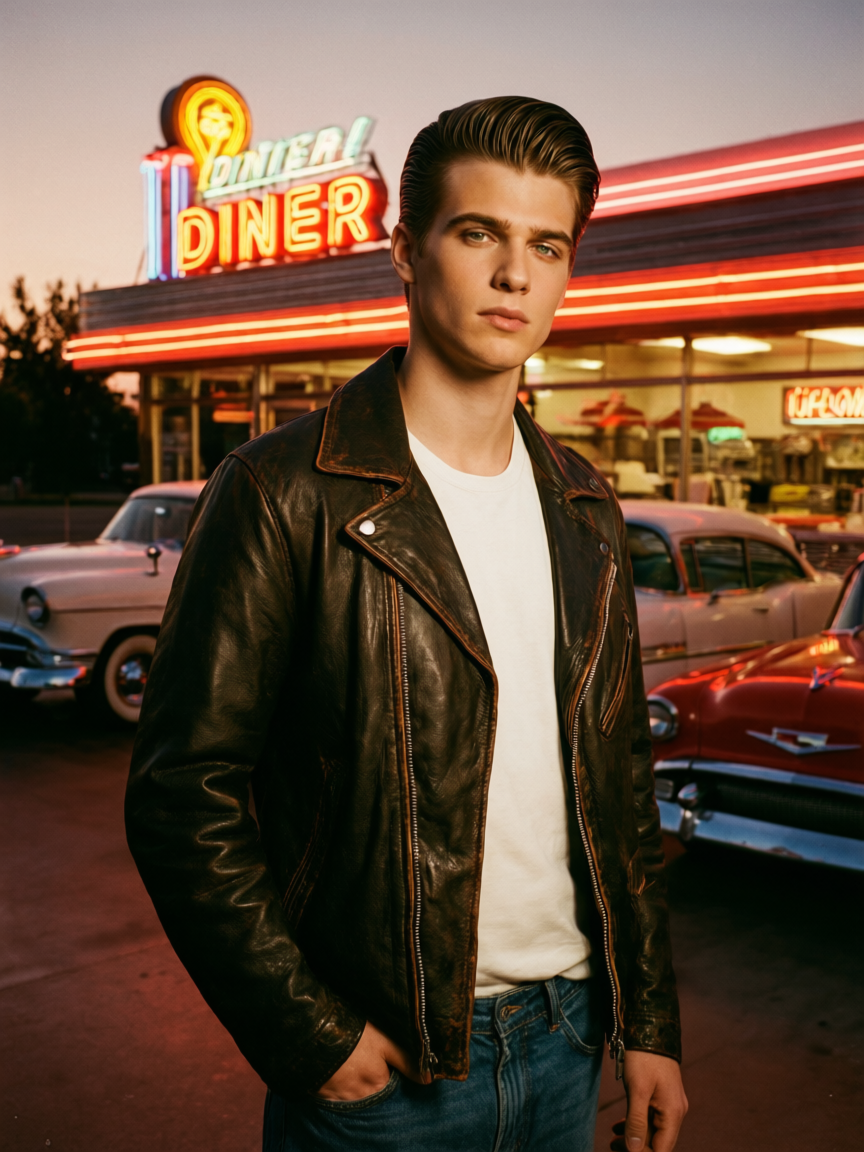
The same young man reimagined as a 1950s greaser, slicked-back hair, vintage leather jacket, standing under a classic diner neon sign at dusk, old American cars in the background. Film grain, warm retro tones, editorial portrait.

A man with short messy brown hair and a beard, wearing a dark gray long-sleeve shirt, bright genuine smile, happy cheerful expression, eyes crinkled with joy, laughing, same person same lighting same gray background, studio portrait photography, photorealistic, high quality
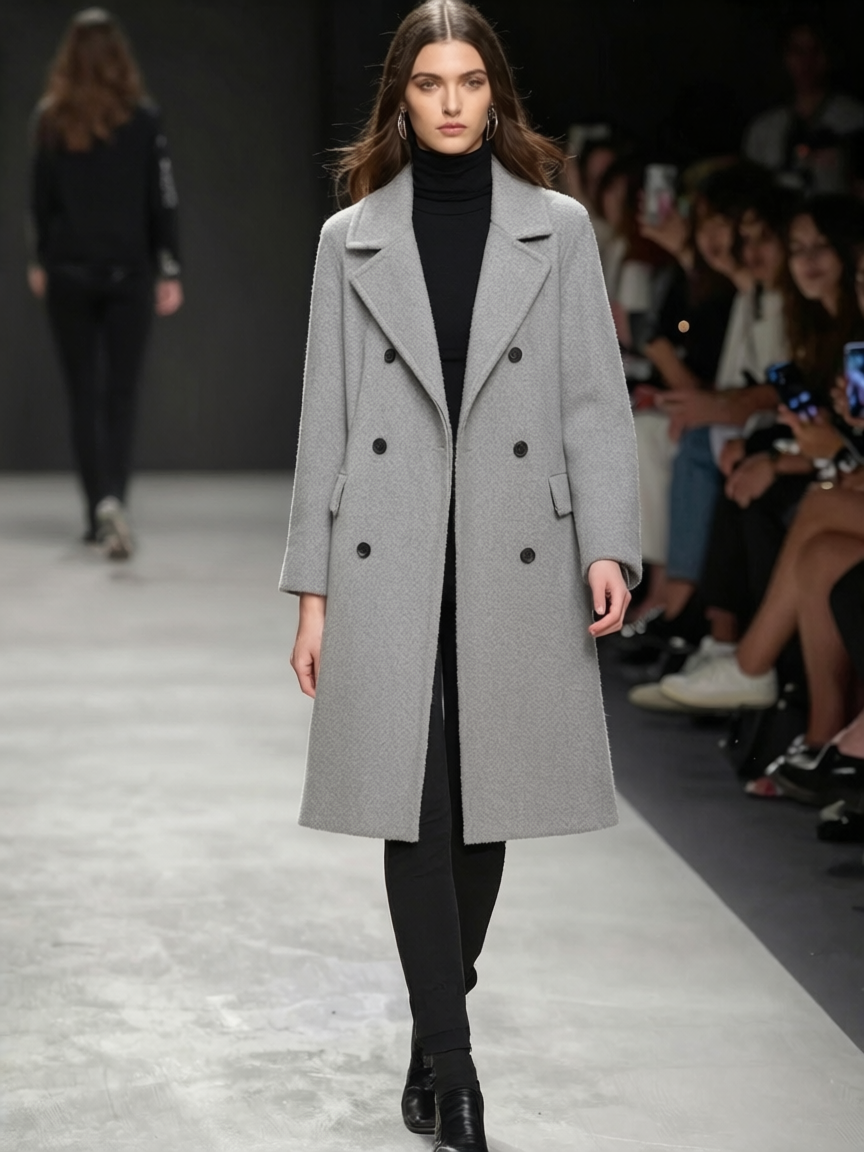
Let the woman in Figure 1 wear the clothes in Figure 2.
İlgili Modeller
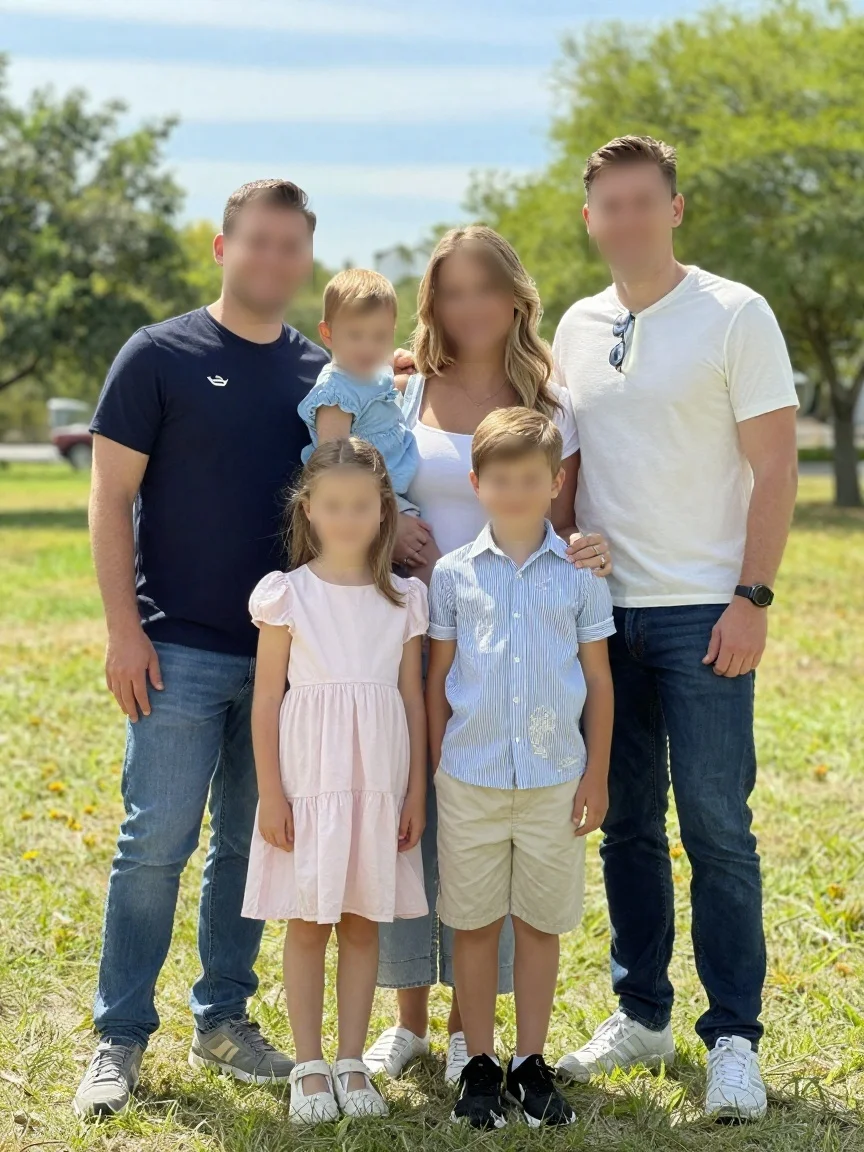
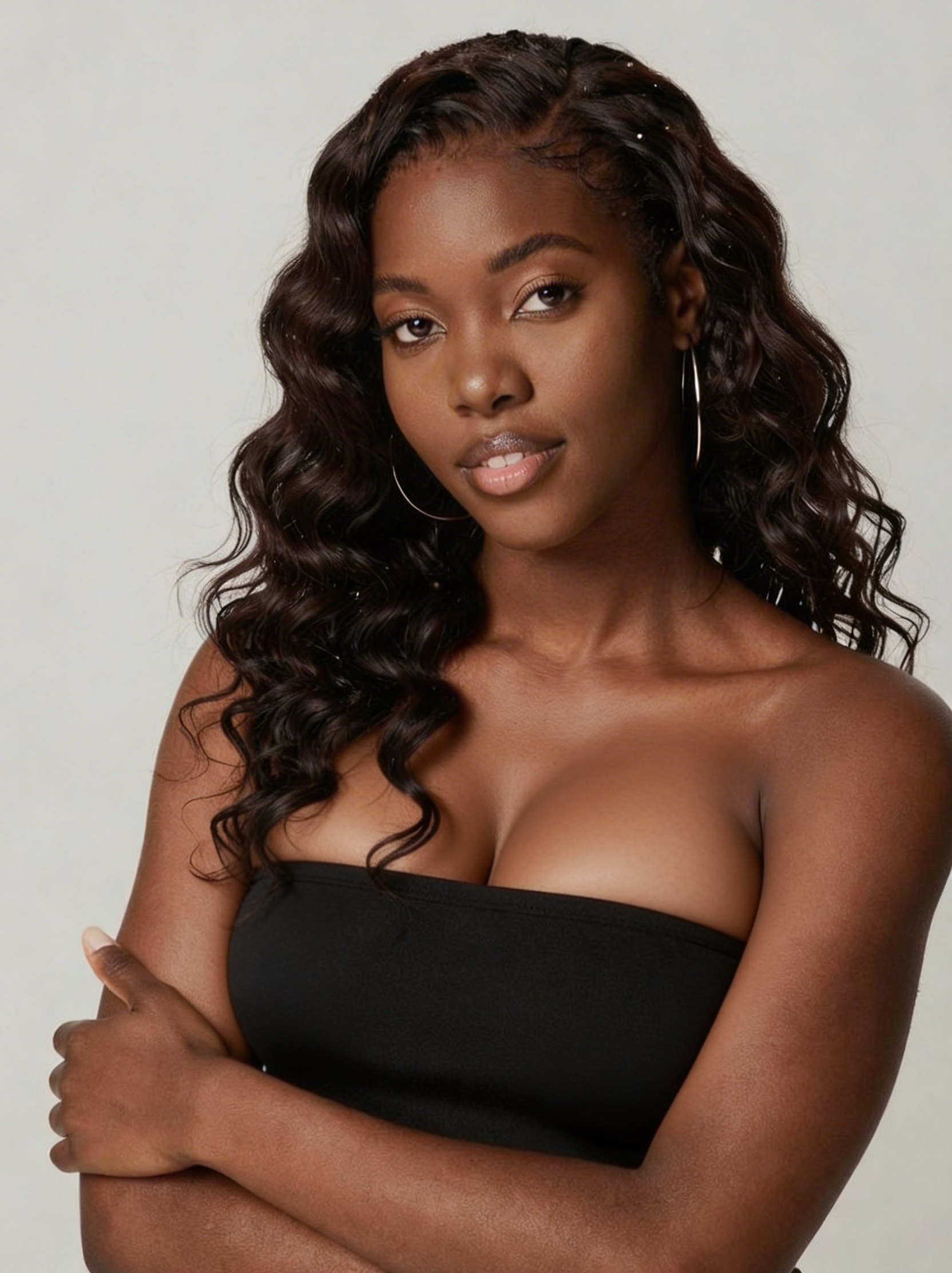
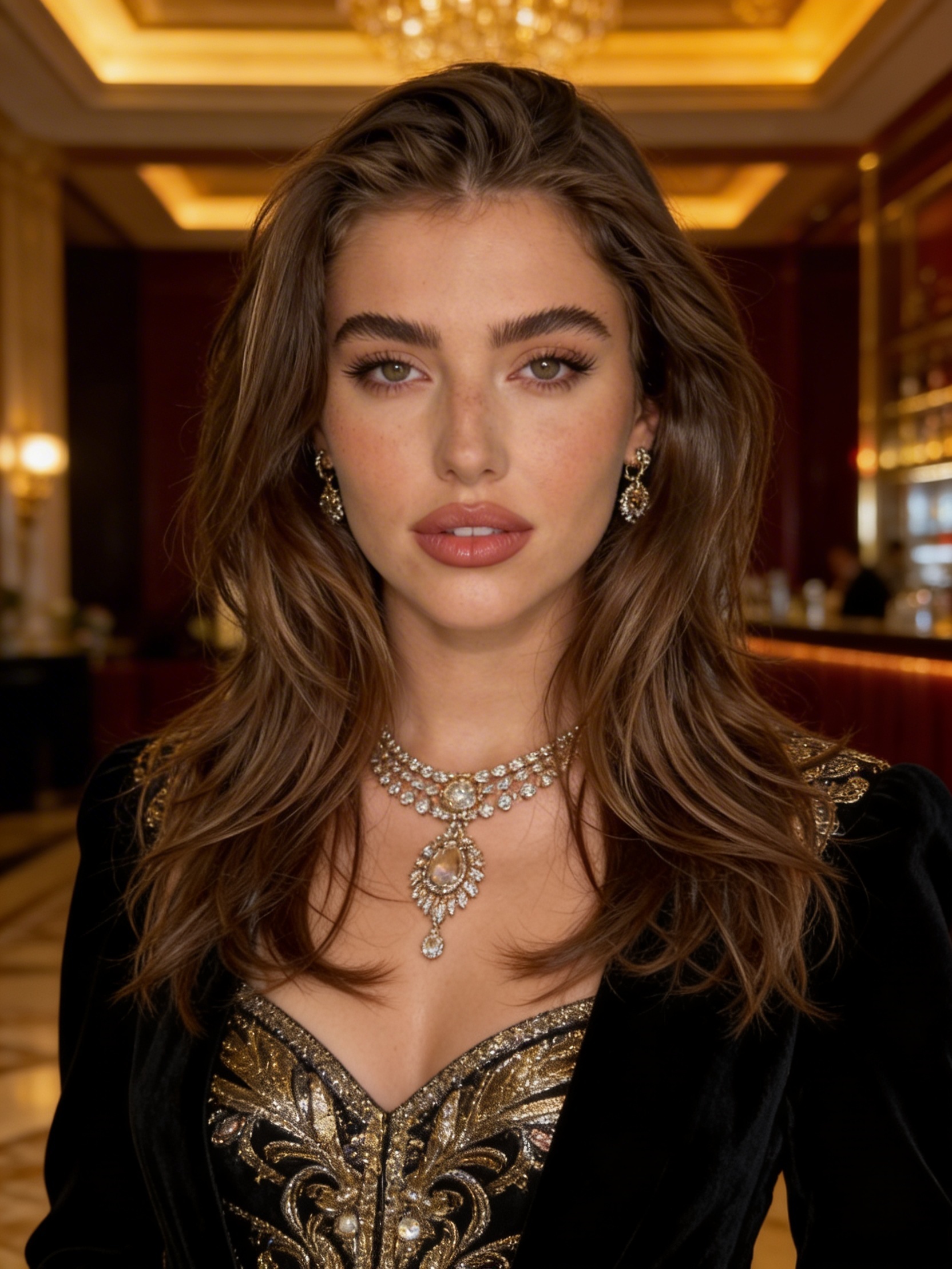
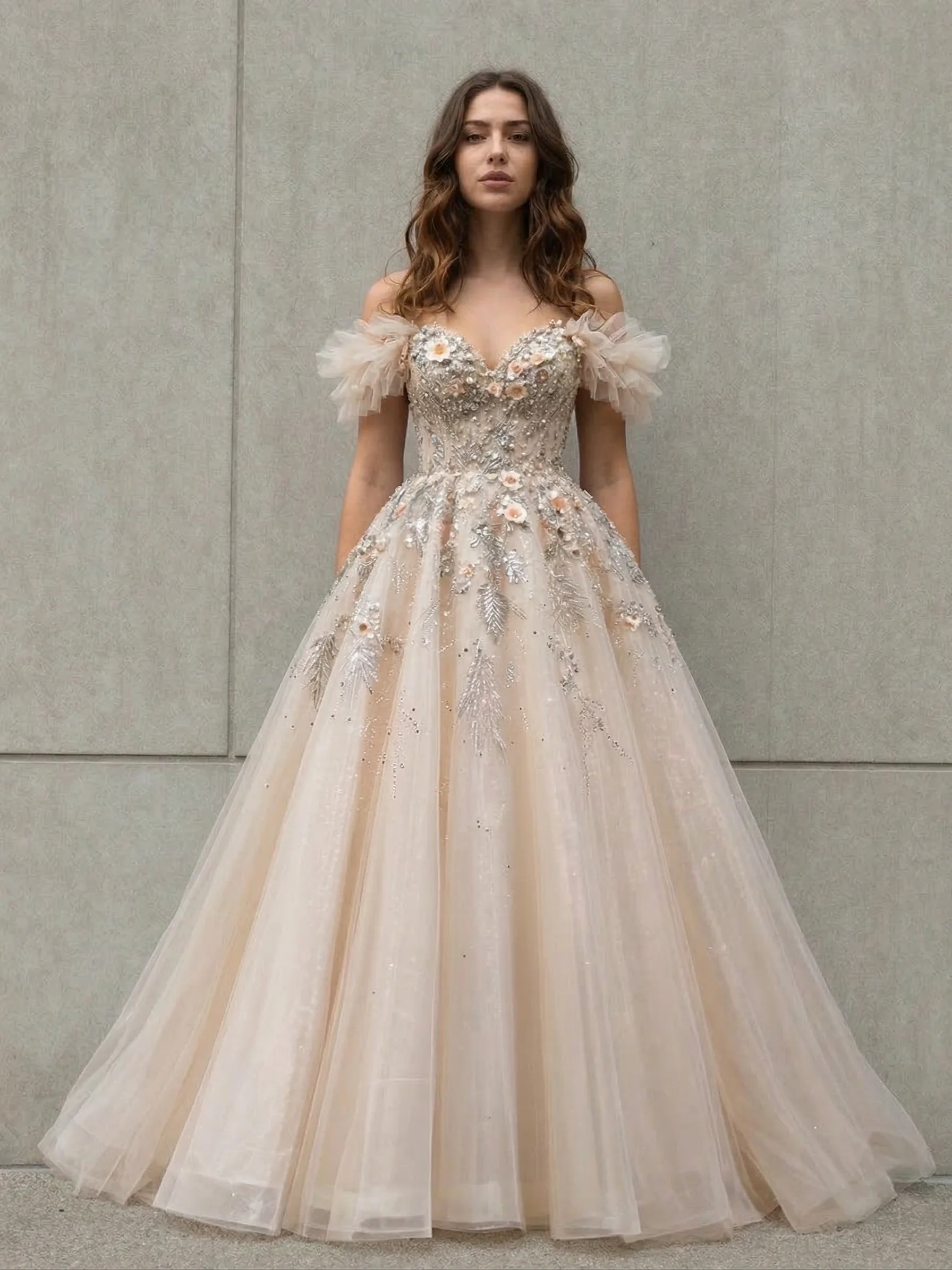
README
FireRed Image V1.1 Edit
FireRed Image V1.1 Edit is a powerful multi-image editing model that transforms reference images based on text prompts. Upload up to 3 reference images and describe the desired output — the model generates new images that combine elements, styles, or characters from your references with cinematic quality and retro aesthetics.
Why Choose This?
-
Multi-image reference Combine elements from up to 3 reference images into a single cohesive output.
-
Style-aware editing Excels at editorial looks, film grain, retro tones, and cinematic aesthetics.
-
Flexible sizing Choose preset aspect ratios or custom dimensions — leave empty to preserve original proportions.
-
Character consistency Maintain subject identity while transforming style, setting, or mood.
-
Prompt Enhancer Built-in tool to automatically improve your descriptions.
Parameters
| Parameter | Required | Description |
|---|---|---|
| prompt | Yes | Text description of the desired output |
| images | Yes | Reference images (max: 3, click "+ Add Item" to add more) |
| size | No | Aspect ratio: 1:1, 16:9, 9:16, 4:3, 3:4, 3:2, 2:3 |
| width | No | Custom width in pixels (range: 256–1536) |
| height | No | Custom height in pixels (range: 256–1536) |
How to Use
- Upload reference images — add up to 3 images for style, character, or scene guidance.
- Write your prompt — describe the desired output with style and mood details.
- Set size (optional) — choose a preset ratio, custom dimensions, or leave empty to keep original proportions.
- Use Prompt Enhancer (optional) — click to refine your description.
- Run — submit and download your edited image.
Pricing
| Output | Cost |
|---|---|
| Per image | $0.08 |
Best Use Cases
- Editorial Portraits — Create stylized portraits with film grain and retro aesthetics.
- Character Styling — Transform subjects into different settings, eras, or moods.
- Vintage Looks — Generate images with warm retro tones and classic Americana vibes.
- Fashion & Lifestyle — Produce editorial-quality imagery for campaigns.
- Creative Compositing — Combine elements from multiple reference images seamlessly.
Pro Tips
- Describe the style explicitly — include details like "film grain," "warm retro tones," or "editorial portrait."
- Reference images guide the output — use clear, high-quality images for best results.
- Leave size empty to automatically preserve the original image proportions.
- Include setting and mood details (e.g., "classic diner neon sign at dusk") for atmospheric results.
- Use 1–2 reference images for simpler edits; add a third for complex multi-element compositions.
Notes
- Both prompt and images are required fields.
- Maximum 3 reference images can be uploaded.
- If size is not specified, the model preserves the original image ratio.
- Resolution range: 256–1536 pixels for both width and height.
Related Models
- FireRed Image Edit — Previous version with multi-image composition.
- Qwen Image 2.0 Edit — Multi-image editing with Figure references.
- Seedream V5.0 Lite Edit — Style transfer and multi-reference editing.
Firered Image v1.1 Edit API — Quick start
Grab a WaveSpeedAI API key, then call POST https://api.wavespeed.ai/api/v3/wavespeed-ai/firered-image-v1.1/edit with your input as JSON. The endpoint returns a prediction id; poll the prediction endpoint until status flips to completed, then read the output URL from data.outputs[0]. Examples for Firered Image v1.1 Edit below.
HTTP example
# Submit the prediction
curl -X POST "https://api.wavespeed.ai/api/v3/wavespeed-ai/firered-image-v1.1/edit" \
  -H "Content-Type: application/json" \
  -H "Authorization: Bearer $WAVESPEED_API_KEY" \
  -d '{
    "prompt": "A cinematic shot of a city at sunset, soft golden light"
}'

# Response includes a prediction id. Poll for the result:
curl -X GET "https://api.wavespeed.ai/api/v3/predictions/{request_id}/result" \
  -H "Authorization: Bearer $WAVESPEED_API_KEY"

# When status is "completed", read the output from data.outputs[0].
Node.js example
// npm install wavespeed
const WaveSpeed = require('wavespeed');

const client = new WaveSpeed(); // reads WAVESPEED_API_KEY from env

const result = await client.run("wavespeed-ai/firered-image-v1.1/edit", {
        "prompt": "A cinematic shot of a city at sunset, soft golden light"
});

console.log(result.outputs[0]); // → URL of the generated output
Python example
# pip install wavespeed
import wavespeed

output = wavespeed.run(
    "wavespeed-ai/firered-image-v1.1/edit",
    {
    "prompt": "A cinematic shot of a city at sunset, soft golden light"
}
)

print(output["outputs"][0])  # → URL of the generated output
Firered Image v1.1 Edit API — Frequently asked questions
What is the Firered Image v1.1 Edit API?
Firered Image v1.1 Edit is a WaveSpeedAI model for image editing, exposed as a REST API on WaveSpeedAI. FireRed Image Edit V1.1 enables precise image editing with natural-language instructions, supporting both English and Chinese prompts with multi-image references. Ready-to-use REST inference API, best performance, no cold starts, affordable pricing. You can call it programmatically or try it from the playground above.
How do I call the Firered Image v1.1 Edit API?
POST your input parameters to the model's REST endpoint (shown in the API tab of this playground) with your WaveSpeedAI API key in the Authorization header. Submission returns a prediction ID; poll the prediction endpoint until status flips to "completed", then read the output URL from the result. The playground generates a ready-to-paste code sample in Python, JavaScript, or cURL for whatever inputs you've set. Full request/response shape is documented at https://wavespeed.ai/docs/docs-api/wavespeed-ai/firered-image-v1.1-edit.
How much does Firered Image v1.1 Edit cost per run?
Firered Image v1.1 Edit starts at $0.080 per run. That figure is the base price — the final charge scales with the parameters you set in the form (output size, length, count, references, or whatever knobs this model exposes), so a higher-quality or larger output costs more than a minimal one. The exact cost for your current input is shown live next to the Generate button before you submit, and the actual per-call charge is recorded on the prediction afterwards.
What inputs does Firered Image v1.1 Edit accept?
Key inputs: `prompt`, `images`. The full JSON schema (types, defaults, allowed values) is rendered above the Generate button and mirrored in the API reference at https://wavespeed.ai/docs/docs-api/wavespeed-ai/firered-image-v1.1-edit.
How do I get started with the Firered Image v1.1 Edit API?
Sign up for a free WaveSpeedAI account to claim starter credits, copy your API key from /accesskey, then call the endpoint shown in the API tab of the playground. The playground also auto-generates a code sample in Python, JavaScript, or cURL for the parameters you've set.
Can I use Firered Image v1.1 Edit outputs commercially?
Commercial usage rights depend on the model's license, set by its provider (WaveSpeedAI). The license summary appears on the model card above; see WaveSpeedAI's Terms of Service for platform-level conditions.