
Google Flow Text to Video vs WaveSpeed Clips
Compare Google Flow text to video scene-building with WaveSpeed model clips. Choose by story assembly, shot continuity, access, and export needs.
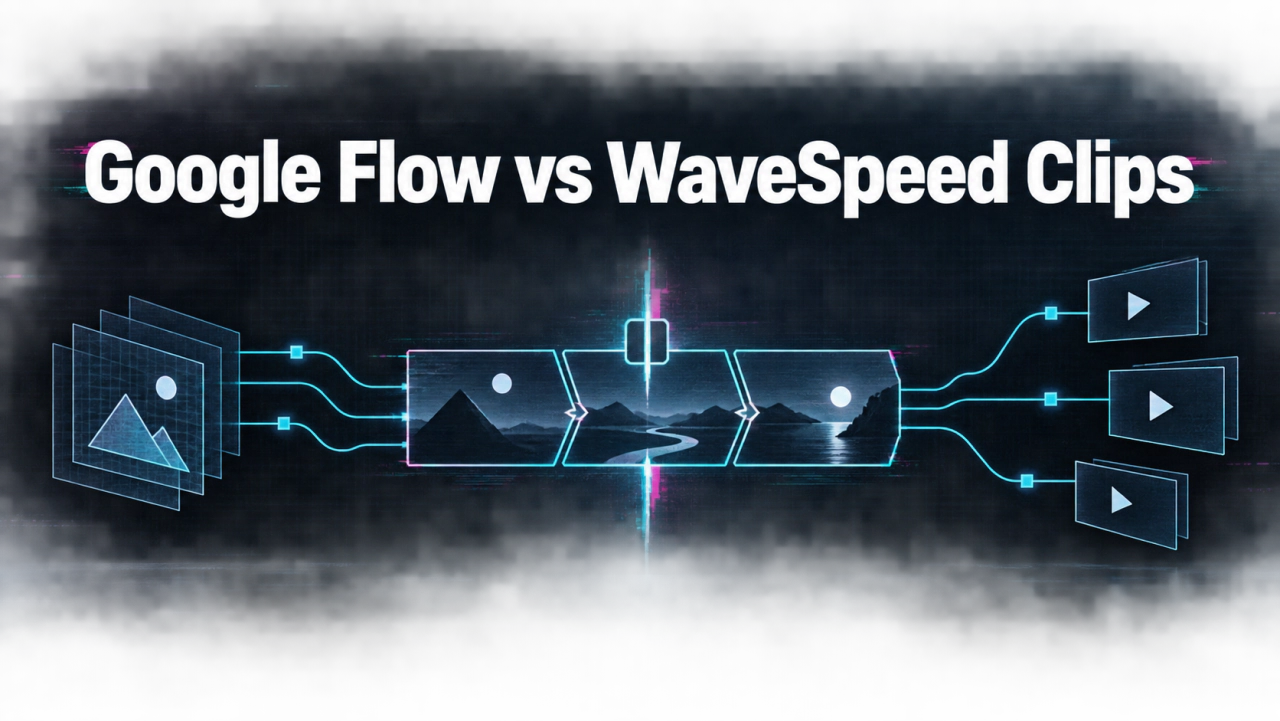
Create a text-to-video shot in 3 steps
Turn a clear shot brief into a controlled model test, then approve the complete clip rather than a single attractive frame.
Write the shot brief
Define the subject, action, framing, duration, and details that must remain consistent.
Choose and run a model
Match the input and output controls to the shot instead of relying on a generic ranking.
Inspect the full clip
Review motion, continuity, text, audio, and export fit before using or automating it.
Plan the sequence before judging any model
Write a three-shot outline for one café arrival: establishing view, subject action, and close detail. Define what must persist across cuts: coat, bag, lighting direction, and doorway. Flow's workspace is meant for creative scene development; a WaveSpeed route may provide footage to be assembled elsewhere. Do not compare Flow's finished sequence with one WaveSpeed output. Compare shot to shot, then separately account for assembly and revision time.
Check access and control at the current product page
Google documents eligibility and subscription conditions for Flow. Verify the current region and account requirements before writing a production plan. On WaveSpeed, inspect the specific model's prompt, reference, duration, and audio controls. There is no universal WaveSpeed video schema for all models. The AI Studio comparison addresses API prototyping, not Flow's scene workspace. A team can use a creative workspace and an API for different parts of one production; they are not inherently replacements.
Review continuity in the complete edit
Watch transitions, subject identity, camera direction, and audio from first frame to last. A consistent subject in two isolated clips may still look like a different person when cut together. Use a reference still or shot log where the chosen tool supports it, and keep any factual product claim outside unreviewed generated imagery. If the goal is an original B-roll insert for an editor, WaveSpeed's model catalog may be sufficient. If the goal is ongoing scene construction in one interface, Flow's workspace may be a better match.
Keep story ownership separate from generation
Store a shot list, approved references, model settings, generated files, and final edit version. Someone must own continuity and rights across the whole story. Do not label a set of successful requests as a finished film until the assembled piece passes review.
Continue the workflow
FAQ
Is Flow just another single-shot API?+
No. Flow is a creative workspace for clips, scenes, and stories rather than a single-shot API alone.
Can WaveSpeed assemble my story automatically?+
An individual model clip route should not be assumed to replace scene planning and final editing.
What is a fair comparison unit?+
Compare equivalent shots first, then compare the complete workflow needed to make a sequence.
Does Flow have access requirements?+
Yes. Check Google's current account, age, region, and subscription conditions for your location.