
Text to Audio Converter for Downloadable Speech
A text to audio converter should produce a usable file, not just a preview. Prepare sections, choose a voice and format, then inspect the download.
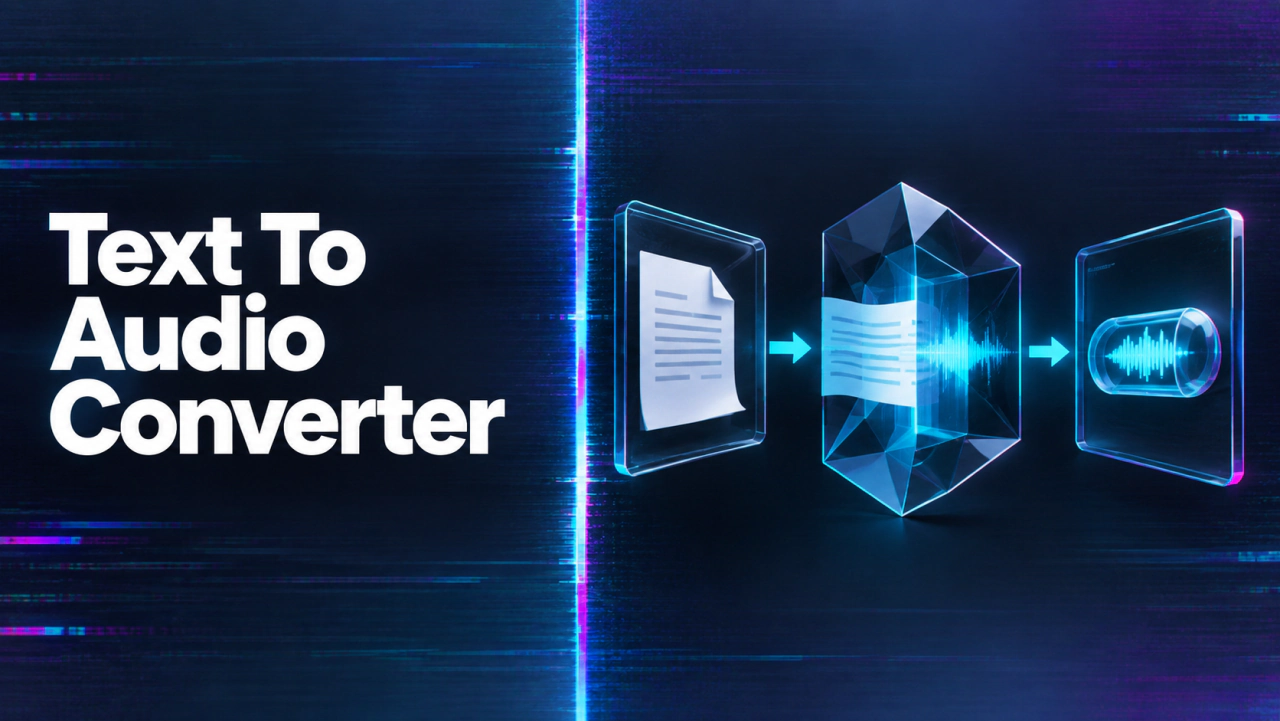
Build an audio-for-video workflow in 3 steps
Start with the real source, make one controlled test, and review the finished audio against the video before scaling.
Choose the audio job
Decide whether the video needs speech, music, effects, synchronization, or a supplied track.
Generate a short test
Use the selected model or editor with one representative scene and controlled settings.
Review the final mix
Check timing, clarity, rights, and export behavior in the actual delivery video.
Turn a document into speakable sections
Remove headers, footnotes, and navigation text that should not be read aloud. Convert one help article with a numbered instruction and a section heading. Mark pauses at paragraph transitions. If the source changes, retain a script version so reviewers know which file matches which text. Do not assume a model will interpret a PDF layout correctly. Extract and proofread the text first. A converter operating on written text will voice spelling mistakes and duplicated captions just as supplied.
Choose the output contract
The Seed Speech TTS 2.0 API documents text input and MP3 or Opus output options. Choose according to the destination rather than declaring one format universally superior. A podcast editor, learning platform, and mobile web player may have different acceptance rules. Confirm the actual download opens and plays through its end. The MP3 export guide covers that file choice. Complete the conversion handoff with script cleanup, sectioning, and delivery to the receiving tool.
Review content, not only sound quality
Listen for omitted lines, misread names, numbers, units, and awkward sentence boundaries. Check that sections are in the right order. If an instruction uses a visual reference such as “click the icon below,” rewrite it for an audio audience. Good timbre does not make inaccessible source writing understandable. For a long document, approve a sample from the beginning, middle, and end before converting every section. Keep corrections local to a section to avoid regenerating unrelated approved audio.
Deliver an auditable package
Store the final text, voice setting, audio file, and reviewer notes together. Name sections in their playback order. If several people approve the work, record whether their approval covers pronunciation, factual wording, or technical format. The browser-first guide helps with the initial listening test, while an API is appropriate when the same conversion repeats.
Continue the workflow
FAQ
Does a converter read a PDF's layout for me?+
Do not assume that. Extract and clean the intended text before using a text-input speech model.
Can I choose a non-MP3 format?+
The cited Seed Speech model documents MP3 and Opus. Check the selected model and destination for current support.
How should I handle a long document?+
Split it into meaningful sections, approve representative samples, and preserve the script-to-file mapping.
What if the audio sounds fine but skips a heading?+
It is not an approved conversion. Compare the spoken file against the source script line by line where completeness matters.