Qwen Vision Translate offers OCR-based image understanding and multilingual in-image text translation for context-aware results. Ready-to-use REST inference API, best performance, no coldstarts, affordable pricing.
대기 중
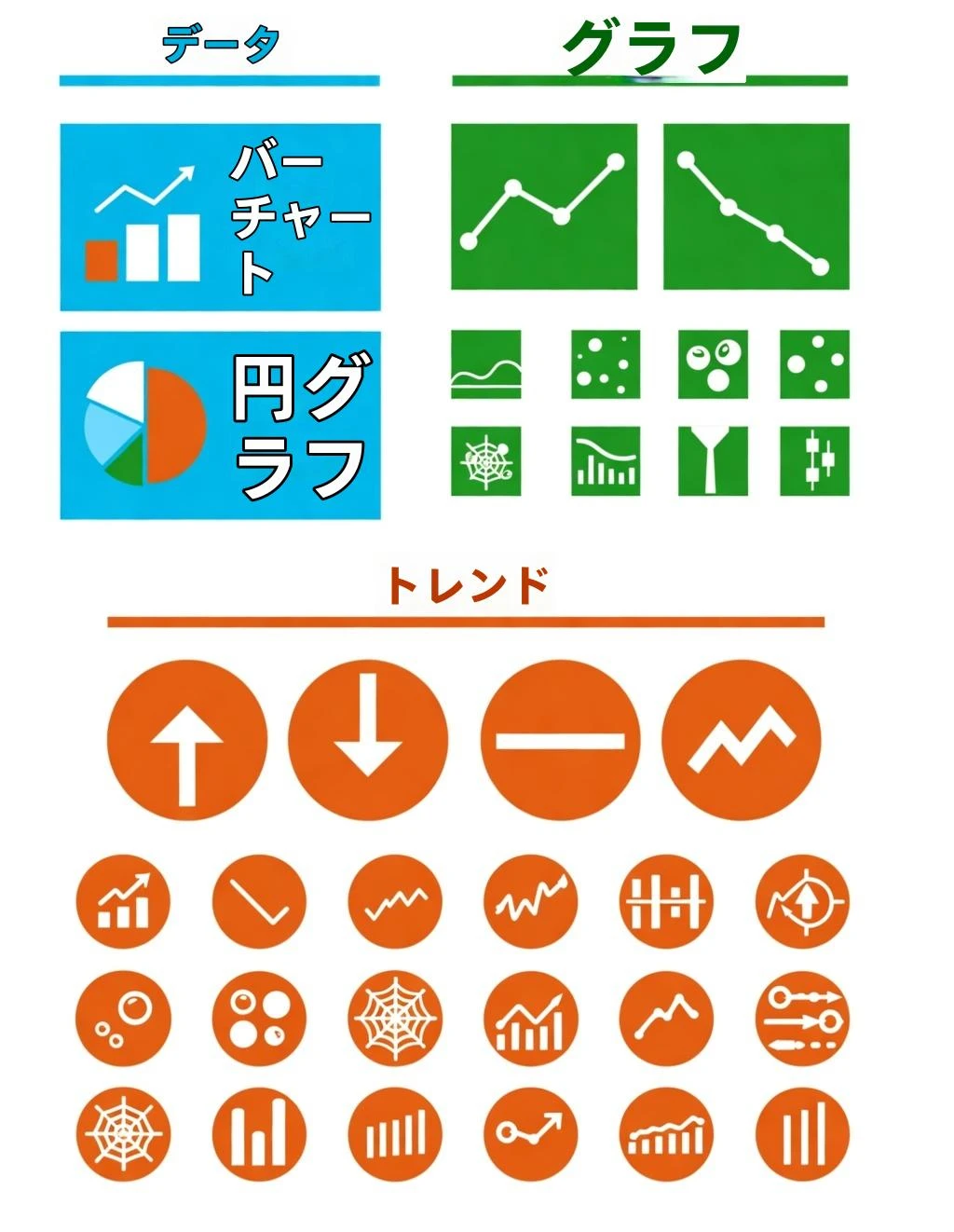
$0.01실행당·~100 / $1
예시전체 보기
관련 모델






README
Qwen Translate – Image Understanding and Translation
Qwen Translate is a multimodal model on Cloud’s DashScope that combines high-accuracy OCR with multilingual translation. On WaveSpeedAI, it turns screenshots, documents, menus, and posters into clean, translated text in just a few seconds.
Why it stands out
-
Accurate OCR Extracts printed and many handwritten texts from photos, scans, and UI screenshots.
-
Strong multilingual support Detects and translates across English, Chinese, Japanese, Korean, French, German, Spanish, Russian, Arabic, and more.
-
Terminology and sensitive-word control Lets you define custom terminologies for domain-specific vocabulary and filter sensitive words in the output.
-
Document and layout awareness Handles forms, receipts, signs, and scanned pages with automatic text-region detection.
-
Fast, practical performance Suitable for real-world scenarios like menu translation, travel signage, study materials, and quick data capture.
Limits and performance
- Supported input formats: PNG, JPEG, WEBP
- Output: extracted text plus translation into the selected target language
- Typical processing time: around 3–6 seconds per image
- Segmentation: automatic text-region detection (can be disabled via the skip_image_segment option)
Pricing
| Task type | Cost per image |
|---|---|
| OCR / Translation | $0.01 |
Flat pricing: every processed image is billed at $0.01, regardless of language pair or content length.
How to use
- Upload the image that contains the text you want to extract and translate.
- Set source_lang (for example: auto, en, zh, ja, ko, fr, de, es, ru, ar).
- Choose target_lang for the translation output.
- (Optional) Provide a terminologies list to enforce consistent translations for key terms.
- (Optional) Add sensitives to mask or filter sensitive words.
- (Optional) Enable skip_image_segment if you want to bypass automatic text-region segmentation.
- Run the job and view or download the extracted and translated text from the WaveSpeedAI interface.
Pro tips for best quality
- Upload clear, high-resolution images; avoid heavy compression or motion blur.
- Use
autofor source_lang when the input might contain mixed or unknown languages. - Define terminologies for verticals like finance, medicine, or e-commerce to keep key phrases consistent.
- Use sensitives to redact or mask names, IDs, or other sensitive fields before downstream use.
- Keep segmentation enabled when working with complex layouts (tables, multi-column documents, or posters).
Works well with other WaveSpeedAI models
-
Google Nano Banana Pro – generate or edit high-quality localized visuals after you extract and translate text: Nano Banana Pro
-
Seedream v4 – create style-consistent localized posters, banners, and illustration sets based on the translated content: Seedream v4
Notes
- Ideal for document digitization, translation of signage and menus, multilingual education content, and accessibility tools.
- For URL-based images, make sure the link is publicly accessible; a valid image will show a preview in the WaveSpeedAI UI before you run the task.
Qwen Image Translate API — Quick start
Grab a WaveSpeedAI API key, then call POST https://api.wavespeed.ai/api/v3/alibaba/qwen-image/translate with your input as JSON. The endpoint returns a prediction id; poll the prediction endpoint until status flips to completed, then read the output URL from data.outputs[0]. Examples for Qwen Image Translate below.
HTTP example
# Submit the prediction
curl -X POST "https://api.wavespeed.ai/api/v3/alibaba/qwen-image/translate" \
  -H "Content-Type: application/json" \
  -H "Authorization: Bearer $WAVESPEED_API_KEY" \
  -d '{
    "image": "https://example.com/your-input.jpg",
    "source_lang": "auto",
    "target_lang": "zh",
    "skip_image_segment": false
}'

# Response includes a prediction id. Poll for the result:
curl -X GET "https://api.wavespeed.ai/api/v3/predictions/{request_id}/result" \
  -H "Authorization: Bearer $WAVESPEED_API_KEY"

# When status is "completed", read the output from data.outputs[0].
Node.js example
// npm install wavespeed
const WaveSpeed = require('wavespeed');

const client = new WaveSpeed(); // reads WAVESPEED_API_KEY from env

const result = await client.run("alibaba/qwen-image/translate", {
        "image": "https://example.com/your-input.jpg",
        "source_lang": "auto",
        "target_lang": "zh",
        "skip_image_segment": false
});

console.log(result.outputs[0]); // → URL of the generated output
Python example
# pip install wavespeed
import wavespeed

output = wavespeed.run(
    "alibaba/qwen-image/translate",
    {
    "image": "https://example.com/your-input.jpg",
    "source_lang": "auto",
    "target_lang": "zh",
    "skip_image_segment": false
}
)

print(output["outputs"][0])  # → URL of the generated output
Qwen Image Translate API — Frequently asked questions
What is the Qwen Image Translate API?
Qwen Image Translate is a Alibaba model for image editing, exposed as a REST API on WaveSpeedAI. Qwen Vision Translate offers OCR-based image understanding and multilingual in-image text translation for context-aware results. Ready-to-use REST inference API, best performance, no coldstarts, affordable pricing. You can call it programmatically or try it from the playground above.
How do I call the Qwen Image Translate API?
POST your input parameters to the model's REST endpoint (shown in the API tab of this playground) with your WaveSpeedAI API key in the Authorization header. Submission returns a prediction ID; poll the prediction endpoint until status flips to "completed", then read the output URL from the result. The playground generates a ready-to-paste code sample in Python, JavaScript, or cURL for whatever inputs you've set. Full request/response shape is documented at https://wavespeed.ai/docs/docs-api/alibaba/alibaba-qwen-image-translate.
How much does Qwen Image Translate cost per run?
Qwen Image Translate starts at $0.010 per run. That figure is the base price — the final charge scales with the parameters you set in the form (output size, length, count, references, or whatever knobs this model exposes), so a higher-quality or larger output costs more than a minimal one. The exact cost for your current input is shown live next to the Generate button before you submit, and the actual per-call charge is recorded on the prediction afterwards.
What inputs does Qwen Image Translate accept?
Key inputs: `image`, `domain_hint`, `sensitives`, `skip_image_segment`, `source_lang`, `target_lang`. The full JSON schema (types, defaults, allowed values) is rendered above the Generate button and mirrored in the API reference at https://wavespeed.ai/docs/docs-api/alibaba/alibaba-qwen-image-translate.
How long does Qwen Image Translate take to generate?
Average end-to-end generation time on WaveSpeedAI is around 19 seconds per request — measured across recent runs. Queue time scales with global demand; live status is visible in the prediction record.
Can I use Qwen Image Translate outputs commercially?
Commercial usage rights depend on the model's license, set by its provider (Alibaba). The license summary appears on the model card above; see WaveSpeedAI's Terms of Service for platform-level conditions.