Google Nano Banana Pro (Gemini 3.0 Pro Image) Edit enables image editing with highres output. Ready-to-use REST inference API, best performance, no coldstarts, affordable pricing.
Inattivo

$0.15per esecuzione·~66 / $10
EsempiVedi tutto
Swap the fries for green onions.

Become a figure style.
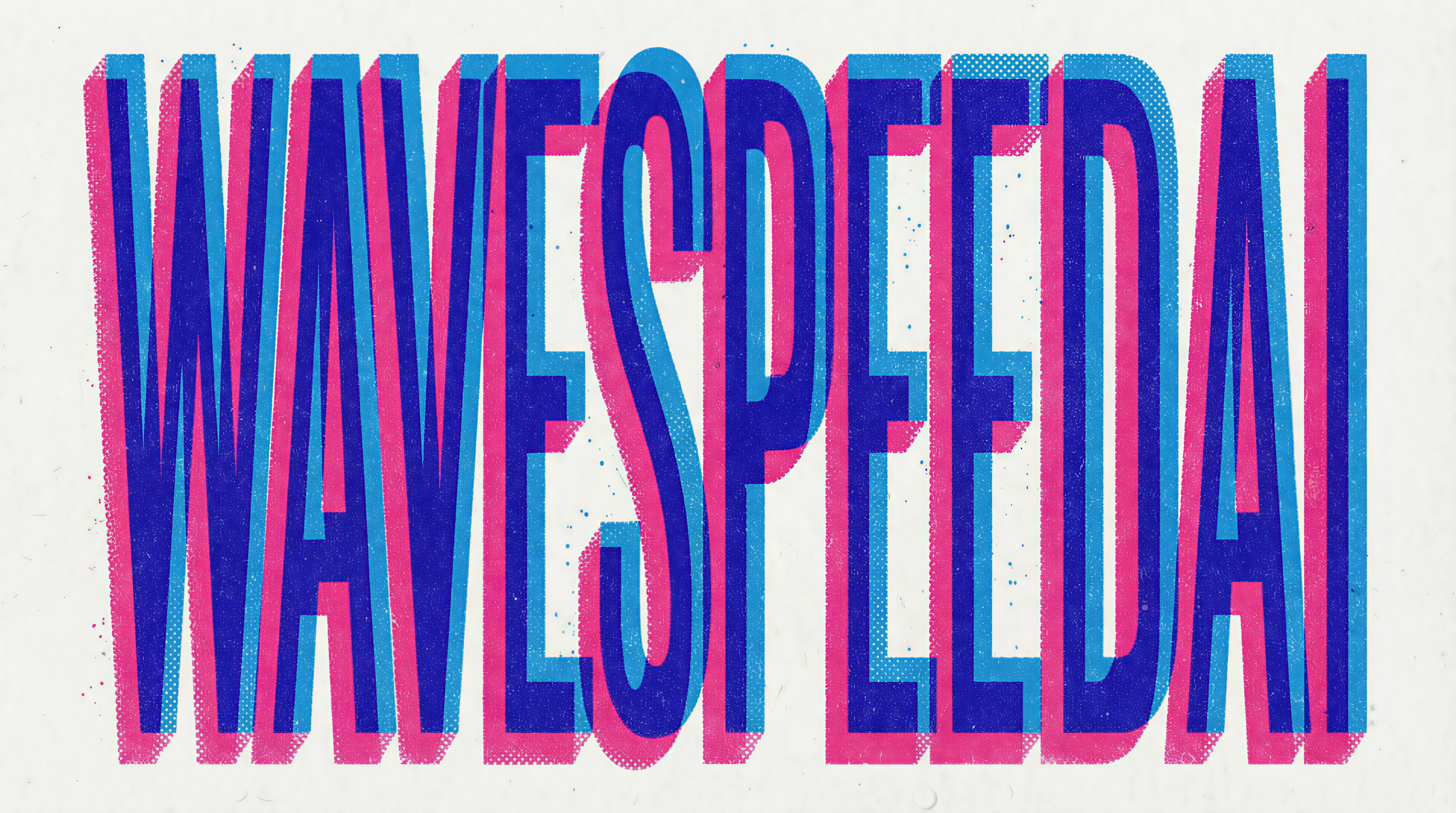
Replace text with WaveSpeedAI.

Create a mythological story comic with Japanese text
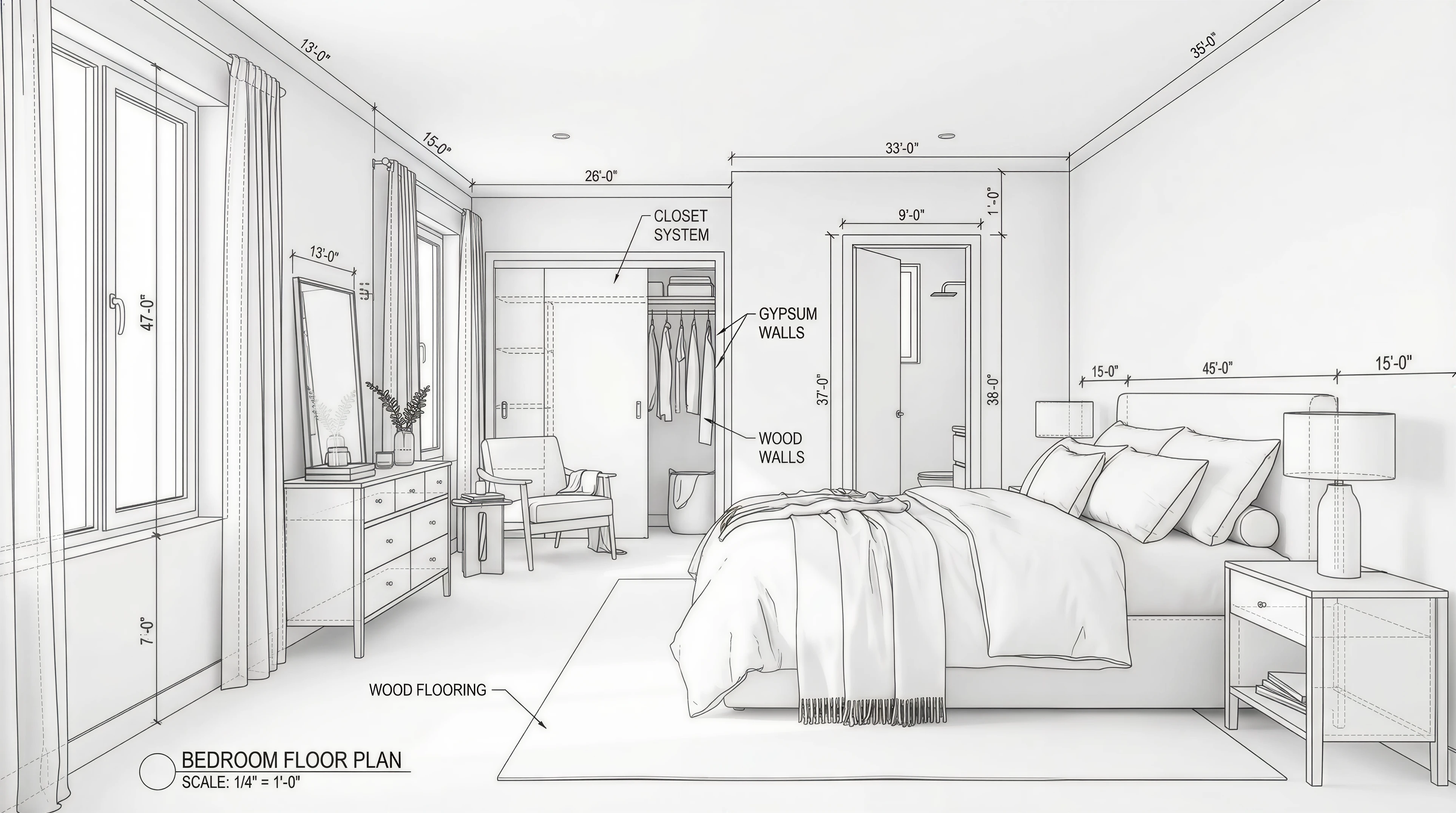
3D modeling design drawing of a room

Color the comic book
Modelli correlati






README
Google Nano Banana Pro Edit Ultra
Nano Banana Pro Edit (Gemini 3.0 Pro Image) is Google’s advanced AI-powered image editing and generation model, designed to make visual transformation as intuitive as describing it in words. Built on Google’s cutting-edge computer vision and generative research, it combines precision, flexibility, and semantic awareness for professional-grade editing.
🌟 Why it stands out
-
Native 4K image generation Produce crisp, production-ready images with fine detail and clean edges.
-
Natural-language, context-aware editing Modify images using simple text instructions. The model understands scene structure, objects, and relationships for realistic edits.
-
Multilingual on-image text with auto translation Generate and edit text inside images in multiple languages, with improved font clarity and layout.
-
Camera-style controls Support for camera-related parameters such as angle, focus, depth of field, and color adjustment for more photographic results.
-
Aspect ratio flexibility Supports formats from 1:1 to 9:16 (and beyond, such as 4:3, 16:9, 21:9), suitable for feeds, stories, banners, and print concepts.
-
Consistent character and style rendering Maintain character identity, brand elements, and overall style across related images.
⚙️ How to use
-
Input: existing image + text prompt
-
Output: edited image (JPEG/PNG)
-
Size: 1:1, 4:3, 16:9, 21:9, and so on.
-
Supports style transfer, relighting, background replacement, and object modification
-
Works with natural prompts like:
-
“Replace the cloudy sky with a clear sunset.”
-
“Add soft studio lighting and a modern background.”
-
“Turn the model’s outfit into a formal business suit.”
💰 Pricing
| Resolution | Cost per image |
|---|---|
| 4k | $0.15 |
| 8k | $0.18 |
💡 Best Use Cases
- Marketing & Branding — Update campaign visuals without reshooting.
- Product Photography — Adjust materials, lighting, or layout instantly.
- Social Media & Content Creation — Generate multiple variations with minimal effort.
- Artistic Design — Experiment with colors, styles, and compositions effortlessly.
📝 Notes
- Please ensure your prompts comply with Google’s Safety Guidelines.
- If an error occurs, review your prompt for restricted content, adjust it, and try again.
- For this model, it is not as same Google, the total pixcels like 2k is 2560 * 1440 = 3686400 and 4k is 3840 * 2160 = 8294400.
🌏 Where Nano Banana Pro Edit Fits In
Compare Nano Banana Pro Edit with:
-
FLUX.1 [dev] – Nano Banana Pro Edit focuses on semantic understanding and layout-aware editing via Gemini 3’s reasoning, making it ideal for complex, text-driven transformations without manual masking. FLUX.1 [dev] emphasizes maximum resolution control and fine detail preservation for highly technical workflows.
-
Gpt-Image-1 (OpenAI) – Nano Banana Pro Edit emphasizes layout control, multilingual on-image text, and tightly directed edits for design and marketing workflows, while openai/gpt-image-1 shines as a general-purpose creative generator with strong style variety and fast, natural-language image synthesis for broad consumer and developer use.
-
Original Nano Banana (Gemini 2.5 Flash Image) – Nano Banana Pro Edit trades pure speed for quality, delivering better reasoning, sharper text, improved character consistency, and richer camera controls at a higher unit cost. Original Nano Banana remains ideal for rapid, low-latency iterations and lightweight edits.
-
Seedream – Nano Banana Pro Edit is tuned for reliable typography, photo-real edits, and mixed media layouts, while SeeDream excels at fast, stylized T2I generation with strong anime and illustration aesthetics, making it a good choice for heavily stylized concept art.
-
Qwen Image 2509 – Nano Banana Pro Edit focuses on high-fidelity 4K outputs and multilingual on-image design control, whereas Qwen Image shines in open-source ecosystems and document-style rendering, offering flexible integration for developer-centric and research workflows.
Nano Banana Pro Edit Ultra API — Quick start
Grab a WaveSpeedAI API key, then call POST https://api.wavespeed.ai/api/v3/google/nano-banana-pro/edit-ultra with your input as JSON. The endpoint returns a prediction id; poll the prediction endpoint until status flips to completed, then read the output URL from data.outputs[0]. Examples for Nano Banana Pro Edit Ultra below.
HTTP example
# Submit the prediction
curl -X POST "https://api.wavespeed.ai/api/v3/google/nano-banana-pro/edit-ultra" \
  -H "Content-Type: application/json" \
  -H "Authorization: Bearer $WAVESPEED_API_KEY" \
  -d '{
    "prompt": "A cinematic shot of a city at sunset, soft golden light",
    "aspect_ratio": "1:1",
    "resolution": "4k",
    "output_format": "png",
    "enable_sync_mode": false,
    "enable_base64_output": false
}'

# Response includes a prediction id. Poll for the result:
curl -X GET "https://api.wavespeed.ai/api/v3/predictions/{request_id}/result" \
  -H "Authorization: Bearer $WAVESPEED_API_KEY"

# When status is "completed", read the output from data.outputs[0].
Node.js example
// npm install wavespeed
const WaveSpeed = require('wavespeed');

const client = new WaveSpeed(); // reads WAVESPEED_API_KEY from env

const result = await client.run("google/nano-banana-pro/edit-ultra", {
        "prompt": "A cinematic shot of a city at sunset, soft golden light",
        "aspect_ratio": "1:1",
        "resolution": "4k",
        "output_format": "png",
        "enable_sync_mode": false,
        "enable_base64_output": false
});

console.log(result.outputs[0]); // → URL of the generated output
Python example
# pip install wavespeed
import wavespeed

output = wavespeed.run(
    "google/nano-banana-pro/edit-ultra",
    {
    "prompt": "A cinematic shot of a city at sunset, soft golden light",
    "aspect_ratio": "1:1",
    "resolution": "4k",
    "output_format": "png",
    "enable_sync_mode": false,
    "enable_base64_output": false
}
)

print(output["outputs"][0])  # → URL of the generated output
Nano Banana Pro Edit Ultra API — Frequently asked questions
What is the Nano Banana Pro Edit Ultra API?
Nano Banana Pro Edit Ultra is a Google model for image editing, exposed as a REST API on WaveSpeedAI. Google Nano Banana Pro (Gemini 3.0 Pro Image) Edit enables image editing with highres output. Ready-to-use REST inference API, best performance, no coldstarts, affordable pricing. You can call it programmatically or try it from the playground above.
How do I call the Nano Banana Pro Edit Ultra API?
POST your input parameters to the model's REST endpoint (shown in the API tab of this playground) with your WaveSpeedAI API key in the Authorization header. Submission returns a prediction ID; poll the prediction endpoint until status flips to "completed", then read the output URL from the result. The playground generates a ready-to-paste code sample in Python, JavaScript, or cURL for whatever inputs you've set. Full request/response shape is documented at https://wavespeed.ai/docs/docs-api/google/google-nano-banana-pro-edit-ultra.
How much does Nano Banana Pro Edit Ultra cost per run?
Nano Banana Pro Edit Ultra starts at $0.15 per run. That figure is the base price — the final charge scales with the parameters you set in the form (output size, length, count, references, or whatever knobs this model exposes), so a higher-quality or larger output costs more than a minimal one. The exact cost for your current input is shown live next to the Generate button before you submit, and the actual per-call charge is recorded on the prediction afterwards.
What inputs does Nano Banana Pro Edit Ultra accept?
Key inputs: `prompt`, `images`, `aspect_ratio`, `resolution`, `enable_base64_output`, `enable_sync_mode`. The full JSON schema (types, defaults, allowed values) is rendered above the Generate button and mirrored in the API reference at https://wavespeed.ai/docs/docs-api/google/google-nano-banana-pro-edit-ultra.
How long does Nano Banana Pro Edit Ultra take to generate?
Average end-to-end generation time on WaveSpeedAI is around 132 seconds per request — measured across recent runs. Queue time scales with global demand; live status is visible in the prediction record.
Can I use Nano Banana Pro Edit Ultra outputs commercially?
Commercial usage rights depend on the model's license, set by its provider (Google). The license summary appears on the model card above; see WaveSpeedAI's Terms of Service for platform-level conditions.