Wan 2.2 t2v-720p converts text prompts into native 720P videos, producing high-quality 720P clips from simple prompts. Ready-to-use REST inference API, best performance, no coldstarts, affordable pricing.
निष्क्रिय
$0.3प्रति रन·~33 / $10
उदाहरणसभी देखें
Daylight, sidelight, soft light, warm colors, azure sky. A red-haired woman laughs openly, her long, curly hair flicking in the wind, wearing a brightly colored, flower-printed green suit with slim pants legs and a pair of bright, fluorescent green boots. She wore a huge wide-brimmed straw hat with a slightly drooping brim. She stands on a golden hay-covered country path with open fields and clear blue skies in the background. Her hands hold up a blue garden hose, and what gushes out of the mouth of the hose is not a stream of water, but a myriad of colorful flowers, blooming like fireworks and floating in the air. The flowers are rich in color and shape, and shine softly in the sunlight.
Close-up, soft light, the lower half of a young woman's face is in sharp focus, her lips are slightly parted and she is blowing a huge bubble gum bubble. The bubble is translucent, with a soft luster under the light, and inside it is a miniature aquarium, in which two orange and white goldfish swim slowly, with their fins swinging lightly, as if they were in the water world. The background is pure light blue.
A nobleman with flowing auburn hair and a richly embroidered velvet cloak strides confidently through the grand halls of a Renaissance palace, sunlight filtering through stained glass windows, casting colorful patterns across marble floors. He holds a silver goblet engraved with family crests, while a trained falcon perches calmly on his shoulder. The air is heavy with elegance, courtly secrets, and the weight of history.
A tall woman in an avant-garde black and gold high-fashion gown poses at the edge of a minimalist runway, lit with dramatic spotlights. Her expression is fierce, makeup bold, with an asymmetrical hairstyle. The fabric flows elegantly to the floor, shimmering subtly. Moody luxury atmosphere, Vogue-level composition, editorial photography.She spins elegantly, strides toward the camera with dramatic poise, her gown rippling in waves, ending with a powerful head turn under flashing lights.
An ethereal woman with long silver hair and an ice-crystal crown stands on a frozen lake. Her gown flows like frosted glass, and snowflakes orbit her gently. The world around her glows blue and white, illuminated by northern lights. Magical realism, high fantasy elegance.
In a neon-lit city of the future, a poised and graceful woman wearing a shimmering chrome gown walks down a deserted street as digital butterflies flutter around her. Her cybernetic eyes scan the holographic skyline, while her metallic cape flows like liquid light. Rain reflects the glowing advertisements around her, and behind her, a hovering luxury drone quietly follows. The atmosphere feels cinematic, intimate yet grand, evoking both mystery and majesty.
A man in his 50s paces slowly in a hospital hallway, checking his watch repeatedly. Nurses pass by. His breathing is audible, shallow. His face shows fatigue and worry. Fluorescent lights flicker slightly. Camera follows him in a long tracking shot.
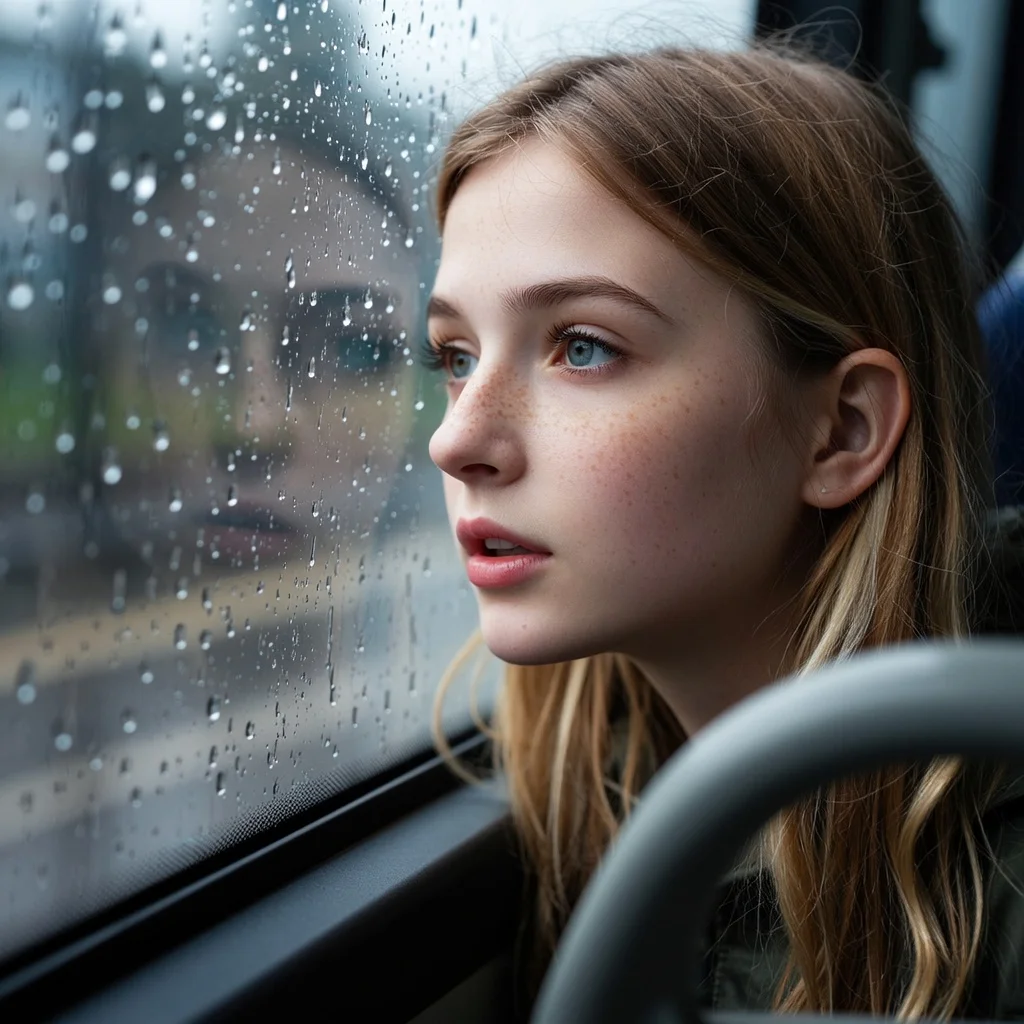
A young man sits in the backseat of a car, staring out at rain trickling down the window. Outside, blurred streetlights shimmer through the glass. His expression is distant, lips pressed together, lost in thought.
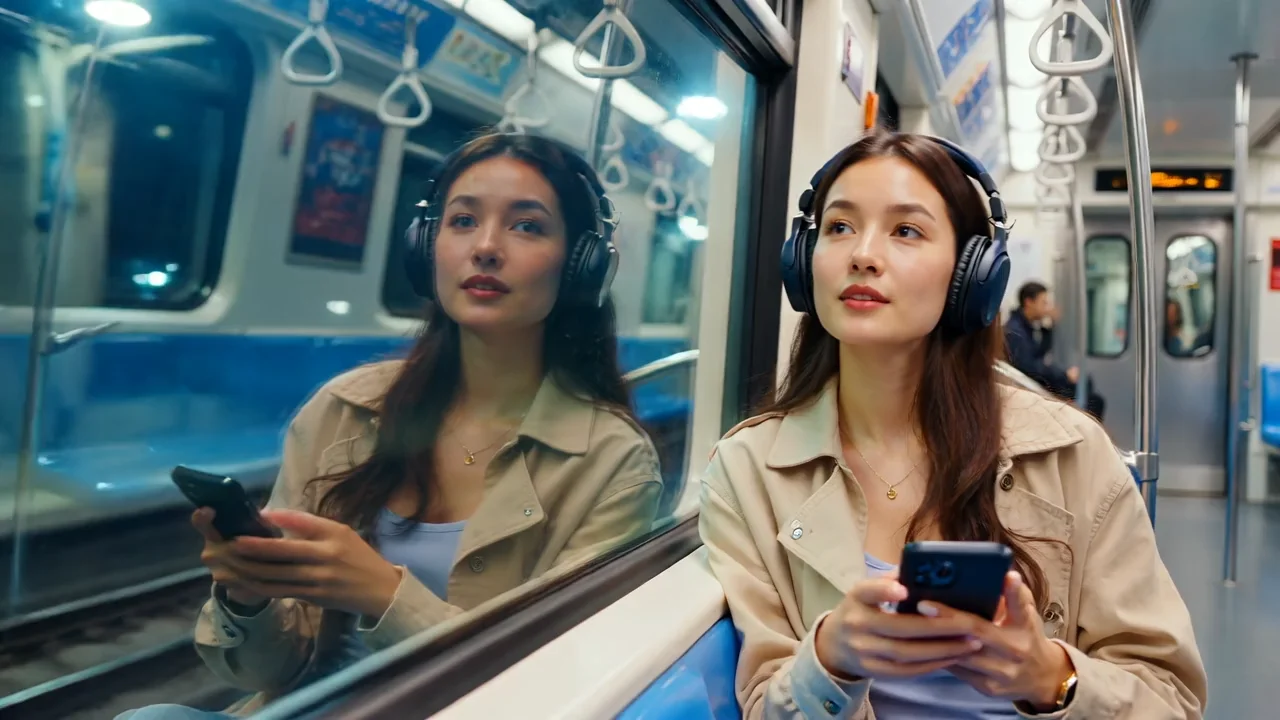
An old man sits alone in a train as memories of his youth play out in the window reflections, soft warm tones
A hooded mage walks through a glowing enchanted forest, casting faint blue magic as floating wisps illuminate her path. Fireflies flutter, and trees pulse with light. Magical ambiance, ethereal tones, smooth dolly shots.
A scientist in a white suit stands in a sterile lab, operating a robotic arm assembling nano-components. LED lights flicker, and data flows across transparent screens. Futuristic, clinical aesthetic, precise camera movements.
A slow pan across a quiet countryside field at dawn. Morning mist floats over golden wheat, birds chirp, and a girl in a white dress picks flowers with a gentle smile. Soft lighting, peaceful mood, Studio Ghibli-inspired tone.
A romantic couple dances barefoot under a starry night sky on a deserted beach. Soft waves crash rhythmically nearby, reflecting moonlight. The scene unfolds in slow motion, illuminated by warm, cinematic lighting that enhances the intimacy. The woman's dress flows gently in the breeze as they move gracefully, lost in each other’s eyes. A soft instrumental melody plays faintly in the background, capturing the mood of timeless romance.
संबंधित मॉडल

README
Wan 2.2 Text-to-Video 720p
Generate high-quality 720p HD videos from text descriptions with Wan 2.2. Simply describe your scene and watch it come to life — no source images required. With landscape and portrait support, create professional-grade content for any platform.
Need custom styles? Try Wan 2.2 T2V 720p LoRA for LoRA adapter support.
Why It Looks Great
- Pure text-to-video: Generate complete videos from descriptions alone — no images needed.
- 720p HD output: Sharp, professional-quality video suitable for final deliverables.
- Landscape & portrait: Supports both 1280×720 and 720×1280 orientations.
- Negative prompt support: Exclude unwanted elements for precise control.
- Prompt Enhancer: Built-in tool to refine your descriptions automatically.
- Reproducible results: Use the seed parameter to recreate exact outputs.
Parameters
| Parameter | Required | Description |
|---|---|---|
| prompt | Yes | Text description of the scene, action, and atmosphere you want. |
| negative_prompt | No | Elements to avoid in the generated video. |
| size | No | Output dimensions: 1280×720 (landscape) or 720×1280 (portrait). Default: 1280×720. |
| duration | No | Video length: 5 or 8 seconds. Default: 5. |
| seed | No | Random seed for reproducibility. Use -1 for random. |
How to Use
- Write your prompt — describe the scene, characters, motion, and atmosphere in detail.
- Use Prompt Enhancer (optional) — click to automatically enrich your description.
- Add negative prompt (optional) — specify elements to exclude.
- Choose size — select landscape (1280×720) or portrait (720×1280) orientation.
- Set duration — choose 5 or 8 seconds.
- Set seed (optional) — for reproducible results.
- Run — click the button to generate.
- Download — preview and save your video.
Pricing
Per 5-second billing based on duration.
| Duration | Calculation | Cost |
|---|---|---|
| 5 seconds | 5 ÷ 5 × $0.30 | $0.30 |
| 8 seconds | 8 ÷ 5 × $0.30 | $0.48 |
Size Options
| Size | Orientation | Best For |
|---|---|---|
| 1280×720 | Landscape | YouTube, presentations, desktop viewing, TV |
| 720×1280 | Portrait | TikTok, Instagram Reels, Stories, mobile |
Best Use Cases
- Lifestyle & Fashion Content — Generate vibrant, dynamic scenes with detailed clothing and movement.
- Social Media Videos — Create platform-optimized HD content for any channel.
- Concept Visualization — Bring ideas to life without any source material.
- Marketing & Advertising — Produce professional-quality video for campaigns.
- Creative Storytelling — Visualize narratives and scenes with cinematic quality.
Example Prompts
- "Daylight, sidelight, soft light, warm colors, azure sky. A red-haired woman laughs openly, her long, curly hair flicking in the wind, wearing a brightly colored, flower-printed green suit with slim pants legs and a pair of bright, fluorescent green boots."
- "Cinematic aerial shot of ocean waves crashing on rocky coastline, golden sunset light, dramatic atmosphere"
- "A chef prepares sushi in a traditional Japanese restaurant, precise hand movements, soft ambient lighting"
- "Futuristic cityscape at night, flying cars, neon reflections on wet streets, cyberpunk aesthetic"
- "Children running through a field of sunflowers, summer afternoon, joyful mood, lens flare"
Pro Tips for Best Results
- Include lighting details: "daylight", "sidelight", "soft light", "warm colors".
- Describe movement and action: "laughs openly", "hair flicking in the wind".
- Be specific about clothing, colors, and textures for richer visuals.
- Match orientation to platform: portrait for TikTok/Reels, landscape for YouTube.
- Use negative prompts to avoid "blur", "distortion", "jitter" for cleaner output.
- Start with 5-second videos to test concepts before generating 8-second versions.
Notes
- Duration options are 5 or 8 seconds only.
- 720p provides excellent quality for most viewing contexts.
- For custom style control, consider the LoRA-enabled variant.
- Processing time scales with duration — 8-second videos take longer.
Wan 2.2 T2v 720p API — Quick start
Grab a WaveSpeedAI API key, then call POST https://api.wavespeed.ai/api/v3/wavespeed-ai/wan-2.2/t2v-720p with your input as JSON. The endpoint returns a prediction id. Start polling the result endpoint around every 2 seconds, increase the interval for long-running tasks, and stop on any terminal status. On completed, read output values from data.outputs. Examples for Wan 2.2 T2v 720p below.
HTTP example
set -euo pipefail

: "${WAVESPEED_API_KEY:?Set WAVESPEED_API_KEY}"

REQUEST_BODY=$(cat <<'JSON'
{
    "prompt": "A cinematic shot of a city at sunset, soft golden light",
    "size": "1280*720",
    "duration": 5,
    "seed": -1
}
JSON
)

# 1. Submit the prediction.
SUBMIT_RESPONSE=$(curl --silent --show-error --fail-with-body \
  -X POST "https://api.wavespeed.ai/api/v3/wavespeed-ai/wan-2.2/t2v-720p" \
  -H "Content-Type: application/json" \
  -H "Authorization: Bearer $WAVESPEED_API_KEY" \
  -d "$REQUEST_BODY")

TASK=$(printf '%s' "$SUBMIT_RESPONSE" | jq 'if has("data") then .data else . end')
PREDICTION_ID=$(printf '%s' "$TASK" | jq -r '.id')
if [ -z "$PREDICTION_ID" ] || [ "$PREDICTION_ID" = "null" ]; then
  printf 'Submission response did not contain a prediction id
' >&2
  exit 1
fi
RESULT_URL=$(printf '%s' "$TASK" | jq -r '.urls.get // empty')
if [ -z "$RESULT_URL" ]; then
  RESULT_URL="https://api.wavespeed.ai/api/v3/predictions/$PREDICTION_ID/result"
fi

# 2. Poll until the prediction finishes.
while true; do
  RESPONSE=$(curl --silent --show-error --fail-with-body "$RESULT_URL" \
    -H "Authorization: Bearer $WAVESPEED_API_KEY")
  RESULT=$(printf '%s' "$RESPONSE" | jq 'if has("data") then .data else . end')
  STATUS=$(printf '%s' "$RESULT" | jq -r '.status')
  case "$STATUS" in
    completed) printf '%s\n' "$RESULT" | jq '.outputs'; break ;;
    failed|cancelled|timeout) printf '%s\n' "$RESULT" | jq . >&2; exit 1 ;;
    created|processing) sleep 2 ;;
    *) printf 'Unexpected status: %s
' "$STATUS" >&2; exit 1 ;;
  esac
done
Node.js example
const submitUrl = "https://api.wavespeed.ai/api/v3/wavespeed-ai/wan-2.2/t2v-720p";
const apiKey = process.env.WAVESPEED_API_KEY;
if (!apiKey) throw new Error('Set WAVESPEED_API_KEY');

async function requestJson(url, options = {}) {
  const response = await fetch(url, options);
  if (!response.ok) throw new Error(await response.text());
  return response.json();
}

// 1. Submit the prediction.
const body = await requestJson(submitUrl, {
  method: "POST",
  headers: {
    "Authorization": `Bearer ${apiKey}`,
    "Content-Type": "application/json",
  },
  body: JSON.stringify({
        "prompt": "A cinematic shot of a city at sunset, soft golden light",
        "size": "1280*720",
        "duration": 5,
        "seed": -1
}),
});
const task = body.data ?? body;
if (!task.id) throw new Error("Submission response did not contain a prediction id");
const resultUrl = task.urls?.get ||
  `https://api.wavespeed.ai/api/v3/predictions/${task.id}/result`;

// 2. Poll until the prediction finishes.
while (true) {
  const resultBody = await requestJson(resultUrl, {
    headers: { "Authorization": `Bearer ${apiKey}` },
  });
  const result = resultBody.data ?? resultBody;
  if (result.status === "completed") {
    console.log(result.outputs);
    break;
  }
  if (["failed", "cancelled", "timeout"].includes(result.status)) throw new Error(JSON.stringify(result));
  if (!["created", "processing"].includes(result.status)) throw new Error("Unexpected status: " + result.status);
  await new Promise(resolve => setTimeout(resolve, 2000));
}
Python example
import json
import os
import time
from urllib.request import Request, urlopen

api_key = os.environ["WAVESPEED_API_KEY"]
headers = {"Authorization": f"Bearer {api_key}", "Content-Type": "application/json"}
payload = {
    "prompt": "A cinematic shot of a city at sunset, soft golden light",
    "size": "1280*720",
    "duration": 5,
    "seed": -1
}

def request_json(url, data=None):
    request = Request(url, data=data, headers=headers, method="POST" if data else "GET")
    with urlopen(request) as response:
        return json.load(response)

# 1. Submit the prediction.
body = request_json("https://api.wavespeed.ai/api/v3/wavespeed-ai/wan-2.2/t2v-720p", json.dumps(payload).encode())
task = body.get("data", body)
if not task.get("id"):
    raise RuntimeError("Submission response did not contain a prediction id")
result_url = task.get("urls", {}).get("get") or f"https://api.wavespeed.ai/api/v3/predictions/{task['id']}/result"

# 2. Poll until the prediction finishes.
while True:
    result_body = request_json(result_url)
    result = result_body.get("data", result_body)
    status = result.get("status")
    if status == "completed":
        print(result.get("outputs", []))
        break
    if status in {"failed", "cancelled", "timeout"}:
        raise RuntimeError(result)
    if status not in {"created", "processing"}:
        raise RuntimeError(f"Unexpected status: {status}")
    time.sleep(2)
Wan 2.2 T2v 720p API — Frequently asked questions
What is the Wan 2.2 T2v 720p API?
Wan 2.2 T2v 720p is a WaveSpeedAI model for video generation, exposed as a REST API on WaveSpeedAI. Wan 2.2 t2v-720p converts text prompts into native 720P videos, producing high-quality 720P clips from simple prompts. Ready-to-use REST inference API, best performance, no coldstarts, affordable pricing. You can call it programmatically or try it from the playground above.
How do I call the Wan 2.2 T2v 720p API?
POST your input parameters to the model's REST endpoint (shown in the API tab of this playground) with your WaveSpeedAI API key in the Authorization header. Submission returns a prediction ID. Poll the result endpoint starting around every 2 seconds, increase the interval for long-running tasks, and stop on any terminal status. The playground generates production-oriented Python, JavaScript, and cURL examples with timeouts, transient-error handling, and safe GET retries. Full request/response shape is documented at https://wavespeed.ai/docs/docs-api/wavespeed-ai/wan-2.2-t2v-720p.
How much does Wan 2.2 T2v 720p cost per run?
Wan 2.2 T2v 720p starts at $0.30 per run. That figure is the base price — the final charge scales with the parameters you set in the form (output size, length, count, references, or whatever knobs this model exposes), so a higher-quality or larger output costs more than a minimal one. The exact cost for your current input is shown live next to the Generate button before you submit, and the actual per-call charge is recorded on the prediction afterwards.
What inputs does Wan 2.2 T2v 720p accept?
Key inputs: `prompt`, `duration`, `size`, `seed`, `negative_prompt`. The full JSON schema (types, defaults, allowed values) is rendered above the Generate button and mirrored in the API reference at https://wavespeed.ai/docs/docs-api/wavespeed-ai/wan-2.2-t2v-720p.
How long does Wan 2.2 T2v 720p take to generate?
Median end-to-end generation time on WaveSpeedAI is around 129 seconds per request, based on recent successful runs. Queue time varies with global demand; live status is visible in the prediction record.
Can I use Wan 2.2 T2v 720p outputs commercially?
Commercial usage rights depend on the model's license, set by its provider (WaveSpeedAI). The license summary appears on the model card above; see WaveSpeedAI's Terms of Service for platform-level conditions.