FLUX 2 flash is a fast, production-grade AI text-to-image generator from Black Forest Labs, optimized for realistic renders and crisp, typo-free text. It supports prompt-faithful styles and native editing—image-to-image, inpainting/outpainting, background replacement, and quick variants—for posters, logos, product shots, and social ads. Ready-to-use REST API with low latency, no cold starts, and affordable pricing.
Idle

$0.008per run·~125 / $1
ExamplesView all
Luxury product photograph of a gold mechanical wristwatch floating above black water surface, perfect reflection beneath, dramatic rim lighting highlighting brushed metal details, water droplets suspended in air, ultra sharp focus on dial complications, premium advertising campaign quality, 8K photorealistic

Cinematic portrait of a 25-year-old woman with auburn hair in soft waves, sitting by a rain-streaked window in a dimly lit café, wearing an oversized cream knit sweater, holding a steaming cup of coffee, warm tungsten lighting from vintage Edison bulbs above, shallow depth of field, Kodak Portra 800 film aesthetic, melancholic mood

Photorealistic science fiction scene of an astronaut in white spacesuit standing in a field of glowing bioluminescent flowers on an alien planet, two moons visible in the purple twilight sky, helmet visor reflecting the ethereal landscape, cinematic lighting, Ridley Scott film aesthetic, IMAX quality

Extreme macro photograph of a honeybee collecting pollen from a lavender flower, individual pollen grains visible on fuzzy legs, translucent wings with visible veins, shallow depth of field isolating subject, soft purple bokeh background, morning dew droplets on petals, scientific precision with artistic beauty

Cozy Scandinavian living room interior at golden hour, soft sunlight streaming through sheer linen curtains, plush cream sofa with textured throw blankets, fiddle leaf fig plant in corner, warm wood floors, steaming cup of tea on coffee table, hygge atmosphere, interior design magazine quality, natural and inviting
Related Models
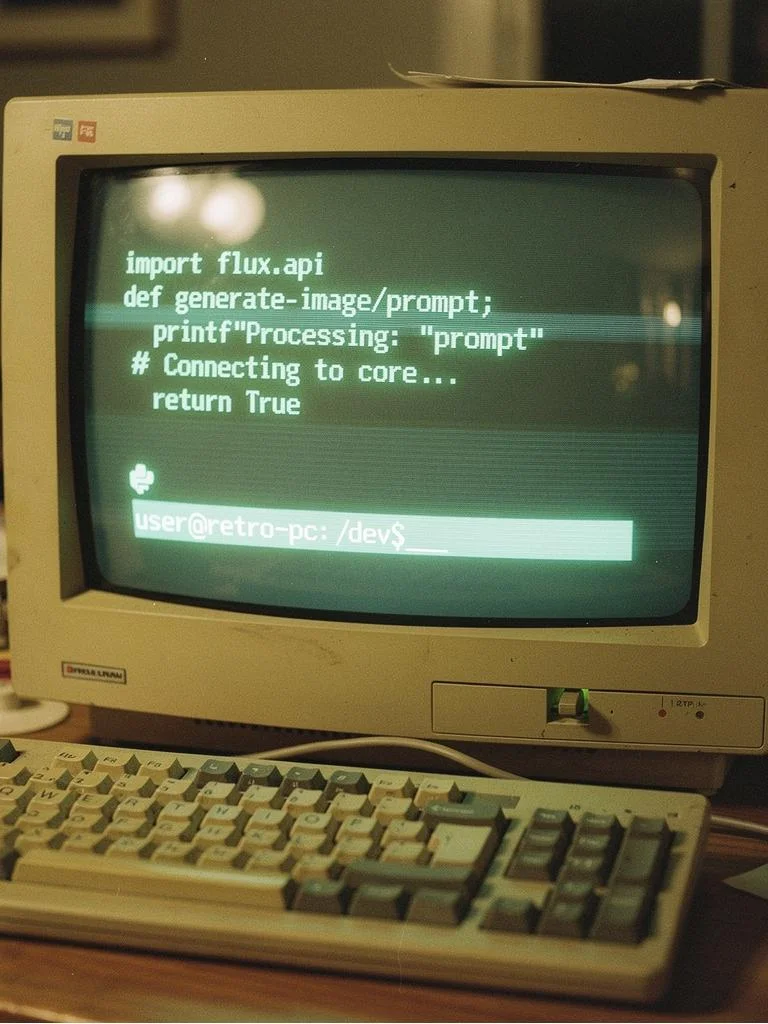



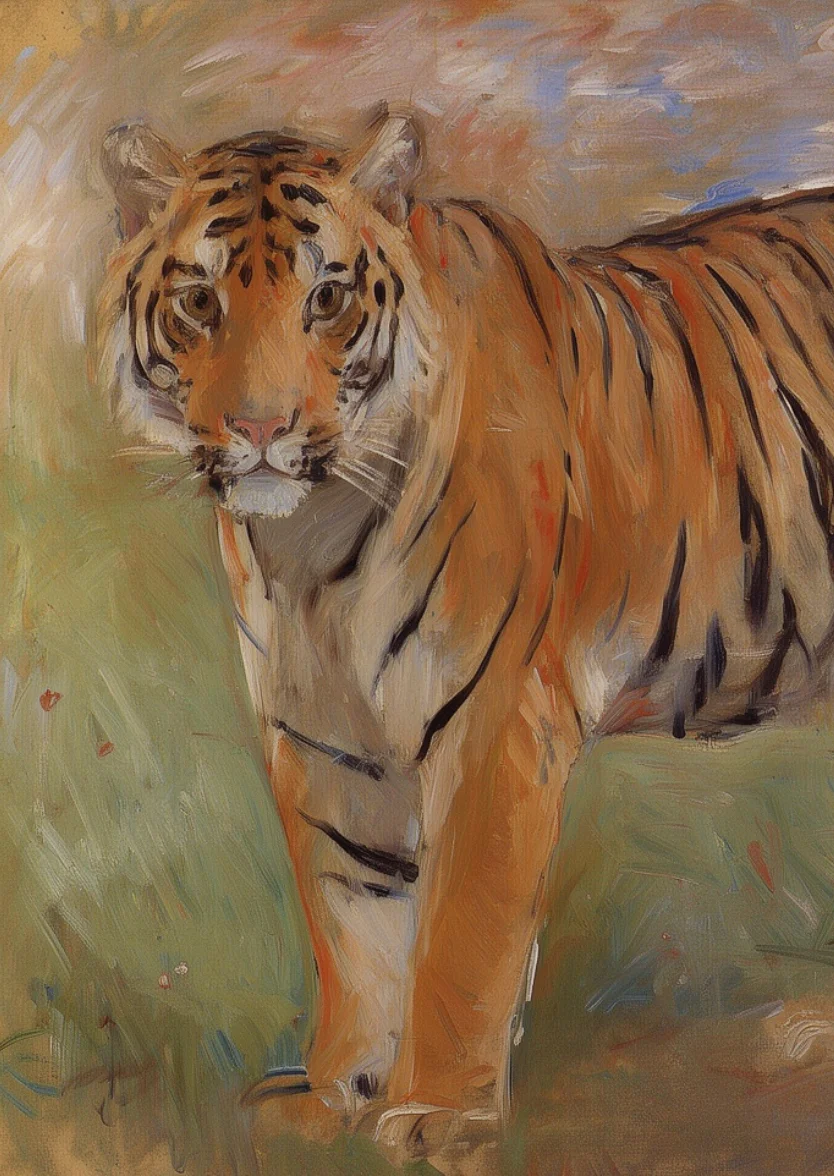

README
WaveSpeedAI FLUX.2 Flash Text-to-Image
FLUX.2 Flash Text-to-Image is a fast, production-focused image generation model designed for high-volume, low-latency workflows. It turns a single text prompt into a ready-to-use image, making it a strong default for rapid iteration, batch pipelines, and “generate lots of options quickly” use cases.
This wrapper is text-to-image (text in, image out). If you need prompt-based edits to existing images (image-to-image, inpainting/outpainting, background replacement, etc.), use the related FLUX.2 Flash Edit model instead.
Key capabilities
- Fast, low-latency image generation for rapid iteration and large-scale creative production.
- Prompt-faithful composition and styles that hold up well across repeated runs and automation pipelines.
- Crisp on-image text tuned for cleaner typography (helpful for posters, product shots, and social creatives).
- Flexible output sizing via
sizeor explicitwidth/heightfor banners, posters, square assets, and more. - Reproducible variations with
seedfor controlled exploration and reruns. - API-friendly output controls like synchronous waiting (
enable_sync_mode) and base64 responses (enable_base64_output) for easier server-side integration.
Parameters and how to use
prompt: (required) The text instruction that describes what you want to generate.size: A shorthand output size string (commonly formatted likeWIDTH*HEIGHT).seed: Randomness control for reproducibility (-1for a new random result each run).enable_sync_mode: Iftrue, wait for generation/upload and return the result directly (API only).enable_base64_output: Iftrue, return base64 output instead of a URL (API only).
Prompt
Write your prompt like you’re briefing a photographer or designer:
-
Start with the subject + setting, then add style, camera/lighting, and details that matter (materials, mood, composition).
-
For marketing/product visuals, include: background type, surface/reflection, lighting direction, and “clean” constraints (e.g., “no extra objects, no watermark”).
-
For on-image text, keep it short and explicit:
-
Put the exact text in quotes.
-
Specify placement and typography cues (e.g., “centered headline, bold sans-serif, high contrast”).
-
If you get typos, simplify the layout and reduce the amount of text.
Other parameters
-
sizeUse when you want a quick preset-like size string. Across WaveSpeedAI FLUX endpoints, this is commonly written asWIDTH*HEIGHT(for example,1024*1024). If you setwidthandheight, keep them consistent withsizeto avoid ambiguity. -
width/heightUse when you need exact dimensions (e.g., wide banners vs. tall posters). -
seed -
Use
-1for a fresh random result each run. -
Use a fixed integer (e.g.,
12345) to reproduce a composition or generate controlled variations while you iterate on the prompt. -
enable_sync_mode(API only) Set totruewhen you want the call to wait and return the generated result in the same response (useful for simple backends and demos). -
enable_base64_output(API only) Set totruewhen you want the output encoded as base64 instead of a hosted URL (useful for storage, pipelines, or environments that can’t fetch URLs).
After you finish configuring the parameters, click Run, preview the result, and iterate if needed.
Pricing
$0.008 per run
Notes
- If you’re generating many variations, keep
size(orwidth/height) and a fixedseedconsistent while you tune the prompt—this makes changes easier to compare.
Related Models
- FLUX.2 Flash Edit – Prompt-based image editing (image-to-image) when you need to modify existing assets instead of generating from scratch.
- FLUX.2 Dev Text-to-Image – Leaner base model in the FLUX.2 family for fast iteration and training-friendly workflows.
- FLUX.2 Flex Text-to-Image – More style-forward generation when you want broader aesthetics while staying fast.
- FLUX.2 Pro Text-to-Image – Higher-capacity option for more demanding production visuals and higher fidelity outputs.
Flux 2 Flash Text To Image API — Quick start
Grab a WaveSpeedAI API key, then call POST https://api.wavespeed.ai/api/v3/wavespeed-ai/flux-2-flash/text-to-image with your input as JSON. The endpoint returns a prediction id; poll the prediction endpoint until status flips to completed, then read the output URL from data.outputs[0]. Examples for Flux 2 Flash Text To Image below.
HTTP example
# Submit the prediction
curl -X POST "https://api.wavespeed.ai/api/v3/wavespeed-ai/flux-2-flash/text-to-image" \
  -H "Content-Type: application/json" \
  -H "Authorization: Bearer $WAVESPEED_API_KEY" \
  -d '{
    "prompt": "A cinematic shot of a city at sunset, soft golden light",
    "size": "1024*1024",
    "seed": -1,
    "enable_sync_mode": false,
    "enable_base64_output": false
}'

# Response includes a prediction id. Poll for the result:
curl -X GET "https://api.wavespeed.ai/api/v3/predictions/{request_id}/result" \
  -H "Authorization: Bearer $WAVESPEED_API_KEY"

# When status is "completed", read the output from data.outputs[0].
Node.js example
// npm install wavespeed
const WaveSpeed = require('wavespeed');

const client = new WaveSpeed(); // reads WAVESPEED_API_KEY from env

const result = await client.run("wavespeed-ai/flux-2-flash/text-to-image", {
        "prompt": "A cinematic shot of a city at sunset, soft golden light",
        "size": "1024*1024",
        "seed": -1,
        "enable_sync_mode": false,
        "enable_base64_output": false
});

console.log(result.outputs[0]); // → URL of the generated output
Python example
# pip install wavespeed
import wavespeed

output = wavespeed.run(
    "wavespeed-ai/flux-2-flash/text-to-image",
    {
    "prompt": "A cinematic shot of a city at sunset, soft golden light",
    "size": "1024*1024",
    "seed": -1,
    "enable_sync_mode": false,
    "enable_base64_output": false
}
)

print(output["outputs"][0])  # → URL of the generated output
Flux 2 Flash Text To Image API — Frequently asked questions
What is the Flux 2 Flash Text To Image API?
Flux 2 Flash Text To Image is a WaveSpeedAI model for image generation, exposed as a REST API on WaveSpeedAI. FLUX 2 flash is a fast, production-grade AI text-to-image generator from Black Forest Labs, optimized for realistic renders and crisp, typo-free text. It supports prompt-faithful styles and native editing—image-to-image, inpainting/outpainting, background replacement, and quick variants—for posters, logos, product shots, and social ads. Ready-to-use REST API with low latency, no cold starts, and affordable pricing. You can call it programmatically or try it from the playground above.
How do I call the Flux 2 Flash Text To Image API?
POST your input parameters to the model's REST endpoint (shown in the API tab of this playground) with your WaveSpeedAI API key in the Authorization header. Submission returns a prediction ID; poll the prediction endpoint until status flips to "completed", then read the output URL from the result. The playground generates a ready-to-paste code sample in Python, JavaScript, or cURL for whatever inputs you've set. Full request/response shape is documented at https://wavespeed.ai/docs/docs-api/wavespeed-ai/flux-2-flash-text-to-image.
How much does Flux 2 Flash Text To Image cost per run?
Flux 2 Flash Text To Image starts at $0.008 per run. That figure is the base price — the final charge scales with the parameters you set in the form (output size, length, count, references, or whatever knobs this model exposes), so a higher-quality or larger output costs more than a minimal one. The exact cost for your current input is shown live next to the Generate button before you submit, and the actual per-call charge is recorded on the prediction afterwards.
What inputs does Flux 2 Flash Text To Image accept?
Key inputs: `prompt`, `size`, `seed`, `enable_base64_output`, `enable_sync_mode`. The full JSON schema (types, defaults, allowed values) is rendered above the Generate button and mirrored in the API reference at https://wavespeed.ai/docs/docs-api/wavespeed-ai/flux-2-flash-text-to-image.
How long does Flux 2 Flash Text To Image take to generate?
Average end-to-end generation time on WaveSpeedAI is around 6 seconds per request — measured across recent runs. Queue time scales with global demand; live status is visible in the prediction record.
Can I use Flux 2 Flash Text To Image outputs commercially?
Commercial usage rights depend on the model's license, set by its provider (WaveSpeedAI). The license summary appears on the model card above; see WaveSpeedAI's Terms of Service for platform-level conditions.