OpenAI's gpt-image-1 enables image generation and image editing via OpenAI's image API, ideal for creating and refining images. Ready-to-use REST inference API, best performance, no coldstarts, affordable pricing.
Idle
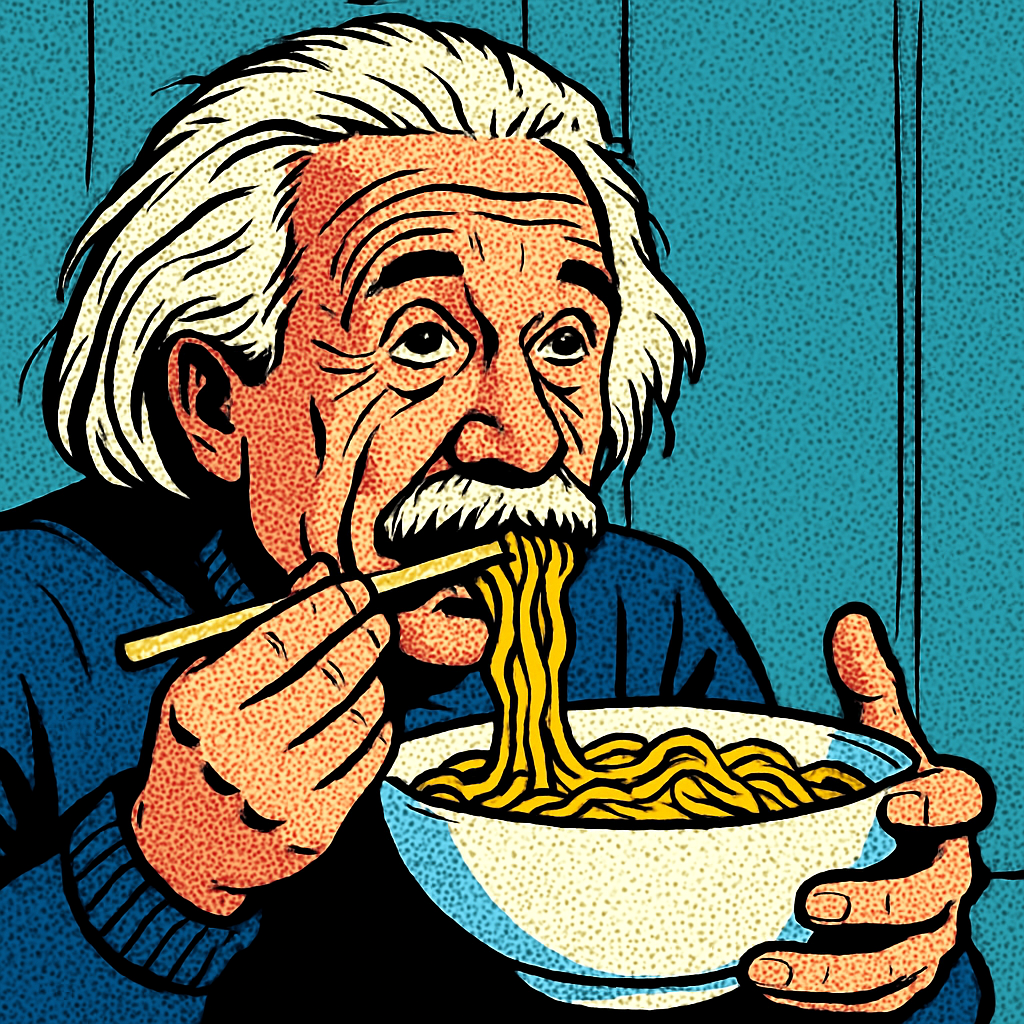
$0.042per run·~23 / $1
ExamplesView all
Become a comic style.
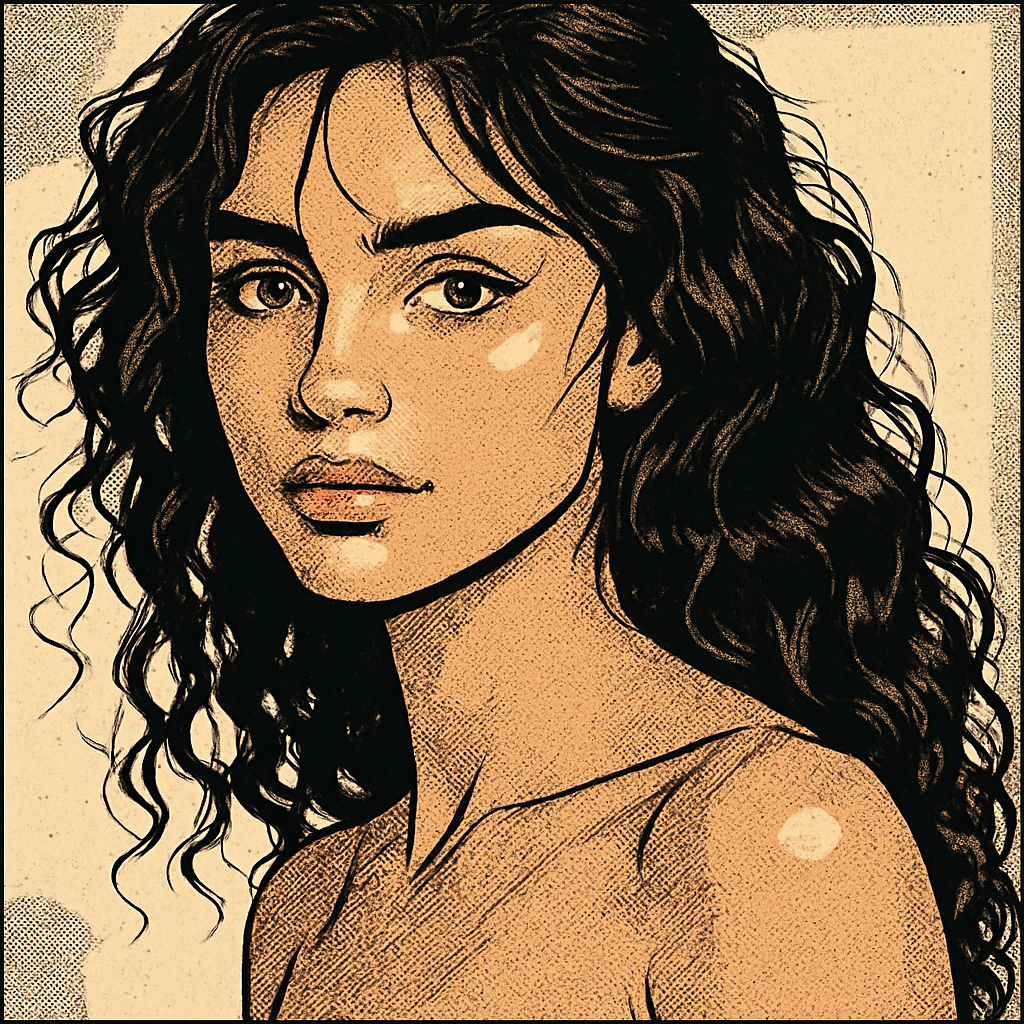
Converted to comic style.
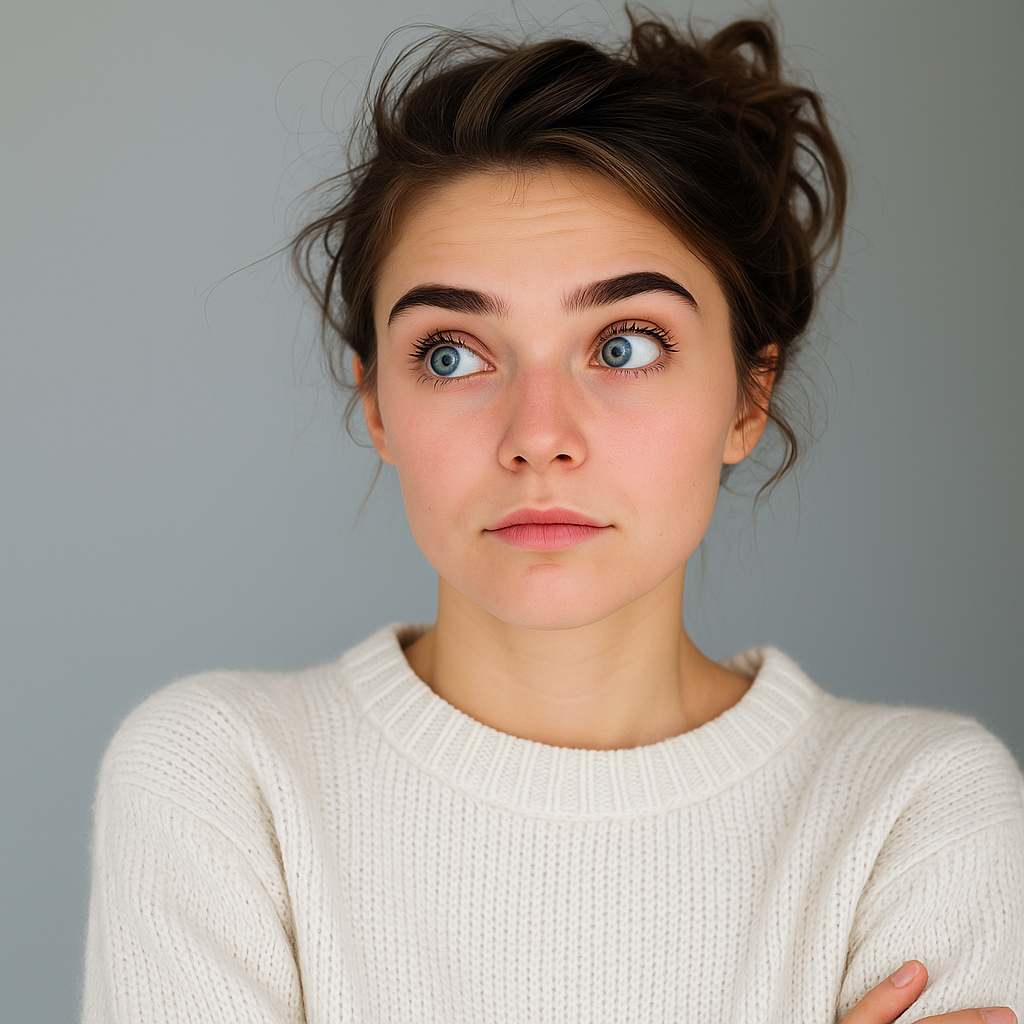
Change the black sweater to a white sweater.

Remove the background.
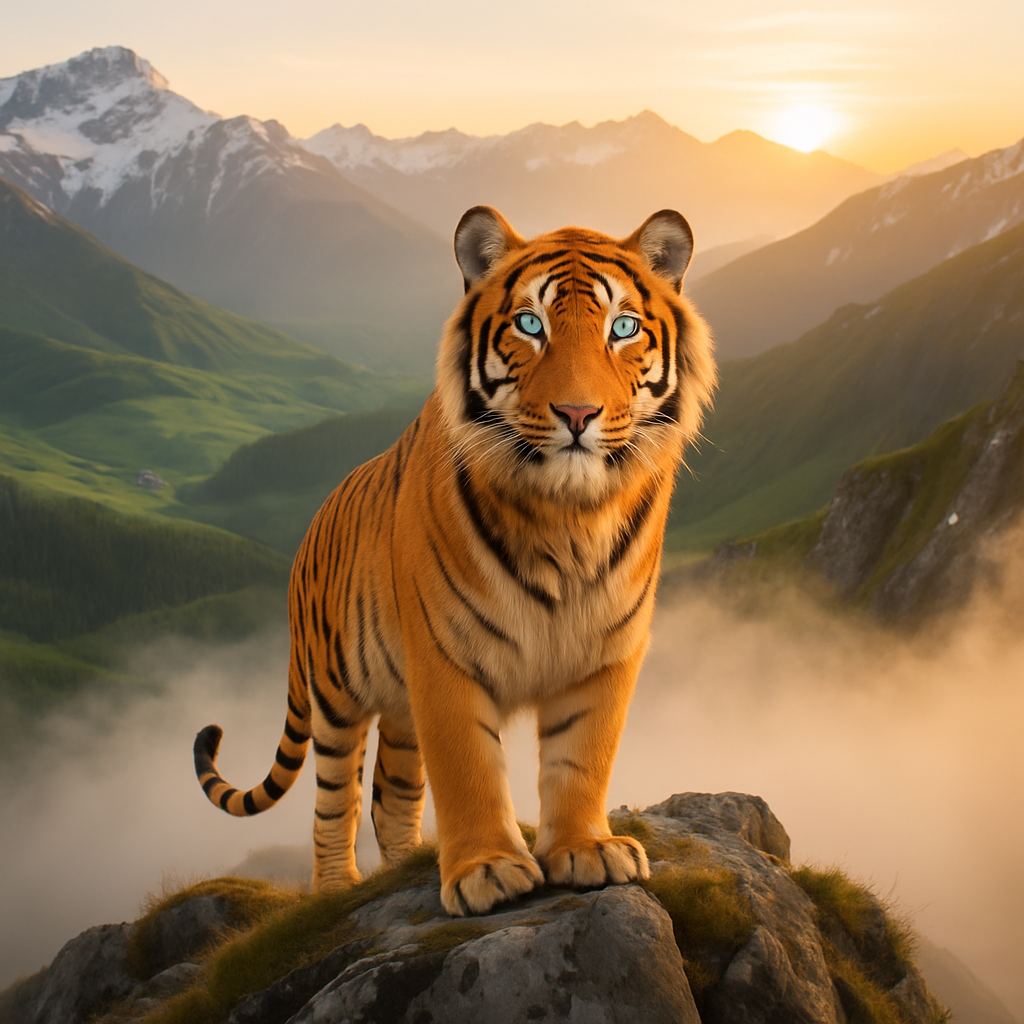
Change the tiger's fur color to orange.
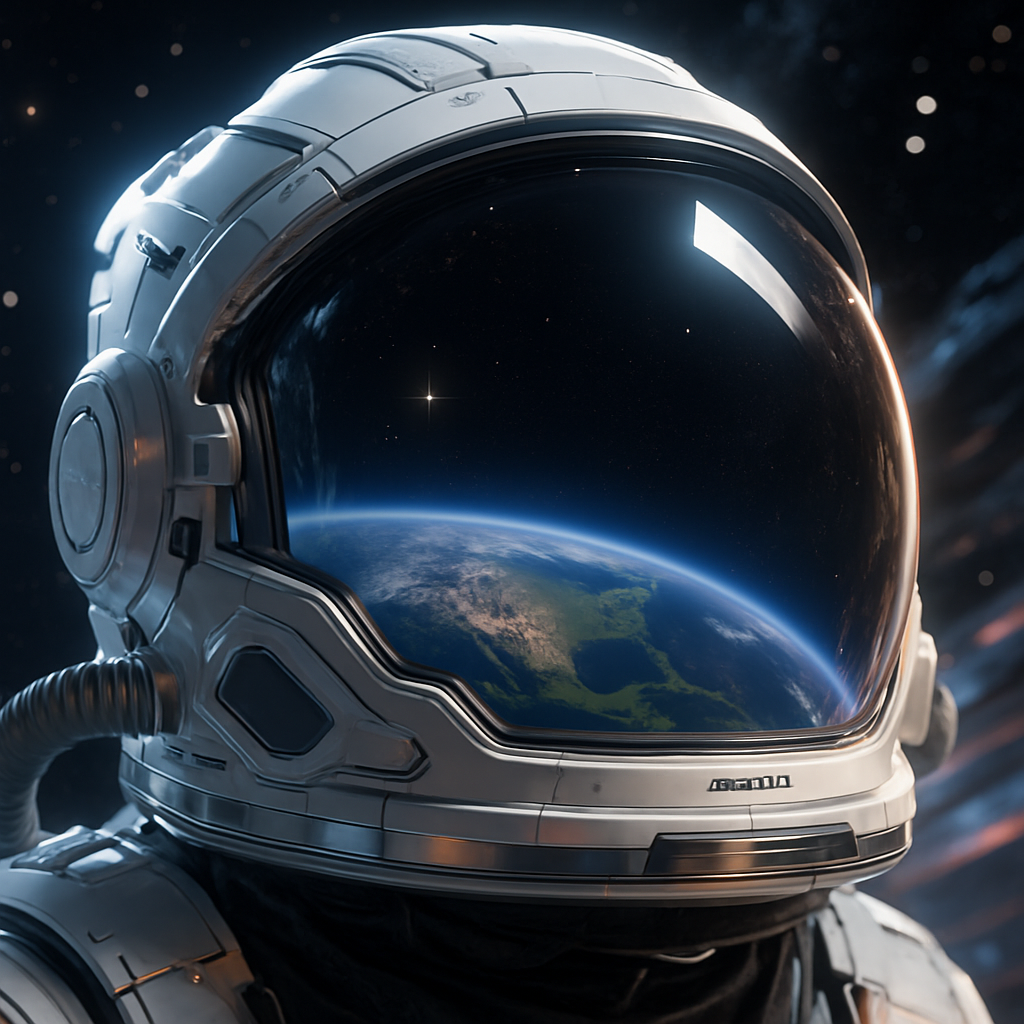
remove the moon.
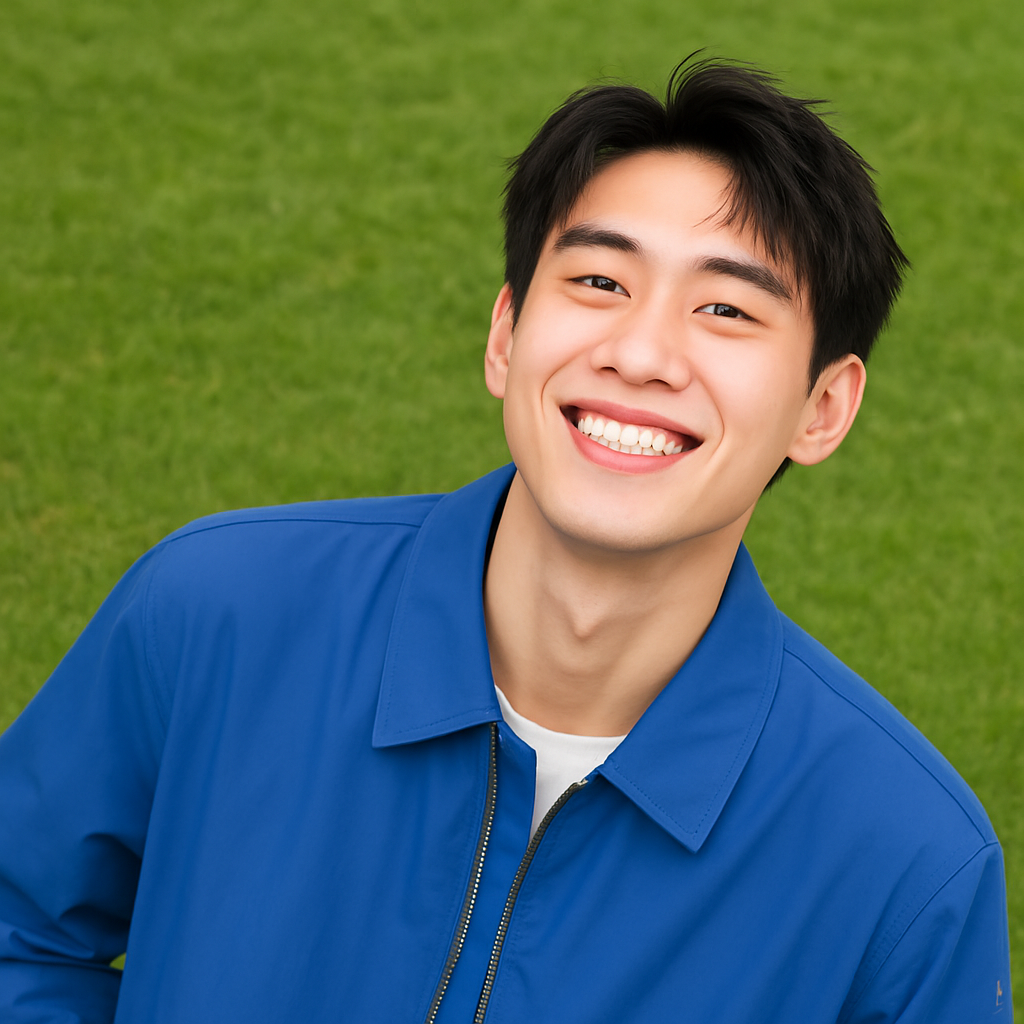
Change the background to grass.

Change the background to a starry sky.
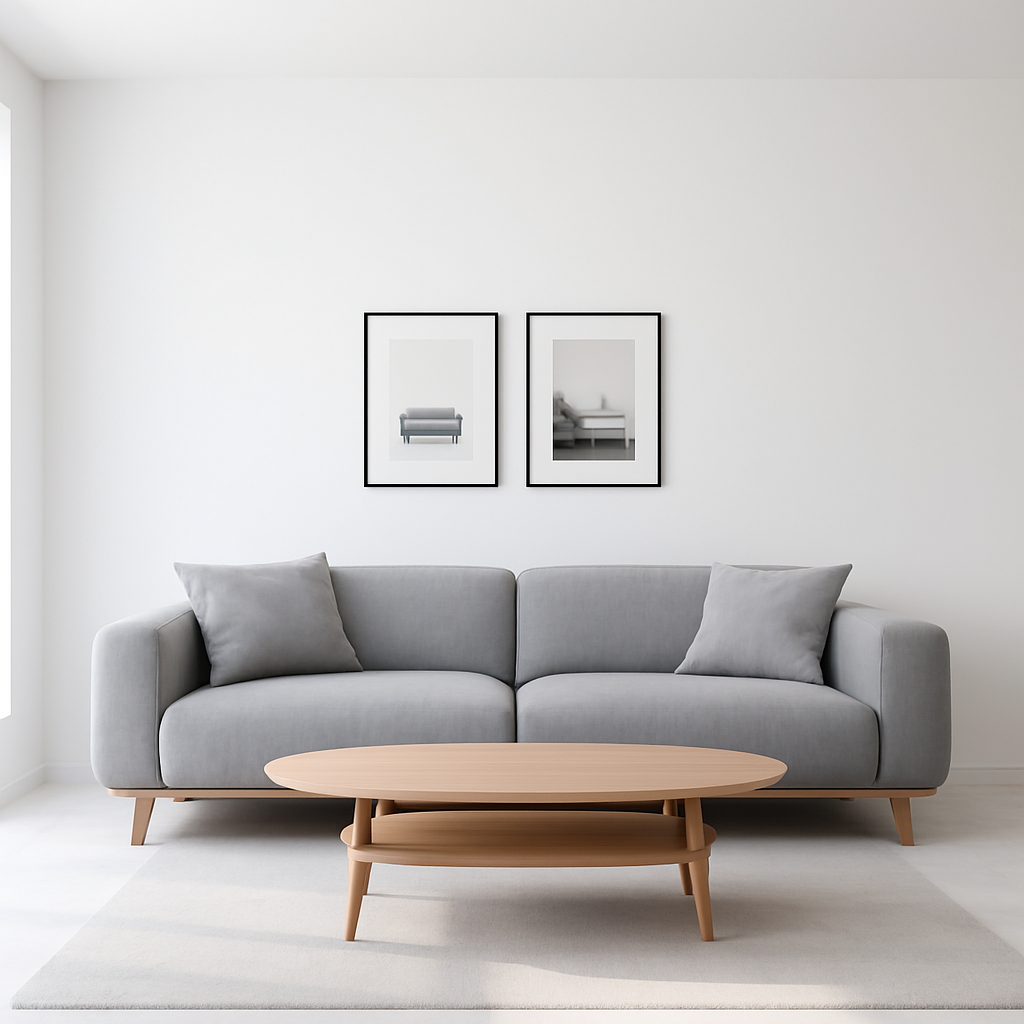
Add the same pillow as on the left.
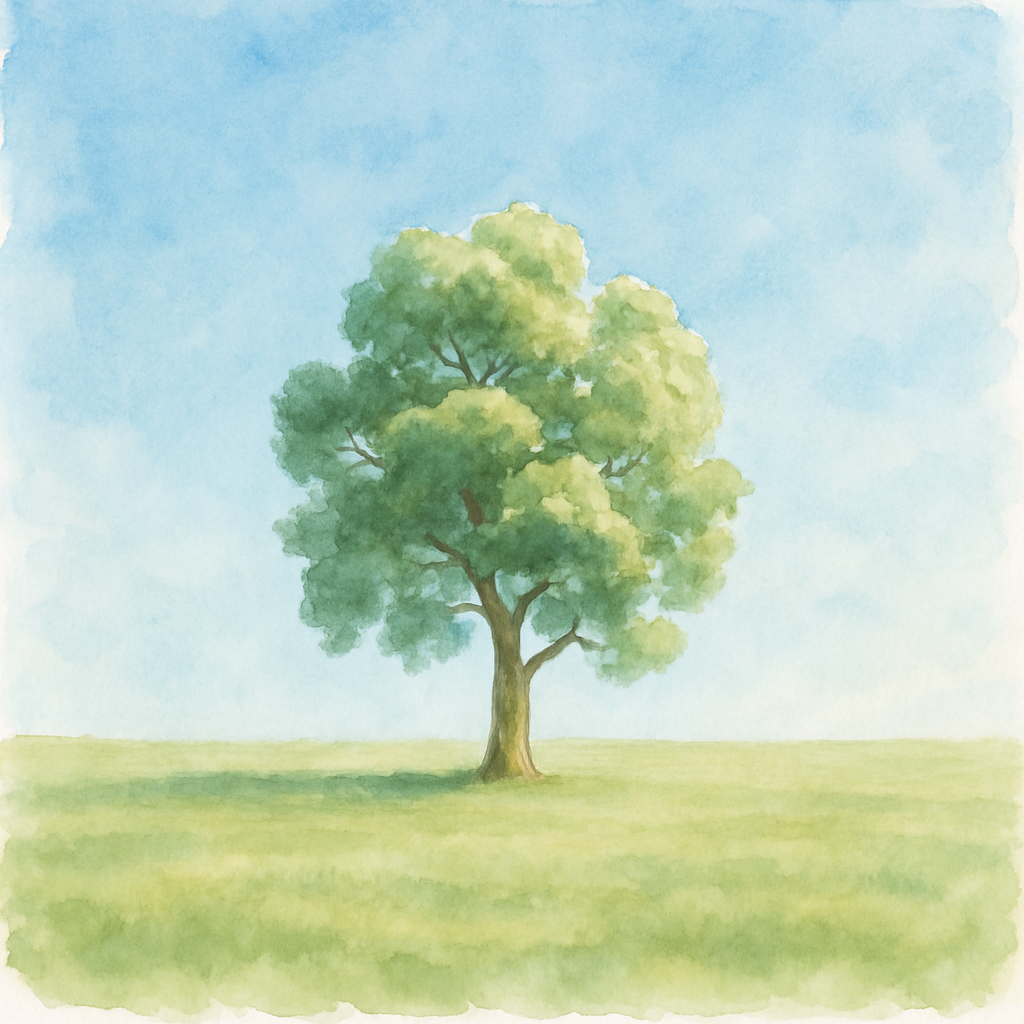
The image becomes a watercolor style.

Change hair color to red.
Related Models
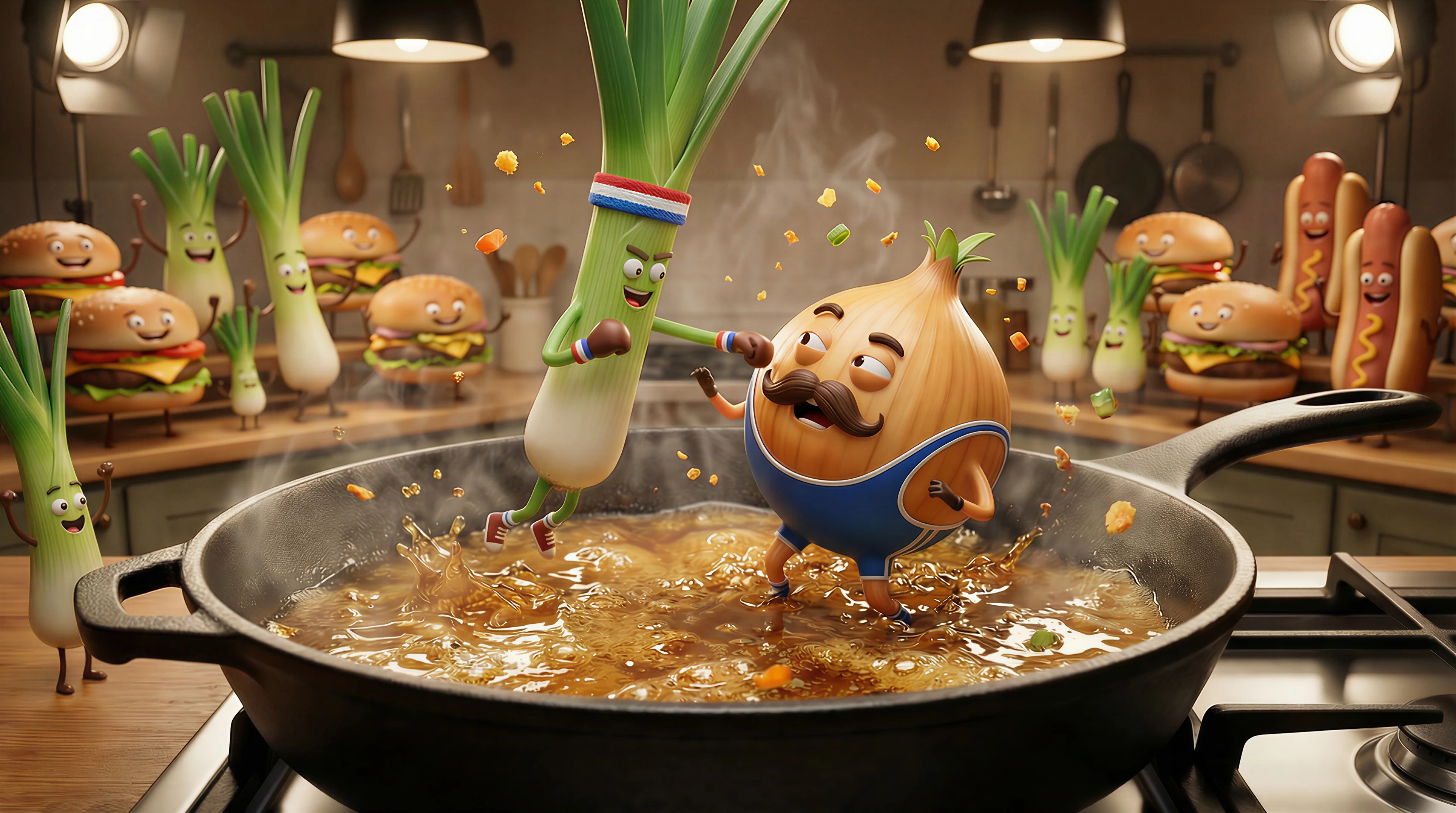
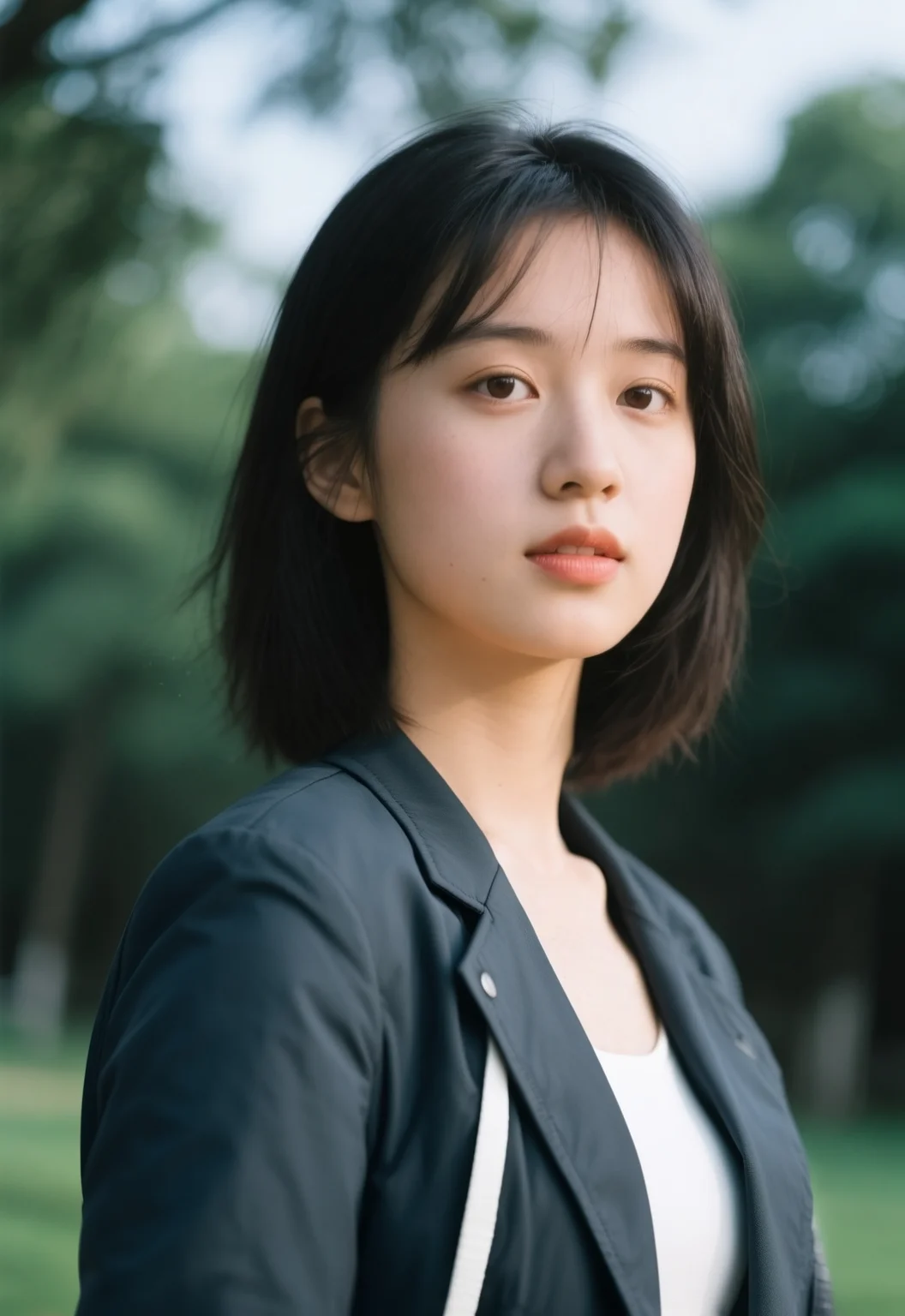
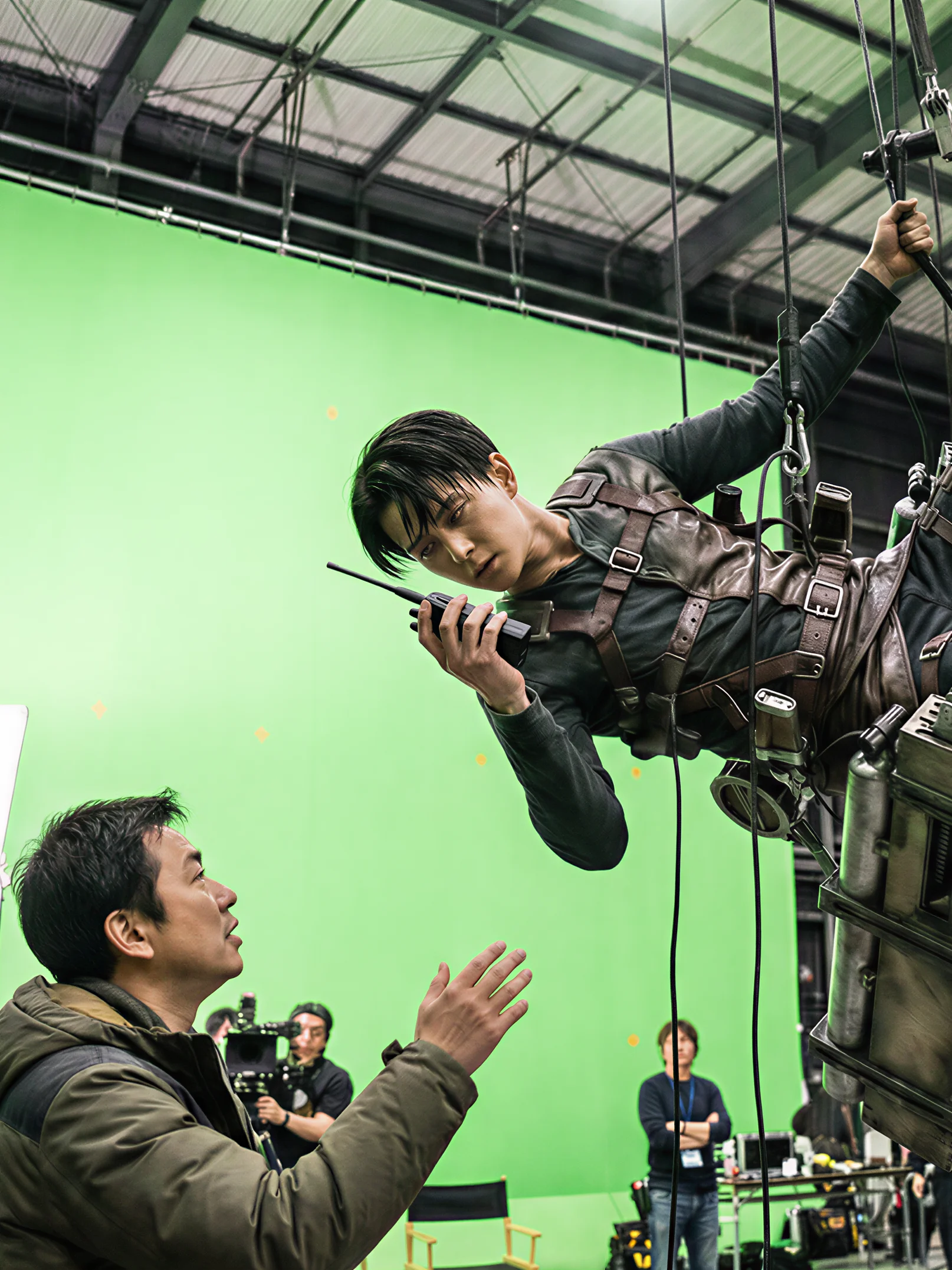
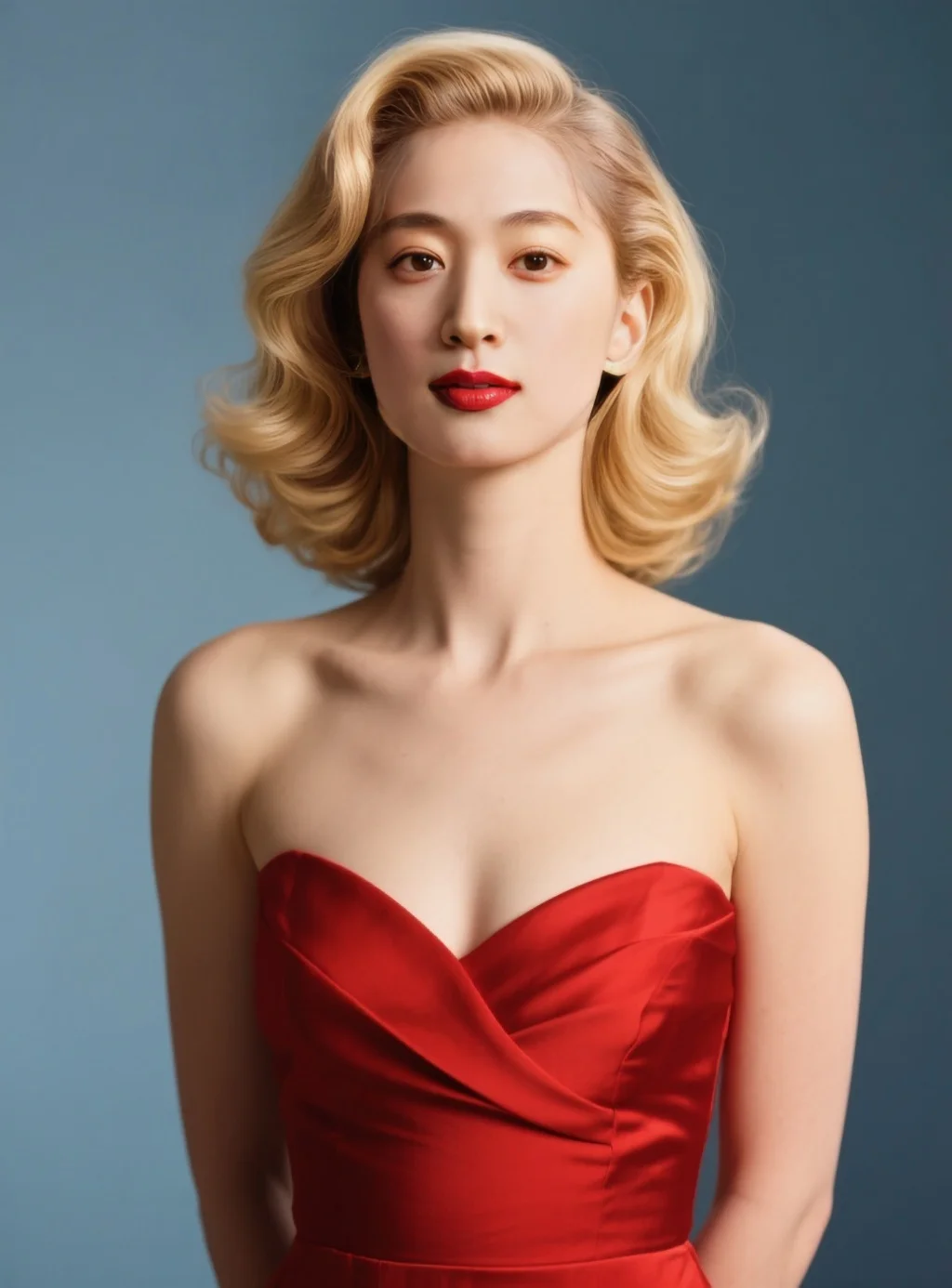
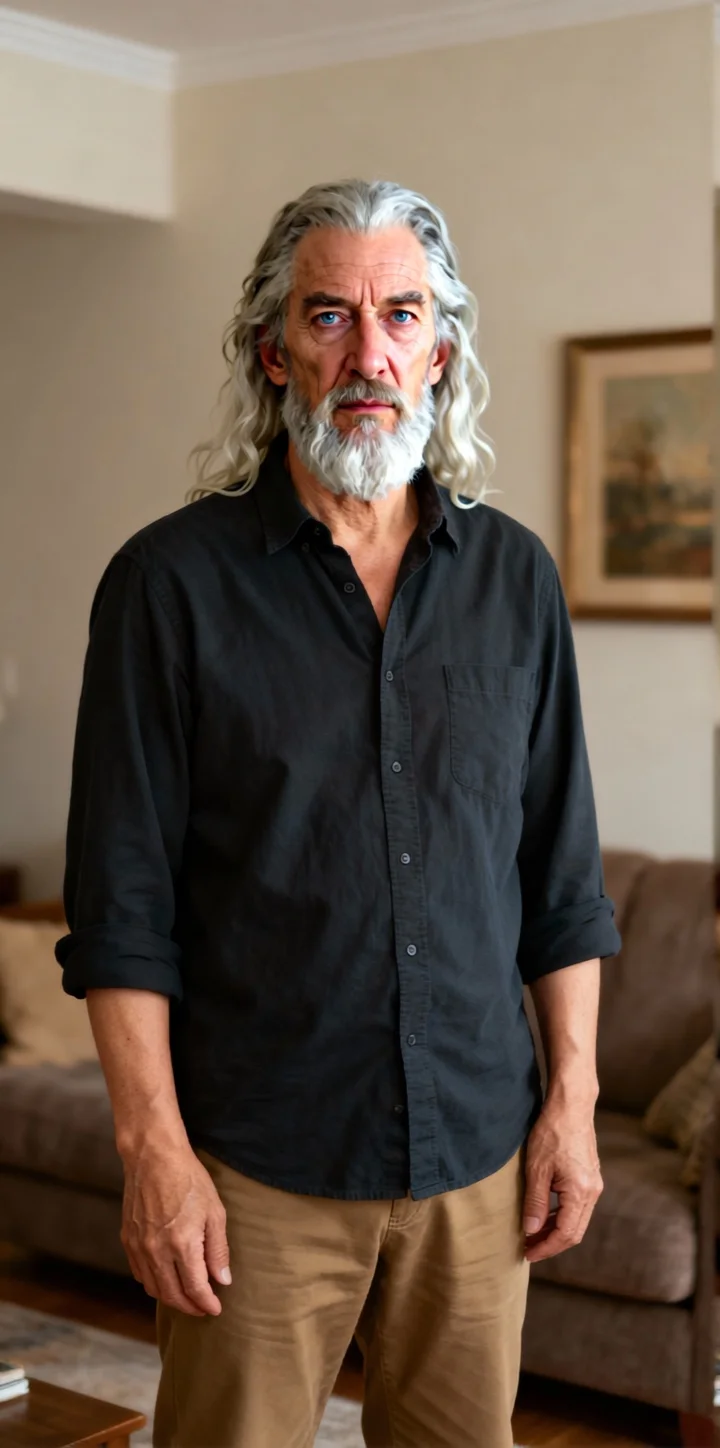
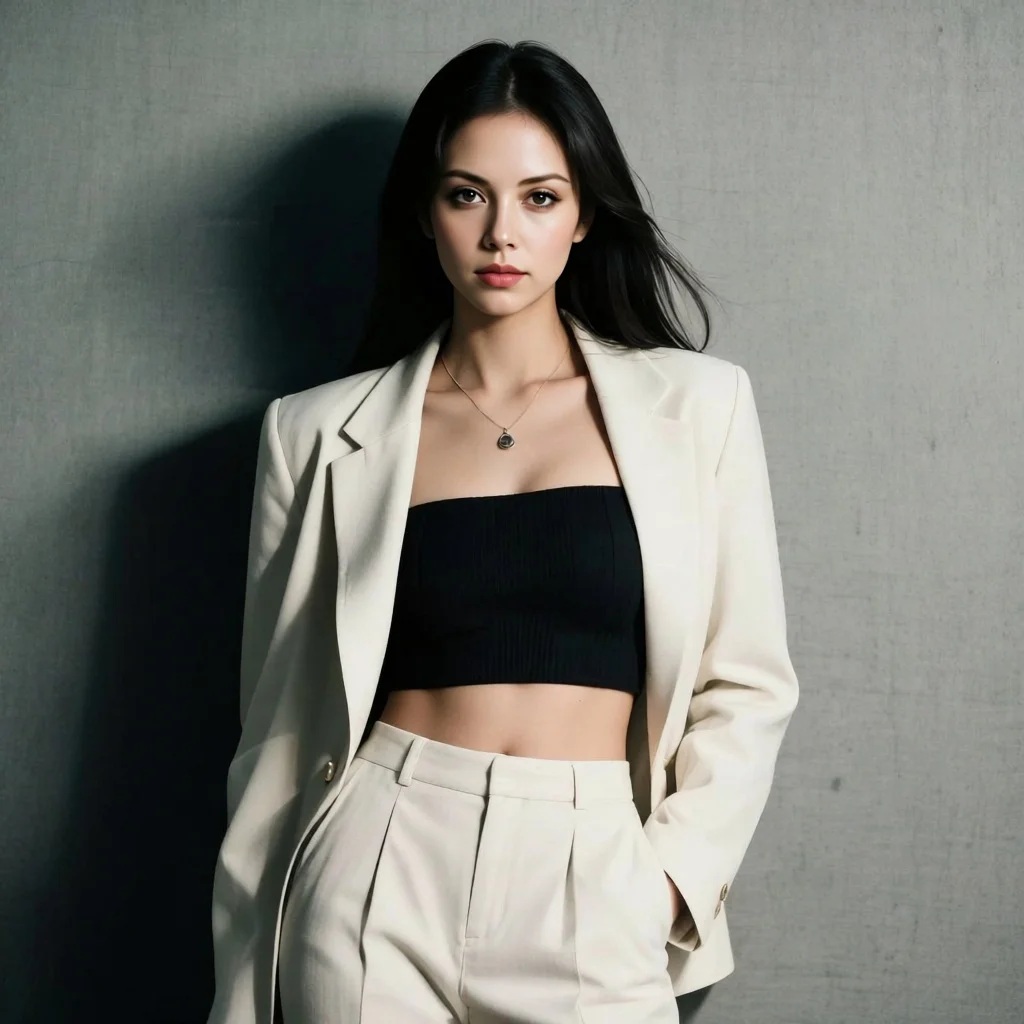
README
OpenAI GPT-Image-1
Edit and transform images with natural language using OpenAI's GPT-Image-1. This versatile model understands your instructions to apply style changes, modifications, and creative transformations — with optional mask support for precise regional editing and multiple quality tiers to match your needs and budget.
Why It Looks Great
- Natural language editing: Describe transformations in plain text — style changes, modifications, enhancements.
- Mask support: Use mask images for precise control over which areas to edit.
- Quality tiers: Choose from low, medium, or high quality based on your needs.
- Multiple sizes: Output in square (1024x1024) or rectangular (1024x1536, 1536x1024) formats.
- Style transformation: Excel at converting images to different artistic styles.
- OpenAI quality: Powered by advanced vision-language understanding.
Parameters
| Parameter | Required | Description |
|---|---|---|
| prompt | Yes | Text instruction describing the edit or transformation you want. |
| image | Yes | Source image to edit (upload or public URL). |
| quality | No | Output quality: low, medium, or high. Default: medium. |
| mask_image | No | Optional mask to specify edit regions (upload or URL). |
| size | No | Output dimensions: 1024x1024, 1024x1536, or 1536x1024. |
| enable_sync_mode | No | API only: Waits for result and returns it directly. |
| enable_base64_output | No | API only: Returns base64 string instead of URL. |
How to Use
- Write your edit instruction — describe the transformation you want (e.g., "Become a comic style").
- Upload your image — drag and drop or paste a public URL.
- Choose quality — select low, medium, or high based on your needs.
- Add mask (optional) — upload a mask image to limit edits to specific areas.
- Select size — choose your desired output dimensions.
- Run — click the button to apply the edit.
- Download — preview and save your transformed image.
Pricing
Pricing varies by quality level and output size.
Square Output (1024x1024)
| Quality | Cost |
|---|---|
| Low | $0.011 |
| Medium | $0.042 |
| High | $0.167 |
Rectangular Output (1024x1536 or 1536x1024)
| Quality | Cost |
|---|---|
| Low | $0.016 |
| Medium | $0.063 |
| High | $0.250 |
Quick Reference
| Quality | 1024x1024 | 1024x1536 / 1536x1024 |
|---|---|---|
| Low | $0.011 | $0.016 |
| Medium | $0.042 | $0.063 |
| High | $0.167 | $0.250 |
Best Use Cases
- Style Transfer — Convert photos to comic, cartoon, painting, or other artistic styles.
- Creative Transformation — Reimagine images with different aesthetics or themes.
- Regional Editing — Use masks to edit specific areas while preserving the rest.
- Content Enhancement — Improve or modify specific aspects of images.
- Artistic Interpretation — Transform photos into various art forms.
Example Prompts
- "Become a comic style"
- "Transform into a watercolor painting"
- "Make it look like a vintage photograph from the 1950s"
- "Convert to anime style illustration"
- "Apply a cyberpunk neon aesthetic"
- "Turn into a pencil sketch"
Quality Guide
| Quality | Best For | Trade-off |
|---|---|---|
| Low | Quick previews, testing concepts, high-volume processing | Fastest, most affordable, lower detail |
| Medium | General use, social media, balanced needs | Good quality/cost balance |
| High | Professional work, final deliverables, maximum detail | Highest quality, premium price |
Pro Tips for Best Results
- Start with medium quality to test your prompt, then upgrade to high for final output.
- Use masks when you want to preserve specific areas untouched.
- Be specific about the target style — "comic style", "oil painting", "anime".
- For style transfers, simpler source images often produce cleaner results.
- Rectangular sizes work well for portraits (1024x1536) or landscapes (1536x1024).
- The model interprets style instructions creatively — embrace the artistic interpretation.
Notes
- If using URLs for images or masks, ensure they are publicly accessible.
- The enable_sync_mode and enable_base64_output options are only available through the API.
- Mask images should be black and white, where white indicates areas to edit.
- Processing time varies by quality level — higher quality takes longer.
Gpt Image 1 API — Quick start
Grab a WaveSpeedAI API key, then call POST https://api.wavespeed.ai/api/v3/openai/gpt-image-1 with your input as JSON. The endpoint returns a prediction id; poll the prediction endpoint until status flips to completed, then read the output URL from data.outputs[0]. Examples for Gpt Image 1 below.
HTTP example
# Submit the prediction
curl -X POST "https://api.wavespeed.ai/api/v3/openai/gpt-image-1" \
  -H "Content-Type: application/json" \
  -H "Authorization: Bearer $WAVESPEED_API_KEY" \
  -d '{
    "prompt": "A cinematic shot of a city at sunset, soft golden light",
    "image": "https://example.com/your-input.jpg",
    "quality": "medium",
    "size": "auto",
    "enable_sync_mode": false,
    "enable_base64_output": false
}'

# Response includes a prediction id. Poll for the result:
curl -X GET "https://api.wavespeed.ai/api/v3/predictions/{request_id}/result" \
  -H "Authorization: Bearer $WAVESPEED_API_KEY"

# When status is "completed", read the output from data.outputs[0].
Node.js example
// npm install wavespeed
const WaveSpeed = require('wavespeed');

const client = new WaveSpeed(); // reads WAVESPEED_API_KEY from env

const result = await client.run("openai/gpt-image-1", {
        "prompt": "A cinematic shot of a city at sunset, soft golden light",
        "image": "https://example.com/your-input.jpg",
        "quality": "medium",
        "size": "auto",
        "enable_sync_mode": false,
        "enable_base64_output": false
});

console.log(result.outputs[0]); // → URL of the generated output
Python example
# pip install wavespeed
import wavespeed

output = wavespeed.run(
    "openai/gpt-image-1",
    {
    "prompt": "A cinematic shot of a city at sunset, soft golden light",
    "image": "https://example.com/your-input.jpg",
    "quality": "medium",
    "size": "auto",
    "enable_sync_mode": false,
    "enable_base64_output": false
}
)

print(output["outputs"][0])  # → URL of the generated output
Gpt Image 1 API — Frequently asked questions
What is the Gpt Image 1 API?
Gpt Image 1 is a OpenAI model for image editing, exposed as a REST API on WaveSpeedAI. OpenAI's gpt-image-1 enables image generation and image editing via OpenAI's image API, ideal for creating and refining images. Ready-to-use REST inference API, best performance, no coldstarts, affordable pricing. You can call it programmatically or try it from the playground above.
How do I call the Gpt Image 1 API?
POST your input parameters to the model's REST endpoint (shown in the API tab of this playground) with your WaveSpeedAI API key in the Authorization header. Submission returns a prediction ID; poll the prediction endpoint until status flips to "completed", then read the output URL from the result. The playground generates a ready-to-paste code sample in Python, JavaScript, or cURL for whatever inputs you've set. Full request/response shape is documented at https://wavespeed.ai/docs/docs-api/openai/openai-gpt-image-1.
How much does Gpt Image 1 cost per run?
Gpt Image 1 starts at $0.042 per run. That figure is the base price — the final charge scales with the parameters you set in the form (output size, length, count, references, or whatever knobs this model exposes), so a higher-quality or larger output costs more than a minimal one. The exact cost for your current input is shown live next to the Generate button before you submit, and the actual per-call charge is recorded on the prediction afterwards.
What inputs does Gpt Image 1 accept?
Key inputs: `prompt`, `image`, `size`, `enable_base64_output`, `enable_sync_mode`, `mask_image`. The full JSON schema (types, defaults, allowed values) is rendered above the Generate button and mirrored in the API reference at https://wavespeed.ai/docs/docs-api/openai/openai-gpt-image-1.
How long does Gpt Image 1 take to generate?
Average end-to-end generation time on WaveSpeedAI is around 44 seconds per request — measured across recent runs. Queue time scales with global demand; live status is visible in the prediction record.
Can I use Gpt Image 1 outputs commercially?
Commercial usage rights depend on the model's license, set by its provider (OpenAI). The license summary appears on the model card above; see WaveSpeedAI's Terms of Service for platform-level conditions.