NVIDIA Chrono Edit is a state-of-the-art image-to-image AI editor that turns photos into stylized edits and retouches with a few clicks. Ready-to-use REST inference API, best performance, no coldstarts, affordable pricing.
Idle
$0.02per run·~50 / $1
ExamplesView all
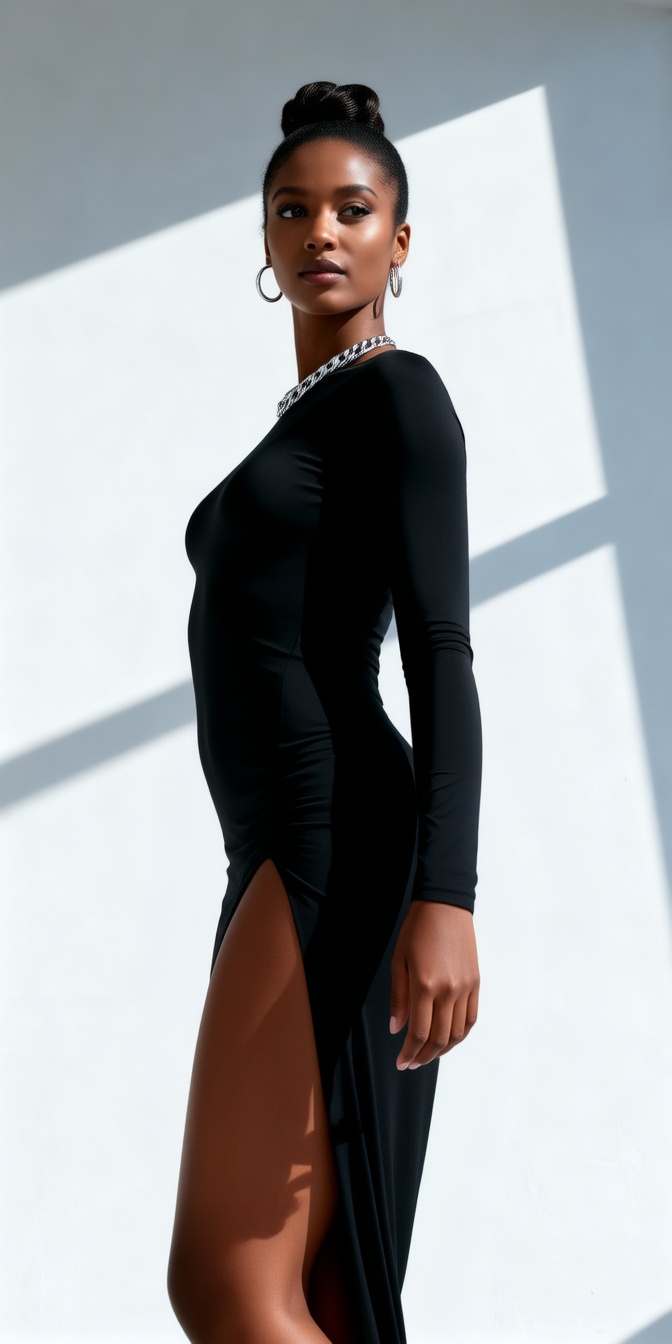
Transform the model's pose into an elegant, slow turn. Body Rotation: Have the model slowly rotate her upper body from looking left (her right) to looking directly at the camera, or slightly over her left shoulder. Her head should tilt slightly downwards as she completes the turn, meeting the viewer's gaze with a subtle, confident smile. Dress Dynamics: As she turns, her black dress, especially the slit portion and the gathered fabric on the hip, should show realistic, flowing movement and subtle shifts in folds and wrinkles. Light & Shadow: The strong diagonal light and shadow on the wall and her body must coherently shift and redefine her form with her new pose, maintaining realistic specular highlights on her skin and necklace. Her bun should show slight, natural movement from the turn. This tests the model's ability to render a smooth, continuous, and complex body rotation, accurately simulate garment dynamics (fabric flow, folding), and handle coherent, dynamic light and shadow interaction over time.
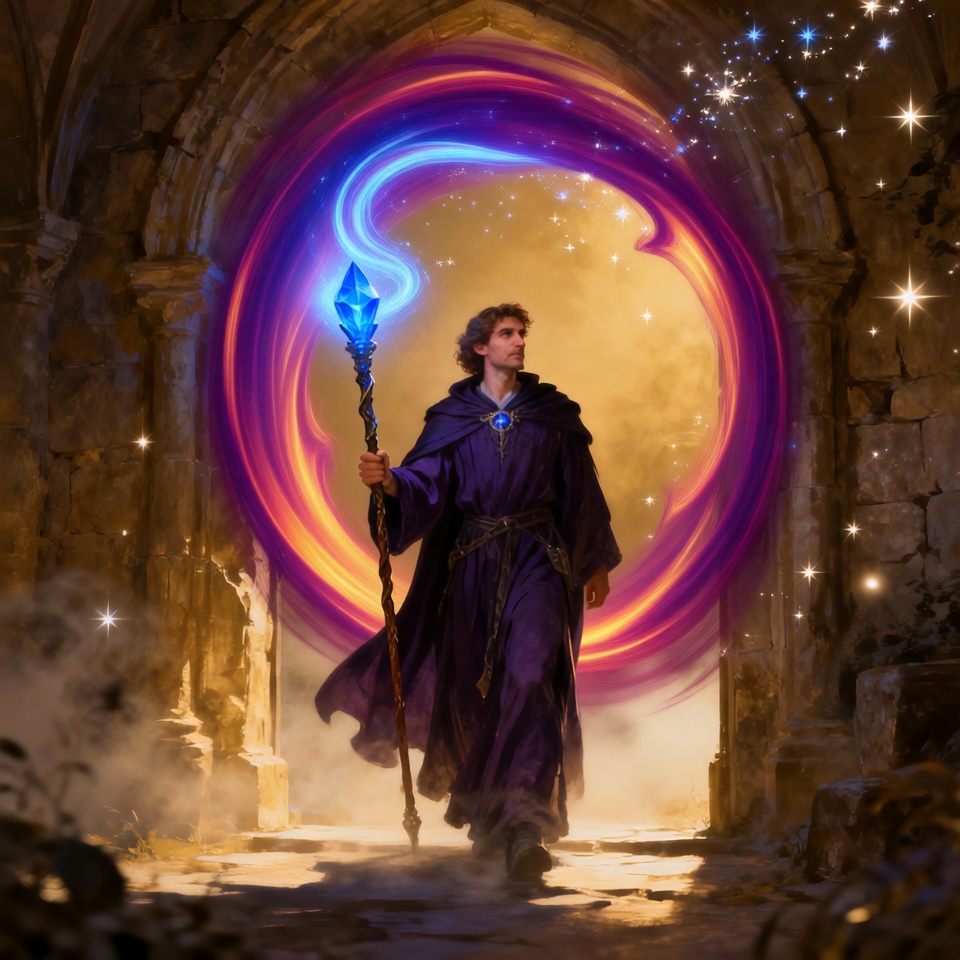
Dramatically transform the archway from a simple stone structure into a swirling, unstable temporal portal. The Archway: The stone itself begins to visibly crack and dematerialize, its pieces floating and being pulled into the portal. The Background: The simple bright light erupts into a swirling vortex of deep purple and gold energy, revealing glimpses of a cosmic nebula or another dimension inside. The Wizard: The wizard's robes and beard must be violently whipped forward by the portal's suction. The staff's magic flares intensely as a shield, pushing back against the vortex. This prompt tests the model's ability to generate complex, evolving VFX (the portal) and simulate its physical interaction (wind, suction) with the character and environment coherently over time.
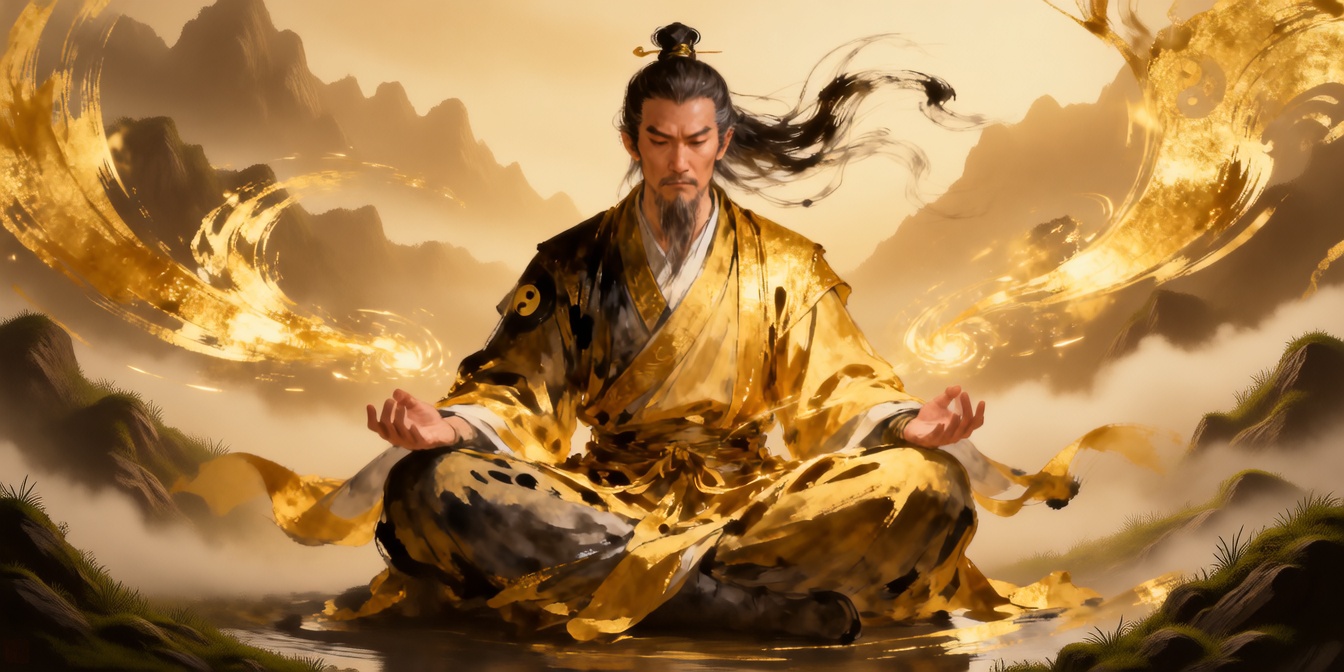
Execute a stunning environmental metamorphosis around the meditating figure. Ink to Reality: The abstract black ink swirls and golden strokes in the background gradually coalesce and transform into a highly detailed, realistic, serene natural landscape (e.g., misty mountains, flowing rivers, ancient trees). The transition should be like ink dissolving to reveal a hidden painting. Golden Pathways: The golden light trails become tangible, glowing pathways or streams that flow through the newly revealed realistic landscape. Figure's Integration: The figure's robes and hair subtly become more grounded and physically rendered, no longer as abstract, but still retaining their original colors and form. His entire being now looks seamlessly integrated into the realistic environment. This prompt challenges the model to perform a complex, coherent stylistic and environmental shift from abstract to realistic, demonstrating its ability to re-render textures and lighting across an entire scene with high temporal fidelity.
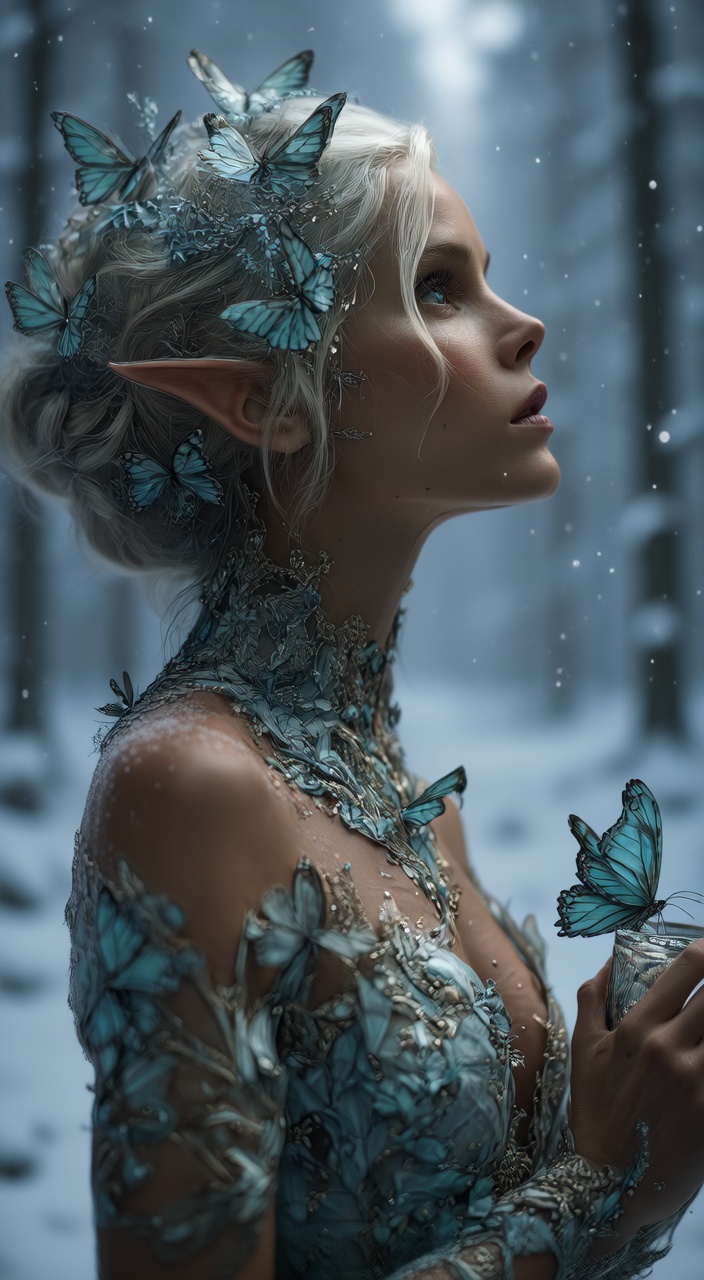
Initiate a dramatic seasonal transformation of the environment around the elf. Background Change: The blurry green forest bokeh background fades and transitions into a snowy, moonlit winter forest. The soft bokeh lights transform into large, gently falling snowflakes that drift across the scene. Environmental Interaction: Frost patterns visibly creep and spread across the edges of the frame and begin to form on her intricate shoulder armor. Her skin should gain a subtle, cold pallor, and visible magical frost appears on her eyelashes. Butterfly Reaction: The blue butterflies in her hair and on her dress begin to glow with a faint, inner warmth (a magical reaction) and slowly flap their wings as if trying to stay warm. This tests the model's ability to coherently change an entire environment's season, handle complex particle physics (snow), and apply evolving material changes (frost) temporally.
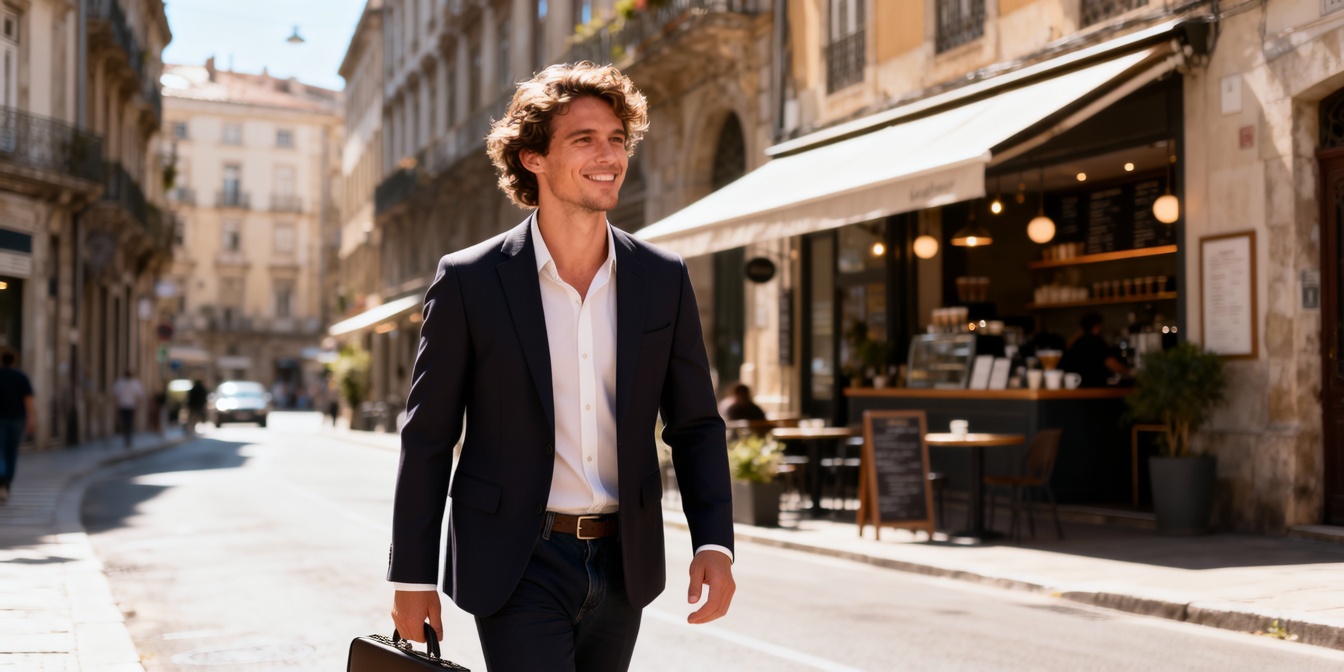
Transform the figure's attire from casual traveler to a sharp, modern business professional. Shirt & Backpack: His current gray shirt and backpack seamlessly transition into a tailored, dark navy suit jacket and a crisp white dress shirt. The backpack should dematerialize or be replaced by a sleek, minimalist leather briefcase held in his left hand (viewers' right). Pants & Shoes: His jeans transform into matching dark navy dress pants, and his casual shoes become polished, dark brown leather Oxfords. Fabric Dynamics & Lighting: The new suit's fabric should show realistic, sharp creases and folds that move subtly with his existing stride. The bright sunlight should create distinct, glossy highlights on the suit's material and sharp shadows that redefine his silhouette. His hair remains the same, but his expression gains a subtle, focused determination. This tests the model's ability to perform a complete and coherent outfit overhaul, accurately render new fabric textures and folds (suit, leather), and demonstrate realistic, dynamic light interaction on these entirely new materials over time.
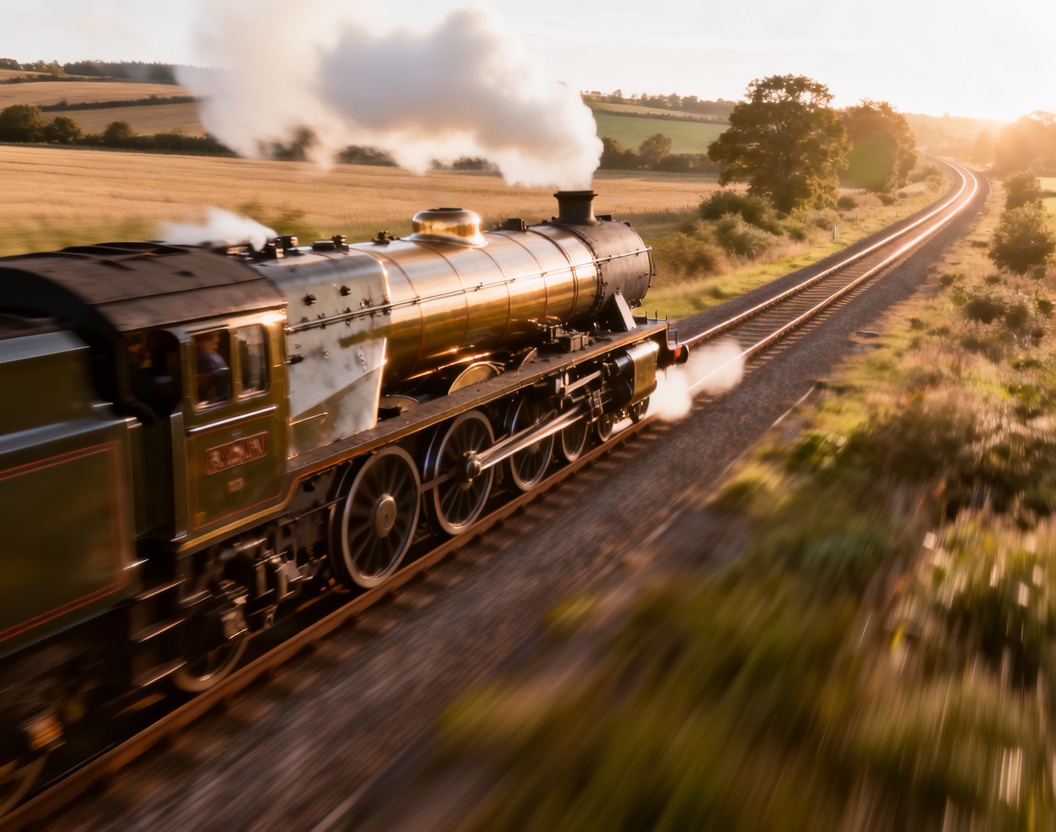
Train Dynamics: Have the steam locomotive accelerate smoothly along the track, with the wheels and connecting rods showing realistic motion blur and metallic reflections. The smoke plume should expand and curl backward, illuminated by the warm sunset light. Environment Interaction: As the train moves, nearby grass and gravel along the tracks should show slight motion blur, enhancing the sense of speed. The distant trees and rolling hills remain stable but subtly shift in perspective to reflect the train’s forward momentum. Light & Atmosphere: Maintain the golden-hour lighting, but allow the sunlight to glint off the train’s polished metal surfaces as it moves. Ensure consistent specular highlights across the boiler, chimney, and side panels. The ambient haze and long shadows should evolve naturally, preserving a cinematic warmth and realism.
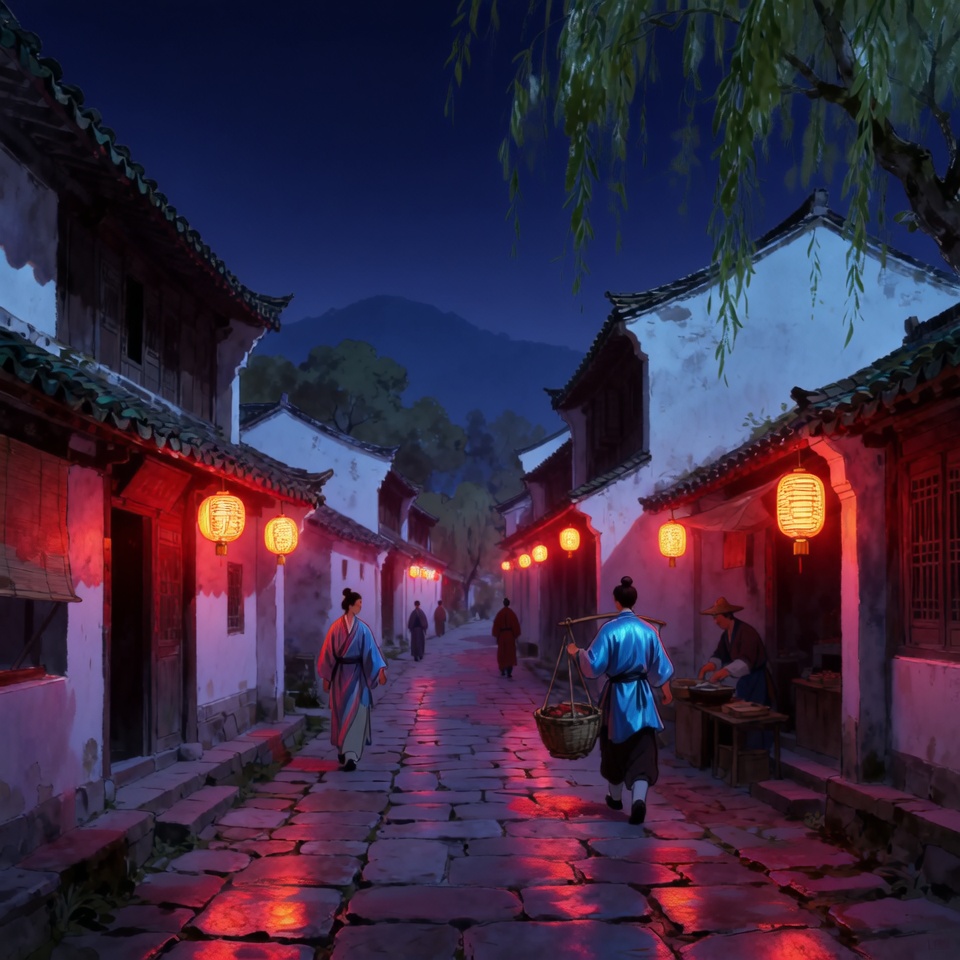
Visual Transformation: Preserve the layout of the ancient town — the cobblestone street, tiled roofs, and hanging lanterns — but reinterpret them through a futuristic neon aesthetic. Replace the red lanterns with glowing holographic signs emitting soft pink and cyan light. The buildings retain their original forms yet now feature metallic surfaces, subtle reflections, and illuminated panel seams. Atmospheric Dynamics: Introduce a misty evening atmosphere filled with glowing particles and light haze. The sky transitions from yellow daylight to a deep indigo night, illuminated by neon reflections bouncing off wet cobblestones. A faint drizzle enhances reflections and color diffusion throughout the scene. Human Adaptation: The figures walking through the street now wear cyber-inspired robes — traditional silhouettes integrated with modern materials, such as reflective fabrics and subtle glowing trims. Their motion remains calm and poetic, blending the rhythm of old China with a futuristic calmness. Light & Shadow: Ensure coherent lighting transitions — the warm daylight becomes replaced by directional neon illumination from both sides of the street. Shadows shift from soft golden to high-contrast purples and blues, while the wet surfaces enhance specular highlights.
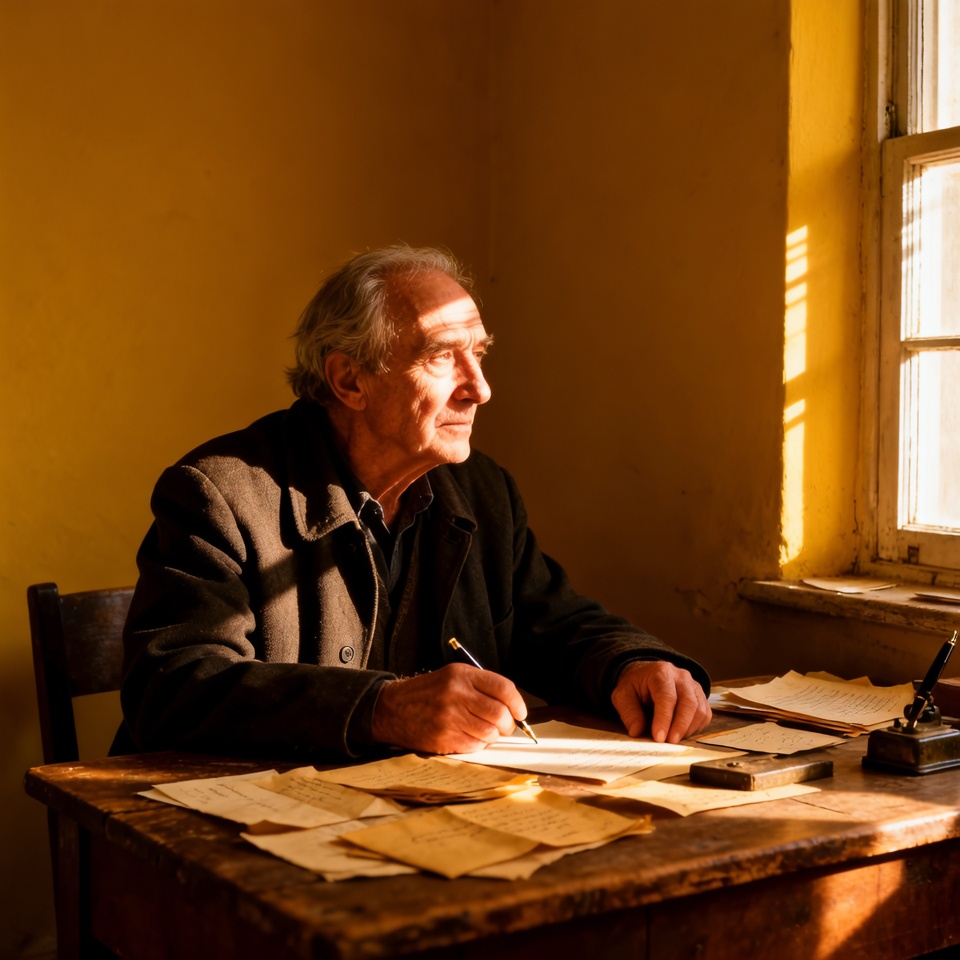
Enhance the sunlight streaming through the window, creating a cinematic atmosphere with deep contrast and soft highlights
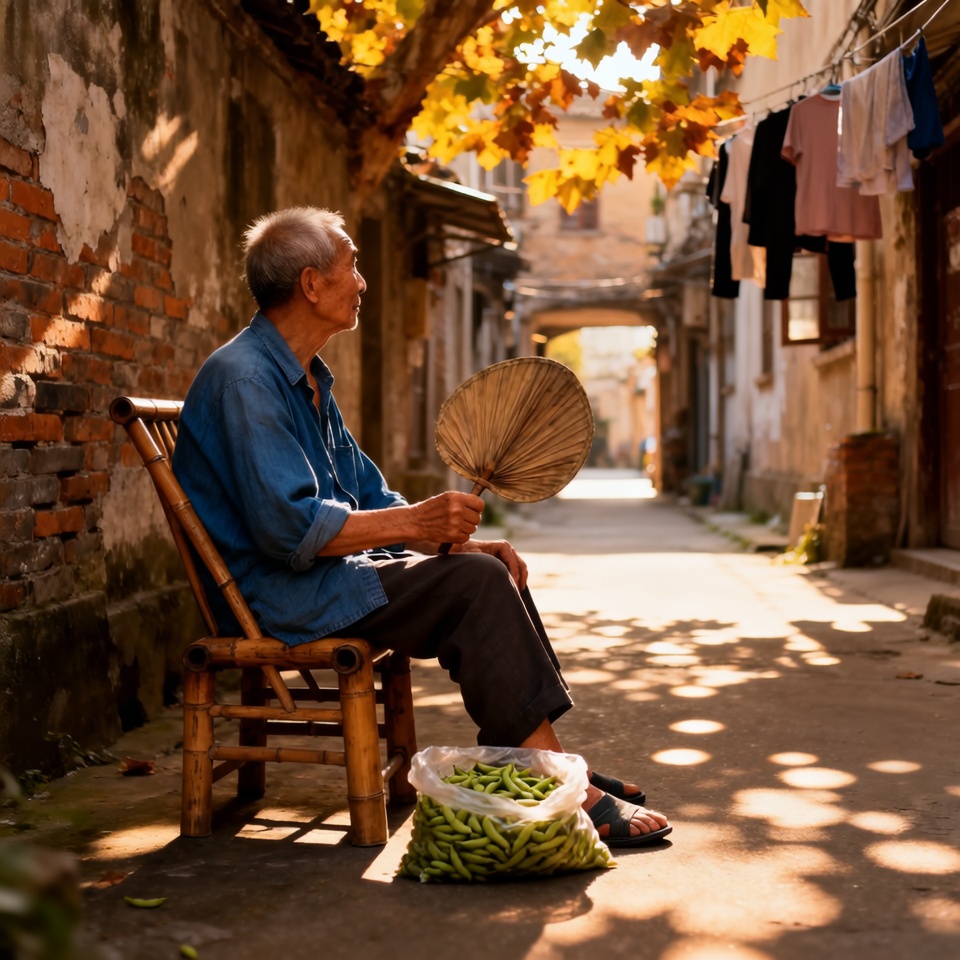
Cinematic regrade — enhance sunlight with golden glow, increase dynamic contrast, and create a dramatic, painterly shadow atmosphere
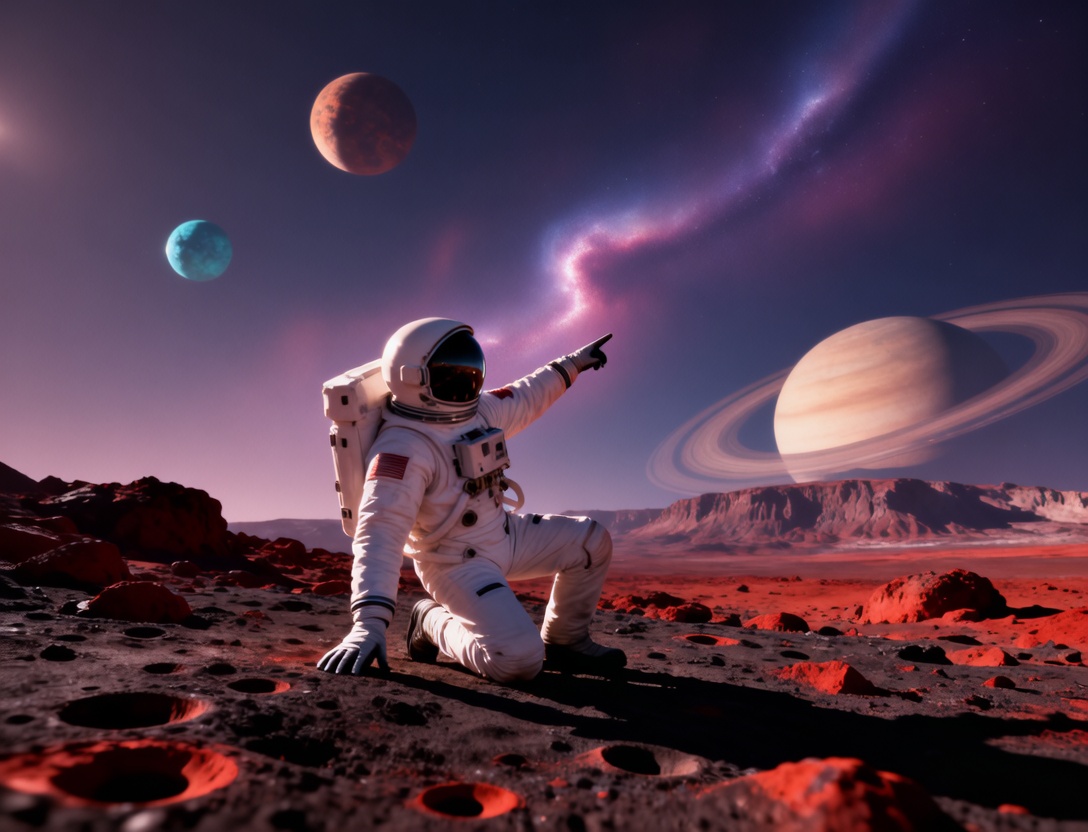
Convert this astronaut scene into a surreal dreamscape with glowing nebula skies, ethereal colors, and soft painterly textures
Related Models

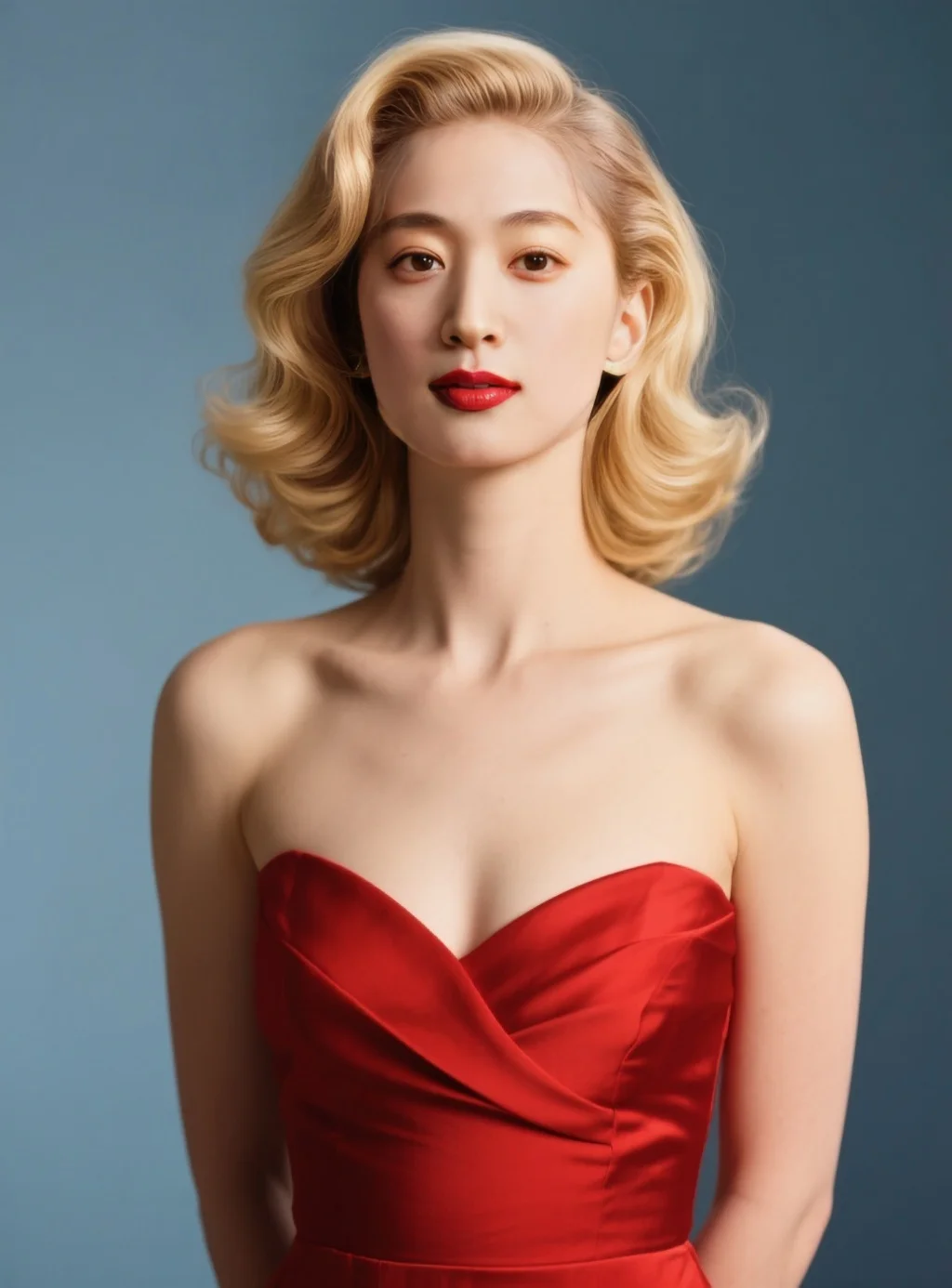
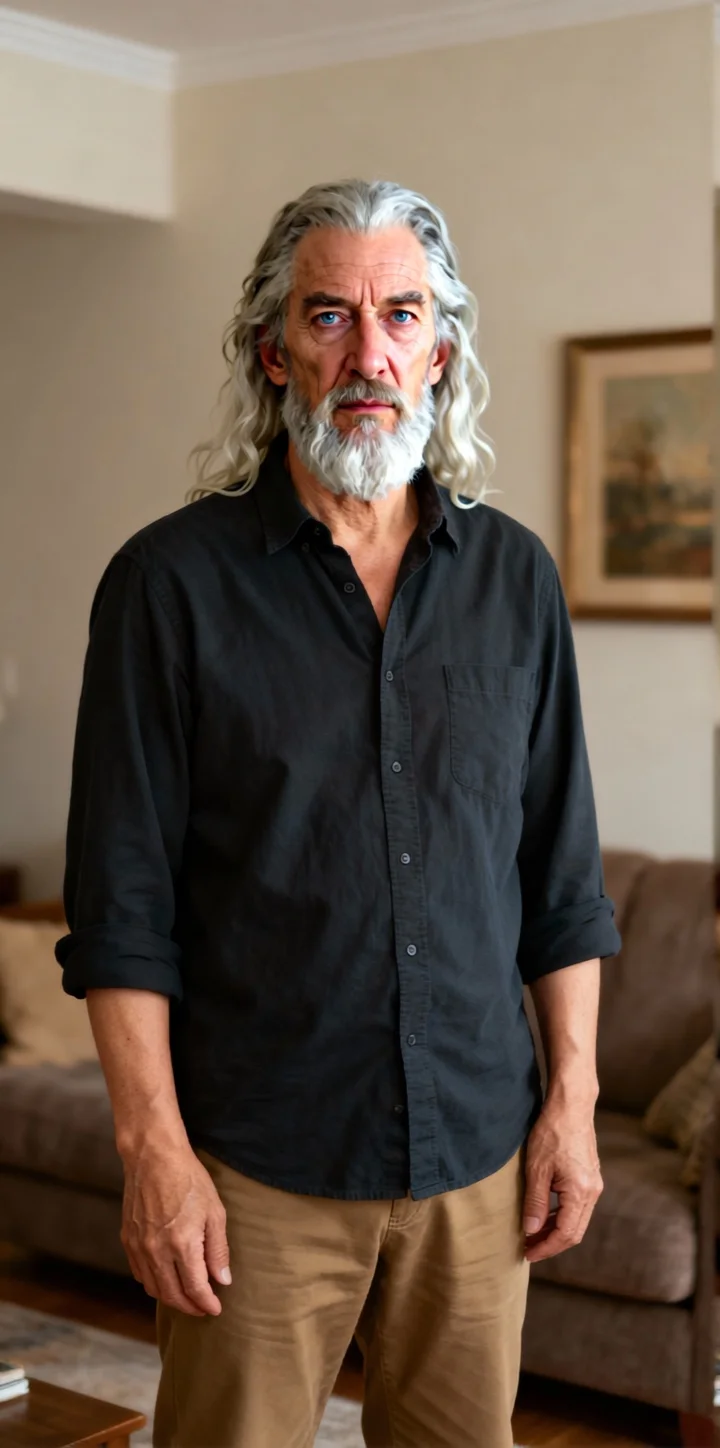
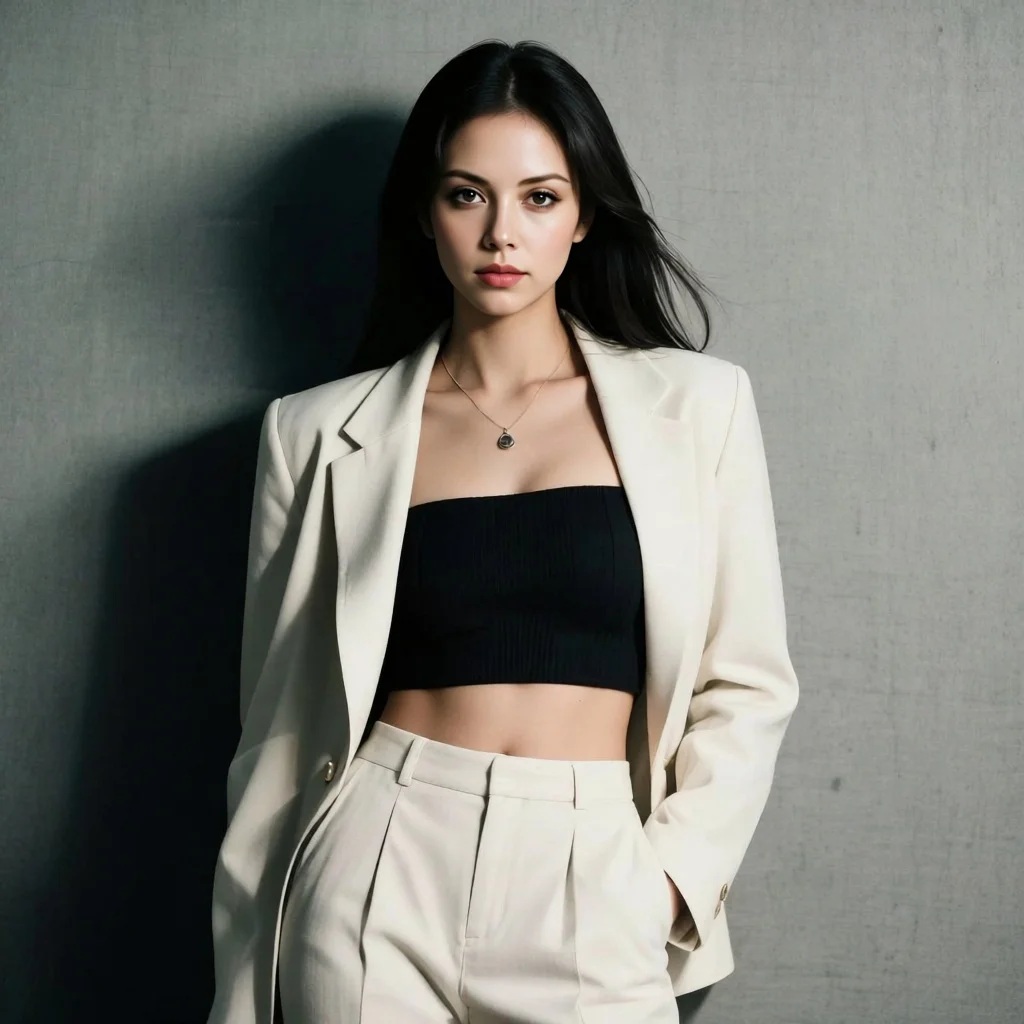
README
NVIDIA ChronoEdit — Physics-aware Image Editing
ChronoEdit performs edits by reasoning through a short “imagined motion” between the original and the requested change. That temporal reasoning helps keep geometry, lighting, shadows, and contacts consistent in the final image.
Highlights
- Consistency-first edits: pose, lighting, reflections, and shadows stay believable.
- Works with one input image plus a natural-language instruction.
- Reproducible results with seed control; quick iteration for creative teams.
- Production-friendly outputs in JPEG, PNG, or WEBP; optional BASE64 and sync return.
Parameters
-
prompt: Describe the change you want, not general style fluff. Example: replace the plastic mug with a clear glass half-filled with tea; keep same angle and morning light.
-
image: Source image URL or upload. Use a clean, well-lit photo for best fidelity.
-
seed: Integer for determinism. Same prompt + image + seed gives the same result. Use −1 to randomize.
-
output_format: jpeg for compact distribution, png for lossless editing, webp for web delivery.
How to Use
- Upload the source image.
- Write a concrete prompt that states the target edit and what must be preserved.
- Set seed if you need reproducibility.
- Choose output_format.
- Run and review. If something drifts, tighten the prompt and fix the seed.
Prompting Tips
- Be explicit about conservation: keep camera angle, keep morning sunlight, keep the person’s pose.
- State the edit as a physical change: swap, add, remove, change material, change color.
- If lighting must change, say it clearly; otherwise the model will preserve the original light.
- For faces or text areas, crop tighter to the region before editing for crisper results.
Pricing
Per run: $0.02
Quality Notes
- Input quality sets the ceiling. Soft, noisy, or heavily compressed sources limit realism.
- For large pose or object changes, iterate with fixed seed and small prompt adjustments.
Chrono Edit API — Quick start
Grab a WaveSpeedAI API key, then call POST https://api.wavespeed.ai/api/v3/nvidia/chrono-edit with your input as JSON. The endpoint returns a prediction id; poll the prediction endpoint until status flips to completed, then read the output URL from data.outputs[0]. Examples for Chrono Edit below.
HTTP example
# Submit the prediction
curl -X POST "https://api.wavespeed.ai/api/v3/nvidia/chrono-edit" \
  -H "Content-Type: application/json" \
  -H "Authorization: Bearer $WAVESPEED_API_KEY" \
  -d '{
    "prompt": "A cinematic shot of a city at sunset, soft golden light",
    "image": "https://example.com/your-input.jpg",
    "seed": -1,
    "output_format": "jpeg",
    "enable_base64_output": false,
    "enable_sync_mode": false
}'

# Response includes a prediction id. Poll for the result:
curl -X GET "https://api.wavespeed.ai/api/v3/predictions/{request_id}/result" \
  -H "Authorization: Bearer $WAVESPEED_API_KEY"

# When status is "completed", read the output from data.outputs[0].
Node.js example
// npm install wavespeed
const WaveSpeed = require('wavespeed');

const client = new WaveSpeed(); // reads WAVESPEED_API_KEY from env

const result = await client.run("nvidia/chrono-edit", {
        "prompt": "A cinematic shot of a city at sunset, soft golden light",
        "image": "https://example.com/your-input.jpg",
        "seed": -1,
        "output_format": "jpeg",
        "enable_base64_output": false,
        "enable_sync_mode": false
});

console.log(result.outputs[0]); // → URL of the generated output
Python example
# pip install wavespeed
import wavespeed

output = wavespeed.run(
    "nvidia/chrono-edit",
    {
    "prompt": "A cinematic shot of a city at sunset, soft golden light",
    "image": "https://example.com/your-input.jpg",
    "seed": -1,
    "output_format": "jpeg",
    "enable_base64_output": false,
    "enable_sync_mode": false
}
)

print(output["outputs"][0])  # → URL of the generated output
Chrono Edit API — Frequently asked questions
What is the Chrono Edit API?
Chrono Edit is a NVIDIA model for image editing, exposed as a REST API on WaveSpeedAI. NVIDIA Chrono Edit is a state-of-the-art image-to-image AI editor that turns photos into stylized edits and retouches with a few clicks. Ready-to-use REST inference API, best performance, no coldstarts, affordable pricing. You can call it programmatically or try it from the playground above.
How do I call the Chrono Edit API?
POST your input parameters to the model's REST endpoint (shown in the API tab of this playground) with your WaveSpeedAI API key in the Authorization header. Submission returns a prediction ID; poll the prediction endpoint until status flips to "completed", then read the output URL from the result. The playground generates a ready-to-paste code sample in Python, JavaScript, or cURL for whatever inputs you've set. Full request/response shape is documented at https://wavespeed.ai/docs/docs-api/nvidia/nvidia-chrono-edit.
How much does Chrono Edit cost per run?
Chrono Edit starts at $0.020 per run. That figure is the base price — the final charge scales with the parameters you set in the form (output size, length, count, references, or whatever knobs this model exposes), so a higher-quality or larger output costs more than a minimal one. The exact cost for your current input is shown live next to the Generate button before you submit, and the actual per-call charge is recorded on the prediction afterwards.
What inputs does Chrono Edit accept?
Key inputs: `prompt`, `image`, `seed`, `enable_base64_output`, `enable_sync_mode`, `output_format`. The full JSON schema (types, defaults, allowed values) is rendered above the Generate button and mirrored in the API reference at https://wavespeed.ai/docs/docs-api/nvidia/nvidia-chrono-edit.
How long does Chrono Edit take to generate?
Average end-to-end generation time on WaveSpeedAI is around 268 seconds per request — measured across recent runs. Queue time scales with global demand; live status is visible in the prediction record.
Can I use Chrono Edit outputs commercially?
Commercial usage rights depend on the model's license, set by its provider (NVIDIA). The license summary appears on the model card above; see WaveSpeedAI's Terms of Service for platform-level conditions.