Google Veo3 Fast provides faster, more cost-effective Image-to-Video generation vs Veo 3, with commercial use allowed and $0.25/sec pricing. Ready-to-use REST inference API, best performance, no coldstarts, affordable pricing.
निष्क्रिय
$1.2प्रति रन
उदाहरणसभी देखें
a female singer in a sparkling silver gown performs under a soft spotlight on a moody, dimly lit stage. She holds a vintage microphone and sings with deep emotion, her lips perfectly synced with the vocals:“I keep on dreaming under neon skies, hoping love will find me one more time.”The audio features her soulful voice singing these lines. The camera gently pans from a close-up of her face to a wide shot of the stage, highlighting the shimmer of her dress and the atmosphere of the performance.
News anchor mid-action, looking straight at the camera. A vintage 1950s black-and-white television broadcast. A serious female news presenter sits at a desk, facing directly toward the audience, with a large old-school microphone in front. She wears a crisp suit, narrow tie, side-parted hair, and wireframe glasses. The presenter moves naturally: leans slightly forward, gestures with one hand, and maintains eye contact with the camera. Her lips are synced to say, "Breaking news: Google Veo 3 is now available on WaveSpeedAI." Contrast, sharp shadows, authentic grainy texture, classic black-and-white 1950s broadcast aesthetic. Vintage TV atmosphere.
a young woman walking through a sunlit Parisian street, wearing a beige trench coat, holding a cup of coffee, soft morning light, cinematic movement, shallow depth of field, natural color grading, 4K
a man sitting by a window on a rainy afternoon, slowly turning pages of a book, reflections of raindrops dancing on the glass, intimate close-up, soft lighting, realistic textures
A little girl, around 6 years old, stands in a sunny park holding a strawberry ice cream cone. She takes a big bite, giggles joyfully, and says with excitement, "Mmm! It’s so creamy and sweet! I love strawberry ice cream!" The pink ice cream leaves a smudge on her lips. The background is filled with colorful summer elements like balloons, sunflowers, and kids playing. The lighting is golden and warm, creating a cheerful and uplifting mood. Her mouth movements match the words perfectly.
A teenage boy looks into the camera with a gentle smile, standing on a seaside cliff. He says, “Sometimes, the ocean feels like it understands me.” Subtle breeze sound, slow camera push-in, synced with soft ambient music.
A male violinist playing passionately on a dimly lit stage, his fingers moving skillfully on the strings. The audience watches quietly. The violin music is clear and expressive, perfectly synced with his movements. Emotional and immersive atmosphere, cinematic lighting.
A male violinist playing passionately on a dimly lit stage, his fingers moving skillfully on the strings. The audience watches quietly. The violin music is clear and expressive, perfectly synced with his movements. Emotional and immersive atmosphere, cinematic lighting.
Behind-the-scenes movie set inside a large indoor film studio. A cameraman stands in the foreground holding a large cinema camera and looking directly at the viewer. In the background, a car suddenly explodes in a dramatic fireball, sending flames and smoke high into the air. The cameraman, visibly thrilled, turns slightly toward the camera and exclaims with excitement and awe: 'I’ve never seen something so cinematic!' The moment feels raw and real, with no music, no subtitles, and the ambient sound of the explosion and fire crackling filling the space.
A young woman sits quietly in a peaceful library, deeply engrossed in reading an open book. Soft, warm light filters gently through tall windows, casting delicate shadows on the wooden table. The occasional sound of pages turning blends seamlessly with the serene and focused atmosphere.
संबंधित मॉडल

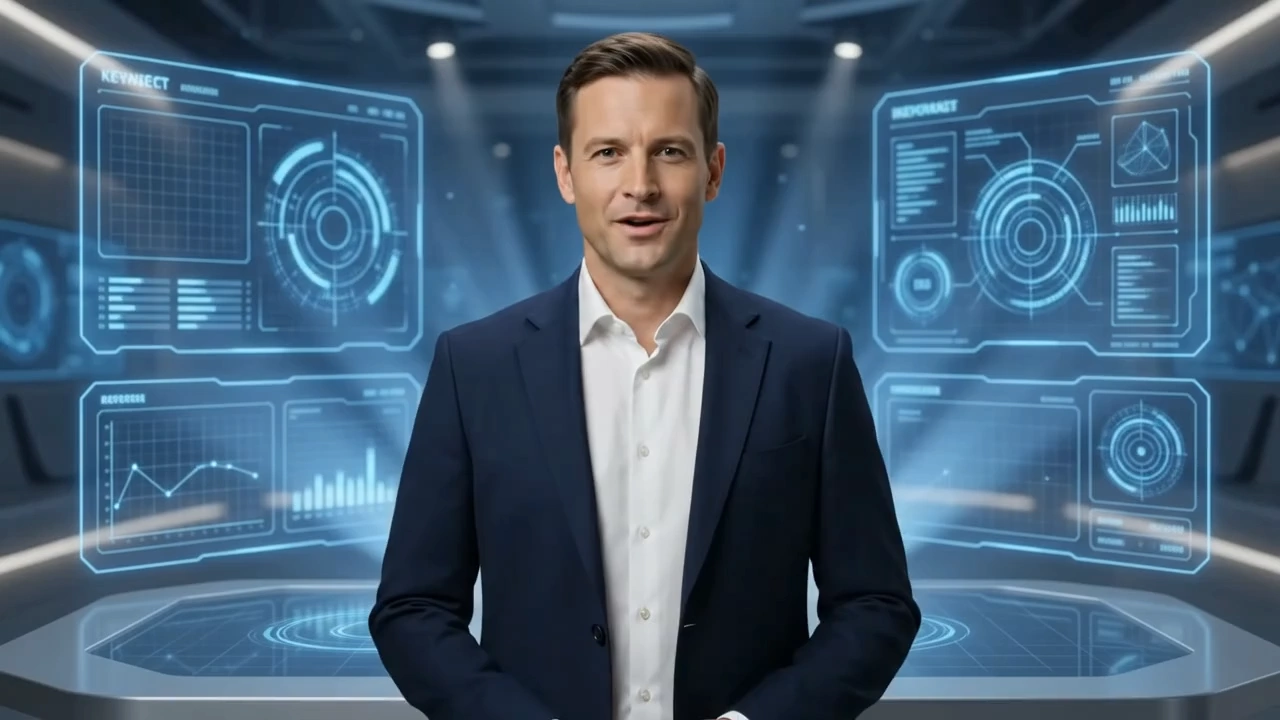
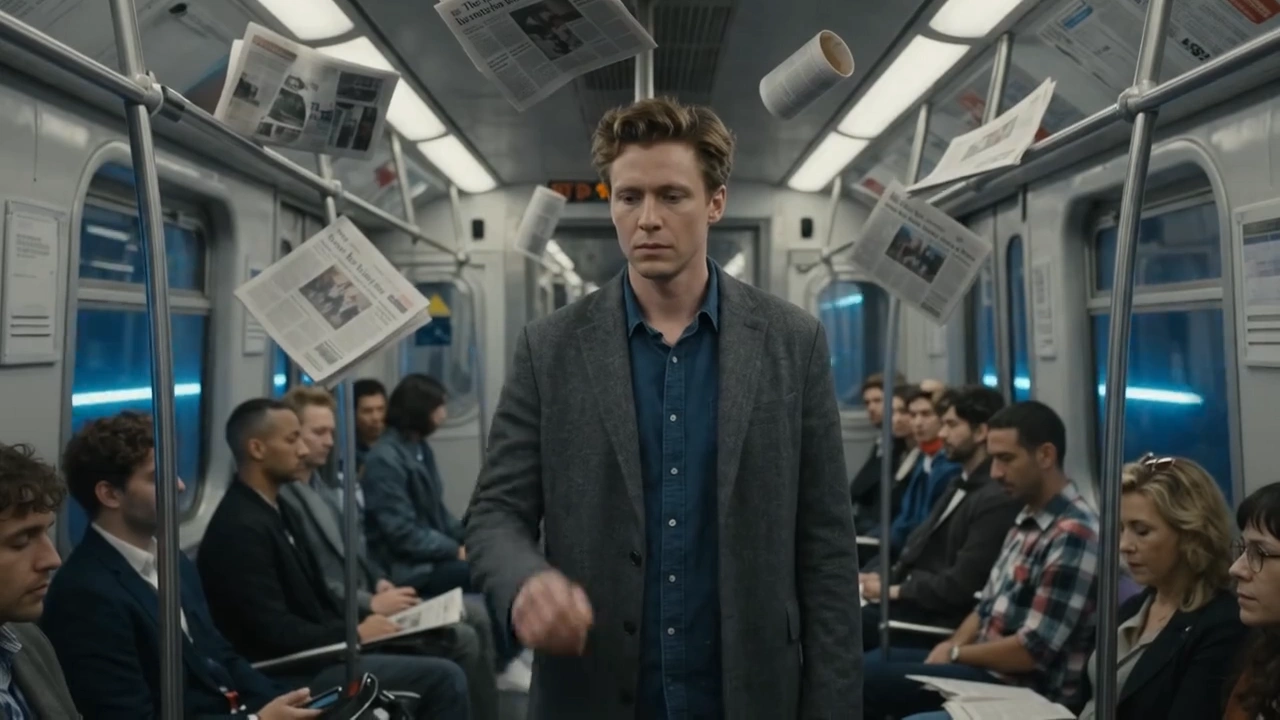
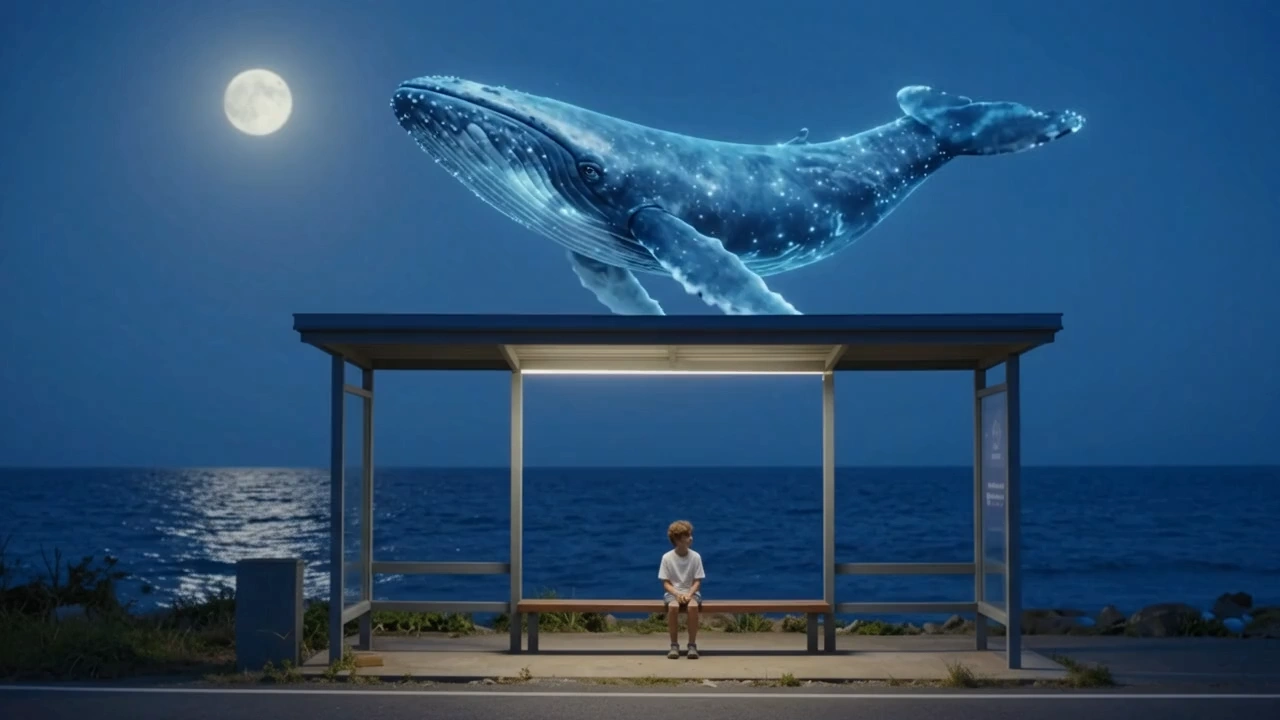


README
Google Veo 3 Fast — Image-to-Video (I2V) Model
Veo 3 Fast (I2V) is the high-speed image-to-video variant of Google’s Veo 3 generative suite. It transforms static images into cinematic 1080p motion clips with synchronized native audio — all in a fraction of the time and cost of standard Veo 3.
⚡ Why it stands out
-
From Still Image to Story Turn a single reference image into smooth, realistic motion sequences with natural lighting and perspective continuity.
-
High Speed, Low Cost Generates videos up to 30 % faster while using 80 % fewer credits, ideal for rapid creative iterations.
-
Cinematic Realism Produces expressive camera motion, atmospheric lighting, and lifelike character animation.
-
Native Audio Sync Automatically adds ambient sound, subtle effects, and music that match the visual rhythm — no post-production required.
-
Style & Identity Consistency Keeps subjects, color tone, and camera direction faithful to the uploaded image for coherent storytelling.
⚙️ Limits and Performance
| Property | Description |
|---|---|
| Input | Single image + text prompt |
| Max duration | 8 seconds |
| Resolution | Up to 1080p |
| Audio | Native synchronized dialogue, ambient, and music |
| Output format | MP4 with stereo audio |
💰 Pricing
Every run needs $1.2 (both 720p and 1080p)
Without audio needs $0.8
✅ Commercial use allowed
🚀 How to Use
-
Upload an Image Provide a clear, well-lit source image — this defines your main subject and composition.
-
Write a Prompt Describe the desired motion, mood, and camera behavior.
Example: “Slow cinematic zoom out from the character as wind moves through the trees.”
-
Adjust Settings Choose the duration (up to 8 s) and resolution (up to 1080p).
-
Generate the Video Submit your job — Veo 3 Fast I2V automatically creates the motion and synchronized soundscape.
-
Preview & Download Review your result, refine your prompt if needed, and download the final MP4 file.
💡 Pro Tips
- Use bright, high-contrast source images for clearer motion definition.
- Keep prompts focused on one subject or action to ensure stability.
- Add cinematic cues like “soft daylight,” “slow pan,” or “dramatic backlight” for stylistic control.
- Avoid extreme or conflicting directions (e.g., “zoom in and out simultaneously”).
- For multiple related clips, reuse the same source image for consistent appearance.
📝 Notes
- Actual processing time varies depending on queue load and resolution.
- The model is optimized for short, cinematic sequences and social-media content.
- Ensure your uploaded image is clear, accessible, and properly licensed.
- Please make sure your prompts comply with Google’s Safety Guidelines — if an error appears, revise your prompt and try again.
Veo3 Fast Image To Video API — Quick start
Grab a WaveSpeedAI API key, then call POST https://api.wavespeed.ai/api/v3/google/veo3-fast/image-to-video with your input as JSON. The endpoint returns a prediction id. Start polling the result endpoint around every 2 seconds, increase the interval for long-running tasks, and stop on any terminal status. On completed, read output values from data.outputs. Examples for Veo3 Fast Image To Video below.
HTTP example
set -euo pipefail

: "${WAVESPEED_API_KEY:?Set WAVESPEED_API_KEY}"

REQUEST_BODY=$(cat <<'JSON'
{
    "prompt": "A cinematic shot of a city at sunset, soft golden light",
    "image": "https://interactive-examples.mdn.mozilla.net/media/cc0-images/painted-hand-298-332.jpg",
    "aspect_ratio": "16:9",
    "duration": 8,
    "resolution": "720p",
    "generate_audio": true
}
JSON
)

# 1. Submit the prediction.
SUBMIT_RESPONSE=$(curl --silent --show-error --fail-with-body \
  -X POST "https://api.wavespeed.ai/api/v3/google/veo3-fast/image-to-video" \
  -H "Content-Type: application/json" \
  -H "Authorization: Bearer $WAVESPEED_API_KEY" \
  -d "$REQUEST_BODY")

TASK=$(printf '%s' "$SUBMIT_RESPONSE" | jq 'if has("data") then .data else . end')
PREDICTION_ID=$(printf '%s' "$TASK" | jq -r '.id')
if [ -z "$PREDICTION_ID" ] || [ "$PREDICTION_ID" = "null" ]; then
  printf 'Submission response did not contain a prediction id
' >&2
  exit 1
fi
RESULT_URL=$(printf '%s' "$TASK" | jq -r '.urls.get // empty')
if [ -z "$RESULT_URL" ]; then
  RESULT_URL="https://api.wavespeed.ai/api/v3/predictions/$PREDICTION_ID/result"
fi

# 2. Poll until the prediction finishes.
while true; do
  RESPONSE=$(curl --silent --show-error --fail-with-body "$RESULT_URL" \
    -H "Authorization: Bearer $WAVESPEED_API_KEY")
  RESULT=$(printf '%s' "$RESPONSE" | jq 'if has("data") then .data else . end')
  STATUS=$(printf '%s' "$RESULT" | jq -r '.status')
  case "$STATUS" in
    completed) printf '%s\n' "$RESULT" | jq '.outputs'; break ;;
    failed|cancelled|timeout) printf '%s\n' "$RESULT" | jq . >&2; exit 1 ;;
    created|processing) sleep 2 ;;
    *) printf 'Unexpected status: %s
' "$STATUS" >&2; exit 1 ;;
  esac
done
Node.js example
const submitUrl = "https://api.wavespeed.ai/api/v3/google/veo3-fast/image-to-video";
const apiKey = process.env.WAVESPEED_API_KEY;
if (!apiKey) throw new Error('Set WAVESPEED_API_KEY');

async function requestJson(url, options = {}) {
  const response = await fetch(url, options);
  if (!response.ok) throw new Error(await response.text());
  return response.json();
}

// 1. Submit the prediction.
const body = await requestJson(submitUrl, {
  method: "POST",
  headers: {
    "Authorization": `Bearer ${apiKey}`,
    "Content-Type": "application/json",
  },
  body: JSON.stringify({
        "prompt": "A cinematic shot of a city at sunset, soft golden light",
        "image": "https://interactive-examples.mdn.mozilla.net/media/cc0-images/painted-hand-298-332.jpg",
        "aspect_ratio": "16:9",
        "duration": 8,
        "resolution": "720p",
        "generate_audio": true
}),
});
const task = body.data ?? body;
if (!task.id) throw new Error("Submission response did not contain a prediction id");
const resultUrl = task.urls?.get ||
  `https://api.wavespeed.ai/api/v3/predictions/${task.id}/result`;

// 2. Poll until the prediction finishes.
while (true) {
  const resultBody = await requestJson(resultUrl, {
    headers: { "Authorization": `Bearer ${apiKey}` },
  });
  const result = resultBody.data ?? resultBody;
  if (result.status === "completed") {
    console.log(result.outputs);
    break;
  }
  if (["failed", "cancelled", "timeout"].includes(result.status)) throw new Error(JSON.stringify(result));
  if (!["created", "processing"].includes(result.status)) throw new Error("Unexpected status: " + result.status);
  await new Promise(resolve => setTimeout(resolve, 2000));
}
Python example
import json
import os
import time
from urllib.request import Request, urlopen

api_key = os.environ["WAVESPEED_API_KEY"]
headers = {"Authorization": f"Bearer {api_key}", "Content-Type": "application/json"}
payload = {
    "prompt": "A cinematic shot of a city at sunset, soft golden light",
    "image": "https://interactive-examples.mdn.mozilla.net/media/cc0-images/painted-hand-298-332.jpg",
    "aspect_ratio": "16:9",
    "duration": 8,
    "resolution": "720p",
    "generate_audio": True
}

def request_json(url, data=None):
    request = Request(url, data=data, headers=headers, method="POST" if data else "GET")
    with urlopen(request) as response:
        return json.load(response)

# 1. Submit the prediction.
body = request_json("https://api.wavespeed.ai/api/v3/google/veo3-fast/image-to-video", json.dumps(payload).encode())
task = body.get("data", body)
if not task.get("id"):
    raise RuntimeError("Submission response did not contain a prediction id")
result_url = task.get("urls", {}).get("get") or f"https://api.wavespeed.ai/api/v3/predictions/{task['id']}/result"

# 2. Poll until the prediction finishes.
while True:
    result_body = request_json(result_url)
    result = result_body.get("data", result_body)
    status = result.get("status")
    if status == "completed":
        print(result.get("outputs", []))
        break
    if status in {"failed", "cancelled", "timeout"}:
        raise RuntimeError(result)
    if status not in {"created", "processing"}:
        raise RuntimeError(f"Unexpected status: {status}")
    time.sleep(2)
Veo3 Fast Image To Video API — Frequently asked questions
What is the Veo3 Fast Image To Video API?
Veo3 Fast Image To Video is a Google model for video generation from images, exposed as a REST API on WaveSpeedAI. Google Veo3 Fast provides faster, more cost-effective Image-to-Video generation vs Veo 3, with commercial use allowed and $0.25/sec pricing. Ready-to-use REST inference API, best performance, no coldstarts, affordable pricing. You can call it programmatically or try it from the playground above.
How do I call the Veo3 Fast Image To Video API?
POST your input parameters to the model's REST endpoint (shown in the API tab of this playground) with your WaveSpeedAI API key in the Authorization header. Submission returns a prediction ID. Poll the result endpoint starting around every 2 seconds, increase the interval for long-running tasks, and stop on any terminal status. The playground generates production-oriented Python, JavaScript, and cURL examples with timeouts, transient-error handling, and safe GET retries. Full request/response shape is documented at https://wavespeed.ai/docs/docs-api/google/google-veo3-fast-image-to-video.
How much does Veo3 Fast Image To Video cost per run?
Veo3 Fast Image To Video starts at $1.20 per run. That figure is the base price — the final charge scales with the parameters you set in the form (output size, length, count, references, or whatever knobs this model exposes), so a higher-quality or larger output costs more than a minimal one. The exact cost for your current input is shown live next to the Generate button before you submit, and the actual per-call charge is recorded on the prediction afterwards.
What inputs does Veo3 Fast Image To Video accept?
Key inputs: `prompt`, `image`, `aspect_ratio`, `resolution`, `duration`, `seed`. The full JSON schema (types, defaults, allowed values) is rendered above the Generate button and mirrored in the API reference at https://wavespeed.ai/docs/docs-api/google/google-veo3-fast-image-to-video.
How long does Veo3 Fast Image To Video take to generate?
Median end-to-end generation time on WaveSpeedAI is around 81 seconds per request, based on recent successful runs. Queue time varies with global demand; live status is visible in the prediction record.
Can I use Veo3 Fast Image To Video outputs commercially?
Commercial usage rights depend on the model's license, set by its provider (Google). The license summary appears on the model card above; see WaveSpeedAI's Terms of Service for platform-level conditions.