WAN 2.6 Flash converts images into videos (720p/1080p) with optional audio, optimized for speed and cost. Ready-to-use REST inference API, best performance, no coldstarts, affordable pricing.
निष्क्रिय
$0.125प्रति रन·~80 / $10
उदाहरणसभी देखें
The runner continues jogging forward with subtle arm swing and steady cadence. Strong wind pushes the runner’s hair and jacket fabric. Street lamps on the right glow warmly with soft bokeh and slight streaking. The ocean on the left surges with waves and mist. Camera: handheld, low-to-mid height, tracking alongside the runner, slight micro-shake, shallow depth of field, natural motion blur.
A human figure shown from the waist up, facing forward, with a body made of transparent glass. Inside the glass body, there are only a realistic human brain and a heart, both colored in bright neon lime green. No blood vessels, no skeleton, no other organs. Everything is contained inside the glass body. A white seamless studio background, soft professional studio lighting, clean shadows, a minimalist and calm composition. It looks like a real studio photograph.
A close-up video clip based on the provided image, showing the pair of gold hoop earrings with pave diamonds and teardrop pearl drops resting on the beige silk fabric. The earrings gently sway and shift slightly, as if caught in a soft, slow breeze. The movement is subtle and natural. The silk fabric folds also ripple and move slowly. The lighting is soft, diffused, and natural, creating a matte finish on the gold and a gentle luster on the pearls without any harsh glares, sparkles, or bright reflections. The camera remains steady, focused on the moving earrings.
a man carrying a tall flower and running down
i want to create a image of elegant woman unfurling an hermes scarf
संबंधित मॉडल

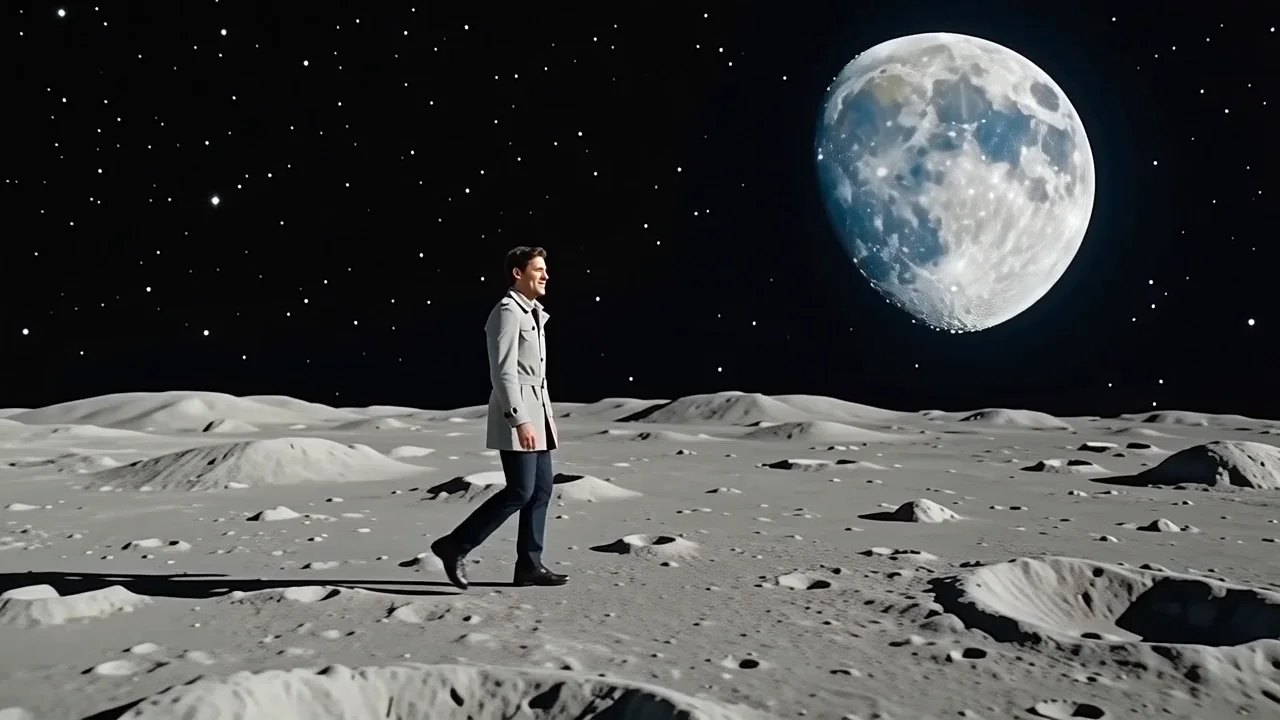
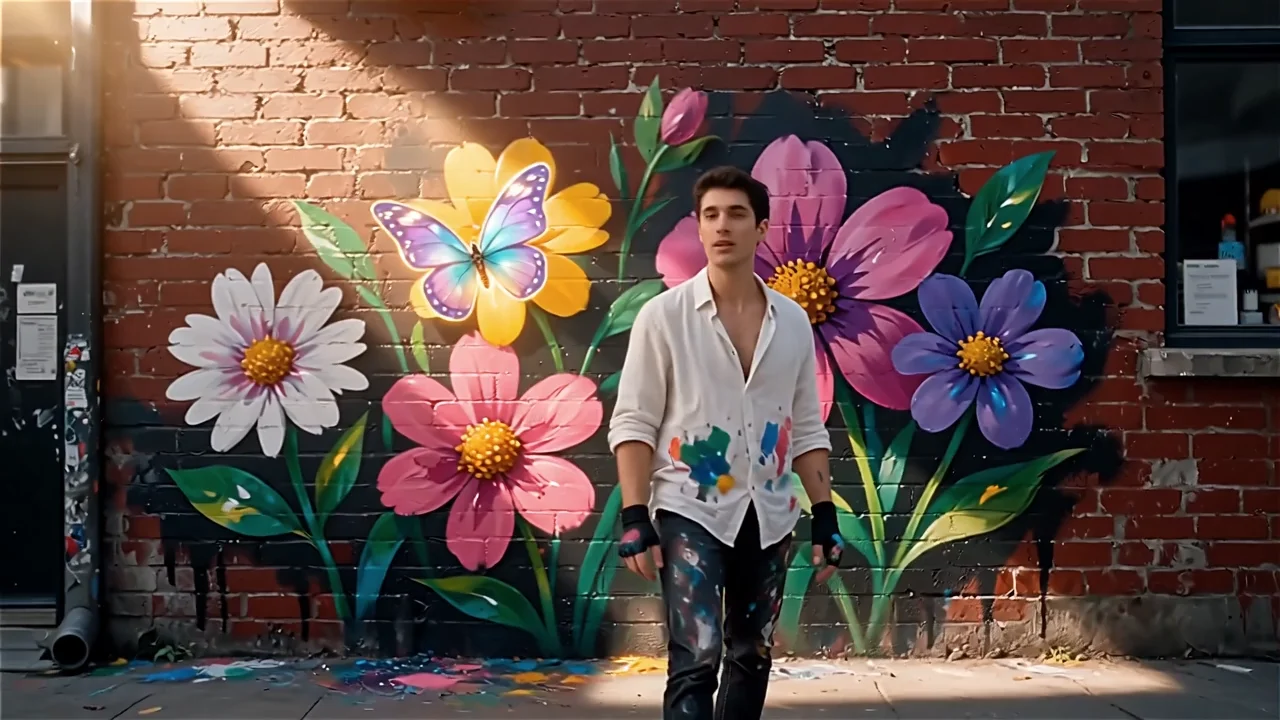


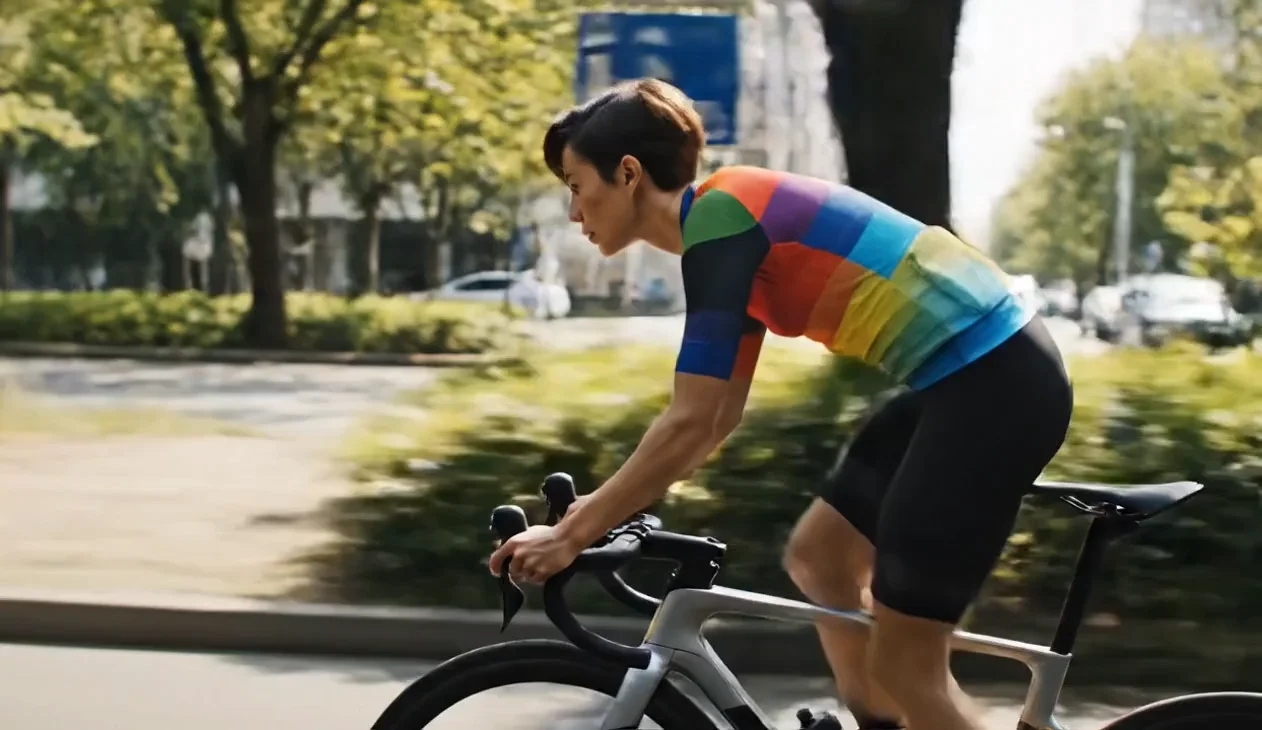
README
Wan 2.6 Image-to-Video Flash
Wan 2.6 Image-to-Video Flash is a fast image-to-video generation model from. Upload an image, describe the motion you want, and generate videos up to 15 seconds with optional synchronized audio — all with quick turnaround and flexible pricing.
Why Choose This?
-
Image-driven video generation Transform static images into dynamic videos with AI-generated motion.
-
Optional audio generation Generate videos with synchronized audio or output silent videos.
-
Custom audio input Optionally upload your own audio to sync with the generated video.
-
Multiple shot types Choose single or multi-shot modes for different creative needs.
-
Prompt Enhancer Built-in tool to automatically optimize your prompts for better results.
-
Fast generation Flash variant optimized for quick turnaround.
Parameters
| Parameter | Required | Description |
|---|---|---|
| image | Yes | Source image to animate (upload or URL) |
| prompt | Yes | Describe the motion and action you want |
| audio | No | Custom audio file to sync with video |
| negative_prompt | No | Describe what to avoid in the output |
| resolution | No | Output resolution: 720p or 1080p (default: 720p) |
| duration | No | Video length in seconds, up to 15 (default: 15) |
| shot_type | No | Shot mode: single or multi (default: single) |
| enable_prompt_expansion | No | Enable prompt optimizer for better results |
| enable_audio | No | Output video with audio (default: true) |
| seed | No | Random seed for reproducibility (-1 for random) |
Shot Type Options
| Mode | Description |
|---|---|
| single | Single continuous shot |
| multi | Multiple shots with scene transitions |
How to Use
- Upload your image — the starting frame for your video.
- Write your prompt — describe the motion and action you want.
- Upload audio (optional) — add custom audio to sync with video.
- Add negative prompt (optional) — specify what to avoid.
- Set resolution — choose 720p or 1080p.
- Set duration — select video length up to 15 seconds.
- Choose shot type — single for continuous, multi for scene cuts.
- Enable audio — check for video with sound, uncheck for silent.
- Run — submit and download the generated video.
Pricing
| Resolution | Audio | Cost per 5 seconds |
|---|---|---|
| 720p | Off | $0.125 |
| 720p | On | $0.25 |
| 1080p | Off | $0.1875 |
| 1080p | On | $0.375 |
Billing Rules
- Base rate: $0.125 per 5 seconds (720p, no audio)
- 1080p multiplier: 1.5×
- Audio multiplier: 2×
- Total cost = base_price × (duration / 5) × resolution_multiplier × audio_multiplier
Examples
- 5s @ 720p, no audio → $0.125
- 10s @ 720p, with audio → $0.125 × 2 × 2 = $0.50
- 15s @ 1080p, with audio → $0.125 × 3 × 1.5 × 2 = $1.125
Best Use Cases
- Social Media Content — Create engaging short videos from photos.
- Product Animation — Bring product images to life with motion.
- Creative Projects — Transform artwork and illustrations into animated videos.
- Marketing — Generate dynamic content from static promotional images.
- Storytelling — Create video sequences from key story moments.
Pro Tips
- Use clear, high-quality source images for best results.
- Be specific about motion direction and speed in your prompt.
- Use negative prompts to avoid unwanted movements or artifacts.
- Single shot mode is better for smooth, continuous motion.
- Multi shot mode works well for dynamic, action-packed content.
- Disable audio if you plan to add your own soundtrack later.
Notes
- Maximum video duration is 15 seconds.
- Custom audio will be synced to the generated video.
- 1080p resolution costs 1.5× more than 720p.
- Audio generation doubles the cost.
Related Models
- Wan 2.6 Text-to-Video — Generate videos from text prompts only.
- Wan 2.6 Image-to-Video — Standard quality image-to-video generation.
- LTX-2 19B Image-to-Video — Alternative I2V model with audio support.
Wan 2.6 Image To Video Flash API — Quick start
Grab a WaveSpeedAI API key, then call POST https://api.wavespeed.ai/api/v3/alibaba/wan-2.6/image-to-video-flash with your input as JSON. The endpoint returns a prediction id. Start polling the result endpoint around every 2 seconds, increase the interval for long-running tasks, and stop on any terminal status. On completed, read output values from data.outputs. Examples for Wan 2.6 Image To Video Flash below.
HTTP example
set -euo pipefail

: "${WAVESPEED_API_KEY:?Set WAVESPEED_API_KEY}"

REQUEST_BODY=$(cat <<'JSON'
{
    "prompt": "A cinematic shot of a city at sunset, soft golden light",
    "image": "https://interactive-examples.mdn.mozilla.net/media/cc0-images/painted-hand-298-332.jpg",
    "resolution": "720p",
    "duration": 5,
    "shot_type": "single",
    "enable_prompt_expansion": false,
    "enable_audio": true,
    "seed": -1
}
JSON
)

# 1. Submit the prediction.
SUBMIT_RESPONSE=$(curl --silent --show-error --fail-with-body \
  -X POST "https://api.wavespeed.ai/api/v3/alibaba/wan-2.6/image-to-video-flash" \
  -H "Content-Type: application/json" \
  -H "Authorization: Bearer $WAVESPEED_API_KEY" \
  -d "$REQUEST_BODY")

TASK=$(printf '%s' "$SUBMIT_RESPONSE" | jq 'if has("data") then .data else . end')
PREDICTION_ID=$(printf '%s' "$TASK" | jq -r '.id')
if [ -z "$PREDICTION_ID" ] || [ "$PREDICTION_ID" = "null" ]; then
  printf 'Submission response did not contain a prediction id
' >&2
  exit 1
fi
RESULT_URL=$(printf '%s' "$TASK" | jq -r '.urls.get // empty')
if [ -z "$RESULT_URL" ]; then
  RESULT_URL="https://api.wavespeed.ai/api/v3/predictions/$PREDICTION_ID/result"
fi

# 2. Poll until the prediction finishes.
while true; do
  RESPONSE=$(curl --silent --show-error --fail-with-body "$RESULT_URL" \
    -H "Authorization: Bearer $WAVESPEED_API_KEY")
  RESULT=$(printf '%s' "$RESPONSE" | jq 'if has("data") then .data else . end')
  STATUS=$(printf '%s' "$RESULT" | jq -r '.status')
  case "$STATUS" in
    completed) printf '%s\n' "$RESULT" | jq '.outputs'; break ;;
    failed|cancelled|timeout) printf '%s\n' "$RESULT" | jq . >&2; exit 1 ;;
    created|processing) sleep 2 ;;
    *) printf 'Unexpected status: %s
' "$STATUS" >&2; exit 1 ;;
  esac
done
Node.js example
const submitUrl = "https://api.wavespeed.ai/api/v3/alibaba/wan-2.6/image-to-video-flash";
const apiKey = process.env.WAVESPEED_API_KEY;
if (!apiKey) throw new Error('Set WAVESPEED_API_KEY');

async function requestJson(url, options = {}) {
  const response = await fetch(url, options);
  if (!response.ok) throw new Error(await response.text());
  return response.json();
}

// 1. Submit the prediction.
const body = await requestJson(submitUrl, {
  method: "POST",
  headers: {
    "Authorization": `Bearer ${apiKey}`,
    "Content-Type": "application/json",
  },
  body: JSON.stringify({
        "prompt": "A cinematic shot of a city at sunset, soft golden light",
        "image": "https://interactive-examples.mdn.mozilla.net/media/cc0-images/painted-hand-298-332.jpg",
        "resolution": "720p",
        "duration": 5,
        "shot_type": "single",
        "enable_prompt_expansion": false,
        "enable_audio": true,
        "seed": -1
}),
});
const task = body.data ?? body;
if (!task.id) throw new Error("Submission response did not contain a prediction id");
const resultUrl = task.urls?.get ||
  `https://api.wavespeed.ai/api/v3/predictions/${task.id}/result`;

// 2. Poll until the prediction finishes.
while (true) {
  const resultBody = await requestJson(resultUrl, {
    headers: { "Authorization": `Bearer ${apiKey}` },
  });
  const result = resultBody.data ?? resultBody;
  if (result.status === "completed") {
    console.log(result.outputs);
    break;
  }
  if (["failed", "cancelled", "timeout"].includes(result.status)) throw new Error(JSON.stringify(result));
  if (!["created", "processing"].includes(result.status)) throw new Error("Unexpected status: " + result.status);
  await new Promise(resolve => setTimeout(resolve, 2000));
}
Python example
import json
import os
import time
from urllib.request import Request, urlopen

api_key = os.environ["WAVESPEED_API_KEY"]
headers = {"Authorization": f"Bearer {api_key}", "Content-Type": "application/json"}
payload = {
    "prompt": "A cinematic shot of a city at sunset, soft golden light",
    "image": "https://interactive-examples.mdn.mozilla.net/media/cc0-images/painted-hand-298-332.jpg",
    "resolution": "720p",
    "duration": 5,
    "shot_type": "single",
    "enable_prompt_expansion": False,
    "enable_audio": True,
    "seed": -1
}

def request_json(url, data=None):
    request = Request(url, data=data, headers=headers, method="POST" if data else "GET")
    with urlopen(request) as response:
        return json.load(response)

# 1. Submit the prediction.
body = request_json("https://api.wavespeed.ai/api/v3/alibaba/wan-2.6/image-to-video-flash", json.dumps(payload).encode())
task = body.get("data", body)
if not task.get("id"):
    raise RuntimeError("Submission response did not contain a prediction id")
result_url = task.get("urls", {}).get("get") or f"https://api.wavespeed.ai/api/v3/predictions/{task['id']}/result"

# 2. Poll until the prediction finishes.
while True:
    result_body = request_json(result_url)
    result = result_body.get("data", result_body)
    status = result.get("status")
    if status == "completed":
        print(result.get("outputs", []))
        break
    if status in {"failed", "cancelled", "timeout"}:
        raise RuntimeError(result)
    if status not in {"created", "processing"}:
        raise RuntimeError(f"Unexpected status: {status}")
    time.sleep(2)
Wan 2.6 Image To Video Flash API — Frequently asked questions
What is the Wan 2.6 Image To Video Flash API?
Wan 2.6 Image To Video Flash is a Alibaba model for video generation from images, exposed as a REST API on WaveSpeedAI. WAN 2.6 Flash converts images into videos (720p/1080p) with optional audio, optimized for speed and cost. Ready-to-use REST inference API, best performance, no coldstarts, affordable pricing. You can call it programmatically or try it from the playground above.
How do I call the Wan 2.6 Image To Video Flash API?
POST your input parameters to the model's REST endpoint (shown in the API tab of this playground) with your WaveSpeedAI API key in the Authorization header. Submission returns a prediction ID. Poll the result endpoint starting around every 2 seconds, increase the interval for long-running tasks, and stop on any terminal status. The playground generates production-oriented Python, JavaScript, and cURL examples with timeouts, transient-error handling, and safe GET retries. Full request/response shape is documented at https://wavespeed.ai/docs/docs-api/alibaba/alibaba-wan-2.6-image-to-video-flash.
How much does Wan 2.6 Image To Video Flash cost per run?
Wan 2.6 Image To Video Flash starts at $0.13 per run. That figure is the base price — the final charge scales with the parameters you set in the form (output size, length, count, references, or whatever knobs this model exposes), so a higher-quality or larger output costs more than a minimal one. The exact cost for your current input is shown live next to the Generate button before you submit, and the actual per-call charge is recorded on the prediction afterwards.
What inputs does Wan 2.6 Image To Video Flash accept?
Key inputs: `prompt`, `image`, `audio`, `resolution`, `duration`, `seed`. The full JSON schema (types, defaults, allowed values) is rendered above the Generate button and mirrored in the API reference at https://wavespeed.ai/docs/docs-api/alibaba/alibaba-wan-2.6-image-to-video-flash.
How long does Wan 2.6 Image To Video Flash take to generate?
Median end-to-end generation time on WaveSpeedAI is around 34 seconds per request, based on recent successful runs. Queue time varies with global demand; live status is visible in the prediction record.
Can I use Wan 2.6 Image To Video Flash outputs commercially?
Commercial usage rights depend on the model's license, set by its provider (Alibaba). The license summary appears on the model card above; see WaveSpeedAI's Terms of Service for platform-level conditions.