Image Upscaler Collection API
छह प्रोवाइडर के चौदह इमेज सुपर-रिज़ॉल्यूशन एंडपॉइंट — WaveSpeedAI (Standard, Ultimate, Real-ESRGAN), Topaz Labs (Upscale, Generative, Creative, Transparent), Clarity AI (Creative, Crystal, Flux, Pro), Recraft (Creative, Crisp) और Pruna AI — सब एक WaveSpeedAI API की से उपलब्ध। लक्ष्य रेज़ोल्यूशन (16× तक), स्टाइल संरक्षण, प्रॉम्प्ट-निर्देशित रिफ़ाइनमेंट या प्रति कॉल लागत के आधार पर चुनें।
छह प्रोवाइडर के चौदह एंडपॉइंट। स्केल फ़ैक्टर हल्के टेक्सचर-डिटेल पास (Recraft) से लेकर 16× फ़ोटोरियलिस्टिक (Clarity AI Pro) तक हैं, और Topaz 2K, 4K या 8K आउटपुट को लक्ष्य बनाता है। हाई-वॉल्यूम कैटलॉग काम के लिए लागत-अनुकूल वेरिएंट इस्तेमाल करें; जब सोर्स क्वालिटी या पहचान का संरक्षण मायने रखे तो बड़े आर्किटेक्चर चुनें। पूरी लाइनअप में एक जैसा रिक्वेस्ट शेप; एक बिलिंग अकाउंट, एक रेट-लिमिट दायरा।




अवलोकन
Image Upscaler Collection API के बारे में
Image Upscaler Collection क्या करता है, WaveSpeedAI की मॉडल श्रृंखला में इसकी जगह क्या है, और टीमें इसे क्यों चुनती हैं।
Image Upscaler Collection, WaveSpeedAI का AI अपस्केलिंग मॉडल है, जो WaveSpeedAI REST API के ज़रिए उपलब्ध है। छह प्रोवाइडर के चौदह इमेज सुपर-रिज़ॉल्यूशन एंडपॉइंट — WaveSpeedAI (Standard, Ultimate, Real-ESRGAN), Topaz Labs (Upscale, Generative, Creative, Transparent), Clarity AI (Creative, Crystal, Flux, Pro), Recraft (Creative, Crisp) और Pruna AI — सब एक WaveSpeedAI API की से उपलब्ध। लक्ष्य रेज़ोल्यूशन (16× तक), स्टाइल संरक्षण, प्रॉम्प्ट-निर्देशित रिफ़ाइनमेंट या प्रति कॉल लागत के आधार पर चुनें।
छह प्रोवाइडर के चौदह एंडपॉइंट। स्केल फ़ैक्टर हल्के टेक्सचर-डिटेल पास (Recraft) से लेकर 16× फ़ोटोरियलिस्टिक (Clarity AI Pro) तक हैं, और Topaz 2K, 4K या 8K आउटपुट को लक्ष्य बनाता है। हाई-वॉल्यूम कैटलॉग काम के लिए लागत-अनुकूल वेरिएंट इस्तेमाल करें; जब सोर्स क्वालिटी या पहचान का संरक्षण मायने रखे तो बड़े आर्किटेक्चर चुनें। पूरी लाइनअप में एक जैसा रिक्वेस्ट शेप; एक बिलिंग अकाउंट, एक रेट-लिमिट दायरा।
WaveSpeedAI पर Image Upscaler Collection परिवार में Upscale-Image वर्कफ़्लो को कवर करने वाले 14 REST एंडपॉइंट हैं। हर वेरिएंट की अपनी प्राइसिंग, पैरामीटर और उदाहरण आउटपुट हैं — अपने इनपुट मोडैलिटी और प्रोडक्शन ज़रूरतों के अनुसार चुनें, या एक ही API कुंजी से कई वेरिएंट कॉल करके मल्टी-स्टेप पाइपलाइन बनाएं।
Image Upscaler Collection को उसी API कुंजी, बिलिंग अकाउंट और रेट-लिमिट के साथ चलाएं जिसका उपयोग आप WaveSpeedAI के अन्य 1,000+ AI मॉडल के लिए करते हैं। अलग वेंडर सेटअप नहीं, प्रति-प्रदाता SDK नहीं, प्रति-वेंडर रेट-लिमिट नहीं — एक ही इंटीग्रेशन टेक्स्ट-टू-इमेज और टेक्स्ट-टू-वीडियो से लेकर ऑडियो सिंथेसिस, 3D जनरेशन, अपस्केलिंग और एडिटिंग तक सब कुछ कवर करता है।
एंडपॉइंट
सभी Image Upscaler Collection API एंडपॉइंट
WaveSpeedAI पर अभी 14 Image Upscaler Collection एंडपॉइंट उपलब्ध हैं — अपने वर्कफ़्लो के अनुकूल वेरिएंट चुनें।
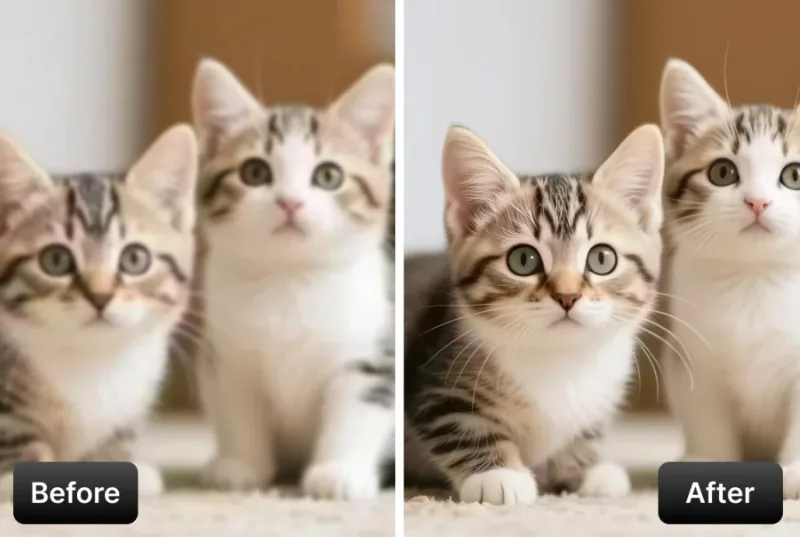
Image Upscaler
AI Image Upscaler that enhances image resolution to 4K or 8K while improving detail and clarity for photos and graphics. Ready-to-use REST inference API, best performance, no coldstarts, affordable pricing.

Ultimate Image Upscaler
Ultimate Image Upscaler is the most advanced AI enhancer that reimagines fine detail while upscaling images to 4K or 8K. Ready-to-use REST inference API, best performance, no coldstarts, affordable pricing.
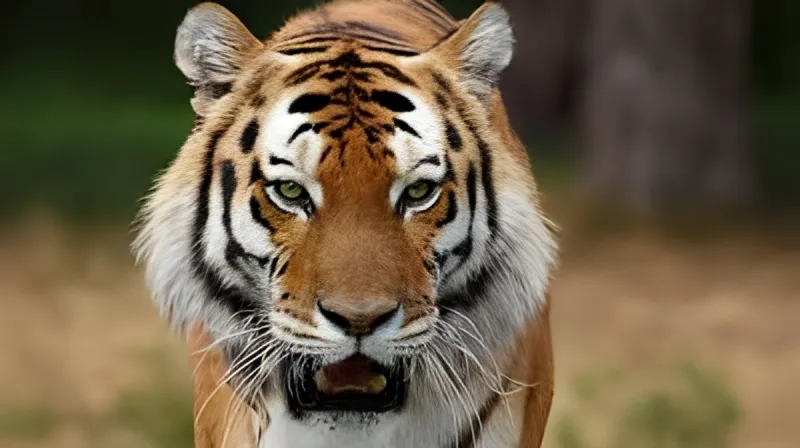
Real Esrgan
Real-ESRGAN delivers high-quality image super-resolution with optional face correction and adjustable upscale factors. Ready-to-use REST inference API, best performance, no coldstarts, affordable pricing.
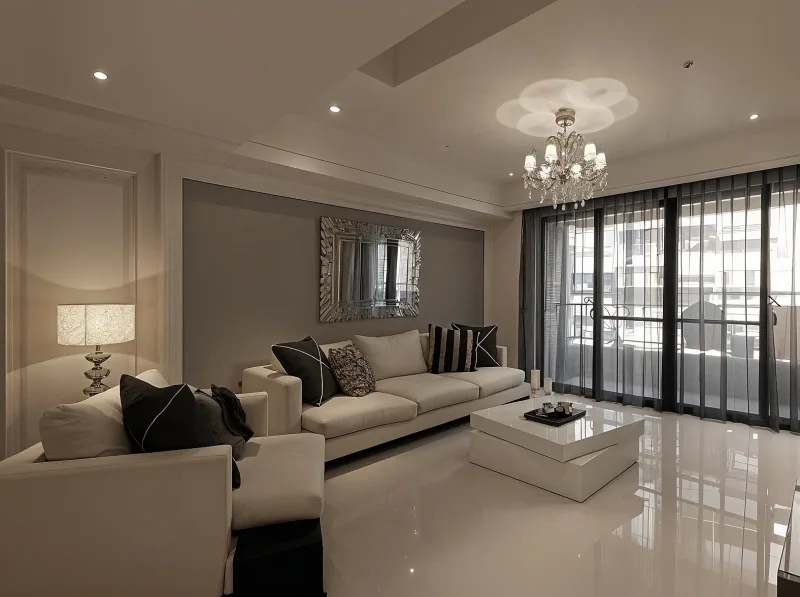
Creative Upscaler
Creative Upscaler enlarges images with style and detail control, restoring photos or adding micro-textures for portraits and anime. Ready-to-use REST inference API, best performance, no coldstarts, affordable pricing.

Crystal Upscaler
Clarity AI Crystal Upscaler boosts image resolution with AI upscaling and adjustable detail for portraits and landscapes. Ready-to-use REST inference API, best performance, no coldstarts, affordable pricing.
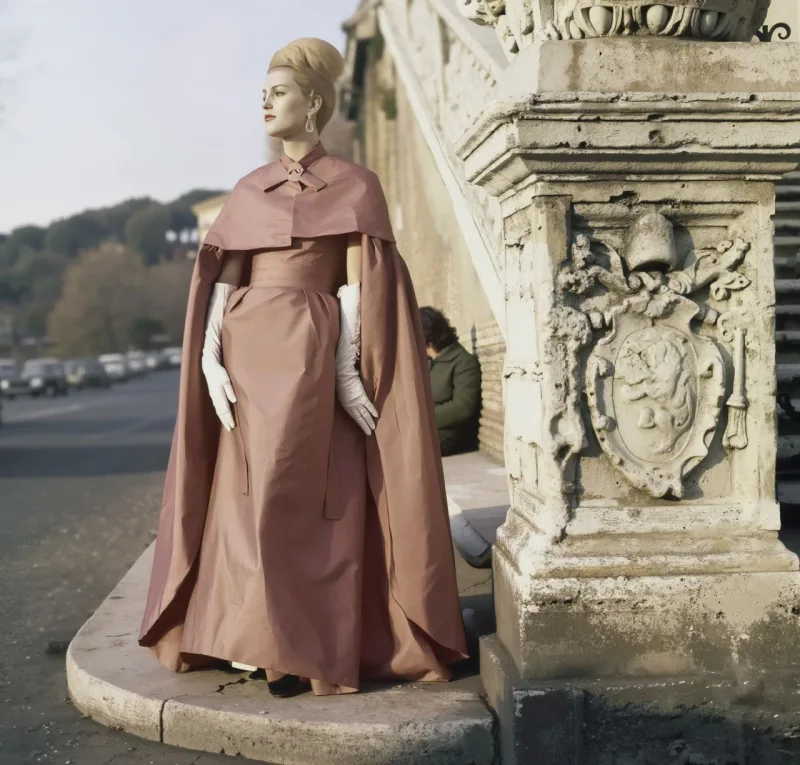
Flux Upscaler
Clarity AI Flux Upscaler sharpens images while preserving natural textures and edges, with prompt-guided refinement and LoRA support. Ready-to-use REST inference API, best performance, no coldstarts, affordable pricing.
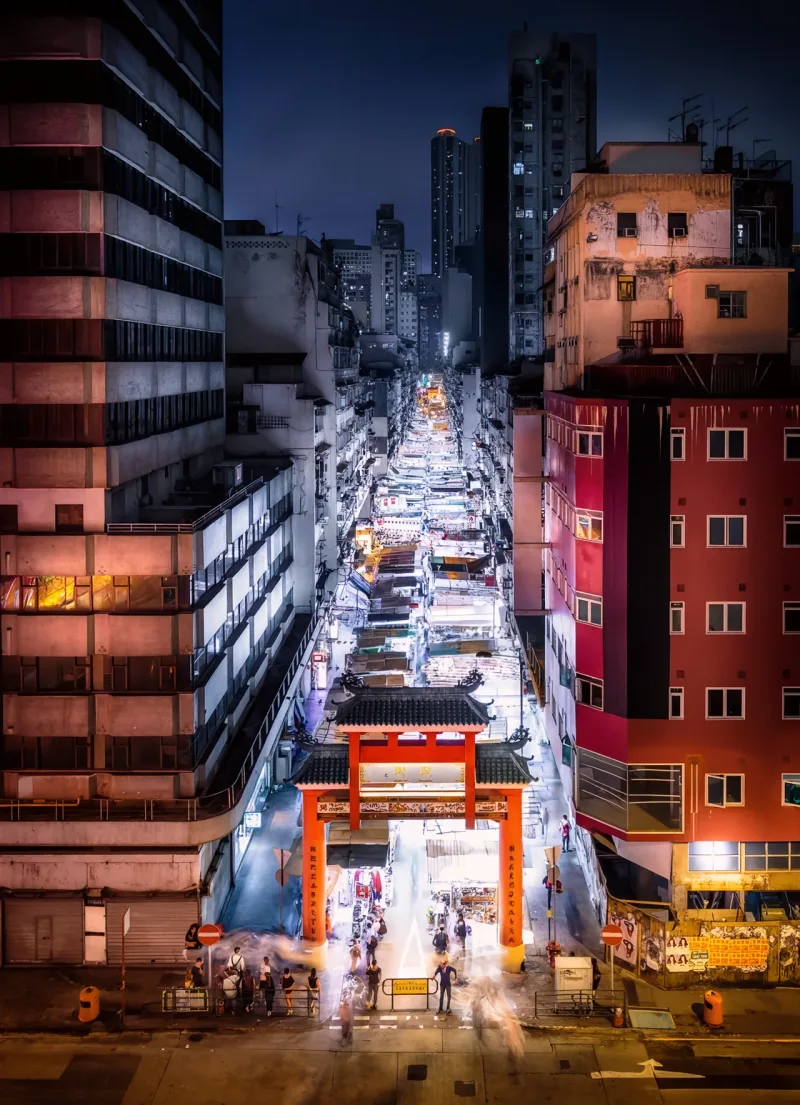
Pro Upscaler
Clarity Pro Upscaler is a photorealistic image upscaler from Clarity AI with identity preservation, creative detail control, and up to 16x scaling. Ready-to-use REST inference API, best performance, no coldstarts, affordable pricing.

Recraft Creative Upscale
Recraft Creative Upscale refines textures and fine details, adding depth and polish to complex elements—not increasing resolution. Ready-to-use REST inference API, best performance, no coldstarts, affordable pricing.
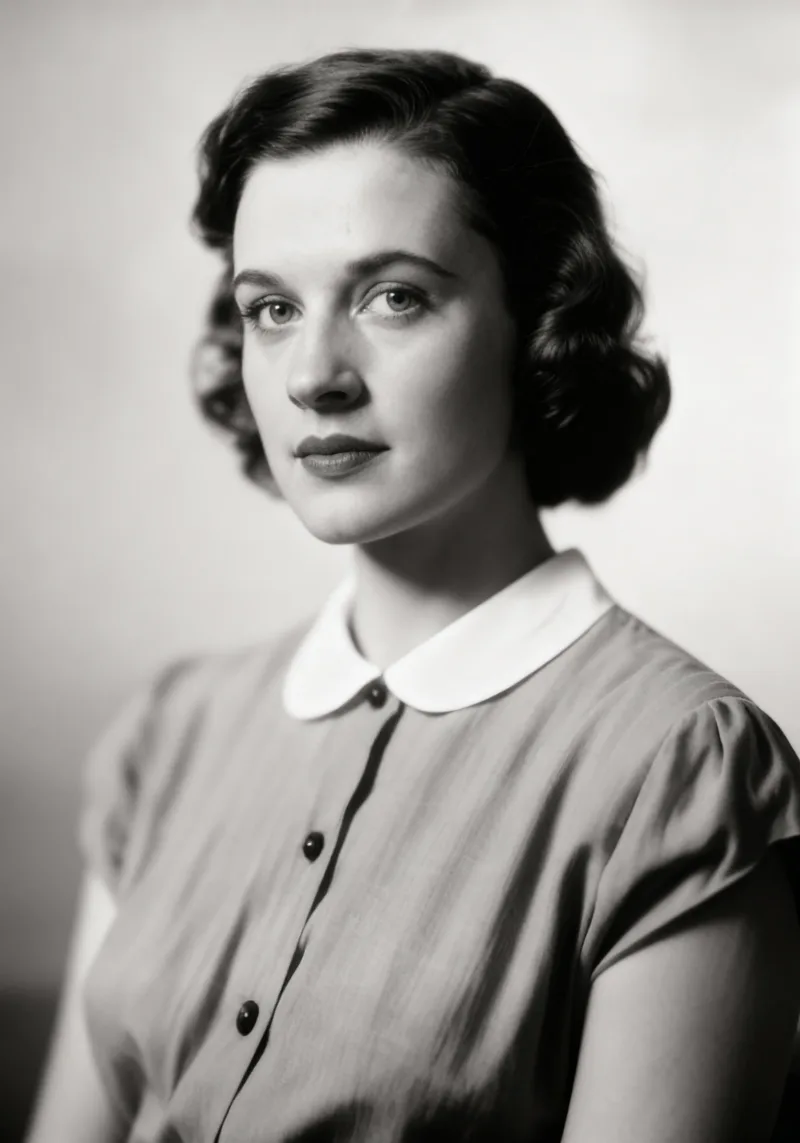
Recraft Crisp Upscale
Recraft Crisp Upscale enhances textures, fine details, and facial features to add depth beyond simple resolution boosts. Ready-to-use REST inference API, best performance, no coldstarts, affordable pricing.
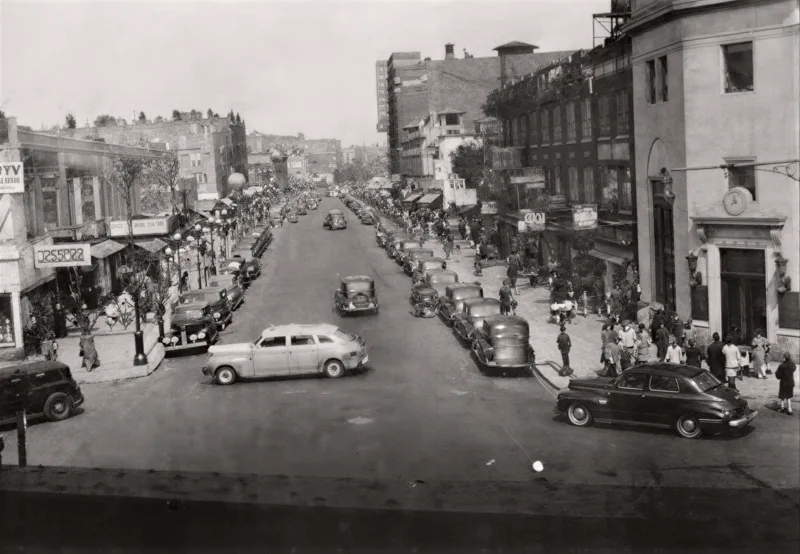
P Image Upscale
Pruna AI P-Image Upscale is a fast AI image upscaling model that enhances image resolution and improves visual detail. Ready-to-use REST inference API for product photos, portraits, design assets, e-commerce images, social media visuals, and image enhancement workflows with simple integration, no coldstarts, and affordable pricing.
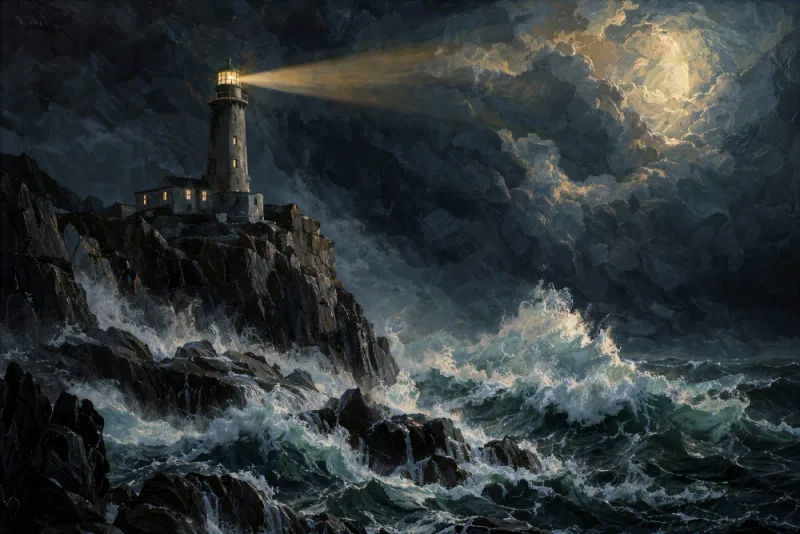
Image Upscale Creative
Topaz Image Upscale Creative enhances AI-generated images with Topaz Bloom, creatively reconstructing and adding new visual detail for concept art, marketing visuals, creative assets, and production workflows. Ready-to-use REST inference API, best performance, no coldstarts, affordable pricing.
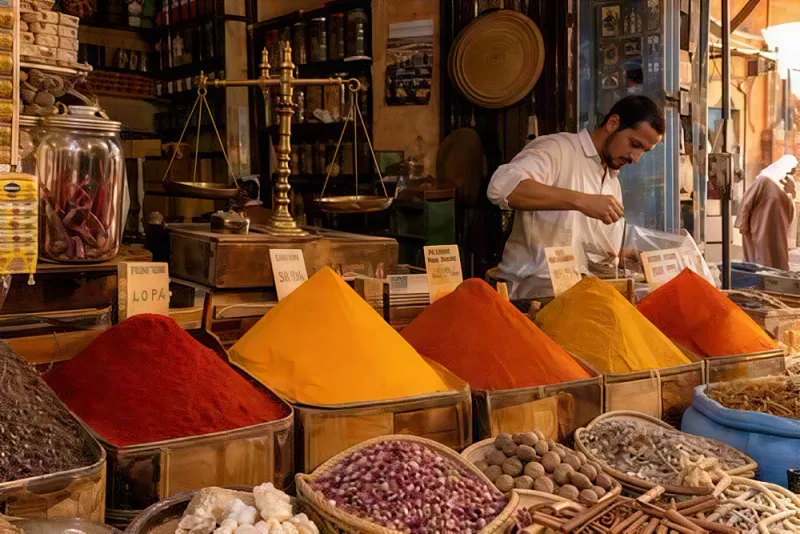
Image Upscale Generative
Topaz Image Upscale Generative upscales and restores images with Topaz Wonder, Recover, and Redefine models, improving resolution, reconstructing detail, and repairing low-quality imagery for creative assets, photography, design, and production workflows. Ready-to-use REST inference API, best performance, no coldstarts, affordable pricing.
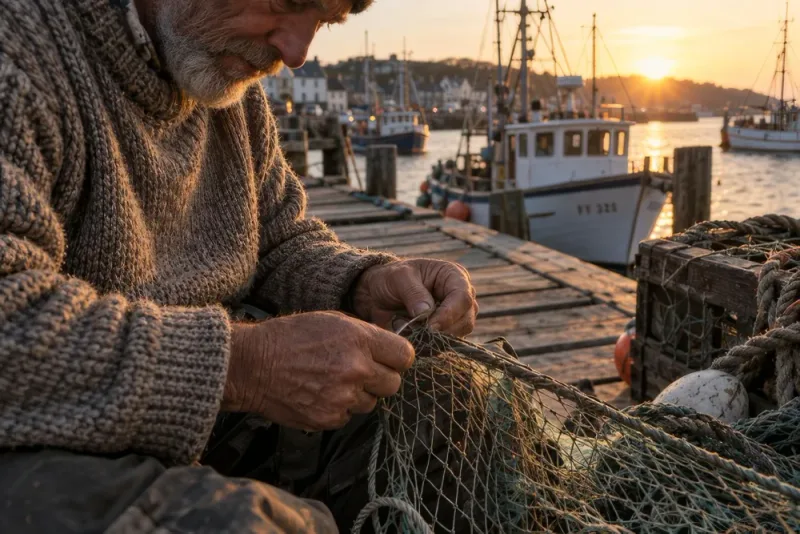
Image Upscale
Topaz Image Upscale enlarges photos and images to 2K, 4K, or 8K using precise, non-generative Topaz upscaling models, preserving original visual content while improving resolution and clarity for photography, product images, creative assets, and production workflows. Ready-to-use REST inference API, best performance, no coldstarts, affordable pricing.
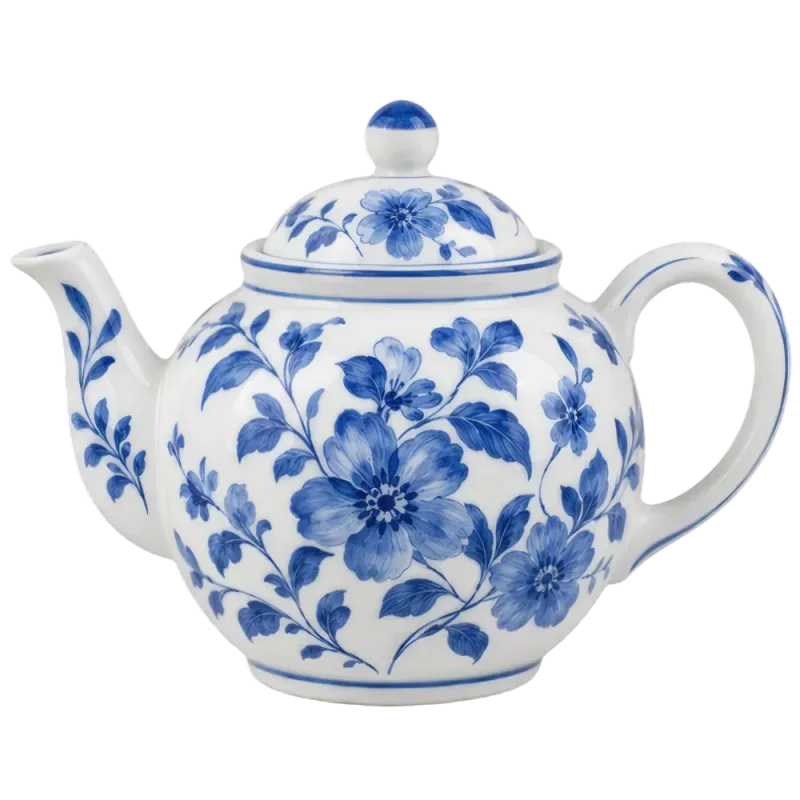
Image Transparent Upscale
Topaz Transparent Image Upscale enlarges transparent PNG images while preserving the alpha channel, clean edges, and transparency for logos, product assets, graphics, design elements, and production workflows. Ready-to-use REST inference API, best performance, no coldstarts, affordable pricing.
उदाहरण
Image Upscaler Collection को काम करते देखें
Image Upscaler Collection API से बनाए गए असली आउटपुट। किसी भी वीडियो पर होवर करके प्रीव्यू देखें, पूर्ण आकार का व्यूअर खोलने के लिए क्लिक करें।
कैसे करें
Image Upscaler Collection API का उपयोग कैसे करें
साइनअप से तैयार जनरेशन तक चार चरण। पूरे Python, Node.js और cURL उदाहरण नीचे API सेक्शन में हैं।
- 01
API कुंजी प्राप्त करें
WaveSpeedAI अकाउंट बनाएं और डैशबोर्ड से अपनी API कुंजी कॉपी करें। नए अकाउंट के साथ मुफ़्त शुरुआती क्रेडिट मिलते हैं — बिलिंग शुरू होने से पहले प्लेग्राउंड को कई दर्जन बार चलाने के लिए पर्याप्त।
- 02
prediction सबमिट करें
अपना इनपुट JSON के रूप में https://api.wavespeed.ai/api/v3/wavespeed-ai/image-upscaler पर POST करें। एंडपॉइंट तुरंत एक prediction id लौटाता है — जनरेशन असिंक्रोनस होते हैं, इसलिए इनफ़रेंस के दौरान आपको कनेक्शन खुला नहीं रखना पड़ता।
- 03
पूर्ण होने तक पोल करें
https://api.wavespeed.ai/api/v3/predictions/{request_id}/result पर GET करें। completed पर आउटपुट लौटाएं; failed, cancelled, timeout या deleted पर त्रुटि के साथ रुकें; बाकी हर status पर पोलिंग जारी रखें।
- 04
आउटपुट URL पढ़ें
status "completed" होने पर data.outputs[0] से URL पढ़ें। यह URL WaveSpeedAI CDN पर आपके बनाए मीडिया की ओर इशारा करता है — आपके कॉल किए गए Image Upscaler Collection वेरिएंट के अनुसार इमेज, वीडियो, ऑडियो या 3D फ़ाइल।
उपयोग के मामले
Image Upscaler Collection से आप क्या बना सकते हैं
आम वर्कफ़्लो जिनके लिए डेवलपर और क्रिएटर Image Upscaler Collection API का उपयोग करते हैं।
AI-जनरेटेड इमेज का पोस्ट-प्रोसेसिंग
ज़्यादातर AI इमेज मॉडल नेटिव रूप से 1K-2K पर आउटपुट देते हैं। wavespeed-ai/image-upscaler जनरेशन को डिलीवरी रिज़ॉल्यूशन तक ले जाने वाला डिफ़ॉल्ट 2×/4× पोस्ट-प्रोसेस पास है। ज़्यादा फ़िडेलिटी के लिए wavespeed-ai/ultimate-image-upscaler पर जाएं — वही रिक्वेस्ट संरचना, प्रति कॉल धीमा पर आउटपुट ज़्यादा साफ़।
Clarity Pro से फ़ोटोरियलिस्टिक 16× अपस्केलिंग
clarity-ai/pro-upscaler पहचान सुरक्षित रखने और क्रिएटिव डिटेल कंट्रोल के साथ 16× तक फ़ोटोरियलिस्टिक सुपर-रिज़ॉल्यूशन देता है — कलेक्शन का सबसे ऊंचा स्केल फ़ैक्टर। पोर्ट्रेट, आर्काइव फ़िल्म स्टिल और ऐसे सोर्स मटेरियल के लिए उपयोगी, जिसे विषय की पहचान खोए बिना भारी एनलार्जमेंट चाहिए।
प्रॉम्प्ट-निर्देशित रिफ़ाइनमेंट (Clarity Flux)
clarity-ai/flux-upscaler प्राकृतिक टेक्सचर और किनारों को सुरक्षित रखते हुए इमेज को शार्प करता है, प्रॉम्प्ट-निर्देशित रिफ़ाइनमेंट और LoRA सपोर्ट के साथ — कलेक्शन का एकमात्र एंडपॉइंट जो सोर्स इमेज के साथ टेक्स्ट प्रॉम्प्ट लेता है, तब उपयोगी जब आप अपस्केल के दौरान स्टाइल पर नियंत्रण चाहते हैं।
क्रिएटिव डिटेल कंट्रोल (Clarity Creative + Crystal)
clarity-ai/creative-upscaler पोर्ट्रेट और एनीमे के लिए फ़ोटो को पुनर्स्थापित करता है या माइक्रो-टेक्सचर जोड़ता है; clarity-ai/crystal-upscaler पोर्ट्रेट और लैंडस्केप के लिए समायोज्य डिटेल के साथ रिज़ॉल्यूशन बढ़ाता है। तब चुनें जब आप चाहते हों कि डिटेल केवल रिकवर न होकर आंशिक रूप से संश्लेषित हो।
रिज़ॉल्यूशन बदले बिना टेक्सचर पॉलिश (Recraft)
recraft-ai/recraft-creative-upscale और recraft-ai/recraft-crisp-upscale टेक्सचर, बारीक डिटेल और चेहरे की विशेषताओं को निखारते हैं — वे रिज़ॉल्यूशन को आक्रामक रूप से बढ़ाने के बजाय गहराई और पॉलिश जोड़ते हैं। तब उपयोगी जब सोर्स पहले से लक्ष्य रिज़ॉल्यूशन पर हो पर शार्पनेस और मटेरियल फ़िडेलिटी चाहिए।
फ़ेस करेक्शन के साथ Real-ESRGAN
wavespeed-ai/real-esrgan वैकल्पिक फ़ेस करेक्शन और समायोज्य अपस्केल फ़ैक्टर के साथ उच्च-गुणवत्ता का सुपर-रिज़ॉल्यूशन देता है — क्लासिक ओपन-सोर्स अपस्केलर आर्किटेक्चर, GPU सेल्फ़-होस्टिंग के झंझट के बिना REST एंडपॉइंट के रूप में होस्ट किया हुआ।
लागत-ट्यून्ड बल्क पाइपलाइन (Pruna)
pruna-ai/p-image/upscale तेज़, लागत-ट्यून्ड इमेज अपस्केलर है — हाई-वॉल्यूम क्लीनअप पाइपलाइन के लिए इस्तेमाल करें, जहाँ आप हर कैटलॉग फ़ोटो या हर AI-जनरेटेड थंबनेल को अपस्केल कर रहे हैं और आपको बड़े आर्किटेक्चर की फ़िडेलिटी सीमा नहीं चाहिए।
ई-कॉमर्स कैटलॉग इमेजरी
रेटिना डिस्प्ले और ज़ूम व्यू के लिए प्रोडक्ट फ़ोटोग्राफ़ी को 4K तक अपस्केल करें। लागत-ट्यून्ड बल्क कैटलॉग पास के लिए wavespeed-ai/image-upscaler या pruna-ai/p-image/upscale; जब निरपेक्ष रिज़ॉल्यूशन से ज़्यादा प्रोडक्ट के मटेरियल की फ़िडेलिटी मायने रखे तब recraft-ai/recraft-crisp-upscale।
फ़ोटो रेस्टोरेशन और आर्काइव
निजी आर्काइव, म्यूज़ियम डिजिटाइज़ेशन और ऐतिहासिक कंटेंट प्रकाशन के लिए विंटेज, लो-रेज़ या कंप्रेस्ड फ़ोटो को 4K/8K तक लाएं। पहचान सुरक्षित रखने वाले पोर्ट्रेट के लिए clarity-ai/pro-upscaler; जब आप माइक्रो-टेक्सचर संश्लेषित करवाना चाहें तब clarity-ai/creative-upscaler; आर्काइव पोर्ट्रेट के लिए फ़ेस करेक्शन वाला wavespeed-ai/real-esrgan।
प्रिंट और लार्ज-फ़ॉर्मेट की तैयारी
पोस्टर, बिलबोर्ड या प्रिंट आउटपुट के लिए इमेज तैयार करें — डिटेल सुरक्षित रखते हुए 4K या 8K तक ले जाएं। प्रीमियम डिलीवरी के लिए wavespeed-ai/ultimate-image-upscaler या clarity-ai/pro-upscaler; हाई-वॉल्यूम पैकशॉट तैयारी के लिए लागत-ट्यून्ड टियर।
सुझाव
Image Upscaler Collection के लिए प्रॉम्प्ट लिखने के सुझाव
Image Upscaler Collection से बेहतर आउटपुट पाने के व्यावहारिक सुझाव — प्रोडक्शन पाइपलाइन में अपस्केलर मॉडल पर काम करने वाले पैटर्न से लिए गए।
- 01
सिर्फ़ लक्ष्य रिज़ॉल्यूशन नहीं, सोर्स के प्रकार से मॉडल चुनें
AI-जनरेटेड सोर्स → wavespeed-ai/image-upscaler या wavespeed-ai/ultimate-image-upscaler। पोर्ट्रेट / पहचान-निर्णायक → clarity-ai/pro-upscaler (पहचान सुरक्षित रखने वाला 16×) या wavespeed-ai/real-esrgan (फ़ेस करेक्शन)। प्रॉम्प्ट-निर्देशित रिफ़ाइनमेंट → clarity-ai/flux-upscaler। रिज़ॉल्यूशन बदले बिना टेक्सचर पॉलिश → recraft-ai/*। बल्क कैटलॉग क्लीनअप → pruna-ai/p-image/upscale।
- 02
लक्ष्य पूरा करने वाला सबसे छोटा स्केल फ़ैक्टर चुनें
ज़्यादातर सोर्स मटेरियल के लिए 2× सही संतुलन है। 4× सोर्स के किसी भी कंप्रेशन आर्टिफ़ैक्ट को बढ़ा देता है। 8× और 16× केवल बिलबोर्ड / लार्ज-फ़ॉर्मेट / पोर्ट्रेट एनलार्जमेंट के लिए हैं — लागत-ट्यून्ड मॉडल पर 4× के बाद लाभ घटता जाता है, जहाँ ऊंचे फ़ैक्टर के लिए ट्यून किया गया मॉडल clarity-ai/pro-upscaler है।
- 03
साफ़ सोर्स = साफ़ आउटपुट
सोर्स में भारी कंप्रेशन आप जो भी मॉडल चुनें, अपस्केल में बढ़ जाता है। अगर आपके पास मूल (TIFF, रॉ कैमरा फ़ाइल, लॉसलेस PNG) तक पहुंच है, तो उसे इनपुट बनाएं — कलेक्शन का हर अपस्केलर साफ़ सोर्स पर बेहतर काम करता है।
- 04
स्टाइल पर नियंत्रण चाहिए तो Clarity Flux इस्तेमाल करें
clarity-ai/flux-upscaler कलेक्शन का एकमात्र एंडपॉइंट है जो सोर्स इमेज के साथ टेक्स्ट प्रॉम्प्ट + LoRA लेता है। तब उपयोगी जब आप डिटेल निष्क्रिय रूप से रिकवर करने के बजाय अपस्केल के दौरान स्टाइल ("ज़्यादा साफ़, ज़्यादा फ़ोटोग्राफ़िक, कम एनीमे") निर्देशित करना चाहते हों।
- 05
लागत-ट्यून्ड बल्क पास के लिए Pruna या Standard इस्तेमाल करें
pruna-ai/p-image/upscale और wavespeed-ai/image-upscaler लागत-ट्यून्ड टियर हैं — तब उपयोगी जब आप वॉल्यूम में अपस्केल कर रहे हों (हर AI-जनरेटेड थंबनेल, हर कैटलॉग फ़ोटो)। डिलीवरी-ग्रेड आउटपुट के लिए Ultimate / Clarity Pro / फ़ेस करेक्शन वाला Real-ESRGAN रखें।
- 06
AI-जनरेशन डिलीवरी पाइपलाइन में शामिल करें
ज़्यादातर AI इमेज मॉडल नेटिव रूप से 1K-2K पर आउटपुट देते हैं। जनरेशन को डिलीवरी रिज़ॉल्यूशन तक ले जाने के लिए अपस्केलर को 2× या 4× पोस्ट-प्रोसेस पास के रूप में इस्तेमाल करें। मानक पाइपलाइन: जनरेट → अपस्केल → एक्सपोर्ट, कलेक्शन के एंडपॉइंट में प्रति-शॉट ज़रूरत के आधार पर एक बैच ऑपरेशन के रूप में चलाएं।
- 07
सही फ़ॉर्मेट में री-एक्सपोर्ट करें
अपस्केल के बाद, अपने डाउनस्ट्रीम के लिए ज़रूरी फ़ॉर्मेट में री-एनकोड करें — वेब डिलीवरी के लिए JPEG, पारदर्शिता के लिए PNG, प्रिंट के लिए TIFF। हर अपस्केलर का रॉ आउटपुट आमतौर पर ठीक होता है; जल्दबाज़ी में एनकोड करने पर ही क्वालिटी हानि हो सकती है।
प्राइसिंग
Image Upscaler Collection API प्राइसिंग
प्राइसिंग प्रति आउटपुट है। अंतिम शुल्क उन पैरामीटर के अनुसार बदलता है जो आप हर वेरिएंट के प्लेग्राउंड में सेट करते हैं (रिज़ॉल्यूशन, अवधि, आउटपुट संख्या, रेफरेंस)।
| एंडपॉइंट | प्रकार | शुरुआती कीमत |
|---|---|---|
| wavespeed-ai/ | upscale-image | $0.01 |
| wavespeed-ai/ | upscale-image | $0.06 |
| wavespeed-ai/ | upscale-image | $0.0024 |
| clarity-ai/ | upscale-image | $0.05 |
| clarity-ai/ | upscale-image | $0.03 |
| clarity-ai/ | upscale-image | $0.20 |
| clarity-ai/ | upscale-image | $0.03 |
| recraft-ai/ | upscale-image | $0.25 |
| recraft-ai/ | upscale-image | $0.004 |
| pruna-ai/ | upscale-image | $0.005 |
| topaz/ | upscale-image | $0.10 |
| topaz/ | upscale-image | $0.10 |
| topaz/ | upscale-image | $0.10 |
| topaz/ | upscale-image | $0.10 |
API
Image Upscaler Collection API कॉल करें
wavespeed.ai/accesskey पर API कुंजी बनाएं, फिर REST के ज़रिए prediction सबमिट करें। प्लेग्राउंड इनपुट के किसी भी संयोजन के लिए सीधे पेस्ट करने योग्य नमूने तैयार करता है।
POSThttps://api.wavespeed.ai/api/v3/wavespeed-ai/image-upscaler
# 1. Submit the prediction.
SUBMIT_RESPONSE=$(curl --silent --show-error --fail-with-body \
  -X POST "https://api.wavespeed.ai/api/v3/wavespeed-ai/image-upscaler" \
  -H "Content-Type: application/json" \
  -H "Authorization: Bearer $WAVESPEED_API_KEY" \
  -d '{
    "image": "https://interactive-examples.mdn.mozilla.net/media/cc0-images/painted-hand-298-332.jpg",
    "target_resolution": "4k",
    "output_format": "jpeg"
}')

TASK=$(printf '%s' "$SUBMIT_RESPONSE" | jq 'if has("data") then .data else . end')
PREDICTION_ID=$(printf '%s' "$TASK" | jq -r '.id')
if [ -z "$PREDICTION_ID" ] || [ "$PREDICTION_ID" = "null" ]; then
  printf 'Submission response did not contain a prediction id
' >&2
  exit 1
fi
RESULT_URL="https://api.wavespeed.ai/api/v3/predictions/$PREDICTION_ID/result"

# 2. Poll until the prediction finishes.
while true; do
  RESPONSE=$(curl --silent --show-error --fail-with-body "$RESULT_URL" \
    -H "Authorization: Bearer $WAVESPEED_API_KEY")
  RESULT=$(printf '%s' "$RESPONSE" | jq 'if has("data") then .data else . end')
  STATUS=$(printf '%s' "$RESULT" | jq -r '.status')
  case "$STATUS" in
    completed) printf '%s\n' "$RESULT" | jq '.outputs'; break ;;
    failed|cancelled|timeout|deleted) printf '%s\n' "$RESULT" | jq . >&2; exit 1 ;;
    *) sleep 2 ;;
  esac
done
const submitUrl = "https://api.wavespeed.ai/api/v3/wavespeed-ai/image-upscaler";
const apiKey = process.env.WAVESPEED_API_KEY;
if (!apiKey) throw new Error('Set WAVESPEED_API_KEY');
async function requestJson(url, options = {}) {
const response = await fetch(url, options);
if (!response.ok) throw new Error(await response.text());
return response.json();
}
// 1. Submit the prediction.
const body = await requestJson(submitUrl, {
method: "POST",
headers: {
"Authorization": `Bearer ${apiKey}`,
"Content-Type": "application/json",
},
body: JSON.stringify({
"image": "https://interactive-examples.mdn.mozilla.net/media/cc0-images/painted-hand-298-332.jpg",
"target_resolution": "4k",
"output_format": "jpeg"
}),
});
const task = body.data ?? body;
const resultUrl = `https://api.wavespeed.ai/api/v3/predictions/${task.id}/result`;
// 2. Poll until the prediction finishes.
while (true) {
const resultBody = await requestJson(resultUrl, {
headers: { "Authorization": `Bearer ${apiKey}` },
});
const result = resultBody.data ?? resultBody;
if (result.status === "completed") {
console.log(result.outputs);
break;
}
if (["failed", "cancelled", "timeout", "deleted"].includes(result.status)) throw new Error(JSON.stringify(result));
await new Promise(resolve => setTimeout(resolve, 2000));
}import json
import os
import time
from urllib.request import Request, urlopen
api_key = os.environ["WAVESPEED_API_KEY"]
headers = {"Authorization": f"Bearer {api_key}", "Content-Type": "application/json"}
payload = {
"image": "https://interactive-examples.mdn.mozilla.net/media/cc0-images/painted-hand-298-332.jpg",
"target_resolution": "4k",
"output_format": "jpeg"
}
def request_json(url, data=None):
request = Request(url, data=data, headers=headers, method="POST" if data else "GET")
with urlopen(request) as response:
return json.load(response)
# 1. Submit the prediction.
body = request_json("https://api.wavespeed.ai/api/v3/wavespeed-ai/image-upscaler", json.dumps(payload).encode())
task = body.get("data", body)
result_url = f"https://api.wavespeed.ai/api/v3/predictions/{task['id']}/result"
# 2. Poll until the prediction finishes.
while True:
result_body = request_json(result_url)
result = result_body.get("data", result_body)
status = result.get("status")
if status == "completed":
print(result.get("outputs", []))
break
if status in {"failed", "cancelled", "timeout", "deleted"}:
raise RuntimeError(result)
time.sleep(2)तुलना
Image Upscaler Collection बनाम विकल्प
WaveSpeedAI पर समान मॉडल की तुलना में Image Upscaler Collection कब चुनें।
Image Upscaler Collection बनाम Desktop upscaling apps
डेस्कटॉप अपस्केलर को लोकल GPU और प्रति-सीट लाइसेंस चाहिए। Image Upscaler कलेक्शन चौदह मॉडल विकल्पों वाली REST API सतह है, जिनमें Topaz के अपने अपस्केलिंग मॉडल भी शामिल हैं — क्लाउड पाइपलाइन, बैच जॉब और SaaS इंटीग्रेशन के लिए बेहतर, लागत और फ़िडेलिटी में टियर लचीलेपन के साथ।
Image Upscaler Collection बनाम Self-hosted Real-ESRGAN
Real-ESRGAN ओपन-सोर्स है — आप अपने GPU इन्फ्रास्ट्रक्चर पर सेल्फ़-होस्ट कर सकते हैं। wavespeed-ai/real-esrgan वही मॉडल होस्टेड एंडपॉइंट के रूप में देता है और इन्फ्रा का बोझ हटाता है, जो GPU इंस्टेंस टाइम और ऑप्स कवरेज को गिनने पर आमतौर पर कुल लागत में जीतता है।
Image Upscaler Collection बनाम Magnific AI
Magnific इंटरैक्टिव उपयोग के लिए वेब ऐप है। यह कलेक्शन API-फ़र्स्ट है — बैच ऑपरेशन, ऑटोमेटेड पाइपलाइन और SaaS इंटीग्रेशन के लिए बेहतर। clarity-ai/pro-upscaler वह 16× फ़ोटोरियलिस्टिक उपयोग कवर करता है जिसके लिए Magnific बना है, API प्राइसिंग पर।
Image Upscaler Collection बनाम Single-model upscaler pipeline
पाइपलाइन को एक इमेज अपस्केलर से बांध देने का मतलब है लागत बनाम फ़िडेलिटी के लिए कोई टियर चुनाव नहीं, क्षमता भर जाने पर कोई फ़ॉलबैक नहीं, और सोर्स के प्रकार के अनुसार कोई मॉडल चयन नहीं। चौदह अदला-बदली योग्य एंडपॉइंट आपको डाउनस्ट्रीम कोड दोबारा लिखे बिना सोर्स (AI-जनरेटेड बनाम पोर्ट्रेट बनाम आर्काइव), लक्ष्य स्केल (2× से 16×) या प्रति कॉल लागत के आधार पर रूट करने देते हैं।
FAQ
Image Upscaler Collection API — अक्सर पूछे जाने वाले प्रश्न
प्राइसिंग, लाइसेंस, इंटीग्रेशन — WaveSpeedAI पर Image Upscaler Collection चलाने के बारे में आम सवाल।
Image Upscaler Collection API क्या है?
Image Upscaler Collection, WaveSpeedAI का upscaler मॉडल है, जो WaveSpeedAI पर REST API के रूप में उपलब्ध है। छह प्रोवाइडर के चौदह इमेज सुपर-रिज़ॉल्यूशन एंडपॉइंट — WaveSpeedAI (Standard, Ultimate, Real-ESRGAN), Topaz Labs (Upscale, Generative, Creative, Transparent), Clarity AI (Creative, Crystal, Flux, Pro), Recraft (Creative, Crisp) और Pruna AI — सब एक WaveSpeedAI API की से उपलब्ध। लक्ष्य रेज़ोल्यूशन (16× तक), स्टाइल संरक्षण, प्रॉम्प्ट-निर्देशित रिफ़ाइनमेंट या प्रति कॉल लागत के आधार पर चुनें। आप इसे प्रोग्रामेटिक रूप से कॉल कर सकते हैं या ऊपर दिए प्लेग्राउंड से आज़मा सकते हैं।
Image Upscaler Collection API को कैसे कॉल करें?
WaveSpeedAI अकाउंट बनाएं, /accesskey से अपनी API कुंजी कॉपी करें, फिर अपना इनपुट JSON के रूप में https://api.wavespeed.ai/api/v3/wavespeed-ai/image-upscaler पर POST करें। एंडपॉइंट एक prediction id लौटाता है। रिज़ल्ट एंडपॉइंट को लगभग हर 2 सेकंड पर पोल करना शुरू करें, लंबे टास्क के लिए अंतराल बढ़ाएं, और किसी भी अंतिम status पर रुक जाएं। प्रोडक्शन-उन्मुख Python / Node.js / cURL उदाहरण ऊपर हैं।
Image Upscaler Collection API की कीमत कितनी है?
Image Upscaler Collection $0.0024 से शुरू होता है। सटीक लागत आपके सेट किए पैरामीटर (रिज़ॉल्यूशन, अवधि, आउटपुट संख्या, रेफरेंस) के अनुसार बदलती है। प्लेग्राउंड में Generate बटन के पास लाइव कॉस्ट प्रीव्यू आपके वर्तमान इनपुट की सटीक कीमत दिखाता है।
Image Upscaler Collection के कौन-से वेरिएंट उपलब्ध हैं?
WaveSpeedAI पर 14 लाइव Image Upscaler Collection एंडपॉइंट हैं: wavespeed-ai/image-upscaler, wavespeed-ai/ultimate-image-upscaler, wavespeed-ai/real-esrgan, clarity-ai/creative-upscaler, clarity-ai/crystal-upscaler, clarity-ai/flux-upscaler, clarity-ai/pro-upscaler, recraft-ai/recraft-creative-upscale, और अन्य। हर वेरिएंट का अपना प्लेग्राउंड पेज और प्राइसिंग है।
क्या मैं Image Upscaler Collection के आउटपुट का व्यावसायिक उपयोग कर सकता हूँ?
व्यावसायिक उपयोग के अधिकार WaveSpeedAI मॉडल लाइसेंस के अनुसार होते हैं। अधिकांश WaveSpeedAI मॉडल आउटपुट के व्यावसायिक उपयोग की अनुमति देते हैं; विशिष्ट लाइसेंस सारांश के लिए हर मॉडल का प्लेग्राउंड पेज और प्लेटफ़ॉर्म-स्तर की शर्तों के लिए WaveSpeedAI की सेवा की शर्तें देखें।
सीधे जाने के बजाय WaveSpeedAI पर Image Upscaler Collection क्यों इस्तेमाल करें?
एक API कुंजी + एक बिलिंग अकाउंट, Image Upscaler Collection और अन्य प्रदाताओं के 1,000+ दूसरे AI मॉडल के लिए। प्रति-वेंडर SDK सेटअप नहीं, अलग रेट-लिमिट नहीं, हर वेंडर के लिए इंटीग्रेशन कोड दोबारा लिखना नहीं। प्राइसिंग आमतौर पर WaveSpeedAI के सीधे API के बराबर या उससे कम होती है।
प्रदाता
WaveSpeedAI के बारे में
WaveSpeedAI पर Image Upscaler Collection और WaveSpeedAI की व्यापक मॉडल श्रृंखला के पीछे की टीम।
WaveSpeedAI एक इन्फ़रेंस प्लेटफ़ॉर्म चलाता है जो हर प्रमुख प्रोवाइडर — ByteDance, Google, OpenAI, Alibaba, Kuaishou, ElevenLabs और दर्जनों स्वतंत्र लैब — के 1,000+ AI मॉडल एक API key, एक बिलिंग अकाउंट और एक रेट-लिमिट सीमा के पीछे होस्ट करता है। WaveSpeedAI प्रोडक्शन पाइपलाइन के लिए ट्यून किए गए फ़र्स्ट-पार्टी मॉडल (Image / Video Upscaler, Watermark Remover, Animate, InfiniteTalk) भी देता है।
WaveSpeedAI पर Image Upscaler Collection के साथ बनाना शुरू करें
साइनअप पर मुफ़्त शुरुआती क्रेडिट। WaveSpeedAI और हर अन्य प्रदाता के 1,000+ AI मॉडल के लिए एक API कुंजी।