Wan 2.1 Text-to-Video 720P creates 720P videos from text prompts and supports custom LoRAs for personalized styles. Ready-to-use REST inference API, best performance, no coldstarts, affordable pricing.
En attente
$0.3par exécution·~33 / $10
ExemplesTout voir
p1x4r_5ty13 Pixar animation style. A young girl with long flowing hair, wearing a shiny spacesuit, stands on a small moon and faces the camera with wide-eyed wonder. Behind her, a massive planet looms in the sky, casting a soft glow. Beside her, a tiny rover quietly beeps as it scans a glowing alien rock. Soft cinematic lighting, emotional and dreamy atmosphere, ultra-detailed and whimsical
Oil painting style,VanGogh,VanGogh style. A missile fired at the moon, which exploded. Impasto oil painting in the style of Van Gogh's, impressionistic painting,oil painting, loose brush strokes, canvas texture, impasto technique,Van Gogh style
Time-lapse of bioluminescent forest at twilight, 8K hyper-detailed flora glowing with particle effects, cinematic drone movements through mist
Architectural blueprint transforms into futuristic museum, glass walls reflect cloud movements, time-lapse construction simulation
Modèles associés

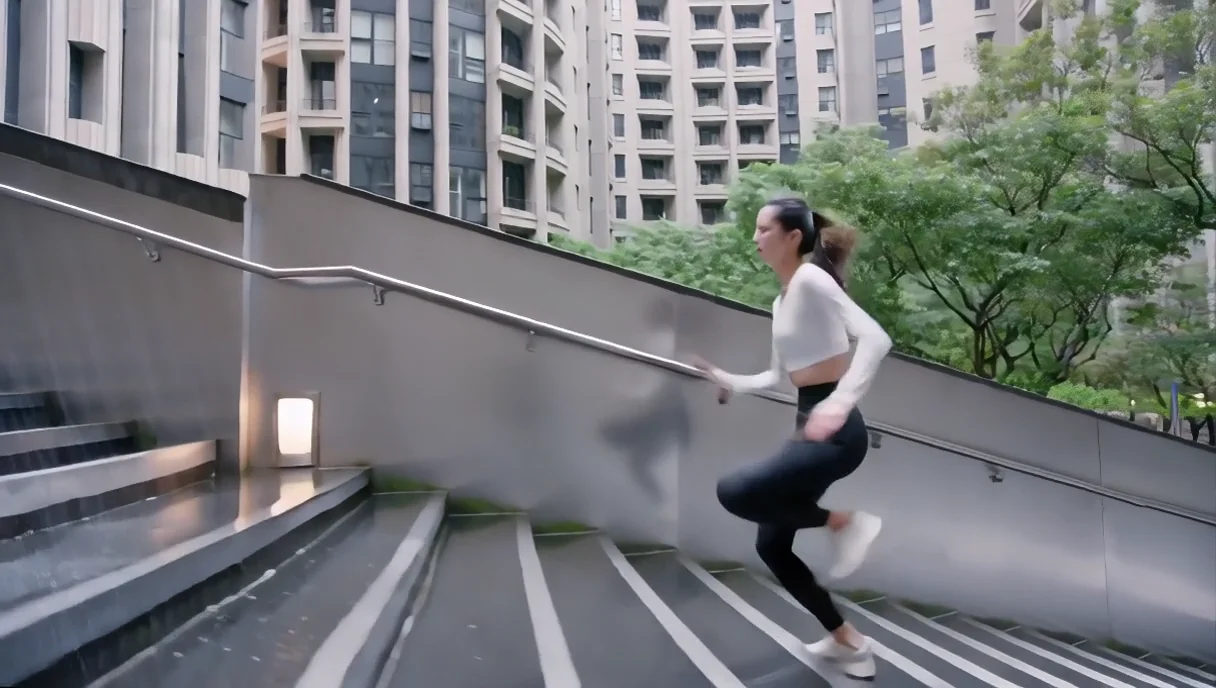
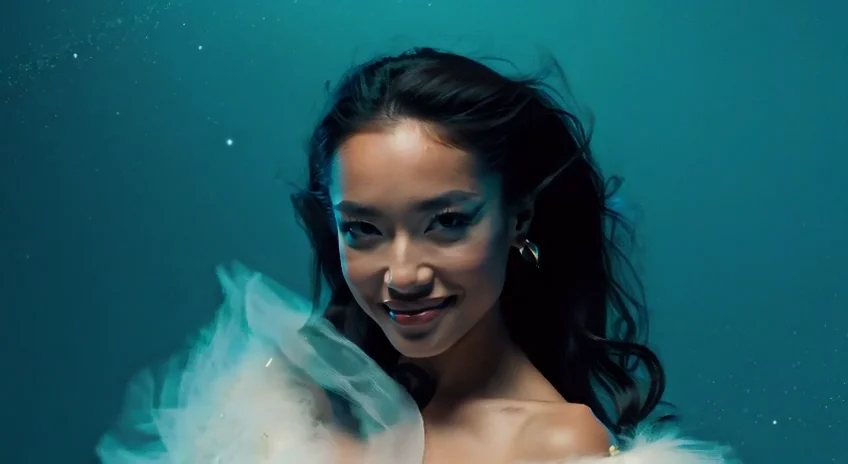

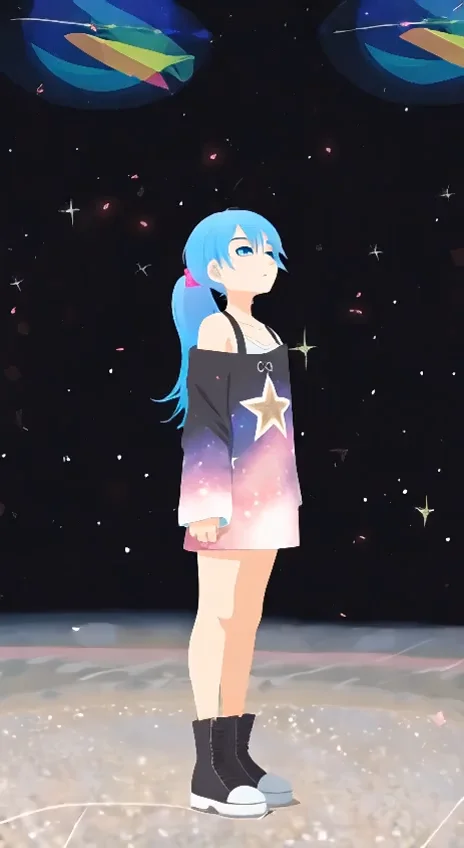

README
Wan 2.1 Text-to-Video 720p LoRA
Generate stunning videos from text descriptions with Wan 2.1 Text-to-Video 720p LoRA. This powerful model transforms your written prompts into high-quality 720p videos with smooth motion and cinematic quality — plus full LoRA support for custom styles, characters, and aesthetics.
Why It Stands Out
- Pure text-to-video generation: No source image needed — describe your vision and watch it come to life.
- LoRA support: Load custom LoRA models to apply specific styles, maintain character consistency, or match brand aesthetics.
- Prompt-guided creation: Control scenes, actions, camera movements, and atmosphere through natural language.
- Negative prompt support: Exclude unwanted elements for cleaner, more controlled outputs.
- Flexible duration: Generate 5-second or 10-second clips depending on your needs.
- Reproducibility: Use the seed parameter to recreate exact results or iterate on variations.
Pricing
| Duration | Price |
|---|---|
| 5 seconds | $0.30 |
| 10 seconds | $0.45 |
Parameters
| Parameter | Required | Description |
|---|---|---|
| prompt | Yes | Text description of the video you want to generate. |
| negative_prompt | No | Elements to avoid in the generated video. |
| lora_url | No | URL to your custom LoRA model file. |
| lora_strength | No | LoRA influence strength (typically 0.5–1.0). |
| size | No | Output resolution (default: 1280×720). |
| num_inference_steps | No | Quality/speed trade-off (default: 30). |
| duration | No | Video length in seconds: 5 or 10 (default: 5). |
| guidance_scale | No | Prompt adherence strength (default: 5). |
| flow_shift | No | Motion intensity control (default: 5). |
| seed | No | Set for reproducibility; -1 for random. |
How to Use
- Write a prompt describing the scene, action, and style you want.
- Add a LoRA (optional) — paste the URL to your custom LoRA and set the strength.
- Set parameters — adjust duration, guidance scale, and other settings as needed.
- Add a negative prompt (optional) to exclude unwanted elements.
- Click Run and wait for your video to generate.
- Preview and download the result.
How to Use LoRA
LoRA (Low-Rank Adaptation) lets you customize the model's output style without retraining the full model.
- Use your LoRA: Host your .safetensors file at a public URL and paste it into the lora_url field.
- Train your LoRA: Learn how to create custom LoRAs in our guide: Train Your Own LoRA Model
Common LoRA use cases: consistent character appearance, specific art styles, brand-aligned aesthetics, anime/cartoon styles.
Best Use Cases
- Social Media Content — Create scroll-stopping video content from scratch.
- Marketing & Advertising — Produce concept videos and ad creatives without filming.
- Storytelling & Animation — Generate scenes for short films, music videos, or narrative projects.
- Game & App Development — Create promotional trailers and UI animations.
- Personalized Content — Use custom LoRAs for branded or character-consistent videos.
Pro Tips for Best Quality
- Be specific in your prompt — describe subject, action, environment, lighting, and camera movement.
- Use negative prompts to reduce common artifacts: blur, distortion, jitter, or watermarks.
- Start with lower inference steps (20–25) for quick previews, then increase for final renders.
- When using LoRA, start with strength around 0.7 and adjust based on results.
- Fix the seed when iterating to isolate the effect of parameter changes.
Notes
- Ensure any LoRA URLs are publicly accessible.
- Processing time varies based on duration and current queue load.
- Please ensure your prompts comply with content guidelines.
Wan 2.1 T2v 720p Lora API — Quick start
Grab a WaveSpeedAI API key, then call POST https://api.wavespeed.ai/api/v3/wavespeed-ai/wan-2.1/t2v-720p-lora with your input as JSON. The endpoint returns a prediction id. Start polling the result endpoint around every 2 seconds, increase the interval for long-running tasks, and stop on any terminal status. On completed, read output values from data.outputs. Examples for Wan 2.1 T2v 720p Lora below.
HTTP example
set -euo pipefail

: "${WAVESPEED_API_KEY:?Set WAVESPEED_API_KEY}"

REQUEST_BODY=$(cat <<'JSON'
{
    "prompt": "A cinematic shot of a city at sunset, soft golden light",
    "size": "1280*720",
    "num_inference_steps": 30,
    "duration": 5,
    "guidance_scale": 5,
    "flow_shift": 5,
    "seed": -1
}
JSON
)

# 1. Submit the prediction.
SUBMIT_RESPONSE=$(curl --silent --show-error --fail-with-body \
  -X POST "https://api.wavespeed.ai/api/v3/wavespeed-ai/wan-2.1/t2v-720p-lora" \
  -H "Content-Type: application/json" \
  -H "Authorization: Bearer $WAVESPEED_API_KEY" \
  -d "$REQUEST_BODY")

TASK=$(printf '%s' "$SUBMIT_RESPONSE" | jq 'if has("data") then .data else . end')
PREDICTION_ID=$(printf '%s' "$TASK" | jq -r '.id')
if [ -z "$PREDICTION_ID" ] || [ "$PREDICTION_ID" = "null" ]; then
  printf 'Submission response did not contain a prediction id
' >&2
  exit 1
fi
RESULT_URL=$(printf '%s' "$TASK" | jq -r '.urls.get // empty')
if [ -z "$RESULT_URL" ]; then
  RESULT_URL="https://api.wavespeed.ai/api/v3/predictions/$PREDICTION_ID/result"
fi

# 2. Poll until the prediction finishes.
while true; do
  RESPONSE=$(curl --silent --show-error --fail-with-body "$RESULT_URL" \
    -H "Authorization: Bearer $WAVESPEED_API_KEY")
  RESULT=$(printf '%s' "$RESPONSE" | jq 'if has("data") then .data else . end')
  STATUS=$(printf '%s' "$RESULT" | jq -r '.status')
  case "$STATUS" in
    completed) printf '%s\n' "$RESULT" | jq '.outputs'; break ;;
    failed|cancelled|timeout) printf '%s\n' "$RESULT" | jq . >&2; exit 1 ;;
    created|processing) sleep 2 ;;
    *) printf 'Unexpected status: %s
' "$STATUS" >&2; exit 1 ;;
  esac
done
Node.js example
const submitUrl = "https://api.wavespeed.ai/api/v3/wavespeed-ai/wan-2.1/t2v-720p-lora";
const apiKey = process.env.WAVESPEED_API_KEY;
if (!apiKey) throw new Error('Set WAVESPEED_API_KEY');

async function requestJson(url, options = {}) {
  const response = await fetch(url, options);
  if (!response.ok) throw new Error(await response.text());
  return response.json();
}

// 1. Submit the prediction.
const body = await requestJson(submitUrl, {
  method: "POST",
  headers: {
    "Authorization": `Bearer ${apiKey}`,
    "Content-Type": "application/json",
  },
  body: JSON.stringify({
        "prompt": "A cinematic shot of a city at sunset, soft golden light",
        "size": "1280*720",
        "num_inference_steps": 30,
        "duration": 5,
        "guidance_scale": 5,
        "flow_shift": 5,
        "seed": -1
}),
});
const task = body.data ?? body;
if (!task.id) throw new Error("Submission response did not contain a prediction id");
const resultUrl = task.urls?.get ||
  `https://api.wavespeed.ai/api/v3/predictions/${task.id}/result`;

// 2. Poll until the prediction finishes.
while (true) {
  const resultBody = await requestJson(resultUrl, {
    headers: { "Authorization": `Bearer ${apiKey}` },
  });
  const result = resultBody.data ?? resultBody;
  if (result.status === "completed") {
    console.log(result.outputs);
    break;
  }
  if (["failed", "cancelled", "timeout"].includes(result.status)) throw new Error(JSON.stringify(result));
  if (!["created", "processing"].includes(result.status)) throw new Error("Unexpected status: " + result.status);
  await new Promise(resolve => setTimeout(resolve, 2000));
}
Python example
import json
import os
import time
from urllib.request import Request, urlopen

api_key = os.environ["WAVESPEED_API_KEY"]
headers = {"Authorization": f"Bearer {api_key}", "Content-Type": "application/json"}
payload = {
    "prompt": "A cinematic shot of a city at sunset, soft golden light",
    "size": "1280*720",
    "num_inference_steps": 30,
    "duration": 5,
    "guidance_scale": 5,
    "flow_shift": 5,
    "seed": -1
}

def request_json(url, data=None):
    request = Request(url, data=data, headers=headers, method="POST" if data else "GET")
    with urlopen(request) as response:
        return json.load(response)

# 1. Submit the prediction.
body = request_json("https://api.wavespeed.ai/api/v3/wavespeed-ai/wan-2.1/t2v-720p-lora", json.dumps(payload).encode())
task = body.get("data", body)
if not task.get("id"):
    raise RuntimeError("Submission response did not contain a prediction id")
result_url = task.get("urls", {}).get("get") or f"https://api.wavespeed.ai/api/v3/predictions/{task['id']}/result"

# 2. Poll until the prediction finishes.
while True:
    result_body = request_json(result_url)
    result = result_body.get("data", result_body)
    status = result.get("status")
    if status == "completed":
        print(result.get("outputs", []))
        break
    if status in {"failed", "cancelled", "timeout"}:
        raise RuntimeError(result)
    if status not in {"created", "processing"}:
        raise RuntimeError(f"Unexpected status: {status}")
    time.sleep(2)
Wan 2.1 T2v 720p Lora API — Frequently asked questions
What is the Wan 2.1 T2v 720p Lora API?
Wan 2.1 T2v 720p Lora is a WaveSpeedAI model for AI inference, exposed as a REST API on WaveSpeedAI. Wan 2.1 Text-to-Video 720P creates 720P videos from text prompts and supports custom LoRAs for personalized styles. Ready-to-use REST inference API, best performance, no coldstarts, affordable pricing. You can call it programmatically or try it from the playground above.
How do I call the Wan 2.1 T2v 720p Lora API?
POST your input parameters to the model's REST endpoint (shown in the API tab of this playground) with your WaveSpeedAI API key in the Authorization header. Submission returns a prediction ID. Poll the result endpoint starting around every 2 seconds, increase the interval for long-running tasks, and stop on any terminal status. The playground generates production-oriented Python, JavaScript, and cURL examples with timeouts, transient-error handling, and safe GET retries. Full request/response shape is documented at https://wavespeed.ai/docs/docs-api/wavespeed-ai/wan-2.1-t2v-720p-lora.
How much does Wan 2.1 T2v 720p Lora cost per run?
Wan 2.1 T2v 720p Lora starts at $0.30 per run. That figure is the base price — the final charge scales with the parameters you set in the form (output size, length, count, references, or whatever knobs this model exposes), so a higher-quality or larger output costs more than a minimal one. The exact cost for your current input is shown live next to the Generate button before you submit, and the actual per-call charge is recorded on the prediction afterwards.
What inputs does Wan 2.1 T2v 720p Lora accept?
Key inputs: `prompt`, `duration`, `size`, `seed`, `guidance_scale`, `num_inference_steps`. The full JSON schema (types, defaults, allowed values) is rendered above the Generate button and mirrored in the API reference at https://wavespeed.ai/docs/docs-api/wavespeed-ai/wan-2.1-t2v-720p-lora.
How long does Wan 2.1 T2v 720p Lora take to generate?
Median end-to-end generation time on WaveSpeedAI is around 288 seconds per request, based on recent successful runs. Queue time varies with global demand; live status is visible in the prediction record.
Can I use Wan 2.1 T2v 720p Lora outputs commercially?
Commercial usage rights depend on the model's license, set by its provider (WaveSpeedAI). The license summary appears on the model card above; see WaveSpeedAI's Terms of Service for platform-level conditions.