LTX-2 19b Image-to-Video LoRA is the first DiT-based audio-video foundation model with synchronized audio and video generation. This LoRA version supports custom style adapters for personalized video generation. Ready-to-use REST inference API, best performance, no coldstarts, affordable pricing.
En attente
$0.1par exécution·~10 / $1
ExemplesTout voir
City lights twinkle softly, cars move along the streets below, light trails flowing through the roads, subtle atmospheric haze drifts
Ultra-realistic close-up photo of a cat with paw raised near mouth, tongue just finishing a lick, relaxed posture, soft eyes, warm cozy indoor lighting, creamy pastel background, extreme fur detail, shallow depth of field, cinematic portrait realism, no stylization
Ukrainian girls standing in a circle (khorovod) near a river at night, moonlight reflecting on water, stars in the night sky, mystical and cinematic atmosphere, ultra detailed, high fashion editorial style
The door slowly opens a few inches, light flickers and buzzes, dust motes drift. Slow push-in. Door creak, low ominous drone, faint floorboard groan.
toy in motion, slight blur, dynamic pose, frozen action moment, cinematic lighting, storytelling frame
Modèles associés
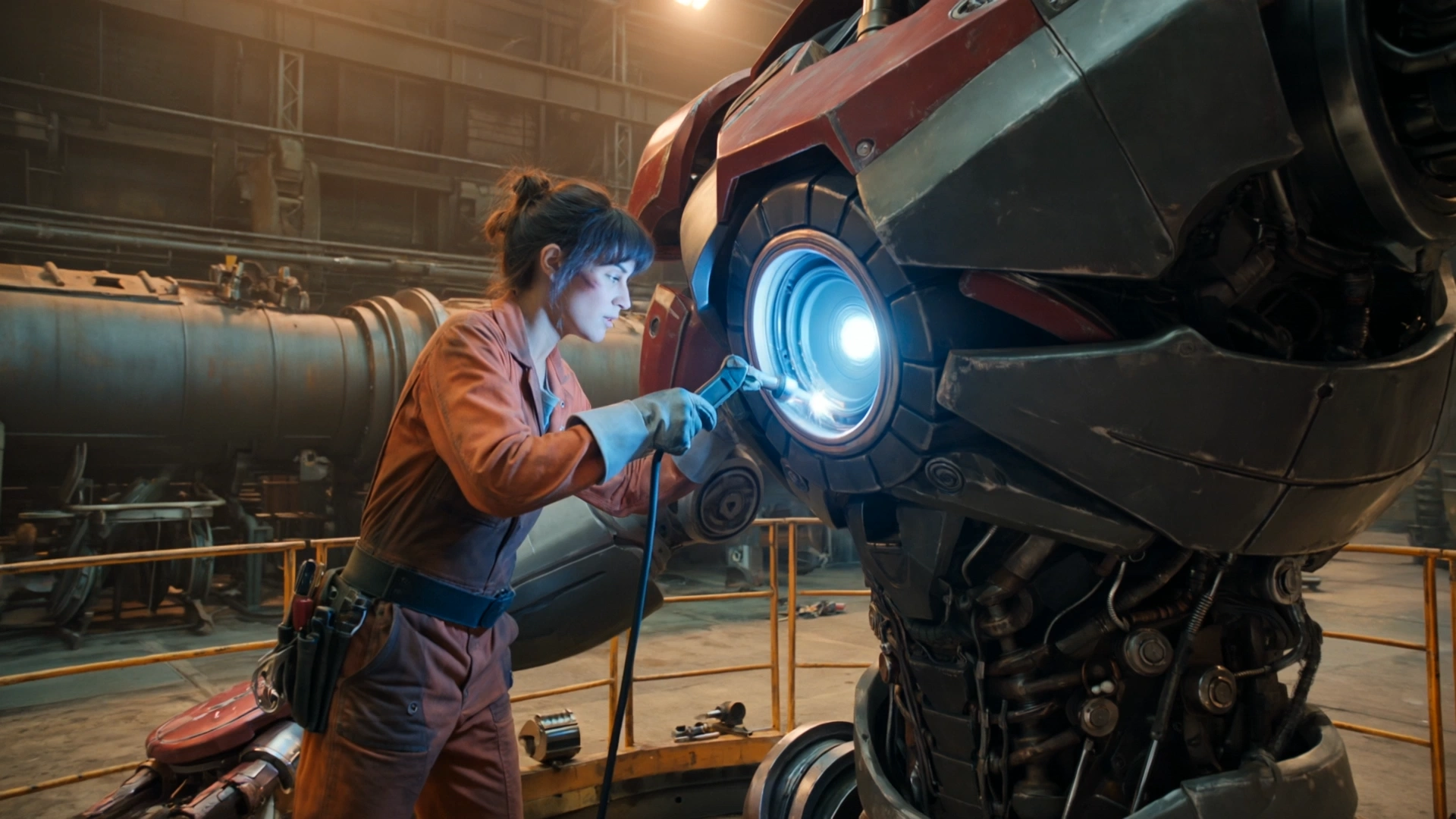
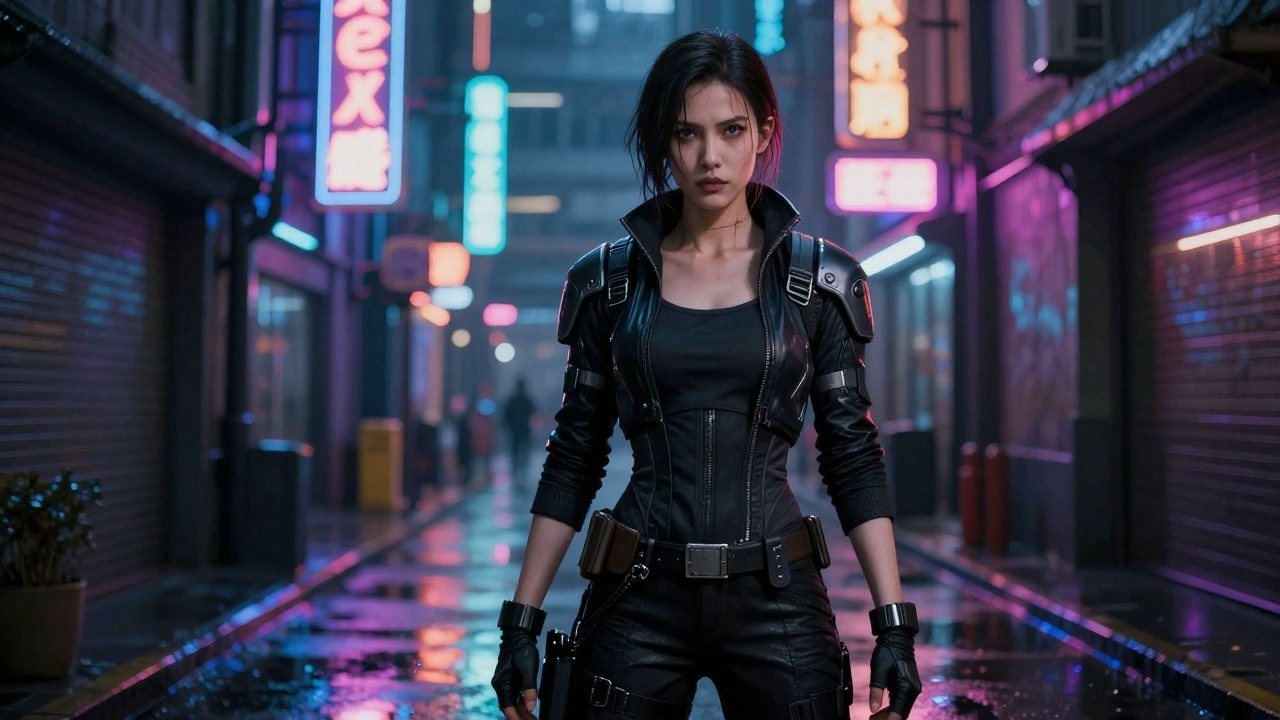
README
LTX-2 19B Image-to-Video LoRA
LTX-2 Image-to-Video LoRA generates customized videos from images with synchronized audio and full LoRA support. Apply up to 3 custom LoRA adapters for style personalization — perfect for branded content, custom characters, and unique visual styles.
Looking for the standard version? Try LTX-2 19B Image-to-Video without LoRA support.
Why Choose This?
-
LoRA support Apply up to 3 custom LoRA adapters to personalize style, characters, or visual aesthetics.
-
Image-conditioned video with audio Transforms a static image into a moving video with synchronized audio generated in a single pass.
-
Preserves input composition Maintains the subject, framing, and lighting of your reference image while adding natural motion.
-
High-fidelity output Leverages a 19B-parameter DiT architecture for detailed, temporally consistent video.
-
Flexible resolution Supports 480p, 720p, and 1080p outputs to balance quality and cost.
Parameters
| Parameter | Required | Description |
|---|---|---|
| image | Yes | Source image to animate (upload or public URL) |
| prompt | Yes | Text description of motion, action, and audio cues |
| resolution | No | Output resolution: 480p, 720p (default), or 1080p |
| duration | No | Video length in seconds (5-20, default: 5) |
| loras | No | List of LoRA adapters to apply (up to 3) |
| seed | No | Random seed for reproducibility (-1 for random) |
LoRA Format
Each LoRA in the loras array has:
- path (required) — URL to the LoRA weights file
- scale (optional) — Weight multiplier from 0-4, default 1
How to Use
- Upload your image — drag and drop or paste a public URL.
- Write your prompt — describe motion, style, and audio cues.
- Add LoRAs — click "+ Add Item" to include custom LoRA adapters.
- Adjust LoRA scale — use 0.5-1.0 for subtle effects, 1.0-2.0 for stronger influence.
- Set resolution and duration — choose based on quality needs.
- Run — submit and download the generated video.
Pricing
| Resolution | 5s | 10s | 15s | 20s |
|---|---|---|---|---|
| 480p | $0.075 | $0.15 | $0.225 | $0.30 |
| 720p | $0.10 | $0.20 | $0.30 | $0.40 |
| 1080p | $0.15 | $0.30 | $0.45 | $0.60 |
Billing Rules
- Base price: $0.10 (720p, 5 seconds)
- Resolution multiplier: 480p = 0.75×, 720p = 1×, 1080p = 1.5×
- Duration: Scales linearly (per 5 seconds)
- Total cost = duration × $0.10 × resolution_multiplier / 5
Best Use Cases
- Custom Character Animation — Apply character LoRAs for consistent identity across videos.
- Brand Content — Use trained LoRAs for consistent brand visual identity.
- Artistic Styles — Apply style LoRAs for anime, painterly, or other aesthetics.
- Product Visualization — Customize product appearance with trained adapters.
Pro Tips
- Start with scale 1.0 and adjust up or down based on results.
- Combine LoRAs carefully — multiple LoRAs can conflict; test combinations.
- Match LoRA to content — use character LoRAs for character content, style LoRAs for aesthetics.
- Audio adapts automatically — the model generates appropriate audio even with custom styles.
- Use high-quality, sharp input images for best results.
Notes
- Maximum video duration is 20 seconds.
- Up to 3 LoRAs can be applied simultaneously.
- LoRA version pricing is 25% higher than standard version.
- The aspect ratio of output video is influenced by your input image.
Related Models
- LTX-2 19B Image-to-Video — Standard version without LoRA support.
- LTX-2 19B Text-to-Video LoRA — Text-to-video with LoRA support.
- LTX-2 19B Text-to-Video — Generate from text only.
Reference
Ltx 2 19b Image To Video Lora API — Quick start
Grab a WaveSpeedAI API key, then call POST https://api.wavespeed.ai/api/v3/wavespeed-ai/ltx-2-19b/image-to-video-lora with your input as JSON. The endpoint returns a prediction id; poll the prediction endpoint until status flips to completed, then read the output URL from data.outputs[0]. Examples for Ltx 2 19b Image To Video Lora below.
HTTP example
# Submit the prediction
curl -X POST "https://api.wavespeed.ai/api/v3/wavespeed-ai/ltx-2-19b/image-to-video-lora" \
  -H "Content-Type: application/json" \
  -H "Authorization: Bearer $WAVESPEED_API_KEY" \
  -d '{
    "prompt": "A cinematic shot of a city at sunset, soft golden light",
    "image": "https://example.com/your-input.jpg",
    "resolution": "720p",
    "duration": 5,
    "seed": -1
}'

# Response includes a prediction id. Poll for the result:
curl -X GET "https://api.wavespeed.ai/api/v3/predictions/{request_id}/result" \
  -H "Authorization: Bearer $WAVESPEED_API_KEY"

# When status is "completed", read the output from data.outputs[0].
Node.js example
// npm install wavespeed
const WaveSpeed = require('wavespeed');

const client = new WaveSpeed(); // reads WAVESPEED_API_KEY from env

const result = await client.run("wavespeed-ai/ltx-2-19b/image-to-video-lora", {
        "prompt": "A cinematic shot of a city at sunset, soft golden light",
        "image": "https://example.com/your-input.jpg",
        "resolution": "720p",
        "duration": 5,
        "seed": -1
});

console.log(result.outputs[0]); // → URL of the generated output
Python example
# pip install wavespeed
import wavespeed

output = wavespeed.run(
    "wavespeed-ai/ltx-2-19b/image-to-video-lora",
    {
    "prompt": "A cinematic shot of a city at sunset, soft golden light",
    "image": "https://example.com/your-input.jpg",
    "resolution": "720p",
    "duration": 5,
    "seed": -1
}
)

print(output["outputs"][0])  # → URL of the generated output
Ltx 2 19b Image To Video Lora API — Frequently asked questions
What is the Ltx 2 19b Image To Video Lora API?
Ltx 2 19b Image To Video Lora is a WaveSpeedAI model for AI inference, exposed as a REST API on WaveSpeedAI. LTX-2 19b Image-to-Video LoRA is the first DiT-based audio-video foundation model with synchronized audio and video generation. This LoRA version supports custom style adapters for personalized video generation. Ready-to-use REST inference API, best performance, no coldstarts, affordable pricing. You can call it programmatically or try it from the playground above.
How do I call the Ltx 2 19b Image To Video Lora API?
POST your input parameters to the model's REST endpoint (shown in the API tab of this playground) with your WaveSpeedAI API key in the Authorization header. Submission returns a prediction ID; poll the prediction endpoint until status flips to "completed", then read the output URL from the result. The playground generates a ready-to-paste code sample in Python, JavaScript, or cURL for whatever inputs you've set. Full request/response shape is documented at https://wavespeed.ai/docs/docs-api/wavespeed-ai/ltx-2-19b-image-to-video-lora.
How much does Ltx 2 19b Image To Video Lora cost per run?
Ltx 2 19b Image To Video Lora starts at $0.10 per run. That figure is the base price — the final charge scales with the parameters you set in the form (output size, length, count, references, or whatever knobs this model exposes), so a higher-quality or larger output costs more than a minimal one. The exact cost for your current input is shown live next to the Generate button before you submit, and the actual per-call charge is recorded on the prediction afterwards.
What inputs does Ltx 2 19b Image To Video Lora accept?
Key inputs: `prompt`, `image`, `resolution`, `duration`, `seed`, `loras`. The full JSON schema (types, defaults, allowed values) is rendered above the Generate button and mirrored in the API reference at https://wavespeed.ai/docs/docs-api/wavespeed-ai/ltx-2-19b-image-to-video-lora.
How long does Ltx 2 19b Image To Video Lora take to generate?
Average end-to-end generation time on WaveSpeedAI is around 89 seconds per request — measured across recent runs. Queue time scales with global demand; live status is visible in the prediction record.
Can I use Ltx 2 19b Image To Video Lora outputs commercially?
Commercial usage rights depend on the model's license, set by its provider (WaveSpeedAI). The license summary appears on the model card above; see WaveSpeedAI's Terms of Service for platform-level conditions.