Google Veo 3.1 converts text prompts into videos with synchronized audio at native 1080p for high-quality outputs. Ready-to-use REST inference API, best performance, no coldstarts, affordable pricing.
En attente
$3.2par exécution
ExemplesTout voir
Two person street interview in New York City. Sample Dialogue: Host: "Did you hear the news?" Person: "Yes! Veo 3.1 is now available on WaveSpeedAI. If you want to see it, go check their website."
```json { "description": "A mother and daughter share a magical moment reading a Japanese folktale that comes to life from their book in a cozy evening setting.", "Shots": { "Shot_1": { "Camera_Angle": { "shot_size": "medium two-shot", "angle": "front view", "focus": "mother and daughter with book", "details": "warm intimate framing showing both characters on sofa" }, "Camera_Movement": { "movement": "gentle glide", "Description": "Slow, emotional pacing with subtle movement to enhance the intimate atmosphere" }, "Transition": { "type": "continuous glide", "target": "daughter's face" }, "Background": { "use": "Japanese living room" }, "Action": { "character": "Mother", "action": "sits on sofa with daughter", "action": "arm gently wrapped behind daughter", "action": "looking down at open book on their laps", "action": "wavy hair catches the light shimmer" }, "Action": { "character": "Daughter", "action": "sits close to mother on sofa", "action": "looks down at book with wonder", "action": "watches as magical scene unfolds" }, "Action": { "character": "Book", "action": "fills lower frame", "action": "radiates soft golden light", "action": "pages pulse and ripple", "action": "pop-up world begins to unfold with Urashima Tarō riding sea turtle" } }, "Shot_2": { "Camera_Angle": { "shot_size": "close-up", "angle": "left-side perspective", "focus": "daughter's profile", "details": "mother blurred in background" }, "Camera_Movement": { "movement": "static", "Description": "Held frame capturing daughter's wonder" }, "Dialogue": { "character": "Daughter", "line": "Mama, look! He's moving!", "timin
Action: A man adjusts his suit cuff before entering an evening gala. His watch glints under chandelier light. Camera: Close-up of ticking hands, reflections on glass, slow pull-back to reveal his composed face. Ambient Sound: Subtle ticking, low ambient orchestral hum, murmuring crowd. Dialogue: Voice-over (deep, calm): “Time doesn’t wait. But it remembers those who dare.” Logo fade-in: “Chronos — Measure Your Moments.”
This is a 3-beat prompt. Convert each beat into a distinct story. [Beat 1] A detective in a rainy alley whispers to himself: 'The clues don't add up.' Thunder rumbles. [Beat 2] He picks up a clue, rain pattering on pavement. [Beat 3] Close-up: He says 'Gotcha!' with dramatic music swell.
Action: A young woman sits by a window at dawn, sipping coffee while sunlight cuts across the table. Steam rises from her cup as she smiles. Camera: Slow pan from her hand to her face, then to the glowing skyline outside. Ambient Sound: Soft morning breeze, faint café chatter, gentle acoustic guitar. Dialogue: Woman (voice-over): “Every sunrise is a blank page. Start bold. Start with Brew&Co.”
Action: Inside a dimly lit recording studio, two producers argue over a mix. One sits at the console, the other paces back and forth. Camera: Handheld motion, circling around them as lights flicker from monitors. Ambient Sound: Low bass hum, clicking buttons, faint static from speakers. Dialogue: Maya (frustrated): “You keep chasing perfection, but the track’s already alive.” Zane (snaps): “Alive isn’t enough — it has to move people.”
Action: Two friends sit on a rooftop ledge overlooking a glowing city skyline at sunset. One is relaxed, the other deep in thought. Camera: Slow dolly-in toward the two as warm sunlight flares through the lens. Ambient Sound: City traffic far below, soft wind, faint indie guitar music playing from a phone speaker. Dialogue: Emma (softly): “You ever think about leaving all this behind?” Ryan (smirks): “Only when I forget how beautiful it looks from up here.”
A vibrant young woman in her early 20s runs toward the camera in Times Square at night, ecstatic and wide-eyed, shouting passionately into a black microphone. She wears a neon green windbreaker and black headphones around her neck. She yells: “Yo, Veo3.1 just dropped on WaveSpeedAI — sound and texture are next level, try it right now!” Wet reflective streets, glowing blue-white-magenta billboards, blurred pedestrians, dynamic handheld follow-shot, sharp face focus, shallow depth of field. 4K UHD, saturated colors, viral UGC style.
Action: A performer stands before a mirror backstage, adjusting costume and makeup under bright bulbs. Camera: Slow zoom-in toward the reflection, emphasizing tension in the eyes. Ambient Sound: Distant applause, creaking floorboards, faint orchestra tuning. Dialogue: Performer (to self): “This is it. One more chance to mean it.”
Scene 1: Action: Inside a modern coworking office, two young entrepreneurs rehearse a startup pitch in front of a whiteboard filled with diagrams. Dialogue: Anna (determined): “We’re not selling a product. We’re selling a vision.” Leo (nodding): “Then let’s make them believe it.” Ambient Sound: Office air hum, typing in the background, occasional distant city noise. Scene 2: Action: Cut to the real pitch — same outfits, gestures, and tone. The lighting shifts to bright stage lights as they present confidently. Continuity: Smooth cross-scene identity retention; their confidence builds visually and emotionally.
Scene 1: Action: A cozy downtown café at sunrise. Steam rises from two coffee mugs. Characters: A young woman (Emma) and her friend (Jake) sit by the window, sunlight filtering through. Dialogue: Emma (warmly): “I can’t believe it’s been a year since we started this.” Jake (smiling): “Yeah, and we’re still chasing the same dream.” Ambient Sound: Soft background jazz, light chatter, the sound of a coffee machine. Scene 2: Action: The camera slowly pans as they laugh together, then fades into a flashback of their first meeting at the same café — same seats, same sunlight. Continuity: Same faces, gestures, and lighting tone across both shots.
Modèles associés



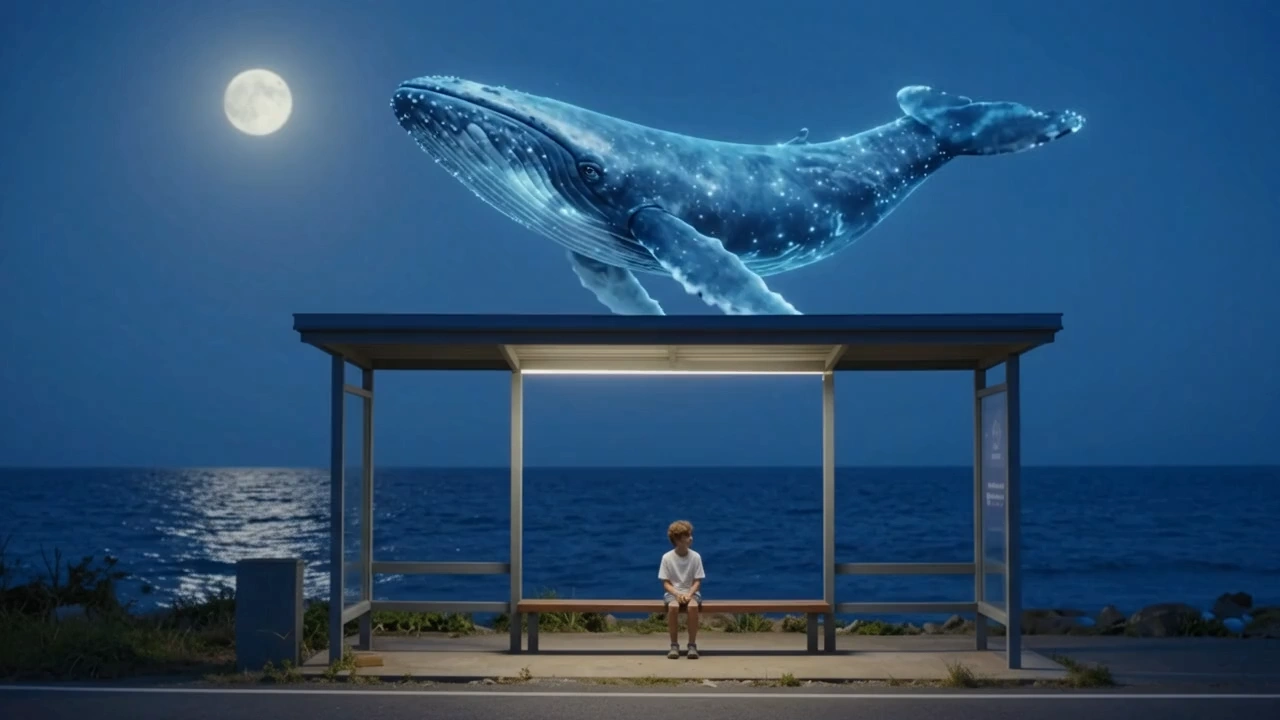
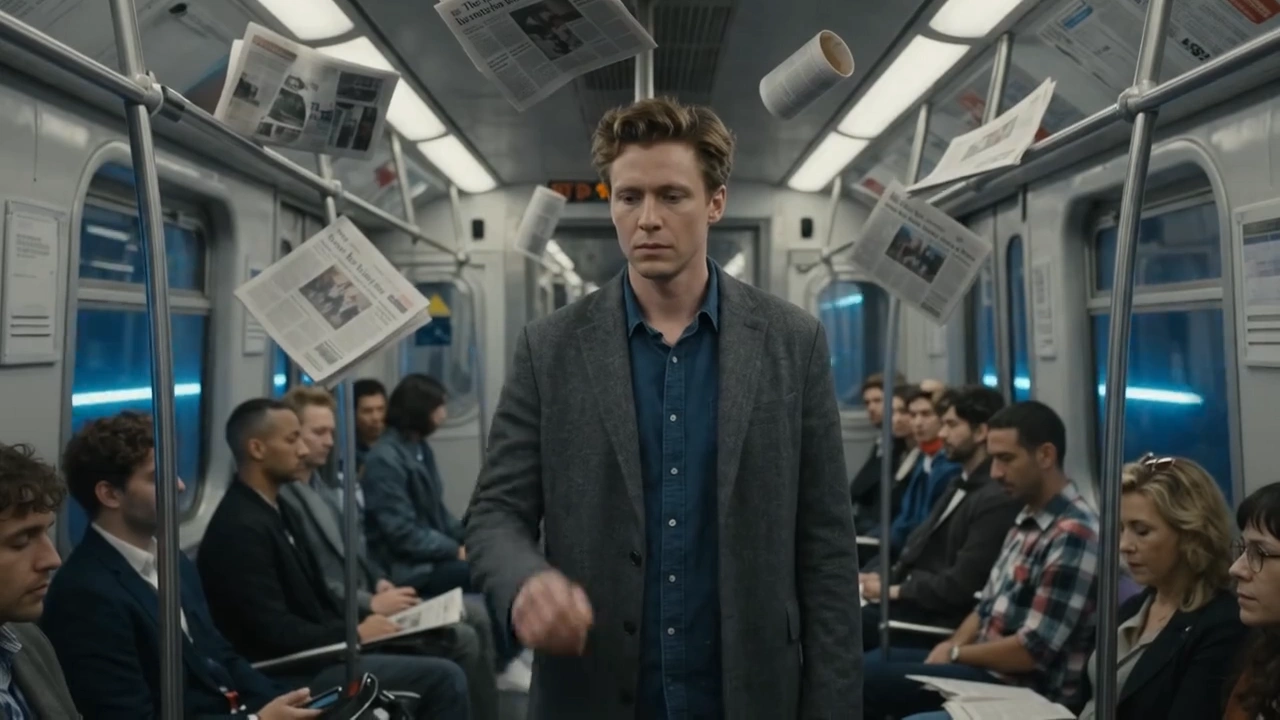
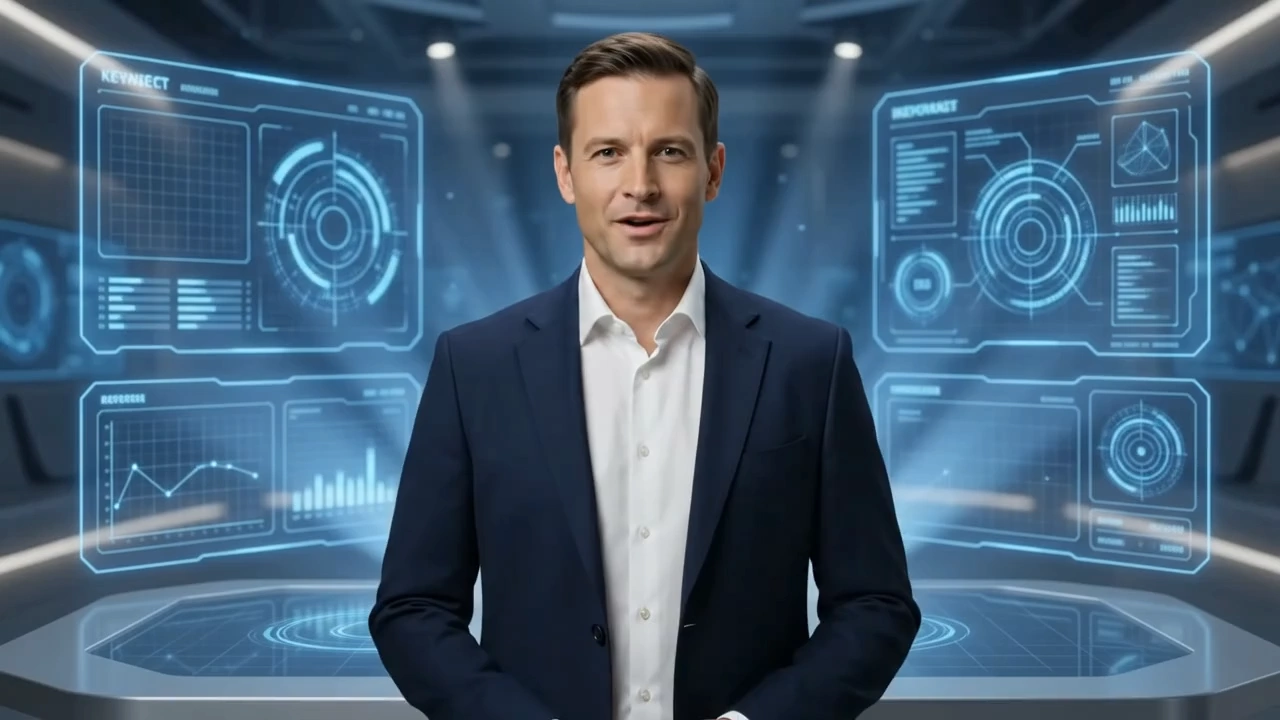
README
🎥 Google Veo 3.1 — Text-to-Video (T2V) Model
Veo 3.1 T2V is the latest text-to-video model from Google DeepMind, designed to bring cinematic storytelling to life through text. It generates high-fidelity 1080p videos with synchronized, context-aware audio, realistic motion, and narrative consistency — making it one of the most advanced generative video systems ever released.
🌟 Why it stands out
-
🎬 Cinematic Realism Produces natural lighting, smooth camera transitions, and accurate perspective for film-like motion.
-
🔊 Native Audio Generation Generates synchronized ambient sound, dialogue, and music directly aligned with the visuals.
-
🗣️ Dialogue & Lip-Sync Supports speaking characters and realistic facial expressions — perfect for storytelling, marketing, or short-form content.
-
🧠 Subject Consistency (R2V) Maintains a character’s or object’s identity across frames using 1–3 reference images.
-
🎞️ Video Interpolation Seamlessly animates transitions between two given frames — ideal for smooth start-to-end storytelling.
-
📐 Flexible Output Supports both 720p and 1080p, at 24 FPS, duration for 4s, 6s, 8s, and in both 16:9 (landscape) and 9:16 (portrait) formats.
⚙️ Key Parameters
- prompt — Describe your scene or story (e.g., “A drone shot flying over Las Vegas, transitioning from day to night with soft jazz in the background”).
- durationSeconds — Choose video length (4s, 6s, or 8s).
- resolution — 720p or 1080p.
- aspectRatio — Landscape (16:9) or Portrait (9:16).
💰 Pricing (Preview Stage)
| Model | Description | Input Type | Output | Price |
|---|---|---|---|---|
| Veo 3.1 (Video + Audio) | Generate videos with synchronized sound | Text / Image | Video + Audio | $0.40 / sec |
| Veo 3.1 (Video only) | Generate high-quality silent videos | Text / Image | Video | $0.20 / sec |
💡 Minimum cost: ~$3.20 per clip (based on 8s @ 1080p). Without audio needs $1.60.
🚀 How to Use
- ✍️ Write a Prompt Describe the desired motion, camera style, lighting, and sound.
Example: “A cinematic sunset over the ocean, waves glimmering as seagulls fly across the horizon.”
-
⚙️ Adjust Parameters Select duration, resolution (720p/1080p), and aspect ratio.
-
▶️ Generate Submit your request — Veo 3.1 will render motion, lighting, and synchronized audio.
-
💾 Preview & Download Review your video, refine your prompt if needed, then download the final MP4.
💡 Pro Tips
- Keep prompts focused on one main action or subject for better coherence.
- Use camera verbs like “tracking,” “zoom out,” or “handheld” for cinematic control.
- Mention lighting and mood cues (e.g., “under soft moonlight,” “golden-hour glow”).
- Use R2V for character-based storytelling; Interpolation for smooth transitions.
- Avoid conflicting instructions (e.g., “fast zoom” and “slow motion” together).
🧾 Notes & Limitations
- Generation time: ~2–3 minutes for an 8-second 1080p clip.
- Frame rate fixed at 24 FPS.
- Advanced controls (R2V, I2V, Interpolation) are mutually exclusive — only one per generation.
- If your prompt is blocked, rewrite it and resubmit (safety thresholds may adjust during preview).
Veo3.1 Text To Video API — Quick start
Grab a WaveSpeedAI API key, then call POST https://api.wavespeed.ai/api/v3/google/veo3.1/text-to-video with your input as JSON. The endpoint returns a prediction id. Start polling the result endpoint around every 2 seconds, increase the interval for long-running tasks, and stop on any terminal status. On completed, read output values from data.outputs. Examples for Veo3.1 Text To Video below.
HTTP example
set -euo pipefail

: "${WAVESPEED_API_KEY:?Set WAVESPEED_API_KEY}"

REQUEST_BODY=$(cat <<'JSON'
{
    "prompt": "A cinematic shot of a city at sunset, soft golden light",
    "aspect_ratio": "16:9",
    "duration": 8,
    "resolution": "1080p",
    "generate_audio": true
}
JSON
)

# 1. Submit the prediction.
SUBMIT_RESPONSE=$(curl --silent --show-error --fail-with-body \
  -X POST "https://api.wavespeed.ai/api/v3/google/veo3.1/text-to-video" \
  -H "Content-Type: application/json" \
  -H "Authorization: Bearer $WAVESPEED_API_KEY" \
  -d "$REQUEST_BODY")

TASK=$(printf '%s' "$SUBMIT_RESPONSE" | jq 'if has("data") then .data else . end')
PREDICTION_ID=$(printf '%s' "$TASK" | jq -r '.id')
if [ -z "$PREDICTION_ID" ] || [ "$PREDICTION_ID" = "null" ]; then
  printf 'Submission response did not contain a prediction id
' >&2
  exit 1
fi
RESULT_URL=$(printf '%s' "$TASK" | jq -r '.urls.get // empty')
if [ -z "$RESULT_URL" ]; then
  RESULT_URL="https://api.wavespeed.ai/api/v3/predictions/$PREDICTION_ID/result"
fi

# 2. Poll until the prediction finishes.
while true; do
  RESPONSE=$(curl --silent --show-error --fail-with-body "$RESULT_URL" \
    -H "Authorization: Bearer $WAVESPEED_API_KEY")
  RESULT=$(printf '%s' "$RESPONSE" | jq 'if has("data") then .data else . end')
  STATUS=$(printf '%s' "$RESULT" | jq -r '.status')
  case "$STATUS" in
    completed) printf '%s\n' "$RESULT" | jq '.outputs'; break ;;
    failed|cancelled|timeout) printf '%s\n' "$RESULT" | jq . >&2; exit 1 ;;
    created|processing) sleep 2 ;;
    *) printf 'Unexpected status: %s
' "$STATUS" >&2; exit 1 ;;
  esac
done
Node.js example
const submitUrl = "https://api.wavespeed.ai/api/v3/google/veo3.1/text-to-video";
const apiKey = process.env.WAVESPEED_API_KEY;
if (!apiKey) throw new Error('Set WAVESPEED_API_KEY');

async function requestJson(url, options = {}) {
  const response = await fetch(url, options);
  if (!response.ok) throw new Error(await response.text());
  return response.json();
}

// 1. Submit the prediction.
const body = await requestJson(submitUrl, {
  method: "POST",
  headers: {
    "Authorization": `Bearer ${apiKey}`,
    "Content-Type": "application/json",
  },
  body: JSON.stringify({
        "prompt": "A cinematic shot of a city at sunset, soft golden light",
        "aspect_ratio": "16:9",
        "duration": 8,
        "resolution": "1080p",
        "generate_audio": true
}),
});
const task = body.data ?? body;
if (!task.id) throw new Error("Submission response did not contain a prediction id");
const resultUrl = task.urls?.get ||
  `https://api.wavespeed.ai/api/v3/predictions/${task.id}/result`;

// 2. Poll until the prediction finishes.
while (true) {
  const resultBody = await requestJson(resultUrl, {
    headers: { "Authorization": `Bearer ${apiKey}` },
  });
  const result = resultBody.data ?? resultBody;
  if (result.status === "completed") {
    console.log(result.outputs);
    break;
  }
  if (["failed", "cancelled", "timeout"].includes(result.status)) throw new Error(JSON.stringify(result));
  if (!["created", "processing"].includes(result.status)) throw new Error("Unexpected status: " + result.status);
  await new Promise(resolve => setTimeout(resolve, 2000));
}
Python example
import json
import os
import time
from urllib.request import Request, urlopen

api_key = os.environ["WAVESPEED_API_KEY"]
headers = {"Authorization": f"Bearer {api_key}", "Content-Type": "application/json"}
payload = {
    "prompt": "A cinematic shot of a city at sunset, soft golden light",
    "aspect_ratio": "16:9",
    "duration": 8,
    "resolution": "1080p",
    "generate_audio": True
}

def request_json(url, data=None):
    request = Request(url, data=data, headers=headers, method="POST" if data else "GET")
    with urlopen(request) as response:
        return json.load(response)

# 1. Submit the prediction.
body = request_json("https://api.wavespeed.ai/api/v3/google/veo3.1/text-to-video", json.dumps(payload).encode())
task = body.get("data", body)
if not task.get("id"):
    raise RuntimeError("Submission response did not contain a prediction id")
result_url = task.get("urls", {}).get("get") or f"https://api.wavespeed.ai/api/v3/predictions/{task['id']}/result"

# 2. Poll until the prediction finishes.
while True:
    result_body = request_json(result_url)
    result = result_body.get("data", result_body)
    status = result.get("status")
    if status == "completed":
        print(result.get("outputs", []))
        break
    if status in {"failed", "cancelled", "timeout"}:
        raise RuntimeError(result)
    if status not in {"created", "processing"}:
        raise RuntimeError(f"Unexpected status: {status}")
    time.sleep(2)
Veo3.1 Text To Video API — Frequently asked questions
What is the Veo3.1 Text To Video API?
Veo3.1 Text To Video is a Google model for video generation, exposed as a REST API on WaveSpeedAI. Google Veo 3.1 converts text prompts into videos with synchronized audio at native 1080p for high-quality outputs. Ready-to-use REST inference API, best performance, no coldstarts, affordable pricing. You can call it programmatically or try it from the playground above.
How do I call the Veo3.1 Text To Video API?
POST your input parameters to the model's REST endpoint (shown in the API tab of this playground) with your WaveSpeedAI API key in the Authorization header. Submission returns a prediction ID. Poll the result endpoint starting around every 2 seconds, increase the interval for long-running tasks, and stop on any terminal status. The playground generates production-oriented Python, JavaScript, and cURL examples with timeouts, transient-error handling, and safe GET retries. Full request/response shape is documented at https://wavespeed.ai/docs/docs-api/google/google-veo3.1-text-to-video.
How much does Veo3.1 Text To Video cost per run?
Veo3.1 Text To Video starts at $3.20 per run. That figure is the base price — the final charge scales with the parameters you set in the form (output size, length, count, references, or whatever knobs this model exposes), so a higher-quality or larger output costs more than a minimal one. The exact cost for your current input is shown live next to the Generate button before you submit, and the actual per-call charge is recorded on the prediction afterwards.
What inputs does Veo3.1 Text To Video accept?
Key inputs: `prompt`, `aspect_ratio`, `resolution`, `duration`, `seed`, `negative_prompt`. The full JSON schema (types, defaults, allowed values) is rendered above the Generate button and mirrored in the API reference at https://wavespeed.ai/docs/docs-api/google/google-veo3.1-text-to-video.
How long does Veo3.1 Text To Video take to generate?
Average end-to-end generation time on WaveSpeedAI is around 145 seconds per request — measured across recent runs. Queue time scales with global demand; live status is visible in the prediction record.
Can I use Veo3.1 Text To Video outputs commercially?
Commercial usage rights depend on the model's license, set by its provider (Google). The license summary appears on the model card above; see WaveSpeedAI's Terms of Service for platform-level conditions.