Seedance v1 Lite converts 1 to 4 reference images into high-quality videos with reference-to-video image-to-video generation. Ready-to-use REST inference API, best performance, no coldstarts, affordable pricing.
Inactivo
$0.18por ejecución·~55 / $10
EjemplosVer todo
The woman and the dog are happily playing.
The man, wearing off-white clothes and jeans, played with a puppy on the beach.
The woman held a cute doll.
The woman put on the necklace and happily showed it to the camera.
A girl plays the violin amidst the flowers.
The woman carefully tended to the flowers.
The woman walked confidently down the street, greeting passersby.
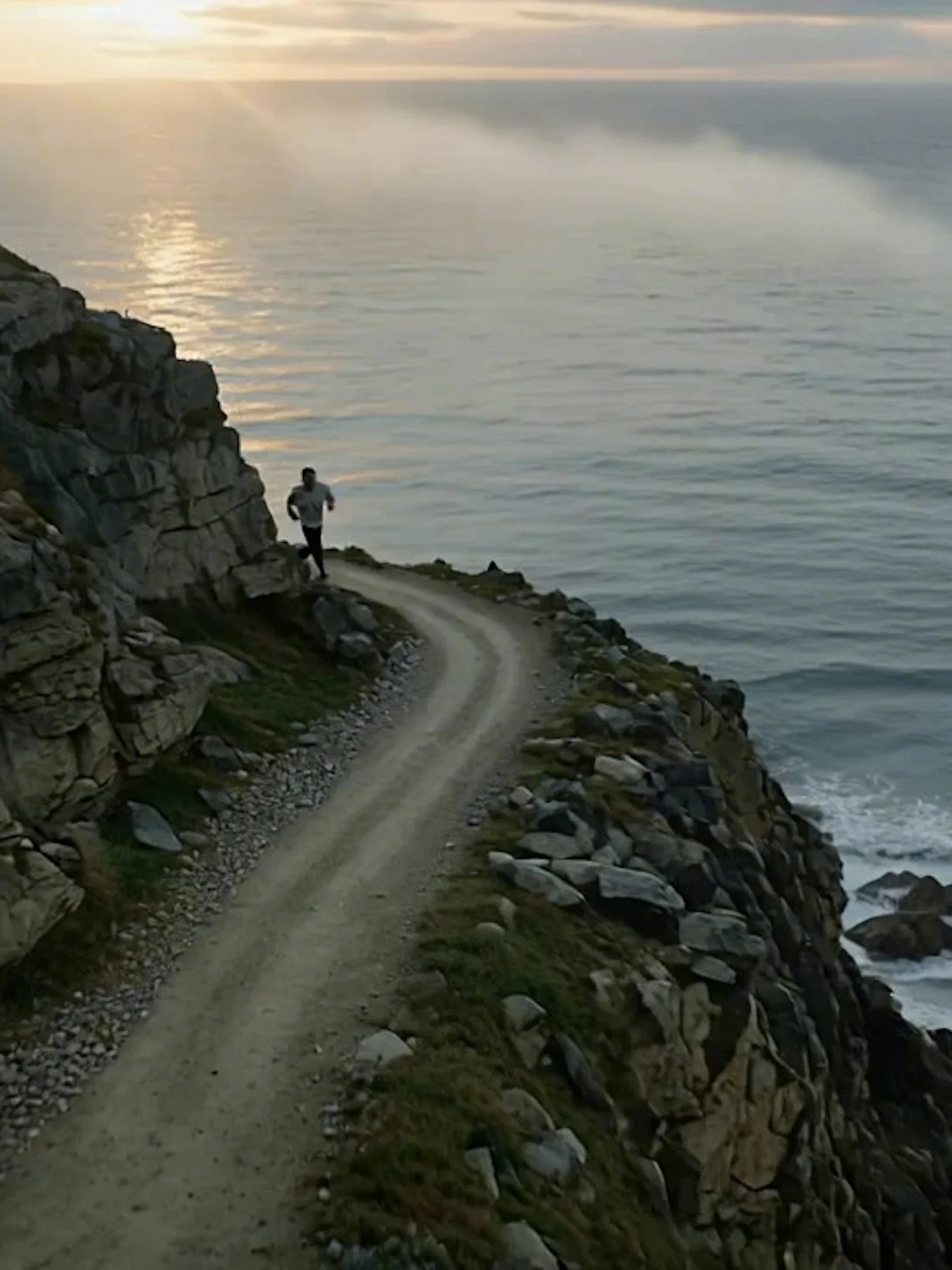
The man was climbing the mountain with great effort.
The girl held the flowers, turned her head, and looked at the camera.
Modelos relacionados





README
Seedance V1 Lite — Reference-to-Video
Seedance V1 Lite Reference-to-Video is an advanced multi-reference video generation model from that creates videos featuring subjects from your reference images. Upload up to 4 reference images of people, animals, or objects, and the model generates a coherent video with those subjects interacting based on your prompt.
Why It Stands Out
- Multi-reference support: Add up to 4 reference images to include multiple subjects in your video.
- Subject preservation: Maintains the identity and appearance of subjects from reference images.
- Prompt-guided action: Describe how subjects should interact or move in the generated video.
- Prompt Enhancer: Built-in AI-powered prompt optimization for better results.
- Camera control: Option to fix camera position for stable, static shots.
- Flexible duration: Generate videos of varying lengths based on your needs.
- Reproducibility: Use the seed parameter to recreate exact results.
Parameters
| Parameter | Required | Description |
|---|---|---|
| prompt | Yes | Text description of the video action and scene. |
| reference_images | Yes | Up to 4 reference images of subjects to include (upload or URL). |
| duration | No | Video length in seconds (default: 5). |
| camera_fixed | No | Fix camera position for stable shots. |
| seed | No | Set for reproducibility; leave empty for random. |
How to Use
- Write a prompt describing the action and scene you want. Use the Prompt Enhancer for AI-assisted optimization.
- Add reference images — upload up to 4 images of subjects (people, animals, objects) to include in the video.
- Set duration — choose how long you want the video to be.
- Enable camera_fixed (optional) — check this for a stable, static camera shot.
- Set a seed (optional) for reproducible results.
- Click Run and wait for your video to generate.
- Preview and download the result.
Best Use Cases
- Character Animation — Animate portraits or character images in custom scenes.
- Pet Videos — Create fun videos featuring your pets in imaginative scenarios.
- Social Media Content — Generate engaging videos with multiple subjects interacting.
- Storytelling — Bring characters together in narrative video clips.
- Marketing & Advertising — Create product videos featuring specific items or mascots.
- Creative Projects — Combine different subjects in unique, creative compositions.
Pricing
| Duration | Price |
|---|---|
| 5 seconds | $0.18 |
| 10 seconds | $0.36 |
| 15 seconds | $0.54 |
| 20 seconds | $0.72 |
Total cost = $0.18 × (duration / 5)
Pro Tips for Best Quality
- Use clear, high-quality reference images with subjects well-visible.
- For best results, use front-facing or 3/4 angle reference photos.
- Be specific in your prompt about how subjects should interact.
- Enable camera_fixed for professional-looking static shots.
- When using multiple subjects, describe their relative positions and actions clearly.
- Fix the seed when iterating to compare different prompt variations.
Notes
- Maximum of 4 reference images per generation.
- Ensure uploaded image URLs are publicly accessible.
- Processing time varies based on duration and current queue load.
- Please ensure your content complies with usage guidelines.
Seedance v1 Lite Reference To Video API — Quick start
Grab a WaveSpeedAI API key, then call POST https://api.wavespeed.ai/api/v3/bytedance/seedance-v1-lite/reference-to-video with your input as JSON. The endpoint returns a prediction id. Start polling the result endpoint around every 2 seconds, increase the interval for long-running tasks, and stop on any terminal status. On completed, read output values from data.outputs. Examples for Seedance v1 Lite Reference To Video below.
HTTP example
set -euo pipefail

: "${WAVESPEED_API_KEY:?Set WAVESPEED_API_KEY}"

REQUEST_BODY=$(cat <<'JSON'
{
    "prompt": "A cinematic shot of a city at sunset, soft golden light",
    "reference_images": [
        "https://interactive-examples.mdn.mozilla.net/media/cc0-images/painted-hand-298-332.jpg"
    ],
    "duration": 5,
    "camera_fixed": false
}
JSON
)

# 1. Submit the prediction.
SUBMIT_RESPONSE=$(curl --silent --show-error --fail-with-body \
  -X POST "https://api.wavespeed.ai/api/v3/bytedance/seedance-v1-lite/reference-to-video" \
  -H "Content-Type: application/json" \
  -H "Authorization: Bearer $WAVESPEED_API_KEY" \
  -d "$REQUEST_BODY")

TASK=$(printf '%s' "$SUBMIT_RESPONSE" | jq 'if has("data") then .data else . end')
PREDICTION_ID=$(printf '%s' "$TASK" | jq -r '.id')
if [ -z "$PREDICTION_ID" ] || [ "$PREDICTION_ID" = "null" ]; then
  printf 'Submission response did not contain a prediction id
' >&2
  exit 1
fi
RESULT_URL=$(printf '%s' "$TASK" | jq -r '.urls.get // empty')
if [ -z "$RESULT_URL" ]; then
  RESULT_URL="https://api.wavespeed.ai/api/v3/predictions/$PREDICTION_ID/result"
fi

# 2. Poll until the prediction finishes.
while true; do
  RESPONSE=$(curl --silent --show-error --fail-with-body "$RESULT_URL" \
    -H "Authorization: Bearer $WAVESPEED_API_KEY")
  RESULT=$(printf '%s' "$RESPONSE" | jq 'if has("data") then .data else . end')
  STATUS=$(printf '%s' "$RESULT" | jq -r '.status')
  case "$STATUS" in
    completed) printf '%s\n' "$RESULT" | jq '.outputs'; break ;;
    failed|cancelled|timeout) printf '%s\n' "$RESULT" | jq . >&2; exit 1 ;;
    created|processing) sleep 2 ;;
    *) printf 'Unexpected status: %s
' "$STATUS" >&2; exit 1 ;;
  esac
done
Node.js example
const submitUrl = "https://api.wavespeed.ai/api/v3/bytedance/seedance-v1-lite/reference-to-video";
const apiKey = process.env.WAVESPEED_API_KEY;
if (!apiKey) throw new Error('Set WAVESPEED_API_KEY');

async function requestJson(url, options = {}) {
  const response = await fetch(url, options);
  if (!response.ok) throw new Error(await response.text());
  return response.json();
}

// 1. Submit the prediction.
const body = await requestJson(submitUrl, {
  method: "POST",
  headers: {
    "Authorization": `Bearer ${apiKey}`,
    "Content-Type": "application/json",
  },
  body: JSON.stringify({
        "prompt": "A cinematic shot of a city at sunset, soft golden light",
        "reference_images": [
                "https://interactive-examples.mdn.mozilla.net/media/cc0-images/painted-hand-298-332.jpg"
        ],
        "duration": 5,
        "camera_fixed": false
}),
});
const task = body.data ?? body;
if (!task.id) throw new Error("Submission response did not contain a prediction id");
const resultUrl = task.urls?.get ||
  `https://api.wavespeed.ai/api/v3/predictions/${task.id}/result`;

// 2. Poll until the prediction finishes.
while (true) {
  const resultBody = await requestJson(resultUrl, {
    headers: { "Authorization": `Bearer ${apiKey}` },
  });
  const result = resultBody.data ?? resultBody;
  if (result.status === "completed") {
    console.log(result.outputs);
    break;
  }
  if (["failed", "cancelled", "timeout"].includes(result.status)) throw new Error(JSON.stringify(result));
  if (!["created", "processing"].includes(result.status)) throw new Error("Unexpected status: " + result.status);
  await new Promise(resolve => setTimeout(resolve, 2000));
}
Python example
import json
import os
import time
from urllib.request import Request, urlopen

api_key = os.environ["WAVESPEED_API_KEY"]
headers = {"Authorization": f"Bearer {api_key}", "Content-Type": "application/json"}
payload = {
    "prompt": "A cinematic shot of a city at sunset, soft golden light",
    "reference_images": [
        "https://interactive-examples.mdn.mozilla.net/media/cc0-images/painted-hand-298-332.jpg"
    ],
    "duration": 5,
    "camera_fixed": False
}

def request_json(url, data=None):
    request = Request(url, data=data, headers=headers, method="POST" if data else "GET")
    with urlopen(request) as response:
        return json.load(response)

# 1. Submit the prediction.
body = request_json("https://api.wavespeed.ai/api/v3/bytedance/seedance-v1-lite/reference-to-video", json.dumps(payload).encode())
task = body.get("data", body)
if not task.get("id"):
    raise RuntimeError("Submission response did not contain a prediction id")
result_url = task.get("urls", {}).get("get") or f"https://api.wavespeed.ai/api/v3/predictions/{task['id']}/result"

# 2. Poll until the prediction finishes.
while True:
    result_body = request_json(result_url)
    result = result_body.get("data", result_body)
    status = result.get("status")
    if status == "completed":
        print(result.get("outputs", []))
        break
    if status in {"failed", "cancelled", "timeout"}:
        raise RuntimeError(result)
    if status not in {"created", "processing"}:
        raise RuntimeError(f"Unexpected status: {status}")
    time.sleep(2)
Seedance v1 Lite Reference To Video API — Frequently asked questions
What is the Seedance v1 Lite Reference To Video API?
Seedance v1 Lite Reference To Video is a ByteDance model for video generation from images, exposed as a REST API on WaveSpeedAI. Seedance v1 Lite converts 1 to 4 reference images into high-quality videos with reference-to-video image-to-video generation. Ready-to-use REST inference API, best performance, no coldstarts, affordable pricing. You can call it programmatically or try it from the playground above.
How do I call the Seedance v1 Lite Reference To Video API?
POST your input parameters to the model's REST endpoint (shown in the API tab of this playground) with your WaveSpeedAI API key in the Authorization header. Submission returns a prediction ID. Poll the result endpoint starting around every 2 seconds, increase the interval for long-running tasks, and stop on any terminal status. The playground generates production-oriented Python, JavaScript, and cURL examples with timeouts, transient-error handling, and safe GET retries. Full request/response shape is documented at https://wavespeed.ai/docs/docs-api/bytedance/bytedance-seedance-v1-lite-reference-to-video.
How much does Seedance v1 Lite Reference To Video cost per run?
Seedance v1 Lite Reference To Video starts at $0.18 per run. That figure is the base price — the final charge scales with the parameters you set in the form (output size, length, count, references, or whatever knobs this model exposes), so a higher-quality or larger output costs more than a minimal one. The exact cost for your current input is shown live next to the Generate button before you submit, and the actual per-call charge is recorded on the prediction afterwards.
What inputs does Seedance v1 Lite Reference To Video accept?
Key inputs: `prompt`, `duration`, `seed`, `reference_images`, `camera_fixed`. The full JSON schema (types, defaults, allowed values) is rendered above the Generate button and mirrored in the API reference at https://wavespeed.ai/docs/docs-api/bytedance/bytedance-seedance-v1-lite-reference-to-video.
How long does Seedance v1 Lite Reference To Video take to generate?
Median end-to-end generation time on WaveSpeedAI is around 97 seconds per request, based on recent successful runs. Queue time varies with global demand; live status is visible in the prediction record.
Can I use Seedance v1 Lite Reference To Video outputs commercially?
Commercial usage rights depend on the model's license, set by its provider (ByteDance). The license summary appears on the model card above; see WaveSpeedAI's Terms of Service for platform-level conditions.