FLUX.2 [dev] from Black Forest Labs delivers fast, studio-quality text-to-image generation with enhanced realism, crisper text rendering, and native editing for rapid iteration. Ready-to-use REST inference API, best performance, no cold starts, affordable pricing.
Bereit
$0.012pro Durchlauf·~83 / $1
BeispieleAlle anzeigen
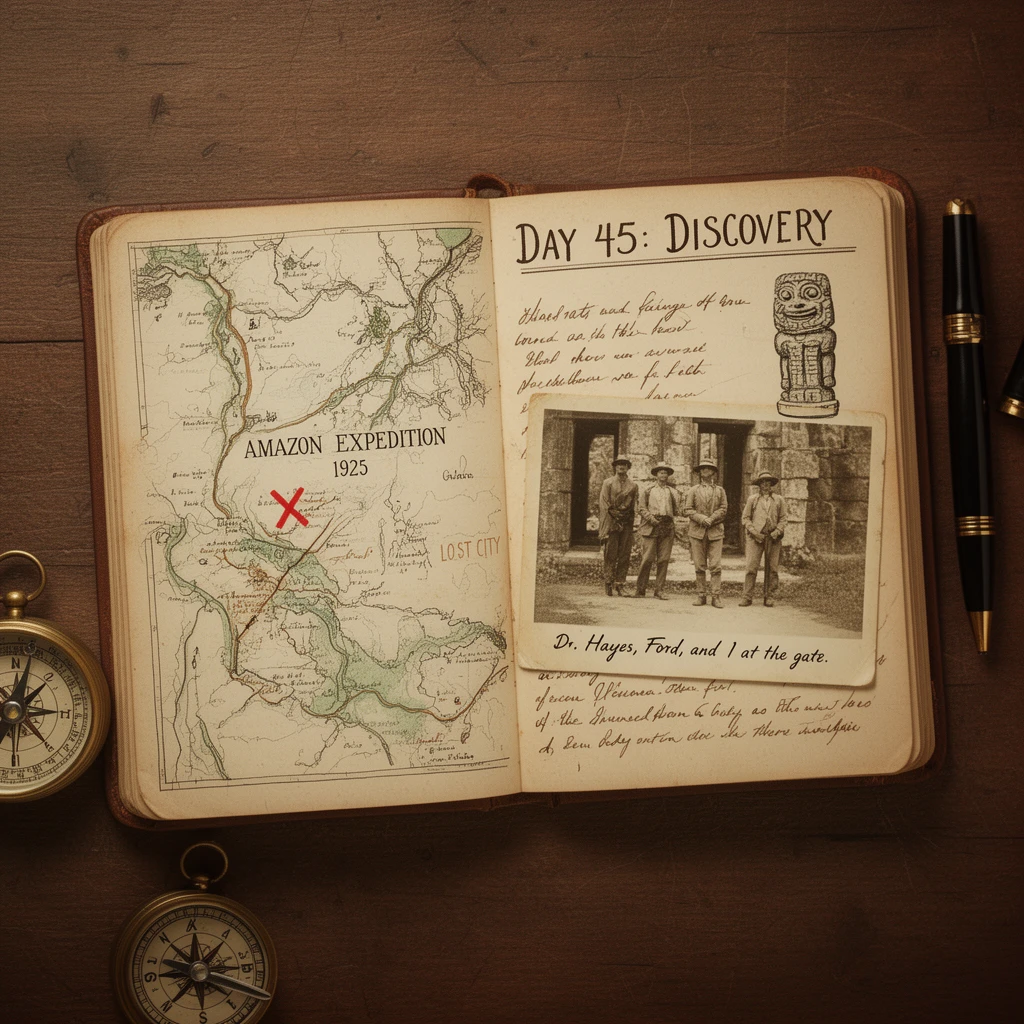
A top-down photograph of an open, vintage field explorer's journal on a wooden table. The left page has a hand-drawn map labeled "AMAZON EXPEDITION 1925" with a red 'X' marked "LOST CITY". The right page has handwritten cursive text titled "DAY 45: DISCOVERY". Below the title is a sketch of a strange stone idol. Pinned to the journal is an old, faded photograph of three explorers standing in front of a ruin, with the handwritten caption "Dr. Hayes, Ford, and I at the gate." A brass compass and a fountain pen rest beside the journal.

Professional commercial photography of a luxury perfume bottle made of translucent amber glass, placed on a black reflective surface. The bottle is surrounded by splashing water and floating jasmine flowers. Dramatic studio lighting, rim light highlighting the edges of the bottle, crisp details, macro shot, high contrast, elegant and sophisticated look.
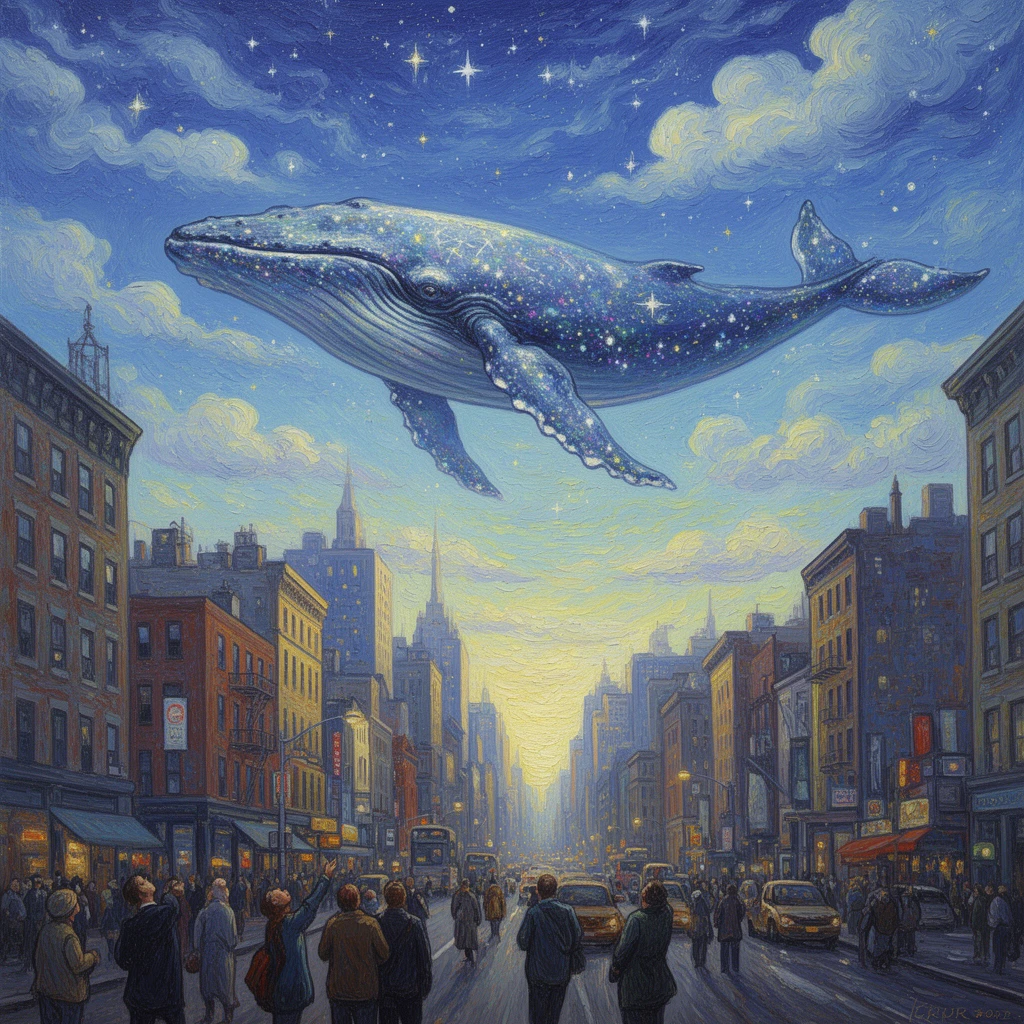
A surreal oil painting of a giant whale floating in the sky above a bustling New York city street. The whale is made entirely of transparent clouds and stars. People on the street are looking up in awe. Dreamy atmosphere, visible brushstrokes, vibrant colors, mixing the style of Van Gogh and modern digital art, fantasy concept art.
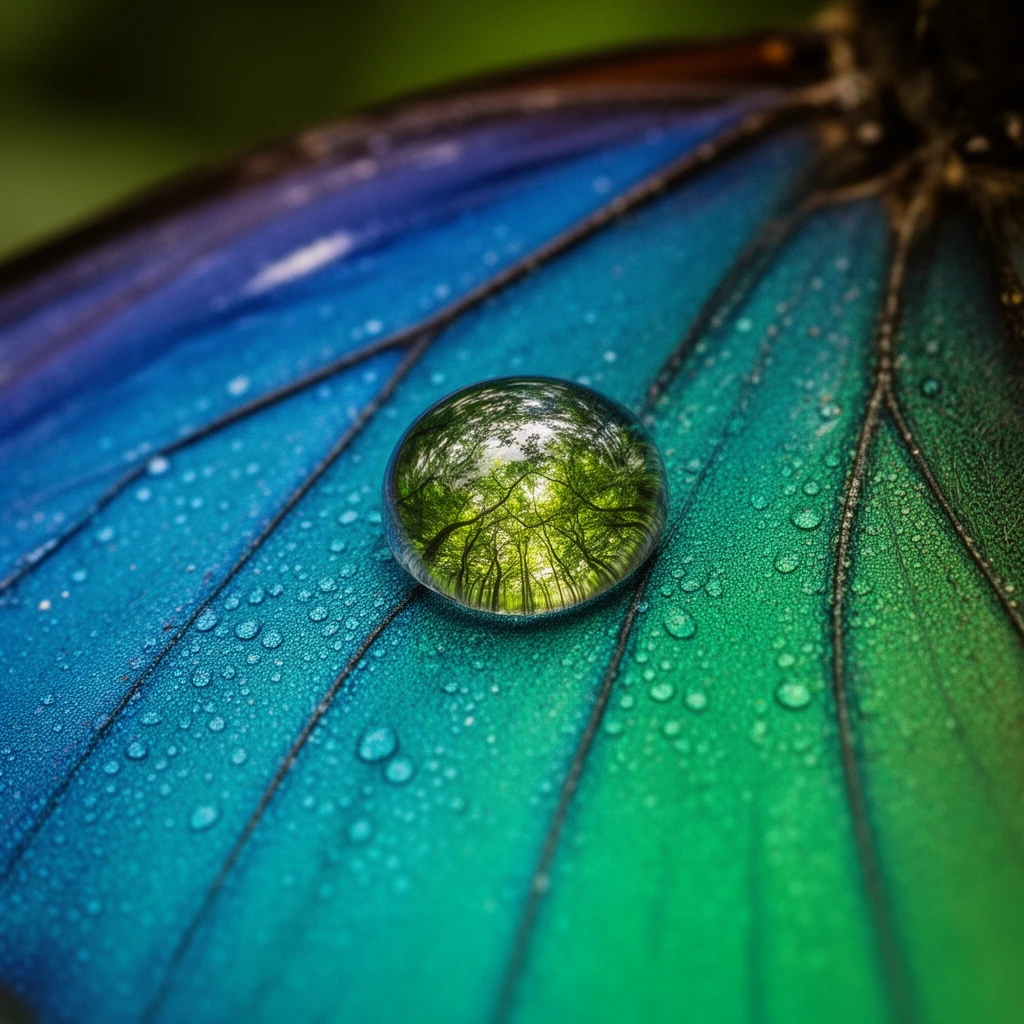
Extreme macro cinematography of a single dewdrop resting on the intricate wing of a blue morpho butterfly. Inside the spherical dewdrop, a distorted, inverted reflection of a vibrant rainforest canopy is visible. The iridescent scales of the butterfly wing show microscopic details, individual textures, and structural color shifting from blue to green under natural light. The focus is razor-sharp on the water droplet and the immediate scales around it.
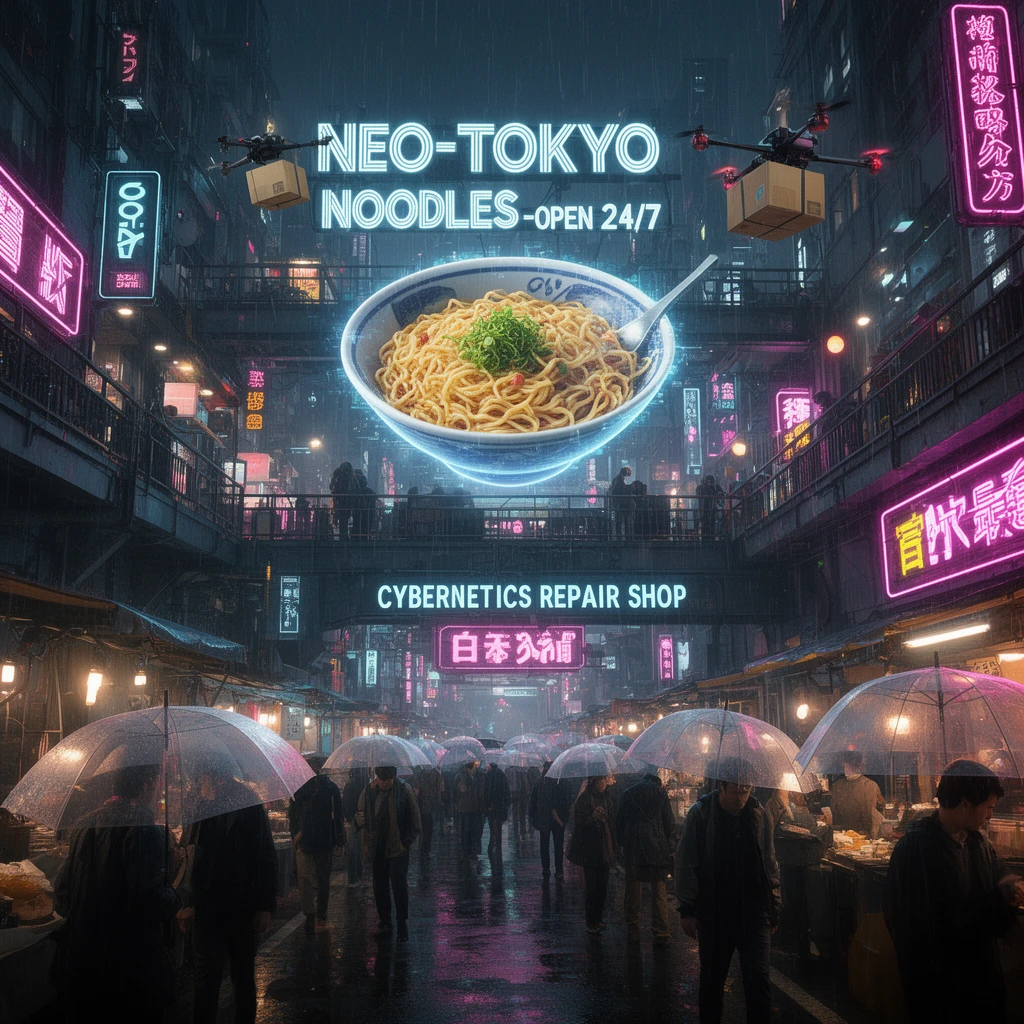
A dense, chaotic wide shot of a multi-level cyberpunk street market at night in Tokyo. Hundreds of neon signs compete for attention. In the center, a massive holographic advertisement projects a rotating ramen bowl and text "NEO-TOKYO NOODLES - OPEN 24/7". Below it, a sign reads "CYBERNETICS REPAIR SHOP" in English and Japanese Kanji. Rain streaks across the frame, reflecting all the lights on the wet asphalt and the transparent umbrellas of crowds of people. Drones flying overhead carrying packages. 8k resolution, insanely detailed.
Ähnliche Modelle



README
FLUX.2 [dev] — Text-to-Image
FLUX.2 [dev] is the lean base model of the FLUX.2 family: an open-source text-to-image engine tuned for speed, stability, and training friendliness. It delivers solid visual quality while staying small enough for rapid iteration, LoRA experiments, and large-scale batch jobs.
Built for
- Rapid prototyping and prompt exploration
- High-volume generation under tight cost constraints
- Research and custom training workflows (LoRA, adapters, etc.)
- Teams that need a dependable “default” model in their stack
What This Means for You
• Strong speed–quality ratio
Produces coherent, sharp images much faster than heavyweight models, keeping experimentation loops short and interactive.
• Transparent, open foundation
Built on open FLUX.2 tooling and community work, so you can inspect behaviour, plug it into your own code, and extend it without a black box.
• Resource-light generation
The compact dev configuration keeps GPU memory and runtime requirements modest, which is perfect for large batches, schedulers, and internal tools.
• Pipeline-friendly outputs
Generates standard JPEG or PNG images that slot directly into design workflows, web delivery, or later editing stages.
• Stable, repeatable behaviour
Seed control and predictable sampling make it easy to reproduce results or generate controlled variations for A/B testing, prompt tuning, and dataset creation.
Pricing
Simple per-image billing:
- $0.012 per generated image
FLUX.2 family on WaveSpeedAI
Combine FLUX.2 [dev] with the rest of the FLUX.2 lineup for a complete creation and editing workflow:
-
FLUX.2 [dev] Edit – edit and refine existing images while staying in the same lightweight, fine-tuning-friendly family:
-
FLUX.2 Flex Text-to-Image – more flexible, style-rich generation for creative exploration:
-
FLUX.2 Flex Edit – powerful image editing with broader stylistic range:
-
FLUX.2 Pro Text-to-Image – higher-capacity model for maximum quality hero shots and demanding production use:
-
FLUX.2 Pro Edit - remium editing for detailed, high-fidelity transformations:
More Image Tools on WaveSpeedAI
- Nano Banana Pro – Google’s Gemini-based text-to-image model for sharp, coherent, prompt-faithful visuals that work great for ads, keyframes, and product shots.
- Seedream V4 – ’s style-consistent, multi-image generator ideal for posters, campaigns, and large batches of on-brand illustrations.
- Qwen Edit Plus – an enhanced Qwen-based image editor for precise inpainting, cleanup, and local style changes while preserving overall composition.
Flux 2 Dev Text To Image API — Quick start
Grab a WaveSpeedAI API key, then call POST https://api.wavespeed.ai/api/v3/wavespeed-ai/flux-2-dev/text-to-image with your input as JSON. The endpoint returns a prediction id; poll the prediction endpoint until status flips to completed, then read the output URL from data.outputs[0]. Examples for Flux 2 Dev Text To Image below.
HTTP example
# Submit the prediction
curl -X POST "https://api.wavespeed.ai/api/v3/wavespeed-ai/flux-2-dev/text-to-image" \
  -H "Content-Type: application/json" \
  -H "Authorization: Bearer $WAVESPEED_API_KEY" \
  -d '{
    "prompt": "A cinematic shot of a city at sunset, soft golden light",
    "size": "1024*1024",
    "seed": -1,
    "enable_sync_mode": false,
    "enable_base64_output": false
}'

# Response includes a prediction id. Poll for the result:
curl -X GET "https://api.wavespeed.ai/api/v3/predictions/{request_id}/result" \
  -H "Authorization: Bearer $WAVESPEED_API_KEY"

# When status is "completed", read the output from data.outputs[0].
Node.js example
// npm install wavespeed
const WaveSpeed = require('wavespeed');

const client = new WaveSpeed(); // reads WAVESPEED_API_KEY from env

const result = await client.run("wavespeed-ai/flux-2-dev/text-to-image", {
        "prompt": "A cinematic shot of a city at sunset, soft golden light",
        "size": "1024*1024",
        "seed": -1,
        "enable_sync_mode": false,
        "enable_base64_output": false
});

console.log(result.outputs[0]); // → URL of the generated output
Python example
# pip install wavespeed
import wavespeed

output = wavespeed.run(
    "wavespeed-ai/flux-2-dev/text-to-image",
    {
    "prompt": "A cinematic shot of a city at sunset, soft golden light",
    "size": "1024*1024",
    "seed": -1,
    "enable_sync_mode": false,
    "enable_base64_output": false
}
)

print(output["outputs"][0])  # → URL of the generated output
Flux 2 Dev Text To Image API — Frequently asked questions
What is the Flux 2 Dev Text To Image API?
Flux 2 Dev Text To Image is a WaveSpeedAI model for image generation, exposed as a REST API on WaveSpeedAI. FLUX.2 [dev] from Black Forest Labs delivers fast, studio-quality text-to-image generation with enhanced realism, crisper text rendering, and native editing for rapid iteration. Ready-to-use REST inference API, best performance, no cold starts, affordable pricing. You can call it programmatically or try it from the playground above.
How do I call the Flux 2 Dev Text To Image API?
POST your input parameters to the model's REST endpoint (shown in the API tab of this playground) with your WaveSpeedAI API key in the Authorization header. Submission returns a prediction ID; poll the prediction endpoint until status flips to "completed", then read the output URL from the result. The playground generates a ready-to-paste code sample in Python, JavaScript, or cURL for whatever inputs you've set. Full request/response shape is documented at https://wavespeed.ai/docs/docs-api/wavespeed-ai/flux-2-dev-text-to-image.
How much does Flux 2 Dev Text To Image cost per run?
Flux 2 Dev Text To Image starts at $0.012 per run. That figure is the base price — the final charge scales with the parameters you set in the form (output size, length, count, references, or whatever knobs this model exposes), so a higher-quality or larger output costs more than a minimal one. The exact cost for your current input is shown live next to the Generate button before you submit, and the actual per-call charge is recorded on the prediction afterwards.
What inputs does Flux 2 Dev Text To Image accept?
Key inputs: `prompt`, `size`, `seed`, `enable_base64_output`, `enable_sync_mode`. The full JSON schema (types, defaults, allowed values) is rendered above the Generate button and mirrored in the API reference at https://wavespeed.ai/docs/docs-api/wavespeed-ai/flux-2-dev-text-to-image.
How long does Flux 2 Dev Text To Image take to generate?
Average end-to-end generation time on WaveSpeedAI is around 27 seconds per request — measured across recent runs. Queue time scales with global demand; live status is visible in the prediction record.
Can I use Flux 2 Dev Text To Image outputs commercially?
Commercial usage rights depend on the model's license, set by its provider (WaveSpeedAI). The license summary appears on the model card above; see WaveSpeedAI's Terms of Service for platform-level conditions.