
Qwen3.6-35B-A3B Deployment: vLLM and SGLang
Deploy Qwen3.6-35B-A3B with vLLM or SGLang, expose an API endpoint, and validate tool use, vision inputs, and production behavior.
Dora here. I spent two weeks deploying Qwen3.6-35B-A3B behind an internal coding agent. Not benchmarking it. Deploying it — installing the runtime, sizing the GPUs, wiring it into an OpenAI-compatible client, watching what broke at three in the morning.
This isn’t a feature recap. The marketing line on Qwen3.6 is “3B active parameters, 35B total, agentic coding.” That line is true and also misleading if you’re the one writing the Helm chart. Active parameters affect compute. They do not shrink the memory footprint or change the context-length math. I’ll come back to this — it’s the first thing I had to explain to my own teammates.
What follows is what I’d hand to a platform engineer on day one: how the model is actually structured, what the deployment prerequisites really are, how to bring it up on vLLM or SGLang, the alternative paths (Transformers, KTransformers, community GGUF), and the validation checklist I now run before any version bump. Things that worked. Things that didn’t. Where my data ends.
Qwen3.6-35B-A3B at a Glance
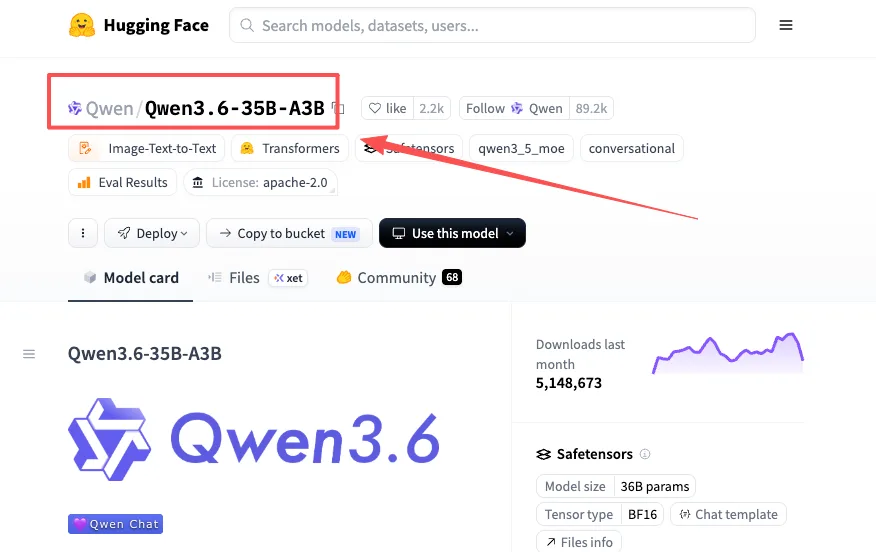
Architecture, multimodal inputs, tool use, and license
Qwen3.6-35B-A3B is a sparse Mixture-of-Experts model with a Gated Delta Networks attention layer. Total parameters: 35B. Active per token: 3B. Released April 16, 2026, under Apache 2.0 — which matters because a lot of “open” models aren’t actually open for commercial deployment. This one is.
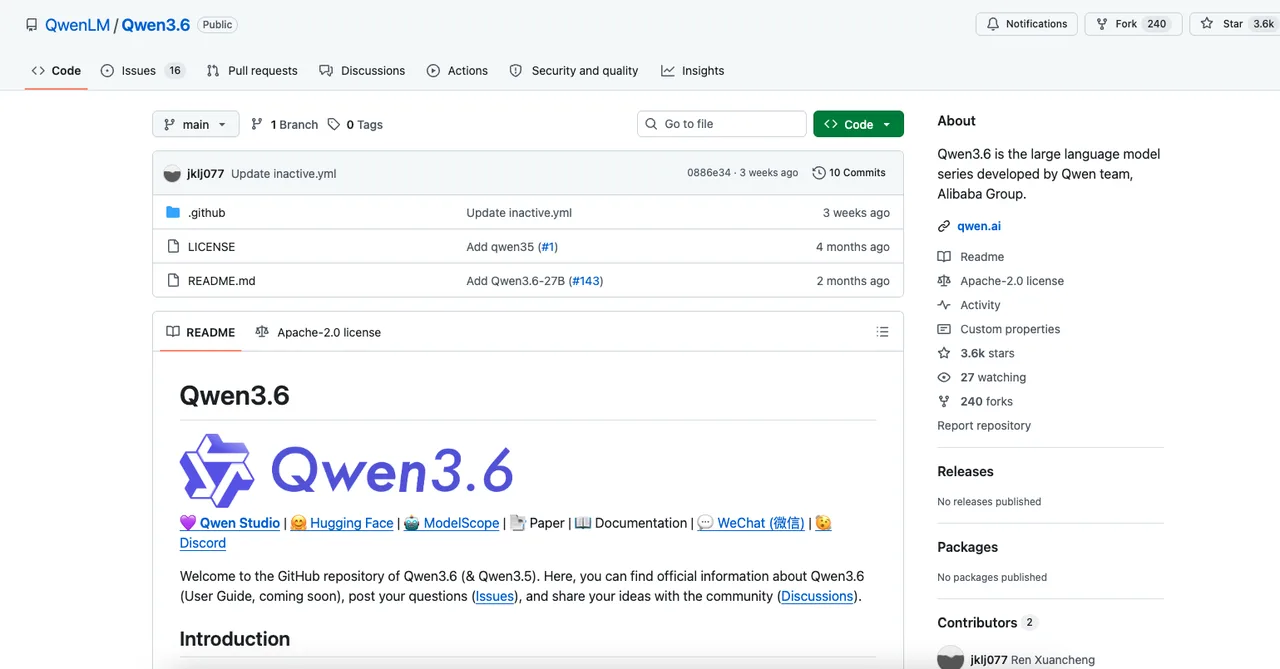
Native context length is 262,144 tokens, extensible to roughly 1M via YaRN. The model accepts text, image, and video inputs as a unified vision-language model, and it ships with two reasoning modes — thinking (default, with chain-of-thought traces) and instruct (direct response). Tool calling is supported via a dedicated parser. All of this is documented on the official Qwen3.6-35B-A3B model card on Hugging Face, which I’d treat as the source of truth — the README on the QwenLM/Qwen3.6 GitHub repository lags it slightly.
One thing worth flagging upfront. The 3B active count tells you something about inference compute. It tells you nothing about how much VRAM you need at rest. The full FP16/BF16 weights are still ~70GB on disk, and KV cache for a 262K window is its own line item. More on this in the next section.
Deployment Prerequisites
Runtime, model files, memory planning, and context settings
Before touching any serve command, get four things in order.
Runtime versions. The Qwen team specifies vllm>=0.19.0 and sglang>=0.5.10 for Qwen3.6. Earlier versions don’t have the reasoning parser, the tool-call parser, or the Gated Delta Networks scheduling logic. I tried with vLLM 0.18 first — it loaded, then crashed on the first reasoning request. Don’t waste an afternoon like I did.
Model files. Pull from Hugging Face Hub (Qwen/Qwen3.6-35B-A3B) or ModelScope. Both vLLM and SGLang download automatically given the model ID; for offline air-gapped deployments, huggingface download first, then mount the path.
Memory planning. This is where the “3B active parameters means cheap deployment” line falls apart. BF16 weights occupy roughly 70GB before any KV cache. At full 262K context, KV cache scales linearly with sequence length — at production batch sizes, you can easily double the resident footprint. The model card itself recommends “at least 128K tokens to preserve thinking capabilities,” which is the polite way of saying: if you crunch context too aggressively, the thinking mode breaks. Plan for at least one H200 or two H100s with NVLink for tensor parallelism. Single 40GB cards are not realistic for the unquantized model.
Context settings. Default to 262,144. Drop it only if you hit OOM, and never below 128K if you’re using reasoning mode. This is documented on the Hugging Face card and it’s correct — I tested with —max-model-len 65536 once and the thinking traces noticeably degraded on multi-step problems.
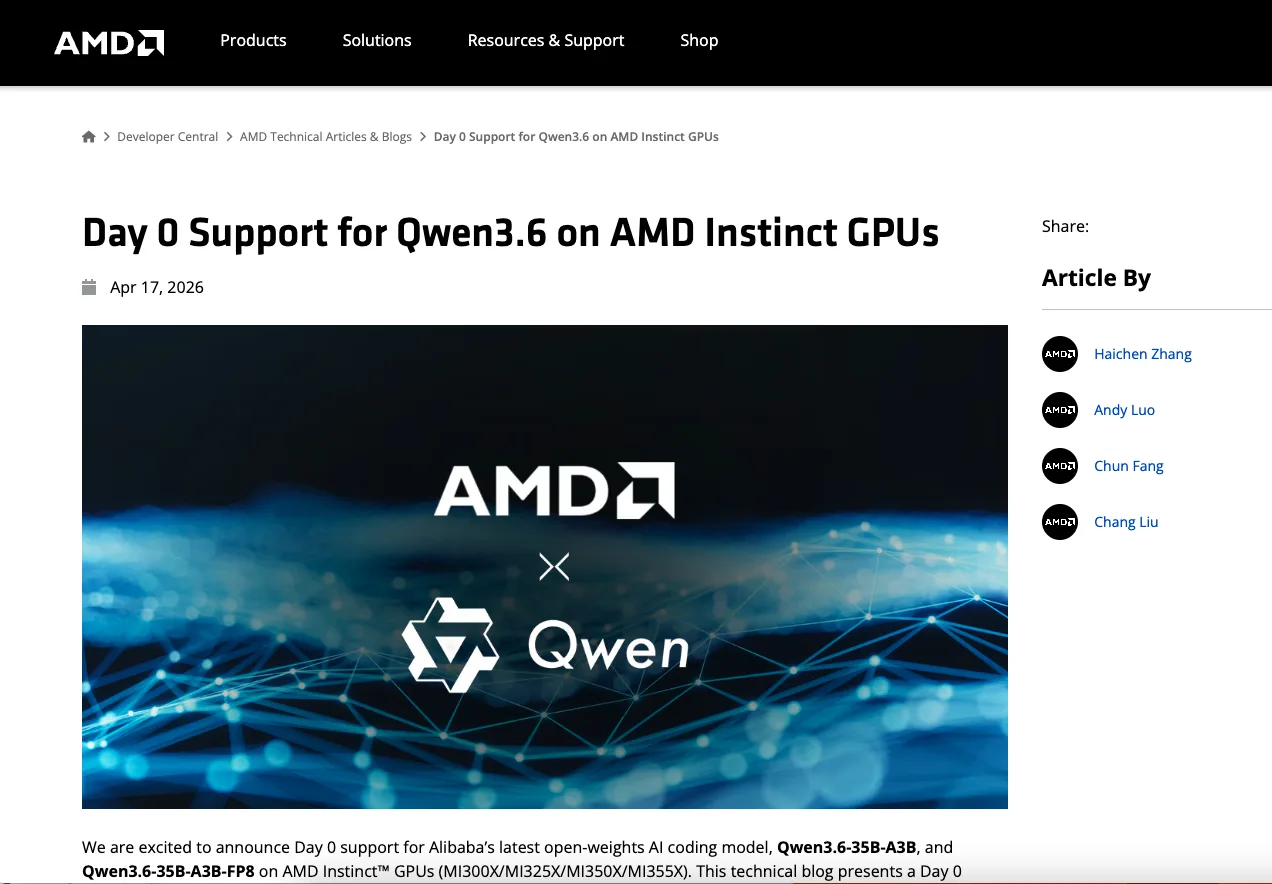
Serve Qwen3.6 with vLLM or SGLang
OpenAI-compatible endpoint configuration
The good news: both vLLM and SGLang expose an OpenAI-compatible endpoint for Qwen3.6 deployment. Same /v1/chat/completions shape, same client SDKs, same authentication patterns. If you’ve integrated against OpenAI before, your application code mostly doesn’t move.
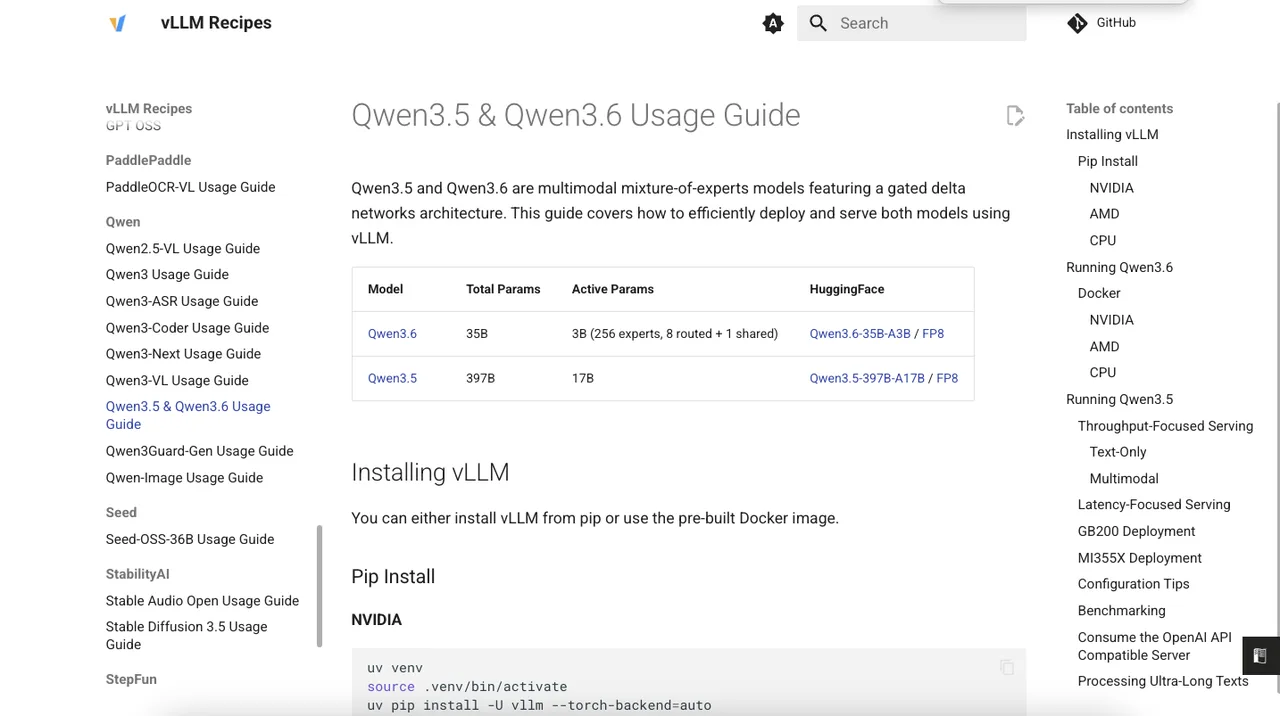
A minimum vLLM command, straight from the vLLM Qwen3.5 & Qwen3.6 Recipes:
vllm serve Qwen/Qwen3.6-35B-A3B \
  --port 8000 \
  --tensor-parallel-size 8 \
  --max-model-len 262144 \
  --reasoning-parser qwen3
For SGLang, the equivalent, per the SGLang Qwen3.6 Cookbook:
python -m sglang.launch_server \
  --model-path Qwen/Qwen3.6-35B-A3B \
  --port 8000 \
  --tp-size 8 \
  --mem-fraction-static 0.8 \
  --context-length 262144 \
  --reasoning-parser qwen3
Both expose an endpoint at http://localhost:8000/v1. This is what people mean when they say “Qwen3.6 API” in a self-hosted context — there’s no official hosted Qwen3.6 API on Alibaba Cloud Model Studio at this writing for this exact variant (third-party hosts like OpenRouter do route to provider deployments, but their model IDs, pricing, and rate limits are theirs, not Alibaba’s, and need to be verified at the source). For self-hosting, the endpoint is yours to configure.
A note on tensor parallelism. —tensor-parallel-size 8 assumes you have eight GPUs available. If you have four, set it to 4 — the SGLang and vLLM docs both have examples at TP=4 and TP=1. The model loads at any of these. Throughput obviously won’t.
Reasoning, tool-use, vision, and text-only modes
—reasoning-parser qwen3 is what splits the thinking trace from the final answer. Without it, your OpenAI-compatible client will receive one giant blob containing both — and most clients will display the chain-of-thought as if it were the response. With the parser enabled, the thinking content lands in a separate reasoning_content field. Your application has to know to read it.
To disable thinking entirely and run in instruct mode, the cleanest way is per-request: pass chat_template_kwargs={"enable_thinking": false} in the request body. To disable it globally at server start, vLLM accepts --default-chat-template-kwargs '{"enable_thinking": false}'.
For tool use, add —enable-auto-tool-choice —tool-call-parser qwen3_coder. Both flags are required. Just one of them won’t work — I learned that the hard way.
Vision and video inputs come for free with the standard launch command. The same endpoint that handles text-only requests will accept image and video URLs in the messages array, exactly like OpenAI’s vision API. If you’re only ever going to serve text, you can pass —language-model-only on the equivalent dense Qwen3.5 models, but for 35B-A3B I’d just leave the vision tower loaded — it’s a small fraction of the total memory.
Alternative Deployment Paths
Transformers, KTransformers, and community GGUF status
Outside vLLM and SGLang, a few other paths exist. Each has a real use case and a real limitation.
Hugging Face Transformers works for prototyping and offline batch inference. It’s not for production. No paged attention, no continuous batching, no native tensor parallelism in the way vLLM and SGLang do it. For “load model, run 50 prompts, save outputs” — fine. For an endpoint behind real traffic — no.
KTransformers is interesting if you’re CPU-heavy or have an unusual GPU mix. It’s mentioned in the official model card as a supported runtime. I haven’t deployed it in anger — that’s where my data ends. The community reports are positive for low-throughput, memory-constrained setups, but I’d validate against your specific hardware before committing.
GGUF. This is the path people ask about when they want to run Qwen3.6 locally on a Mac or a single workstation. Community quantizations exist — Unsloth publishes them on Hugging Face, and there’s an Ollama tag at qwen3.6:35b-a3b shipping a Q4_K_M quant at ~24GB. Two things to verify before relying on it: first, GGUF builds are community-maintained, not official, so the version you pull on Monday isn’t guaranteed to match the version on Friday; second, vision support in GGUF runtimes (llama.cpp, Ollama) for hybrid architectures like Gated Delta Networks is uneven — text-only inference usually works, multimodal often doesn’t. Check the specific backend you’re targeting.
This is a community path. It’s useful. It’s not a substitute for vLLM or SGLang in production.
Production Validation Checklist
Output parsing, monitoring, errors, upgrades, and rollback
After two weeks, here’s the list I now run before shipping any Qwen3.6 deployment change.
Parse reasoning_content separately from content in every client. If you don’t, your UI will leak thinking traces. I’ve seen this happen on three different teams now.
Pin runtime versions. vllm==0.19.x or sglang==0.5.10, exact. Don’t track latest. The AMD Day 0 deployment guide, which is useful even if you’re on NVIDIA, calls out the same versioning discipline — and they ship hardware, so they care.
Monitor cold start, time-to-first-token, and tokens-per-second separately. They tell you different things. Cold start matters for low-traffic endpoints. TTFT matters for interactive clients. Throughput matters for batch.
Have a rollback plan for model version bumps. The Qwen team has been shipping fast — Qwen3.5 was February 2026, Qwen3.6 was April. If your application started parsing fields specific to one version’s chat template, the next version can break you silently. Keep the previous container image around.
That’s the checklist. Run it before you go live. Run it again before any version change.
FAQ
Does three billion active parameters mean low deployment cost?
No. Active parameters affect inference compute, not resident memory. The full BF16 weights are still around 70GB, and KV cache at 262K context is substantial. Plan for production-grade GPUs.
What changes when Qwen serves text without vision inputs?
For 35B-A3B, almost nothing. The vision tower is a small fraction of the weights and the same OpenAI-compatible endpoint serves both. For the larger Qwen3.5 dense models, —language-model-only can save memory; for 35B-A3B I’d leave it as-is.
Can OpenAI-compatible clients handle Qwen reasoning outputs reliably?
Only if the server is launched with —reasoning-parser qwen3 and the client knows to read reasoning_content. The OpenAI Python SDK doesn’t surface this field by default — you have to access the raw response. Test this before assuming compatibility.
What breaks when Qwen versions change underneath applications?
Chat template fields, reasoning parser behavior, and tool-call parser names. None of these are part of the OpenAI API spec, so they’re not version-locked by your client. Pin the model checkpoint and the runtime version together, and treat them as one upgradeable unit.
Conclusion
That’s the Qwen3.6-35B-A3B deployment I’d run today. vLLM and SGLang are both viable. The model is permissive enough (Apache 2.0) to justify the operational investment, and the OpenAI-compatible surface keeps the integration cost low. The cost that’s real is GPU memory and version discipline — not the things the marketing emphasizes.
To be verified next: how Qwen3.6 holds up across model bumps over a quarter of production traffic. That’s where my data ends. Run it yourself. That’ll tell you more than anything I say.
Previous posts:
Похожие статьи
Представляем ByteDance Seedance 2.0 Mini на WaveSpeedAI

Claude Fable 5: резервный переход на Opus 4.8 — объяснение
GLM-5.2 API: цены, контекст 1M и маршрутизация в продакшене
Цены на GPT-5.4 Mini: стоимость входных, кэшированных и выходных токенов
MAI-Image-2.5 API: что нужно знать разработчикам