WAN 2.5 API Quickstart on WaveSpeed: Auth, Parameters, and Example Requests
Hey, I’m Dora. Originally, I didn’t plan to try the WAN 2.5 API on WaveSpeed this week. A small annoyance pushed me there: I needed a few consistent image variations for a draft, and my usual tools were either too clicky or too clever for their own good. I wanted something boring and reliable, scriptable, versioned, easy to roll back.
So I opened the docs, brewed tea, and wired up a tiny script. This is what I noted along the way, tested in January 2026, without the gloss. It’s less about “features” and more about the parts that made the work feel lighter once they were in place.
API overview
If you’ve touched any modern AI API, WaveSpeed’s take on WAN 2.5 will feel familiar. HTTP in, JSON out. You send a prompt (and sometimes an image), it returns either a finished artifact or a job ID you can poll.
A few baseline details I watched for before writing any code:
- Versioning: WAN 2.5 is exposed as a distinct version, which matters for repeatability. I stuck to the explicit version path in URLs rather than a “latest” alias. That small choice saves future me from silent behavior changes.
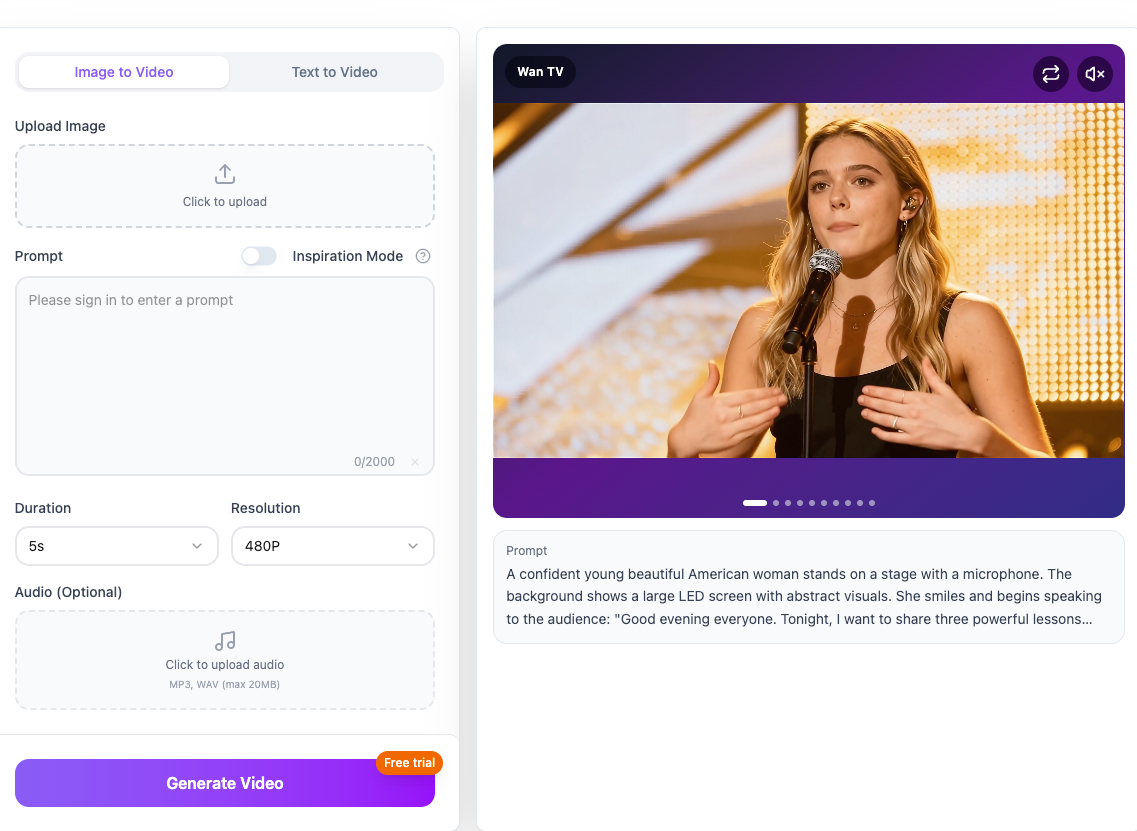
- Modes: Some workloads are synchronous (small, fast), others spin off as jobs. If you’re doing higher-res generations or batch work, expect an async flow with a status endpoint or webhooks.
- Formats: JSON responses typically include a status, an asset URL or base64 payload, and some metadata (seed, steps, timing). I keep the metadata, handy when you want to reproduce a look later.
- Limits: Image size, step count, and concurrency are capped. The defaults were enough for drafts, but I hit a ceiling once I tried to crank resolution. More on rate limits below.
The short version: it’s a straight path if you’re comfortable with REST. The trick is getting the few boring bits (keys, params, retries) right so you can forget about them.
That simplicity is part of why we built WaveSpeed the way we did. I wanted WAN 2.5 (and other models) to feel scriptable, versioned, and boring in the best way. If you’re wiring this up yourself, you can explore it here.
Auth & key
I generated a WaveSpeed API key in the dashboard and dropped it into an environment variable. Nothing fancy, but it spared me from chasing secrets across files.
- Get a key from your account settings on WaveSpeed. It’s tied to your org/project.
- Store it locally as an env var:
WAVESPEED_API_KEY. I used a.envfile for dev and my CI’s secret store for runs. - Use Bearer auth in the header:
Authorization: Bearer $WAVESPEED_API_KEY. - If you rotate keys, do it during low-traffic hours. I learned this the quiet way when a timed rotation interrupted a long job.
If your team needs scoped keys, check the dashboard settings. I prefer the least-privilege route for anything bound to an automation. One minor friction: if you’re running from multiple machines, label keys clearly by host or service, helps when you audit usage later.
Required params
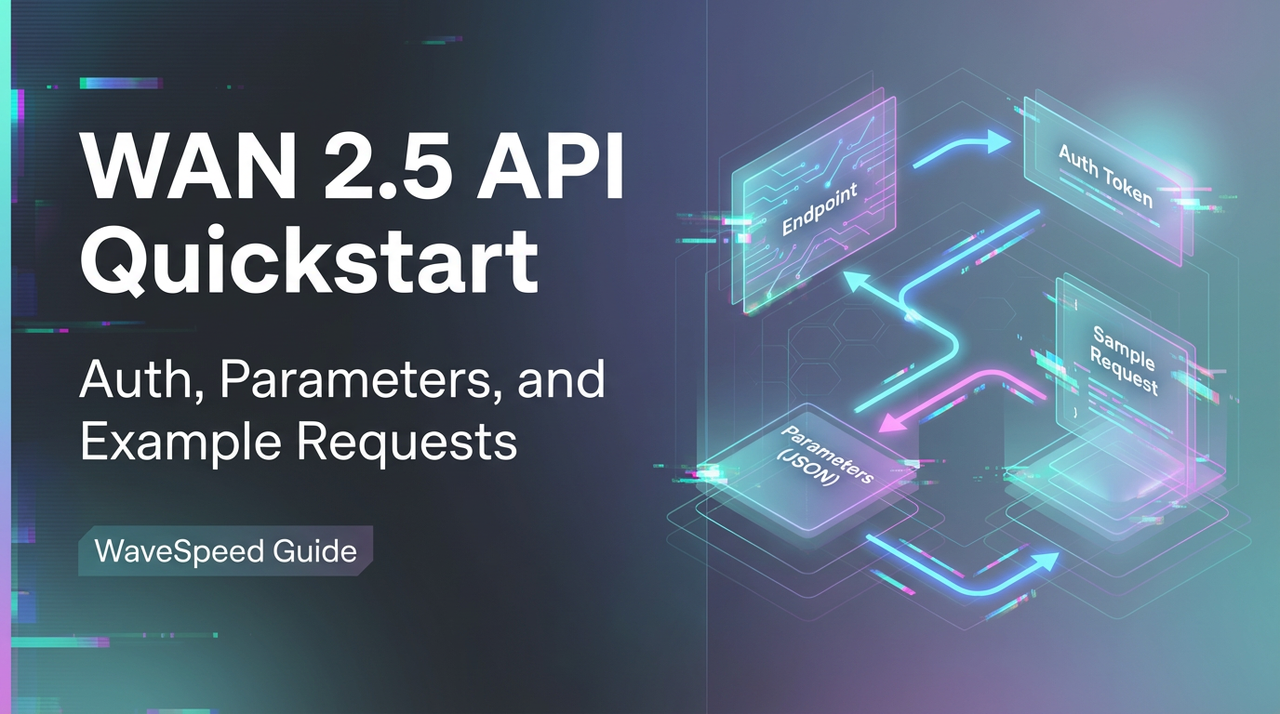
Exact names can differ by endpoint, but here’s the minimal shape I used for Wan 2.5 on WaveSpeed. Treat these as a skeleton, confirm the field names in the official docs for your account.
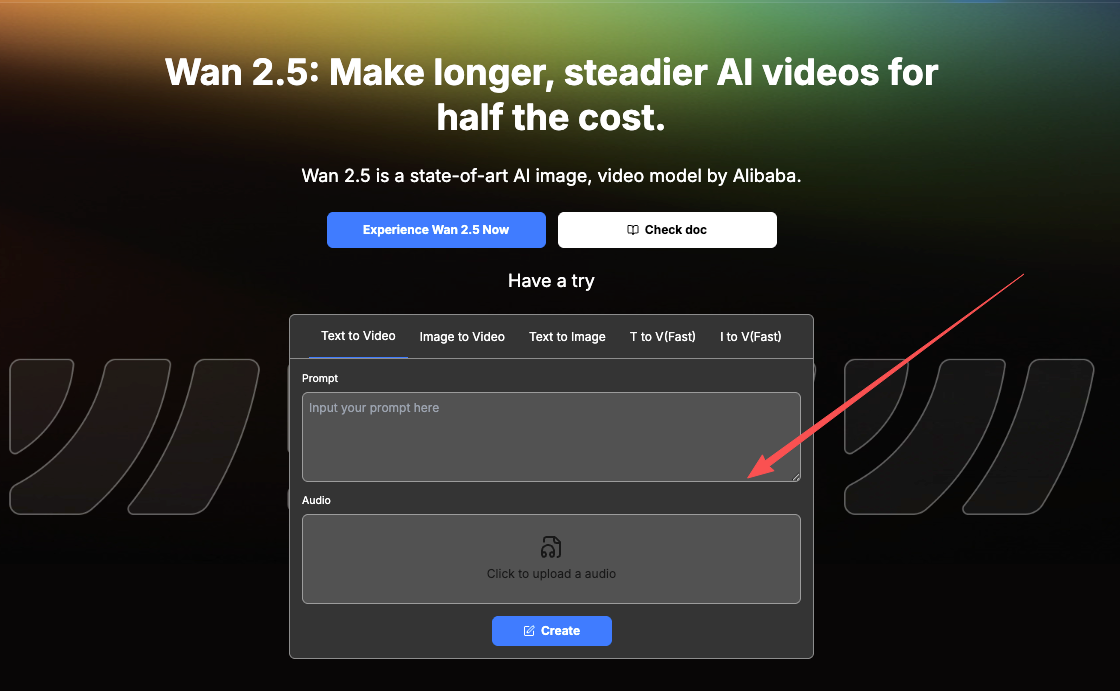
- model: I set this explicitly to
wan-2.5(or the closest exact string in your plan). It keeps behavior stable across updates. - input: A prompt string. I kept it short and concrete. WAN tends to respond better to clear, simple phrasing than adjective soup.
- mode or task: Image generation versus variation/upscale. If you’re passing a source image, this matters.
- output: I asked for an image URL by default. Base64 is there, but URLs are kinder on memory.
When I forgot to set the model explicitly, I got a sensible default, but my results shifted subtly across runs. Not wrong, just not reproducible. Locking the version removed that wobble.
Optional params
This is where the real control sits. I only touched a handful on day one.
- seed: I turn this on once I like a look. It stabilizes the vibe for variations.
- steps: Higher steps can nudge detail at the cost of time and credits. I bumped in small increments (e.g., 24 → 32) and watched returns.
- guidance or cfg_scale: Tightens adherence to the prompt. Too high and it gets brittle.
- size or resolution: This is where costs jump. I draft small, then re-run finals at target sizes.
- image: For variations, pass a source image URL or upload. Pair with a strength parameter if supported.
- safety or moderation flags: Leave them on unless your workflow truly needs custom handling.
- user or metadata: I add a request ID or project tag to trace runs in logs later.
Tiny observation: changing two knobs at once made it hard to tell what helped. I changed one thing per run and kept notes in comments. Old-school, but it worked.
Sample request patterns
I tried three simple shapes: a quick curl, a tiny Python script, and a background job for async.
Synchronous draft (curl)
This was enough to sanity-check my key and prompt before wiring anything else.
Example endpoint, confirm the exact path in the docs for your account and region:
POST https://api.wavespeed.ai/wan/v2.5/generations
Headers:
- Authorization: Bearer $WAVESPEED_API_KEY
- Content-Type: application/json
Body (minimal):
{
  "model": "wan-2.5",
  "input": "quiet studio light, sketch on kraft paper",
  "output": { "format": "url" }
}
What I watched for:
- 200 with a result and metadata → you’re good.
- 202 with a job id → switch to async flow.
- 4xx → something in the payload or auth is off.
Small Python helper
I wrote a tiny function to handle headers, timeouts, and json. It returned either a URL or raised a clean exception. Nothing magical, just the kind of wrapper you don’t think about twice.
Practical bits:
- Set a short connect timeout and a slightly longer read timeout.
- Handle 429 with a retry and jitter.
- Log the seed, steps, and size for each run.
Async flow (jobs)
For larger images or batches, I got a 202 and a job id. The loop was simple:
- POST job,
- Poll GET
/jobs/{id}every few seconds, - Stop on terminal state (succeeded/failed),
- Fetch asset URL.
If your stack likes webhooks, WaveSpeed also exposes callbacks. I stuck with polling at first, it’s one less moving part during setup.
Error codes
I kept a small map next to my editor. It paid off faster than I expected.
- 400 Bad Request: Usually a field name or type mismatch. I once sent size as a string, not an object. The fix was obvious once I slowed down and read the message.
- 401 Unauthorized: Key missing or malformed. Check your Bearer header and trailing spaces.
- 403 Forbidden: Key exists but lacks scope for the endpoint or model tier.
- 404 Not Found: Wrong endpoint path or a job id that expired.
- 409 Conflict: You’ll sometimes see this when updating a job that already settled. Poll again, don’t keep pushing.
- 429 Too Many Requests: You’re past a per-minute or per-org limit. Back off with exponential retries.
- 500/503 Server Errors: Rare in my tests, but plan for them. A short retry loop kept my scripts calm.
Small habit that helped: I bubbled the error code and the request id (if present) into my logs. When something goes odd, support can use that id to trace it.
Rate limits
I bumped into rate limits once I got lazy with concurrency. Easy to do, easier to avoid.
What worked:
- Respect the headers: Many endpoints return rate headers (e.g., remaining, reset time). Header names can vary, check the docs, but they’re worth reading.
- Use a token bucket or simple queue. I limited my scripts to a small, steady drip instead of bursts. The system breathed easier, and so did I.
- Separate drafts from finals. Drafts can run small and fast: finals can run one-by-one in the background.
- Cache repeats. If you’re testing prompts, keep prior results for a few minutes so you’re not burning the same call.
I also built a very plain backoff: base delay of 1s, doubling on each 429, with a cap at 30s and a max of 4 retries. It felt unhurried and avoided dogpiling the service.
Cost guardrails
 This was my main worry. Image work can nibble credits in the background while you’re making tea.
A few protections I set up on day one:
- Budget caps in the dashboard: I set a monthly cap and email alerts a notch below it. If your team shares a key, alerts help you catch loops early.
- Per-request ceilings: I forced size and steps to live under a max unless I passed an override flag. It saved me from “oops, 4K everything.”
- Draft-first workflow: I run small previews (lower resolution, fewer steps) and only upscale the keepers. This cut my spend by more than half in the first afternoon.
- Seed discipline: Once I found a direction I liked, I fixed the seed and changed one parameter at a time. Fewer blind runs: more intentional ones.
- Logs with costs: If the response includes a credit or usage field (some endpoints do), store it. When it doesn’t, estimate based on resolution and steps and note that it’s an estimate.
I also put a soft kill-switch in my scripts: if the day’s usage crossed a threshold, new jobs paused and posted a message in Slack. It’s not elegant, but it’s honest about constraints.
This didn’t save time at first. It saved attention. After a few runs, the guardrails faded into the background, and I could think about the work again instead of the meter.
Related Articles
ComfyUI Nano Banana Pro Workflow: Install, Nodes, and Best Defaults

WaveSpeed AI Partners with Azuro AI to Power France's Largest AI Hackathon
Nano Banana Pro API on WaveSpeed: How to Call It + Pricing Notes
Z-Image Edit Workflow on WaveSpeed: Inpainting, Outpainting, and Object Removal
WAN 2.5 Animate: How to Get Smooth Motion Without Flicker