
Suno vs MiniMax Music vs Google Lyria 3: AI Music Generation Compared
A detailed comparison of Suno v5.5, MiniMax Music 2.5, and Google Lyria 3 Pro for AI music generation — covering sound quality, vocals, creative control, pricing, and API access.

AI music generation has evolved from a novelty into a production tool. Suno, MiniMax Music, and Google Lyria take different approaches to making songs, and the differences matter when you need a particular vocal, a repeatable arrangement, or an API.
This comparison keeps Suno v5.5, MiniMax Music 2.5, and Lyria 3 Pro as its main versions. They were current when the original comparison was written in March 2026. Product availability, pricing, and access notes below were checked on November 2, 2026. Newer versions are noted where they change the buying or integration decision.
The Contenders at a Glance
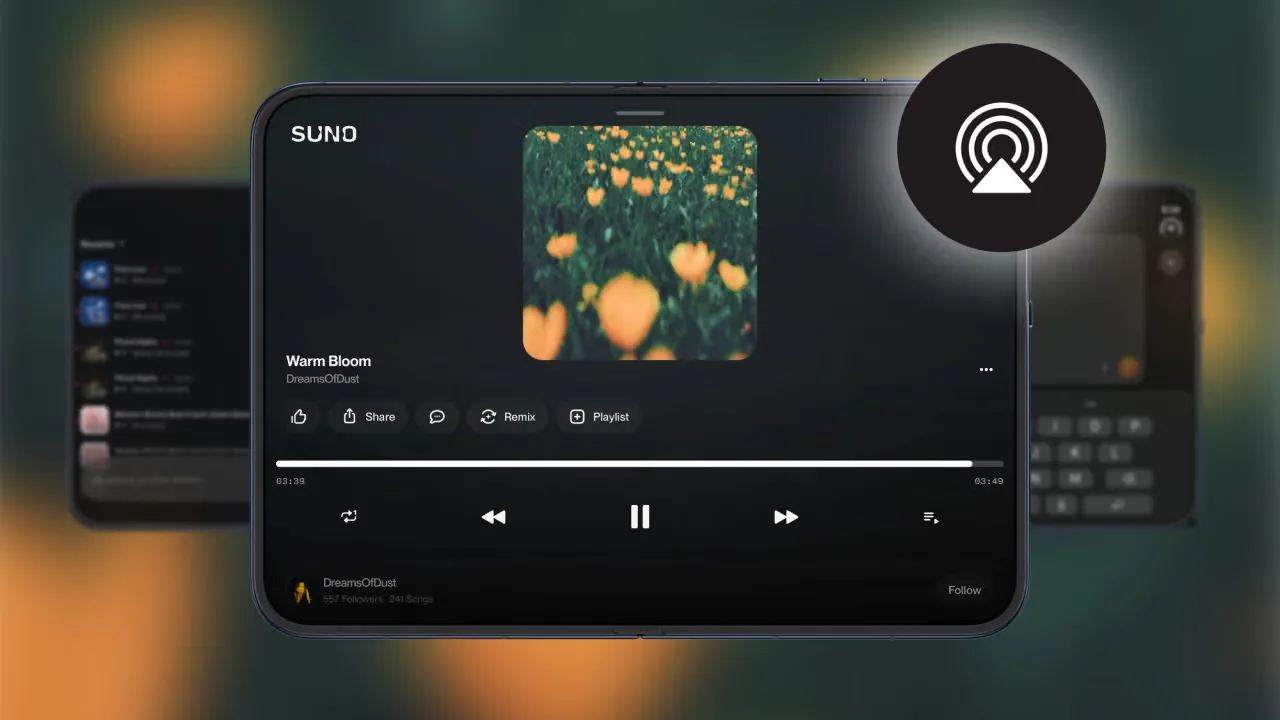
Suno v5.5 launched in March 2026 with Voices, Custom Models, and My Taste. Voices lets eligible users create with their own verified voice; Custom Models learn from tracks the user has the rights to upload. Suno has since introduced v6, so v5.5 should be read as the version in this comparison, not its current flagship. Suno remains the simplest of these three for starting with an idea in a browser and editing the result there. Its release notes document both launches.
MiniMax Music 2.5 launched in January 2026. Its distinctive feature is arrangement guidance through 14 structural variations, including Intro, Bridge, Interlude, Build-up, and Hook. MiniMax describes improvements to vocal expression and mixing, though those descriptions are not a controlled listening comparison against Suno or Lyria. MiniMax’s Music 2.5 announcement is the source for the version and structure claims. Music 2.5 remains available through WaveSpeedAI, alongside newer MiniMax music models.
Google Lyria 3 Pro arrived in March 2026 with vocals, image-influenced music generation, and songs of up to about three minutes. It can follow requests for sections such as intros, verses, choruses, and bridges. Google now documents Lyria 3.5 for full songs while retaining Lyria 3 Clip as a short-form option. The original Pro model is therefore a useful comparison point, but anyone starting a new Google integration should check the current model first.
One Brief, Three Models: A Comparison You Can Repeat
A claim that one model has the “best vocals” means little if each model gets a different task. Here is a single brief suitable for testing all three:
Create an intimate indie-pop song at about 95 BPM. Start with piano and a close, unprocessed lead vocal. Add acoustic guitar in the first verse, lift into a fuller chorus, then return to piano for the outro. Keep the vocal clearly above the instruments. The lyrics should be about finding your way home after a difficult year.
Use those words as the common style brief. Supply the same original lyrics to each service where its interface allows it; MiniMax Music 2.5 requires a lyrics field on WaveSpeedAI. Then record the exact model version, route, settings, charge, generated duration, and whether the track was downloadable under your plan.
Listen for four things: whether the chorus actually lifts, whether the singer pronounces your words clearly, whether instruments mask the vocal, and whether the outro follows the requested shape. Compare a matching 30-second excerpt for sound, then review each complete track for structure. Lyria 3 Clip generates 30 seconds, while full-song routes can produce much longer results. One generation per model is a first listen, not a reliable quality ranking.
The original article did not include three downloadable results from the same brief. This is a repeatable test setup, not a claim that those listening tests have already been run.
Sound Quality
| Suno v5.5 | MiniMax Music 2.5 | Google Lyria 3 Pro | |
|---|---|---|---|
| Audio output | Check the export offered by your Suno plan | Configurable on WaveSpeedAI, up to 44.1 kHz and 256 kbps | Stereo music output; check the selected Google or hosted route for its export format |
| Vocals | Supports generated singing and the user’s verified Voice feature | Generates vocals from supplied lyrics | Supports generated vocals and prompted vocal characteristics |
| Arrangement | Prompt-led generation, followed by Suno editing tools | Lyrics section markers guide the arrangement | Prompts can request intros, verses, choruses, and bridges |
| Length | Check the chosen version and duration setting; current v6 supports up to 8 minutes per generation | Depends on the lyrics and structure; MiniMax has described Music 2.5 compositions extending up to 5 minutes | Up to about 3 minutes for the original Pro release |
Takeaway: The documented features support different workflows. They do not establish that Suno wins every vocal test, MiniMax always separates instruments better, or Lyria has the best mix. For a production choice, listen to outputs from the same brief and judge the downloaded files.
Creative Control
This is where the three platforms diverge most.
Suno: Simplicity First
Suno favors ease of use. Type “upbeat indie pop about road trips,” optionally add lyrics, and start generating. The v5.5 release added personalization:
- Voices — create with your own verified singing voice, subject to availability and plan limits.
- Custom Models — build a model from music you have the rights to upload.
- My Taste — use your listening and creation preferences to inform style suggestions.
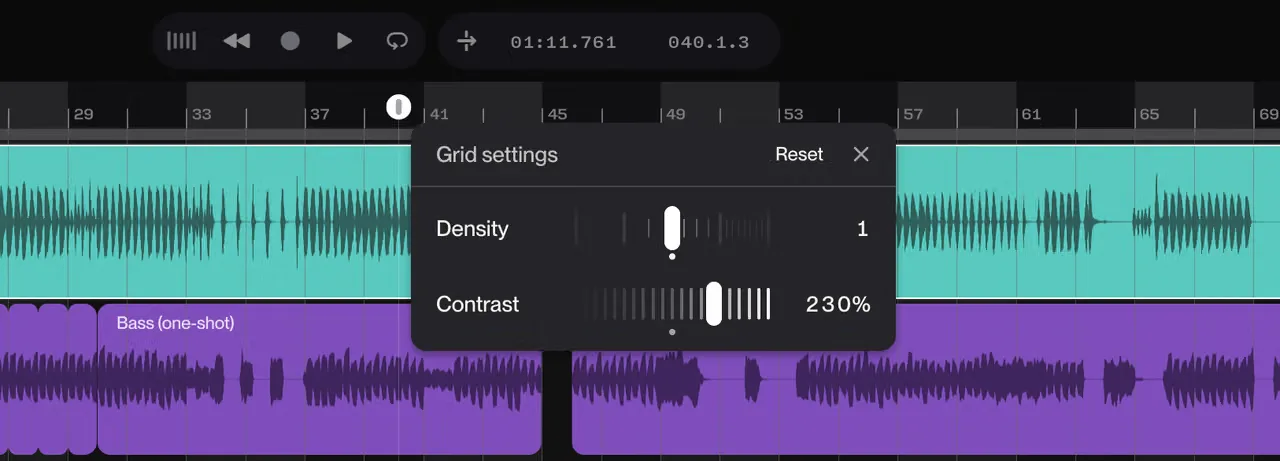
- Suno Studio — edit and arrange music within Suno; availability depends on the plan.
Those features should not all be described as properties of the v5.5 model itself. Some are platform tools around it, and Suno has continued updating them since v5.5 launched.
MiniMax Music 2.5: Structural Precision
MiniMax Music 2.5 supports section guidance in the lyrics you submit. On WaveSpeedAI, its documented markers include (Instrumental intro), (Verse), (Chorus), (Bridge), and (Outro). MiniMax’s wider Music 2.5 announcement describes 14 structural variations; that does not mean every route exposes 14 separate API switches.
(Instrumental intro with piano building to strings)
(Verse) Beneath the weight of silent skies
We learned to fall before we'd rise
(Pre-Chorus) The ground beneath begins to shake
(Chorus) But now we stand, unbreakable
Through every storm, we're capable
(Bridge) The cracks we wore became our light
(Outro fading with solo piano)
Keep genre, instruments, tempo, and mood in the prompt; put the words to be sung and their section markers in lyrics. That separation makes revisions easier to track.
Google Lyria 3: Multimodal and Precise
The original Lyria 3 family accepted text and image input. An image can guide the musical mood; it does not guarantee that a particular photograph will produce a particular melody. Google’s current Lyria 3.5 documentation allows up to 10 images in one request, but that current limit should not be copied back onto every Lyria 3 Pro or hosted endpoint. Check the input schema for the route you use.
You can ask for a tempo, instruments, a vocal character, or an exclusion such as “no distorted guitar” in the text prompt. The original table treated negative prompts, BPM, intensity, and voice range as dedicated controls across Lyria routes. The referenced API documentation does not establish those separate fields for the routes in this comparison.
| Suno v5.5 | MiniMax Music 2.5 | Google Lyria 3 Pro | |
|---|---|---|---|
| Structure | Prompt and Suno editing tools | Prompt plus lyrics section markers | Prompted song sections |
| Image input | Not a v5.5 feature established here | Not part of the Music 2.5 route described here | Supported on the applicable Lyria route |
| Reference audio | Suno’s audio and Studio tools vary by plan | Music 2.5 route here takes prompt and lyrics; other MiniMax models differ | No reference-audio field established for this route |
| Personal voice | Suno Voices, with verification | Not a Music 2.5 input on the route described here | No personal-voice upload established |
| Custom model | Available through Suno’s eligible plans | Not established for Music 2.5 | Not established for Lyria 3 Pro |
Vocal Capabilities
All three can generate songs with vocals. What they let you control differs.
| Suno v5.5 | MiniMax Music 2.5 | Google Lyria 3 Pro | |
|---|---|---|---|
| Generated singing | Yes | Yes, from supplied lyrics | Yes |
| Use your own voice | Voices feature, with verification and eligibility rules | No such input on this Music 2.5 route | No such input established |
| Supply lyrics | Yes | Required on the WaveSpeedAI Music 2.5 route | Can be included in the prompt |
| Guide vocal character | Prompt and platform tools | Prompt | Prompt for range, timbre, and delivery |
| Duets and backing vocals | Request in a prompt; check the result | Request in lyrics and prompt; check the result | Request in a prompt; check the result |
There is no sourced, same-brief test here proving that MiniMax has the best Chinese-language rap or that Lyria offers the most precise voice control. Those are sensible things to test, especially if multilingual singing is central to your project, but they should not be presented as measured winners.
Pricing
Pricing needs two separate units: Suno subscriptions and per-request API charges. These figures are a November 2, 2026 snapshot, not a promise about future bills.
| Route | Published price or allowance | Unit that matters |
|---|---|---|
| Suno Free | 50 credits per day | Credits; no commercial rights |
| Suno Pro | $8/month equivalent when billed annually; 2,500 credits and 20 song downloads per month on the displayed plan | Subscription, generation credits, and download allowance |
| Suno Premier | $24/month equivalent when billed annually; 10,000 credits and 60 song downloads per month on the displayed plan | Subscription, generation credits, and download allowance |
| MiniMax Music 2.5 on WaveSpeedAI | $0.15 shown per run | Completed request; check the live estimate |
| MiniMax Music 02 on WaveSpeedAI | $0.03 shown per run | Completed request; check the live estimate |
| Google Lyria 3 Clip Preview, direct Gemini API | $0.04 per request | A 30-second clip |
| Google Lyria 3 Pro Preview, direct Gemini API | $0.08 per request | A full-song request |
The Suno pricing page now lists downloads separately from generation credits. Calling Pro “$10 for 250 songs” makes 250 generated songs sound like 250 included downloadable deliverables. The displayed plan includes 20 song downloads per month; its monthly-billing price also differs from the annual equivalent above. The Gemini API pricing page identifies Lyria 3 Clip and Pro as legacy models and lists Lyria 3.5 separately.
For the original 200-generation example, the arithmetic for pay-per-request routes is still simple: 200 × $0.03 = $6 for MiniMax Music 02; 200 × $0.15 = $30 for Music 2.5; 200 × $0.04 = $8 for Lyria 3 Clip; and 200 × $0.08 = $16 for Lyria 3 Pro, at the listed rates. Those totals do not buy equivalent track lengths or guarantee 200 usable songs. Suno’s base subscription cannot be placed in that same table as “200 downloadable songs” without accounting for its separate download allowance and any additional purchases.
API and Developer Access
| Suno | MiniMax Music | Google Lyria | |
|---|---|---|---|
| Public integration documented here | Suno MCP beta; no general music-generation REST API verified from the cited Suno docs | MiniMax’s own API has a new-user access restriction; hosted WaveSpeedAI model routes are separate | Gemini API; selected models also have hosted WaveSpeedAI routes |
| Typical input in this comparison | Suno interface or supported MCP client | Prompt and lyrics for Music 2.5 | Prompt, with optional image on the applicable route |
| Billing to check | Suno plan, credits, and downloads | Provider or host’s per-request terms | Direct Gemini or host’s per-request terms |
The old sentence “Suno has no official API, so it is not an option for any product” is too broad now. Suno introduced an official MCP beta in October 2026. That is a specific assistant integration, not evidence of a general public REST endpoint for batch music generation.
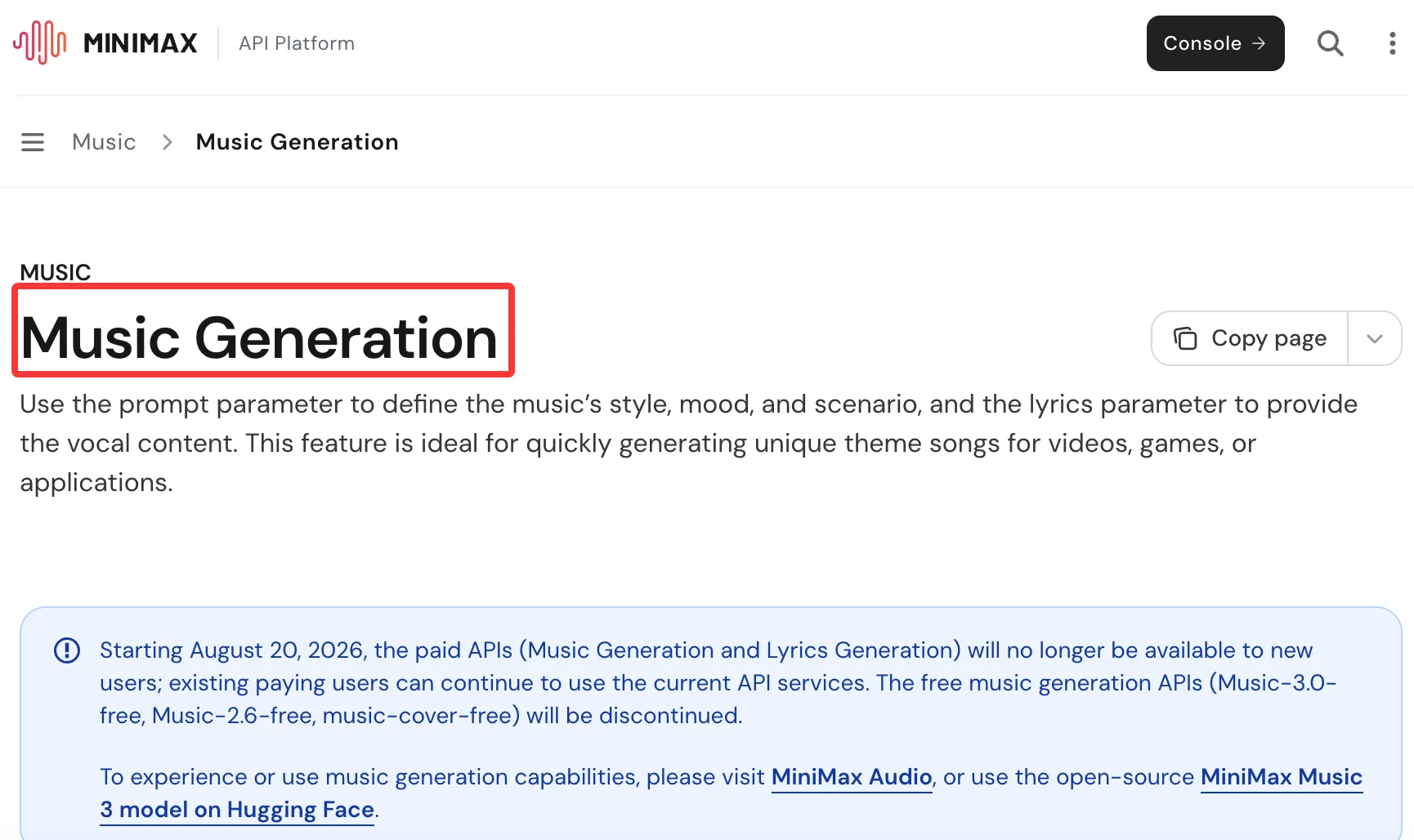
There is also an important MiniMax distinction: its official music API guide says that, from August 20, 2026, paid Music Generation and Lyrics Generation APIs are not available to new users; existing paying users can continue. A separately hosted WaveSpeedAI model route should be evaluated on its own availability and terms.
These examples use WaveSpeedAI model IDs, not the model IDs used by Google’s Gemini API:
import wavespeed

# MiniMax Music 2.5 — prompt and lyrics are required on this route.
output = wavespeed.run(
    "minimax/music-2.5",
    {
        "prompt": "Cinematic orchestral, epic and motivational, sweeping strings",
        "lyrics": "(Verse) Through the fire we will rise\n(Chorus) Nothing can stop us now",
    },
)
print(output["outputs"][0])
import wavespeed
# Lyria 3 Pro on WaveSpeedAI — prompt is required; image is optional.
output = wavespeed.run(
"google/lyria-3-pro/music",
{
"prompt": "Indie folk, about 95 BPM, acoustic guitar, warm female vocals, intimate",
},
)
print(output["outputs"][0])Check each model page’s live price and schema before running a batch. Successful API access establishes a way to generate audio; it does not settle rights to use every input or output commercially.
Legal Considerations
The original “lowest legal risk” ranking was stronger than the available evidence. Google says Lyria 3 was developed using material that YouTube and Google have rights to use under their terms, partner agreements, and applicable law. That is Google’s description of its training approach, not a guarantee that every generated track is cleared for every commercial use or that one service is categorically safer than the others.
Suno’s help materials say that eligible songs made while subscribed to a paid plan receive commercial-use rights, while free-plan songs have different terms. Commercial-use permission and copyright protection are also different questions. For MiniMax and hosted routes, review the applicable provider and platform terms for the exact model you plan to use. WaveSpeedAI’s commercial-use policy likewise says model-specific provider conditions can apply.
For client work, keep a record of the model and route, plan or contract, original lyrics and reference materials, permissions for any uploaded voice, and the terms in force when the track was made. That record is more useful than a blanket “enterprise-safe” label.
The MiniMax Music Family on WaveSpeedAI
MiniMax models have different inputs. A feature available in Music 01 or Music 2.6 should not automatically be attributed to Music 2.5.
| Model | Relevant distinction | Listed starting charge checked Nov. 2, 2026 |
|---|---|---|
| Music 2.5 | Prompt plus required lyrics; section guidance | $0.15 per run on its model page |
| Music 2.6 | Adds an explicit instrumental option and optional lyrics on its route | Check live estimate |
| Music 3.0 | Newer route with instrumental mode and optional lyric generation | Check live estimate |
| Music 02 | Lower-cost prompt-and-lyrics route | $0.03 per run on its model page |
| Music 01 | Separate route with optional song, voice, and instrumental references | Check live estimate |
The original “Music 2.5+” instrumental row was removed because I could not verify that exact model/version in the current official MiniMax documentation or WaveSpeedAI model listing. If instrumental-only output is the requirement, check the explicit is_instrumental option on a supported newer route.
When to Use Which
Choose Suno when:
- You want the quickest browser path from idea to song.
- Its verified Voices or Custom Models features matter to you.
- You want Suno’s editing environment.
- A subscription suits your generation and download volume.
Choose MiniMax Music when:
- You want to supply your own lyrics and section directions.
- You need a hosted API route and have checked that the exact model is available.
- You want to compare Music 2.5 with lower-cost or newer MiniMax routes.
- You are willing to test pronunciation and arrangement on your actual language and genre brief.
Choose Google Lyria when:
- A visual reference is part of your music brief.
- You want to prompt for a song’s structure and vocal character.
- You are already working with Google’s Gemini API.
- You can check whether legacy Lyria 3 Pro or current Lyria 3.5 better fits a new integration.
The Bottom Line
These three platforms occupy different niches in 2026:
- Suno v5.5 is the most feature-rich consumer platform — voice cloning, custom fine-tuning, 8-minute songs, and the highest-rated audio quality. But no public API locks it to its own platform.
- MiniMax Music 2.5 is the professional production engine — deepest structural control, excellent vocals, and the broadest model lineup from $0.03 to $0.15 per song. Full API access on WaveSpeedAI.
- Google Lyria 3 Pro is the enterprise-safe choice — licensed training data, image-guided generation, and tight Google ecosystem integration. The safest bet for commercial use where legal risk matters.
For developers building products, MiniMax and Lyria 3 on WaveSpeedAI are the practical choices — same API, no cold starts, pay-per-use. Use MiniMax for songs with lyrics and structured arrangements. Use Lyria 3 for image-driven compositions and legally clean commercial music.
Ready to try them?
Related Articles

Nano Banana 3 Pro Spotted: What the Gempix 3 Pro Leak Tells Us
Gemini Omni 1.1 Flash API on WaveSpeedAI: 360p to 4K, Video Edit and Reference-to-Video
MiniMax H3 AI Video Model: What Can We Expect?
MiniMax H3 AI Video Model: What Could Make It Impressive?
Nano Banana 2 Lite + Gemini Omni Flash Just Shipped: $0.034 / 1K Images and $0.10 / sec Video