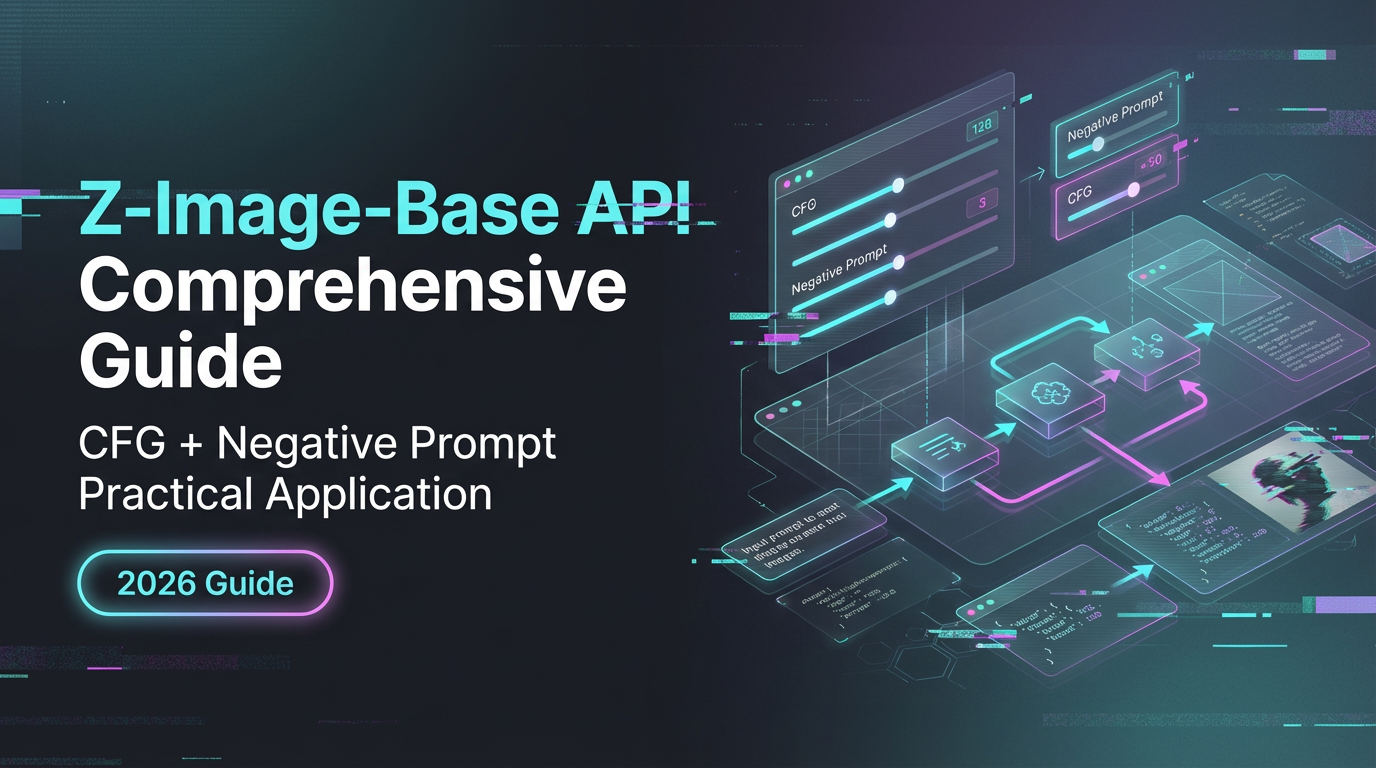
Z-Image-Base API Comprehensive Guide: CFG + Negative Prompt Practical Application
Z-Image-Base API Comprehensive Tutorial: CFG Parameter Tuning, Usage of negative_prompt, Reference Image Guidance, Strength Control. Includes Python/cURL code examples.
Hi, I’m Dora. It’s amazing a small annoyance pushed me into the Z-Image-Base API. I had a batch of reference images, some copy that needed a consistent look, and not enough time to babysit prompts. I kept seeing people hand-tweak settings and post one-off wins. That’s fine for demos. My work needed something I could run twice a week without surprises. So, over a few sessions in January–February 2026, I wired up Z-Image-Base, paid attention to where it resisted me, and took notes on what actually made it feel reliable.
This isn’t a tour of every parameter. It’s the parts I kept touching, plus small adjustments that reduced mental effort. If you’re surrounded by AI tools and just want one that behaves, this might help.
API Basic Configuration
Obtaining WaveSpeed API Key
I signed up and pulled an API key from the WaveSpeed dashboard. Nothing surprising there. One tiny note: the key permissions were scoped by project. Helpful in shared workflows, but it means you’ll want to name projects clearly upfront. I created a project just for image experiments so logs and quotas didn’t mix with production.
If you rotate keys (I do, monthly), Z-Image-Base handled it cleanly. I swapped the secret in my environment variables, ran the script again, and didn’t see any lingering auth state. That’s how it should be, but I still felt a bit of relief when it worked on the first try.
Endpoint URL Structure
The base looked like a standard REST setup with a model switch:
- Base:
https://api.wavespeed.ai - Versioned path:
/v1/images - Model selector:
model: "Z-Image-Base"
In practice, I sent POST requests to /v1/images/generations for prompt-only runs, and /v1/images/edits when I passed a reference image. I prefer clear paths over packed query strings, and this matched how I think. If your routing differs, the model name still matters: Z-Image-Base seemed a little more conservative than flashier models, which I liked.
Authentication Header Settings
Nothing tricky here, but exact spelling counts:
Authorization: Bearer YOUR_WAVESPEED_API_KEYContent-Type: application/jsonfor prompt-onlyContent-Type: multipart/form-datawhen uploading an image
I keep keys in .env and load them in at runtime. It’s boring, and it prevents accidental commits. Also: if you’re scripting from CI, set the key as a masked secret and avoid logging full requests. Obvious, but worth saying. One stray log line can haunt you. One stray log line can haunt you. According to WaveSpeed’s security best practices, API keys should be stored in environment variables, never exposed in frontend code, and rotated regularly.
Detailed Explanation of Core Parameters
prompt - Forward Prompt Writing Method
I didn’t overthink prompt style. With Z-Image-Base, simple forward prompts worked better than ornate prose. I wrote intent first, constraints second:
- “Editorial-style product photo of a ceramic mug on a linen table, soft morning light.”
- Then specifics: “35mm look, neutral color grading, no text, uncluttered background.”
I kept verbs out unless I needed motion. The model was steady when I stayed concrete: materials, light, lens feel, background type. It drifted when I added vibes. If I wrote “cozy minimalism,” I got candle chaos. When I wrote “soft light, one diffuse source, no candles,” it complied.
negative_prompt - Exclude Unwanted Elements
I resisted negative prompts at first, but they became my safety rail. I kept a short baseline that I reused:
- “no text, no watermark, no extra hands, no extra limbs, no logo, no signature, no border”
Adding this cut cleanup time. It didn’t fix every edge case (rings still sneak in on mugs sometimes), but it lowered the rate of weirdness enough that I stopped re-rendering for small batches. When I needed strict product angles, I added “no dramatic perspective, no tilt” and got more level shots.
guidance_scale (CFG) - Control the Prompt Compliance Degree
This one mattered more than I expected. My notes:
- 5–6: relaxed, a touch more texture and improvisation
- 7–8: dependable: what I used for most runs
- 9+: literal compliance, but sometimes brittle lighting and flatter color
When I had a good reference image, I dropped CFG to 6–7 and got nicer micro-contrast. Without a reference, 7.5 was my median. According to the Z-Image technical documentation, the model supports full Classifier-Free Guidance (CFG), providing precision for complex prompt engineering. Above 9 felt like telling a careful friend to be even more careful, not wrong, just slightly lifeless.
image + strength - Reference Image Guidance
This pair did the heavy lifting. I attached a single reference JPG and tuned strength to control how much the model followed:
- 0.25–0.35: light touch: keeps palette and vibe
- 0.45–0.6: solid adherence: composition stays close
- 0.7+: near-copy: useful for variations with small styling changes
I didn’t expect 0.5 to be the sweet spot, but it was. Enough structure to keep the layout, enough freedom for lighting adjustments. Higher strengths made it stubborn: if the source had a shadow in the wrong place, the model clung to it. I started nudging the prompt with “shadow on camera-left” and lowered strength instead. Fewer retries that way.
One practical note: I resized reference inputs to 1024 on the long side before upload. Consistent dimensions gave me more predictable crops and speeds. It also saved a bit on bandwidth over many iterations.
Code Implementation
cURL Quick Test
When I’m wiring a new endpoint, I start with cURL just to see the shape of the response and error codes.
curl -X POST \
  https://api.wavespeed.ai/v1/images/generations \
  -H "Authorization: Bearer $WAVESPEED_API_KEY" \
  -H "Content-Type: application/json" \
  -d '{
    "model": "Z-Image-Base",
    "prompt": "Editorial-style product photo of a ceramic mug on a linen table, soft morning light. 35mm look, neutral color grading, no text, uncluttered background.",
    "negative_prompt": "no text, no watermark, no extra hands, no extra limbs, no logo, no signature, no border",
    "guidance_scale": 7.5,
    "size": "1024x1024"
  }'
I got back a JSON payload with an array of images (base64 or URLs, depending on options). If you prefer direct URLs, set an output target or storage flag if the API supports it. I stuck with base64 in testing and decoded locally.
Complete Python Example
This is close to what I ran on a Tuesday morning batch job. It’s simple, with just enough structure for retries.
import os
import base64
import requests

API_KEY = os.getenv("WAVESPEED_API_KEY")
BASE_URL = "https://api.wavespeed.ai/v1"

headers = {
    "Authorization": f"Bearer {API_KEY}",
}


def generate_image(prompt, negative_prompt, guidance_scale=7.5, size="1024x1024"):
    url = f"{BASE_URL}/images/generations"

    payload = {
        "model": "Z-Image-Base",
        "prompt": prompt,
        "negative_prompt": negative_prompt,
        "guidance_scale": guidance_scale,
        "size": size,
    }

    response = requests.post(
        url,
        headers={**headers, "Content-Type": "application/json"},
        json=payload,
        timeout=60
    )
    response.raise_for_status()

    data = response.json()
    b64_string = data["data"][0]["b64_json"]
    return base64.b64decode(b64_string)


if __name__ == "__main__":
    prompt = (
        "Editorial-style product photo of a ceramic mug on a linen table, soft morning light. "
        "35mm look, neutral color grading, no text, uncluttered background."
    )
    negative_prompt = (
        "no text, no watermark, no extra hands, no extra limbs, "
        "no logo, no signature, no border"
    )

    try:
        image_bytes = generate_image(prompt, negative_prompt)
        with open("output.png", "wb") as f:
            f.write(image_bytes)
        print("Saved output.png")
    except requests.HTTPError as e:
        print("HTTP error:", e.response.text if e.response else str(e))
    except Exception as e:
        print("Error:", str(e))
I added a 60s timeout after one job stalled on flaky Wi‑Fi. The exception block is blunt, but in production I map status codes (429, 503) to backoff.
JavaScript/Node.js Example
For Node, I used fetch with a tiny helper. Same idea: keep auth simple, surface errors clearly.
import fs from 'node:fs/promises';
import fetch from 'node-fetch';

const API_KEY = process.env.WAVESPEED_API_KEY;
const BASE_URL = 'https://api.wavespeed.ai/v1';

async function generateImage({
  prompt,
  negativePrompt,
  guidanceScale = 7.5,
  size = '1024x1024',
}) {
  const response = await fetch(`${BASE_URL}/images/generations`, {
    method: 'POST',
    headers: {
      'Authorization': `Bearer ${API_KEY}`,
      'Content-Type': 'application/json',
    },
    body: JSON.stringify({
      model: 'Z-Image-Base',
      prompt,
      negative_prompt: negativePrompt,
      guidance_scale: guidanceScale,
      size,
    }),
  });

  if (!response.ok) {
    const errorText = await response.text();
    throw new Error(`HTTP ${response.status}: ${errorText}`);
  }

  const json = await response.json();
  const base64String = json.data[0].b64_json;
  return Buffer.from(base64String, 'base64');
}

(async () => {
  try {
    const prompt =
      'Editorial-style product photo of a ceramic mug on a linen table, soft morning light. ' +
      '35mm look, neutral color grading, no text, uncluttered background.';

    const negativePrompt =
      'no text, no watermark, no extra hands, no extra limbs, ' +
      'no logo, no signature, no border';

    const imageBuffer = await generateImage({ prompt, negativePrompt });

    await fs.writeFile('node-output.png', imageBuffer);
    console.log('Saved node-output.png');
  } catch (err) {
    console.error('Error:', err.message);
  }
})();
Once this worked, I stopped thinking about the plumbing, which is the point. The Z-Image-Base API didn’t get in the way.
Asynchronous vs Synchronous Mode
I tried both modes. Synchronous was fine for single images or quick checks. Latency sat in the low seconds on average for 1024-square outputs. When I queued 8–12 renders, I switched to asynchronous so my script didn’t block on each one.
The async pattern was predictable: send a job, get an id, poll a status endpoint, then fetch the result when state: "succeeded". I set a 2–3 second polling interval and a 2‑minute ceiling. On unstable networks, async saved me from timeouts because I could resume polling without resubmitting the job. Small detail, big difference on travel Wi‑Fi.
If your workflow is interactive (tweak, view, tweak), sync is nicer. If it’s batchy or scheduled, async keeps the pipeline smoother and fails more gracefully.
Error Handling
Two patterns helped me keep errors boring.
- Rate limits (429): I used exponential backoff with jitter. Start at ~500ms, cap at ~20s, and stop after 5–6 tries. With async jobs, I simply retried the status call rather than re-queueing the render unless the API said the job was missing.
- Validation errors (400/422): These usually came from mismatched content types or unsupported sizes. When I saw a 422 on image edits, it was almost always my form-data field name wrong (
imagevsreference_image). I added a small schema check before requests to prevent this.
One more note: I logged model, guidance_scale, size, and a hash of the prompt. When something weird slipped through, I could reproduce it exactly. That’s the difference between shrugging and fixing.
Does Z-Image-Base fail less than other models? Hard to say. What I noticed was that when it failed, the messages were specific enough that I didn’t lose time guessing. That’s good ergonomics.
Related Articles
Claude Opus 4.7: Why AI Teams Need a Unified Model API Layer
Introducing Tripo3D H3.1 Image-to-3D on WaveSpeedAI
Introducing Tripo3D H3.1 Multiview-to-3D on WaveSpeedAI

Introducing Tripo3D H3.1 Text-to-3D on WaveSpeedAI

Introducing Nucleus Image on WaveSpeedAI