
Genie 3 World Models: How They Generate Interactive Environments
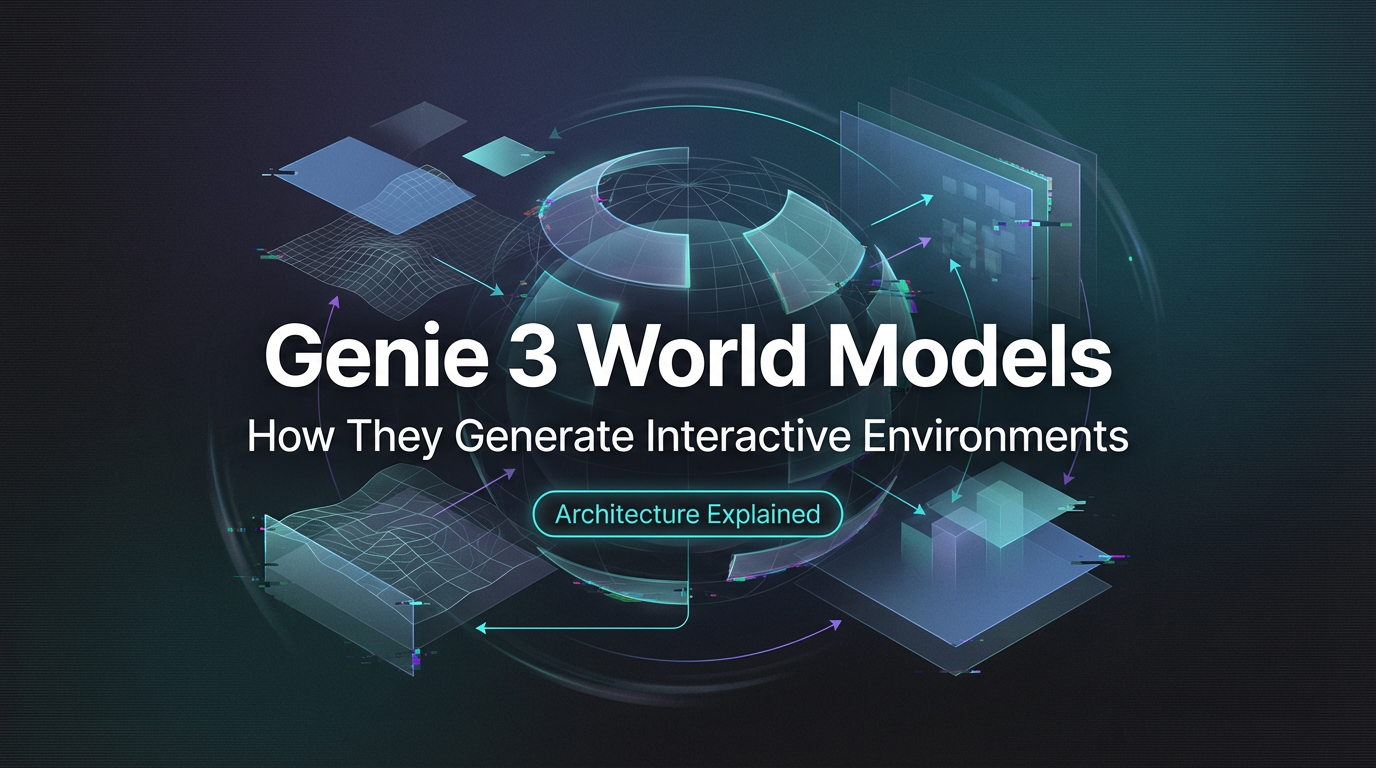
It started with a small hitch. I was trying to prototype a simple interactive scene for a workshop, nothing fancy, just a tiny space where a character moves and the world responds in a believable way. I didn’t want to open a game engine, wire up physics, and spend the afternoon chasing collisions. I kept seeing mentions of Genie and “world models,” and I wondered if Genie 3 world models could carry some of that weight.
I’m Dora. I’m not chasing the newest thing. I’m chasing the quiet kind of speed, the kind that reduces mental overhead. Recently (this January) retracing my steps with fresher notes. Here’s what stood out: not a feature list, but how it actually felt to use world models for small, real tasks, and where Genie-style approaches help or get in the way.
What are world models
A world model is a learned simulator. Instead of hand-coding rules (gravity does this: walls do that), you train a model to predict what happens next in a scene. If it’s good, it learns not just the look of frames, but the underlying rules that make the frames make sense over time.
I like the original framing from Ha and Schmidhuber’s work on World Models: compress the world into a compact representation, learn how that representation changes, and use it to plan or act. Later research expanded that idea to video. The model watches lots of footage and learns an internal physics of sorts, at least the parts it can see. You then poke the model (with actions), and it predicts the next state.
This is different from a text-to-video generator. A regular generator paints plausible frames. A world model tries to preserve cause and effect. If I press left, the player moves left. If the ball hits the floor, it bounces in a way that looks consistent with what it learned. The payoff is interactivity. The model doesn’t just show you a world: it lets you live inside its learned rules.
In practice, that “inside” feeling depends on a few things:
- a compact state space (so the model can think with it),
- a dynamics model (so it knows how states change),
- and a way to connect your inputs to the model’s notion of actions.
Genie-style systems aim to do all three. That’s the promise that pulled me in: could Genie 3 world models let me skip the wiring for small prototypes and still get believable behavior?
How Genie 3 builds worlds
I’m using “Genie 3” here as the current shorthand I’ve seen for the newer wave of Genie work. The documented foundation is the 2024 paper, Genie: Generative Interactive Environments, which explains the core approach. Versions or names drift online, but the mechanics stay roughly the same.
Here’s the gist, in plain terms, based on docs and what I could reproduce:
- First, the system learns a visual vocabulary. Raw frames are messy and high‑dimensional, so Genie trains a tokenizer that compresses video into discrete tokens. This makes the world “speak” in a compact code the model can manipulate.
- Second, it learns how the world moves. A dynamics model predicts the next tokens given the current tokens and some notion of action. This is where it starts to feel like physics. The model doesn’t calculate mass or force: it predicts consistent motion patterns that look like physics because it saw them often.
- Third, it learns actions from video. Instead of reading a game’s internal controls, Genie infers an action space by watching people interact in videos (gameplay footage helps). Then, at runtime, your keyboard or controller signals are mapped into that learned action space. It’s like speaking a dialect the model understands.
- Finally, it decodes the tokens back into frames you can see and interact with, one step at a time.
What made this useful for me wasn’t the novelty, it was the level of effort. I started with a short clip (about 20 seconds) of a character moving in a 2D platformer. After a few passes, tokenizing, fitting a tiny dynamics head on top of a pretrained backbone, calibrating the input mapping, I could nudge the character and watch the world respond. The first runs were brittle. Edges shimmered: the character occasionally scraped through walls like a ghost. But the loop was short: adjust, run, observe. After an evening of tinkering, the behavior settled into something I could demo without apologizing every five seconds.
Two small moments stood out:
- Latent control felt kinder. Working in tokens rather than pixels meant small changes had predictable effects. I didn’t spend time chasing per‑pixel artifacts.
- Input mapping was the real work. Translating my keystrokes into the model’s inferred action space took more trial and error than I expected. When it clicked, though, the sense of control was immediate, like learning the sensitivity of a new trackpad.
Caveat: you still need data that matches your intended behavior. If your clips don’t show jumps, don’t expect clean jumps. The model can hallucinate, but it will hallucinate along the grain of what it learned.
Consistency and physics handling
When people say “it feels real,” they’re usually pointing at two things: time flows the way it should, and space holds together. Genie‑style world models make progress on both, with some quirks.
Temporal consistency
My early runs had the same wobble you’ve probably seen in video models: objects drift, then snap back. Temporal consistency improved when I leaned into the model’s strengths instead of fighting them. Shorter rollouts with frequent action inputs gave it clearer anchors. Trying to push 10 seconds of free‑running generations was where the seams showed.
Practically, the model tends to keep short‑term momentum very well. If a ball is rolling, it keeps rolling. If a character is mid‑jump, the arc continues smoothly for the next dozen frames. Longer arcs, especially after camera pans or occlusions, are where it can lose the thread and invent a new one. I started adding gentle “pings” (tiny no‑op inputs every few frames) to remind it that time was still passing in a controlled way. That shaved off some flicker.
There’s also the question of latency versus stability. Faster decoding is tempting, but I noticed a small cost: when I pushed for speed, tiny temporal jitters crept in, barely visible, but you feel them when you’re steering. Dialing the decoder to a slightly slower, steadier setting made the control loop feel more grounded. It didn’t save me minutes, but it saved me second‑guessing.
Spatial coherence
Spatial coherence is whether things stay where they should, and whether the world respects its own layout. Collisions are the obvious test. With Genie‑style models, collision is learned, not coded. If walls are clear and consistent in the training clips, the model usually treats them as boundaries. If walls are soft or ambiguous, expect leaks.
I had better luck with simple, high‑contrast scenes. Platformers with clean silhouettes produced fewer boundary violations than busy scenes with parallax layers. When the model did break space, like letting a character glide through a corner, I found two remedies:
- Nudge the action space. Sometimes the model was obeying, but the control was pushing too hard. Limiting max input magnitude kept it from “overpowering” learned walls.
- Recenter with keyframes. Feeding a real frame every few seconds (instead of pure autoregression) pulled the model back to the map it actually learned. It’s not elegant, but it worked.
One more note: camera motion. If the camera was steady in the source videos, the model held space better. If the camera drifted, the model occasionally blended world motion with camera motion, and objects swam. Lock the camera when you can.
Advantages over traditional methods
Compared to hand‑built prototypes in a game engine, Genie 3 world models felt like a trade: I gave up precision, and I got speed and flexibility. For small experiments, that was a fair deal.
- Lower setup cost. I didn’t rig physics or tile maps. I fed a clip, mapped inputs, and had something interactive by the end of the day. The time saved wasn’t huge on the clock (maybe a couple hours), but the reduced mental overhead mattered. Fewer decisions, fewer rabbit holes.
- Natural style transfer. Because the visuals and dynamics are learned together, the “feel” of a source clip carries over. If you want a moody, grainy world that still responds to your inputs, this gets you there without a lighting pass.
- Unified iteration. Tweaks happen in one place, the data and the model. I wasn’t switching between a physics panel, a shader, and a state machine. It’s one feedback loop.
Of course, there are limits. If you need pixel‑perfect collision, deterministic physics, or a long horizon without drift, traditional engines still win. And if your data doesn’t show a behavior, the model won’t reliably invent it. For production or anything safety‑critical, I’d pair a world model with guardrails or fall back to code.
Why it matters to me: world models reduce the friction to try an idea. Not to ship it, but to see if it’s worth the next step. If you live in prototypes, that’s a gift.
Related Articles
Claude Sonnet 4.6: A “Non-Hogging the Spotlight” Work Model
Z-Image-Base API Comprehensive Guide: CFG + Negative Prompt Practical Application
Z-Image-Turbo Inpainting API: Mask Workflow + Artifact Fixes

GLM-5 for AI Image & Video Prompt Orchestration
GLM-5 Inference Speed on WaveSpeed: Latency & Throughput
